
Comp Sci 101 Introduction to Computer Science March

![im. load(), accessing pixels • Returns something that can be indexed [x, y] –](https://slidetodoc.com/presentation_image_h2/869ac667c3a3798d5b014af40c999071/image-24.jpg "im. load(), accessing pixels • Returns something that can be indexed [x, y] –")
- Slides: 25
Comp. Sci 101 Introduction to Computer Science March 8 , 2016 Prof. Rodger
Announcements • Reading and RQ 13 due next time • Assignment 5 due Thursday • APT 5 due on today, APT 6 out and due after spring break • This week: – Nested loops, tuples, images and more with sets
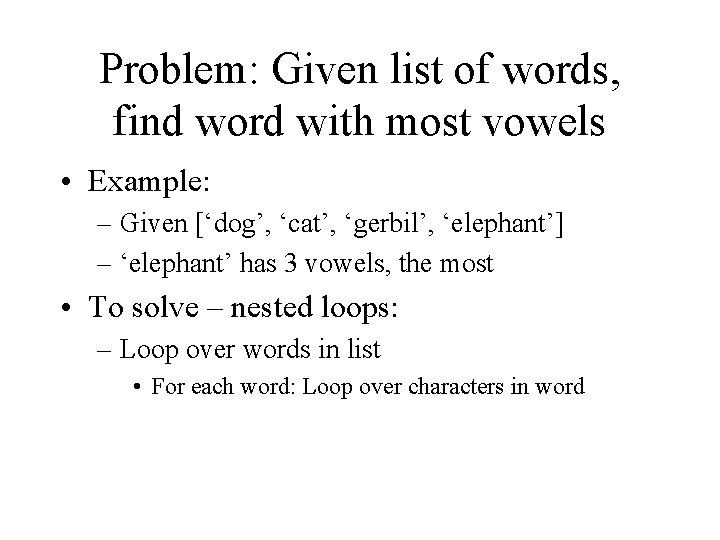
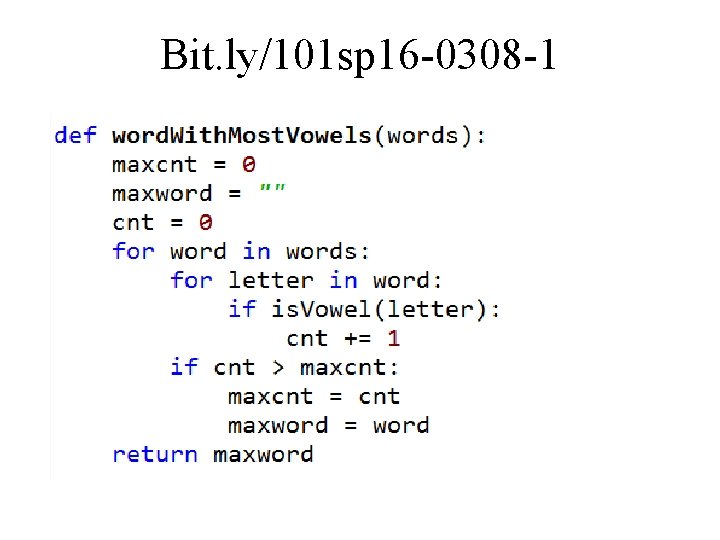
Problem: Given list of words, find word with most vowels • Example: – Given [‘dog’, ‘cat’, ‘gerbil’, ‘elephant’] – ‘elephant’ has 3 vowels, the most • To solve – nested loops: – Loop over words in list • For each word: Loop over characters in word
Bit. ly/101 sp 16 -0308 -1 • a
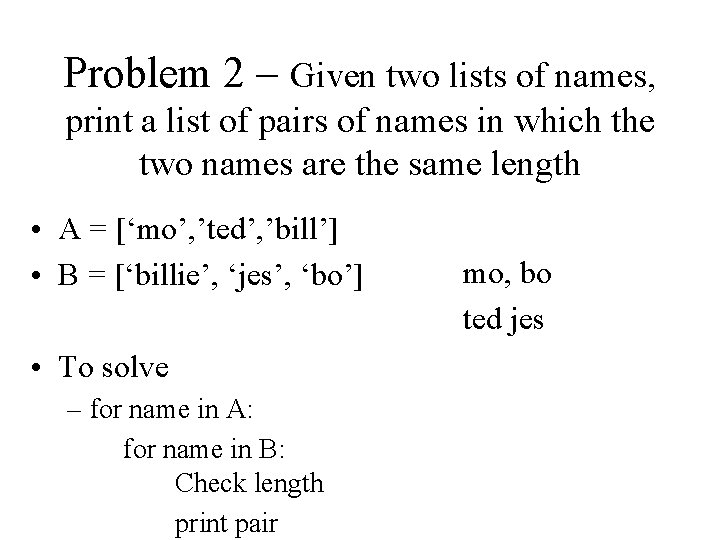
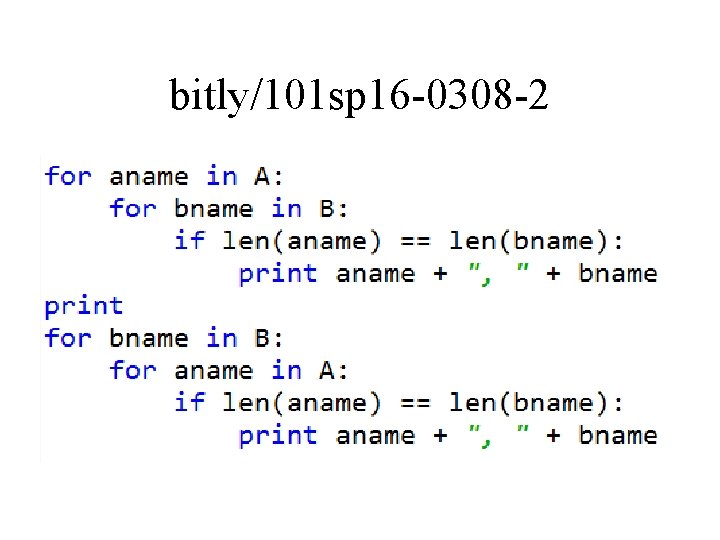
Problem 2 – Given two lists of names, print a list of pairs of names in which the two names are the same length • A = [‘mo’, ’ted’, ’bill’] • B = [‘billie’, ‘jes’, ‘bo’] • To solve – for name in A: for name in B: Check length print pair mo, bo ted jes
bitly/101 sp 16 -0308 -2 • a
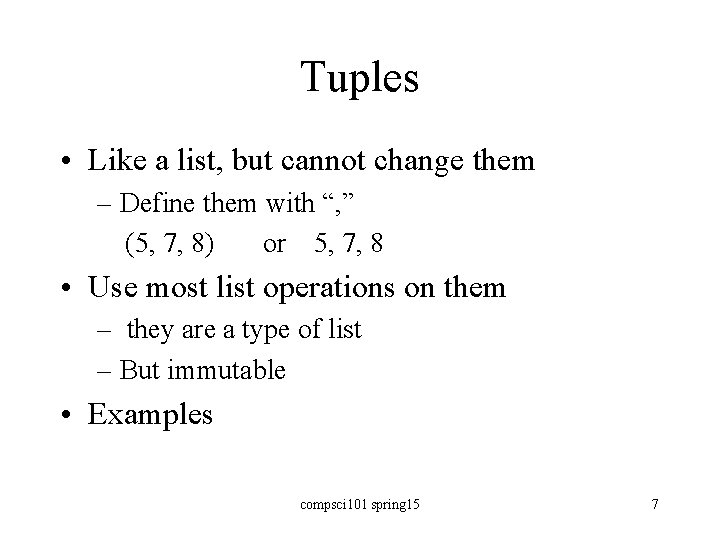
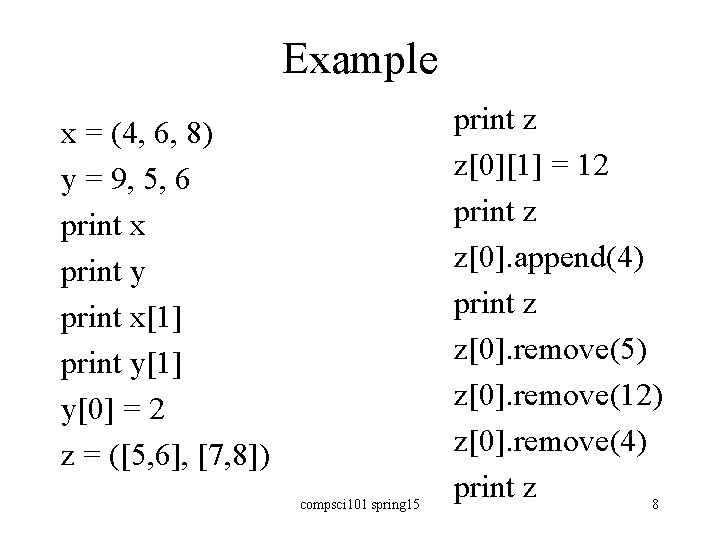
Tuples • Like a list, but cannot change them – Define them with “, ” (5, 7, 8) or 5, 7, 8 • Use most list operations on them – they are a type of list – But immutable • Examples compsci 101 spring 15 7
Example x = (4, 6, 8) y = 9, 5, 6 print x print y print x[1] print y[1] y[0] = 2 z = ([5, 6], [7, 8]) compsci 101 spring 15 print z z[0][1] = 12 print z z[0]. append(4) print z z[0]. remove(5) z[0]. remove(12) z[0]. remove(4) print z 8
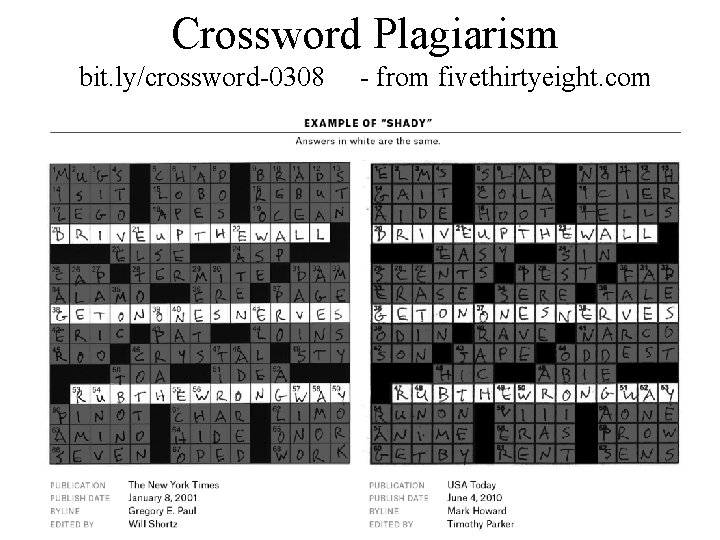
Crossword Plagiarism bit. ly/crossword-0308 - from fivethirtyeight. com
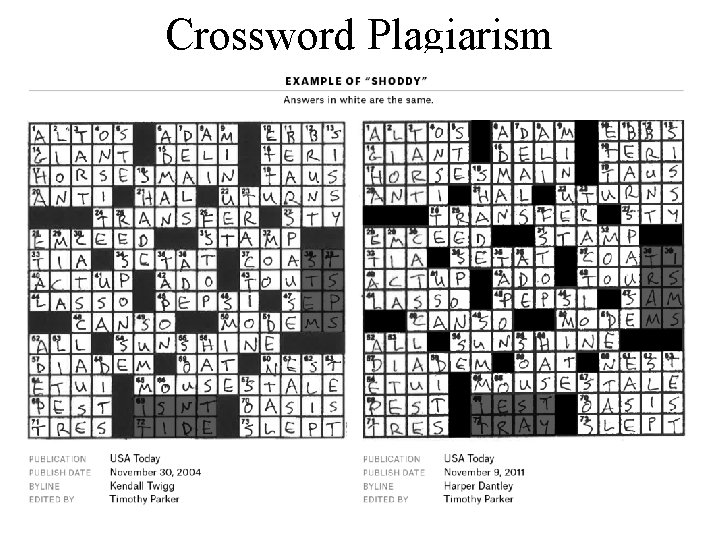
Crossword Plagiarism
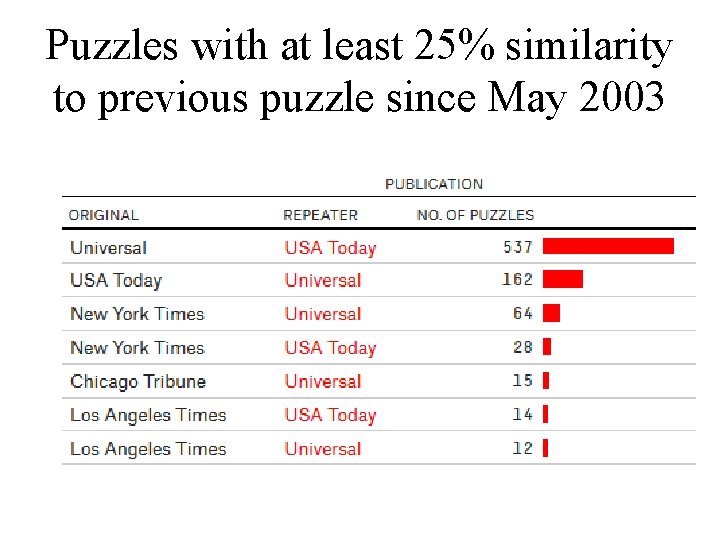
Puzzles with at least 25% similarity to previous puzzle since May 2003
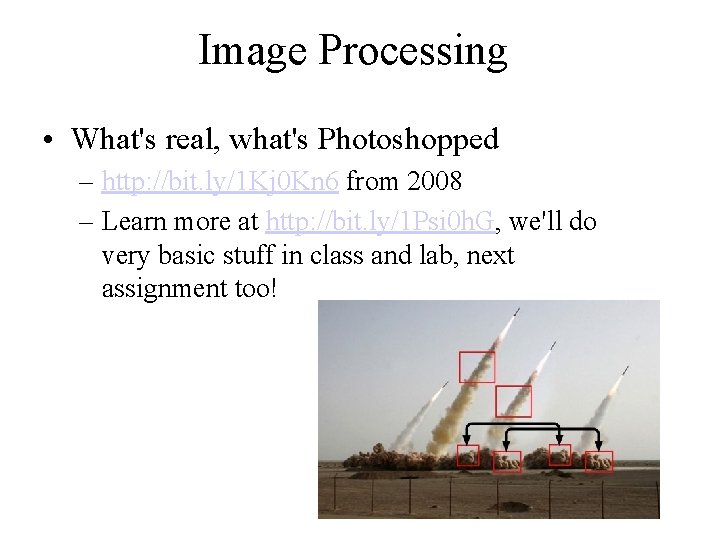
Image Processing • What's real, what's Photoshopped – http: //bit. ly/1 Kj 0 Kn 6 from 2008 – Learn more at http: //bit. ly/1 Psi 0 h. G, we'll do very basic stuff in class and lab, next assignment too!
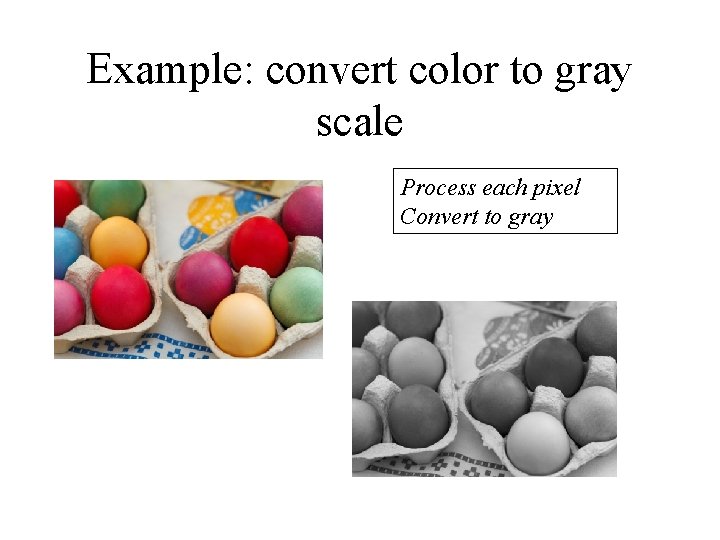
Example: convert color to gray scale Process each pixel Convert to gray
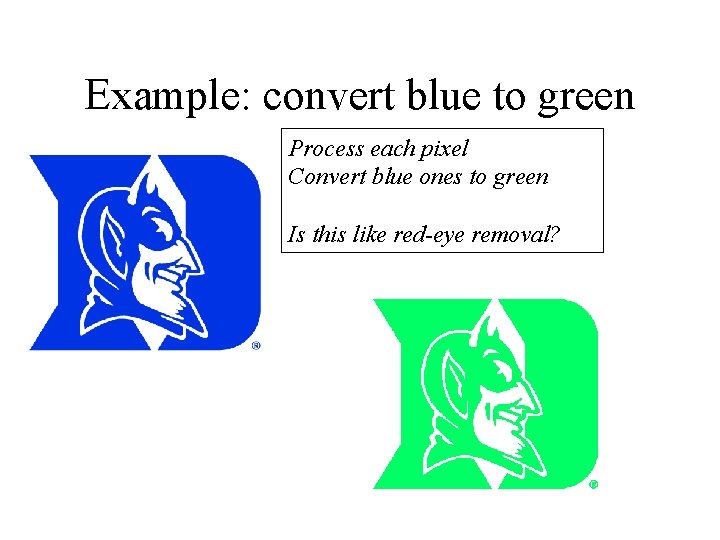
Example: convert blue to green Process each pixel Convert blue ones to green Is this like red-eye removal?
Need new concepts and Image library • Red, Green, Blue color model – Triples of (R, G, B) are processed as Python tuples. – Let's study tuples! • Images can be very big, what's 4 K display? – 4, 096 x 2, 160 = 8, 847, 360 pixels, 8 Mb at least – Creating huge lists takes up memory – Sometimes only need one pixel at-a-time – Let's study generators!
Need new concepts and Image library • Red, Green, Blue color model – Additive model, each pixel specified by (r, g, b) triple, values of each between 0 -255 – https: //en. wikipedia. org/wiki/RGB_color_model – White is (255, 255) and Black is (0, 0, 0) • Images stored as sequence of (r, g, b) tuples, typically with more data/information too – 256 values, represented as 8 bits, 28 = 256 – 32 bits per pixel (with alpha channel) – In Python we can largely ignore these details!
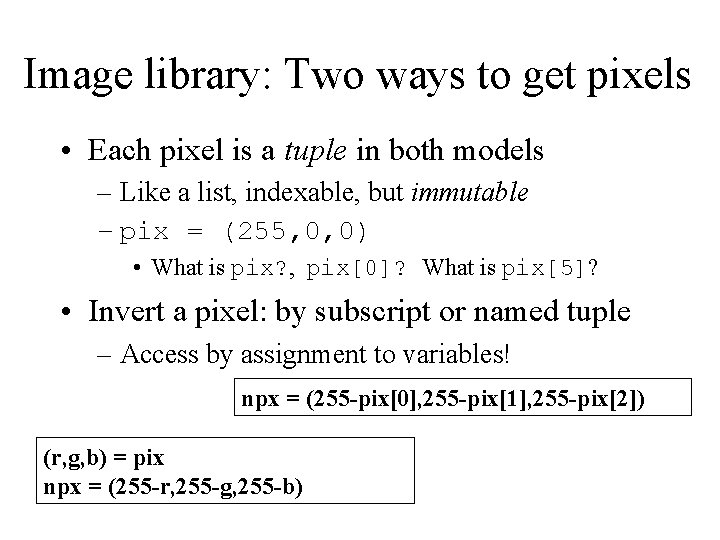
Image library: Two ways to get pixels • Each pixel is a tuple in both models – Like a list, indexable, but immutable – pix = (255, 0, 0) • What is pix? , pix[0]? What is pix[5]? • Invert a pixel: by subscript or named tuple – Access by assignment to variables! npx = (255 -pix[0], 255 -pix[1], 255 -pix[2]) (r, g, b) = pix npx = (255 -r, 255 -g, 255 -b)
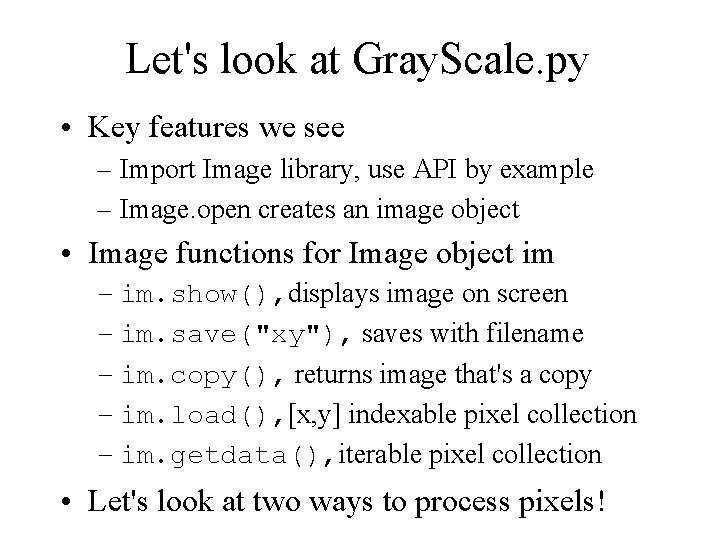
Let's look at Gray. Scale. py • Key features we see – Import Image library, use API by example – Image. open creates an image object • Image functions for Image object im – im. show(), displays image on screen – im. save("xy"), saves with filename – im. copy(), returns image that's a copy – im. load(), [x, y] indexable pixel collection – im. getdata(), iterable pixel collection • Let's look at two ways to process pixels!
Image Library: open, modify, save • Image. open can open most image files –. png, . jpg, . gif, and more – Returns an image object, so store in variable of type Image instance – Get pixels with im. getdata()or im. load() • Image. new can create a new image, specify color model "RGB" and size of image – Add pixels with im. putdata() • These belong to Image package
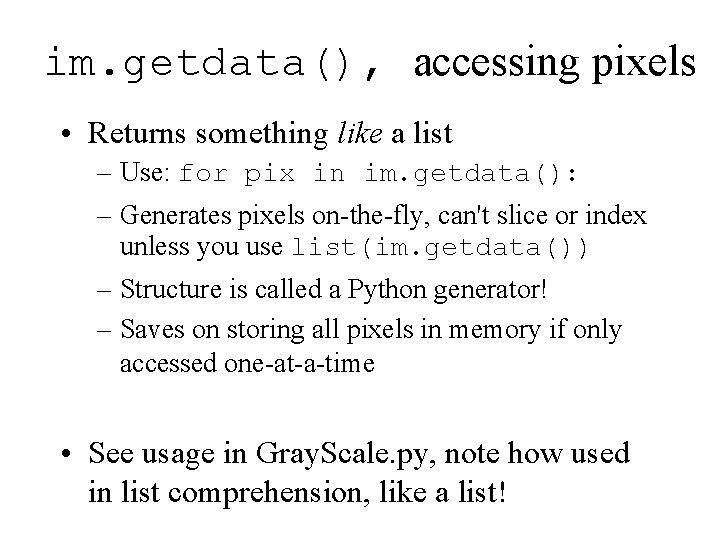
im. getdata(), accessing pixels • Returns something like a list – Use: for pix in im. getdata(): – Generates pixels on-the-fly, can't slice or index unless you use list(im. getdata()) – Structure is called a Python generator! – Saves on storing all pixels in memory if only accessed one-at-a-time • See usage in Gray. Scale. py, note how used in list comprehension, like a list!
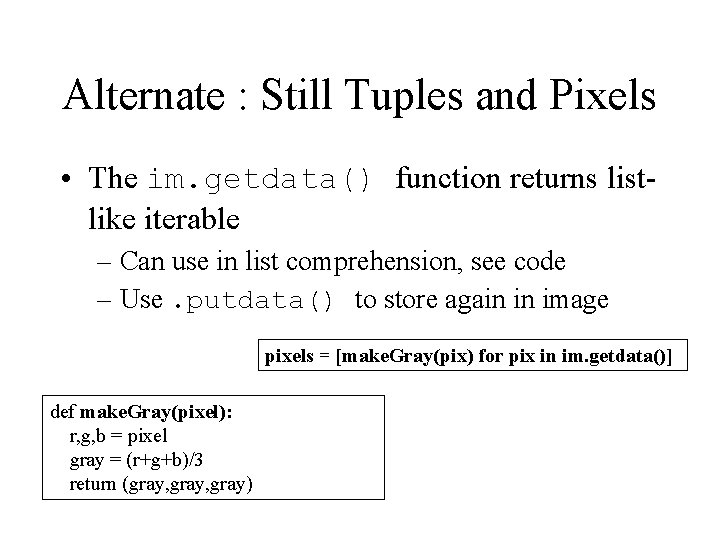
Alternate : Still Tuples and Pixels • The im. getdata() function returns listlike iterable – Can use in list comprehension, see code – Use. putdata() to store again in image pixels = [make. Gray(pix) for pix in im. getdata()] def make. Gray(pixel): r, g, b = pixel gray = (r+g+b)/3 return (gray, gray)
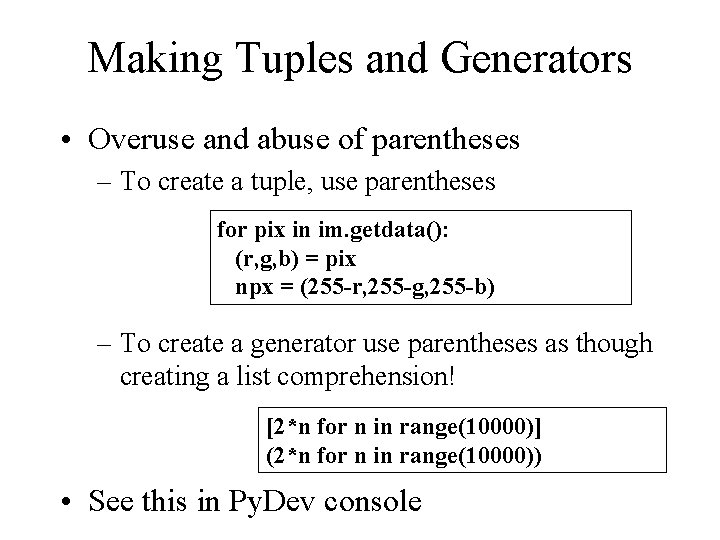
Making Tuples and Generators • Overuse and abuse of parentheses – To create a tuple, use parentheses for pix in im. getdata(): (r, g, b) = pix npx = (255 -r, 255 -g, 255 -b) – To create a generator use parentheses as though creating a list comprehension! [2*n for n in range(10000)] (2*n for n in range(10000)) • See this in Py. Dev console
Questions about Image Code bit. ly/101 sp 16 -0308 -3
im. load(), accessing pixels • Returns something that can be indexed [x, y] – Only useful for accessing pixels by x, y coords • Object returned by im. load() is … – Use pix[x, y] to read and write pixel values • Note: this is NOT a generator pix = im. load() tup = pix[0, 0] pix[1, 1] = (255, 0)
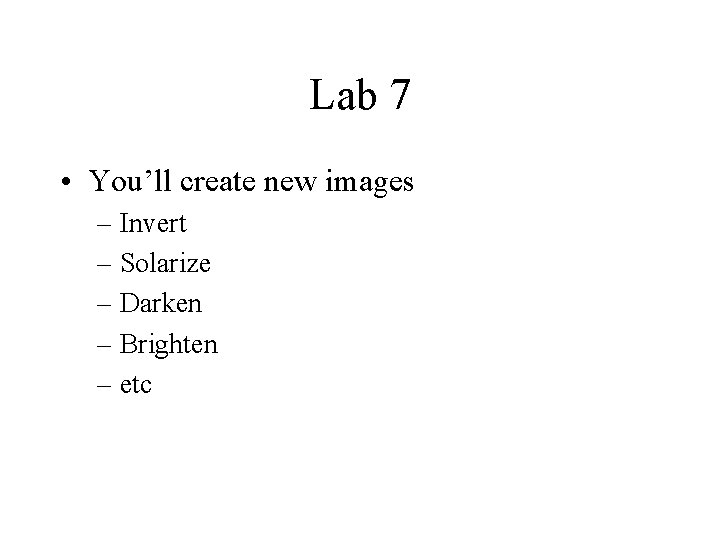
Lab 7 • You’ll create new images – Invert – Solarize – Darken – Brighten – etc