
COMP 530 Operating Systems C for Java Programmers

![COMP 530: Operating Systems Same Basic Syntax • Data Types: int, char, [float] –](https://slidetodoc.com/presentation_image/ab8bfae3b26d1c6f4b5084aa3e16a00e/image-2.jpg "COMP 530: Operating Systems Same Basic Syntax • Data Types: int, char, [float] –")
![COMP 530: Operating Systems Memory References, cont. • ‘[]’ - refer to a member](https://slidetodoc.com/presentation_image/ab8bfae3b26d1c6f4b5084aa3e16a00e/image-10.jpg "COMP 530: Operating Systems Memory References, cont. • ‘[]’ - refer to a member")
- Slides: 23
COMP 530: Operating Systems C for Java Programmers & Lab 0 Don Porter Portions courtesy Kevin Jeffay 1
COMP 530: Operating Systems Same Basic Syntax • Data Types: int, char, [float] – void - (untyped pointer) – Can create other data types using typedef • No Strings - only char arrays – Last character needs to be a 0 • Not ‘ 0’, but ‘’
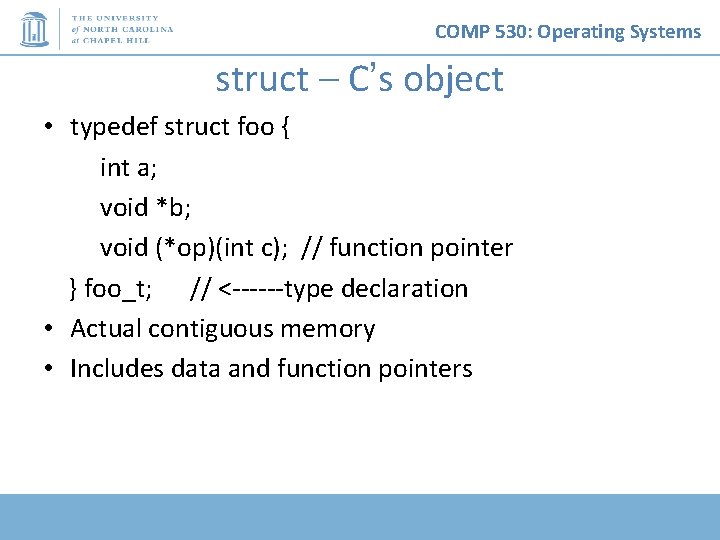
COMP 530: Operating Systems struct – C’s object • typedef struct foo { int a; void *b; void (*op)(int c); // function pointer } foo_t; // <------type declaration • Actual contiguous memory • Includes data and function pointers
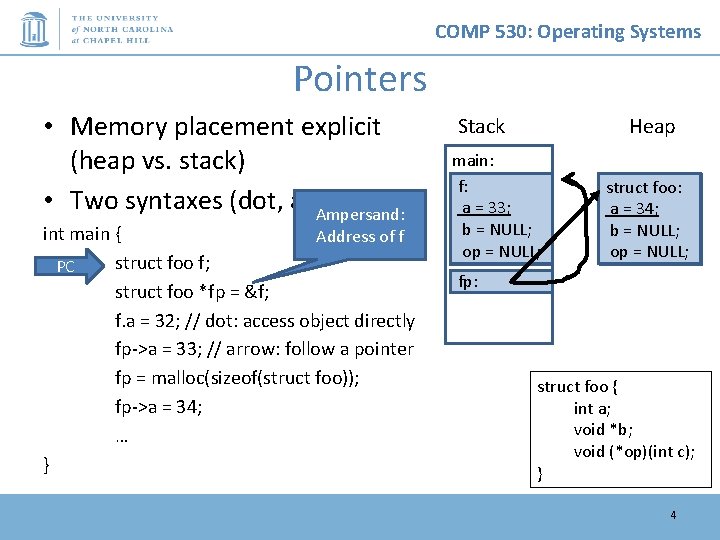
COMP 530: Operating Systems Pointers • Memory placement explicit (heap vs. stack) • Two syntaxes (dot, arrow) Ampersand: int main { Address of f struct foo f; PC struct foo *fp = &f; f. a = 32; // dot: access object directly fp->a = 33; // arrow: follow a pointer fp = malloc(sizeof(struct foo)); fp->a = 34; … } Stack Heap main: f: 33; 32; a = 0; b = NULL; op = NULL; struct foo: a = 34; 0; b = NULL; op = NULL; fp: struct foo { int a; void *b; void (*op)(int c); } 4
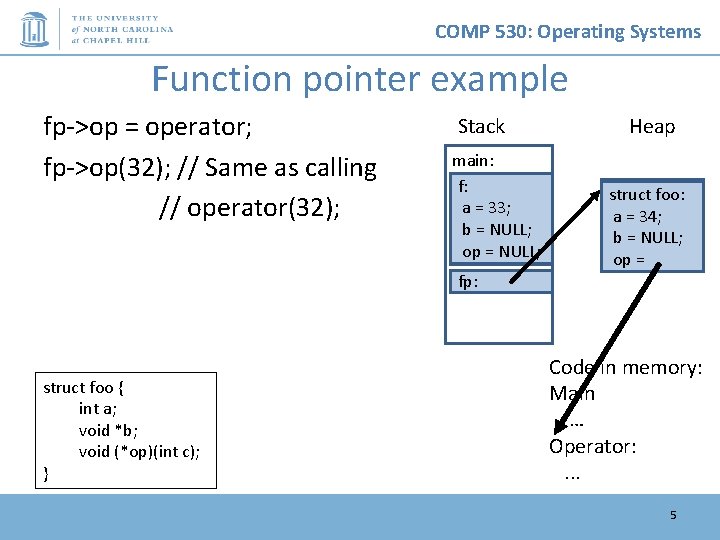
COMP 530: Operating Systems Function pointer example fp->op = operator; fp->op(32); // Same as calling // operator(32); Stack main: f: 33; 32; a = 0; b = NULL; op = NULL; Heap struct foo: a = 34; b = NULL; op = NULL; fp: struct foo { int a; void *b; void (*op)(int c); } Code in memory: Main … Operator: . . . 5
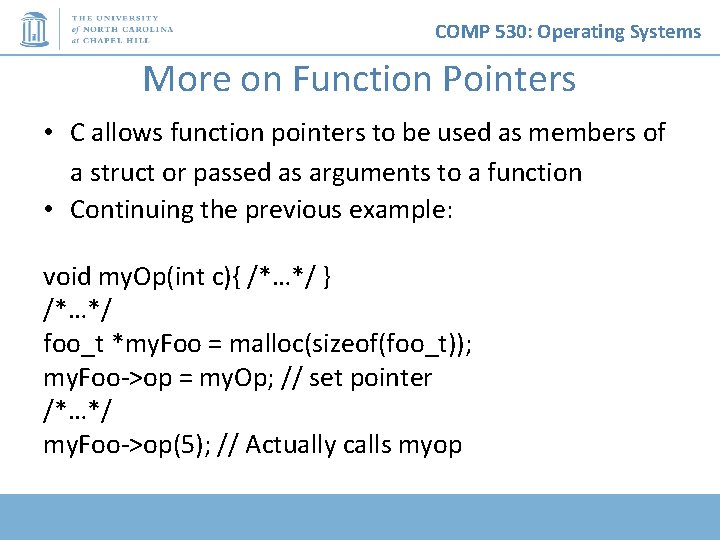
COMP 530: Operating Systems More on Function Pointers • C allows function pointers to be used as members of a struct or passed as arguments to a function • Continuing the previous example: void my. Op(int c){ /*…*/ } /*…*/ foo_t *my. Foo = malloc(sizeof(foo_t)); my. Foo->op = my. Op; // set pointer /*…*/ my. Foo->op(5); // Actually calls myop
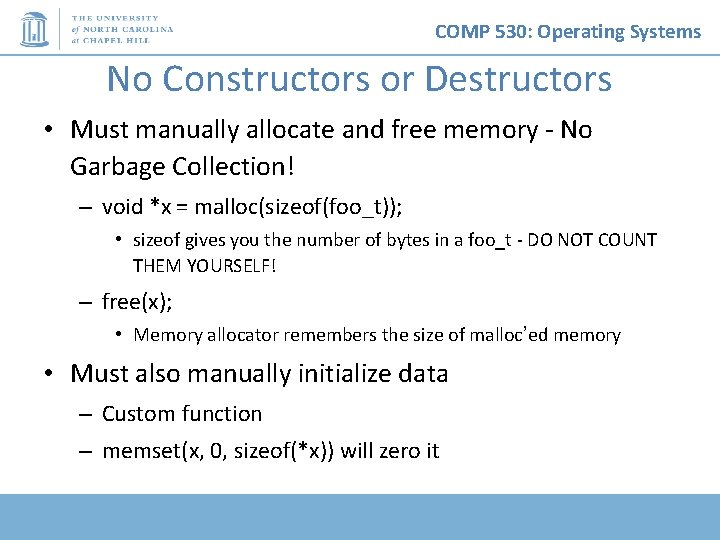
COMP 530: Operating Systems No Constructors or Destructors • Must manually allocate and free memory - No Garbage Collection! – void *x = malloc(sizeof(foo_t)); • sizeof gives you the number of bytes in a foo_t - DO NOT COUNT THEM YOURSELF! – free(x); • Memory allocator remembers the size of malloc’ed memory • Must also manually initialize data – Custom function – memset(x, 0, sizeof(*x)) will zero it
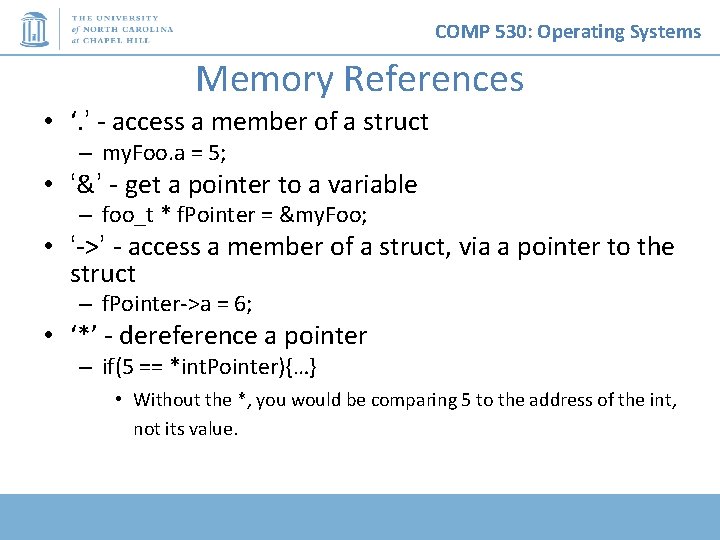
COMP 530: Operating Systems Memory References • ‘. ’ - access a member of a struct – my. Foo. a = 5; • ‘&’ - get a pointer to a variable – foo_t * f. Pointer = &my. Foo; • ‘->’ - access a member of a struct, via a pointer to the struct – f. Pointer->a = 6; • ‘*’ - dereference a pointer – if(5 == *int. Pointer){…} • Without the *, you would be comparing 5 to the address of the int, not its value.
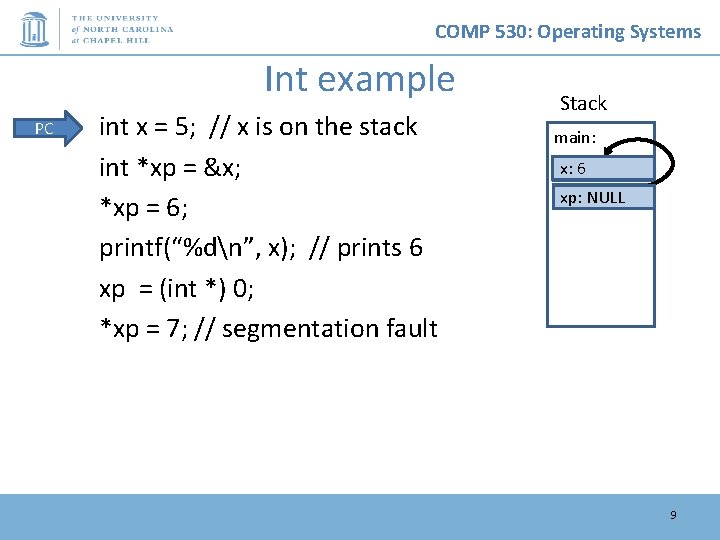
COMP 530: Operating Systems Int example PC int x = 5; // x is on the stack int *xp = &x; *xp = 6; printf(“%dn”, x); // prints 6 xp = (int *) 0; *xp = 7; // segmentation fault Stack main: x: 65 xp: NULL 9
COMP 530: Operating Systems Memory References, cont. • ‘[]’ - refer to a member of an array char *str = malloc(5 * sizeof(char)); str[0] = ‘a’; – Note: *str = ‘a’ is equivalent – str++; increments the pointer such that *str == str[1] str+1 str[0] str+2 str[1] str+3 str[2] str+4 str[3] str[4]
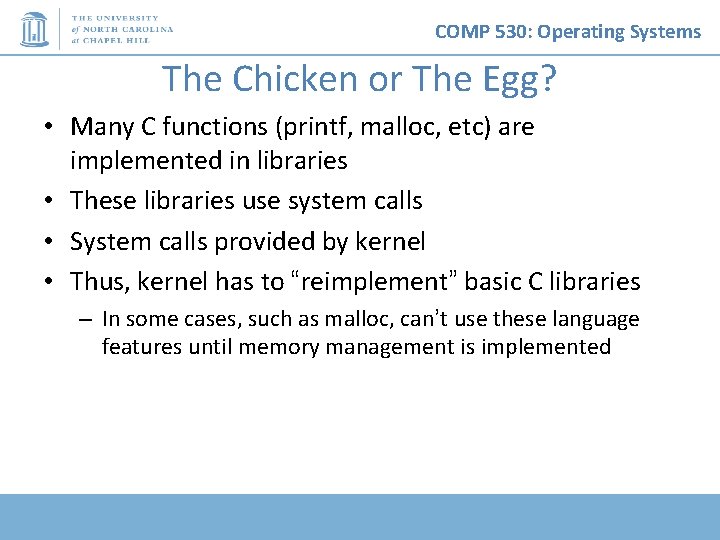
COMP 530: Operating Systems The Chicken or The Egg? • Many C functions (printf, malloc, etc) are implemented in libraries • These libraries use system calls • System calls provided by kernel • Thus, kernel has to “reimplement” basic C libraries – In some cases, such as malloc, can’t use these language features until memory management is implemented
COMP 530: Operating Systems For more help • man pages are your friend! – (not a dating service)! – Ex: ‘man malloc’, or ‘man 3 printf’ • Section 3 is usually where libraries live - there is a command-line utility printf as well • Use ‘apropos term’ to search for man entries about term • The C Programming Language by Brian Kernighan and Dennis Ritchie is a great reference.
COMP 530: Operating Systems Lab 0 Overview • C programming on Linux refresher 13
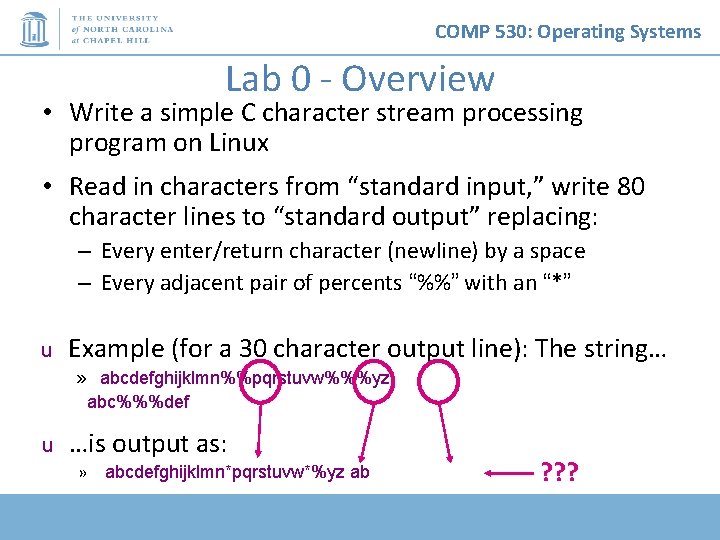
COMP 530: Operating Systems Lab 0 - Overview • Write a simple C character stream processing program on Linux • Read in characters from “standard input, ” write 80 character lines to “standard output” replacing: – Every enter/return character (newline) by a space – Every adjacent pair of percents “%%” with an “*” u Example (for a 30 character output line): The string… » abcdefghijklmn%%pqrstuvw%%%yz abc%%%def u …is output as: » abcdefghijklmn*pqrstuvw*%yz ab ? ? ?
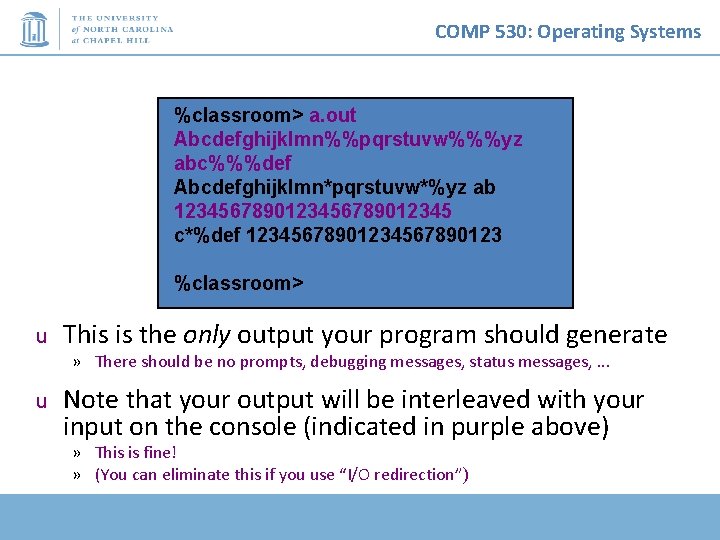
COMP 530: Operating Systems %classroom> a. out Abcdefghijklmn%%pqrstuvw%%%yz abc%%%def Abcdefghijklmn*pqrstuvw*%yz ab 123456789012345 c*%def 1234567890123 %classroom> u This is the only output your program should generate » There should be no prompts, debugging messages, status messages, . . . u Note that your output will be interleaved with your input on the console (indicated in purple above) » This is fine! » (You can eliminate this if you use “I/O redirection”)
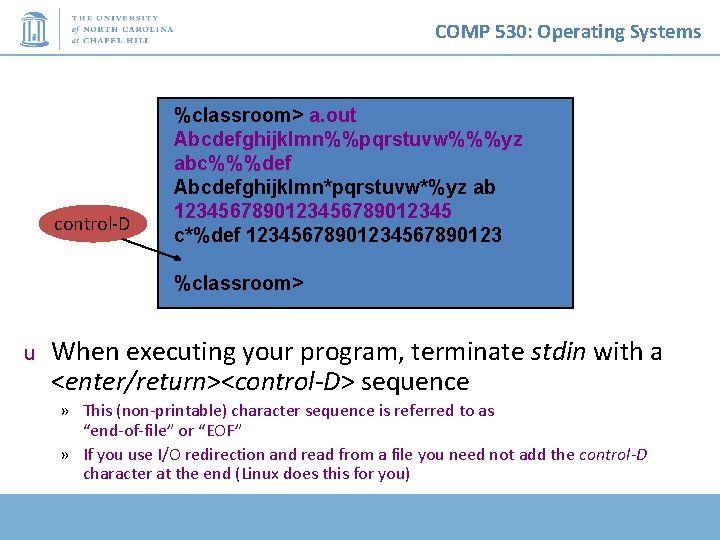
COMP 530: Operating Systems control-D %classroom> a. out Abcdefghijklmn%%pqrstuvw%%%yz abc%%%def Abcdefghijklmn*pqrstuvw*%yz ab 123456789012345 c*%def 1234567890123 %classroom> u When executing your program, terminate stdin with a <enter/return><control-D> sequence » This (non-printable) character sequence is referred to as “end-of-file” or “EOF” » If you use I/O redirection and read from a file you need not add the control-D character at the end (Linux does this for you)
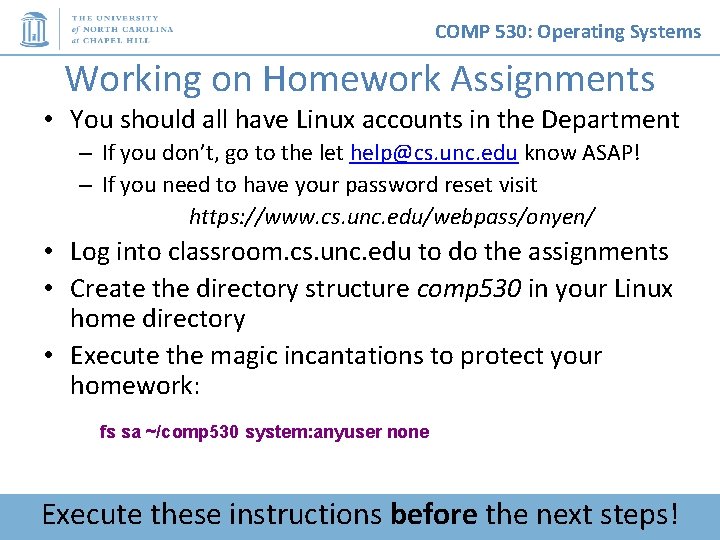
COMP 530: Operating Systems Working on Homework Assignments • You should all have Linux accounts in the Department – If you don’t, go to the let help@cs. unc. edu know ASAP! – If you need to have your password reset visit https: //www. cs. unc. edu/webpass/onyen/ • Log into classroom. cs. unc. edu to do the assignments • Create the directory structure comp 530 in your Linux home directory • Execute the magic incantations to protect your homework: fs sa ~/comp 530 system: anyuser none Execute these instructions before the next steps!
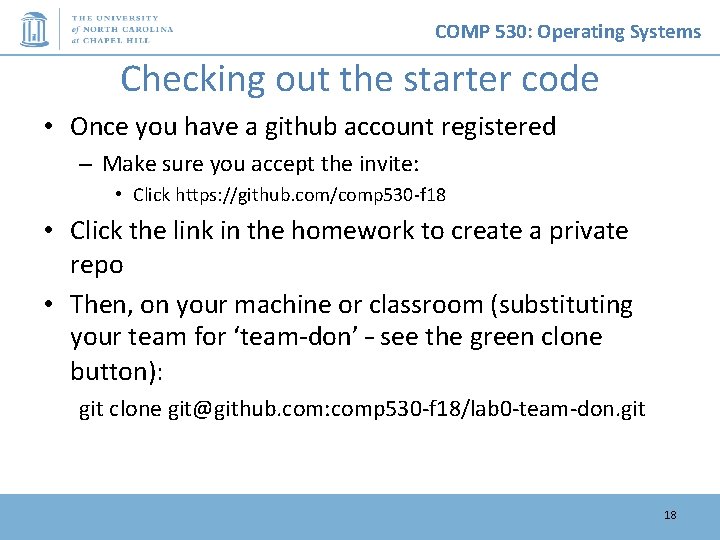
COMP 530: Operating Systems Checking out the starter code • Once you have a github account registered – Make sure you accept the invite: • Click https: //github. com/comp 530 -f 18 • Click the link in the homework to create a private repo • Then, on your machine or classroom (substituting your team for ‘team-don’ – see the green clone button): git clone git@github. com: comp 530 -f 18/lab 0 -team-don. git 18
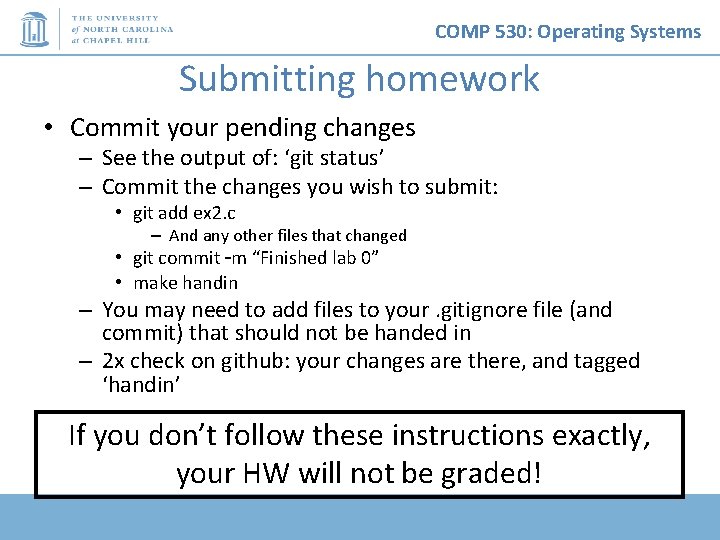
COMP 530: Operating Systems Submitting homework • Commit your pending changes – See the output of: ‘git status’ – Commit the changes you wish to submit: • git add ex 2. c – And any other files that changed • git commit –m “Finished lab 0” • make handin – You may need to add files to your. gitignore file (and commit) that should not be handed in – 2 x check on github: your changes are there, and tagged ‘handin’ If you don’t follow these instructions exactly, your HW will not be graded!
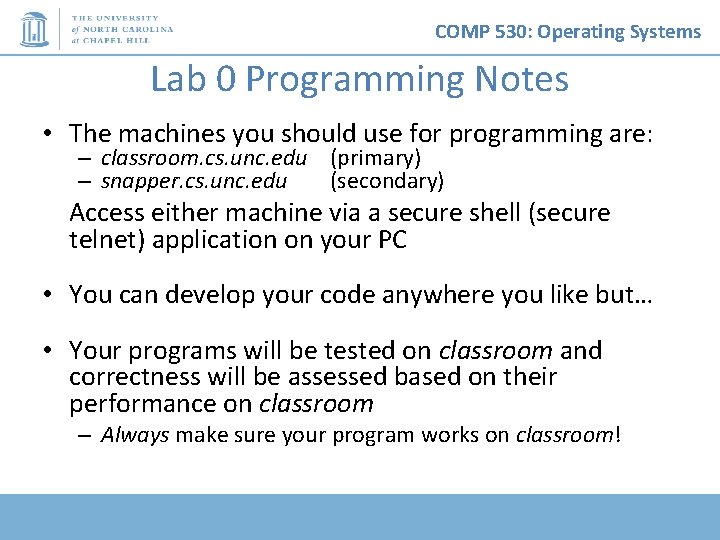
COMP 530: Operating Systems Lab 0 Programming Notes • The machines you should use for programming are: – classroom. cs. unc. edu (primary) – snapper. cs. unc. edu (secondary) Access either machine via a secure shell (secure telnet) application on your PC • You can develop your code anywhere you like but… • Your programs will be tested on classroom and correctness will be assessed based on their performance on classroom – Always make sure your program works on classroom!
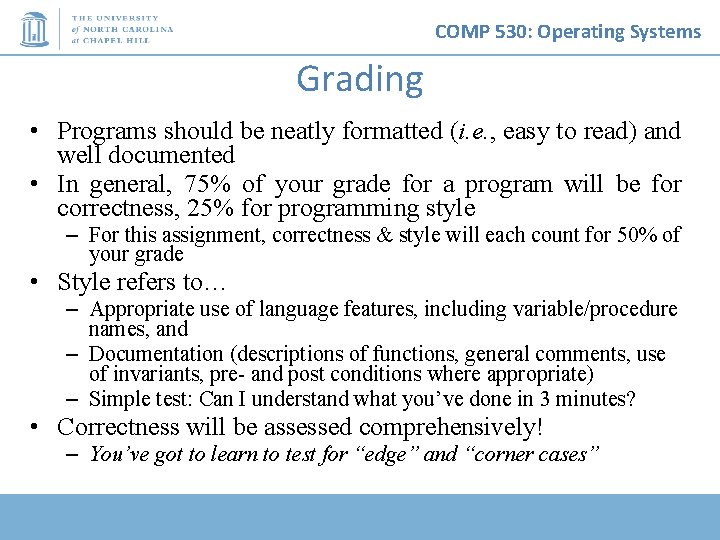
COMP 530: Operating Systems Grading • Programs should be neatly formatted (i. e. , easy to read) and well documented • In general, 75% of your grade for a program will be for correctness, 25% for programming style – For this assignment, correctness & style will each count for 50% of your grade • Style refers to… – Appropriate use of language features, including variable/procedure names, and – Documentation (descriptions of functions, general comments, use of invariants, pre- and post conditions where appropriate) – Simple test: Can I understand what you’ve done in 3 minutes? • Correctness will be assessed comprehensively! – You’ve got to learn to test for “edge” and “corner cases”
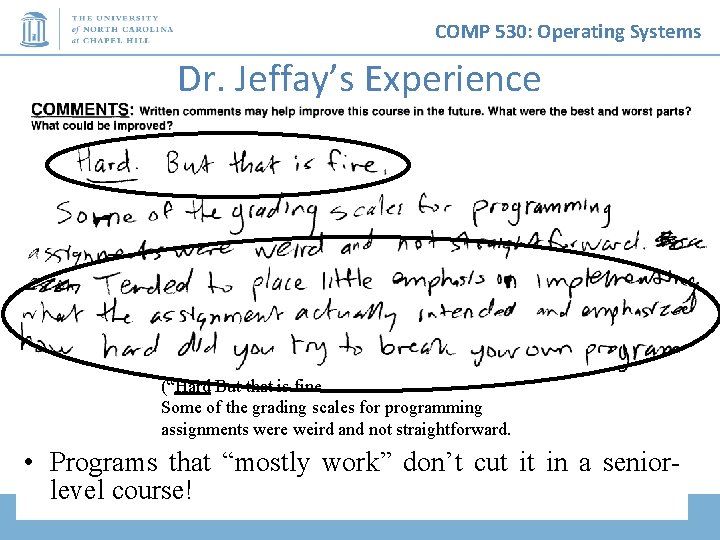
COMP 530: Operating Systems Dr. Jeffay’s Experience • (“Hard But that is fine. Some of the grading scales for programming assignments were weird and not straightforward. Tended to place little emphasis on implementing Programs what thatthe“mostly work” don’t cut it in assignment actually intended and emphasized level course! how hard did you try to break your own program”) a senior-
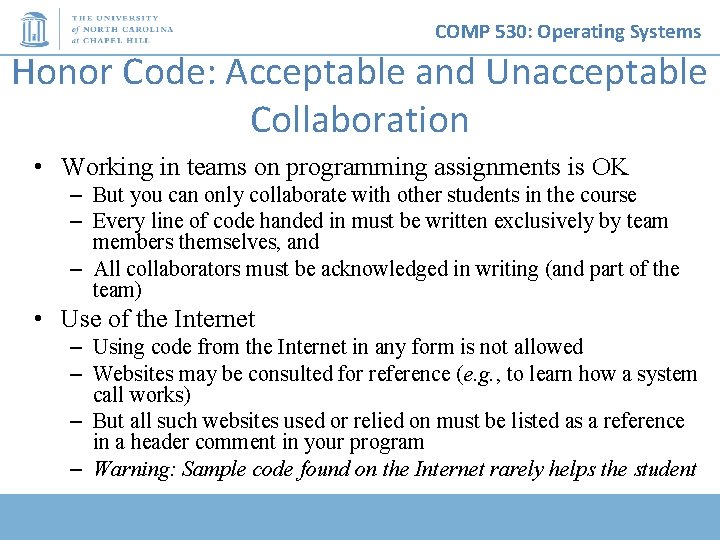
COMP 530: Operating Systems Honor Code: Acceptable and Unacceptable Collaboration • Working in teams on programming assignments is OK – But you can only collaborate with other students in the course – Every line of code handed in must be written exclusively by team members themselves, and – All collaborators must be acknowledged in writing (and part of the team) • Use of the Internet – Using code from the Internet in any form is not allowed – Websites may be consulted for reference (e. g. , to learn how a system call works) – But all such websites used or relied on must be listed as a reference in a header comment in your program – Warning: Sample code found on the Internet rarely helps the student