
COMP 3710 Tutorial 1 MS Project Deliverables Estimation
COMP 3710 Tutorial 1 MS Project Deliverables Estimation Dia
Start first �Logon to cse �Change passwd » » Passwd username Old passwd New passwd Repeat passwd �Type ‘win’ �Log into cse system user your username �Start MS Project from ‘start’ menu
Download now � www. cse. unsw. edu. au/ ~cs 3710/Pmmaterials/Tutorial 1. html: 1. Estimation Sheet. /Tutorials/COMP 3710 Estimation. And. Scheduling. doc 2. Estimation Data. /Tutorials/CS 3710 Experience. Base. xls 3. Microsoft Project. /Tutorials/CS 3710 Project. Template. mpp 4. Requirement Documents. /Tutorials/COMP 3710 System. Integrators. Requirements. doc 5. Project. Plan outline. /Forms/Project. Plan. doc
Time scale Right click on bar
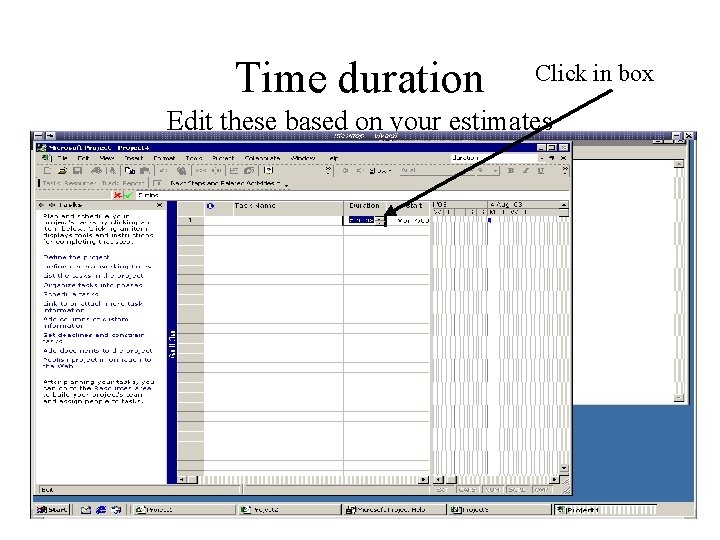
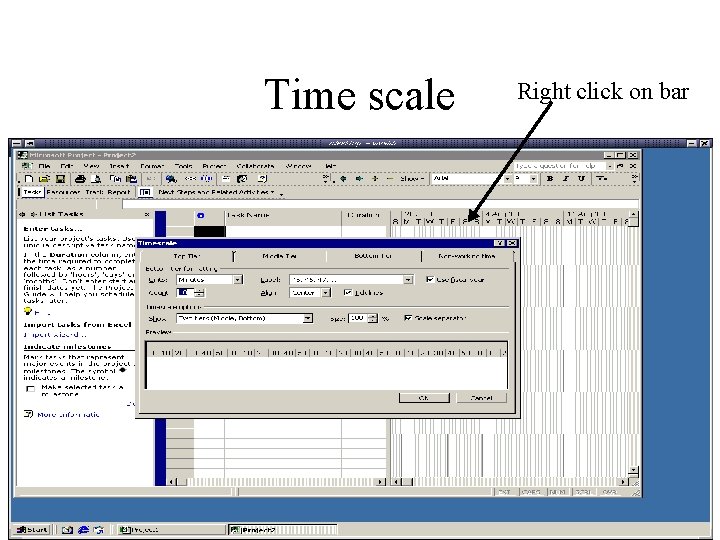
Time duration Click in box Edit these based on your estimates
Tasks and Milestones �Sort of tasks you need are already entered on the software �The Milestones are the deliverables �The rows in bold give you the total time required for this item in the project. You just enter your component (an d your partners) under suitable headings. �You may have to add more subheadings as you go when you find there are more parts to your work �If you work in pairs, you enter single data �If you work individually, you share data with your 'pair' and you enter both your data under the subheadings.
Estimation �Read the Handout �You will be using Function Point estimation based on the E-R diagrams �The number of entities x 30 = Function Points (FP) �Compare your project to project with similar FP or find the average project effort for similar projects
• This gives you the total effort estimate for your project • You will only be doing some phases in the project • You will only be doing 1/10 of the design phase. (see sheet) • You will be doing how much of the project management phase? • How do you divide up the PM time between each of the various subtasks of PM? (same for Design subtasks) • You decisions are not right or wrong. How you justify your decisions is what we mark.
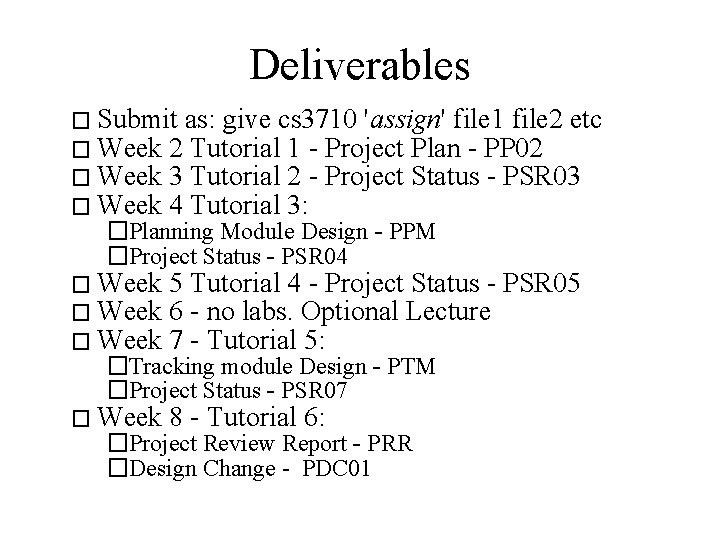
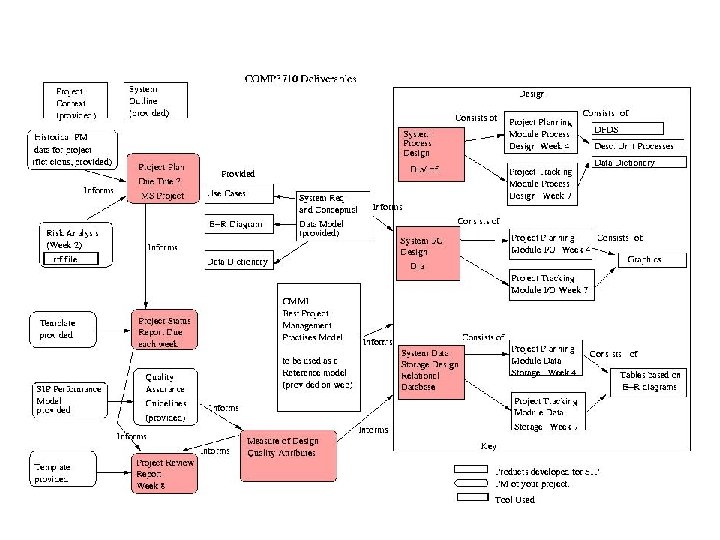
Deliverables � Submit as: give cs 3710 'assign' file 1 file 2 etc � Week 2 Tutorial 1 - Project Plan - PP 02 � Week 3 Tutorial 2 - Project Status - PSR 03 � Week 4 Tutorial 3: �Planning Module Design - PPM �Project Status - PSR 04 � Week 5 Tutorial 4 - Project Status - PSR 05 6 - no labs. Optional Lecture 7 - Tutorial 5: � Week 8 - Tutorial 6: �Tracking module Design - PTM �Project Status - PSR 07 �Project Review Report - PRR �Design Change - PDC 01
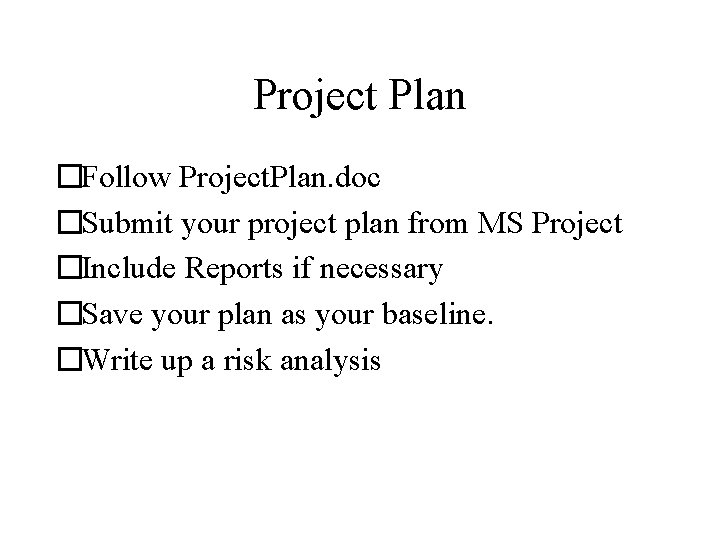
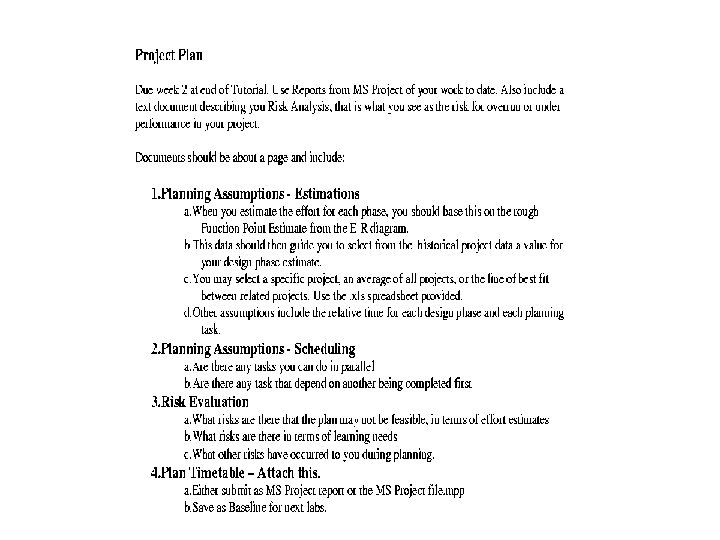
Project Plan �Follow Project. Plan. doc �Submit your project plan from MS Project �Include Reports if necessary �Save your plan as your baseline. �Write up a risk analysis
Next Tutorial • You will be doing your design. • Do not start you design until then, as you may be in pair and so do not know what your partner may decide. • Practise with the drawing tool - dia or whatever suits you • It is worth trying out Dia, as it has some features that may help you in your drawing.
Project Tracking • You have to produce status reports each week • After you save your baseline, you will enter the actual times you spent • Please enter all time you spent thinking on design or managing the project outside tutorial hours • Only do your design work in tutorials, as this may be with your pair
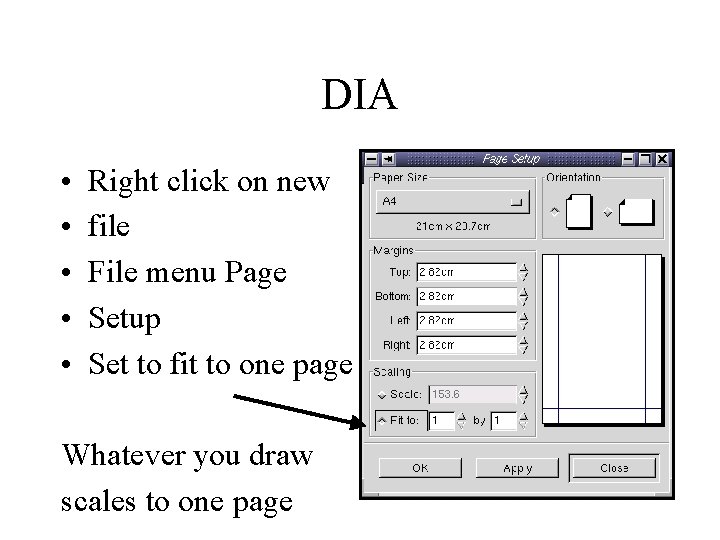
DIA • • • Right click on new file File menu Page Setup Set to fit to one page Whatever you draw scales to one page
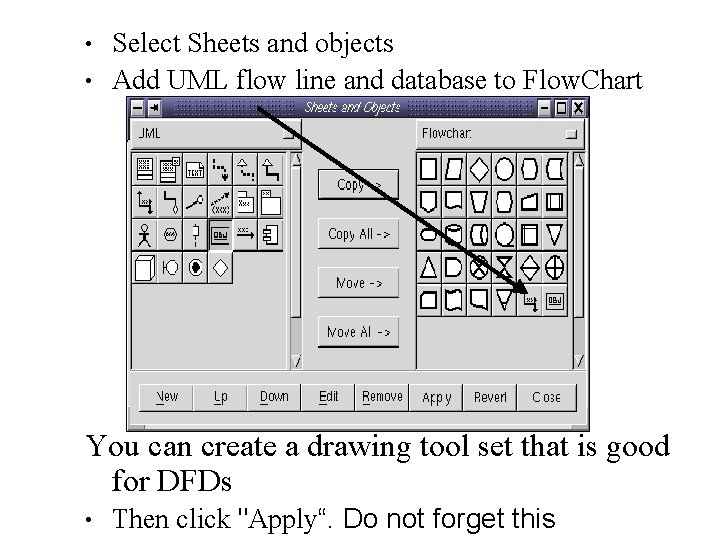
• • Select Sheets and objects Add UML flow line and database to Flow. Chart You can create a drawing tool set that is good for DFDs • Then click "Apply“. Do not forget this
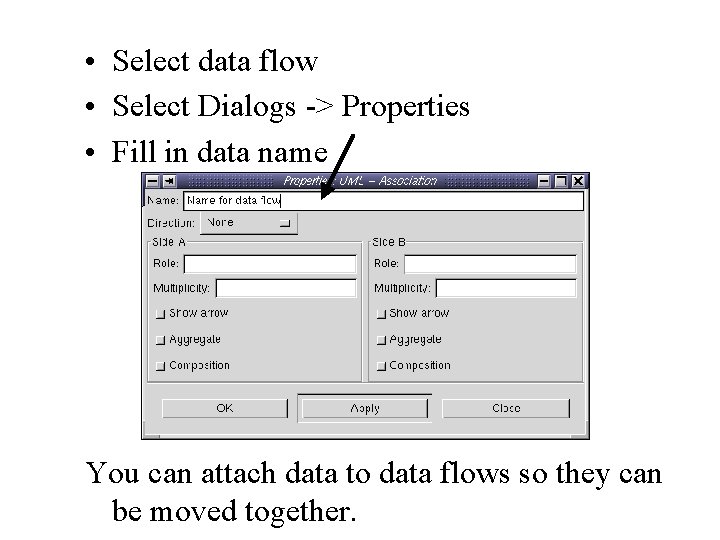
• Select data flow • Select Dialogs -> Properties • Fill in data name You can attach data to data flows so they can be moved together.
• • • Design Process E-R entities and relationships -> Data Stores Start DFD Context and level 1. DFD must have process to create and modify all data stores Some Data stores are sub parts of other data stores Start Database Table to divide data (tables to include key, foreign keys, and some attributes) Add Use Case aspects to DFD, expanding to level 2 -3 Fill in Data Dictionary (provided) for your processes and data flows in the DFD Check with requirements for missing processes Start Interface diagram from Use Case Check Interface against DFD Expand final level DFD with Structured English description (pseudo code) of the processes.
- Slides: 18