
COMP 252 Operating Systems Lab 01 Welcome n
COMP 252 Operating Systems Lab 01
Welcome n About Me n Yiyang Zhao (趙弋洋) n Website: http: //www. cse. ust. hk/~zhaoyy n Office: 4205 n Hobbies: basketball, swimming… n About Lab Tutorials n 3 parts n n n Review Nachos Practice
Outline n Review Questions n UNIX basics and Vi editor n Using SSH to remote access Lab 2(4214) n Compiling a C Program n Makefile n Basic C/C++ programming n Process Control: example on fork() n (Optional) GDB – text base debugger
Review n Review Questions n (PPT)http: //course. cs. ust. hk/comp 252/web 08 f all/Lab 1/lab 01_review. ppt n (PDF) http: //course. cs. ust. hk/comp 252/web 08 fall/Lab 1/lab 01_review. pdf n http: //course. cs. ust. hk/comp 252/web 08 fall/Lab 1/lab 01_review_sol. pdf
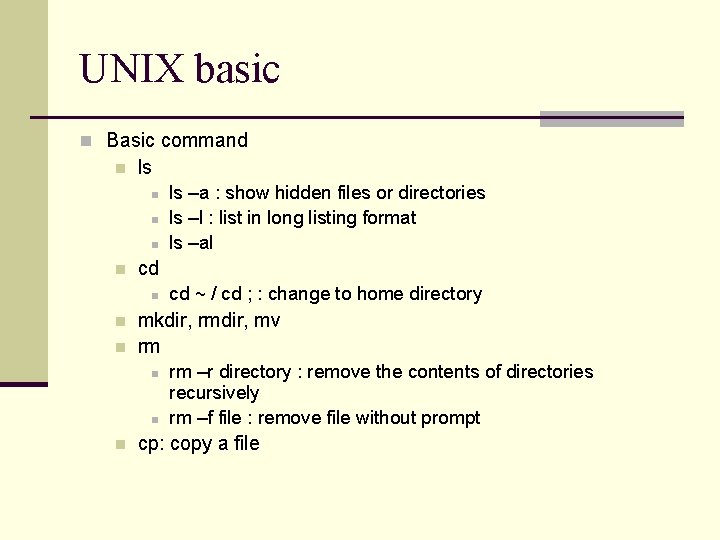
UNIX basic n Basic command n ls n n cd n n n cd ~ / cd ; : change to home directory mkdir, rmdir, mv rm n n n ls –a : show hidden files or directories ls –l : list in long listing format ls –al rm –r directory : remove the contents of directories recursively rm –f file : remove file without prompt cp: copy a file
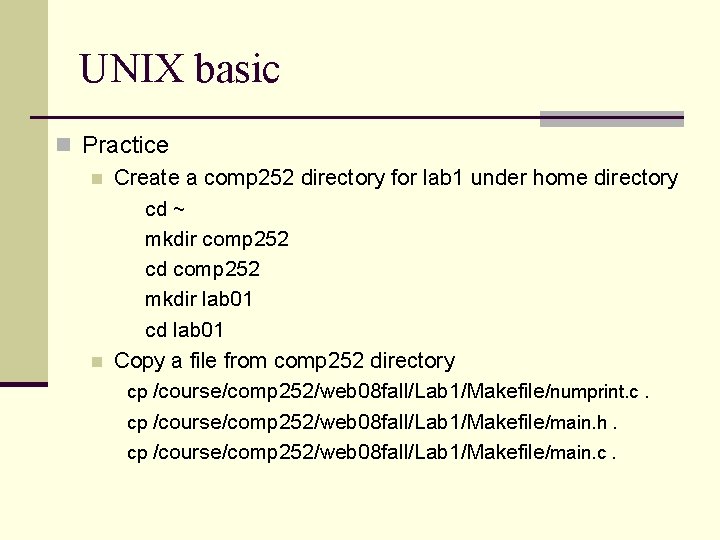
UNIX basic n Practice n Create a comp 252 directory for lab 1 under home directory cd ~ mkdir comp 252 cd comp 252 mkdir lab 01 cd lab 01 n Copy a file from comp 252 directory cp /course/comp 252/web 08 fall/Lab 1/Makefile/numprint. c. cp /course/comp 252/web 08 fall/Lab 1/Makefile/main. h. cp /course/comp 252/web 08 fall/Lab 1/Makefile/main. c.
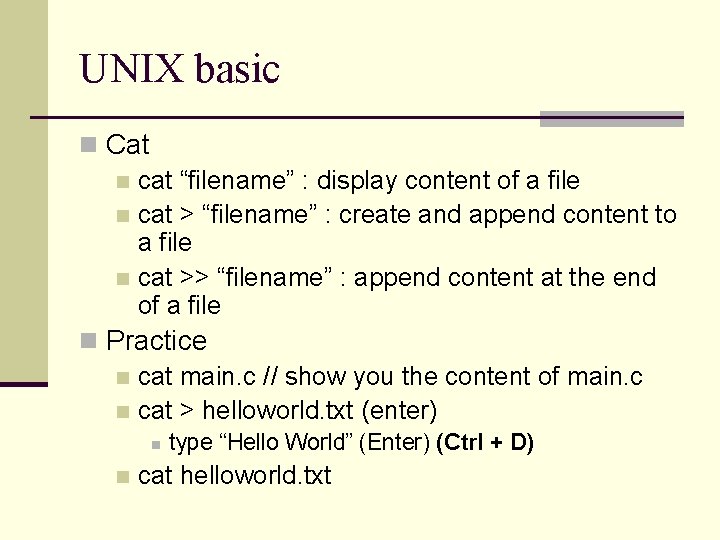
UNIX basic n Cat n cat “filename” : display content of a file n cat > “filename” : create and append content to a file n cat >> “filename” : append content at the end of a file n Practice n cat main. c // show you the content of main. c n cat > helloworld. txt (enter) n n type “Hello World” (Enter) (Ctrl + D) cat helloworld. txt
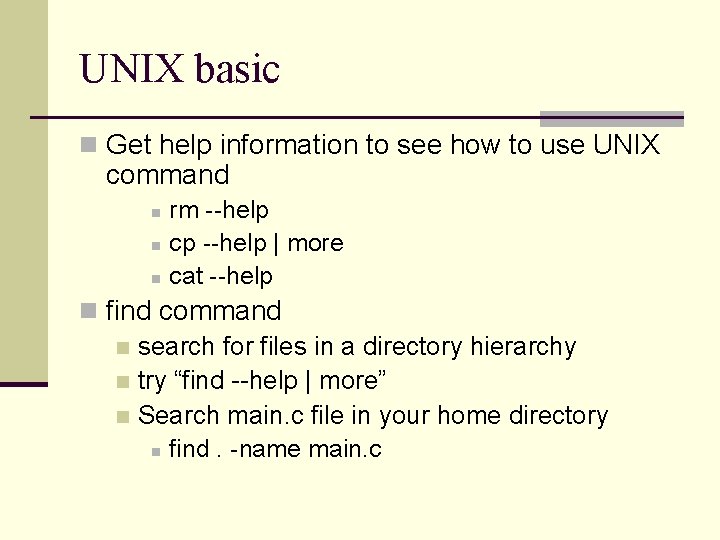
UNIX basic n Get help information to see how to use UNIX command rm --help n cp --help | more n cat --help n n find command n search for files in a directory hierarchy n try “find --help | more” n Search main. c file in your home directory n find. -name main. c
UNIX basic n Useful links n http: //course. cse. ust. hk/comp 252/web 08 fall/Re ference. html
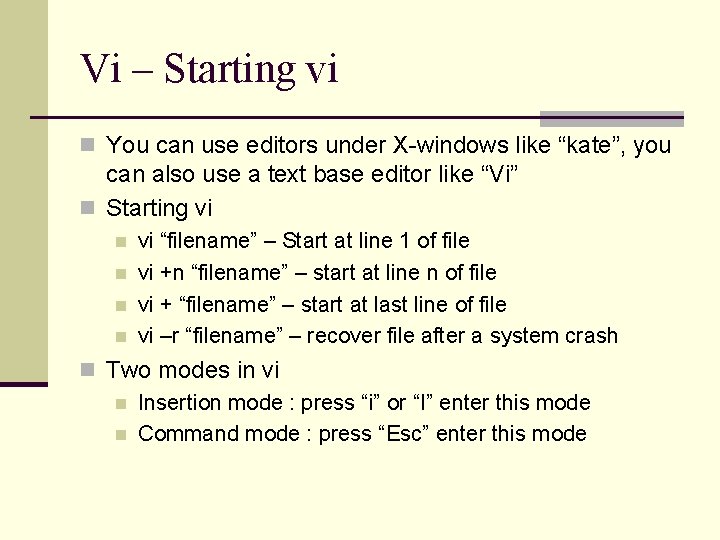
Vi – Starting vi n You can use editors under X-windows like “kate”, you can also use a text base editor like “Vi” n Starting vi n n vi “filename” – Start at line 1 of file vi +n “filename” – start at line n of file vi + “filename” – start at last line of file vi –r “filename” – recover file after a system crash n Two modes in vi n Insertion mode : press “i” or “I” enter this mode n Command mode : press “Esc” enter this mode
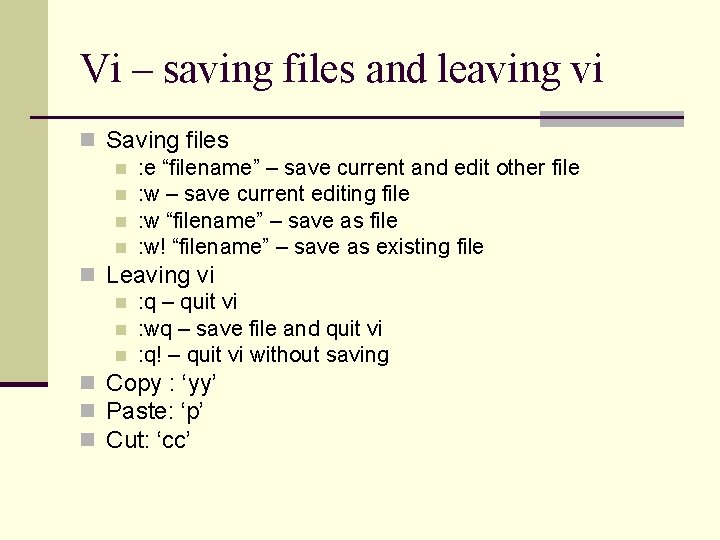
Vi – saving files and leaving vi n Saving files n : e “filename” – save current and edit other file n : w – save current editing file n : w “filename” – save as file n : w! “filename” – save as existing file n Leaving vi n : q – quit vi n : wq – save file and quit vi n : q! – quit vi without saving n Copy : ‘yy’ n Paste: ‘p’ n Cut: ‘cc’
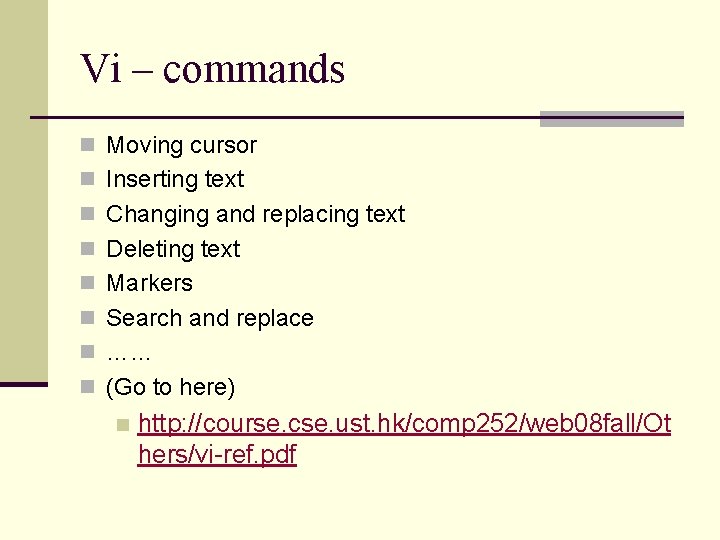
Vi – commands n Moving cursor n Inserting text n Changing and replacing text n Deleting text n Markers n Search and replace n …… n (Go to here) n http: //course. cse. ust. hk/comp 252/web 08 fall/Ot hers/vi-ref. pdf
Vi – Practice n Open helloworld. txt n n n vi helloworld. txt (In command mode at the beginning) (press “i” to enter insertion mode, you can edit the file now) (press ‘Esc’ to enter command mode) (press ‘dd’ to delete current line) (press ‘ndd’ to delete n line below current line) (press ‘: wq’ in command mode to leave vi and save the file)
Remote access Lab 2(4214) n Software n SSH secure Shell n http: //www. ssh. com n http: //cssystem. cse. ust. hk/home. php? docbase=UGuide s/Remote. Access&req_url=UGuides/Remote. Access/ss h. html n Putty n http: //www. putty. nl n UNIX ssh command n ssh –l “username” “hostname” n eg. ssh –l lfxad csl 2 wk 35. cse. ust. hk
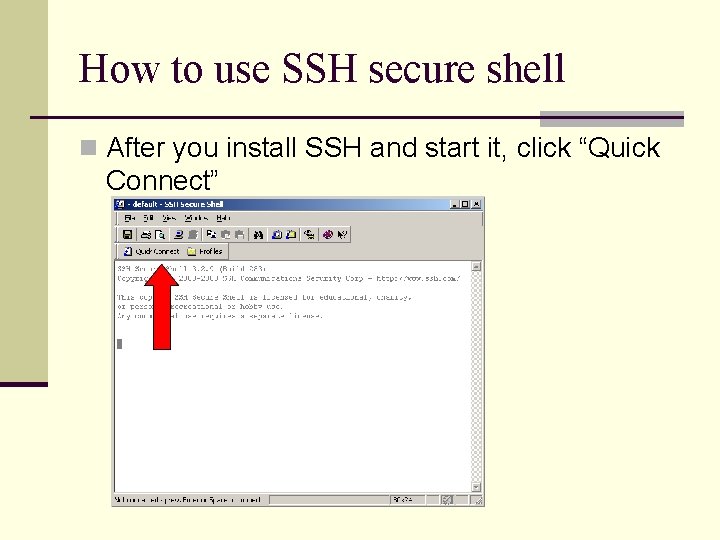
How to use SSH secure shell n After you install SSH and start it, click “Quick Connect”
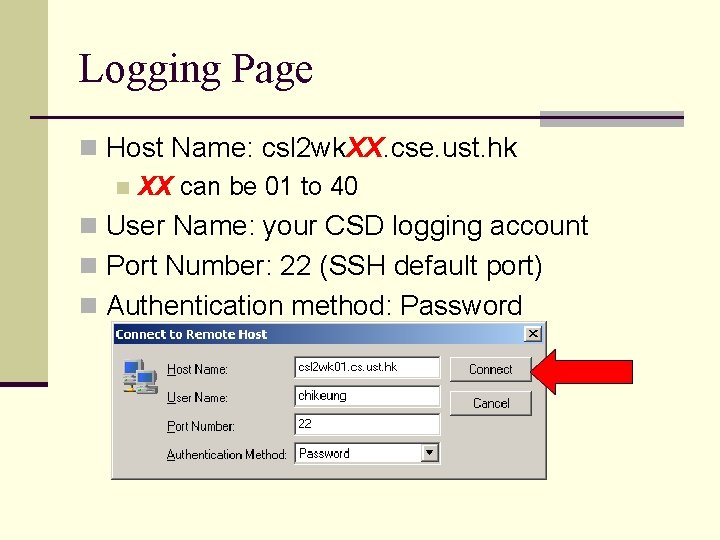
Logging Page n Host Name: csl 2 wk. XX. cse. ust. hk n XX can be 01 to 40 n User Name: your CSD logging account n Port Number: 22 (SSH default port) n Authentication method: Password
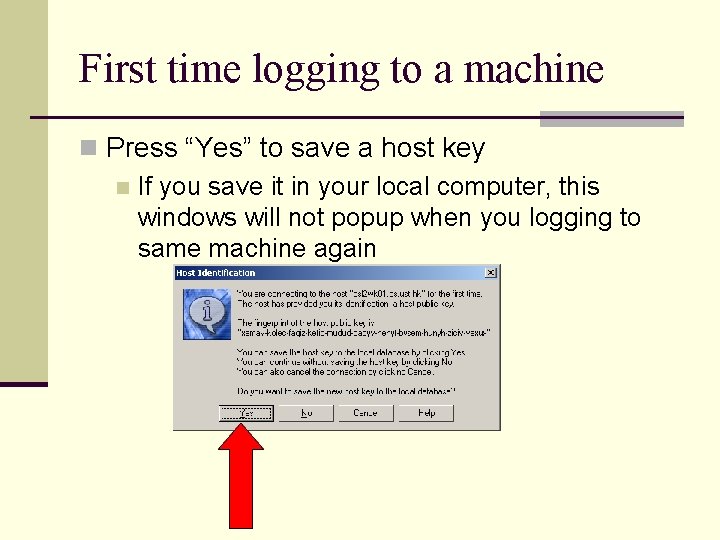
First time logging to a machine n Press “Yes” to save a host key n If you save it in your local computer, this windows will not popup when you logging to same machine again
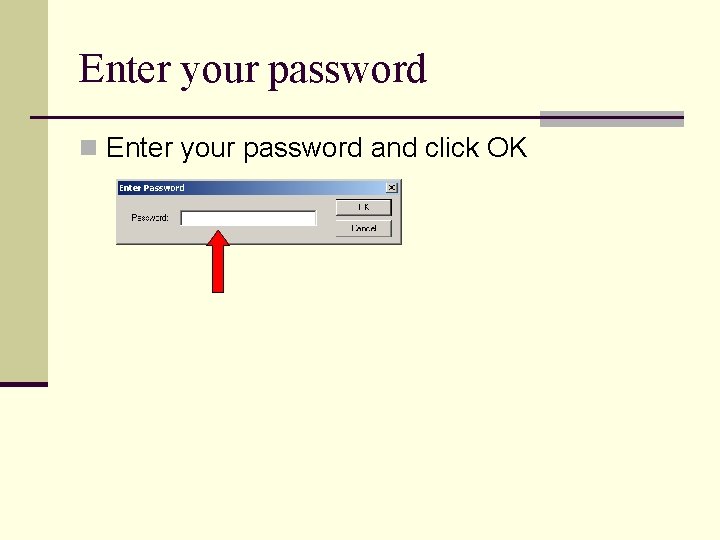
Enter your password n Enter your password and click OK
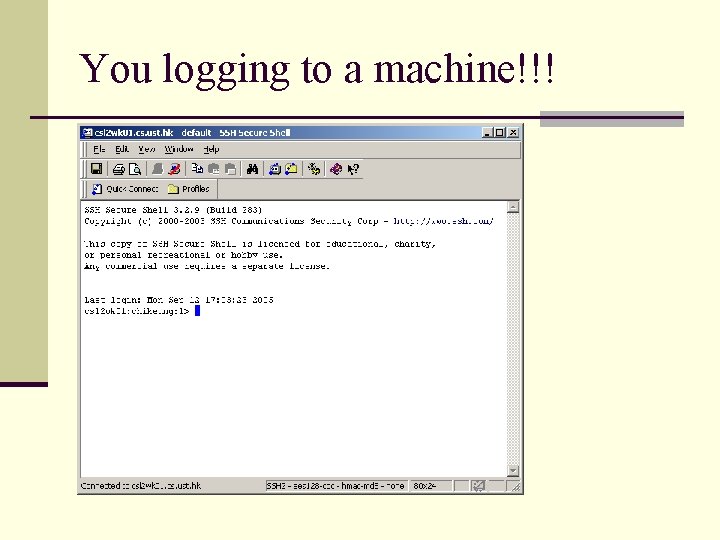
You logging to a machine!!!
Notes A machine can be accessed for more than one user at the same time, use “who” command to know who is using the machine n You can click “Window -> New Terminal” to start another terminal to the same machine n SSH secure Shell is available in the CS lab 1, lab 3, lab 4 and all computer bran. n
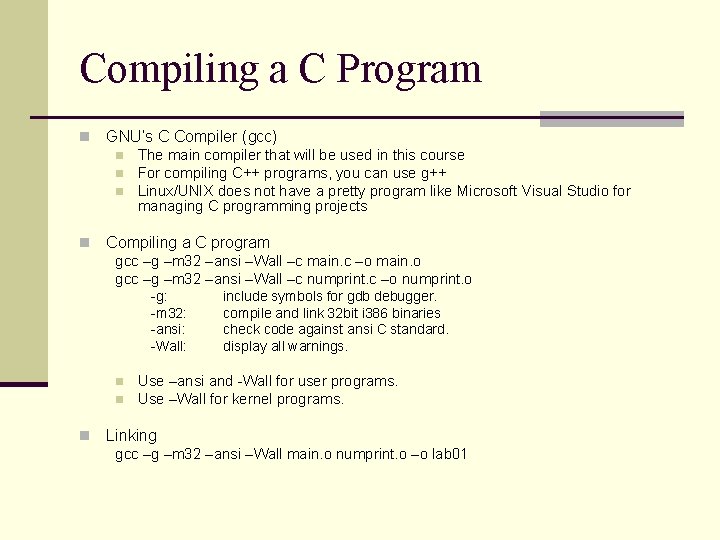
Compiling a C Program n GNU’s C Compiler (gcc) n n The main compiler that will be used in this course For compiling C++ programs, you can use g++ Linux/UNIX does not have a pretty program like Microsoft Visual Studio for managing C programming projects Compiling a C program gcc –g –m 32 –ansi –Wall –c main. c –o main. o gcc –g –m 32 –ansi –Wall –c numprint. c –o numprint. o -g: -m 32: -ansi: -Wall: n n n include symbols for gdb debugger. compile and link 32 bit i 386 binaries check code against ansi C standard. display all warnings. Use –ansi and -Wall for user programs. Use –Wall for kernel programs. Linking gcc –g –m 32 –ansi –Wall main. o numprint. o –o lab 01
Makefile n You need to type quite a bit for compiling a simple program n For large projects n n You may have many. c and. h files You may use many library calls You need to specify them at compilation time. Things start to get tedious and messy n One way to manage this complexity is to use a Makefile n n Automates the compilation process Easy to declare all the compilation options and flags
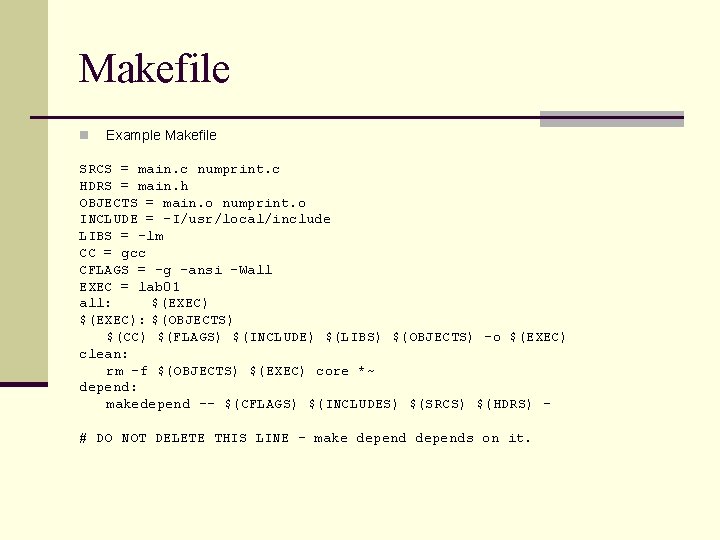
Makefile n Example Makefile SRCS = main. c numprint. c HDRS = main. h OBJECTS = main. o numprint. o INCLUDE = -I/usr/local/include LIBS = -lm CC = gcc CFLAGS = -g –ansi –Wall EXEC = lab 01 all: $(EXEC): $(OBJECTS) $(CC) $(FLAGS) $(INCLUDE) $(LIBS) $(OBJECTS) –o $(EXEC) clean: rm –f $(OBJECTS) $(EXEC) core *~ depend: makedepend -- $(CFLAGS) $(INCLUDES) $(SRCS) $(HDRS) – # DO NOT DELETE THIS LINE – make depends on it.
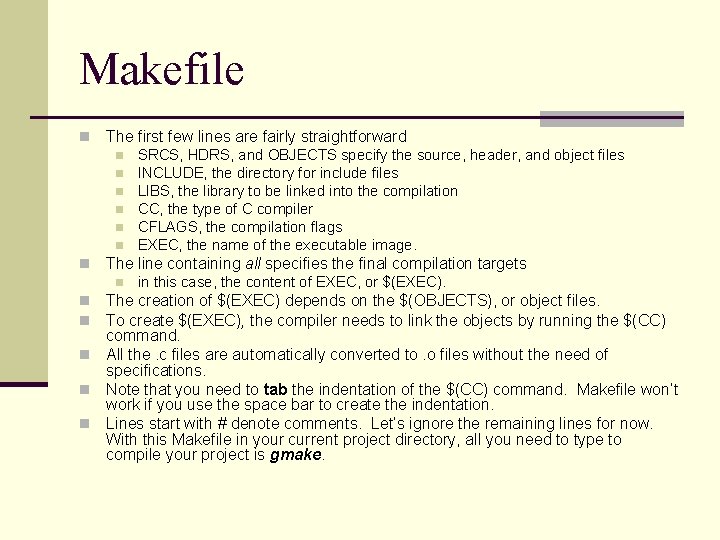
Makefile n The first few lines are fairly straightforward n n n n SRCS, HDRS, and OBJECTS specify the source, header, and object files INCLUDE, the directory for include files LIBS, the library to be linked into the compilation CC, the type of C compiler CFLAGS, the compilation flags EXEC, the name of the executable image. The line containing all specifies the final compilation targets n in this case, the content of EXEC, or $(EXEC). The creation of $(EXEC) depends on the $(OBJECTS), or object files. To create $(EXEC), the compiler needs to link the objects by running the $(CC) command. n All the. c files are automatically converted to. o files without the need of specifications. n Note that you need to tab the indentation of the $(CC) command. Makefile won’t work if you use the space bar to create the indentation. n Lines start with # denote comments. Let’s ignore the remaining lines for now. With this Makefile in your current project directory, all you need to type to compile your project is gmake. n n
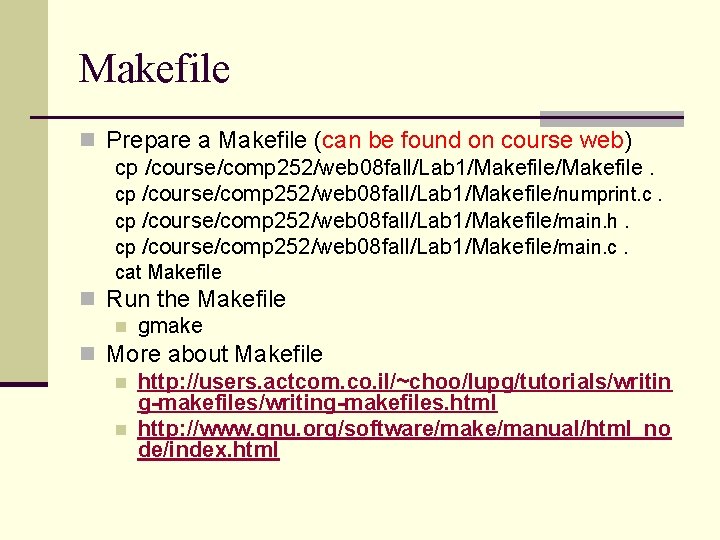
Makefile n Prepare a Makefile (can be found on course web) cp /course/comp 252/web 08 fall/Lab 1/Makefile/numprint. c. cp /course/comp 252/web 08 fall/Lab 1/Makefile/main. h. cp /course/comp 252/web 08 fall/Lab 1/Makefile/main. c. cat Makefile n Run the Makefile n gmake n More about Makefile n http: //users. actcom. co. il/~choo/lupg/tutorials/writin g-makefiles/writing-makefiles. html n http: //www. gnu. org/software/make/manual/html_no de/index. html
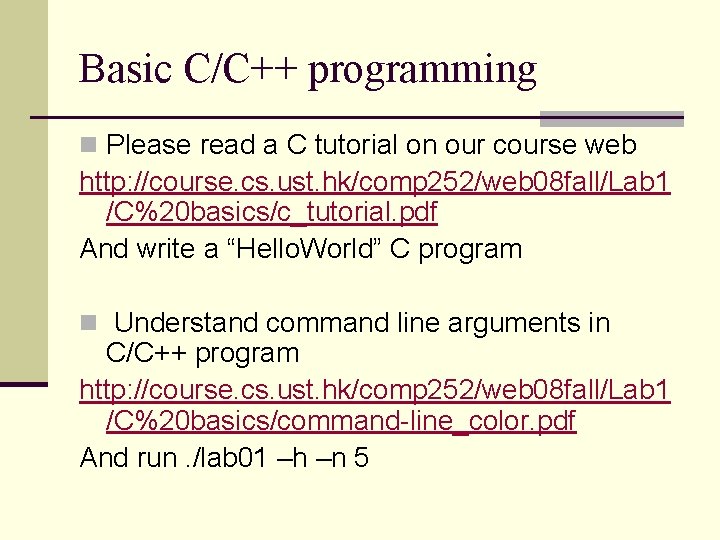
Basic C/C++ programming n Please read a C tutorial on our course web http: //course. cs. ust. hk/comp 252/web 08 fall/Lab 1 /C%20 basics/c_tutorial. pdf And write a “Hello. World” C program n Understand command line arguments in C/C++ program http: //course. cs. ust. hk/comp 252/web 08 fall/Lab 1 /C%20 basics/command-line_color. pdf And run. /lab 01 –h –n 5
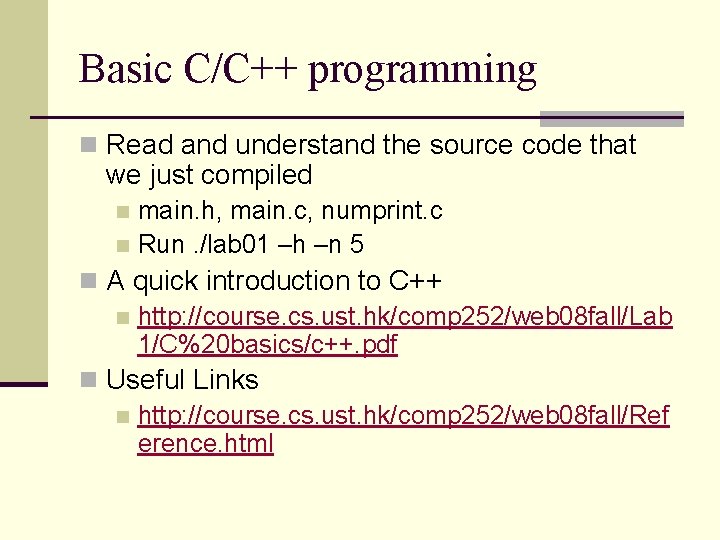
Basic C/C++ programming n Read and understand the source code that we just compiled main. h, main. c, numprint. c n Run. /lab 01 –h –n 5 n n A quick introduction to C++ n http: //course. cs. ust. hk/comp 252/web 08 fall/Lab 1/C%20 basics/c++. pdf n Useful Links n http: //course. cs. ust. hk/comp 252/web 08 fall/Ref erence. html
Process control n When UNIX runs a process, it gives each process a unique number called process ID, pid. n may be a "system'' program (e. g. , login, csh) n or program initiated by the user (e. g. , textedit, dbxtool or a user written one).
Process control n The UNIX command "ps" will list all current processes running on your machine with their pid. n The C function int getpid() will return the process id of process that called this function.
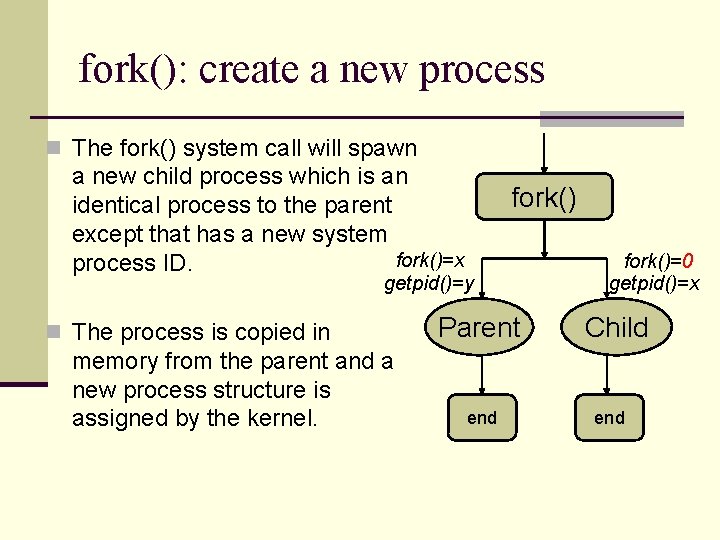
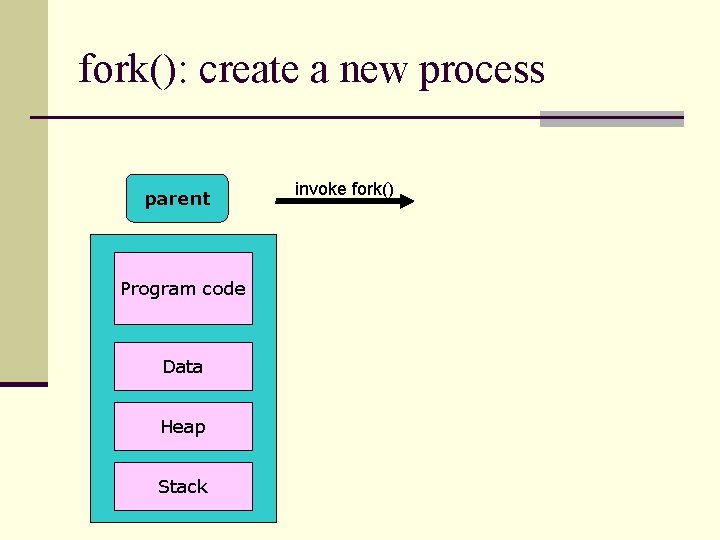
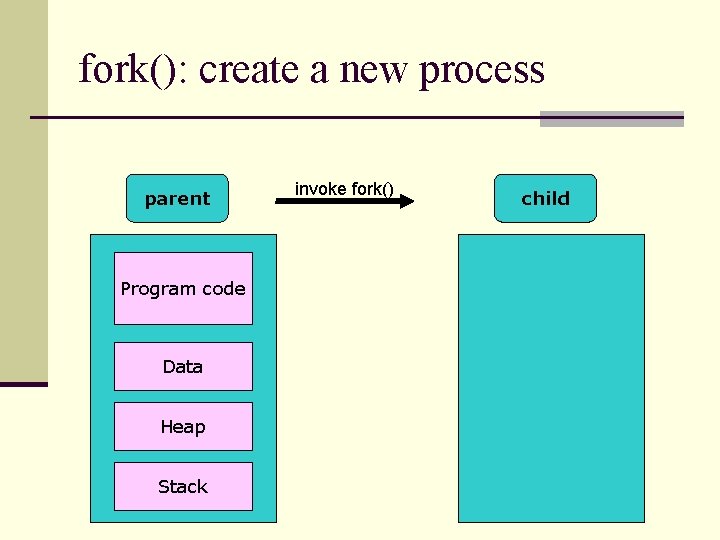
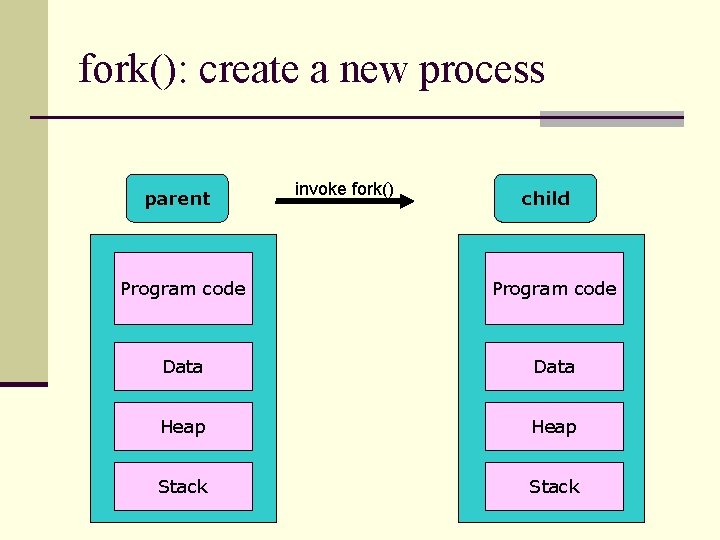
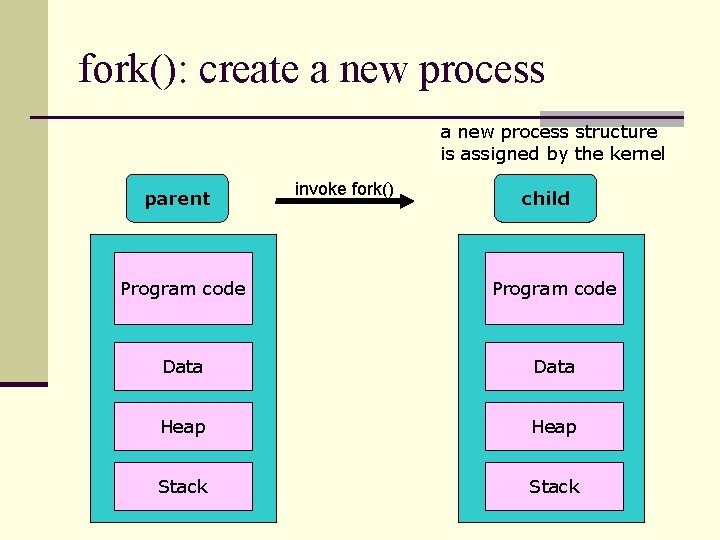
fork(): create a new process n The fork() system call will spawn a new child process which is an identical process to the parent except that has a new system fork()=x process ID. fork() getpid()=y n The process is copied in memory from the parent and a new process structure is assigned by the kernel. Parent end fork()=0 getpid()=x Child end
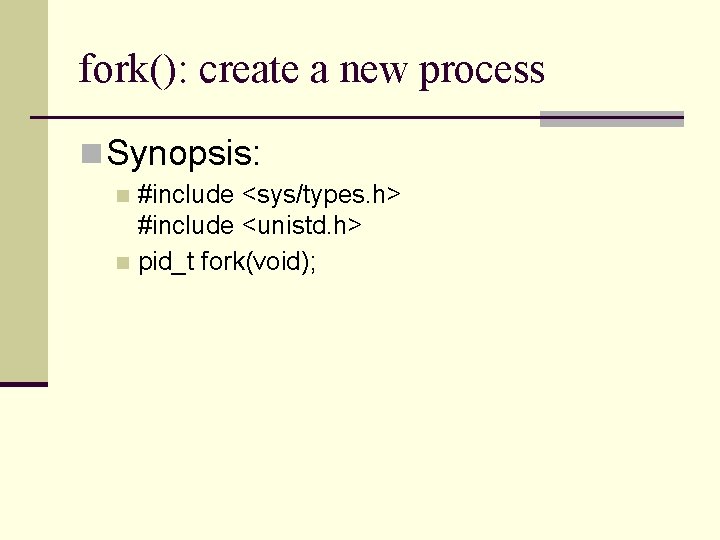
fork(): create a new process n Synopsis: #include <sys/types. h> #include <unistd. h> n pid_t fork(void); n
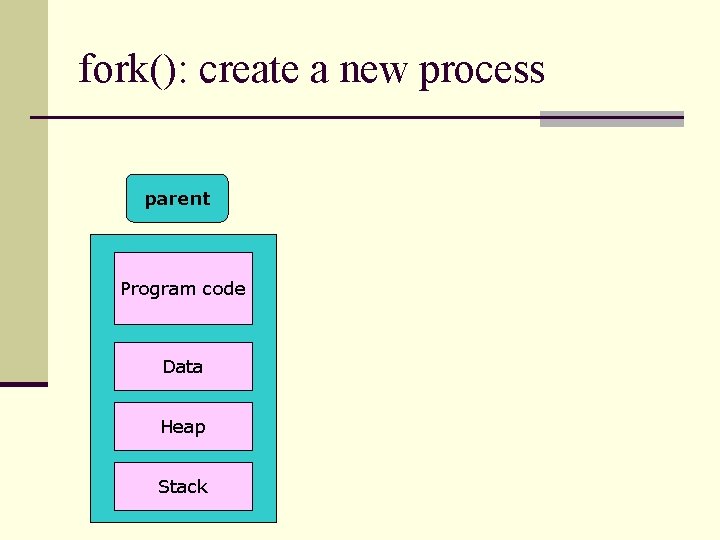
fork(): create a new process parent child Program code Data Heap Stack
fork(): create a new process parent child Program code Data Heap Stack invoke fork()
fork(): create a new process parent Program code Data Heap Stack invoke fork() child
fork(): create a new process parent invoke fork() child Program code Data Heap Stack
fork(): create a new process structure is assigned by the kernel parent invoke fork() child Program code Data Heap Stack
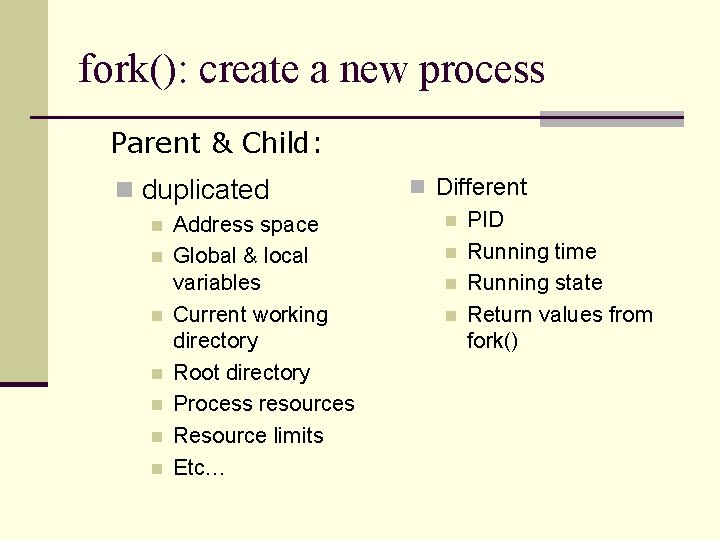
fork(): create a new process Parent & Child: n duplicated n n n n Address space Global & local variables Current working directory Root directory Process resources Resource limits Etc… n Different n PID n Running time n Running state n Return values from fork()
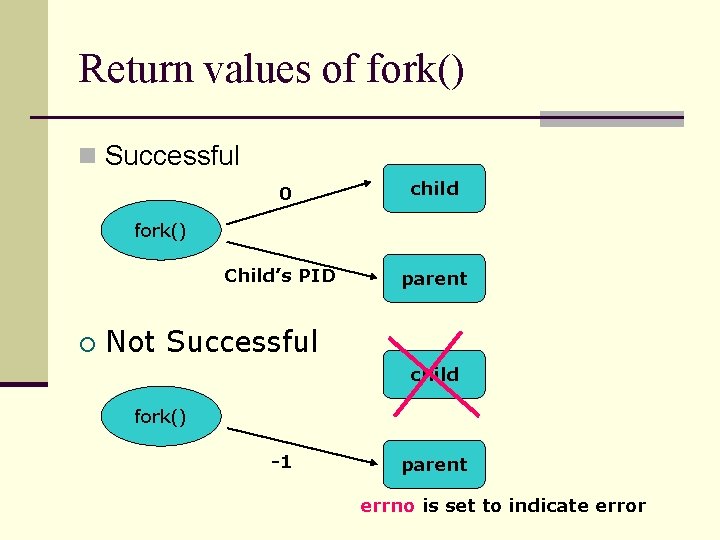
Return values of fork() n Successful 0 child fork() Child’s PID parent Not Successful child fork() -1 parent errno is set to indicate error
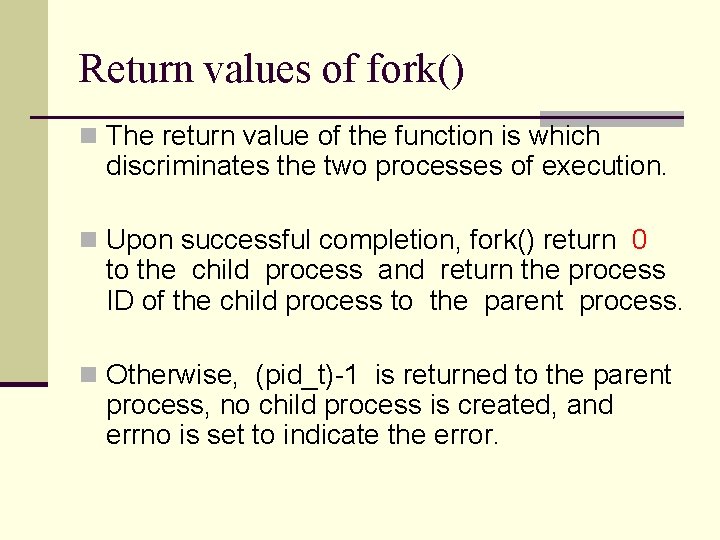
Return values of fork() n The return value of the function is which discriminates the two processes of execution. n Upon successful completion, fork() return 0 to the child process and return the process ID of the child process to the parent process. n Otherwise, (pid_t)-1 is returned to the parent process, no child process is created, and errno is set to indicate the error.
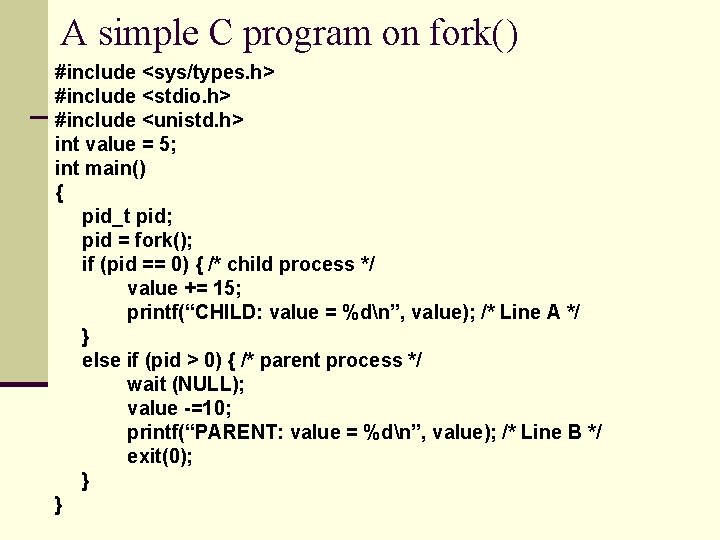
A simple C program on fork() #include <sys/types. h> #include <stdio. h> #include <unistd. h> int value = 5; int main() { pid_t pid; pid = fork(); if (pid == 0) { /* child process */ value += 15; printf(“CHILD: value = %dn”, value); /* Line A */ } else if (pid > 0) { /* parent process */ wait (NULL); value -=10; printf(“PARENT: value = %dn”, value); /* Line B */ exit(0); } }
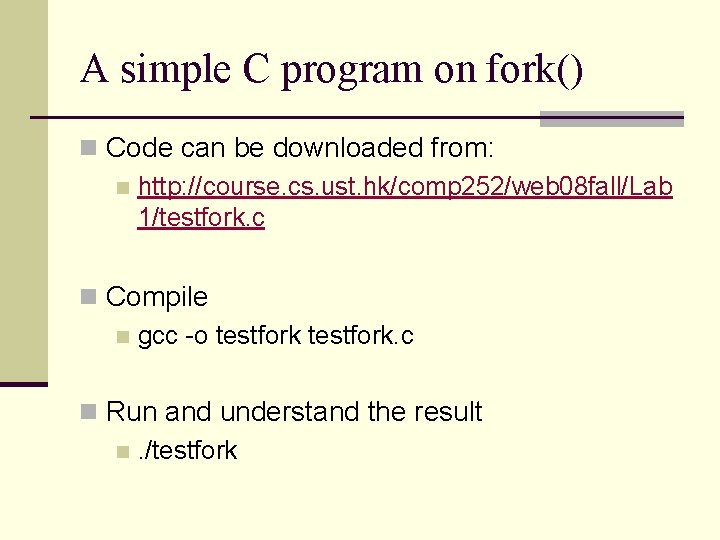
A simple C program on fork() n Code can be downloaded from: n http: //course. cs. ust. hk/comp 252/web 08 fall/Lab 1/testfork. c n Compile n gcc -o testfork. c n Run and understand the result n. /testfork
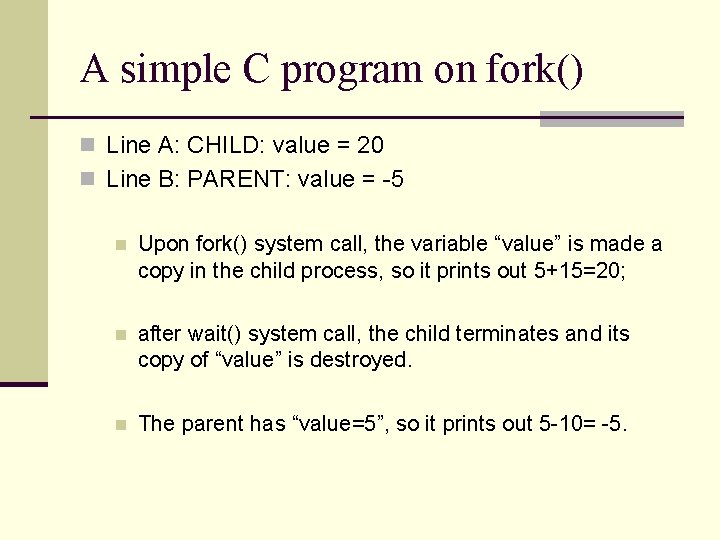
A simple C program on fork() n Line A: CHILD: value = 20 n Line B: PARENT: value = -5 n Upon fork() system call, the variable “value” is made a copy in the child process, so it prints out 5+15=20; n after wait() system call, the child terminates and its copy of “value” is destroyed. n The parent has “value=5”, so it prints out 5 -10= -5.
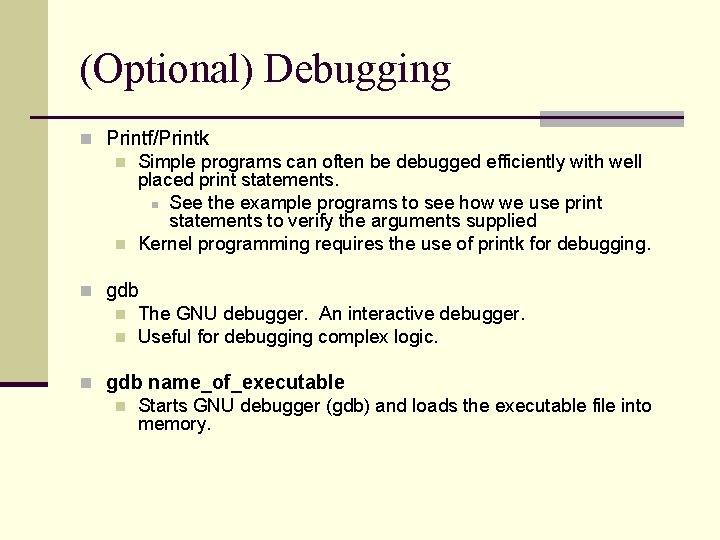
(Optional) Debugging n Printf/Printk n Simple programs can often be debugged efficiently with well placed print statements. n See the example programs to see how we use print statements to verify the arguments supplied n Kernel programming requires the use of printk for debugging. n gdb n The GNU debugger. An interactive debugger. n Useful for debugging complex logic. n gdb name_of_executable n Starts GNU debugger (gdb) and loads the executable file into memory.
(Optional) GDB debugger n Basic command is introduced here: n http: //course. cse. ust. hk/comp 252/web 08 fall/Ot hers/GDB. htm n http: //www. dirac. org/linux/gdb/
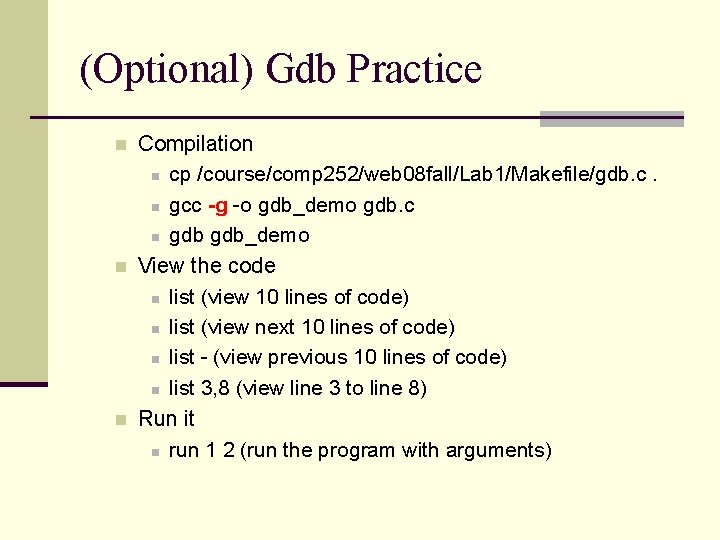
(Optional) Gdb Practice n n n Compilation n cp /course/comp 252/web 08 fall/Lab 1/Makefile/gdb. c. n gcc -g -o gdb_demo gdb. c n gdb_demo View the code n list (view 10 lines of code) n list (view next 10 lines of code) n list - (view previous 10 lines of code) n list 3, 8 (view line 3 to line 8) Run it n run 1 2 (run the program with arguments)
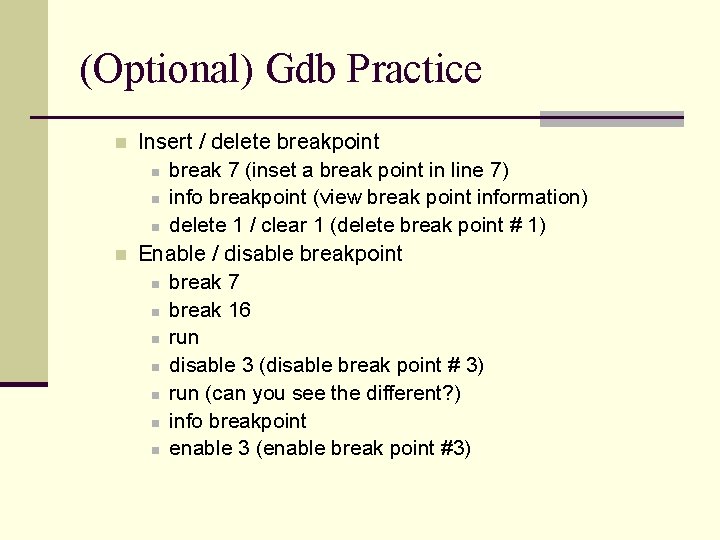
(Optional) Gdb Practice n n Insert / delete breakpoint n break 7 (inset a break point in line 7) n info breakpoint (view break point information) n delete 1 / clear 1 (delete break point # 1) Enable / disable breakpoint n break 7 n break 16 n run n disable 3 (disable break point # 3) n run (can you see the different? ) n info breakpoint n enable 3 (enable break point #3)
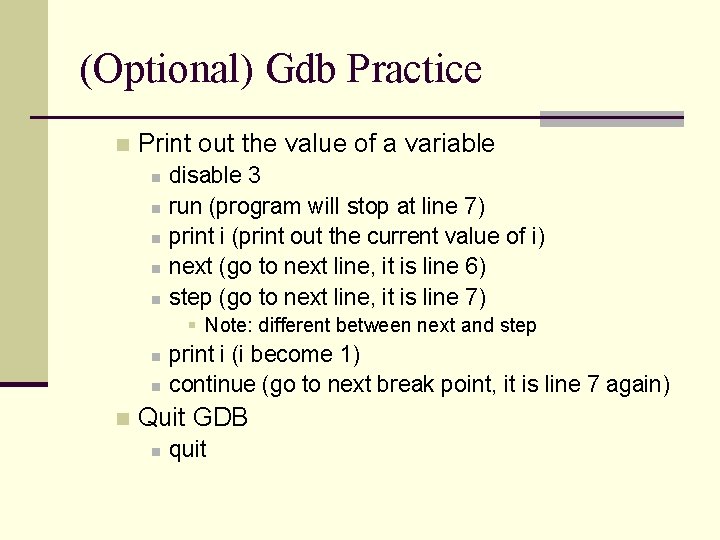
(Optional) Gdb Practice n Print out the value of a variable n n n disable 3 run (program will stop at line 7) print i (print out the current value of i) next (go to next line, it is line 6) step (go to next line, it is line 7) § Note: different between next and step n n n print i (i become 1) continue (go to next break point, it is line 7 again) Quit GDB n quit
- Slides: 47