
COMP 2121 Internet Technologies Session 7 The Internet

- Slides: 63
COMP 2121: Internet Technologies Session 7: The Internet
Part 1: Accessing the Internet
Origin of TCP/IP • ARPAnet included 40 computers by 1972 • Architecture getting even more complex • Needed a reliable communications protocol suite
Origin of TCP/IP (2) • RFC proposal for TCP/IP accepted • Important features: IP addressing enables packet routing TCP guarantees packet receipt • TCP/IP became an International standard for digital messaging • Rubber stamped by OSI (Open Systems Interconnect)
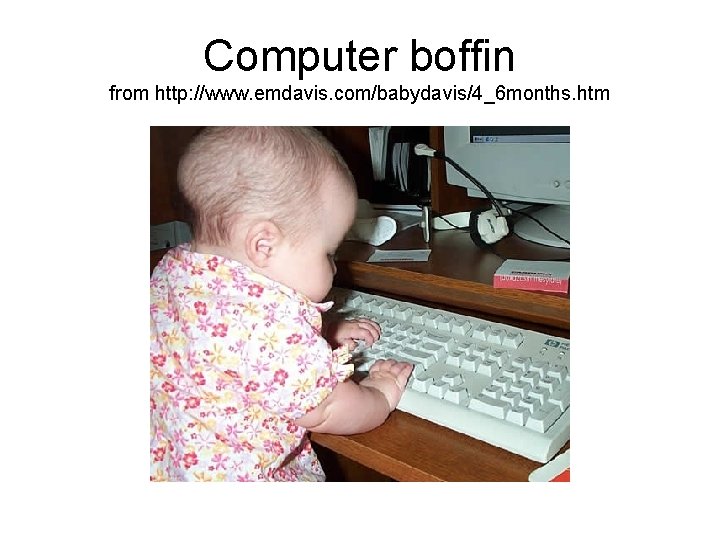
DARPANET becomes “The Internet” • However, throughout the 1980 s: only computer boffins understood TCP/IP and UNIX no-one else could use the Internet… • Main problem: TCP/IP – so complex • Software was needed that would enable text to be sent by non-specialists
Computer boffin from http: //www. emdavis. com/babydavis/4_6 months. htm
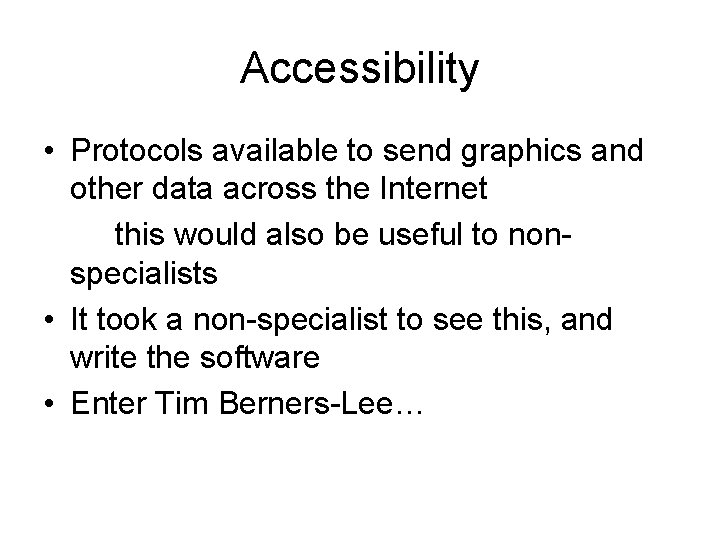
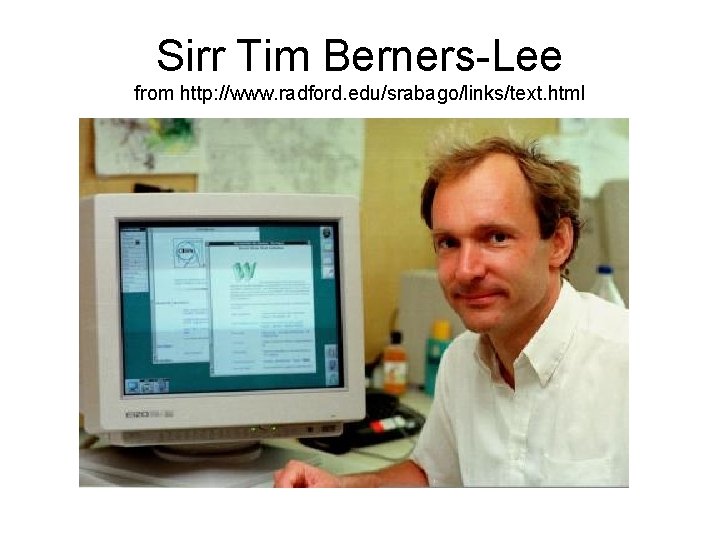
Accessibility • Protocols available to send graphics and other data across the Internet this would also be useful to nonspecialists • It took a non-specialist to see this, and write the software • Enter Tim Berners-Lee…
Sirr Tim Berners-Lee from http: //www. radford. edu/srabago/links/text. html
Internet Browsers • Convert web pages into something visual that non-geeks can understand • Berners-Lee wrote browser software for two types of mainframe computer… • Other developers produced browsers to cover other Internet machines • Early browsers only displayed text and hyperlinks – unable to take advantage of graphics formats
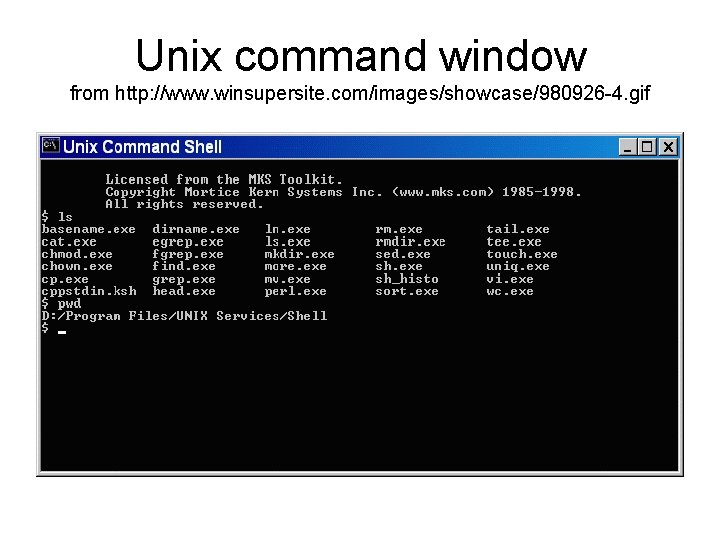
Home Connections • In the UK, Demon Internet set up (1992) • Provided an Internet Connection service to any UNIX home user (£ 10 per month) • UNIX-based browser provided access to the World Wide Web • Unix not exactly a mass-market product…
Unix command window from http: //www. winsupersite. com/images/showcase/980926 -4. gif
PCs without TCP/IP… • A PC without the TCP/IP protocol cannot use the Internet • In 1992, Windows 3. 1 was the favoured PC operating system • Very much aimed at the “standalone computer”
And then with TCP/IP… (What a difference a year makes!) • It then all happened very quickly: – Some very clever people wrote the code that would make TCP/IP available as an alternative protocol for Windows 3. 11 – Other clever people produced a browser for Windows 3. 11 • Result: people all over the world discovered that their PCs could now access the World Wide Web
The problem • TCP/IP was not a standard feature of Windows 3. 11 and needed installing and configuring – Not a job for the faint-hearted • Solution: Windows 95
The final piece in the jigsaw (Windows 95) • TCP/IP became a standard component • TCP/IP implementation (32 -bit) was much more efficient than Windows 3. 11 (16 -bit) • Graphics and multi-media facilities were improved • Browsers could also be 32 -bit, and provide a richer visual display • A link was available from the desktop to an Internet Service Provider
Why the Interest? • End-user costs surprisingly low considering the technology involved – subsidised by US government? • Competition kept Internet Service Providers prices down • Dial-up telephone charges could build up, however, even if charged at the local rate
Why so popular in the US/Canada? • In 1994 -7, most Internet users were from North America • Reasons: – promoted by National governments – entrepreneurs were quick to see the potential of the new medium – local telephone calls were free…
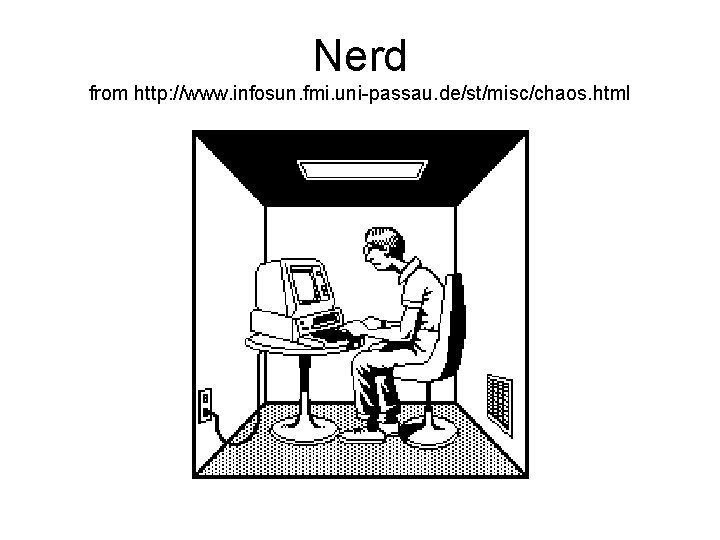
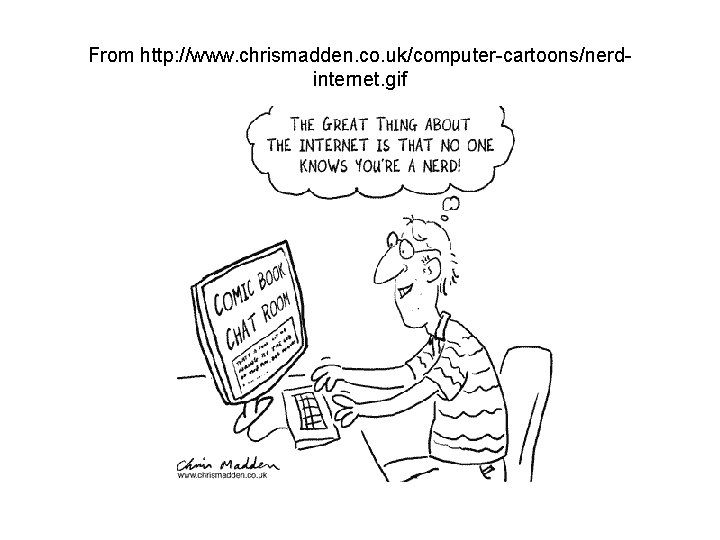
Americanisation • Although physically an International medium, in this era, the Internet became widely regarded as “America On-Line” – Most content presented in [US] English • Why not UK? – Telephone costs expensive – no free local calls! – No government promotion – Media “nerdy” image
Nerd from http: //www. infosun. fmi. uni-passau. de/st/misc/chaos. html
From http: //www. chrismadden. co. uk/computer-cartoons/nerdinternet. gif
Why not Europe? • Most of Europe: – not English-speaking – less readily accessible – connection costs high • Biggest European growth in Scandinavia – high incidence of English-speaking – readily embrace new technology
Browsers (1) • Wide variety available – Internet Explorer (version 8. 0, March 2009) • Windows only • Support for Mac versions discontinued – Mozilla Firefox (version 3. 6, January 2010) • Multiple platforms, including Linux
Browsers (2) – Safari (version 4. 0. 5, March 2010) • Mainly used on Macs; Windows version available – Google Chrome (version 4. 0. 249. 89, February 2010) • Windows, Mac and Linux – Opera (version 10. 50, March 2010) • Mainly mobile devices • usage probably underestimated due to caching in proxies – And others…
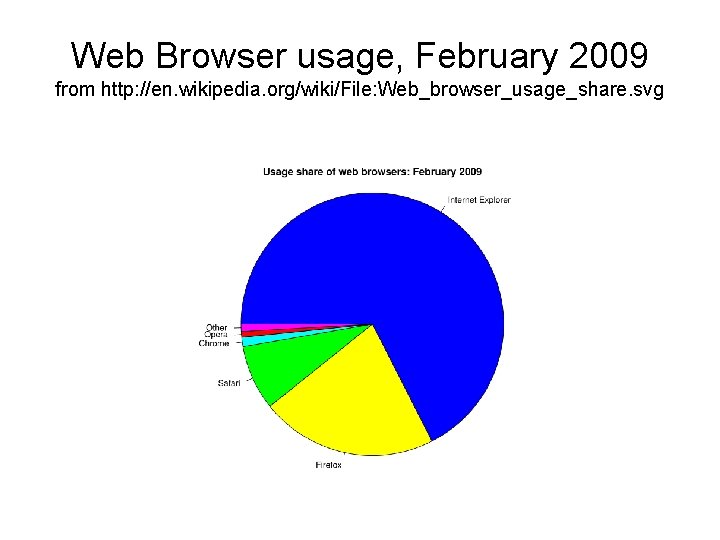
Web Browser usage, February 2009 from http: //en. wikipedia. org/wiki/File: Web_browser_usage_share. svg
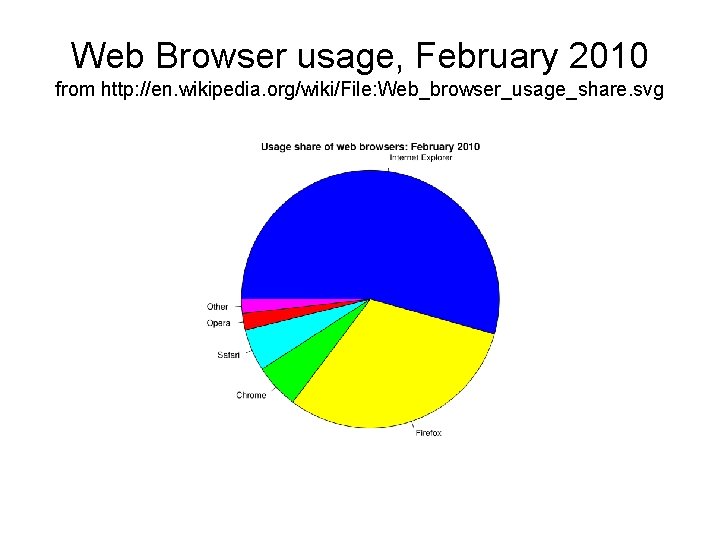
Web Browser usage, February 2010 from http: //en. wikipedia. org/wiki/File: Web_browser_usage_share. svg
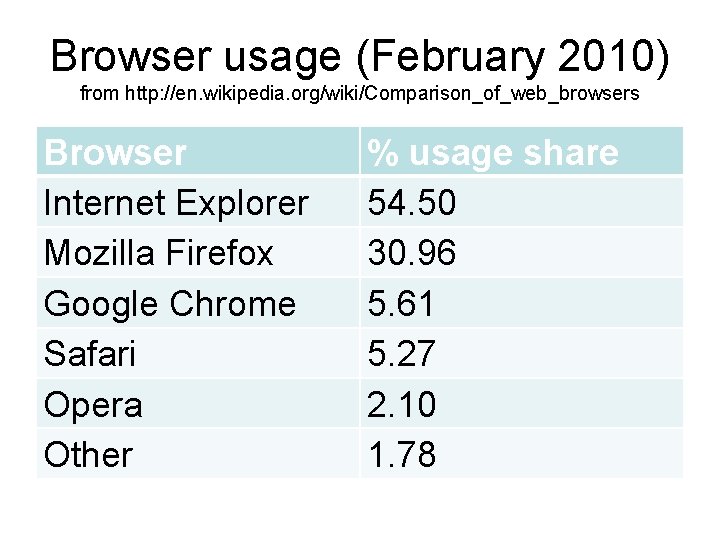
Browser usage (February 2010) from http: //en. wikipedia. org/wiki/Comparison_of_web_browsers Browser Internet Explorer Mozilla Firefox Google Chrome Safari Opera Other % usage share 54. 50 30. 96 5. 61 5. 27 2. 10 1. 78
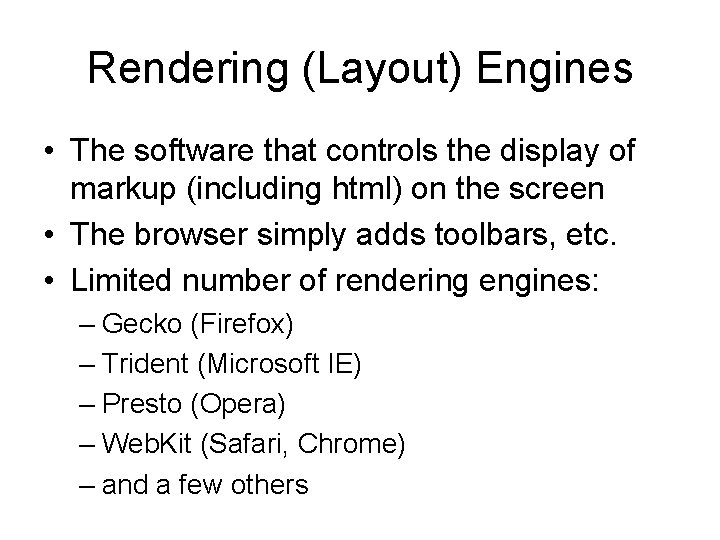
Rendering (Layout) Engines • The software that controls the display of markup (including html) on the screen • The browser simply adds toolbars, etc. • Limited number of rendering engines: – Gecko (Firefox) – Trident (Microsoft IE) – Presto (Opera) – Web. Kit (Safari, Chrome) – and a few others
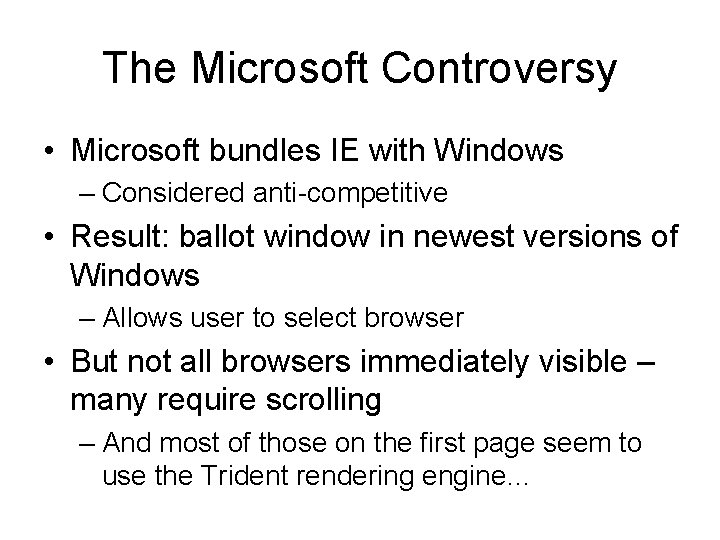
The Microsoft Controversy • Microsoft bundles IE with Windows – Considered anti-competitive • Result: ballot window in newest versions of Windows – Allows user to select browser • But not all browsers immediately visible – many require scrolling – And most of those on the first page seem to use the Trident rendering engine…
Part 2: Internet Organisation
W 3 C • World Wide Web Consortium • Produces recommendations for standards – Which may or may not be adopted by manufacturers • Handles the technical side of the Internet
ICANN • Internet Corporation for Assigned Names and Numbers – Born out of ARPANET – But now nominally independent of the US government • IP address allocation • Domain names (esp. top-level domains) • UDRP (Uniform Domain Name Dispute Resolution Policy) – Handles disputes over ownership of domain names – Cybersquatting
IANA • Internet Assigned Numbers Authority • Actually does the work of IANA for IP address and most top-level domain name allocation – Including country-level domain names – But. com and. net delegated to Verisign • Lower-level domain name allocation delegated to RIRs
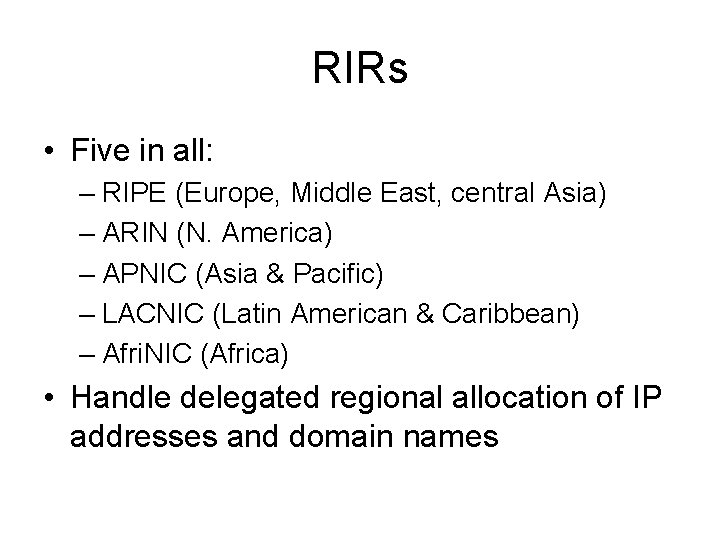
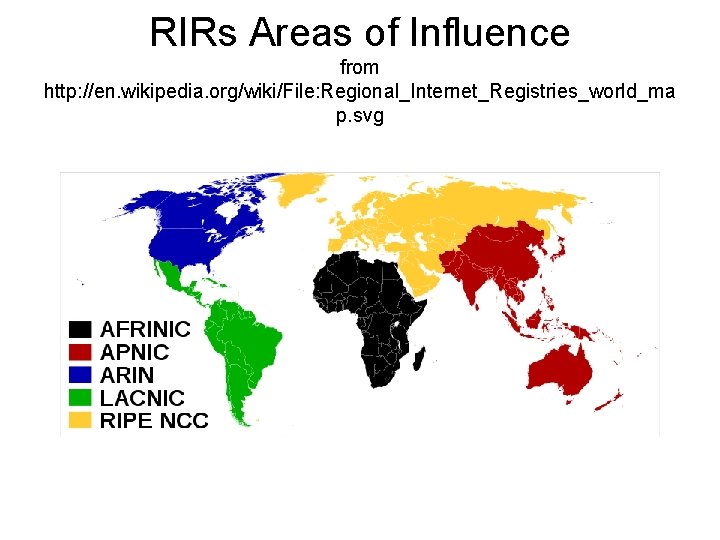
RIRs • Five in all: – RIPE (Europe, Middle East, central Asia) – ARIN (N. America) – APNIC (Asia & Pacific) – LACNIC (Latin American & Caribbean) – Afri. NIC (Africa) • Handle delegated regional allocation of IP addresses and domain names
RIRs Areas of Influence from http: //en. wikipedia. org/wiki/File: Regional_Internet_Registries_world_ma p. svg
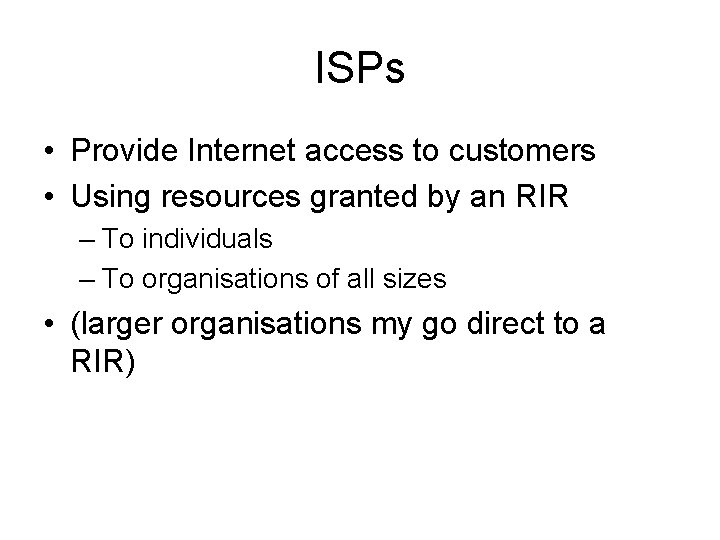
ISPs • Provide Internet access to customers • Using resources granted by an RIR – To individuals – To organisations of all sizes • (larger organisations my go direct to a RIR)
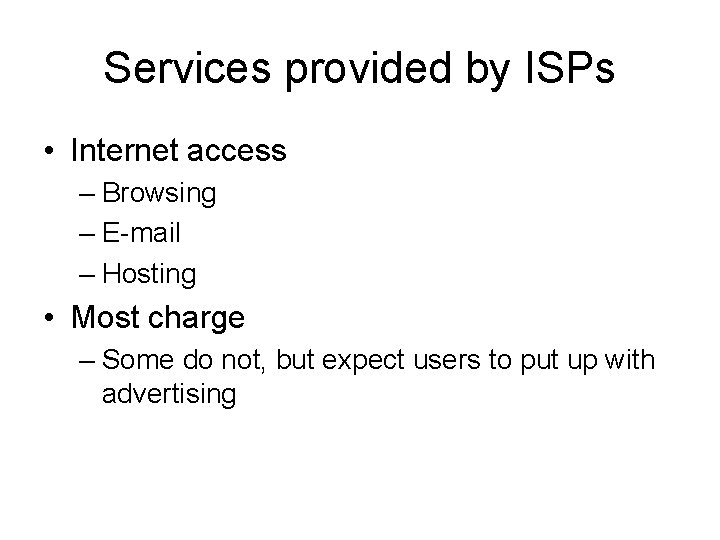
Services provided by ISPs • Internet access – Browsing – E-mail – Hosting • Most charge – Some do not, but expect users to put up with advertising
Part 3: Web sites
What is a Web Site? • Collection of html files for web pages stored on a server • Downloaded on request to a client using http • Displayed by a browser on the client machine
www Servers • The computer providing the www service: – should be registered as a domain name – can be configured to host one or many websites – keeps each site in a separate folder
UNC names • Universal (or Uniform) Naming Convention • Devised specifically to identify device and service names on a domain-based Windows NT/2000 network – Note the “DOS-based” (back slash) – as opposed to the “Unix-based / (forward slash) • Server prefixed by \ – e. g. \applications • Shares, devices or services prefixed by – e. g. \mainadminstudent_data. html
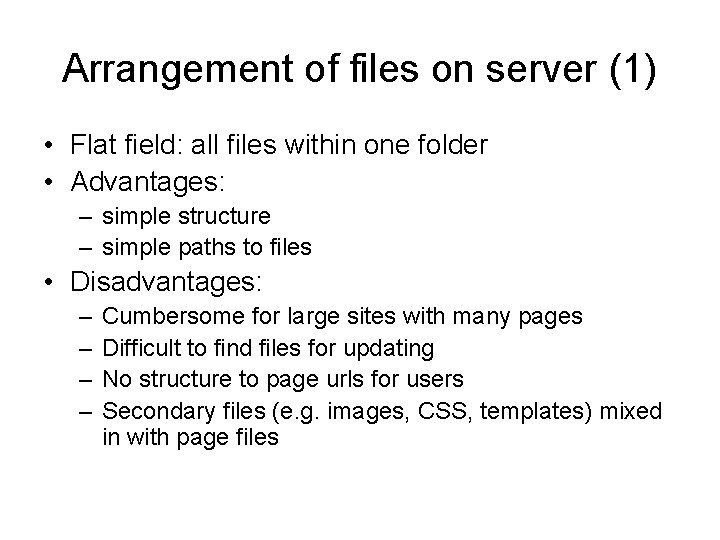
Arrangement of files on server (1) • Flat field: all files within one folder • Advantages: – simple structure – simple paths to files • Disadvantages: – – Cumbersome for large sites with many pages Difficult to find files for updating No structure to page urls for users Secondary files (e. g. images, CSS, templates) mixed in with page files
Arrangement of files on server (2) • Hierarchical • Structure using folders • Each folder holds files related to one another – a sub-site • Folders may contain other folders…
Hierarchical structure • All files on a particular topic are together – Easily changed, extracted… • Possible to have several files with the same name but in different folders – e. g. links. html • Secondary files, e. g. images, can be grouped together • (Minor) disadvantage: planning needed
Databases • Structured for easy querying – And easy updating • Relationships between tables should enable this easily – For web based databases as well as ‘ordinary’ ones • At least ‘third normal form’ – And possibly sixth normal form
Static and dynamic web pages • Static pages appear the same every time – To every client machine, to every user, in every place, at every time of day… – Minor differences due to browser quirks… • Dynamic pages appear different – For different users – At different times – In different locations…
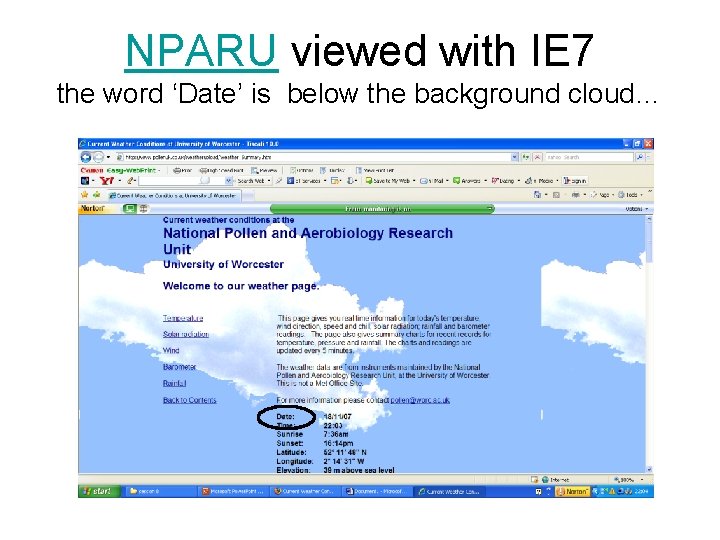
NPARU viewed with IE 7 the word ‘Date’ is below the background cloud…
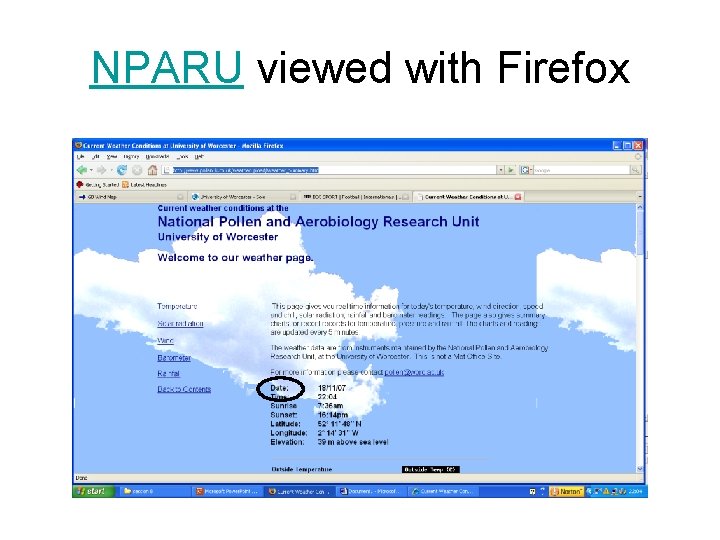
NPARU viewed with Firefox
Advantages of dynamic pages • Can be related to the user’s needs • Can be used for targetted advertising – Aimed at individuals – In particular places – At particular times • (but see the current concern over Phorm) • Can be dependent on user input – Content of a form field
Dynamic web pages • Client scripts – Run on the client machine – Use information available on the client machine • Server scripts – Run on the server – Output transmitted to the client and displayed there – Able to make use of information available to the server, but not to the client • e. g. large database
Web Design: Future proofing • Use the latest recommended version of markup language • Keep pages up to date with changes in W 3 C recommendations • Pages will then be viewable on most platforms – And those that can’t view your pages will be at fault, not you
Web Site Design: Usability • Molich and Neilson’s usability criteria • Disability accessibility considerations – Accessibility checker of some sort – Use of appropriate colour combinations – Use of relative font sizes – Use of ‘alt’ attributes – Use of descriptions – Non-use of frames
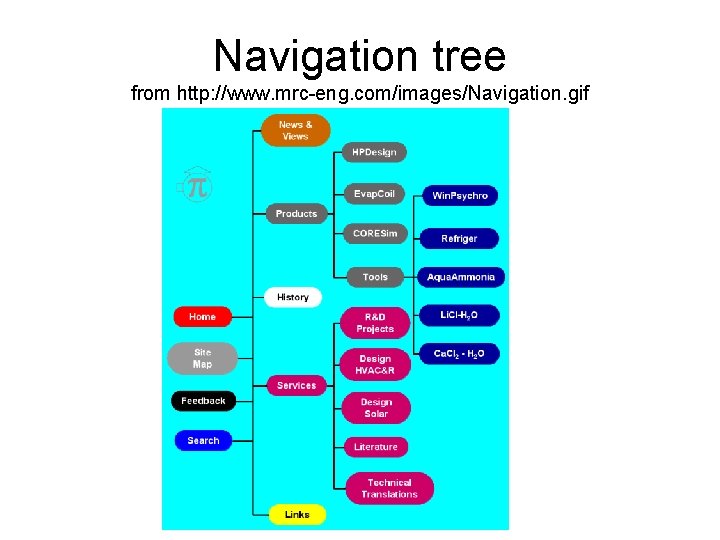
Web site design: navigability • Hierarchical structure – Ability to navigate through a logical ‘tree’ to the leaf that you need • Ability to go up one level in the tree • Ability to return to the homepage from any page within the site – Link to homepage as part of template
Navigation tree from http: //www. mrc-eng. com/images/Navigation. gif
Web site design: large pages • Problem with large pages: what is off the bottom of the screen? • Solution: start the page with a contents list • Each item in the list is a link to an anchor – Navigation to important points within the page is possible • Also need ‘return to top’ link at regular intervals within the page • Example
Web Site Production (1) • As with any project: – Feasibility study – User requirements elicitation – Logical design – (Physical design – if needed) – Construction • In stages – prototypes? – Delivery – Maintenance
Web Site Production (2) • Best to use an ‘iterative and incremental’ methodology rather than a ‘waterfall’ methodology – Iterative: repeating the same sort of processes several times – Incremental: making small changes rather than large ones • Client can be involved at each stage – Feedback possible
Web Site Production (3) • Possible construction schedule – Homepage with inactive links • Show which links are (in)active • Particularly if the incomplete site is uploaded – – – Client feedback First part of site Client feedback Next part of site Client feedback etc.
Web Site Production (4) • Alternative: – Produce static site – Client feedback – Add some dynamic feature(s) – Client feedback – Add more dynamic feature(s) – More feedback – etc.
Web Site Configuration • Use of CSS – Controls appearance of individual features – e. g. font face, size, background to pages… • Use of templates – Controls layout and standard features – e. g. header and footer, sidebar… • Both enable rapid changes to be made to appearance of whole site – e. g. new company logo (in template) – new corporate colour scheme or font (in CSS)
Web Site Maintenance (1) • Regular updating where needed • Indication of age of last update – Frustrating to find a web page on exactly the topic you need • That was obviously last updated more than 10 years ago, but doesn’t say so – See Google advanced search options: ‘Return web pages first seen in the’ (last six months)…
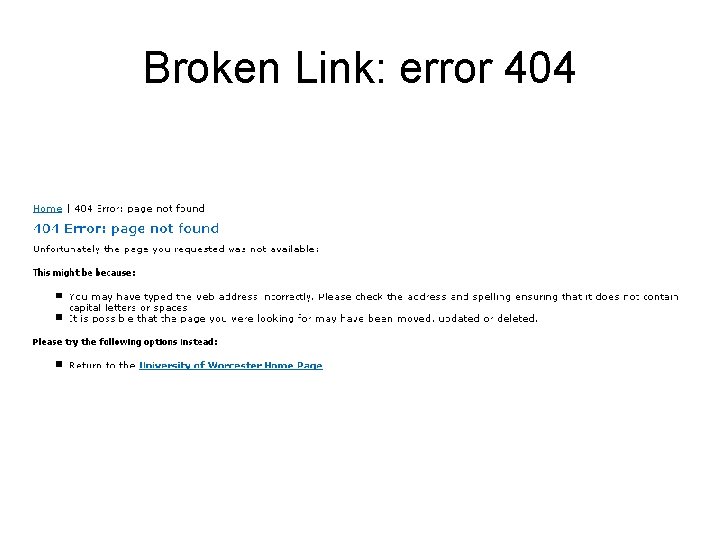
Web Site Maintenance (2) • Check links on each page – W 3 C link checker at http: //validator. w 3. org/checklink • Internal links may need changing when pages are updated • External links can be broken for all sorts of reasons…
Broken Link: error 404
End