
Community Pharmacy Chapter 15 Types of Community Pharmacies

- Slides: 26
Community Pharmacy Chapter 15
Types of Community Pharmacies • Independent – Individually owned, local pharmacies • Chain – Regional or national pharmacy chains such as CVS or Eckerd
Types of Community Pharmacies • Mass Merchandiser – Regional or national, such as Wal-Mart or Costco. Sell various mass merchandise & have in-store pharmacies. • Food Stores – Regional or national food store chains with in-store pharmacies, such as Vons.
Community Pharmacy • Also called retail pharmacy • Characterized by having close interaction with patients (customers). • Fill almost 2/3 of all Rxs. • Customer service is a major area of importance & strong interpersonal skills are required.
Government Regulation & State Regulation • 1990 Omnibus Budget & Reconciliation Act (OBRA) requires pharmacists to offer counseling to all patients. • Counseling & Instructions include: – – – – Name & description of medication/Generic name Dosage form, dosage, route of administration Duration of administration Special directions or precautions Common side effects/interactions & how to avoid them Proper storage What to do if they miss a dose Refill information
Government Regulation & State Regulation • 1996 Health Insurance Portability & Accountability Act (HIPAA) passed. Went into effect April 2003. • Requires health care providers to protect the privacy of patients. • Any information related to a patient or their medical condition considered “protected health information” (PHI).
Government Regulation & State Regulation • Protected Health Information (PHI) Includes (but is not limited to): – Patient name & address – Date of birth – Diagnosis – Medical history – Medications
Government Regulation & State Regulations • Some ways of protecting PHI include: – Never discussing patients outside pharmacy setting – Shredding all documents containing PHI – Never yelling information relating to a patient across the room and/or speaking to patients in the most private area available. – Never discussing patient information with unauthorized persons.
Government Regulations & State Regulations • Community Pharmacies are most closely regulated at the state level. • State regulations include: – Ratio of pharmacists to technicians – Scope of technician practice – Record keeping – Equipment – Work areas
Organization • Read & know the different areas within the work process of a community pharmacy. Prescription counter Sink Storage Transaction window Refrigeration Computer Equipment Rx storage bins or shelves for pick-up
Customer Service • A pharmacy technician must know when to refer a customer to the pharmacist. It is a good idea to discuss such situations with the pharmacist regularly. • Any time you are uncertain whether a question requires a pharmacist’s judgment, refer the question to the pharmacist.
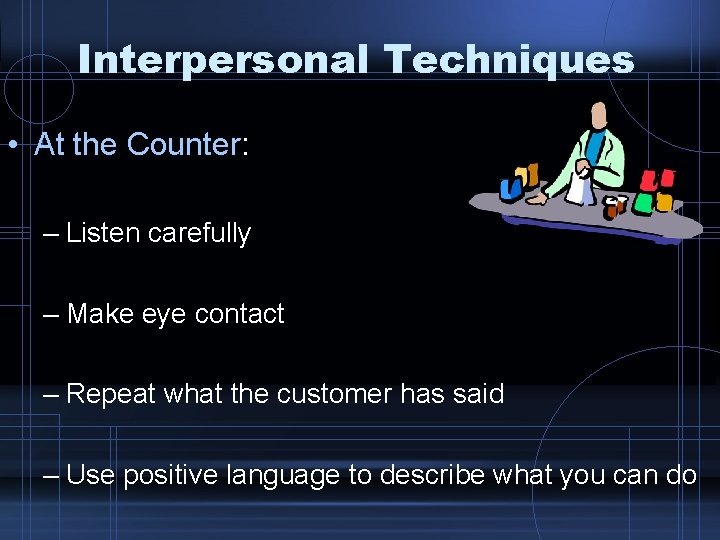
Interpersonal Techniques • At the Counter: – Listen carefully – Make eye contact – Repeat what the customer has said – Use positive language to describe what you can do
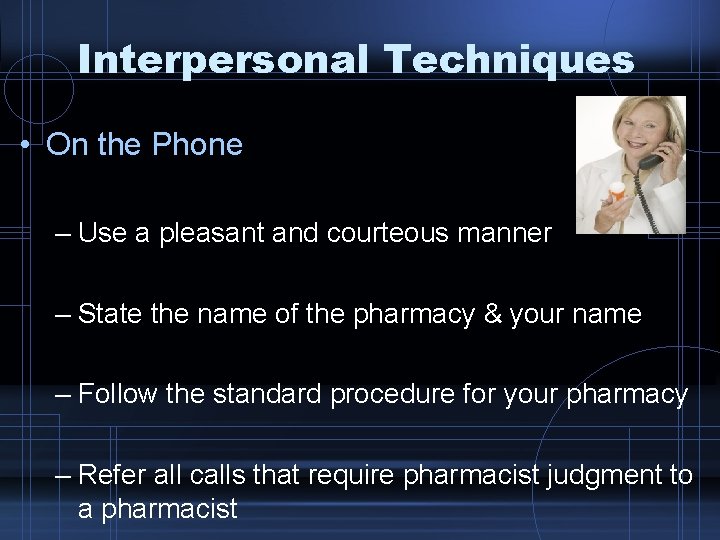
Interpersonal Techniques • On the Phone – Use a pleasant and courteous manner – State the name of the pharmacy & your name – Follow the standard procedure for your pharmacy – Refer all calls that require pharmacist judgment to a pharmacist
Processing Prescriptions • A major responsibility of the technician is to process new & refill prescriptions. • Patient Information for a new Rx: Always ask if a patient has had Rxs filled at the pharmacy in the past. – – – Full name of the patient Address Telephone number Date of birth Any allergies to medications
Processing Prescriptions • Refill Prescriptions: be sure to get the patient’s name and the prescription number. • If the Rx number is unavailable, ask for the name of the medication. • Ask if the patient wants to wait or pick up the medication later (if dropping off) • Ask when the patient wishes to pick up (if phone request)
Processing Prescriptions • Prescription Information: – Correct drug and strength (if not sure-ask!) – Correct physician’s name & DEA (billing purposes) – Directions for use – Quantity – Number of refills authorized – DAW code – Initials of dispensing pharmacist
Processing Prescriptions • Online Billing: the majority of customers today have 3 rd party insurance cards. • Group number: identifies the employer group • Patient Identification Number: unique ID number • Patient Code: 01 Cardholder, 02 Spouse, 03 Child…….
Processing Prescriptions • Refills: – Most pharmacy computer programs allow looking up refill information from the number or the patient name. – Make sure refills are available – Take note of early refills. • Safety: – Show all DUR, interaction & allergy flags to the pharmacist
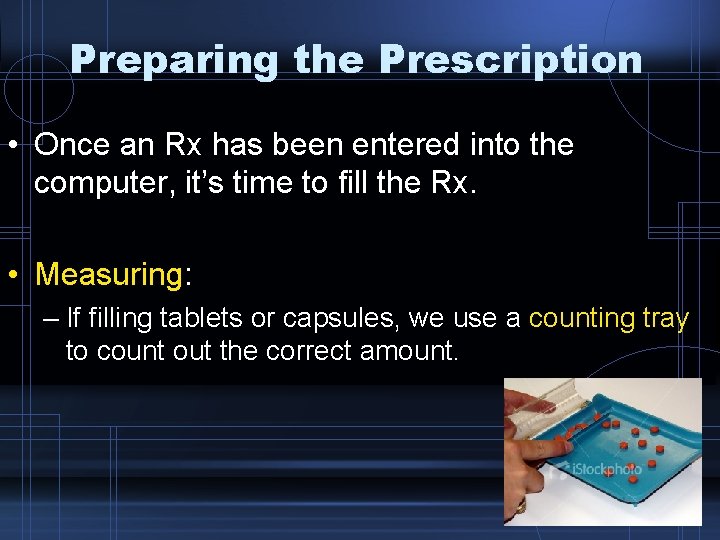
Preparing the Prescription • Once an Rx has been entered into the computer, it’s time to fill the Rx. • Measuring: – If filling tablets or capsules, we use a counting tray to count out the correct amount.
Preparing the Prescription • Containers: – Always pick the correct container when filling (cream, liquid, tablets) see page 306 • Safety Caps: – All dispensed Rxs must have a safety cap unless the patient states they do not want one. Most pharmacies require a signature on record.
Preparing the Prescription • Labels: – The finished prescription label is placed on the product along with any auxiliary labels. • Auxiliary Labels: – Labels regarding specific warnings, foods or medications to avoid, & potential side effects. – Take with food, May cause drowsiness
Preparing the Prescription • Final check by the pharmacist: – Once the Rx is complete, the pharmacist will check your work & all paperwork. – Leave the stock bottle, the original Rx & all other documentation next to the final product. – After the Rx is verified, it is usually the tech’s job to return stock bottles to the shelf.
Customer Pick-Up • When a customer comes to pick up medication, always check that you are giving the correct medication to the correct person!!! • Verify phone number, date of birth, or address • Most pharmacies store waiting Rx’s on shelves or bins alphabetically by last name. • Signature log – a book in which customers sign for the Rxs they receive for legal & insurance purposes.
Using a Cash Register • When working in a community pharmacy, you will most likely use a register. • Always follow the pharmacy’s procedures regarding the register & the handling of transactions. • Read page 309
Other Duties • • Ordering Receiving Stickering & stocking Keeping pharmacy clean & neat • Read pages 310 & 311
Chapter 15 • Read chapter 15 • Review Key Concepts • Take Self-Test