
Communications Technology Chapter 7 Starting Along the Information



- Slides: 60
Communications Technology Chapter 7 Starting Along the Information Superhighway Ch 7 © The©Mc. Graw-Hill Companies, The Mc. Graw-Hill Companies, Inc. , 2000
Overview • • Technology basics Channels Factors among devices Communication networks • Local networks • Networking options Ch 7 © The Mc. Graw-Hill Companies, Inc. , 2000 2
Computers to Communicate: Technological Basics • Communications or telecommunications • transfer of data from a transmitter or source to a receiver or sink • may have intermediate devices to set up a path or maintain adequate signal strength Ch 7 © The Mc. Graw-Hill Companies, Inc. , 2000 3
Analog Signals • Analog – called a carrier wave – frequency – amplitude – telephones, radios, televisions • digital telephones and television broadcasts are increasing Ch 7 © The Mc. Graw-Hill Companies, Inc. , 2000 4
Digital Signals • Uses on/off or present/absent electrical or optical pulses in discontinuous or discrete bursts Ch 7 © The Mc. Graw-Hill Companies, Inc. , 2000 5
Modem • Analog modem – modulator/demodulator – analog modems convert digital signals into an analog form for telephone lines – does not actually change digital signals • rather changes form of the wave to represent 1 s and 0 s Ch 7 © The Mc. Graw-Hill Companies, Inc. , 2000 6
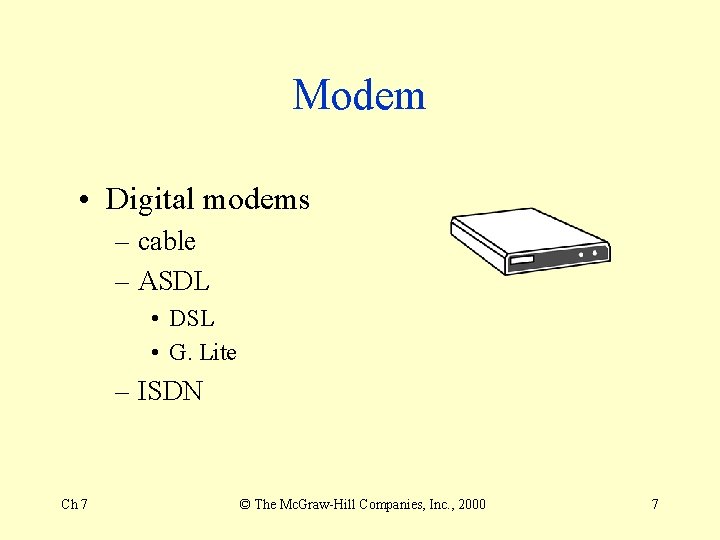
Modem • Digital modems – cable – ASDL • DSL • G. Lite – ISDN Ch 7 © The Mc. Graw-Hill Companies, Inc. , 2000 7
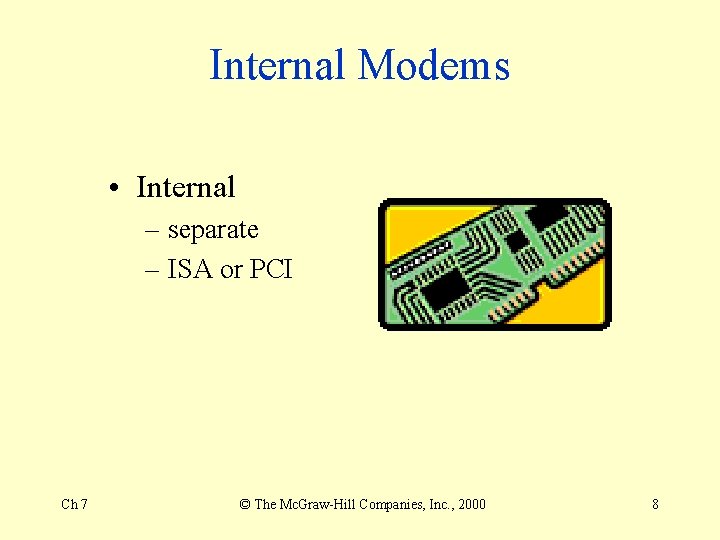
Internal Modems • Internal – separate – ISA or PCI Ch 7 © The Mc. Graw-Hill Companies, Inc. , 2000 8
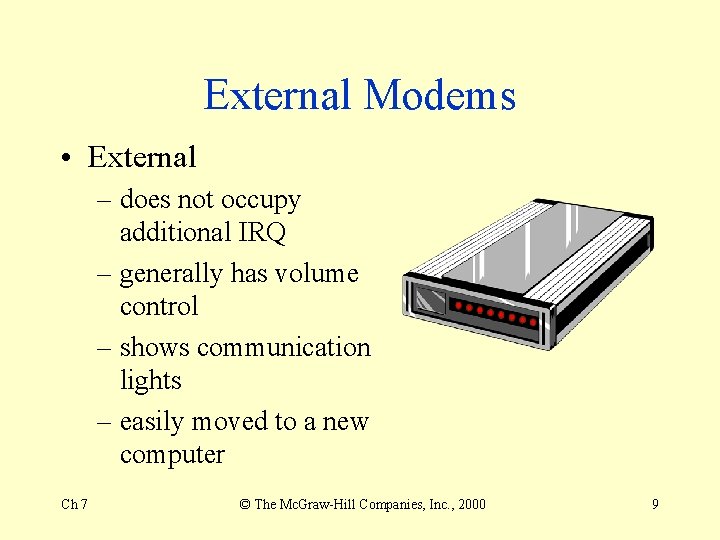
External Modems • External – does not occupy additional IRQ – generally has volume control – shows communication lights – easily moved to a new computer Ch 7 © The Mc. Graw-Hill Companies, Inc. , 2000 9
Additionally • PCMCIA cards for laptops – some even have combo modem and network cards, so that workers who have to use the network in the office and yet have access while out of town on business may do so Ch 7 © The Mc. Graw-Hill Companies, Inc. , 2000 10
Transmission Speeds • Faster transmission speeds mean faster downloads of graphics, video, sound, and data or program files • Expressed in bits per second (bps) • Speeds obtained can be affected by – line quality, distance from communications center, line traffic, modem speed at the ISP Ch 7 © The Mc. Graw-Hill Companies, Inc. , 2000 11
v. 90 standard • By the middle of 2000, most ISPs will have their modem racks filled with the 56 K v. 90 standard • Slower modems can still communicate, but at a speed slower than v. 90 Ch 7 © The Mc. Graw-Hill Companies, Inc. , 2000 12
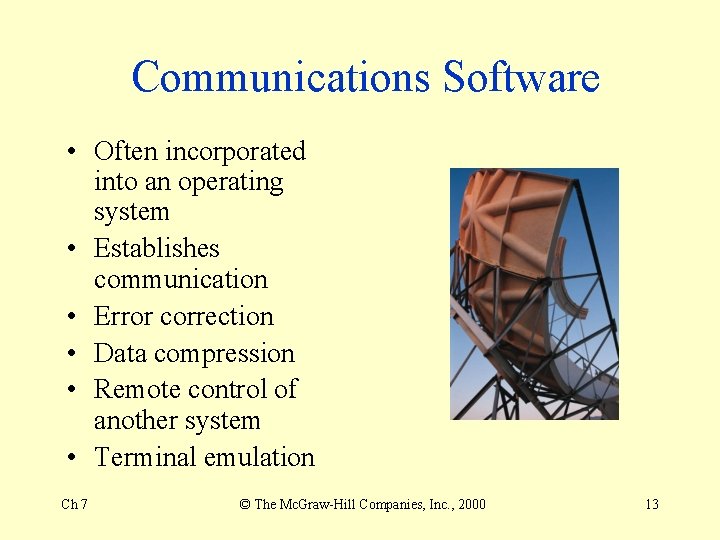
Communications Software • Often incorporated into an operating system • Establishes communication • Error correction • Data compression • Remote control of another system • Terminal emulation Ch 7 © The Mc. Graw-Hill Companies, Inc. , 2000 13
ISDN • Integrated Services Digital Network • Uses POT (plan old telephone system) • Capable of transmitting five times faster than conventional modems • Need special ISDN connection box or adapter card Ch 7 © The Mc. Graw-Hill Companies, Inc. , 2000 14
ASDL • Asymmetric Digital Subscriber Line • Often good return on costs compare to ISDN in the United States • Runs on POTS Ch 7 © The Mc. Graw-Hill Companies, Inc. , 2000 15
Cable Modems • • • Ch 7 Up to 1000 times faster than POTS Two-way transmission Shared cable line with community Security questions Can get bogged down, if many subscribers in the same building or neighborhood, for instance © The Mc. Graw-Hill Companies, Inc. , 2000 16
Dishes • 15 times faster than standard cable • Upload currently through ISP phone modem • With more low-level satellites, there is the potential to directly upload Ch 7 © The Mc. Graw-Hill Companies, Inc. , 2000 17
Channels • • • Ch 7 Twisted-pair Coaxial cable Fiber-optic cable Microwave systems Satellite systems Other wireless systems © The Mc. Graw-Hill Companies, Inc. , 2000 18
Twisted-Pair • Copper wire • Most telephone connections • UTP – unshielded twisted pair • STP – shielded twisted pair • Most common connection worldwide • 16 to 100 Mbps Ch 7 © The Mc. Graw-Hill Companies, Inc. , 2000 19
Coaxial Cable • “Co-ax” • Insulation resists noise, or electronic interference • Up to 200 Mbps • Often many or bundled together Ch 7 © The Mc. Graw-Hill Companies, Inc. , 2000 20
Fiber-Optic • Strands of glass transmitting light farther and with fewer errors • No effected by electromagnetic interference • Addition of plastic fiber allows the last 100 feet to install for curb-to-home wiring • 1 trillion bps per fiber • Being laid worldwide Ch 7 © The Mc. Graw-Hill Companies, Inc. , 2000 21
Microwave • Voice and data as high-frequency radio waves • Line-of-sight • More than half of telephones system use microwave Ch 7 © The Mc. Graw-Hill Companies, Inc. , 2000 22
Satellite • Computer communications satellites are microwave relay stations • Normal orbit 22, 300 miles above earth – geo-stationary orbit (GEO) • Medium-earth orbits – 5, 000 to 10, 000 require less power to transmit • Low-earth orbits – 400 to 800 miles up Ch 7 © The Mc. Graw-Hill Companies, Inc. , 2000 23
Other Wireless • Two-way radio • Mobile telephones • Global Positioning system – GPS – high accuracy to a few feet • Local Position Systems (LPS) – uses radio frequency for tracking Ch 7 © The Mc. Graw-Hill Companies, Inc. , 2000 24
More Communications • Pagers – “beepers” – radio receivers – becoming two-way with voice or prerecorded messages • Analog cellular phones – 824 to 894 MHz using groundarea cells – direct calls through Mobile Telephone Switching Office Ch 7 © The Mc. Graw-Hill Companies, Inc. , 2000 25
Other Phones and Radios • Digital cellular phones – higher promise of more accurate transmission – not universal standard – World Trade Organization (WTO) • hoping to standardize telecommunications systems • Packet radio – useful for mobile workers who need to communicate frequently with a corporate database Ch 7 © The Mc. Graw-Hill Companies, Inc. , 2000 26
Factors Affecting Channel Speed • • Ch 7 Transmission rate Line configurations Serial vs. parallel transmission Simplex, half-duplex, full-duplex Asynchronous vs. synchronous Packet switching Multiplexing Protocols © The Mc. Graw-Hill Companies, Inc. , 2000 27
Frequency • Frequency – amount of data that can be transmitted on a channel depends on the wave frequency – the cycles of waves per second in hertz – 400 hertz twisted-pair may send 1 kilobyte of data a second – 100 megahertz coax may send 10 megabytes – 200 trillion hertz fiber-optic may send 1 gigabyte Ch 7 © The Mc. Graw-Hill Companies, Inc. , 2000 28
Bandwidth • The difference between the highest and lowest frequencies transmitted • There maybe several frequencies within a bandwidth • Rate of speed expressed in bits per second (bps), kilobits per second (Kbps), megabits per second (Mbps) Ch 7 © The Mc. Graw-Hill Companies, Inc. , 2000 29
Point-to-Point • Point-to-point line directly connects the sending and receiving devices – terminal to central computer – private (leased) line use – T 1 lines can carry 24 signals on a single set of copper wires Ch 7 © The Mc. Graw-Hill Companies, Inc. , 2000 30
Multipoint • A multipoint line is a single line that connects several communications devices to one computer – often only one communications device, but can transmit at any time Ch 7 © The Mc. Graw-Hill Companies, Inc. , 2000 31
Serial and Parallel Transmission • In serial transmission, bits are transmitted sequentially – twisted-pair – communications lines, modems, many mice • In parallel transmission, bits are transmitted through separate lines simultaneously – faster than serial, but not as efficient after 15 feet – printer and some scanners Ch 7 © The Mc. Graw-Hill Companies, Inc. , 2000 32
Asynchronous vs. Synchronous • Asynchronous – sent one byte or character in a line – sent whenever its is convenient for the sender • Synchronous – sync bytes transmitted at start and stop of blocks of data – best for large amounts of data on large systems Ch 7 © The Mc. Graw-Hill Companies, Inc. , 2000 33
Packet Switching • Maximum-fixed-length block of data for transmission • Contains instructions about destination • Packets arrive at destination, reassembled • Used in large networks Ch 7 © The Mc. Graw-Hill Companies, Inc. , 2000 34
Circuit Switching • Transmitter has full use of the circuit until all the data has been transmitted • Used by telephone company for voice network Ch 7 © The Mc. Graw-Hill Companies, Inc. , 2000 35
Asynchronous Transfer Mode • ATM • Combines efficiency of packet switching with some of circuit switching features • Handles both data and real-time voice and video • Designed to operate on fiber-optic cables Ch 7 © The Mc. Graw-Hill Companies, Inc. , 2000 36
Multiplexing • Transmission of multiple signals over a signal communications channel • Multiplexer – merges several low-speed transmissions into one high-speed transmission • Concentrator – similar to multiplexer, but collects data in a temporary storage area, then sends to a receiving computer Ch 7 © The Mc. Graw-Hill Companies, Inc. , 2000 37
Multiplexing • Front-end processors – a smaller computer for mainframes and midframes assists in communication functions – corrects errors and relieves larger computer of routing computational tasks • Sometimes used synonymously with communications controller – but this is usually less sophisticated – in LAN, an adapter does this task Ch 7 © The Mc. Graw-Hill Companies, Inc. , 2000 38
Protocols • Rules of data transmission • A set of conventions governing the exchanging of data between hardware and/or software • OSI, Open Systems Interconnection, provides a seven-layer look at software responsibilities – hope for more universal usage Ch 7 © The Mc. Graw-Hill Companies, Inc. , 2000 39
Communications Network • A system of interconnected computers, telephones, and other communications devices that can communicate and share data and applications • Run through a NOS or Network Operating System – Net. Ware – Windows NT Ch 7 © The Mc. Graw-Hill Companies, Inc. , 2000 40
NOS • May require operating system to function Ch 7 © The Mc. Graw-Hill Companies, Inc. , 2000 41
Hosts and Nodes • Host computer – main computer in a system using communications link • Node – device attached to a network Ch 7 © The Mc. Graw-Hill Companies, Inc. , 2000 42
Advantages of Networks • • • Ch 7 Sharing of peripheral devices Sharing of programs and data Better communications Security of information Access to databases © The Mc. Graw-Hill Companies, Inc. , 2000 43
Local Area Network • Private branch exchange (PBX) – private or leased switching system connecting to outside telephone systems • Newer PBXs can handle not only analog telephones but also digital equipment • Local Area Network (LAN) – “lans” usually require installation of own communications channels Ch 7 © The Mc. Graw-Hill Companies, Inc. , 2000 44
Types of LANs • Client-server – microcomputer clients using devices that provide a service, called servers • Microcomputers connection to AOL Ch 7 © The Mc. Graw-Hill Companies, Inc. , 2000 45
LAN • • Ch 7 File server Print server Application server Database server © The Mc. Graw-Hill Companies, Inc. , 2000 46
Peer-to-Peer • • • Ch 7 No reliance on server Can be less expensive than client-server Backups and recovery more difficult Systems slow down under heavy use Can be a mix of peer-to-peer and clientserver © The Mc. Graw-Hill Companies, Inc. , 2000 47
Components • Connection or cabling system • Microcomputer or workstations with network interface cards (NICs) • Network operating system • Other shared devices – printers, fax machines, scanners, storage devices Ch 7 © The Mc. Graw-Hill Companies, Inc. , 2000 48
Bridges, Routers, Gateways • Bridge is interface to same type of network – protocol independent • Router is intelligent device supporting like and unlike LANs, and LANs and WANs – protocol reading • Gateway performs all functions of bridges and routers, including protocol conversion – slowest of three Ch 7 © The Mc. Graw-Hill Companies, Inc. , 2000 49
Topology of LANs • Star – central hub • Ring – continuous loop • Bus – on a network backbone using coax, STP, or UTP • Hybrid – combination Ch 7 © The Mc. Graw-Hill Companies, Inc. , 2000 50
Fast Networks • FDDI network - “fiddy” – Fiber Distributed Data Interface with duplex token ring topology – transmits 100 to 200 Mbps – high cost and fragility – used for high-resolution needs Ch 7 © The Mc. Graw-Hill Companies, Inc. , 2000 51
Fax Messages • facsimile transmission • fax machine • fax-capable modem Ch 7 © The Mc. Graw-Hill Companies, Inc. , 2000 52
Voice Mail • Digitizes incoming voice messages • Can then be retrieved by phone or computers with proper ID Ch 7 © The Mc. Graw-Hill Companies, Inc. , 2000 53
Electronic Mail • E-mail • Can be linked, wireless or wired connections • Post and read • Advantage – quick communication • Disadvantage – need to handle junk mail (spam) Ch 7 © The Mc. Graw-Hill Companies, Inc. , 2000 54
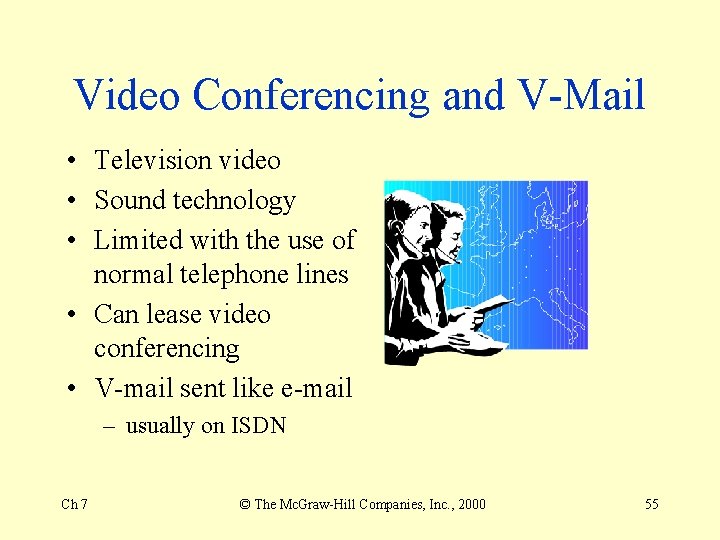
Video Conferencing and V-Mail • Television video • Sound technology • Limited with the use of normal telephone lines • Can lease video conferencing • V-mail sent like e-mail – usually on ISDN Ch 7 © The Mc. Graw-Hill Companies, Inc. , 2000 55
Workgroup Computing • Also called collaborative computing • Groupware • Best known – Lotus Notes • many operating systems • database • e-mail Ch 7 © The Mc. Graw-Hill Companies, Inc. , 2000 56
Electronic Data Interchange • EDI • Electronic interchange of business documents • Standardized format • Dedicated line Ch 7 © The Mc. Graw-Hill Companies, Inc. , 2000 57
Intranets and Extranets • Intranets – network within the organization – security behind firewalls • Extranet – extended intranets outside to employees such as salespeople – extended to suppliers, B-2 -B customers, and alliances Ch 7 © The Mc. Graw-Hill Companies, Inc. , 2000 58
Telecommuting • Also called telework • work from home or at another office location – often called telework centers • Hoteling – for businesspeople who are out of the office quite a bit Ch 7 © The Mc. Graw-Hill Companies, Inc. , 2000 59
Ch 7 © The Mc. Graw-Hill Companies, Inc. , 2000 60