
Communications How to Create a Newsletter The Tools
- Slides: 26
Communications How to Create a Newsletter The Tools you need to Create a Newsletter
Communications – Create a Newsletter � Agenda �The Why/What/When and How’s of Creating a Newsletter �Important Considerations for Marketing Altrusa �An Example of an Award-Worthy Newsletter �Exercises – The Mechanics of Creating a Newsletter �Summary and Questions ◦ Assumptions �Not everyone will have the same skill level or Platform to work with �Reach out for help and questions. �Dalemieux 33@gmail. com �Altrusa. districtone. dsb@gmail. com �Chat will be monitored �Some questions will be compiled for answering after the completion of this presentation �Session will be recorded
Communications – Create a Newsletter ◦ Helpful Meeting Notes �Rename your profile and if possible include your club name �We will be muting all during the presentation. �To unmute yourself you can hit your space bar �While monitoring Chat Session for incoming Questions, you may also raise your hand if you need immediate attention ◦ I will attempt to repeat every question, so that the question is translated for our French-speaking attendees.
Communications – Create a Newsletter � Why Create a regular Newsletter �Shines a light on Club Successes, Events and Important Dates �Inspires, Motivates and Informs not only the Club Members �Archival and preservation for historical purposes �Marketing and Promotion
Communications – Create a Newsletter � When and How to deliver your newsletter �On a Regular schedule, commonly once a month, some quarterly. �Your Newsletter can be delivered using Email or it can be posted to a BLOG, to which you inform people of the latest BLOG entry. �Create an Email Contact Group of Club Members, and a separate group of Friends and Family. Don’t forget to send to Altrusa District One DSB <altrusa. districtone. dsb@gmail. com> �Don’t forget to Mail a Copy to any member who is without internet access.
Communications – Create a Newsletter � What Tools are needed to create a Newsletter �Apple, Windows, or Google �Collaboration with committee members, Get them to send you their Monthly committee activity �Pictures and Stories �Know your Resources �https: //login. altrusa. org/communications/ For Templates �Other Club Newsletters For Ideas
Communications – Create a Newsletter � How to Create a Newsletter �Your Best Friend – Insert, Cut and Paste �Framing Photos and Boxing Text �The Finished Product
Communications – Create a Newsletter �Important Considerations for Marketing your Club using Newsletters, Facebook, Website, Blog, and ……… ◦ Know your Audience �Target audience is not only Altrusans. �Maintain your Friends and Family email contact list �Planning and organizing contact lists ahead of time. �Maintain Altrusa District One Board and Committee Chair email Contact List �Potential Members and Potential Donors �Altrusa International
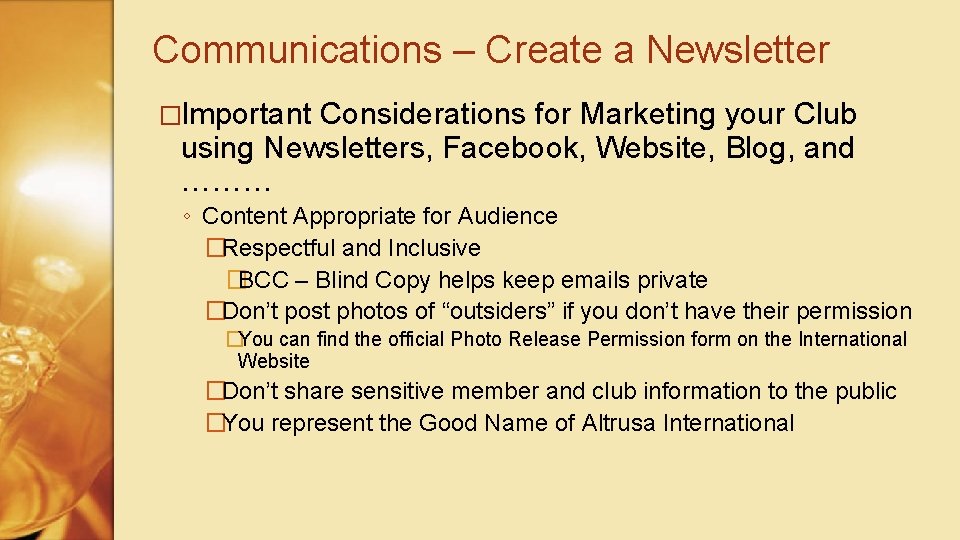
Communications – Create a Newsletter �Important Considerations for Marketing your Club using Newsletters, Facebook, Website, Blog, and ……… ◦ Content Appropriate for Audience �Respectful and Inclusive �BCC – Blind Copy helps keep emails private �Don’t post photos of “outsiders” if you don’t have their permission �You can find the official Photo Release Permission form on the International Website �Don’t share sensitive member and club information to the public �You represent the Good Name of Altrusa International
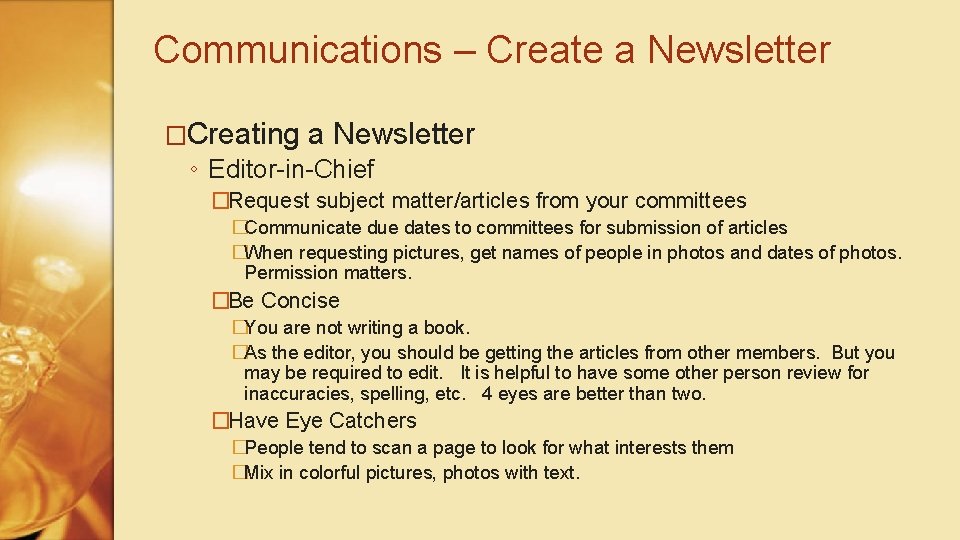
Communications – Create a Newsletter �Creating a Newsletter ◦ Editor-in-Chief �Request subject matter/articles from your committees �Communicate due dates to committees for submission of articles �When requesting pictures, get names of people in photos and dates of photos. Permission matters. �Be Concise �You are not writing a book. �As the editor, you should be getting the articles from other members. But you may be required to edit. It is helpful to have some other person review for inaccuracies, spelling, etc. 4 eyes are better than two. �Have Eye Catchers �People tend to scan a page to look for what interests them �Mix in colorful pictures, photos with text.
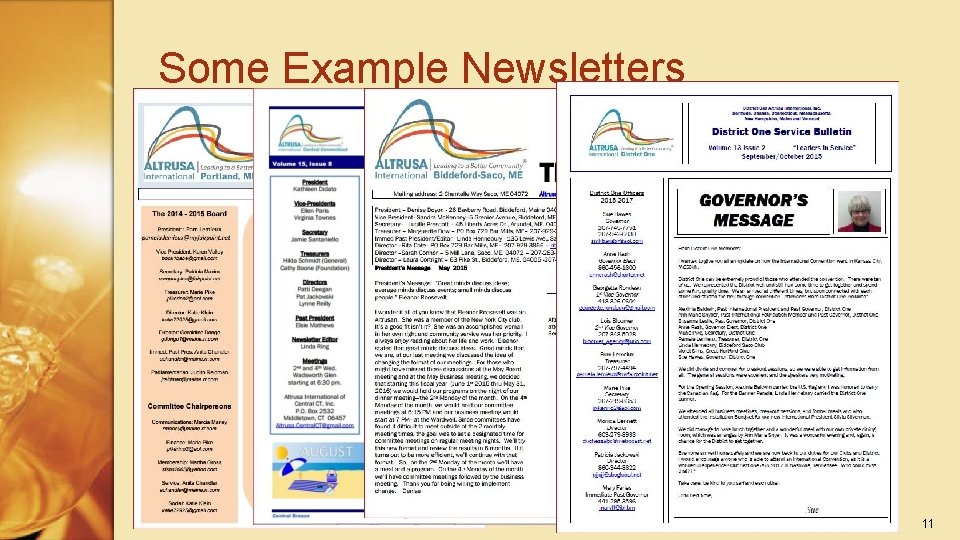
Some Example Newsletters 11
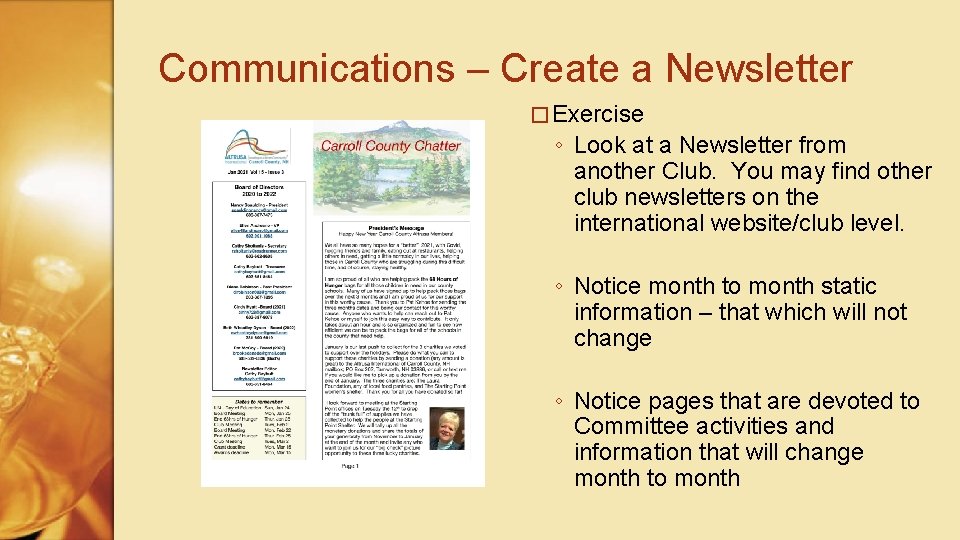
Communications – Create a Newsletter � Exercise ◦ Look at a Newsletter from another Club. You may find other club newsletters on the international website/club level. ◦ Notice month to month static information – that which will not change ◦ Notice pages that are devoted to Committee activities and information that will change month to month
Communications – Create a Newsletter �Exercise ◦ ◦ ◦ Create a Sample Word doc Insert text boxes SAVE…. SAVE!!! Frequently! Insert photos Export to PDF
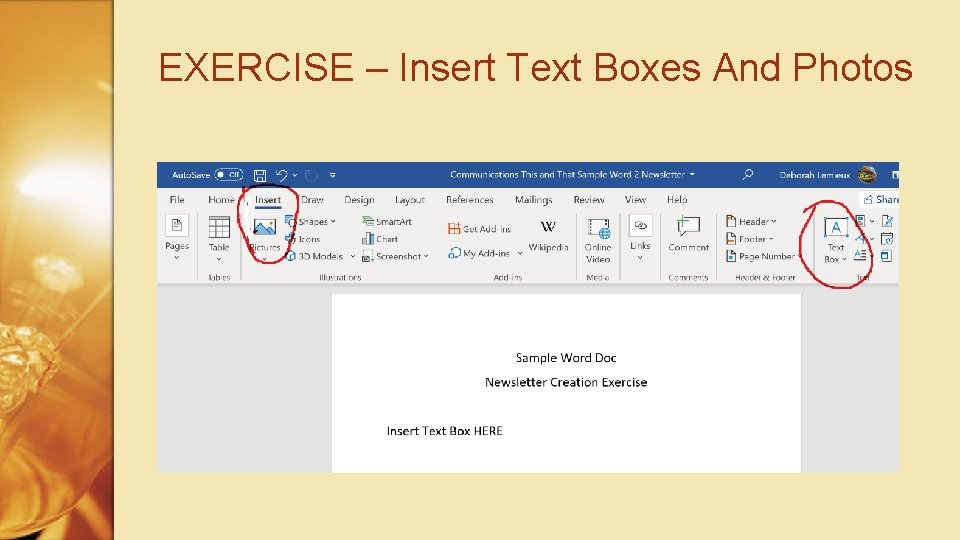
EXERCISE – Insert Text Boxes And Photos
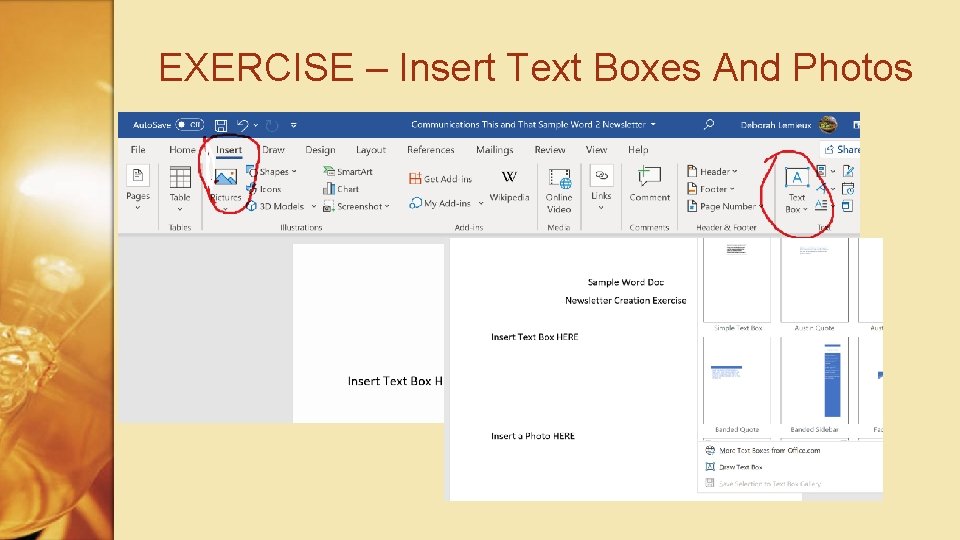
EXERCISE – Insert Text Boxes And Photos
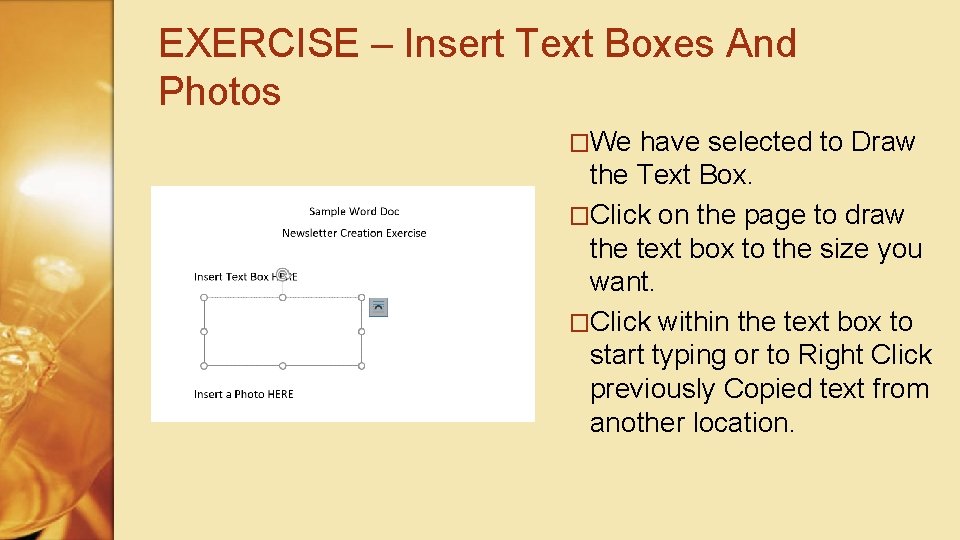
EXERCISE – Insert Text Boxes And Photos �We have selected to Draw the Text Box. �Click on the page to draw the text box to the size you want. �Click within the text box to start typing or to Right Click previously Copied text from another location.
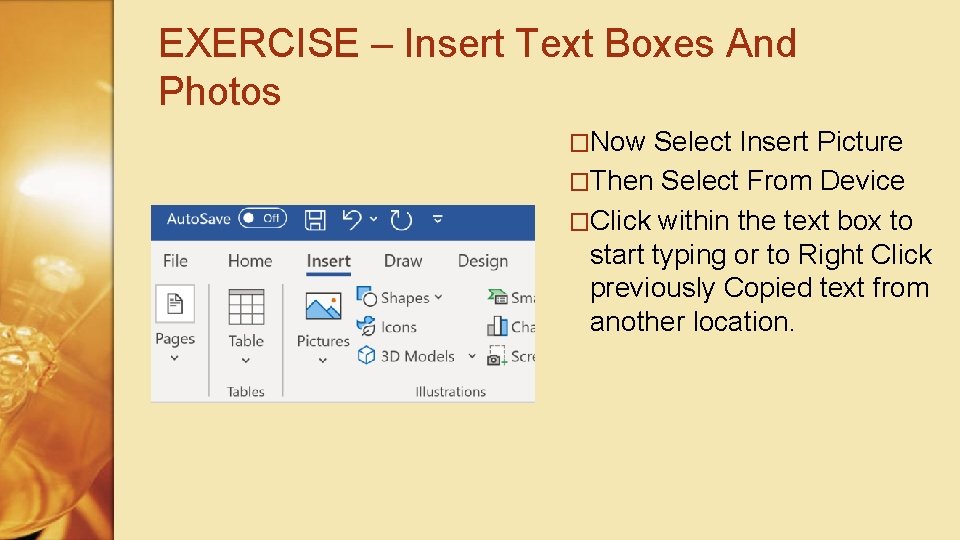
EXERCISE – Insert Text Boxes And Photos �Now Select Insert Picture �Then Select From Device �Click within the text box to start typing or to Right Click previously Copied text from another location.
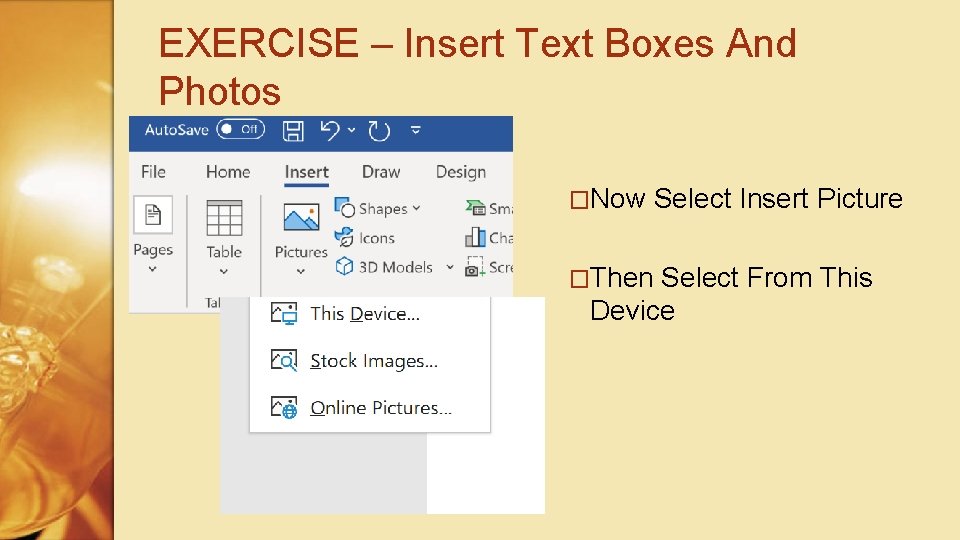
EXERCISE – Insert Text Boxes And Photos �Now Select Insert Picture �Then Select From This Device
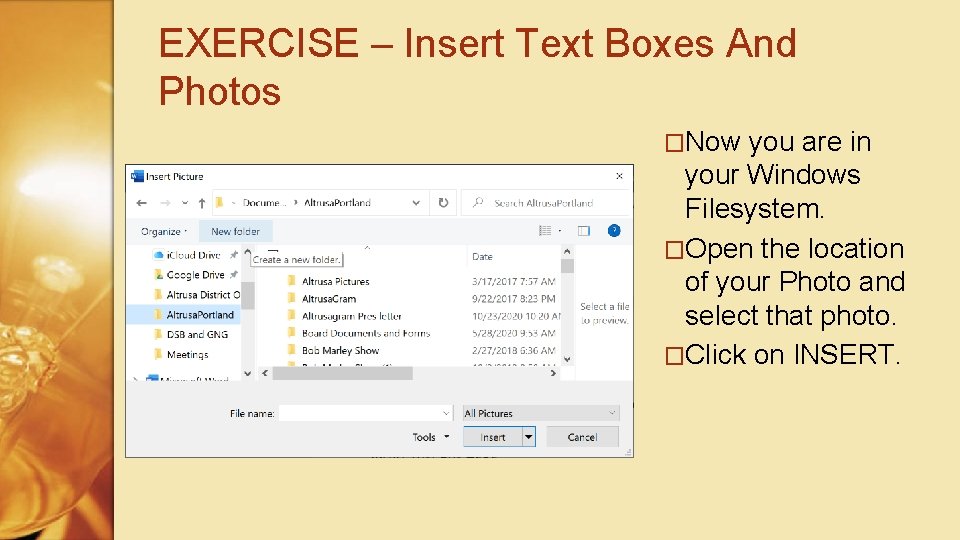
EXERCISE – Insert Text Boxes And Photos �Now you are in your Windows Filesystem. �Open the location of your Photo and select that photo. �Click on INSERT.
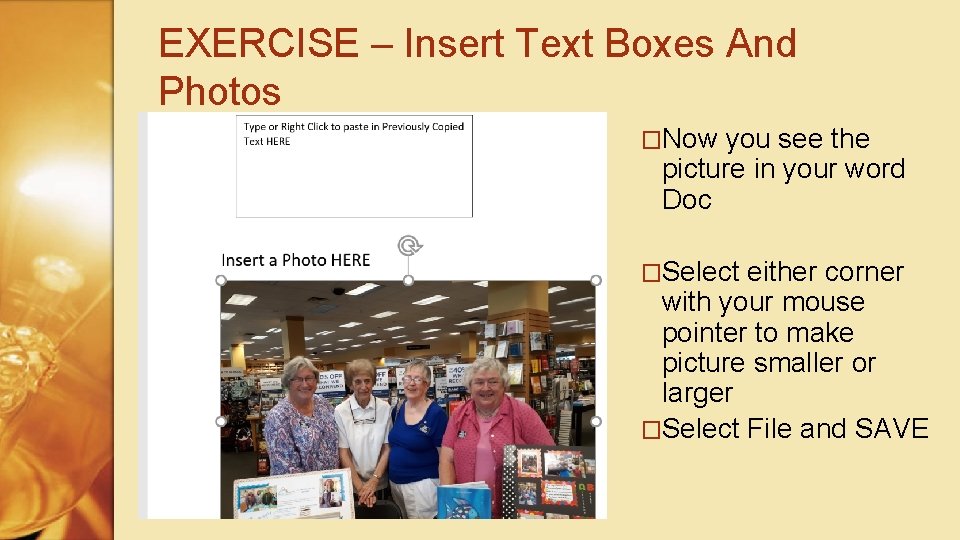
EXERCISE – Insert Text Boxes And Photos �Now you see the picture in your word Doc �Select either corner with your mouse pointer to make picture smaller or larger �Select File and SAVE
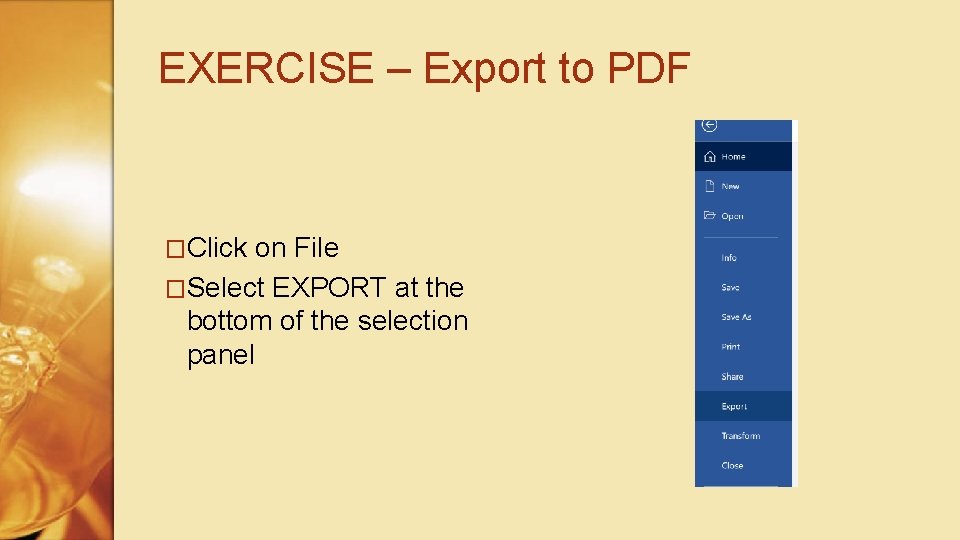
EXERCISE – Export to PDF �Click on File �Select EXPORT at the bottom of the selection panel
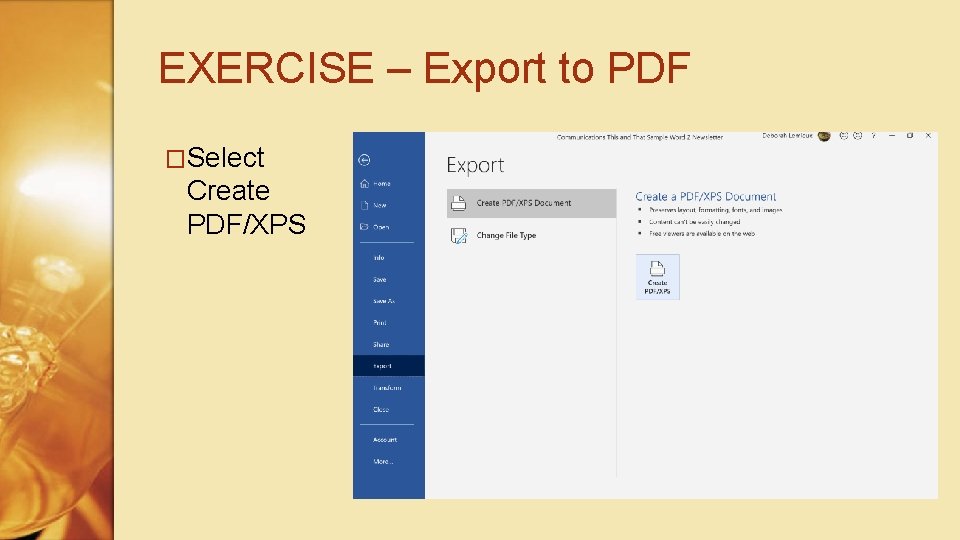
EXERCISE – Export to PDF �Select Create PDF/XPS
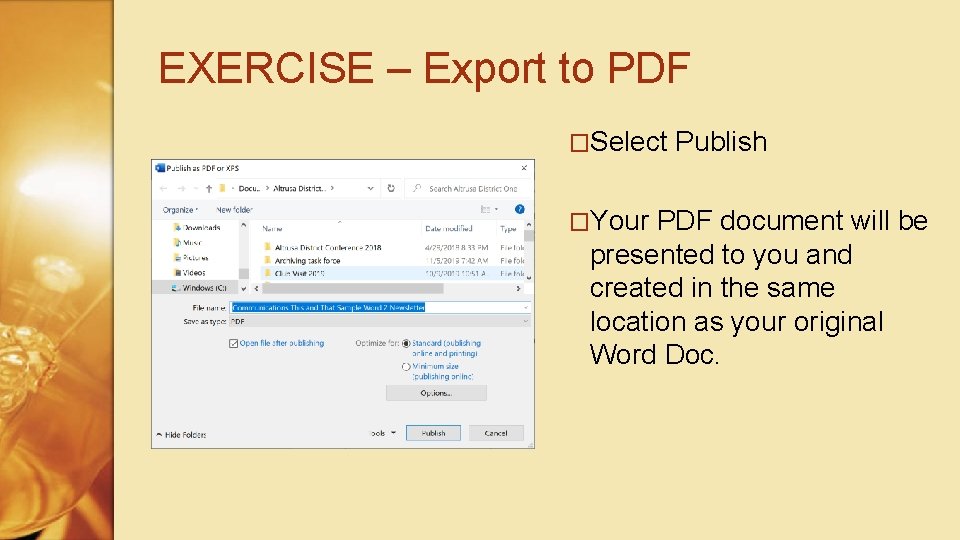
EXERCISE – Export to PDF �Select �Your Publish PDF document will be presented to you and created in the same location as your original Word Doc.
Communications – Create a Newsletter �Assumptions ◦ Initial planning and prep will take some time ◦ Time required On-going will become more predictable as you gain expertise
Communications – Create a Newsletter �In ◦ ◦ ◦ Summary Basic page design and creation Manipulate and change for subsequent newsletters SAVE…. SAVE!!! Frequently! Review and Distribute your final product Who and Where to go for help �Look for additional training sessions from Communications ◦ Building a Facebook Page ◦ Security – establish safety mechanisms
Communications How to Create a Newsletter