
Communications and Networks Learning Objectives 1 Explain connectivity
Communications and Networks

Learning Objectives 1. Explain connectivity, the wireless revolution, and communication systems. 2. Describe physical and wireless communications channels. 3. Differentiate between connection devices and services, including dial-up, DSL, satellite, and cellular. 4. Describe data transmission factors, including bandwidth and protocols. 5. Define networks and key network terminology, including network interface cards and network operating systems. 6. Describe different types of networks, including local, home, wireless, personal, metropolitan, and wide area networks. 7. Describe network architectures, including topologies and strategies. 8. Explain the organization issues related to Internet technologies and network security.
Introduction • We live in a truly connected society. • Increased connectivity potentially means increased productivity, especially in business. • You will learn more about the concept of connectivity and the impact of the wireless revolution in this chapter.
Communications • Computer communications is the process of sharing data, programs, and information between two or more computers • Numerous applications depend on communication systems, including • • E-mail Texting Videoconferencing Electronic commerce
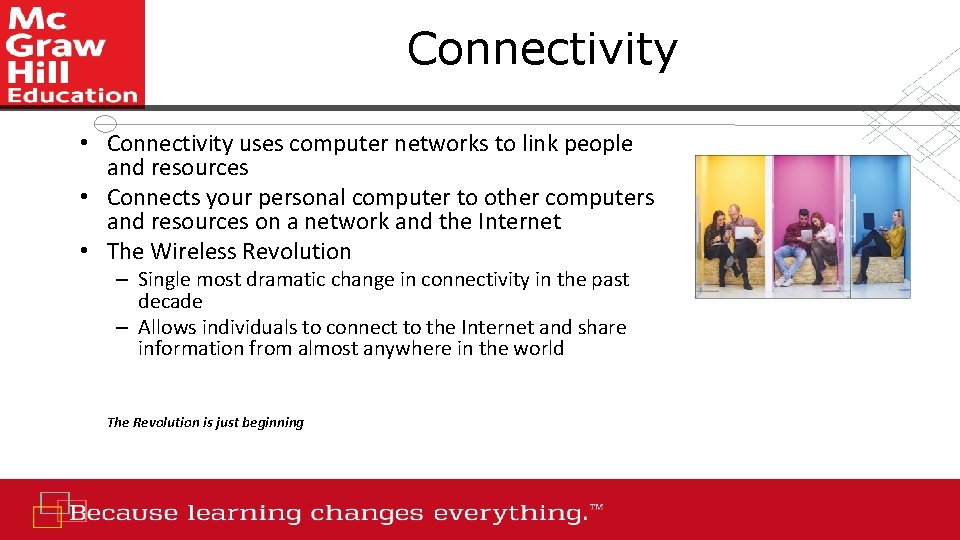
Connectivity • Connectivity uses computer networks to link people and resources • Connects your personal computer to other computers and resources on a network and the Internet • The Wireless Revolution – Single most dramatic change in connectivity in the past decade – Allows individuals to connect to the Internet and share information from almost anywhere in the world The Revolution is just beginning
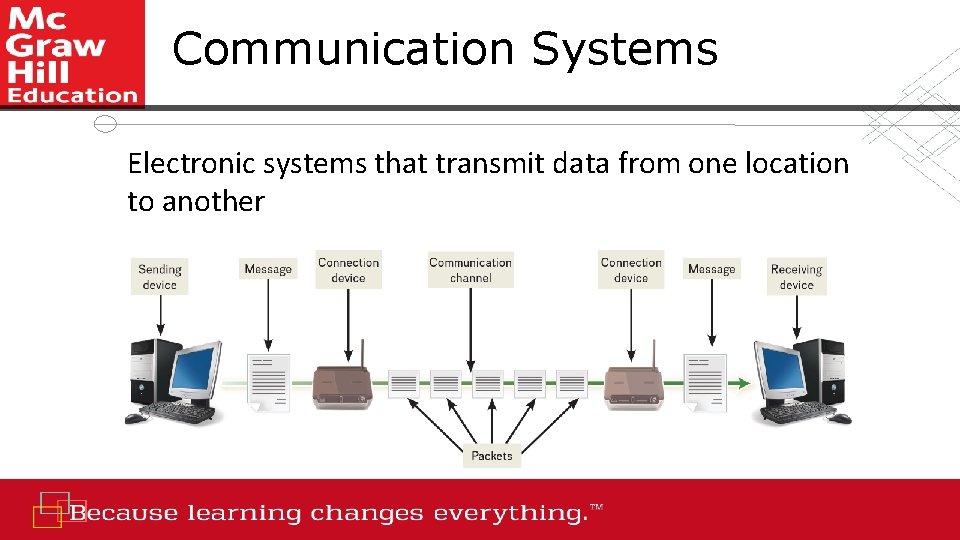
Communication Systems Electronic systems that transmit data from one location to another
Basic Elements of Communication • Four basic elements of communication systems • Sending and receiving devices • Computer or a specialized communication device • Connection devices • Interface between sending and receiving device • Data transmission specifications • Rules and procedures that coordinate the devices • Communication channel • Carries the message
Communication Channels • Communication channels carry the data from one computer to another; essential element of every communication system • Two categories of communication channels – Physical Connections using wire or cable – Wireless Connections
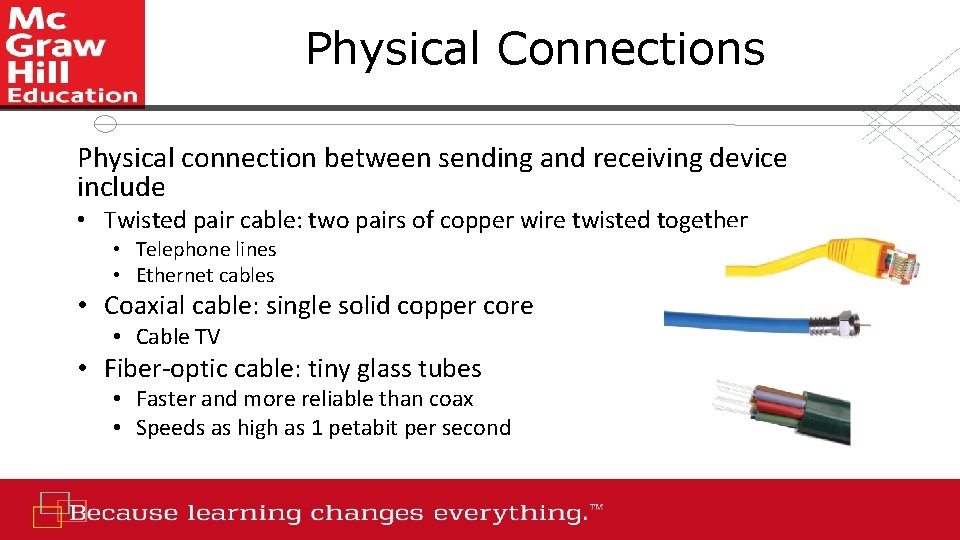
Physical Connections Physical connection between sending and receiving device include • Twisted pair cable: two pairs of copper wire twisted together • Telephone lines • Ethernet cables • Coaxial cable: single solid copper core • Cable TV • Fiber-optic cable: tiny glass tubes • Faster and more reliable than coax • Speeds as high as 1 petabit per second
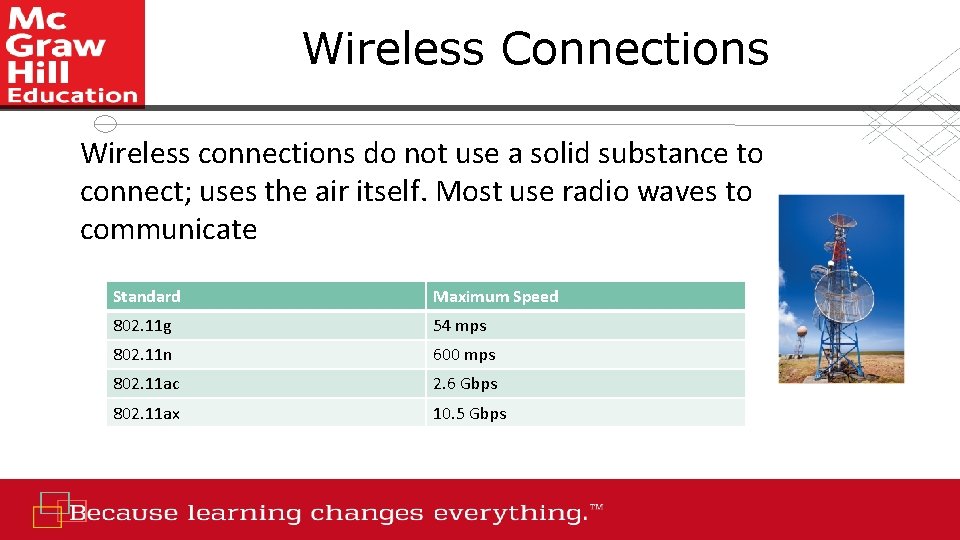
Wireless Connections Wireless connections do not use a solid substance to connect; uses the air itself. Most use radio waves to communicate Standard Maximum Speed 802. 11 g 54 mps 802. 11 n 600 mps 802. 11 ac 2. 6 Gbps 802. 11 ax 10. 5 Gbps
Primary Wireless Technology • Bluetooth (short-range) • Radio communication standard • Wi-Fi (wireless fidelity) • Uses high frequency radio • Microwave • Uses high frequency radio wave signals • Wi. Max (extends Wi-Fi) • New standard that uses microwave to extend Wi. Fi range • Cellular • Use multiple antennae to communication • Satellite • Uses satellites as microwave relay stations • Infrared • Use infrared light wants to communication over short distances • GPS • Determine geographic location of the devices

Connection Device Signals • Types of signals • Analog (telephone) • Digital (computer) • Transfer rates • Mbps – million bits per second • Gbps – billion bits per second • Tbps – trillion bits per second

Connection Devices • Modem – modulator-demodulator • Modulation is the process of converting from digital to analog • Demodulation is the process of converting from analog to digital • Transfer rate • Speed in which modems transfer data • Usually measured in megabits per second (Mbps)
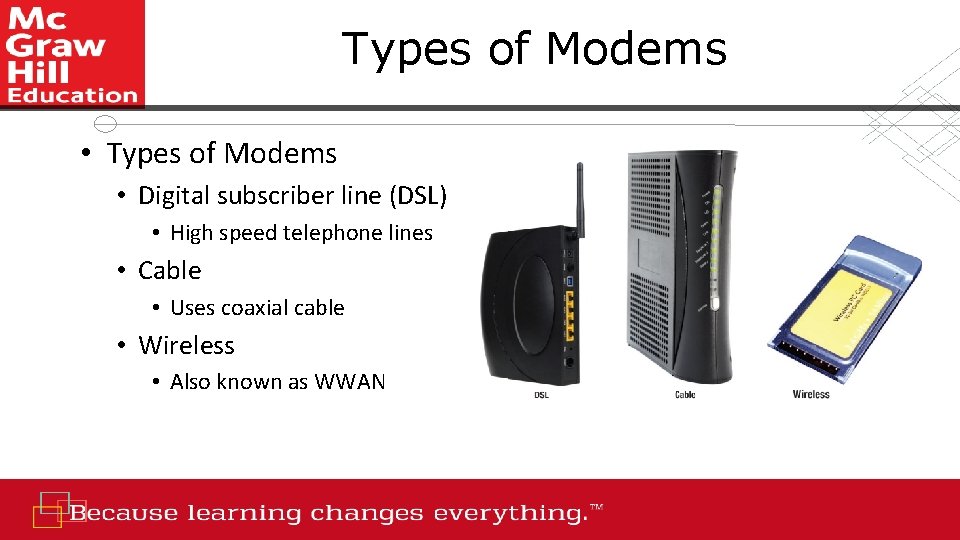
Types of Modems • Digital subscriber line (DSL) • High speed telephone lines • Cable • Uses coaxial cable • Wireless • Also known as WWAN
Connection Services • Leased lines • T 1 combined to form T 3 and DS 3 • Have been replaced by OC lines • Faster optical carrier lines • Higher capacity • Not affordable for individuals
Connection Services - Individuals • Digital subscriber line (DSL) – Uses phone lines – ADSL is most widely used type of DSL • Cable – Uses existing TV cable – Faster than DSL • Fiber Optic Service (Fi. OS) – New technology • Google and Verizon • Satellite connection services – Use almost anywhere • Cellular Services – 3 G and 4 G cellular network connectivity
Making IT Work for You ~ The Mobile Office • Can telecommute from anywhere • Become a one-man workforce
Data Transmission Factors that affect data transmission • Bandwidth is how much information can move across the communication channel in a given amount of time • Measurement of the width or capacity of the communication channel • Categories of bandwidth • Voiceband (or low bandwidth) – standard telephone • Medium band – leased lines for high-speed • Mid-range computer and mainframes • Broadband for DSL, cable, satellite connections to the Internet • Baseband for individual connections for computers in close range
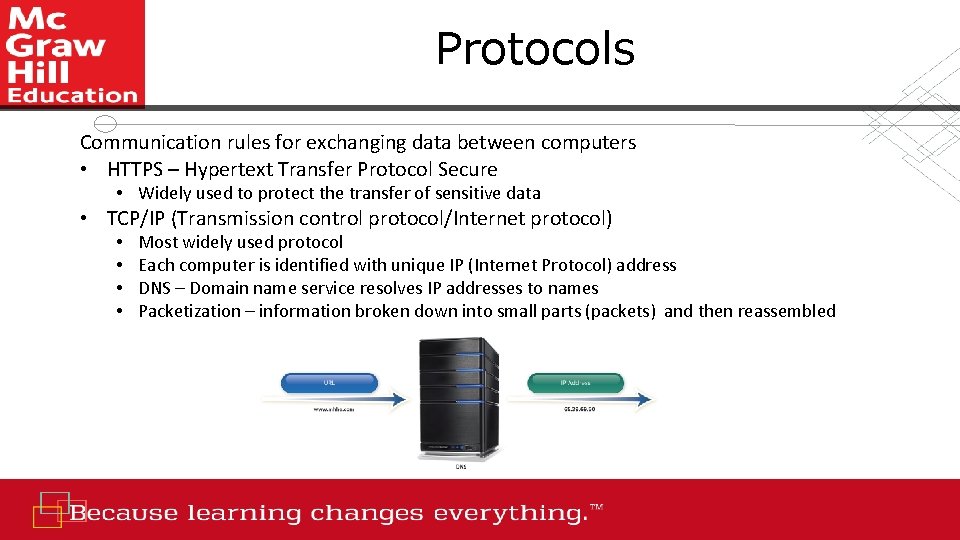
Protocols Communication rules for exchanging data between computers • HTTPS – Hypertext Transfer Protocol Secure • Widely used to protect the transfer of sensitive data • TCP/IP (Transmission control protocol/Internet protocol) • • Most widely used protocol Each computer is identified with unique IP (Internet Protocol) address DNS – Domain name service resolves IP addresses to names Packetization – information broken down into small parts (packets) and then reassembled

Networks A communication system that connects two or more computers so they can exchange information and share resources
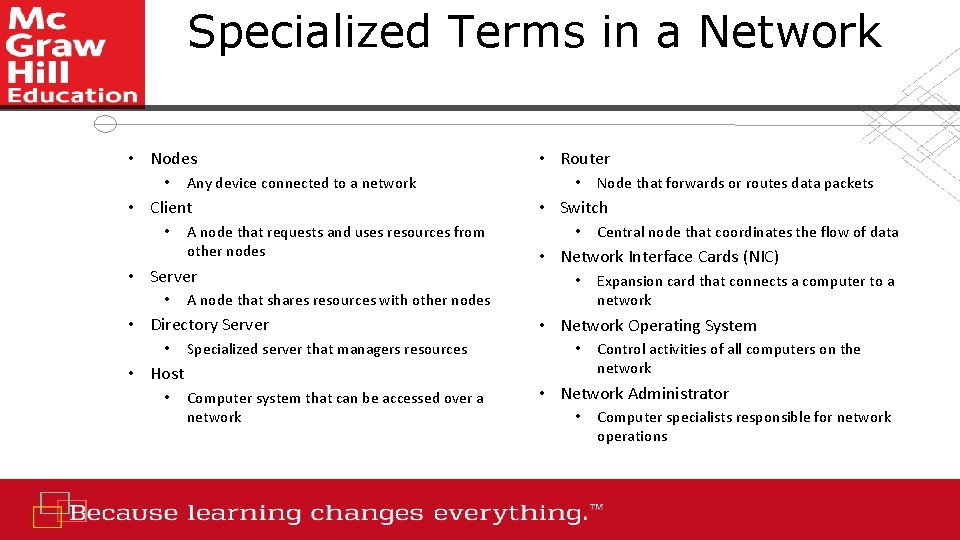
Specialized Terms in a Network • Nodes • Any device connected to a network • Client • A node that requests and uses resources from other nodes • Server • Specialized server that managers resources • Host • • Computer system that can be accessed over a network Node that forwards or routes data packets • Switch • Central node that coordinates the flow of data • Network Interface Cards (NIC) • A node that shares resources with other nodes • Directory Server • • Router Expansion card that connects a computer to a network • Network Operating System • Control activities of all computers on the network • Network Administrator • Computer specialists responsible for network operations
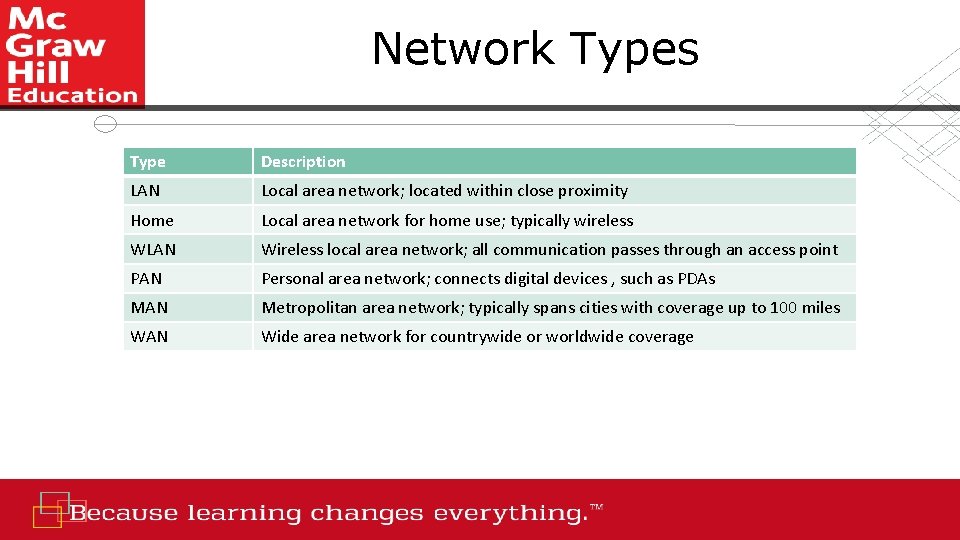
Network Types Type Description LAN Local area network; located within close proximity Home Local area network for home use; typically wireless WLAN Wireless local area network; all communication passes through an access point PAN Personal area network; connects digital devices , such as PDAs MAN Metropolitan area network; typically spans cities with coverage up to 100 miles WAN Wide area network for countrywide or worldwide coverage
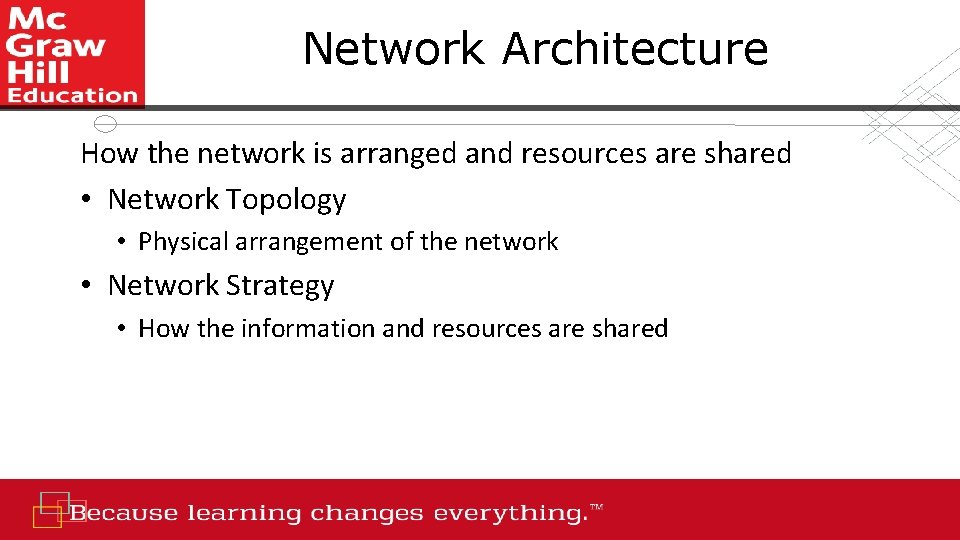
Network Architecture How the network is arranged and resources are shared • Network Topology • Physical arrangement of the network • Network Strategy • How the information and resources are shared
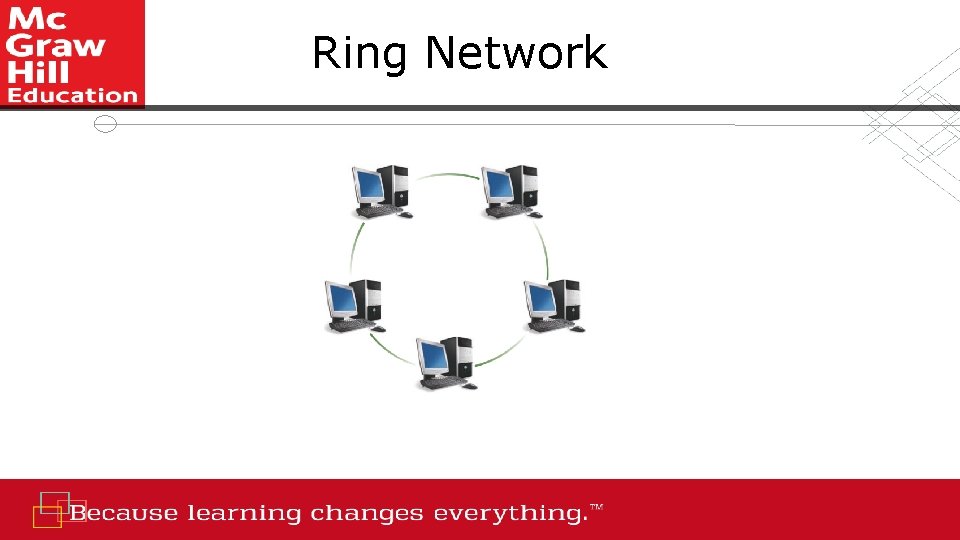
Ring Network
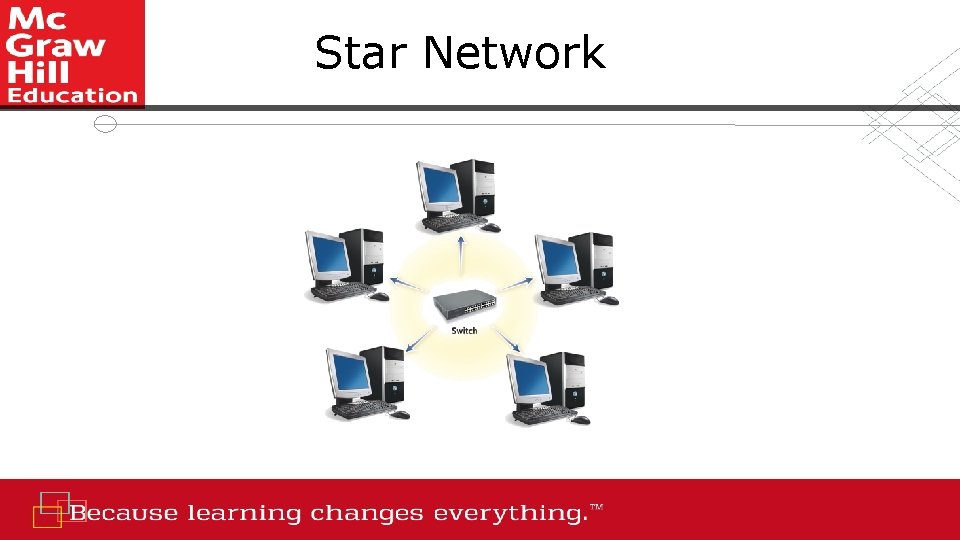
Star Network
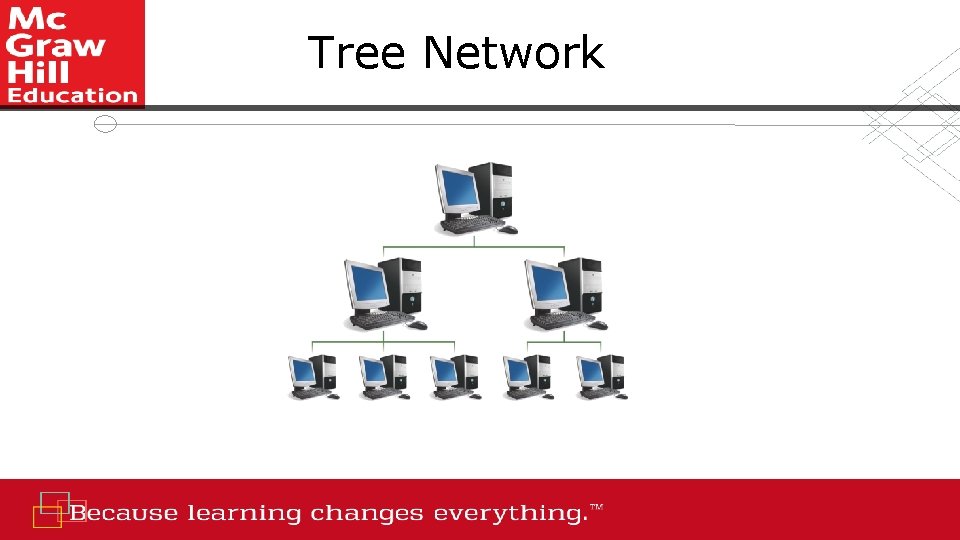
Tree Network
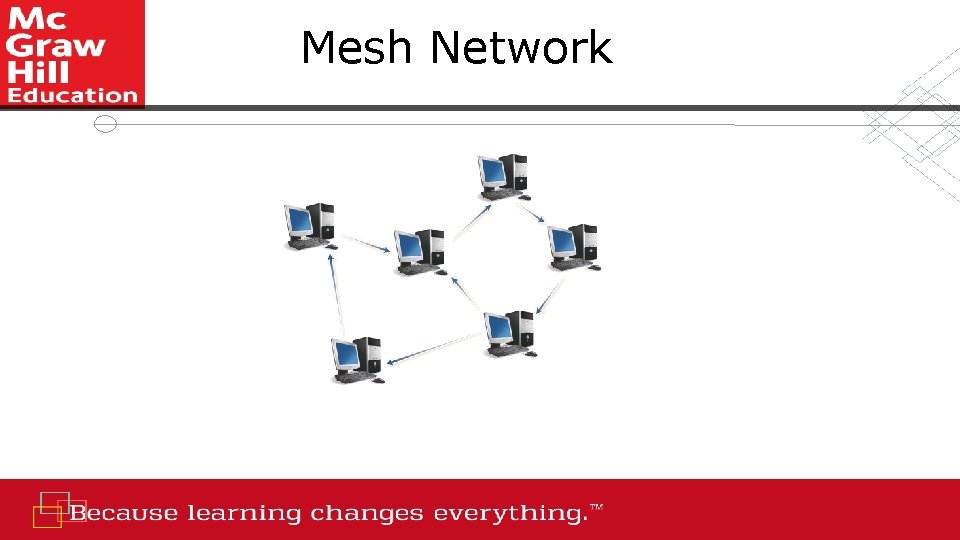
Mesh Network
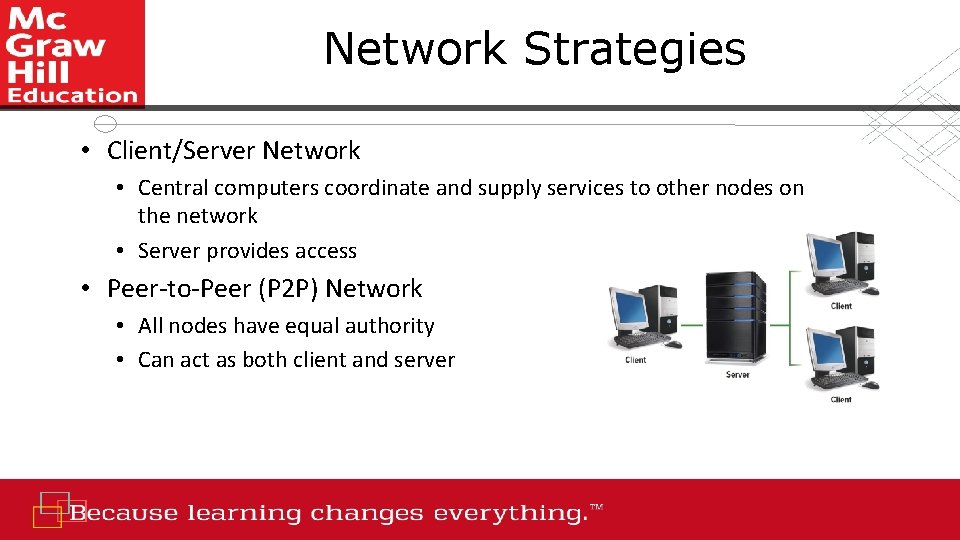
Network Strategies • Client/Server Network • Central computers coordinate and supply services to other nodes on the network • Server provides access • Peer-to-Peer (P 2 P) Network • All nodes have equal authority • Can act as both client and server
Organizational Networks Internet technologies support effective communication within and between organizations • Intranet • Private network within an organization • Works like the Internet • Extranet • Private network that connects more than one organization • Works like the Internet, but provides suppliers and other trusted partners with limited access to the organization’s networks
Network Security Commonly used technologies to ensure network security • Firewall • Hardware and software that controls access to network • Proxy server provides pass-through access • Protects against external threats • Intrusion detection system (IDS) • Works with firewall to protect organization's network • Analyzes all incoming and outgoing network traffic • Virtual private network (VPN) • Creates a secure private network connection between your computer and the organization See the graphic on the next slide demonstrating network security
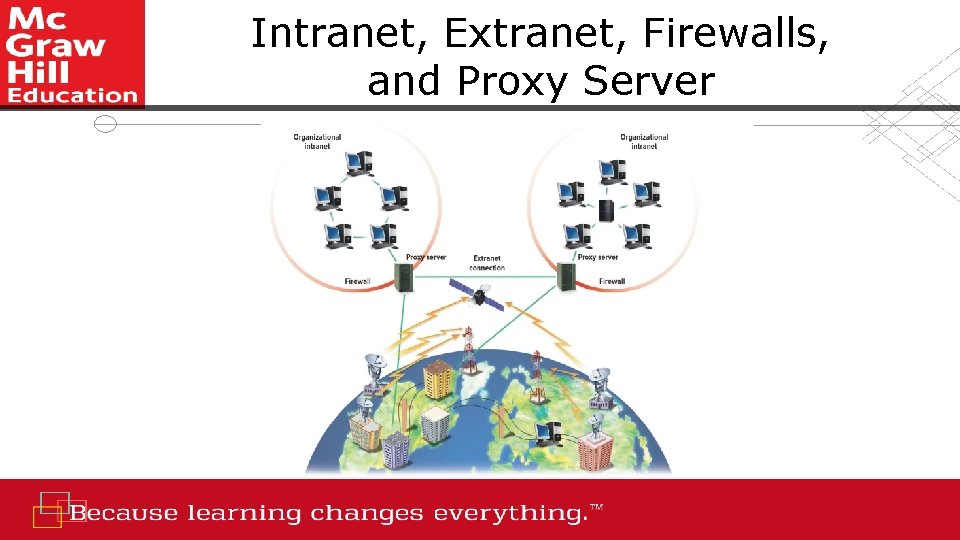
Intranet, Extranet, Firewalls, and Proxy Server
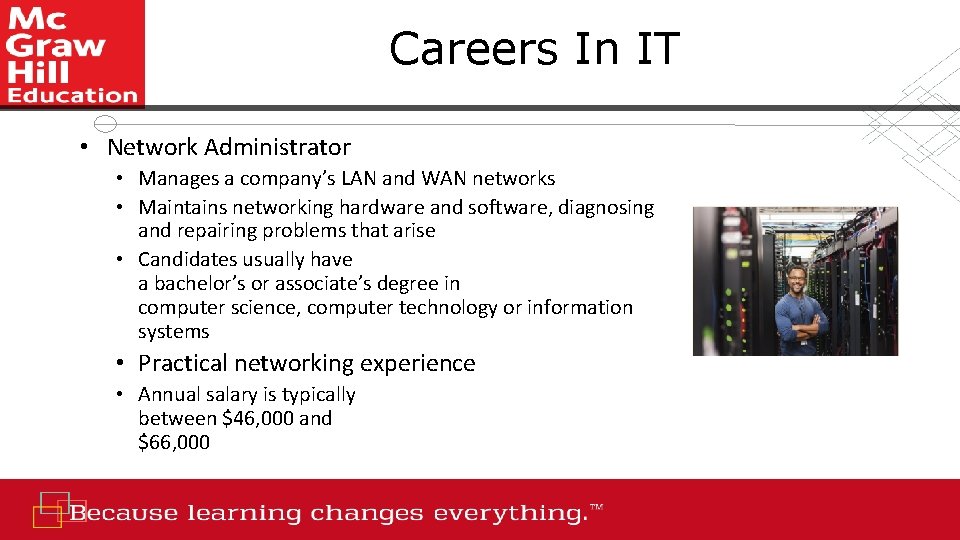
Careers In IT • Network Administrator • Manages a company’s LAN and WAN networks • Maintains networking hardware and software, diagnosing and repairing problems that arise • Candidates usually have a bachelor’s or associate’s degree in computer science, computer technology or information systems • Practical networking experience • Annual salary is typically between $46, 000 and $66, 000

A Look to the Future ~ Telepresence • Seeks to create the illusion that you are actually at a remote location • Early implementations mainly focus on an extension of video-conferencing
Open-Ended Questions (1 of 3) 1. Define communications including connectivity, the wireless revolution, and communication systems. 2. Discuss communication channels, including physical connections and wireless connections. 3. Discuss connection devices including modems (DSL, cable, and wireless modems) and connection services (DSL, ADSL, cable, satellite, and cellular connection services).
Open-Ended Questions (2 of 3) 4. Discuss data transmission including bandwidths (voiceband, medium band, broadband, and baseband) as well as protocols (IP addresses, domain name servers, and packetization). 5. Discuss networks by identifying and defining specialized terms that describe computer networks. 6. Discuss network types including local area, home, wireless, personal, metropolitan, and wide area networks.
Open-Ended Questions (3 of 3) 7. Define network architecture including topologies (bus, ring, star, tree, and mesh) and strategies (client/server and peer-to-peer). 8. Discuss organization networks including Internet technologies (intranets and extranets) and network security (firewalls, proxy servers, intrusion detection systems, and virtual private networks).
- Slides: 36