
Communication Systems and Application Areas of ICT Lesson
- Slides: 25
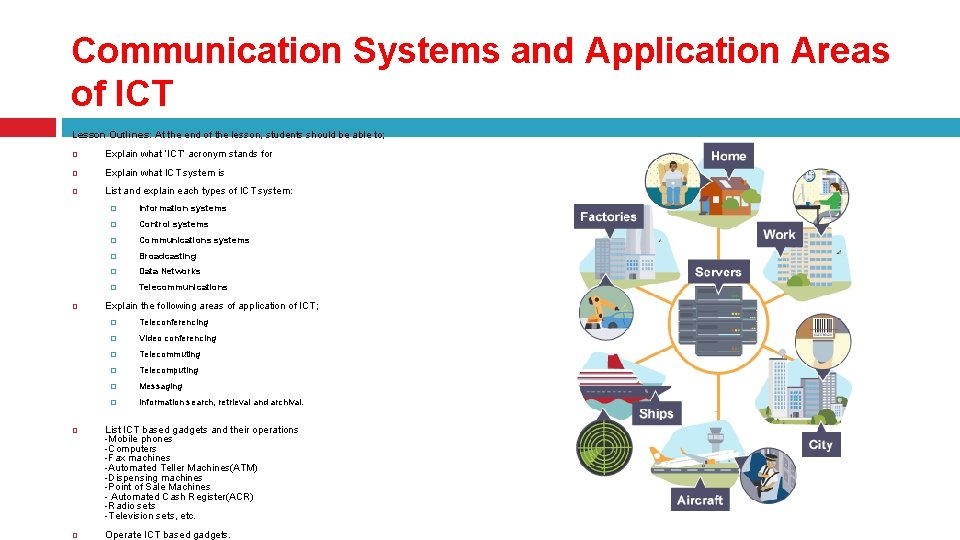
Communication Systems and Application Areas of ICT Lesson Outlines: At the end of the lesson, students should be able to; Explain what ‘ICT’ acronym stands for Explain what ICT system is List and explain each types of ICT system: � Information systems � Control systems � Communications systems � Broadcasting � Data Networks � Telecommunications Explain the following areas of application of ICT; � Teleconferencing � Video conferencing � Telecommuting � Telecomputing � Messaging � Information search, retrieval and archival. List ICT based gadgets and their operations -Mobile phones -Computers -Fax machines -Automated Teller Machines(ATM) -Dispensing machines -Point of Sale Machines - Automated Cash Register(ACR) -Radio sets -Television sets, etc. Operate ICT based gadgets.
ICT stands for “Information and Communication Technology”. ICT and computers are not the same thing. While computers refers to the hardware that are often part of an ICT system, ICT itself refers to all the technologies/devices (internet, wireless networks, cell phones, etc) used to provide access to information through telecommunications.
ICT System Is a setup consisting of hardware, software, data, internet and the people who use them.
Types of ICT system 1. Information systems This type of ICT system is focused on managing data and information. Examples of these are a sports club membership system or a supermarket stock system. Components of Information Systems � � � Hardware Software Databases Network Procedures Examples of Information System � � � Global Positioning system Data Processing System Transaction Processing Systems, Management Information System Decision Support Systems, etc
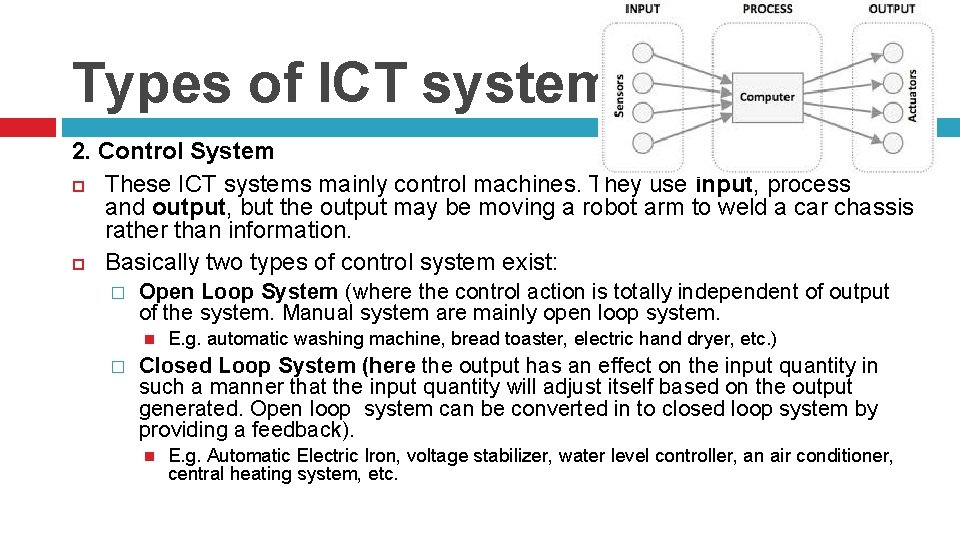
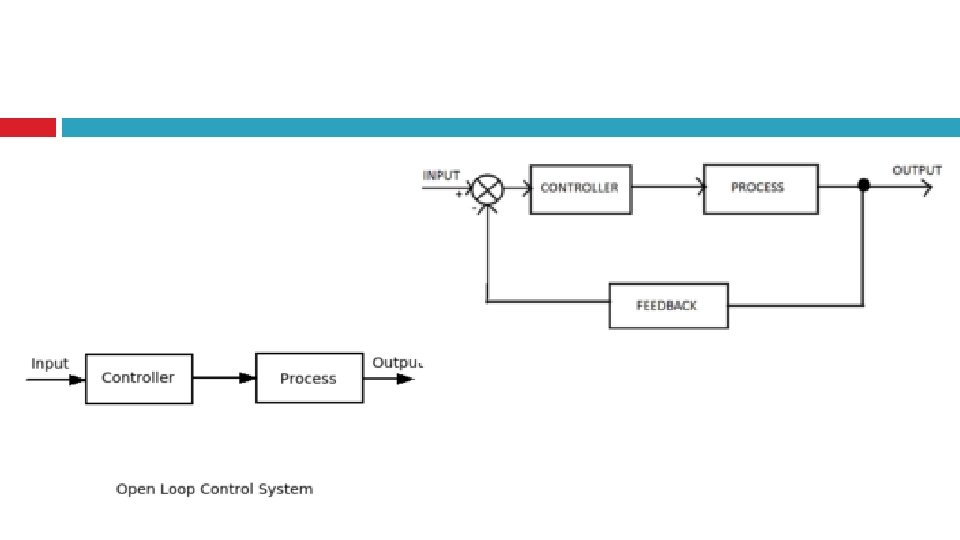
Types of ICT system … 2. Control System These ICT systems mainly control machines. They use input, process and output, but the output may be moving a robot arm to weld a car chassis rather than information. Basically two types of control system exist: � Open Loop System (where the control action is totally independent of output of the system. Manual system are mainly open loop system. � E. g. automatic washing machine, bread toaster, electric hand dryer, etc. ) Closed Loop System (here the output has an effect on the input quantity in such a manner that the input quantity will adjust itself based on the output generated. Open loop system can be converted in to closed loop system by providing a feedback). E. g. Automatic Electric Iron, voltage stabilizer, water level controller, an air conditioner, central heating system, etc.
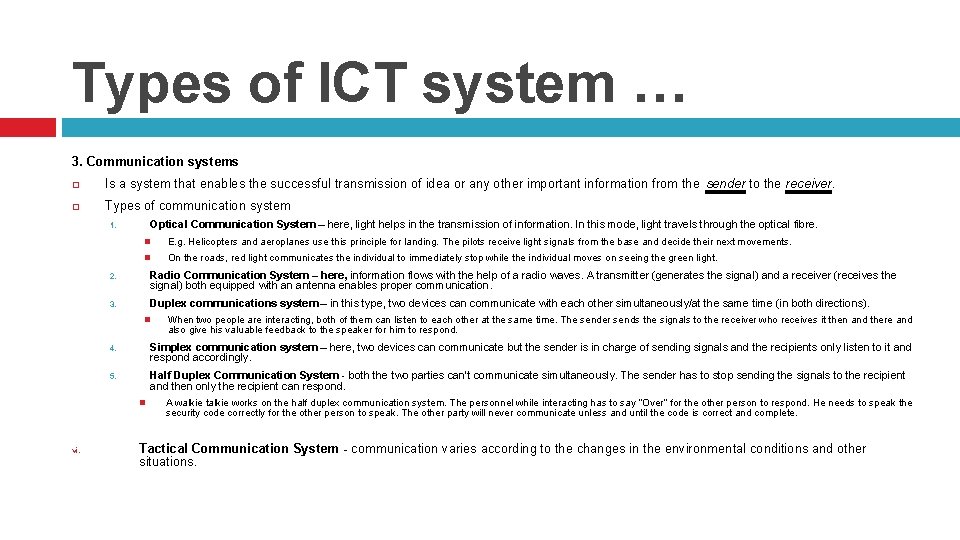
Types of ICT system … 3. Communication systems Is a system that enables the successful transmission of idea or any other important information from the sender to the receiver. Types of communication system Optical Communication System – here, light helps in the transmission of information. In this mode, light travels through the optical fibre. 1. E. g. Helicopters and aeroplanes use this principle for landing. The pilots receive light signals from the base and decide their next movements. On the roads, red light communicates the individual to immediately stop while the individual moves on seeing the green light. 2. Radio Communication System – here, information flows with the help of a radio waves. A transmitter (generates the signal) and a receiver (receives the signal) both equipped with an antenna enables proper communication. 3. Duplex communications system – in this type, two devices can communicate with each other simultaneously/at the same time (in both directions). 4. Simplex communication system – here, two devices can communicate but the sender is in charge of sending signals and the recipients only listen to it and respond accordingly. 5. Half Duplex Communication System - both the two parties can’t communicate simultaneously. The sender has to stop sending the signals to the recipient and then only the recipient can respond. vi. When two people are interacting, both of them can listen to each other at the same time. The sender sends the signals to the receiver who receives it then and there and also give his valuable feedback to the speaker for him to respond. A walkie talkie works on the half duplex communication system. The personnel while interacting has to say “Over” for the other person to respond. He needs to speak the security code correctly for the other person to speak. The other party will never communicate unless and until the code is correct and complete. Tactical Communication System - communication varies according to the changes in the environmental conditions and other situations.
Types of ICT system … 4. Broadcasting is to communicate or transmit or distribute signal, audio or video contents to a dispersed audience through a communication medium such as radio, television, etc. a radio station that broadcasts news; � an agency broadcasting an appeal for donations over the internet. �
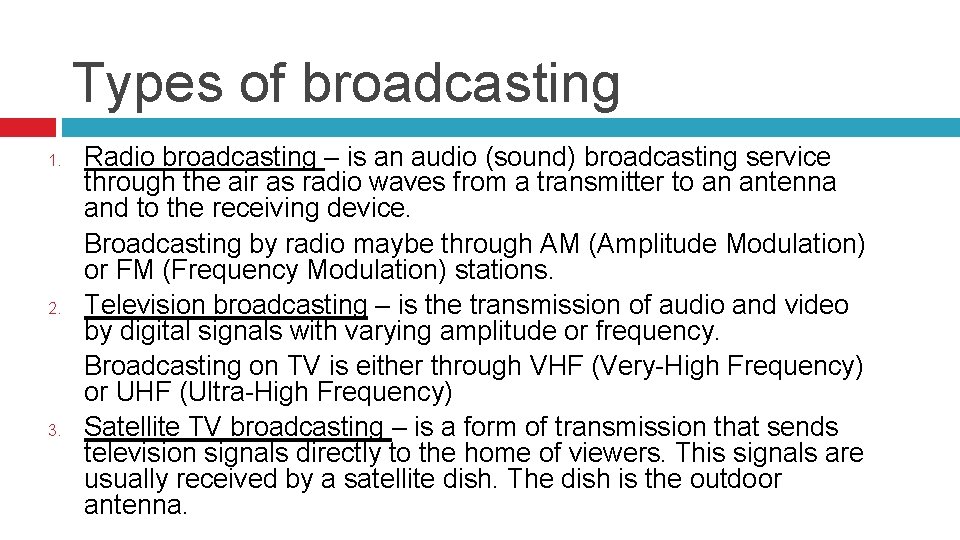
Types of broadcasting 1. 2. 3. Radio broadcasting – is an audio (sound) broadcasting service through the air as radio waves from a transmitter to an antenna and to the receiving device. Broadcasting by radio maybe through AM (Amplitude Modulation) or FM (Frequency Modulation) stations. Television broadcasting – is the transmission of audio and video by digital signals with varying amplitude or frequency. Broadcasting on TV is either through VHF (Very-High Frequency) or UHF (Ultra-High Frequency) Satellite TV broadcasting – is a form of transmission that sends television signals directly to the home of viewers. This signals are usually received by a satellite dish. The dish is the outdoor antenna.
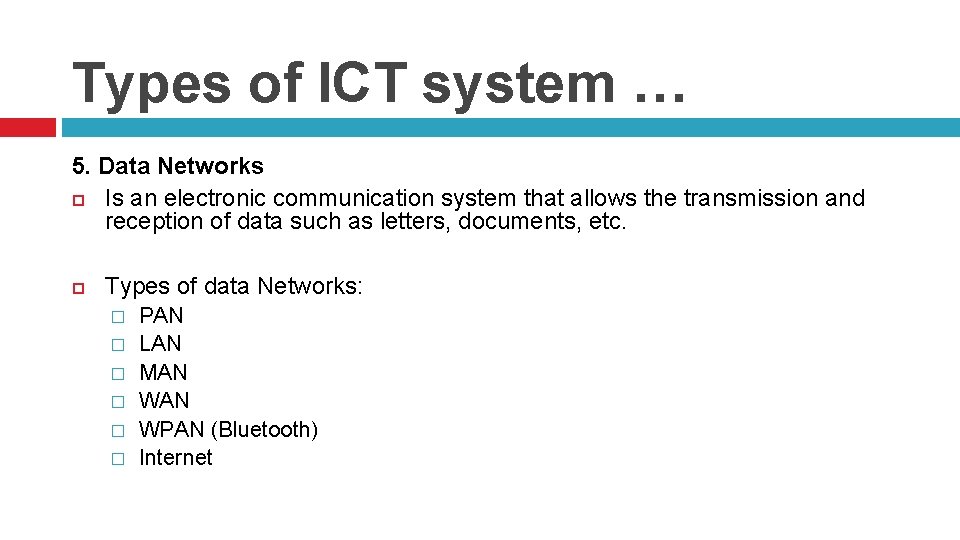
Types of ICT system … 5. Data Networks Is an electronic communication system that allows the transmission and reception of data such as letters, documents, etc. Types of data Networks: � � � PAN LAN MAN WPAN (Bluetooth) Internet
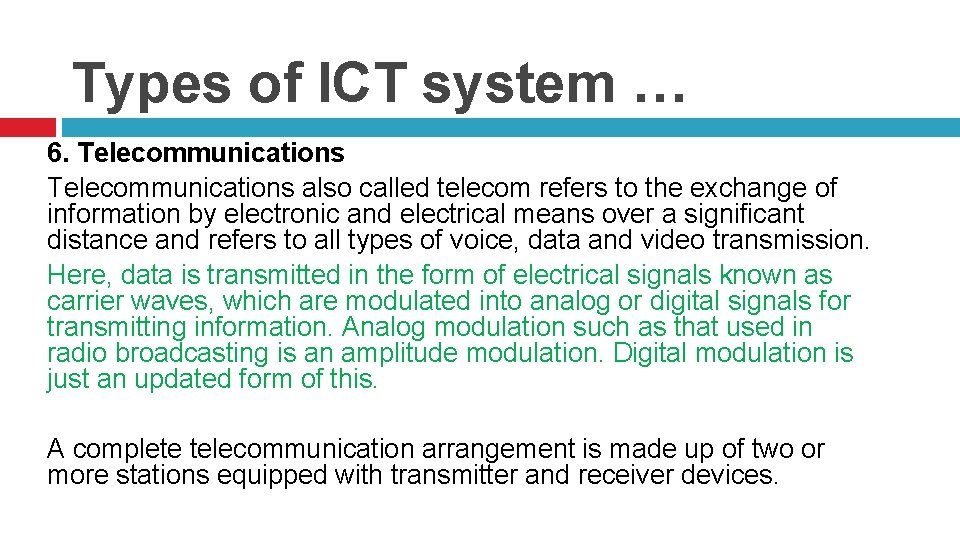
Types of ICT system … 6. Telecommunications also called telecom refers to the exchange of information by electronic and electrical means over a significant distance and refers to all types of voice, data and video transmission. Here, data is transmitted in the form of electrical signals known as carrier waves, which are modulated into analog or digital signals for transmitting information. Analog modulation such as that used in radio broadcasting is an amplitude modulation. Digital modulation is just an updated form of this. A complete telecommunication arrangement is made up of two or more stations equipped with transmitter and receiver devices.
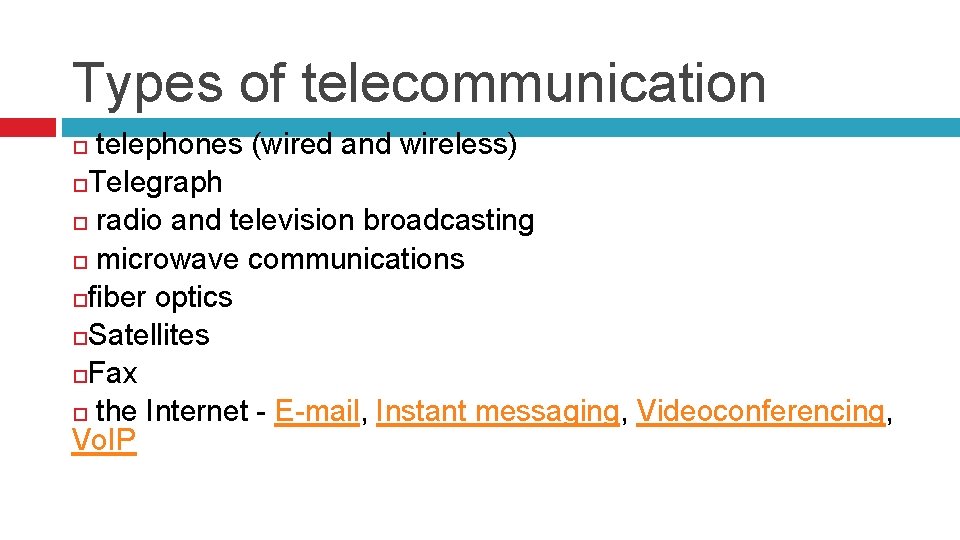
Types of telecommunication telephones (wired and wireless) Telegraph radio and television broadcasting microwave communications fiber optics Satellites Fax the Internet - E-mail, Instant messaging, Videoconferencing, Vo. IP
Application Areas of ICT Edit and use the attachment to add to the note
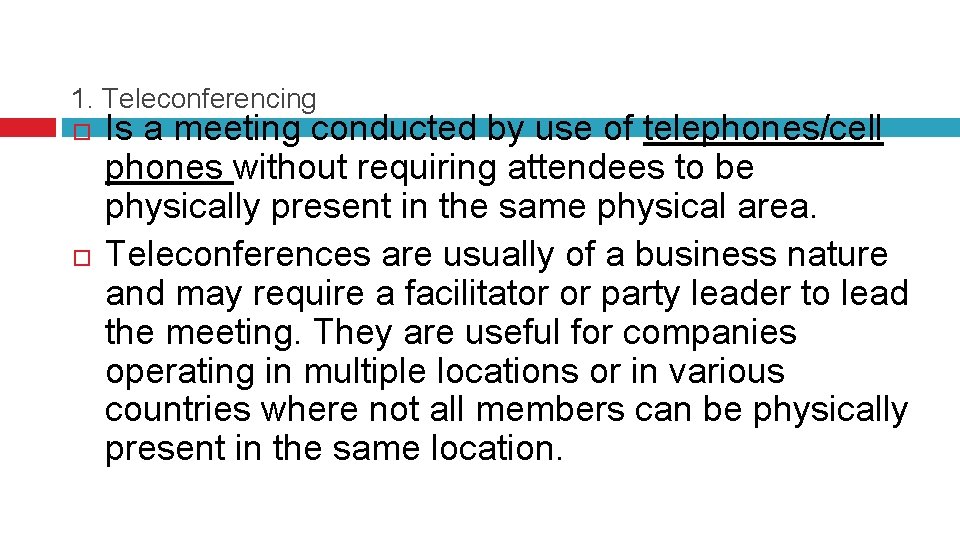
1. Teleconferencing Is a meeting conducted by use of telephones/cell phones without requiring attendees to be physically present in the same physical area. Teleconferences are usually of a business nature and may require a facilitator or party leader to lead the meeting. They are useful for companies operating in multiple locations or in various countries where not all members can be physically present in the same location.
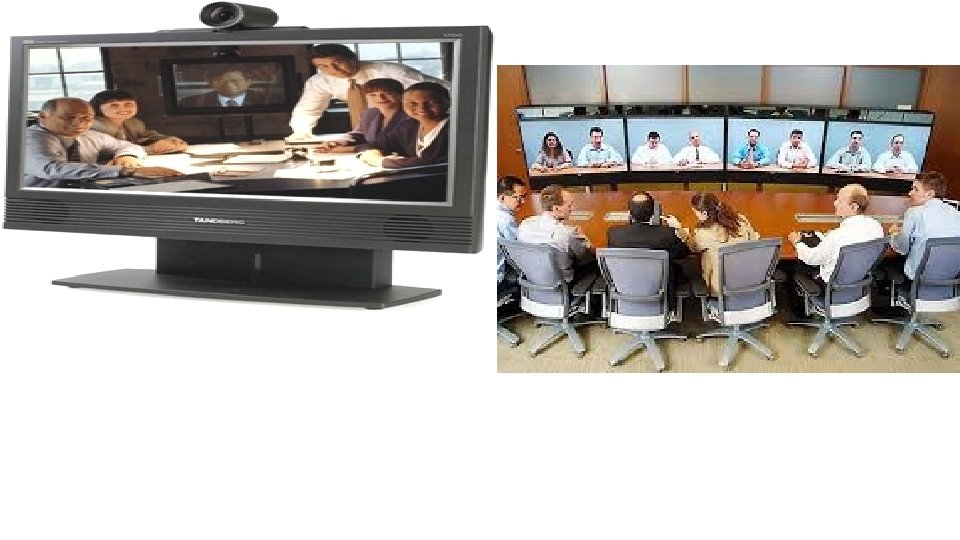
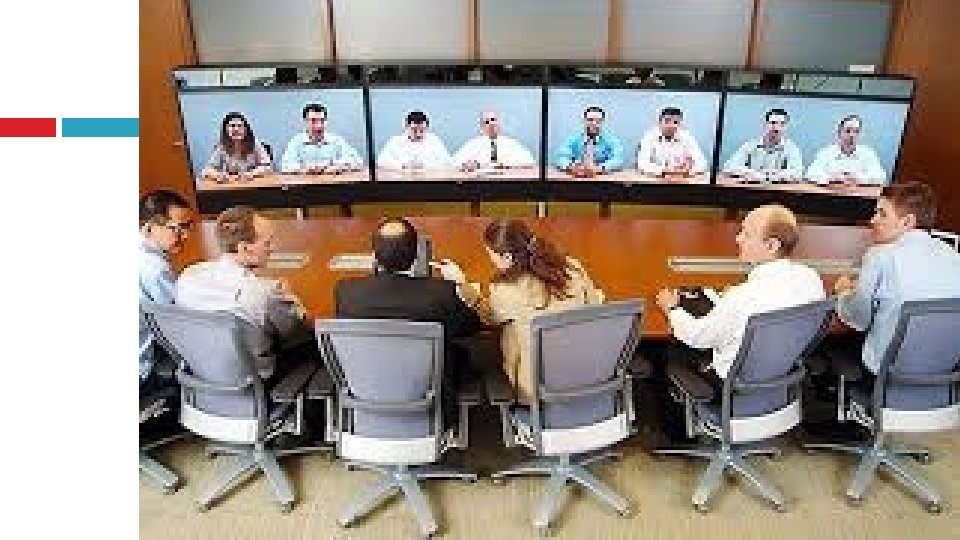
2. Video Conferencing Video-conferencing is a system that allows people to have video conversations and meetings with other people in different locations, but without leaving their office. It involves people sitting in front of a camera and a microphone, whilst watching other people of a screen and listening to them through loudspeakers. The system uses the following hardware: Video cameras/web cameras Monitor Microphone/mic Sound cards Loudspeakers High-speed network / Internet connection
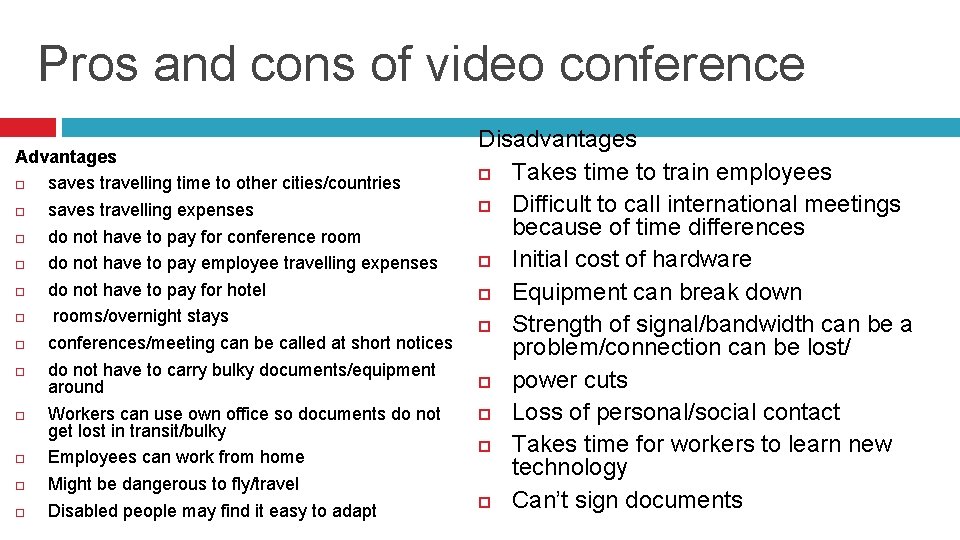
Pros and cons of video conference Advantages saves travelling time to other cities/countries saves travelling expenses do not have to pay for conference room do not have to pay employee travelling expenses do not have to pay for hotel rooms/overnight stays conferences/meeting can be called at short notices do not have to carry bulky documents/equipment around Workers can use own office so documents do not get lost in transit/bulky Employees can work from home Might be dangerous to fly/travel Disabled people may find it easy to adapt Disadvantages Takes time to train employees Difficult to call international meetings because of time differences Initial cost of hardware Equipment can break down Strength of signal/bandwidth can be a problem/connection can be lost/ power cuts Loss of personal/social contact Takes time for workers to learn new technology Can’t sign documents
3. Telecommuting - (aka working from home, or e-commuting) is a work arrangement in which the employee works outside the office, often working from home or a location close to home (including coffee shops, libraries, and various other locations). Benefits of Telecommuting It allows a worker greater freedom regarding his or her work hours and work location. It gives the employee more flexibility to balance work and personal obligations. Often, working from home can make one more productive, because you do not have the distractions of an office space. It also benefits the company. It saves them money in office expenses. Telecommuters are also likely to be happier in their jobs and are therefore more likely to stay with the company, etc Drawbacks of Telecommuting One may get easily distracted from duties One also need to find a productive place to do work, such as a home office or coffee shop. It can be a bit isolating, because one may not around his co-workers, etc Jobs That Allow Telecommuting - Many industries offer telecommuting jobs. Some of these industries include; sales, customer service, marketing. Many jobs in technology (including computer and software programming), Some medical jobs, including health claims analysts and even some radiologists, have begun to work from home.
4. Telecomputing Also called computing. Is the control of one or more computer systems by another, which is at a different location. Each of these computers has remote access software installed, and one or all computers may have control abilities. All computers usually have the same information displayed at any given time. It utilises a large network such that distant users can communicate with each other Software used for telecomputing: Team. Viewer etc
5. Messaging (also called electronic messaging) is the creation, storage, exchange, and management of text, images, voice, videos, etc over a communications network. This is made possible with the use of computer, telephone, television cable, etc. Some messaging apps: Facebook Messenger, Whats. App Messenger, We. Chat, Line, Viber, Telegram Messenger, Kakaotalk, IMO, Skype, Snapchat, KIK
Conclusion The messaging apps have become an important aspect of our daily lives. They help us to keep in touch with people who are close or in different geographical locations. The apps have features that make communication interesting beyond the regular messaging services. Users can share photos, make voice calls and video calls too. The apps have different additional feature giving the user different looks and tastes.
6. Telecommunications and networking This is basically an arrangement of ICT technologies such as internet, networks, databases and many others to enable messages to flow from one part of the network to another
7. Information search and retrieval This is the system of searching for documents or information in documents. Documents can be text or multimedia, and may reside on the web (using search engines such as google, yahoo, ask, bing, etc)
Assignment What is the full meaning of ICT? Mention 4 types of ICT List the types of broadcasting and explain two State 5 types of communication systems. List and explain any three types of data networks. Mention any 2 information system. Mention four benefits of ICT.