
Communicating Your ANR Story Simple text is best
Communicating Your ANR Story Simple text is best. Don’t read from your slides. Image Credits for this Presentation: Pixabay and UC Regents
Twitter Basics Rose Hayden-Smith, PHD UCCE Advisor Digital Communications in Food Systems & Extension Education Pamela Kan-Rice, MBA Assistant Director, News and Outreach 9/18/19
Upcoming Webinars 9/18 10/9 10/23 11/13 12/11 Twitter 11: 30 Linked. In 11: 30 Blogging 11: 30 Instagram 11: 30 Facebook 11: 30 Social Café every 2 nd Thursday 11: 30 a. m. • In this webinar series, you'll learn about tools & social platforms that will advance your work. • We hope these webinars and resources will help you with Extension Delivery.
Agenda Why Use Twitter? Twitter Basics/Terms A Few Things to Do (or Don’t Do) Interactive Session: A Quick Tour of Twitter Features & Some Good Examples • Q&A • •
Ideas • ”The stickiness and value of a connected life will be far too strong for a significant number of people to have the will or means to disconnect…” • Social technologies are levelers. Most are free, which enables broad access. They flatten social and data hierarchies. In their best form, they can democratize information. They are now an integral part of/player in social movements.
Twitter…What Is It? • A highly active social platform that flattens (shatters!) information and social hierarchies • Interactive… – Relies on building networks (communities), – Engagement (in conversation) – Good listening
Twitter is short and sweet (or short and Tweet) • A Tweet is a 280 -character message that you send out…a micro -blog • You can share links, videos, photos, and even conduct surveys • Indexed by Google search • Hashtags on Twitter are searchable, too (metadata)
Twitter Terms • Tweet – an individual post (280 characters) • Handle – A person/organization’s “user name” – begins with @ • Follower – On Twitter, they follow you • DM – Direct message (A message sent privately between users)*
Twitter Terms • Retweet (RT) – Reposting/sharing a Tweet from someone else • Mention – Using someone else’s handle (@) in a Tweet • Twitter Bio – A short bio that appears at the top of your profile • Pictures – Bio and header
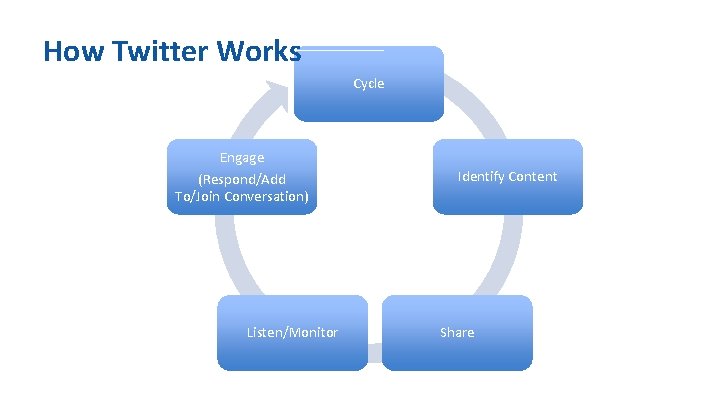
How Twitter Works Cycle Engage (Respond/Add To/Join Conversation) Listen/Monitor Identify Content Share
Some Reasons to Use Twitter • • • Flat hierarchy Quick Easy Good on mobile devices Can create targeted lists (we’ll show you)
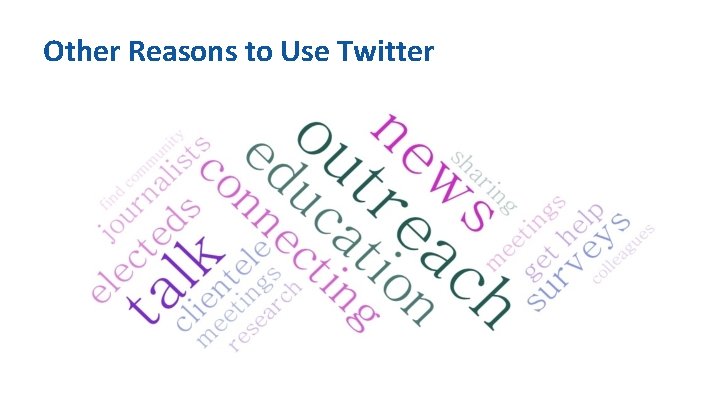
Other Reasons to Use Twitter
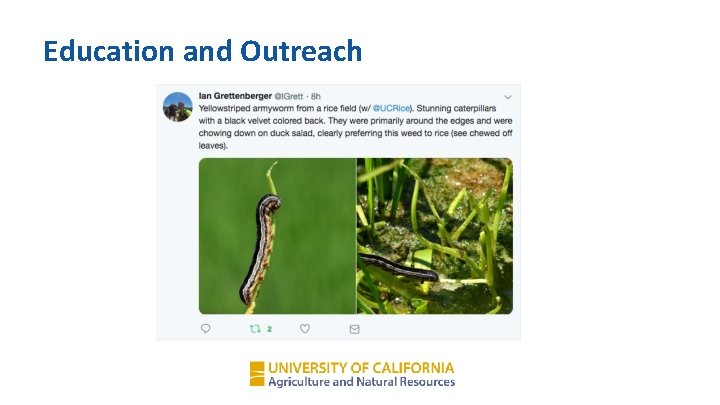
Education and Outreach
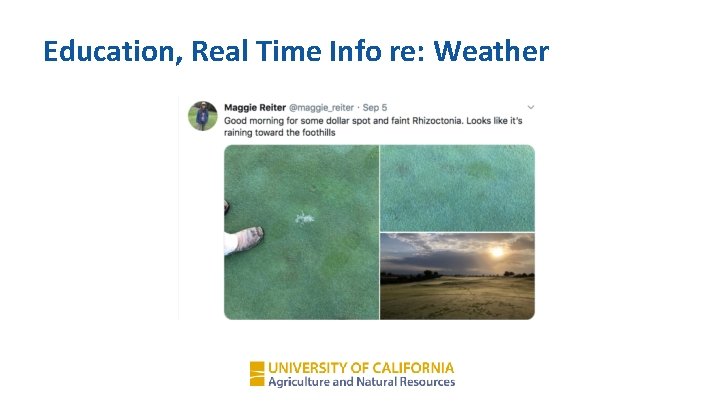
Education, Real Time Info re: Weather
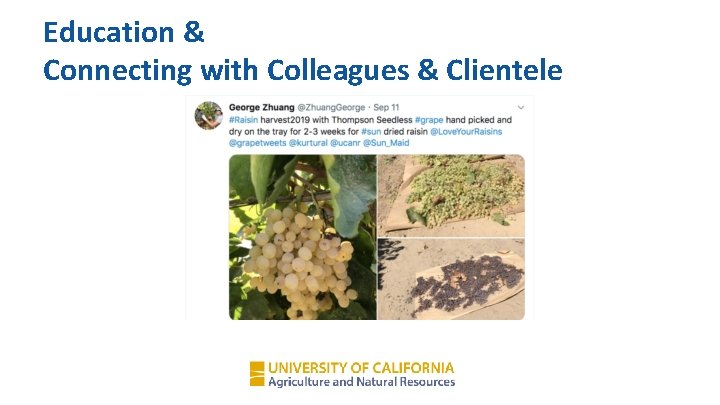
Education & Connecting with Colleagues & Clientele
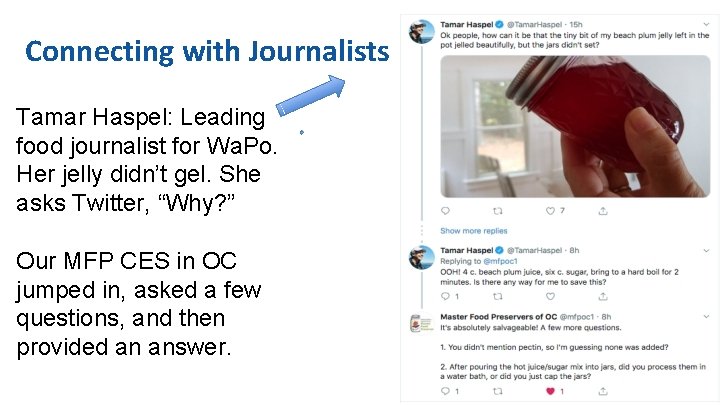
Connecting with Journalists Tamar Haspel: Leading food journalist for Wa. Po. Her jelly didn’t gel. She asks Twitter, “Why? ” Our MFP CES in OC jumped in, asked a few questions, and then provided an answer.
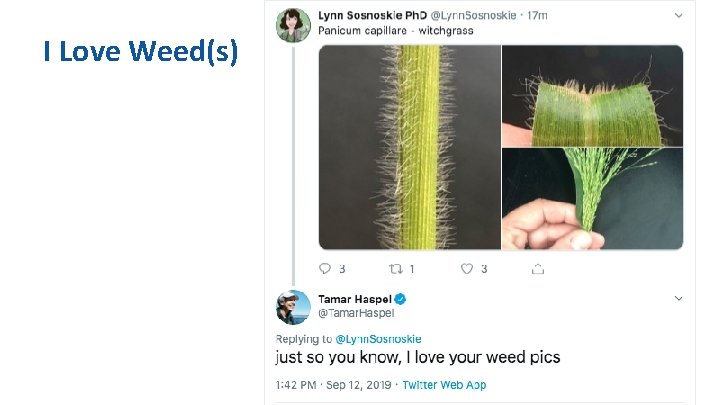
I Love Weed(s)
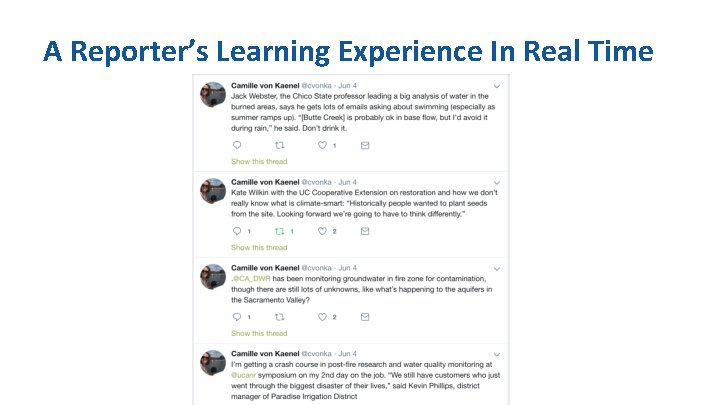
A Reporter’s Learning Experience In Real Time
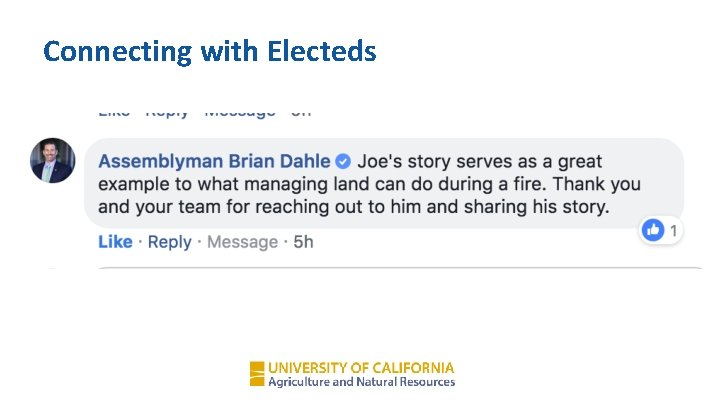
Connecting with Electeds
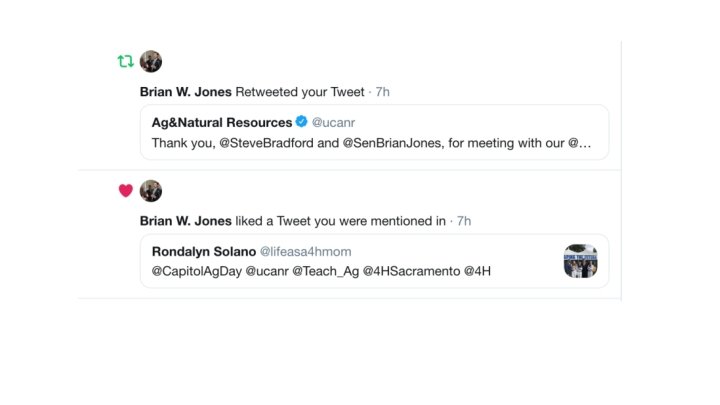
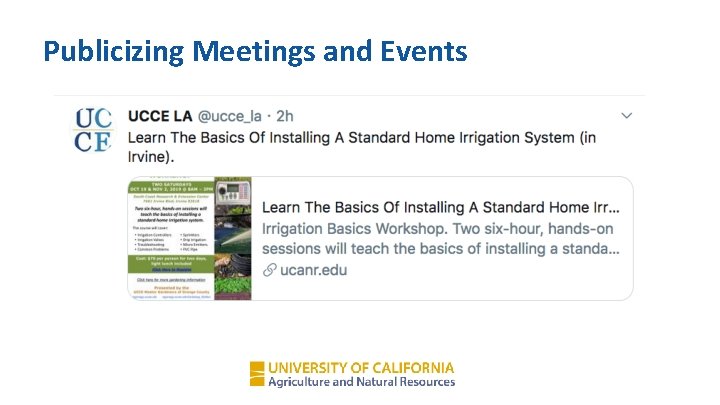
Publicizing Meetings and Events
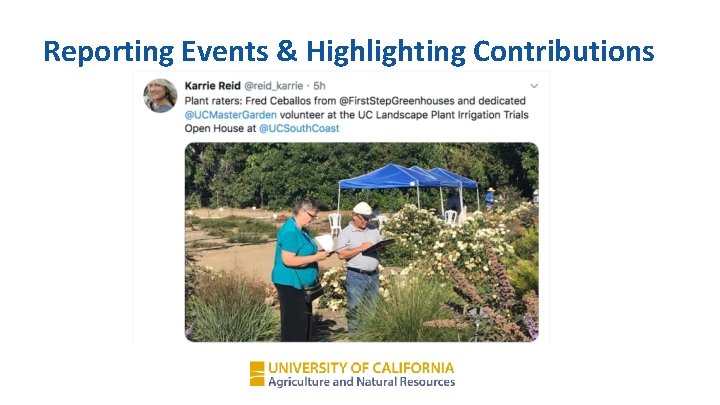
Reporting Events & Highlighting Contributions
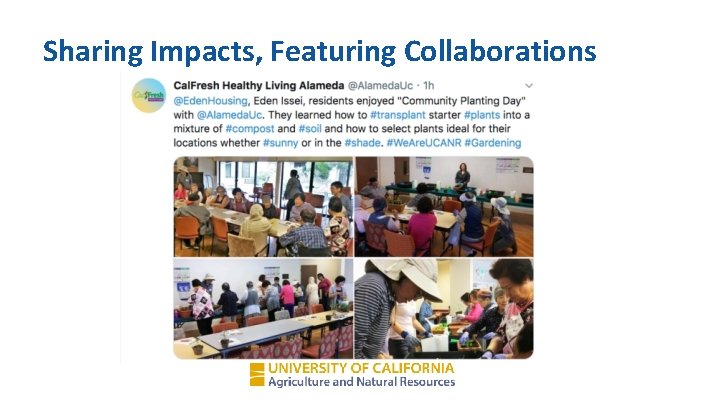
Sharing Impacts, Featuring Collaborations
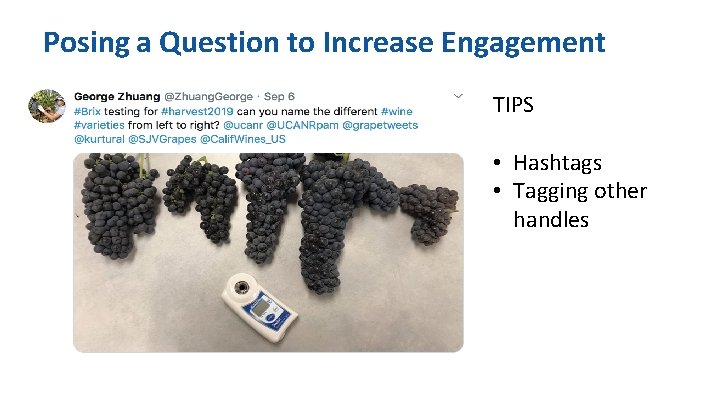
Posing a Question to Increase Engagement TIPS • Hashtags • Tagging other handles
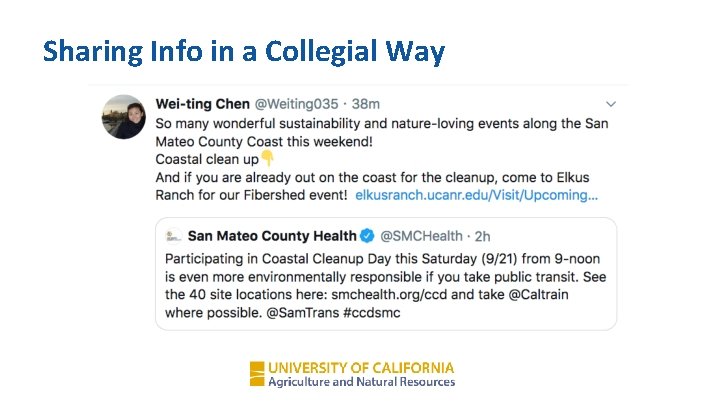
Sharing Info in a Collegial Way
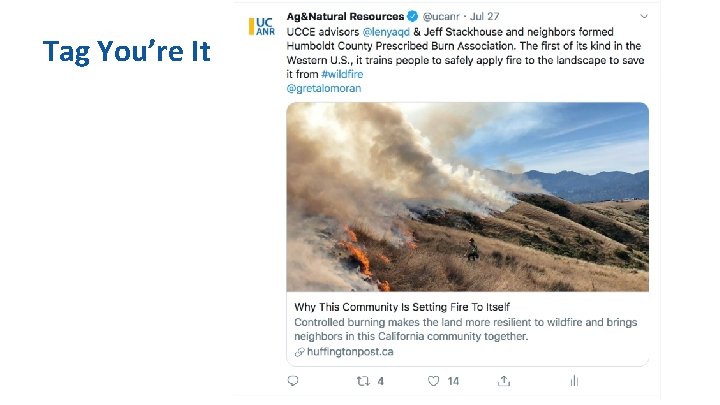
Tag You’re It
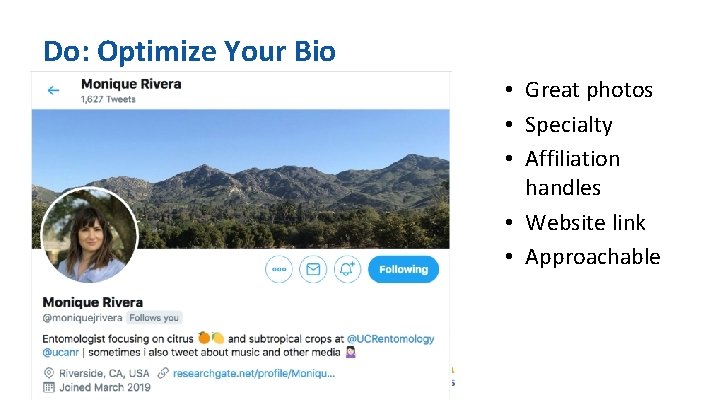
Do: Optimize Your Bio • Great photos • Specialty • Affiliation handles • Website link • Approachable
Do • If you RT, try to add a comment • Use hashtags, but don’t hashtag every single word • Be consistent in posting and drip content out
Do • Represent UC well – be factual, be kind, be professional • Consider having different accounts for personal and work • Use good visuals, including video
Do • Remember: this is a community engagement model, a conversation…we’re not talking “at” people • Use Twitter analytics (Rose can answer questions) • Be patient…it takes time to build up a following & # followers is not most important thing
Don’t • Be scared to share your expertise, even if it’s a controversial topic. The info you provide may provide clarification and/or add value. • Bludgeon people with facts…it doesn’t change minds. • Be impolite.
More (fun!) Things to Do With Twitter • Twitter Chat • UCFO/UCANR Value of Public Science • 286, 752 Twitter accounts reached; 1, 686, 048 impressions • Live Tweeting • Surveys • Social Takeover
Resources… • Resources: – Rose’s Power. Point is in PDF on the ANR Learning & Development page, along with a bibliography and a tip sheet – ANR employees may call, text or email Rose at 805. 794. 1665 or email at rhsmith@ucop. edu with any questions. I can help. I want to help you! You can also Tweet me or DM me on Twitter @ucfoodobserver. – Follow @ucanr and @ucfoodobserver. We will follow back.
THANK YOU
- Slides: 34