
Communicating in Code Layout and Style Programming Studio
- Slides: 36
Communicating in Code: Layout and Style Programming Studio Spring 2015 Note: several examples in this lecture taken from The Practice of Programming by Kernighan and Pike
Layout and Style • Like naming, the goal is to communicate • Again like naming, sometimes conventions are in place – Adhering to the convention in place will usually lead to more readable code than using your own “better” convention • Goal of layout and style is to increase clarity.
Fundamental Theorem of Formatting • Good visual layout shows the logical structure of the program. • Studies show that organization is as important to understanding as the “details”
White Space • Used to indicate logical grouping – Spacing between characters – Indentation – Blank lines
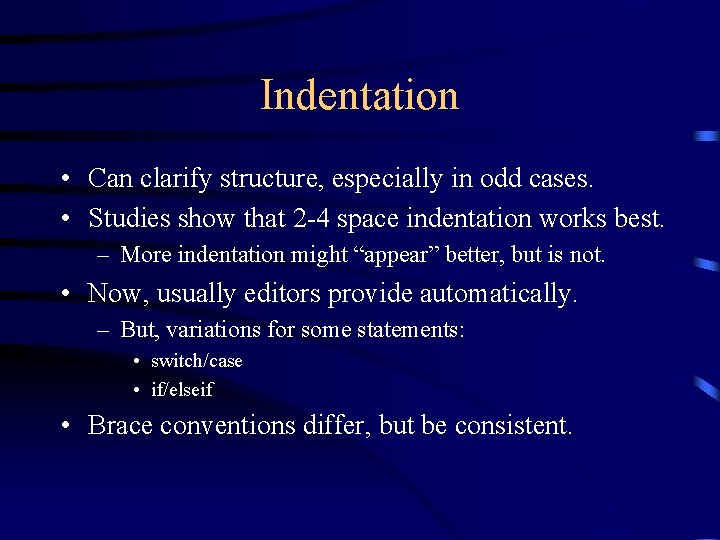
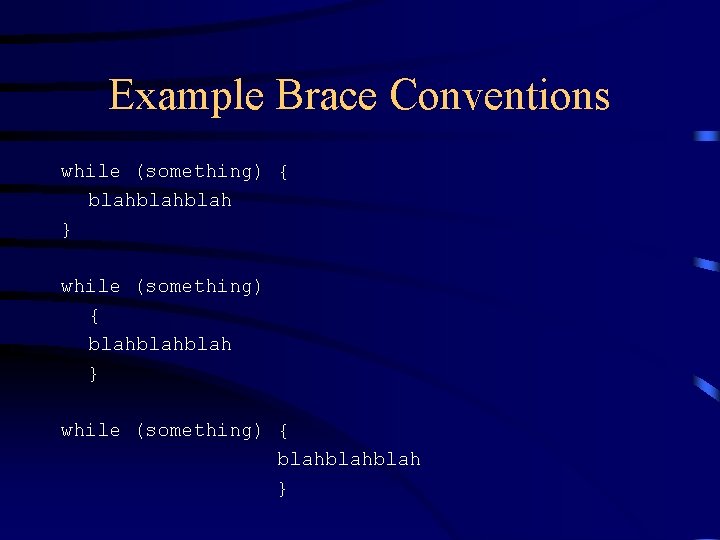
Indentation • Can clarify structure, especially in odd cases. • Studies show that 2 -4 space indentation works best. – More indentation might “appear” better, but is not. • Now, usually editors provide automatically. – But, variations for some statements: • switch/case • if/elseif • Brace conventions differ, but be consistent.
Example Brace Conventions while (something) { blahblahblah } while (something) { blahblah }
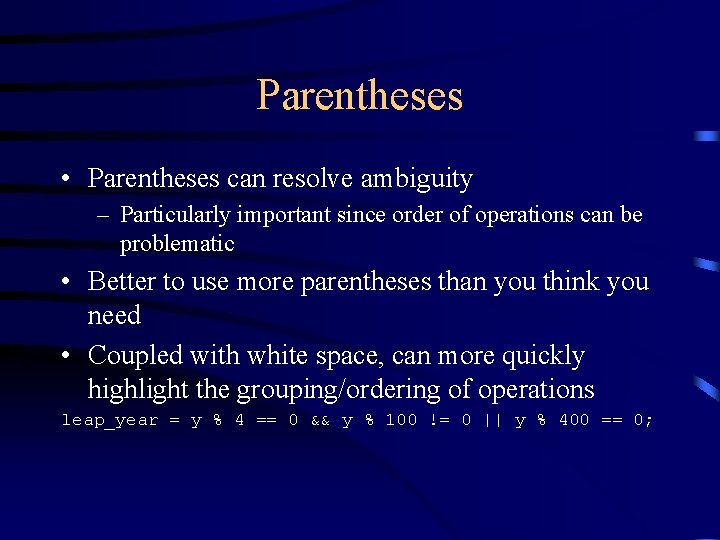
Parentheses • Parentheses can resolve ambiguity – Particularly important since order of operations can be problematic • Better to use more parentheses than you think you need • Coupled with white space, can more quickly highlight the grouping/ordering of operations leap_year = y % 4 == 0 && y % 100 != 0 || y % 400 == 0;
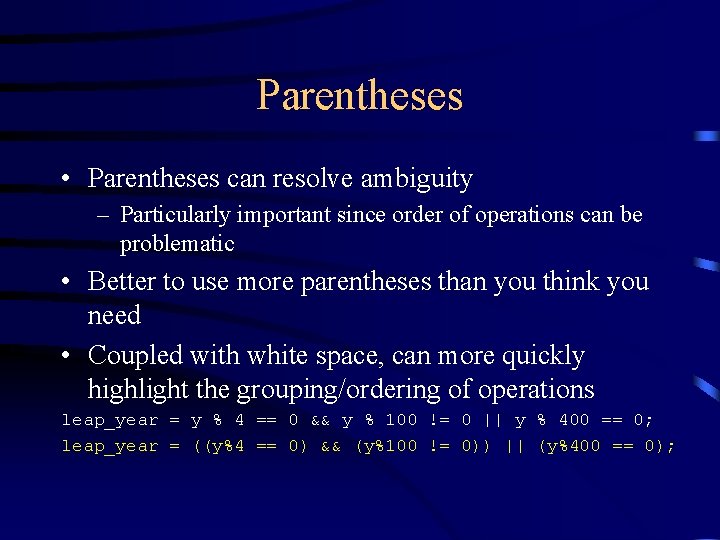
Parentheses • Parentheses can resolve ambiguity – Particularly important since order of operations can be problematic • Better to use more parentheses than you think you need • Coupled with white space, can more quickly highlight the grouping/ordering of operations leap_year = y % 4 == 0 && y % 100 != 0 || y % 400 == 0; leap_year = ((y%4 == 0) && (y%100 != 0)) || (y%400 == 0);
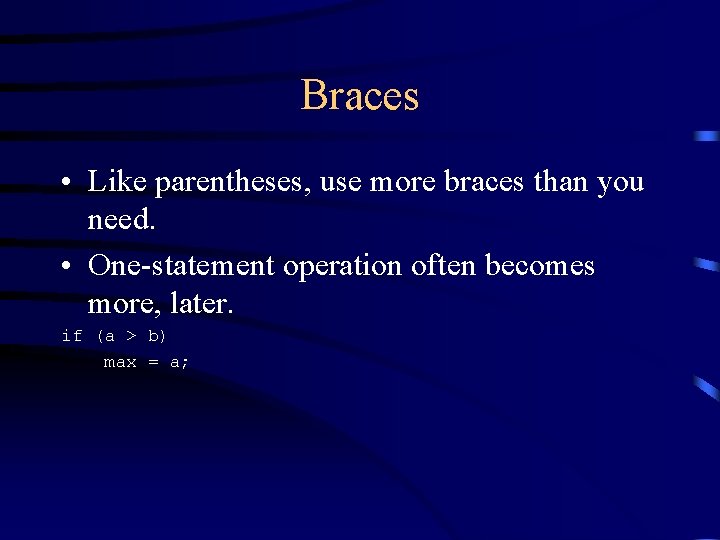
Braces • Like parentheses, use more braces than you need. • One-statement operation often becomes more, later. if (a > b) max = a;
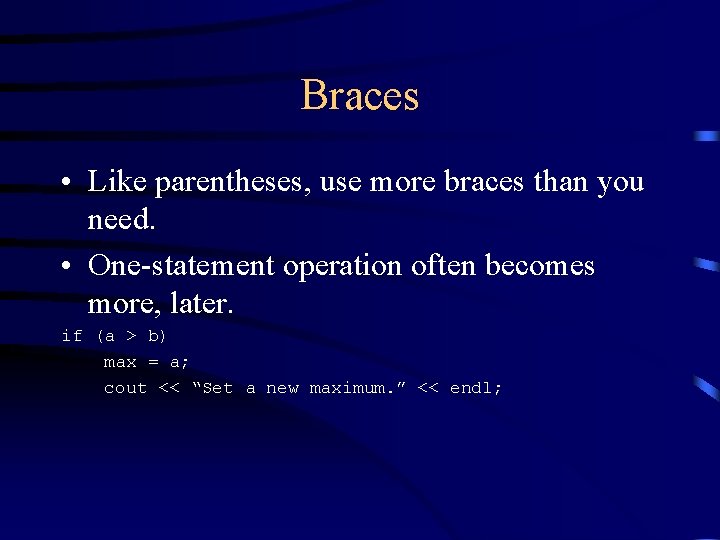
Braces • Like parentheses, use more braces than you need. • One-statement operation often becomes more, later. if (a > b) max = a; cout << “Set a new maximum. ” << endl;
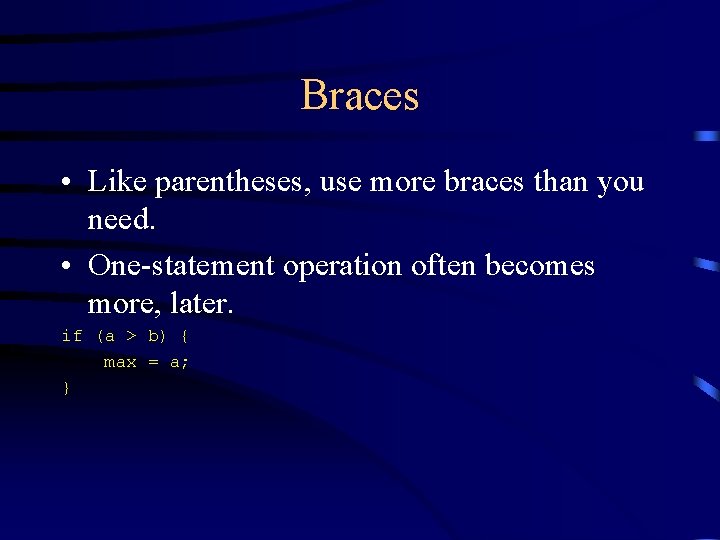
Braces • Like parentheses, use more braces than you need. • One-statement operation often becomes more, later. if (a > b) { max = a; }
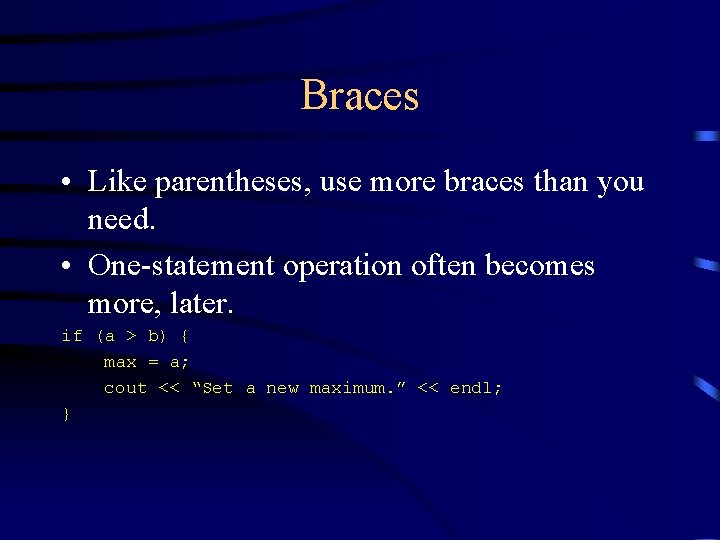
Braces • Like parentheses, use more braces than you need. • One-statement operation often becomes more, later. if (a > b) { max = a; cout << “Set a new maximum. ” << endl; }
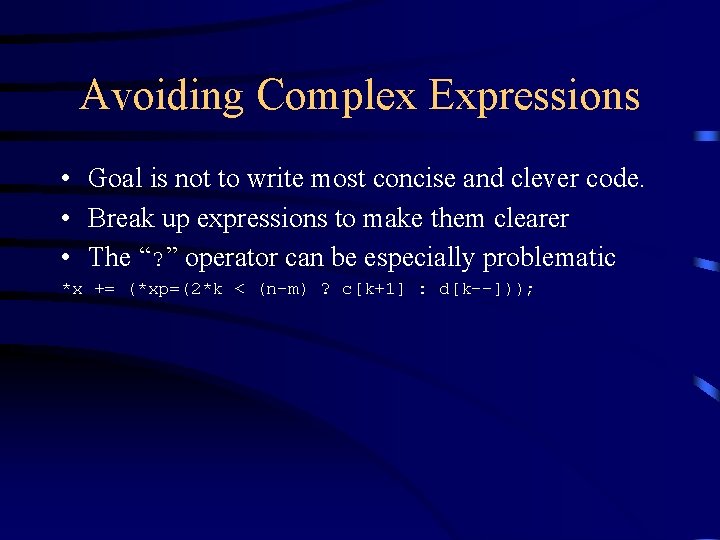
Avoiding Complex Expressions • Goal is not to write most concise and clever code. • Break up expressions to make them clearer • The “? ” operator can be especially problematic *x += (*xp=(2*k < (n-m) ? c[k+1] : d[k--]));
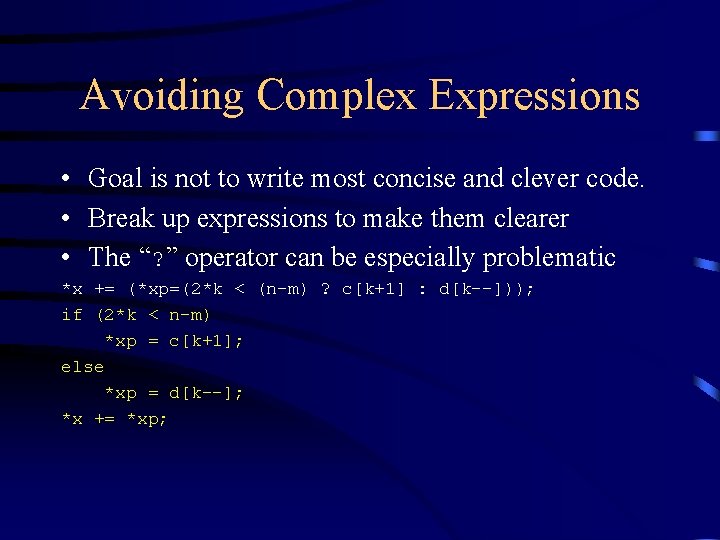
Avoiding Complex Expressions • Goal is not to write most concise and clever code. • Break up expressions to make them clearer • The “? ” operator can be especially problematic *x += (*xp=(2*k < (n-m) ? c[k+1] : d[k--])); if (2*k < n-m) *xp = c[k+1]; else *xp = d[k--]; *x += *xp;
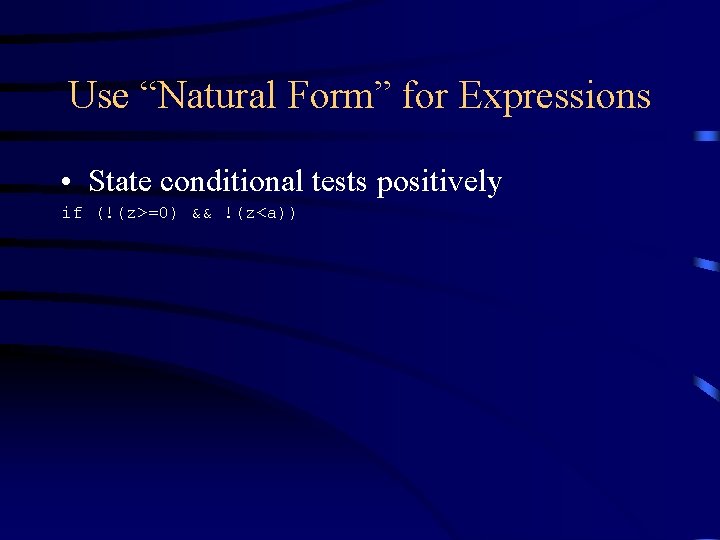
Use “Natural Form” for Expressions • State conditional tests positively if (!(z>=0) && !(z<a))
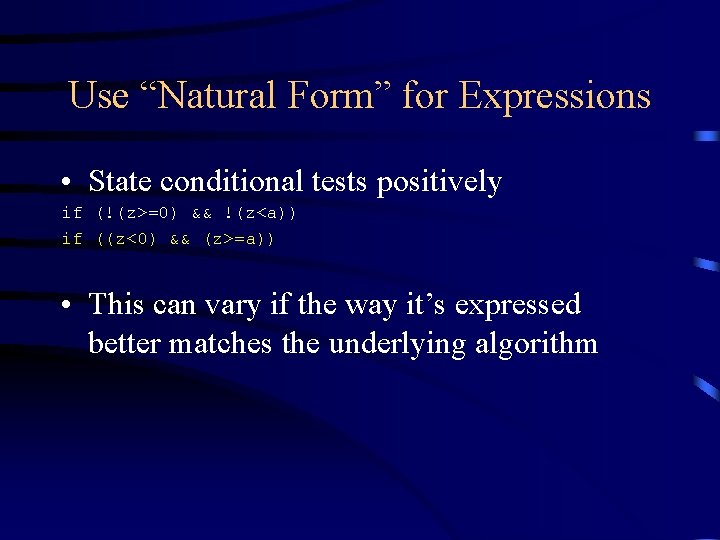
Use “Natural Form” for Expressions • State conditional tests positively if (!(z>=0) && !(z<a)) if ((z<0) && (z>=a)) • This can vary if the way it’s expressed better matches the underlying algorithm
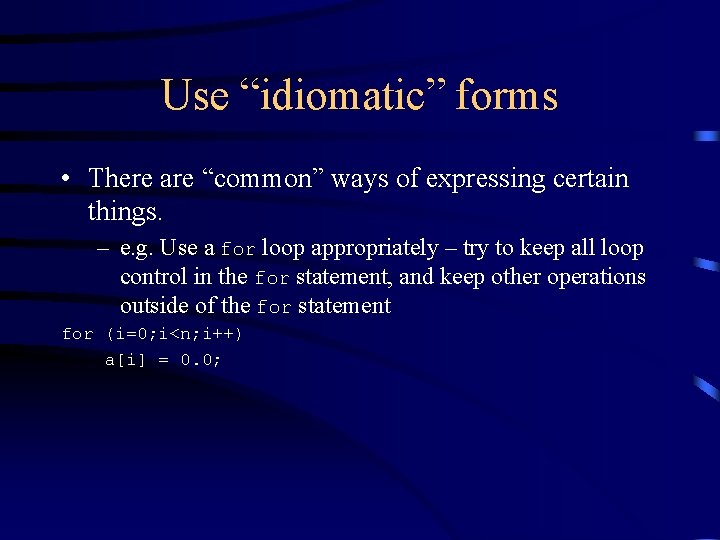
Use “idiomatic” forms • There are “common” ways of expressing certain things. – e. g. Use a for loop appropriately – try to keep all loop control in the for statement, and keep other operations outside of the for statement for (i=0; i<n; i++) a[i] = 0. 0;
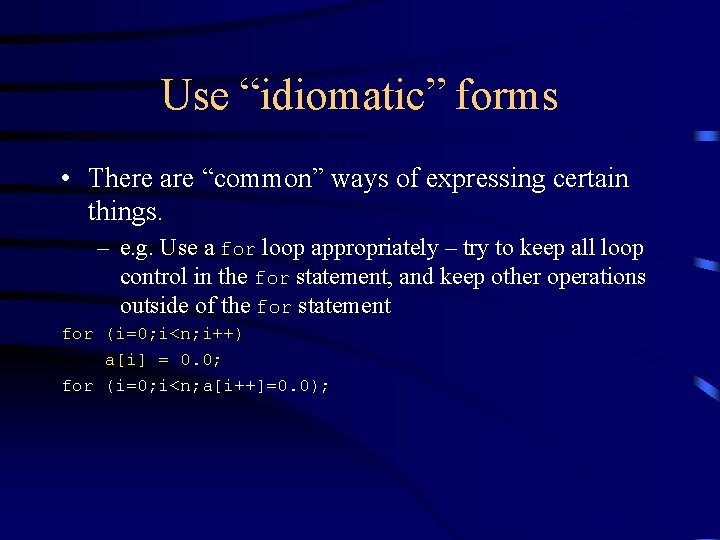
Use “idiomatic” forms • There are “common” ways of expressing certain things. – e. g. Use a for loop appropriately – try to keep all loop control in the for statement, and keep other operations outside of the for statement for (i=0; i<n; i++) a[i] = 0. 0; for (i=0; i<n; a[i++]=0. 0);
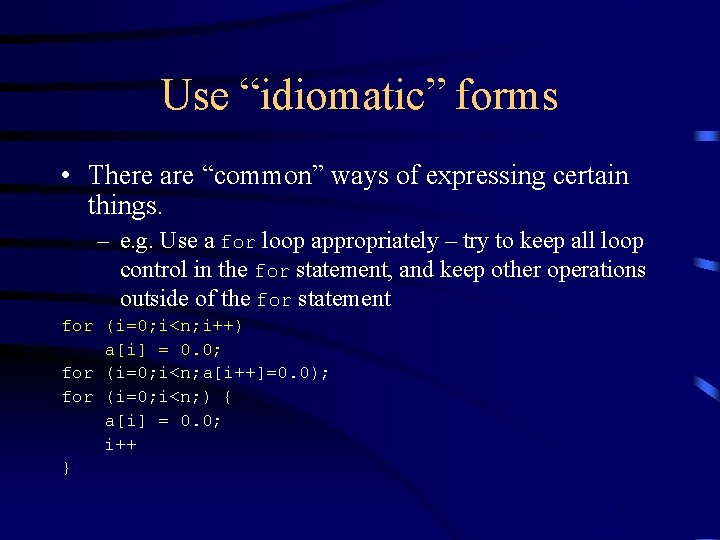
Use “idiomatic” forms • There are “common” ways of expressing certain things. – e. g. Use a for loop appropriately – try to keep all loop control in the for statement, and keep other operations outside of the for statement for (i=0; i<n; i++) a[i] = 0. 0; for (i=0; i<n; a[i++]=0. 0); for (i=0; i<n; ) { a[i] = 0. 0; i++ }
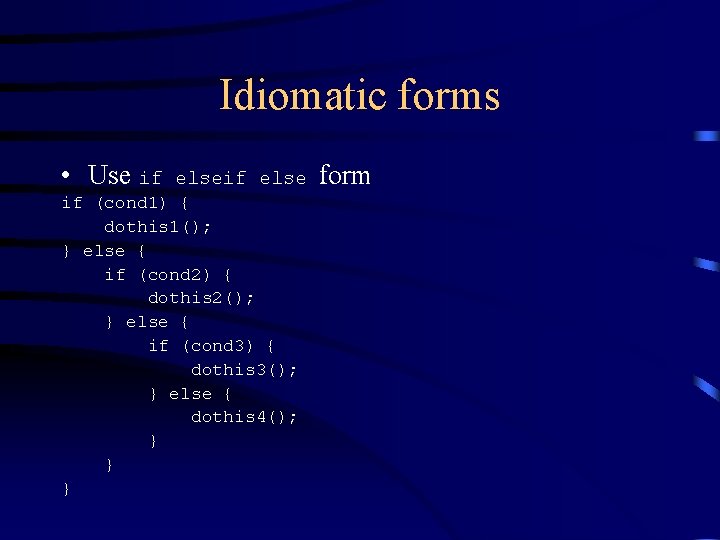
Idiomatic forms • Use if else if (cond 1) { dothis 1(); } else { if (cond 2) { dothis 2(); } else { if (cond 3) { dothis 3(); } else { dothis 4(); } } } form
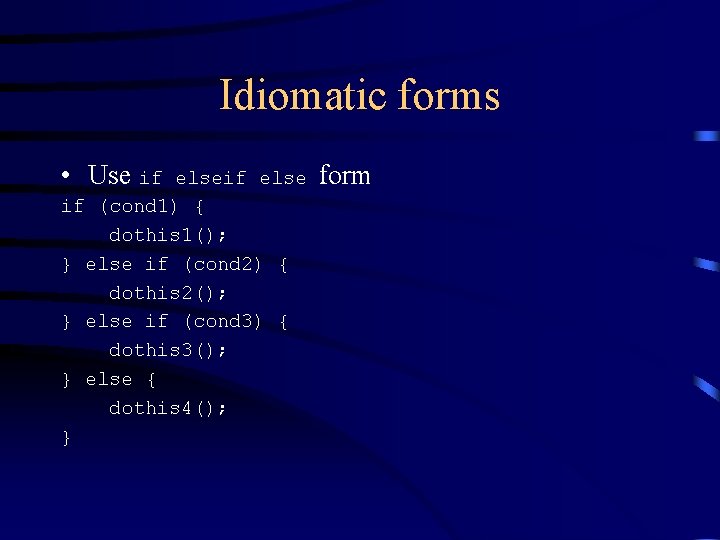
Idiomatic forms • Use if else if (cond 1) { dothis 1(); } else if (cond 2) { dothis 2(); } else if (cond 3) { dothis 3(); } else { dothis 4(); } form
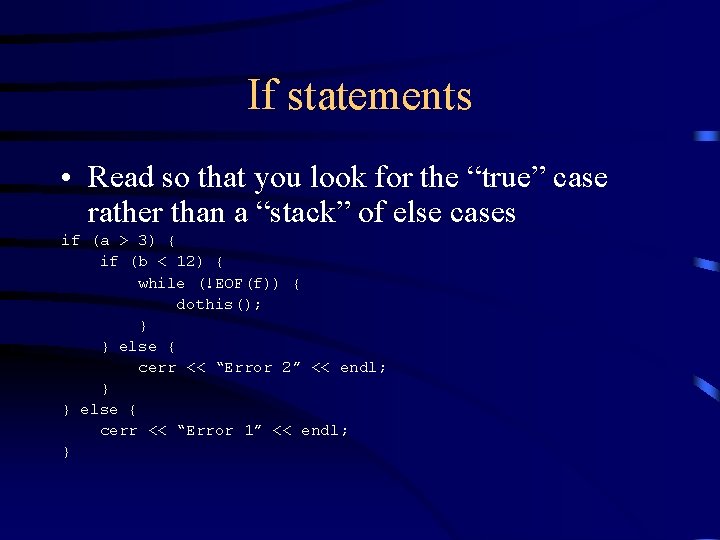
If statements • Read so that you look for the “true” case rather than a “stack” of else cases if (a > 3) { if (b < 12) { while (!EOF(f)) { dothis(); } } else { cerr << “Error 2” << endl; } } else { cerr << “Error 1” << endl; }
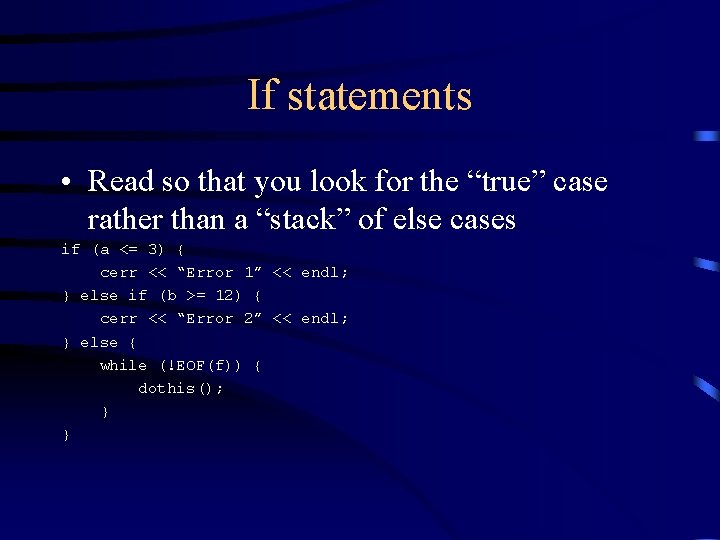
If statements • Read so that you look for the “true” case rather than a “stack” of else cases if (a <= 3) { cerr << “Error 1” << endl; } else if (b >= 12) { cerr << “Error 2” << endl; } else { while (!EOF(f)) { dothis(); } }
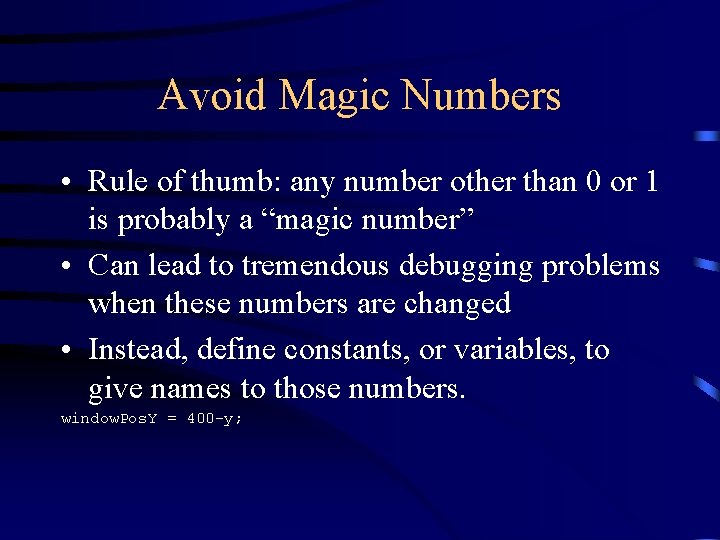
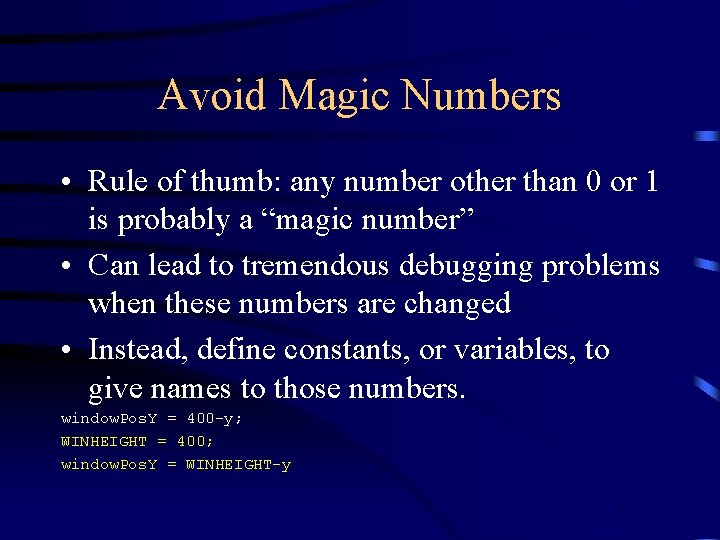
Avoid Magic Numbers • Rule of thumb: any number other than 0 or 1 is probably a “magic number” • Can lead to tremendous debugging problems when these numbers are changed • Instead, define constants, or variables, to give names to those numbers. window. Pos. Y = 400 -y;
Avoid Magic Numbers • Rule of thumb: any number other than 0 or 1 is probably a “magic number” • Can lead to tremendous debugging problems when these numbers are changed • Instead, define constants, or variables, to give names to those numbers. window. Pos. Y = 400 -y; WINHEIGHT = 400; window. Pos. Y = WINHEIGHT-y
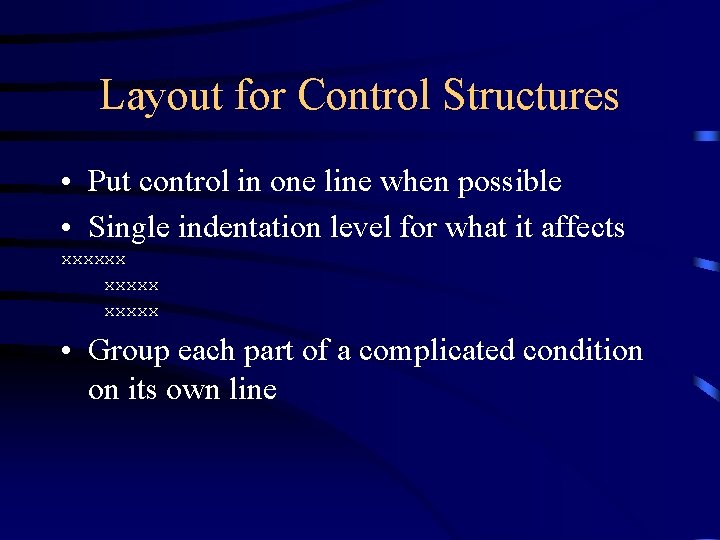
Layout for Control Structures • Put control in one line when possible • Single indentation level for what it affects xxxxxx • Group each part of a complicated condition on its own line
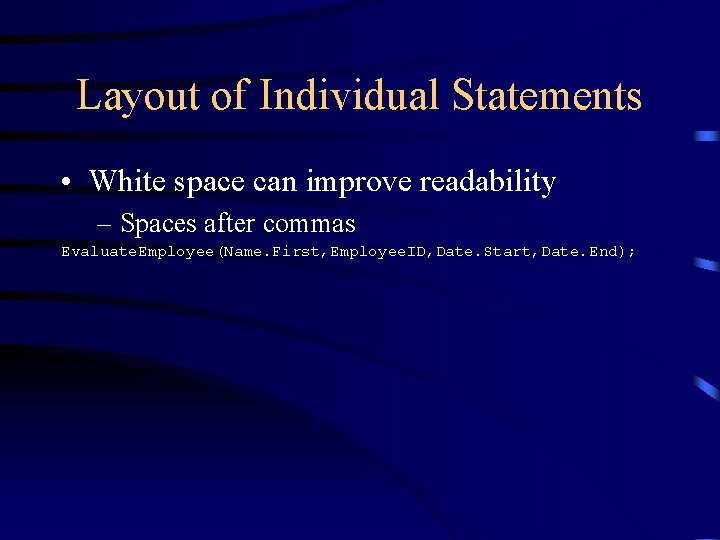
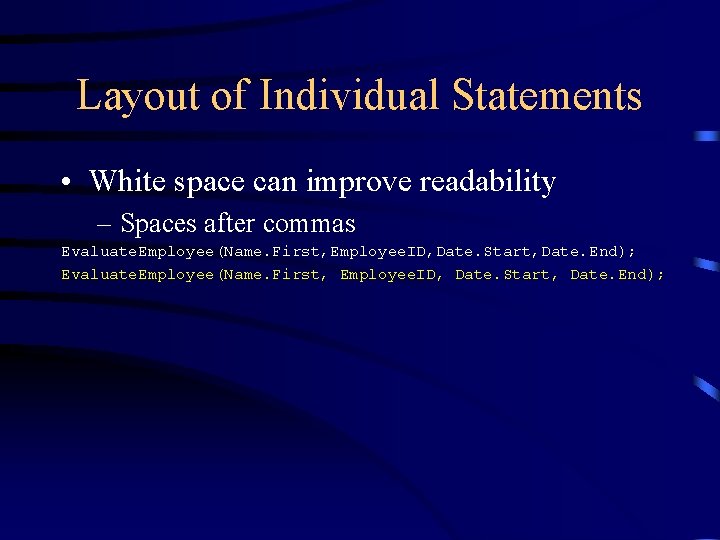
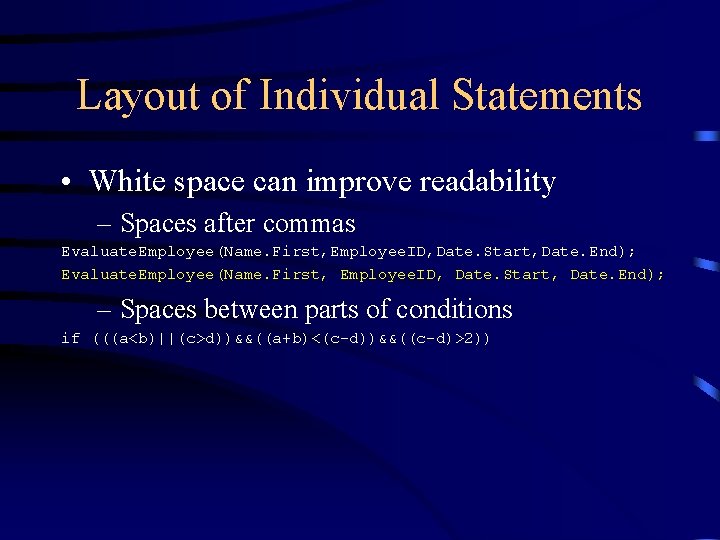
Layout of Individual Statements • White space can improve readability – Spaces after commas Evaluate. Employee(Name. First, Employee. ID, Date. Start, Date. End);
Layout of Individual Statements • White space can improve readability – Spaces after commas Evaluate. Employee(Name. First, Employee. ID, Date. Start, Date. End);
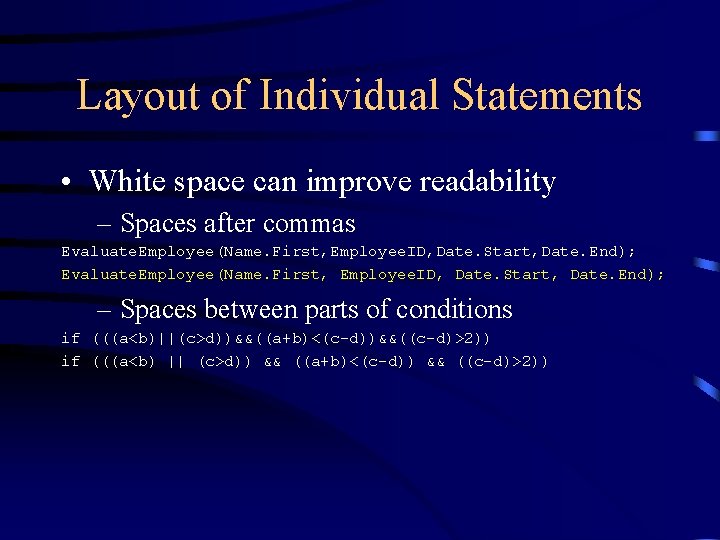
Layout of Individual Statements • White space can improve readability – Spaces after commas Evaluate. Employee(Name. First, Employee. ID, Date. Start, Date. End); – Spaces between parts of conditions if (((a<b)||(c>d))&&((a+b)<(c-d))&&((c-d)>2))
Layout of Individual Statements • White space can improve readability – Spaces after commas Evaluate. Employee(Name. First, Employee. ID, Date. Start, Date. End); – Spaces between parts of conditions if (((a<b)||(c>d))&&((a+b)<(c-d))&&((c-d)>2)) if (((a<b) || (c>d)) && ((a+b)<(c-d)) && ((c-d)>2))
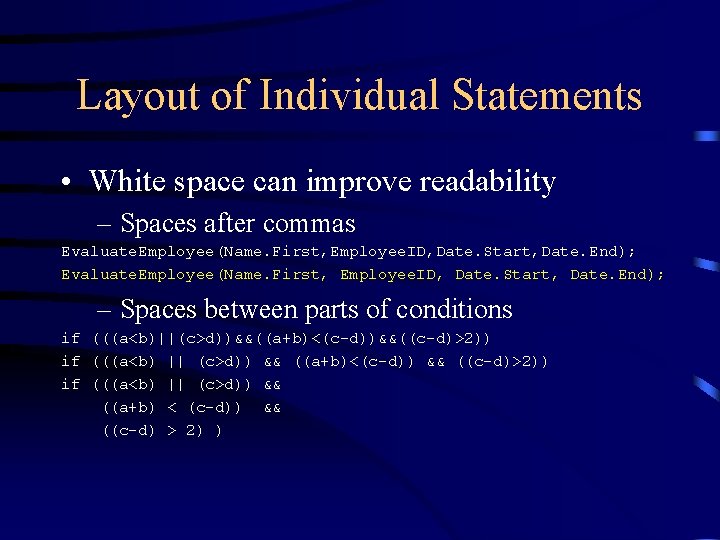
Layout of Individual Statements • White space can improve readability – Spaces after commas Evaluate. Employee(Name. First, Employee. ID, Date. Start, Date. End); – Spaces between parts of conditions if (((a<b)||(c>d))&&((a+b)<(c-d))&&((c-d)>2)) if (((a<b) || (c>d)) && ((a+b)<(c-d)) && ((c-d)>2)) if (((a<b) || (c>d)) && ((a+b) < (c-d)) && ((c-d) > 2) )
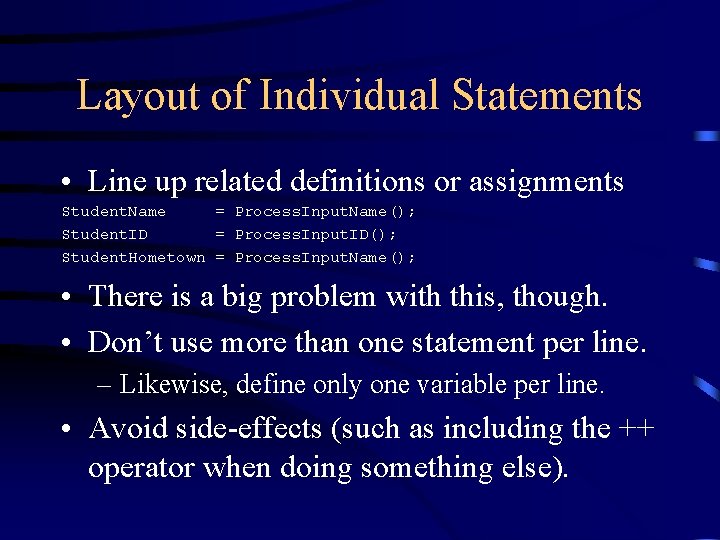
Layout of Individual Statements • Line up related definitions or assignments Student. Name = Process. Input. Name(); Student. ID = Process. Input. ID(); Student. Hometown = Process. Input. Name(); • There is a big problem with this, though. • Don’t use more than one statement per line. – Likewise, define only one variable per line. • Avoid side-effects (such as including the ++ operator when doing something else).
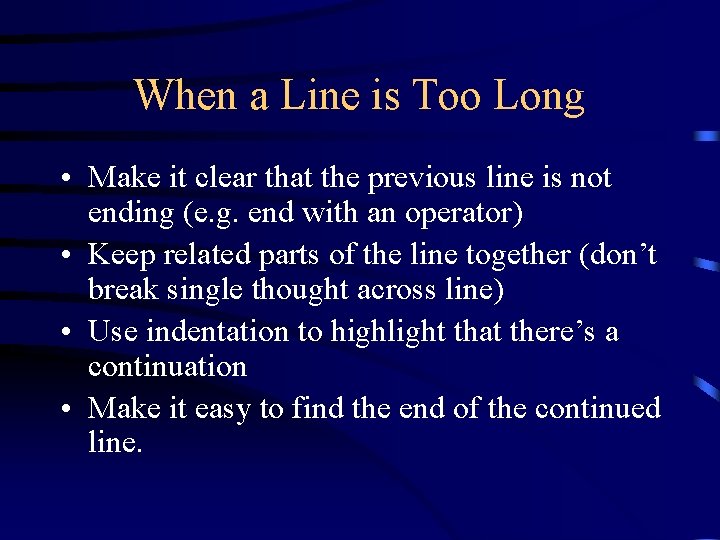
When a Line is Too Long • Make it clear that the previous line is not ending (e. g. end with an operator) • Keep related parts of the line together (don’t break single thought across line) • Use indentation to highlight that there’s a continuation • Make it easy to find the end of the continued line.
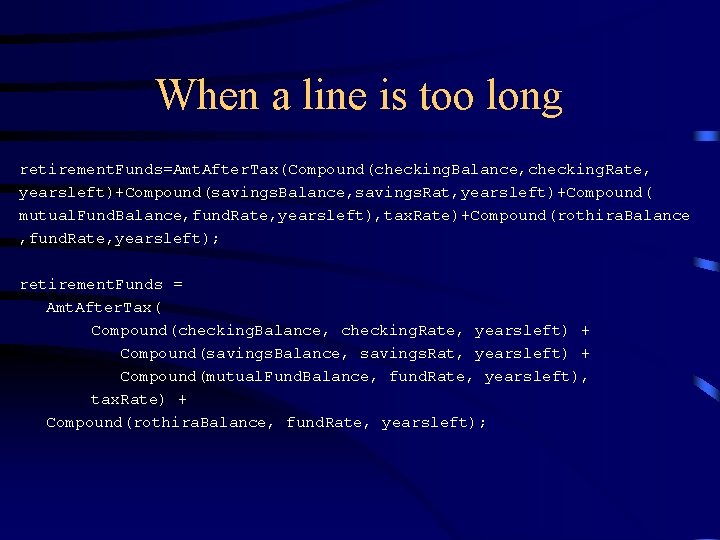
When a line is too long retirement. Funds=Amt. After. Tax(Compound(checking. Balance, checking. Rate, yearsleft)+Compound(savings. Balance, savings. Rat, yearsleft)+Compound( mutual. Fund. Balance, fund. Rate, yearsleft), tax. Rate)+Compound(rothira. Balance , fund. Rate, yearsleft); retirement. Funds = Amt. After. Tax( Compound(checking. Balance, checking. Rate, yearsleft) + Compound(savings. Balance, savings. Rat, yearsleft) + Compound(mutual. Fund. Balance, fund. Rate, yearsleft), tax. Rate) + Compound(rothira. Balance, fund. Rate, yearsleft);
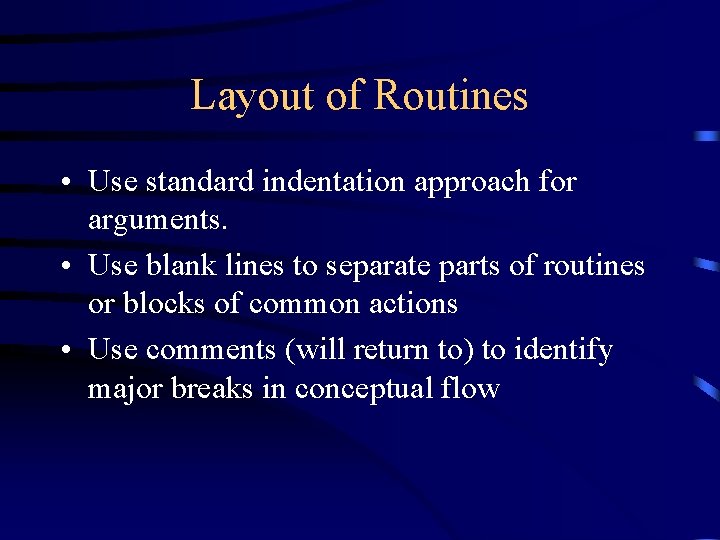
Layout of Routines • Use standard indentation approach for arguments. • Use blank lines to separate parts of routines or blocks of common actions • Use comments (will return to) to identify major breaks in conceptual flow
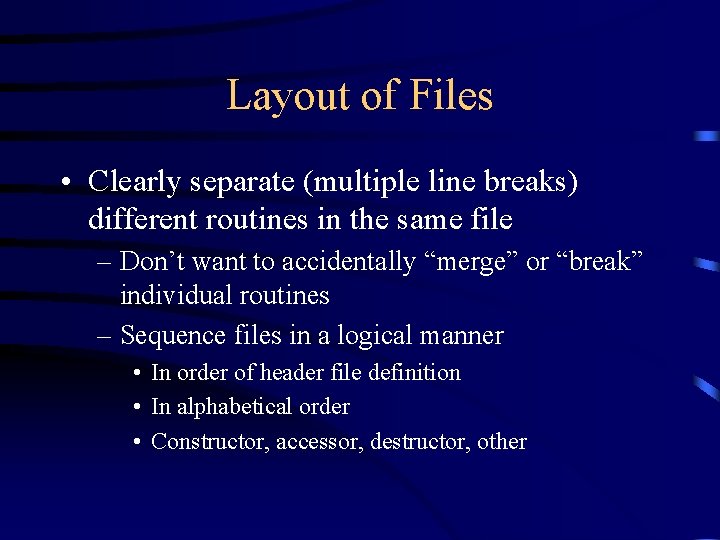
Layout of Files • Clearly separate (multiple line breaks) different routines in the same file – Don’t want to accidentally “merge” or “break” individual routines – Sequence files in a logical manner • In order of header file definition • In alphabetical order • Constructor, accessor, destructor, other