
Common Disaster Recovery Tools In Unix and Linux
- Slides: 72
Common Disaster Recovery Tools In Unix and Linux* © 2008 Dusan Baljevic The information contained herein is subject to change without notice
Business Continuity Plans and Backups • People make IT support a complex issue! • Disaster Recovery must be based on Business Continuity Plans and meet the requirements as set in the following question: What is the cost of downtime per hour? 10 September 2020 Webinar 2
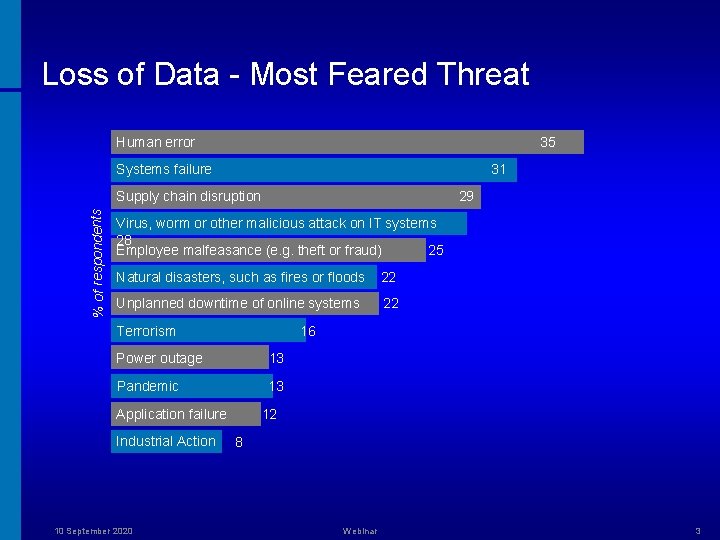
Loss of Data - Most Feared Threat Human error 35 Systems failure 31 % of respondents Supply chain disruption 29 Virus, worm or other malicious attack on IT systems 28 Employee malfeasance (e. g. theft or fraud) 25 Natural disasters, such as fires or floods 22 Unplanned downtime of online systems 22 Terrorism 16 Power outage 13 Pandemic 13 Application failure Industrial Action 10 September 2020 12 8 Webinar 3
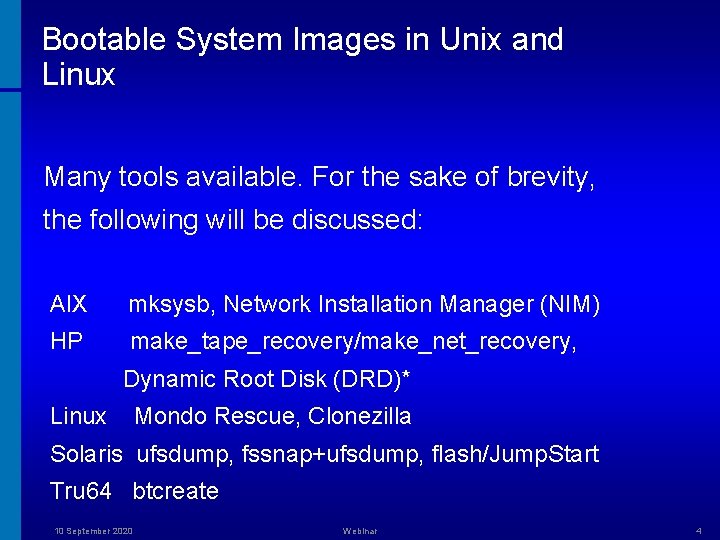
Bootable System Images in Unix and Linux Many tools available. For the sake of brevity, the following will be discussed: AIX mksysb, Network Installation Manager (NIM) HP make_tape_recovery/make_net_recovery, Dynamic Root Disk (DRD)* Linux Mondo Rescue, Clonezilla Solaris ufsdump, fssnap+ufsdump, flash/Jump. Start Tru 64 btcreate 10 September 2020 Webinar 4
Tape Drives Limitations inherent with tape media: • A tape drive must be available on each system to be archived. • Must remove old tapes and insert new ones for new backups. • If an archive exceeds the capacity of a tape, you must swap tapes for both creation and extraction. • Must check log files and run dummy restores to ensure data consistency. • Tape drives are more error-prone than a local network or CD-ROM and DVD. • Cost of tapes in large environment is significant. • Cost of managing tape loading and storage is significant. • Generally slower that disk or LAN. 10 September 2020 Webinar 5
AIX – mksysb(1) Creates a backup of the operating system (root volume group). The file system image is in backup-file format. The tape format includes a boot image, a bosinstall image, and an empty table of contents followed by the system backup (root volume group) image. The root volume group image is in backup-file format, starting with data files and then any optional map files. 10 September 2020 Webinar 6
AIX – mksysb(1) Pros highlights: • For managing a single or limited number of servers. • Can be used for system cloning. • Use when servers are not networked. • Allows backup to tape drive (CD-ROM and DVD typically done through mkcd(1)). 10 September 2020 Webinar 7
AIX – mksysb(1) Cons highlights: • Identical tape drive is needed for an off-site recovery. • Cannot back up files that are mounted from a remote server. • If /usr is remote-mounted, you cannot reinstall system from backup image. • Image does not include data on raw devices or in user-defined paging spaces. • It may not restore all device configurations for special features, such as /dev/netbios and some device drives not shipped with the product. • LC_ALL environment variable should be unset (if non-C value). • Does not have built-in error checking to minimize problems when backing up an active file system. • Format specific to AIX (backup-file). * 10 September 2020 Webinar 8
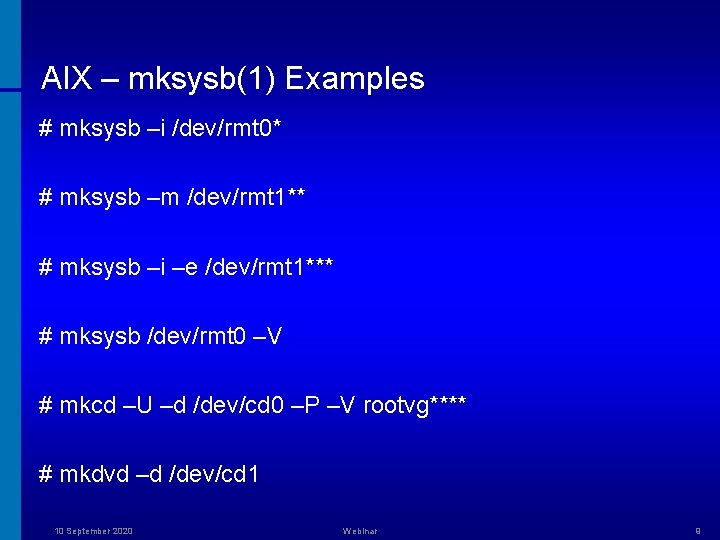
AIX – mksysb(1) Examples # mksysb –i /dev/rmt 0* # mksysb –m /dev/rmt 1** # mksysb –i –e /dev/rmt 1*** # mksysb /dev/rmt 0 –V # mkcd –U –d /dev/cd 0 –P –V rootvg**** # mkdvd –d /dev/cd 1 10 September 2020 Webinar 9
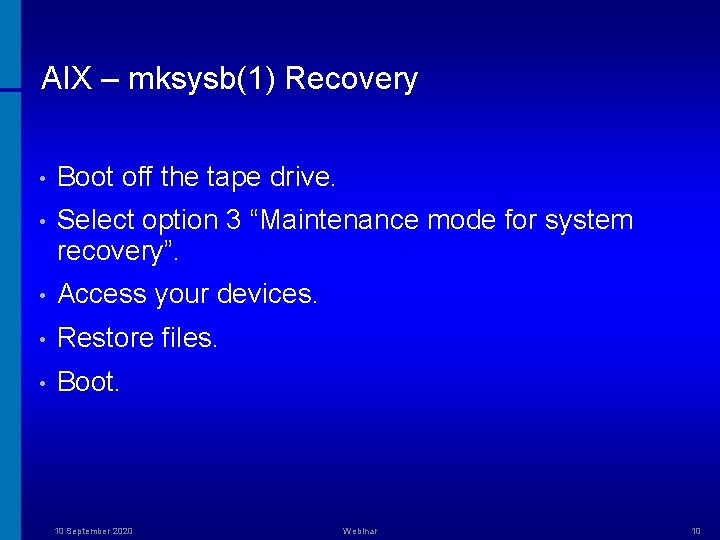
AIX – mksysb(1) Recovery • Boot off the tape drive. • Select option 3 “Maintenance mode for system recovery”. • Access your devices. • Restore files. • Boot. 10 September 2020 Webinar 10
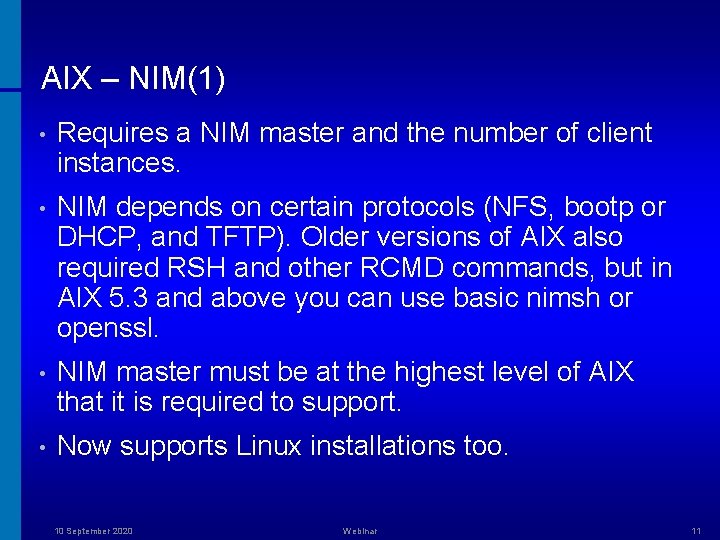
AIX – NIM(1) • Requires a NIM master and the number of client instances. • NIM depends on certain protocols (NFS, bootp or DHCP, and TFTP). Older versions of AIX also required RSH and other RCMD commands, but in AIX 5. 3 and above you can use basic nimsh or openssl. • NIM master must be at the highest level of AIX that it is required to support. • Now supports Linux installations too. 10 September 2020 Webinar 11
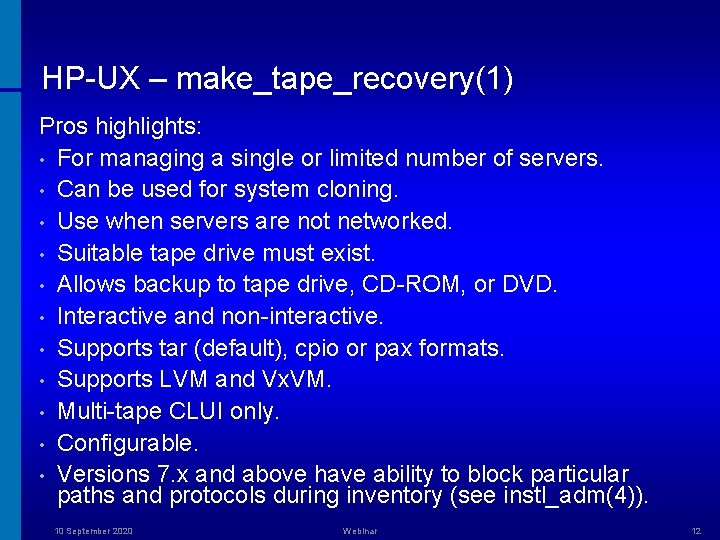
HP-UX – make_tape_recovery(1) Pros highlights: • For managing a single or limited number of servers. • Can be used for system cloning. • Use when servers are not networked. • Suitable tape drive must exist. • Allows backup to tape drive, CD-ROM, or DVD. • Interactive and non-interactive. • Supports tar (default), cpio or pax formats. • Supports LVM and Vx. VM. • Multi-tape CLUI only. • Configurable. • Versions 7. x and above have ability to block particular paths and protocols during inventory (see instl_adm(4)). 10 September 2020 Webinar 12
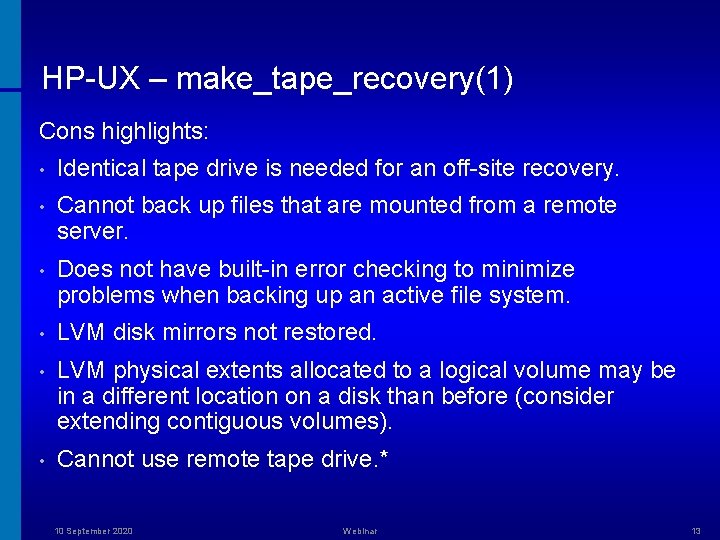
HP-UX – make_tape_recovery(1) Cons highlights: • Identical tape drive is needed for an off-site recovery. • Cannot back up files that are mounted from a remote server. • Does not have built-in error checking to minimize problems when backing up an active file system. • LVM disk mirrors not restored. • LVM physical extents allocated to a logical volume may be in a different location on a disk than before (consider extending contiguous volumes). • Cannot use remote tape drive. * 10 September 2020 Webinar 13
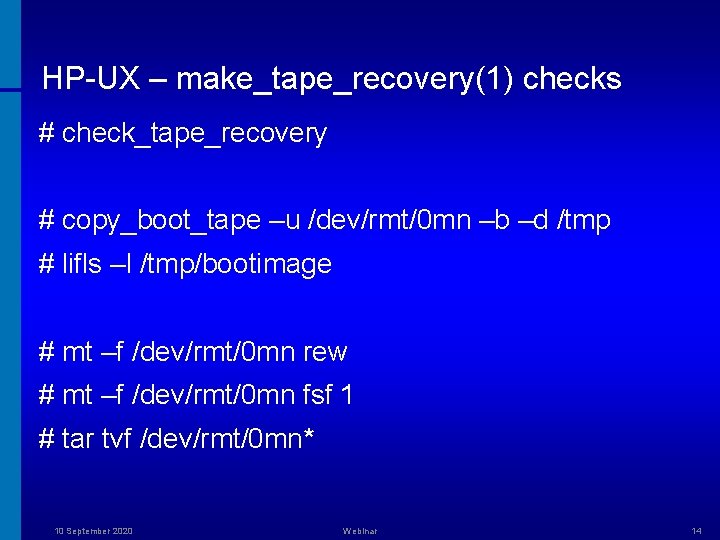
HP-UX – make_tape_recovery(1) checks # check_tape_recovery # copy_boot_tape –u /dev/rmt/0 mn –b –d /tmp # lifls –l /tmp/bootimage # mt –f /dev/rmt/0 mn rew # mt –f /dev/rmt/0 mn fsf 1 # tar tvf /dev/rmt/0 mn* 10 September 2020 Webinar 14
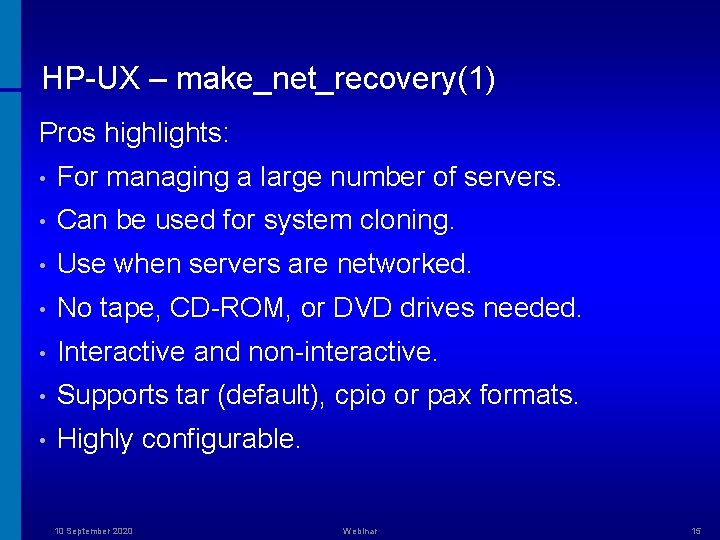
HP-UX – make_net_recovery(1) Pros highlights: • For managing a large number of servers. • Can be used for system cloning. • Use when servers are networked. • No tape, CD-ROM, or DVD drives needed. • Interactive and non-interactive. • Supports tar (default), cpio or pax formats. • Highly configurable. 10 September 2020 Webinar 15
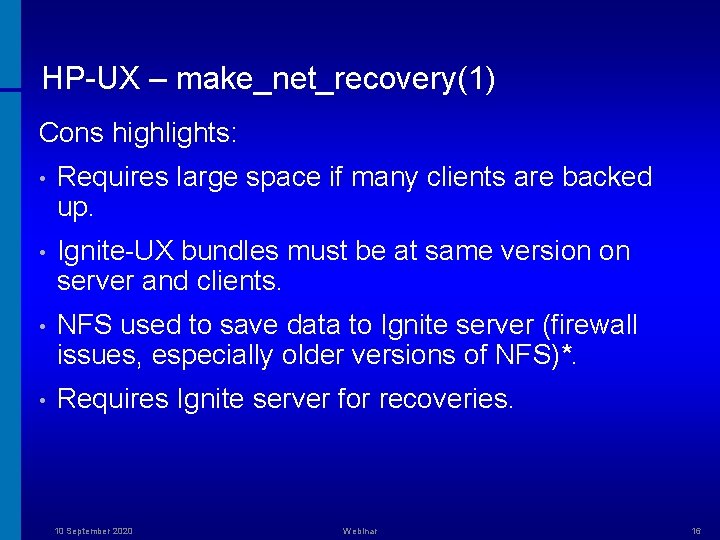
HP-UX – make_net_recovery(1) Cons highlights: • Requires large space if many clients are backed up. • Ignite-UX bundles must be at same version on server and clients. • NFS used to save data to Ignite server (firewall issues, especially older versions of NFS)*. • Requires Ignite server for recoveries. 10 September 2020 Webinar 16
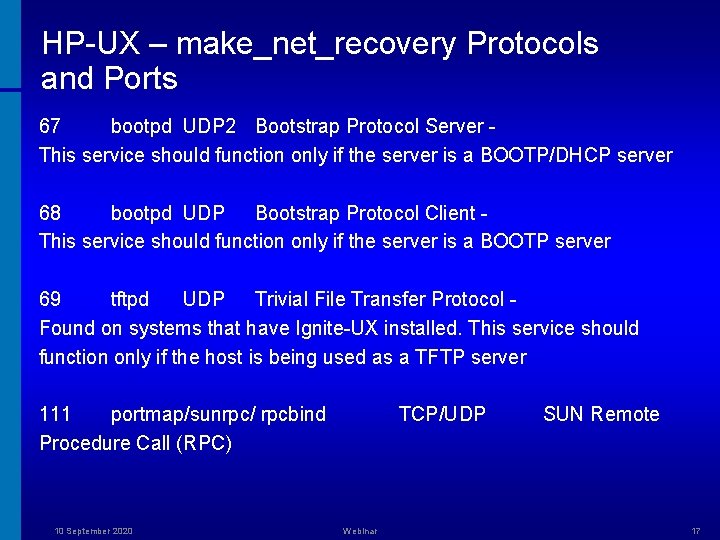
HP-UX – make_net_recovery Protocols and Ports 67 bootpd UDP 2 Bootstrap Protocol Server This service should function only if the server is a BOOTP/DHCP server 68 bootpd UDP Bootstrap Protocol Client This service should function only if the server is a BOOTP server 69 tftpd UDP Trivial File Transfer Protocol Found on systems that have Ignite-UX installed. This service should function only if the host is being used as a TFTP server 111 portmap/sunrpc/ rpcbind Procedure Call (RPC) 10 September 2020 TCP/UDP Webinar SUN Remote 17
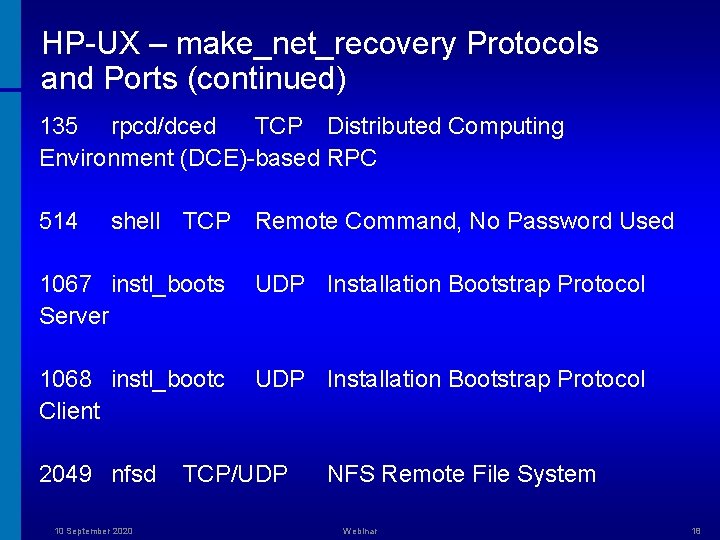
HP-UX – make_net_recovery Protocols and Ports (continued) 135 rpcd/dced TCP Distributed Computing Environment (DCE)-based RPC 514 shell TCP Remote Command, No Password Used 1067 instl_boots Server UDP Installation Bootstrap Protocol 1068 instl_bootc Client UDP Installation Bootstrap Protocol 2049 nfsd 10 September 2020 TCP/UDP NFS Remote File System Webinar 18
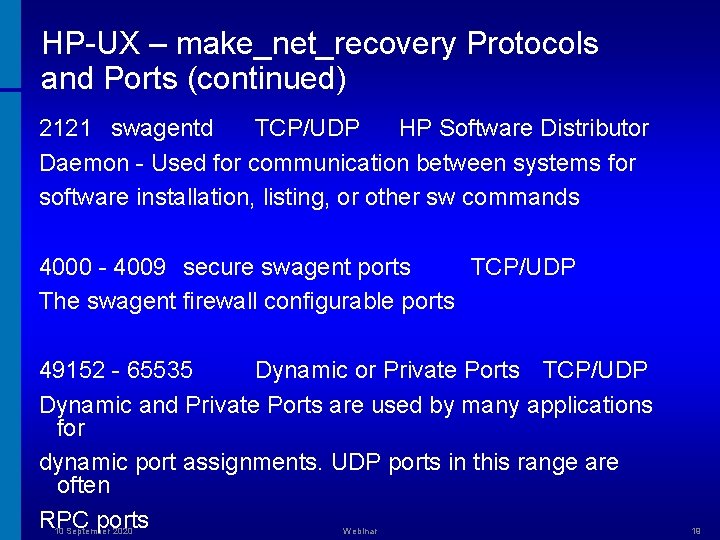
HP-UX – make_net_recovery Protocols and Ports (continued) 2121 swagentd TCP/UDP HP Software Distributor Daemon - Used for communication between systems for software installation, listing, or other sw commands 4000 - 4009 secure swagent ports TCP/UDP The swagent firewall configurable ports 49152 - 65535 Dynamic or Private Ports TCP/UDP Dynamic and Private Ports are used by many applications for dynamic port assignments. UDP ports in this range are often RPC ports 10 September 2020 Webinar 19
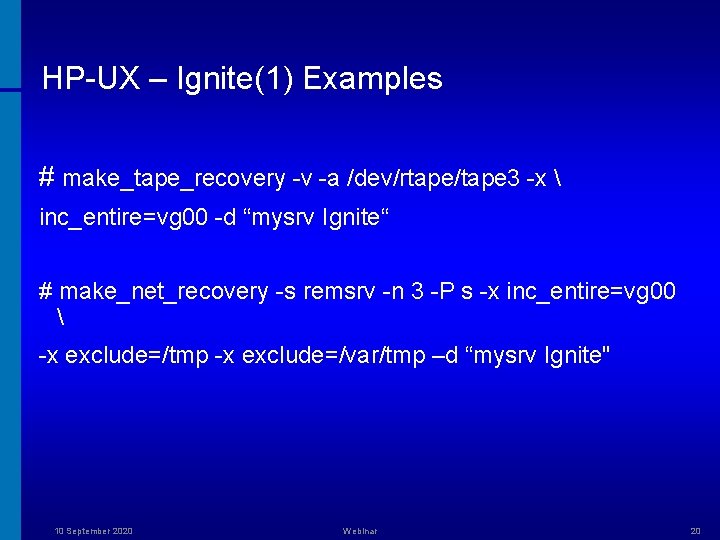
HP-UX – Ignite(1) Examples # make_tape_recovery -v -a /dev/rtape/tape 3 -x inc_entire=vg 00 -d “mysrv Ignite“ # make_net_recovery -s remsrv -n 3 -P s -x inc_entire=vg 00 -x exclude=/tmp -x exclude=/var/tmp –d “mysrv Ignite" 10 September 2020 Webinar 20
HP-UX – Dynamic Root Disk • DRD (current release A. 3. 1. 0 - February 2008) runs on both Integrity and PA platforms running the following operating systems: HP-UX 11 i v 2 (11. 23) September 2004 or more recent HP-UX 11 i v 3 (11. 31) • Root group being cloned can be managed by any release of LVM on an O/S release supported by DRD. In addition, the root group can be managed by Vx. VM 4. 1 (HP-UX 11 i v 2 or 11 i v 3) or Vx. VM 5. 0 (HP-UX 11 i v 2 only). 10 September 2020 Webinar 21
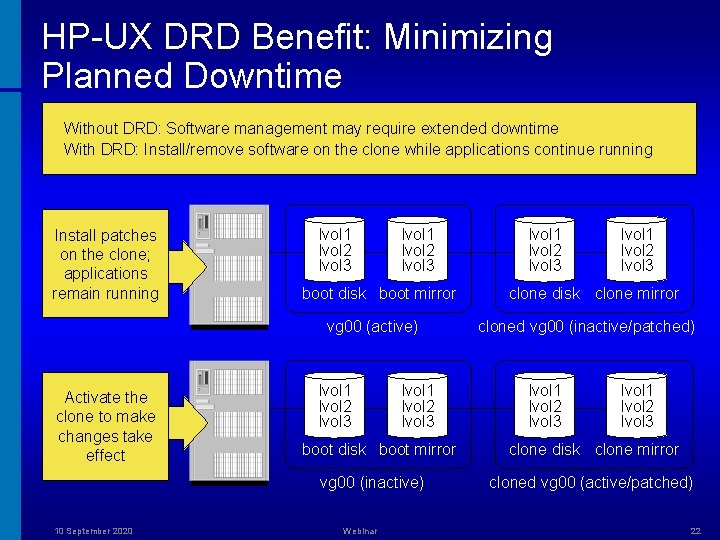
HP-UX DRD Benefit: Minimizing Planned Downtime Without DRD: Software management may require extended downtime With DRD: Install/remove software on the clone while applications continue running Install patches on the clone; applications remain running lvol 1 lvol 2 lvol 3 boot disk boot mirror vg 00 (active) Activate the clone to make changes take effect lvol 1 lvol 2 lvol 3 boot disk boot mirror vg 00 (inactive) 10 September 2020 Webinar lvol 1 lvol 2 lvol 3 clone disk clone mirror cloned vg 00 (inactive/patched) lvol 1 lvol 2 lvol 3 clone disk clone mirror cloned vg 00 (active/patched) 22
HP-UX – Dynamic Root Disk Pros highlights: • Fully supported by HP. • Full clone. • Complements other parts of total HP solution by reducing system downtime required to install and update patches and other software. • Copy operation is currently done by fbackup and frecover. • Kctune(1) command can be used to modify kernel parameters in the clone. • The ioconfig file and the entire /dev directory are copied by the DRD clone operation, so instance numbers will not change when the clone is booted. * • Supports n. Pars, v. Pars, and Integrity VMs. 10 September 2020 Webinar 23
HP-UX – Dynamic Root Disk Pros highlights: • No tape drive is needed. • No impact on network performance. • No security issues of transferring data across the network. • All DRD processes, including drd clone and drd runcmd, can be safely interrupted issuing Control-C (SIGINT) from the controlling terminal or by issuing kill -HUP<pid> (SIGHUP). This action causes DRD to abort processing and perform any necessary clean up. Do not interrupt DRD using the kill -9 <pid> command (SIGKILL), which fails to abort safely and does not perform cleanup. 10 September 2020 Webinar 24
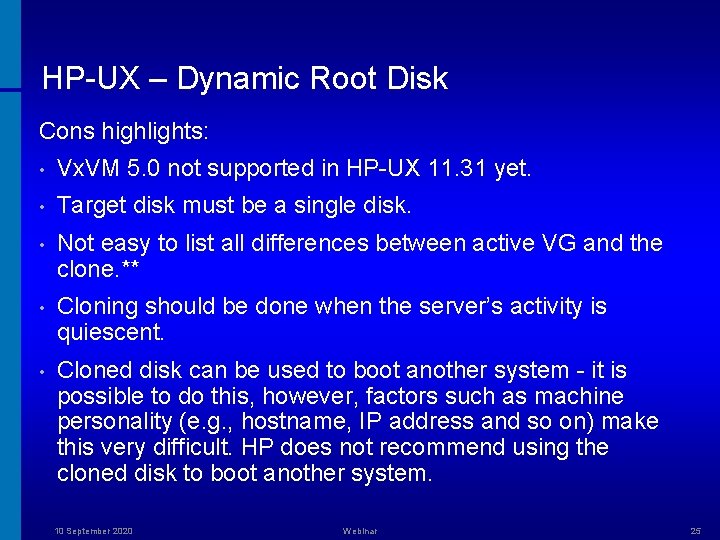
HP-UX – Dynamic Root Disk Cons highlights: • Vx. VM 5. 0 not supported in HP-UX 11. 31 yet. • Target disk must be a single disk. • Not easy to list all differences between active VG and the clone. ** • Cloning should be done when the server’s activity is quiescent. • Cloned disk can be used to boot another system - it is possible to do this, however, factors such as machine personality (e. g. , hostname, IP address and so on) make this very difficult. HP does not recommend using the cloned disk to boot another system. 10 September 2020 Webinar 25
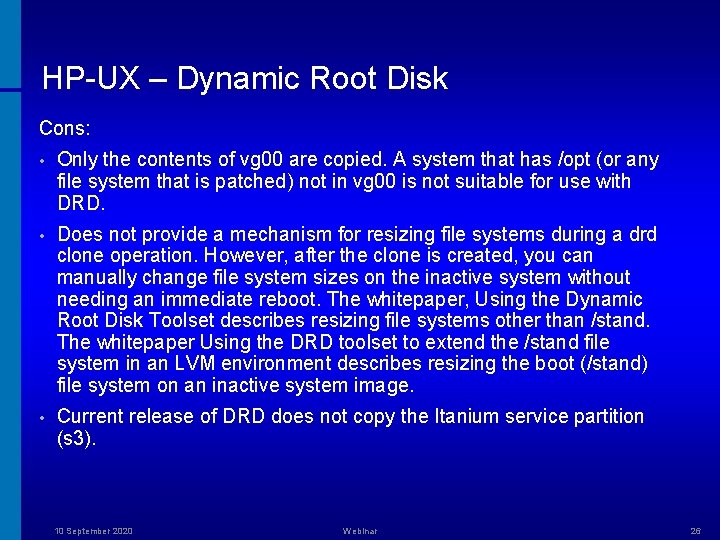
HP-UX – Dynamic Root Disk Cons: • Only the contents of vg 00 are copied. A system that has /opt (or any file system that is patched) not in vg 00 is not suitable for use with DRD. • Does not provide a mechanism for resizing file systems during a drd clone operation. However, after the clone is created, you can manually change file system sizes on the inactive system without needing an immediate reboot. The whitepaper, Using the Dynamic Root Disk Toolset describes resizing file systems other than /stand. The whitepaper Using the DRD toolset to extend the /stand file system in an LVM environment describes resizing the boot (/stand) file system on an inactive system image. • Current release of DRD does not copy the Itanium service partition (s 3). 10 September 2020 Webinar 26
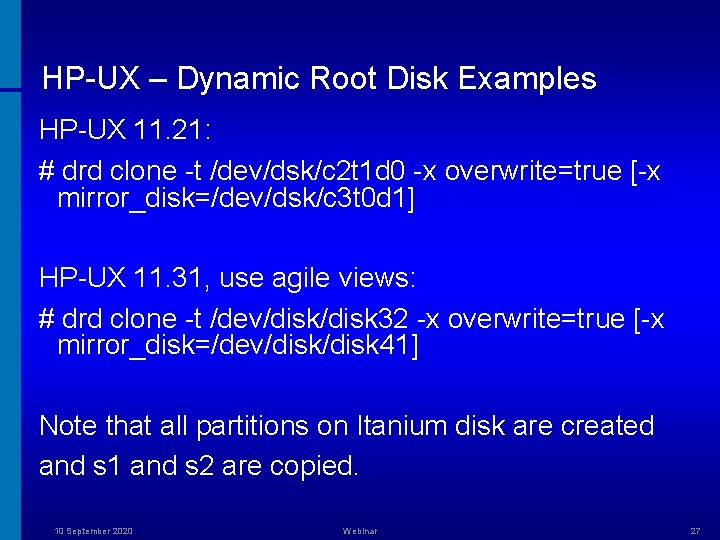
HP-UX – Dynamic Root Disk Examples HP-UX 11. 21: # drd clone -t /dev/dsk/c 2 t 1 d 0 -x overwrite=true [-x mirror_disk=/dev/dsk/c 3 t 0 d 1] HP-UX 11. 31, use agile views: # drd clone -t /dev/disk 32 -x overwrite=true [-x mirror_disk=/dev/disk 41] Note that all partitions on Itanium disk are created and s 1 and s 2 are copied. 10 September 2020 Webinar 27
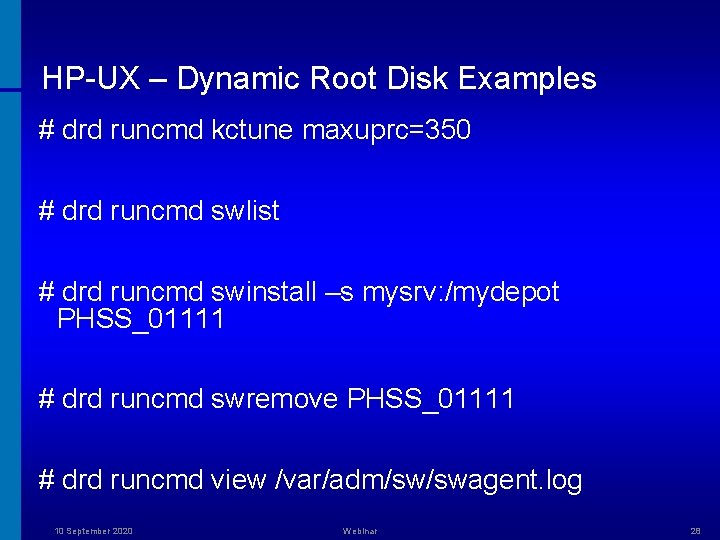
HP-UX – Dynamic Root Disk Examples # drd runcmd kctune maxuprc=350 # drd runcmd swlist # drd runcmd swinstall –s mysrv: /mydepot PHSS_01111 # drd runcmd swremove PHSS_01111 # drd runcmd view /var/adm/sw/swagent. log 10 September 2020 Webinar 28
Linux – Mondo Rescue is a GPL disaster recovery solution. It supports Linux (i 386, x 86_64, ia 64) and Free. BSD (i 386). Packaged for multiple distributions (Red. Hat, RHEL, Su. SE, SLES, Mandiva, Debian, Gentoo). Uses afio* to create cpio-format archives. 10 September 2020 Webinar 29
Linux – Mondo Rescue Pros highlights: • GNU General Public License (GPL). • Supports LVM 1 and 2, RAID, ext 2, ext 3, JFS, XFS, Reiser. FS, VFAT and UFS. • Supports tapes, disks, network and CD/DVD as backup media, multiple file systems, USB key/disks, LVM, software and hardware RAID (no more floppy support). • Can used in interactive and non-interactive mode. • Can backup data to NFS. • Can move/resize/re-allocate partitions. • Supports GRUB and LILO boot managers. 10 September 2020 Webinar 30
Linux – Mondo Rescue Cons highlights: • Certain packages can create problems. • Watch our for number of free inodes (backups can fail). • Long backups due to huge sparse /var/log/lastlog file. • Cannot handle system and hidden attributes when archiving DOS/Windows files. • Number of bugs: http: //trac. mondorescue. org/ • Does not support Red Hat GFS yet. • Does not support multipathing devices (/dev/mapper/mapth. Xp. Y). • Should have option to select NIC when archiving across network (currently it takes the first interface available). • Pre- and Post-install script support for restores. • Does not support bootable USB that backs up to DVDs. • Does not support sshfs (Clone. Zilla has it) and webdav. • Can hang if no floppy present. • Issues when mounting /proc in a chroot environment (for example, mount –bind /proc /var/named/chroot/proc). • Does not work with SELinux. 10 September 2020 Webinar 31
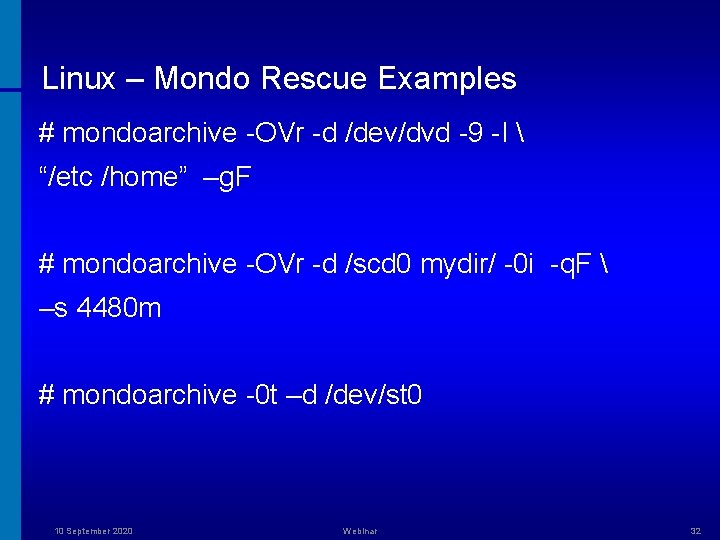
Linux – Mondo Rescue Examples # mondoarchive -OVr -d /dev/dvd -9 -I “/etc /home” –g. F # mondoarchive -OVr -d /scd 0 mydir/ -0 i -q. F –s 4480 m # mondoarchive -0 t –d /dev/st 0 10 September 2020 Webinar 32
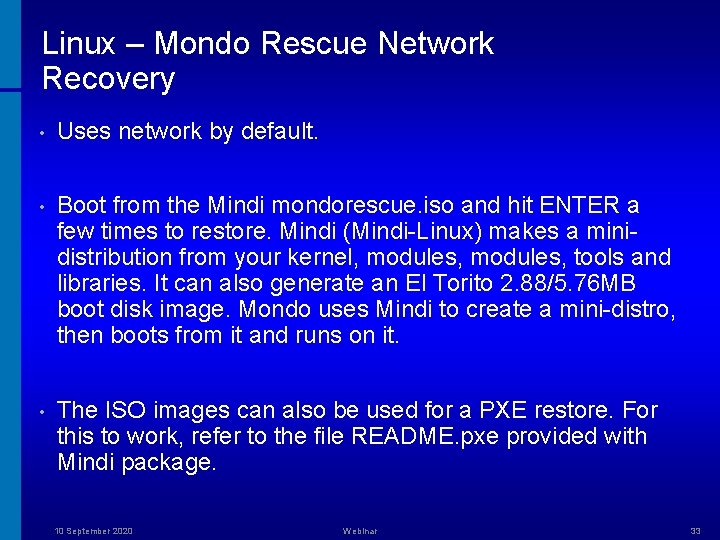
Linux – Mondo Rescue Network Recovery • Uses network by default. • Boot from the Mindi mondorescue. iso and hit ENTER a few times to restore. Mindi (Mindi-Linux) makes a minidistribution from your kernel, modules, tools and libraries. It can also generate an El Torito 2. 88/5. 76 MB boot disk image. Mondo uses Mindi to create a mini-distro, then boots from it and runs on it. • The ISO images can also be used for a PXE restore. For this to work, refer to the file README. pxe provided with Mindi package. 10 September 2020 Webinar 33
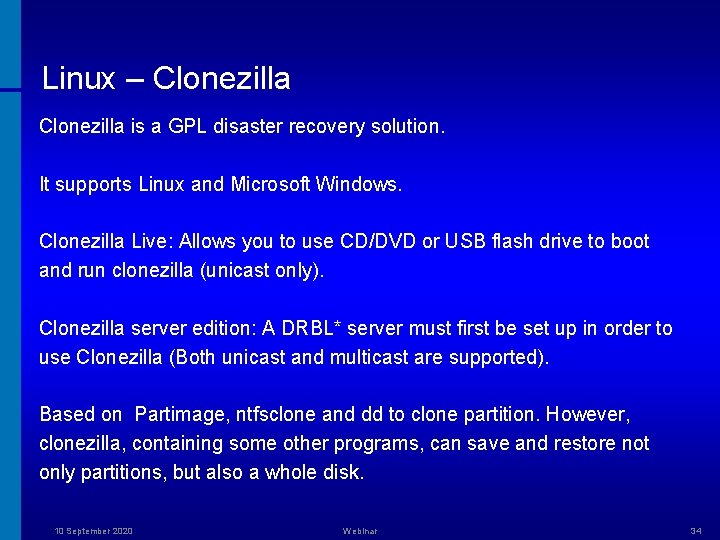
Linux – Clonezilla is a GPL disaster recovery solution. It supports Linux and Microsoft Windows. Clonezilla Live: Allows you to use CD/DVD or USB flash drive to boot and run clonezilla (unicast only). Clonezilla server edition: A DRBL* server must first be set up in order to use Clonezilla (Both unicast and multicast are supported). Based on Partimage, ntfsclone and dd to clone partition. However, clonezilla, containing some other programs, can save and restore not only partitions, but also a whole disk. 10 September 2020 Webinar 34
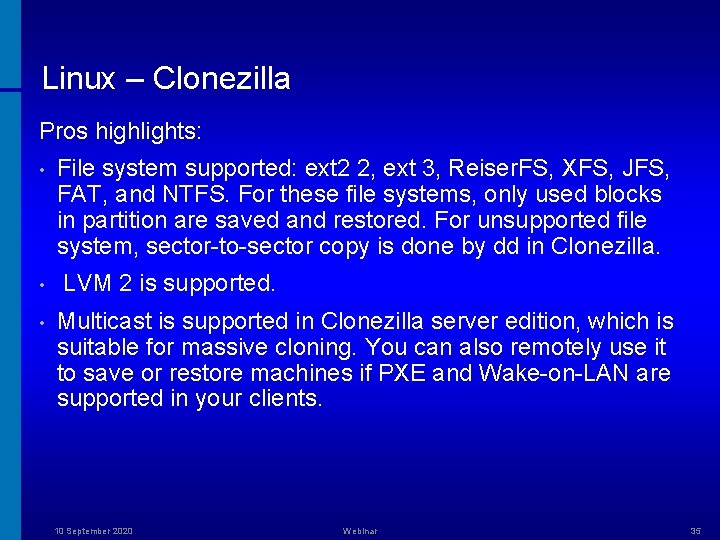
Linux – Clonezilla Pros highlights: • • • File system supported: ext 2 2, ext 3, Reiser. FS, XFS, JFS, FAT, and NTFS. For these file systems, only used blocks in partition are saved and restored. For unsupported file system, sector-to-sector copy is done by dd in Clonezilla. LVM 2 is supported. Multicast is supported in Clonezilla server edition, which is suitable for massive cloning. You can also remotely use it to save or restore machines if PXE and Wake-on-LAN are supported in your clients. 10 September 2020 Webinar 35
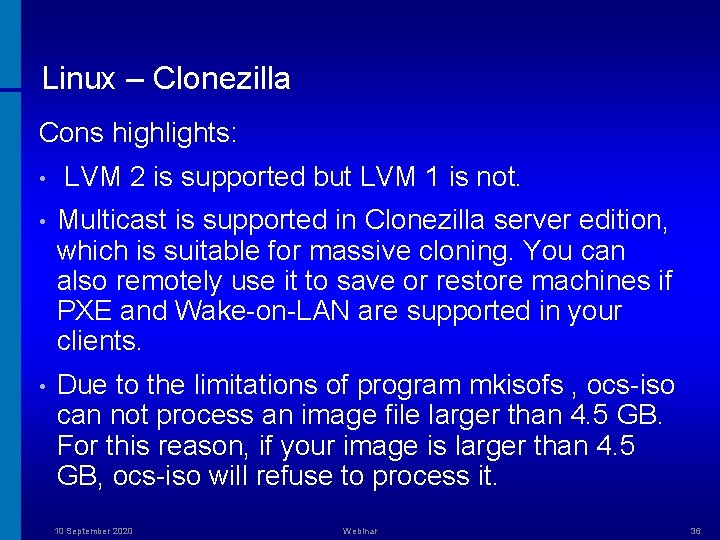
Linux – Clonezilla Cons highlights: • LVM 2 is supported but LVM 1 is not. • Multicast is supported in Clonezilla server edition, which is suitable for massive cloning. You can also remotely use it to save or restore machines if PXE and Wake-on-LAN are supported in your clients. • Due to the limitations of program mkisofs , ocs-iso can not process an image file larger than 4. 5 GB. For this reason, if your image is larger than 4. 5 GB, ocs-iso will refuse to process it. 10 September 2020 Webinar 36
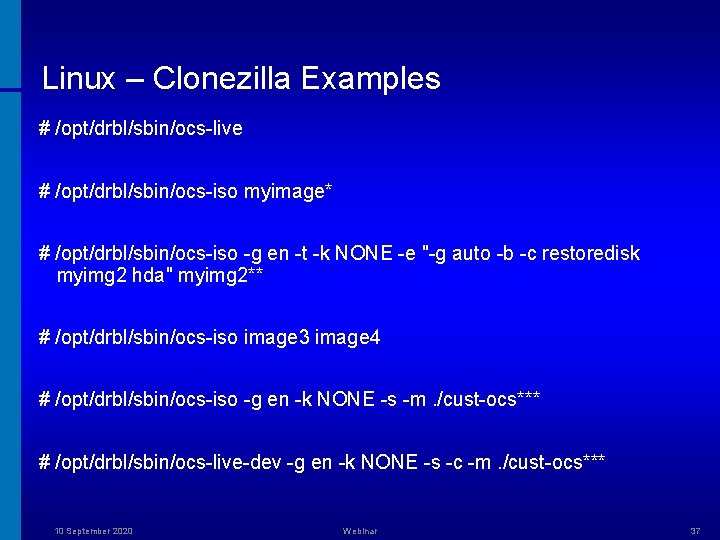
Linux – Clonezilla Examples # /opt/drbl/sbin/ocs-live # /opt/drbl/sbin/ocs-iso myimage* # /opt/drbl/sbin/ocs-iso -g en -t -k NONE -e "-g auto -b -c restoredisk myimg 2 hda" myimg 2** # /opt/drbl/sbin/ocs-iso image 3 image 4 # /opt/drbl/sbin/ocs-iso -g en -k NONE -s -m. /cust-ocs*** # /opt/drbl/sbin/ocs-live-dev -g en -k NONE -s -c -m. /cust-ocs*** 10 September 2020 Webinar 37
Solaris – ufsdump(1) Pros highlights: • Easier to restore individual files. • Allows you to choose directories to back up. • Allows you to back up entire system. • Allows backup to tape drive (both local and remote!), CD-ROM, file, or diskette. • Supports UFS and Vx. FS. • Portable to other versions of dump/restore. • Interactive and non-interactive. 10 September 2020 Webinar 38
Solaris – ufsdump(1) Cons highlights: • Backs up single file system only – you must enter multiple ufsdump commands to back up data. • Possible errors when backing up open files. * • Cannot automatically calculate number of tapes need. ** • Cannot back up files that are mounted from remote server. • Does not have built-in error checking to minimize problems when backing up an active file system. *** • Not efficient in tuning transfer rates to tape drive. • Ufsrestore requires some prior knowledge of disk partitioning. • Does not support ZFS. 10 September 2020 Webinar 39
Solaris – ufsdump(1) Comparison with HP-UX Ignite • make_tape_recovery creates a bootable tape. There is no need to boot of the installation CDROM or DVD. • make_tape_recovery does not require to partition the boot disk manually in recovery process. • make_tape_recovery is fully automated. • Solaris ufsdump resembles fbackup in HP-UX. 10 September 2020 Webinar 40
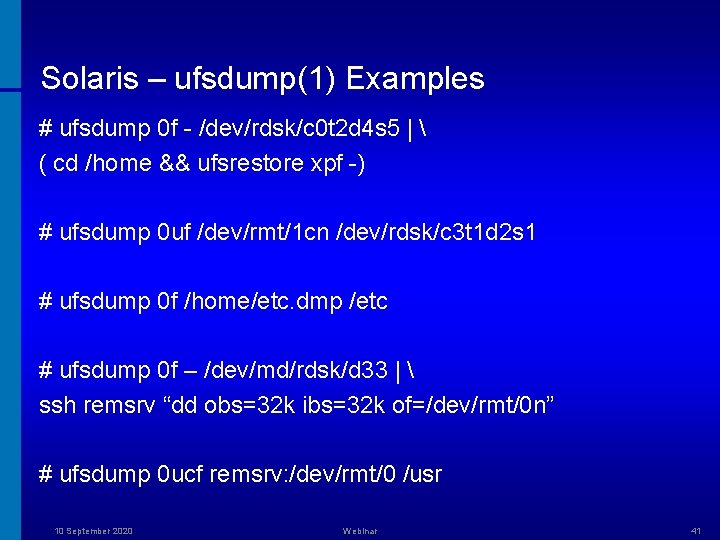
Solaris – ufsdump(1) Examples # ufsdump 0 f - /dev/rdsk/c 0 t 2 d 4 s 5 | ( cd /home && ufsrestore xpf -) # ufsdump 0 uf /dev/rmt/1 cn /dev/rdsk/c 3 t 1 d 2 s 1 # ufsdump 0 f /home/etc. dmp /etc # ufsdump 0 f – /dev/md/rdsk/d 33 | ssh remsrv “dd obs=32 k ibs=32 k of=/dev/rmt/0 n” # ufsdump 0 ucf remsrv: /dev/rmt/0 /usr 10 September 2020 Webinar 41
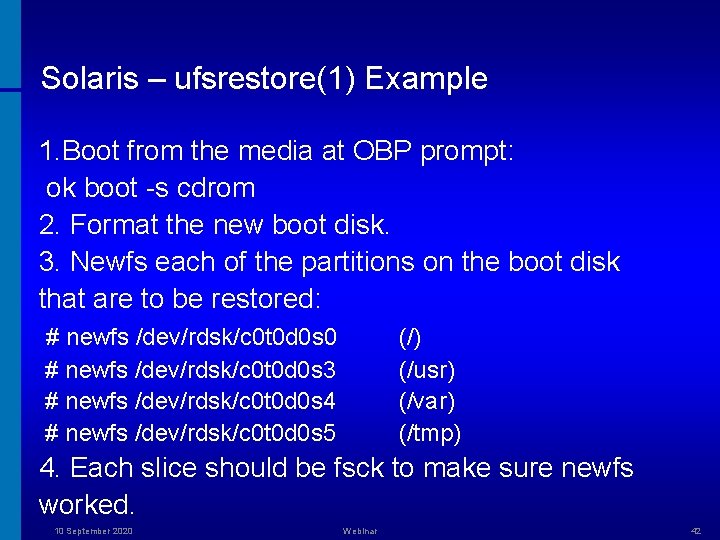
Solaris – ufsrestore(1) Example 1. Boot from the media at OBP prompt: ok boot -s cdrom 2. Format the new boot disk. 3. Newfs each of the partitions on the boot disk that are to be restored: # newfs /dev/rdsk/c 0 t 0 d 0 s 0 # newfs /dev/rdsk/c 0 t 0 d 0 s 3 # newfs /dev/rdsk/c 0 t 0 d 0 s 4 # newfs /dev/rdsk/c 0 t 0 d 0 s 5 (/) (/usr) (/var) (/tmp) 4. Each slice should be fsck to make sure newfs worked. 10 September 2020 Webinar 42
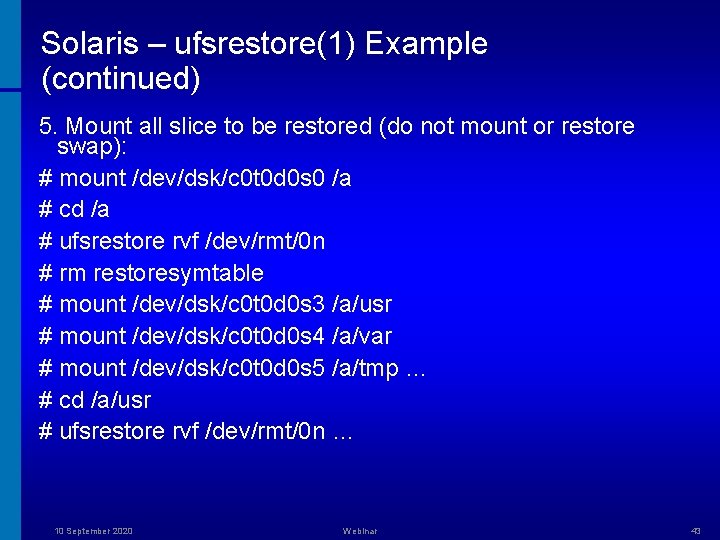
Solaris – ufsrestore(1) Example (continued) 5. Mount all slice to be restored (do not mount or restore swap): # mount /dev/dsk/c 0 t 0 d 0 s 0 /a # cd /a # ufsrestore rvf /dev/rmt/0 n # rm restoresymtable # mount /dev/dsk/c 0 t 0 d 0 s 3 /a/usr # mount /dev/dsk/c 0 t 0 d 0 s 4 /a/var # mount /dev/dsk/c 0 t 0 d 0 s 5 /a/tmp … # cd /a/usr # ufsrestore rvf /dev/rmt/0 n … 10 September 2020 Webinar 43
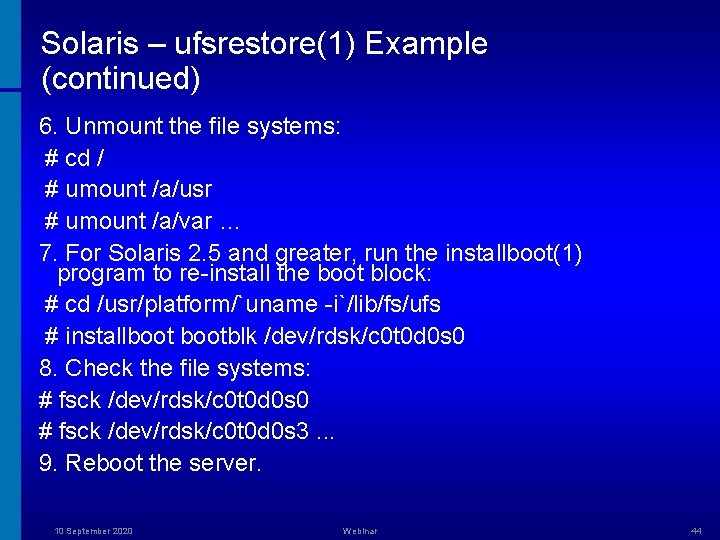
Solaris – ufsrestore(1) Example (continued) 6. Unmount the file systems: # cd / # umount /a/usr # umount /a/var … 7. For Solaris 2. 5 and greater, run the installboot(1) program to re-install the boot block: # cd /usr/platform/`uname -i`/lib/fs/ufs # installbootblk /dev/rdsk/c 0 t 0 d 0 s 0 8. Check the file systems: # fsck /dev/rdsk/c 0 t 0 d 0 s 0 # fsck /dev/rdsk/c 0 t 0 d 0 s 3. . . 9. Reboot the server. 10 September 2020 Webinar 44
Solaris – flash(1) Pros highlights: • Creates archives in cpio (default) or pax formats. Use “-L pax” for flarcreate(1) if individual files are larger than 4 GB. • Can create differential archives (flag “-A unchanged_master_image_dir”). • Customisable. • Flash archives can be copied to NFS, HTTP or HTTPS server, FTP server, tape, CD-ROM, DVD, diskette, and local drive of clone system. • Non-interactive. 10 September 2020 Webinar 45
Solaris – flash(1) Cons highlights: • Flash creation software removes all RAID-1 volume information from the archive to keep the integrity of the clone system. • Vx. VM stores configuration information in areas not available to Solaris Flash. If Vx. VM file systems have been configured, do not create Flash archives. • Active sockets (like /var/tmp/orbit-* directories) can cause flash failures). • The master system and the clone systems must have the same kernel architectures. • Soft partitions not handled properly. 10 September 2020 Webinar 46
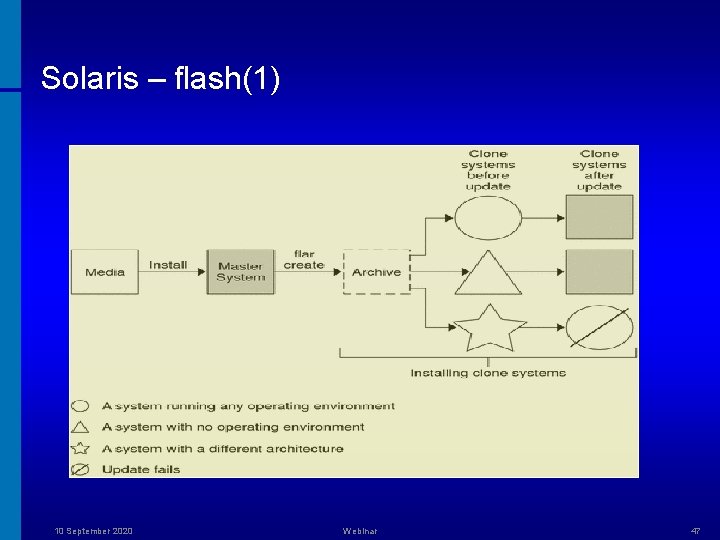
Solaris – flash(1) 10 September 2020 Webinar 47
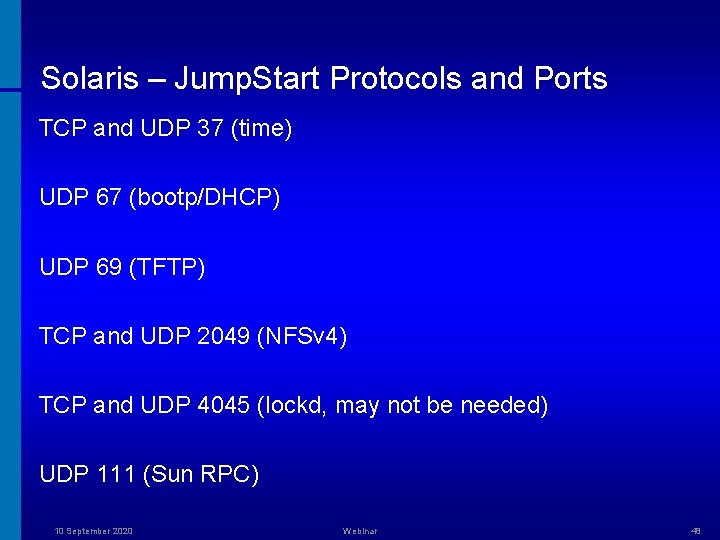
Solaris – Jump. Start Protocols and Ports TCP and UDP 37 (time) UDP 67 (bootp/DHCP) UDP 69 (TFTP) TCP and UDP 2049 (NFSv 4) TCP and UDP 4045 (lockd, may not be needed) UDP 111 (Sun RPC) 10 September 2020 Webinar 48
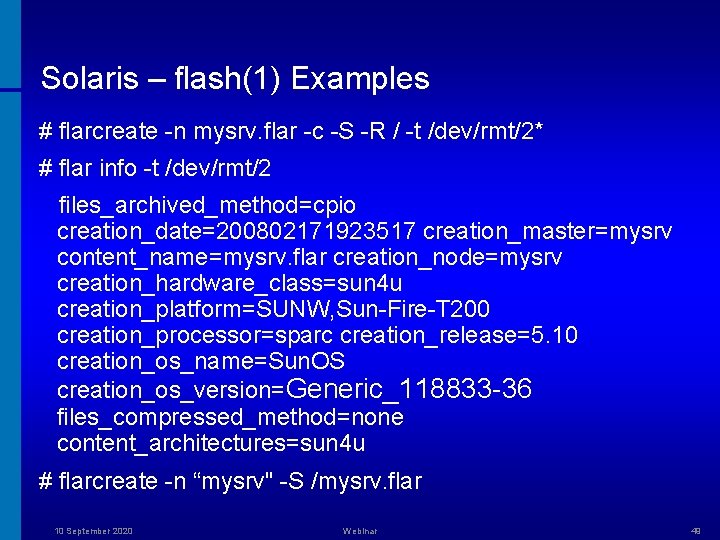
Solaris – flash(1) Examples # flarcreate -n mysrv. flar -c -S -R / -t /dev/rmt/2* # flar info -t /dev/rmt/2 files_archived_method=cpio creation_date=200802171923517 creation_master=mysrv content_name=mysrv. flar creation_node=mysrv creation_hardware_class=sun 4 u creation_platform=SUNW, Sun-Fire-T 200 creation_processor=sparc creation_release=5. 10 creation_os_name=Sun. OS creation_os_version=Generic_118833 -36 files_compressed_method=none content_architectures=sun 4 u # flarcreate -n “mysrv" -S /mysrv. flar 10 September 2020 Webinar 49
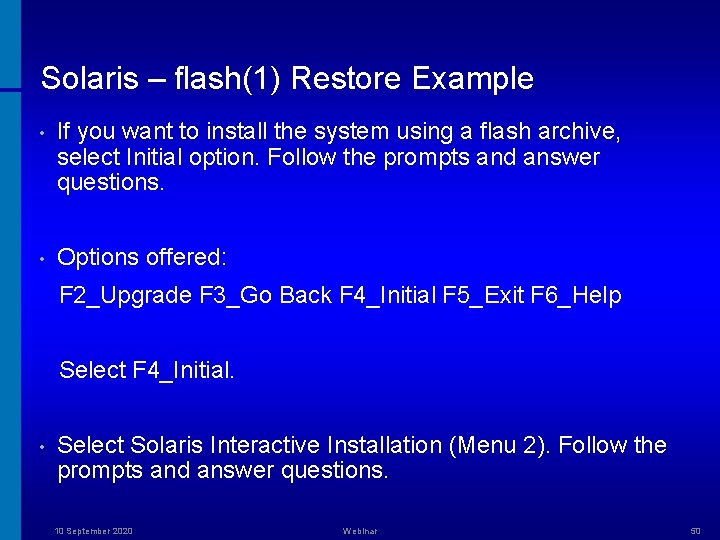
Solaris – flash(1) Restore Example • If you want to install the system using a flash archive, select Initial option. Follow the prompts and answer questions. • Options offered: F 2_Upgrade F 3_Go Back F 4_Initial F 5_Exit F 6_Help Select F 4_Initial. • Select Solaris Interactive Installation (Menu 2). Follow the prompts and answer questions. 10 September 2020 Webinar 50
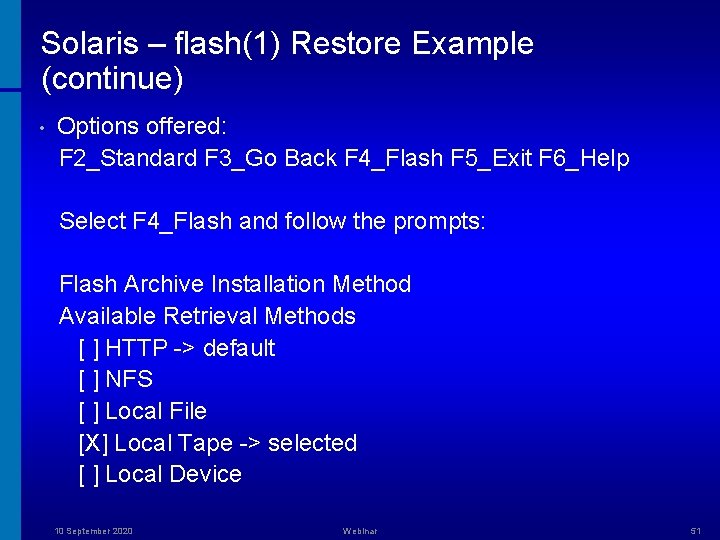
Solaris – flash(1) Restore Example (continue) • Options offered: F 2_Standard F 3_Go Back F 4_Flash F 5_Exit F 6_Help Select F 4_Flash and follow the prompts: Flash Archive Installation Method Available Retrieval Methods [ ] HTTP -> default [ ] NFS [ ] Local File [X] Local Tape -> selected [ ] Local Device 10 September 2020 Webinar 51
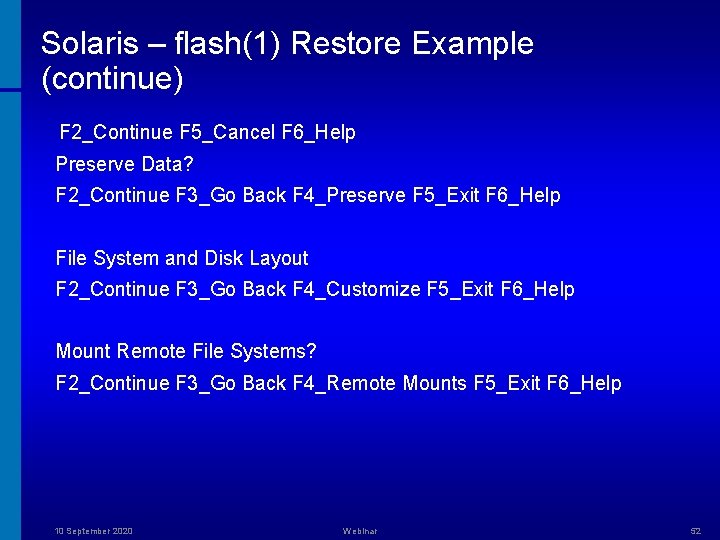
Solaris – flash(1) Restore Example (continue) F 2_Continue F 5_Cancel F 6_Help Preserve Data? F 2_Continue F 3_Go Back F 4_Preserve F 5_Exit F 6_Help File System and Disk Layout F 2_Continue F 3_Go Back F 4_Customize F 5_Exit F 6_Help Mount Remote File Systems? F 2_Continue F 3_Go Back F 4_Remote Mounts F 5_Exit F 6_Help 10 September 2020 Webinar 52
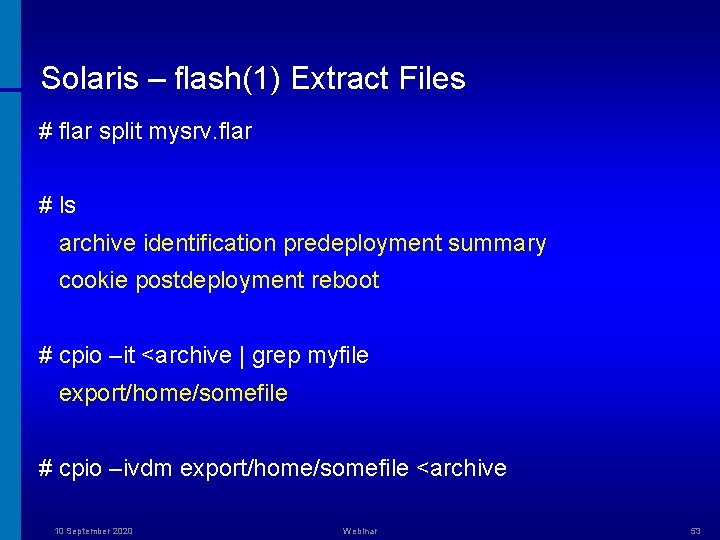
Solaris – flash(1) Extract Files # flar split mysrv. flar # ls archive identification predeployment summary cookie postdeployment reboot # cpio –it <archive | grep myfile export/home/somefile # cpio –ivdm export/home/somefile <archive 10 September 2020 Webinar 53
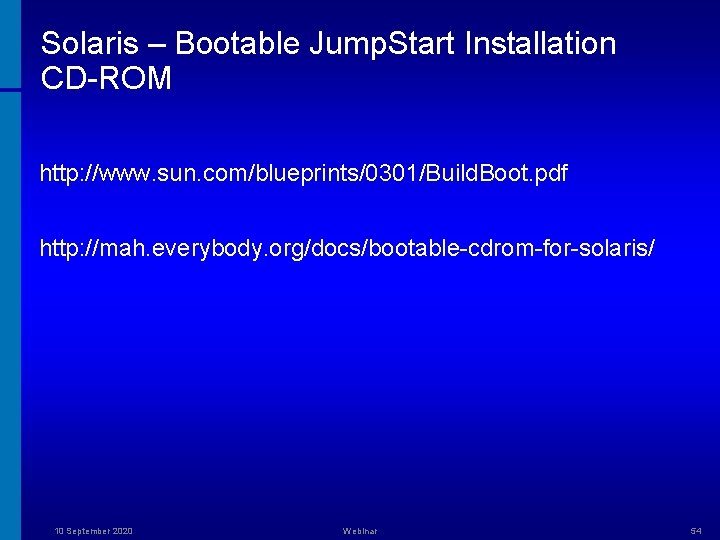
Solaris – Bootable Jump. Start Installation CD-ROM http: //www. sun. com/blueprints/0301/Build. Boot. pdf http: //mah. everybody. org/docs/bootable-cdrom-for-solaris/ 10 September 2020 Webinar 54
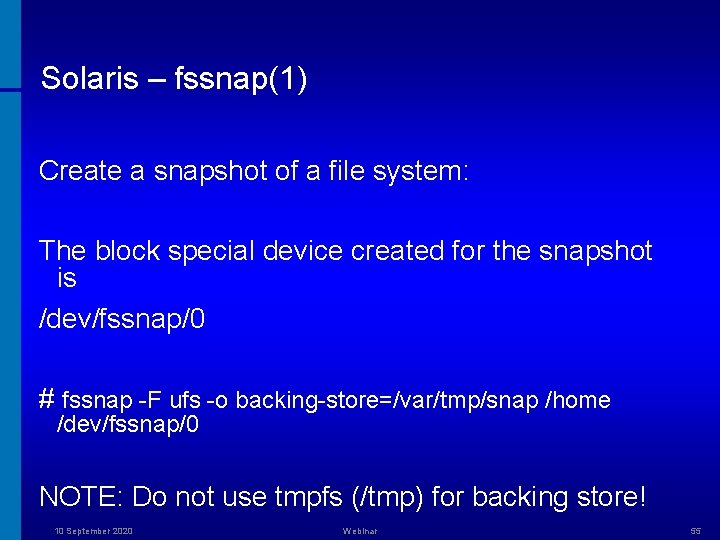
Solaris – fssnap(1) Create a snapshot of a file system: The block special device created for the snapshot is /dev/fssnap/0 # fssnap -F ufs -o backing-store=/var/tmp/snap /home /dev/fssnap/0 NOTE: Do not use tmpfs (/tmp) for backing store! 10 September 2020 Webinar 55
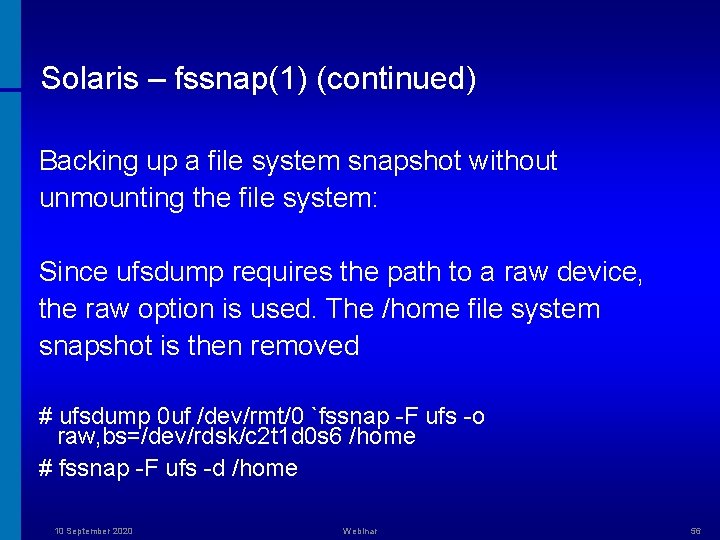
Solaris – fssnap(1) (continued) Backing up a file system snapshot without unmounting the file system: Since ufsdump requires the path to a raw device, the raw option is used. The /home file system snapshot is then removed # ufsdump 0 uf /dev/rmt/0 `fssnap -F ufs -o raw, bs=/dev/rdsk/c 2 t 1 d 0 s 6 /home # fssnap -F ufs -d /home 10 September 2020 Webinar 56
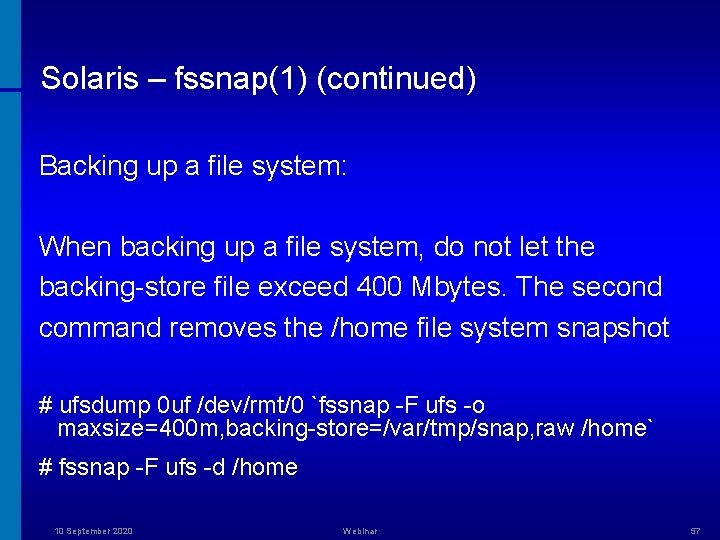
Solaris – fssnap(1) (continued) Backing up a file system: When backing up a file system, do not let the backing-store file exceed 400 Mbytes. The second command removes the /home file system snapshot # ufsdump 0 uf /dev/rmt/0 `fssnap -F ufs -o maxsize=400 m, backing-store=/var/tmp/snap, raw /home` # fssnap -F ufs -d /home 10 September 2020 Webinar 57
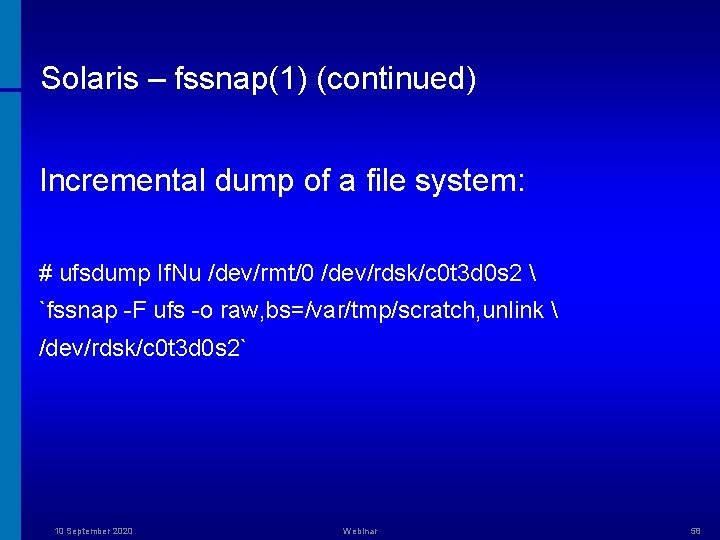
Solaris – fssnap(1) (continued) Incremental dump of a file system: # ufsdump If. Nu /dev/rmt/0 /dev/rdsk/c 0 t 3 d 0 s 2 `fssnap -F ufs -o raw, bs=/var/tmp/scratch, unlink /dev/rdsk/c 0 t 3 d 0 s 2` 10 September 2020 Webinar 58
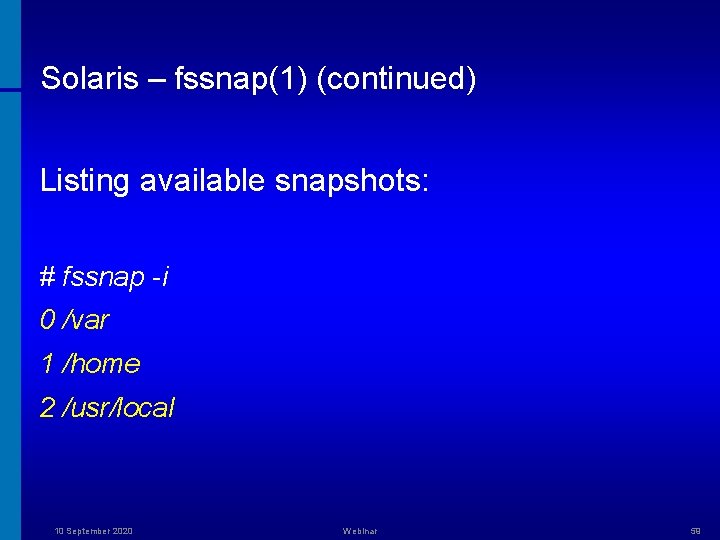
Solaris – fssnap(1) (continued) Listing available snapshots: # fssnap -i 0 /var 1 /home 2 /usr/local 10 September 2020 Webinar 59
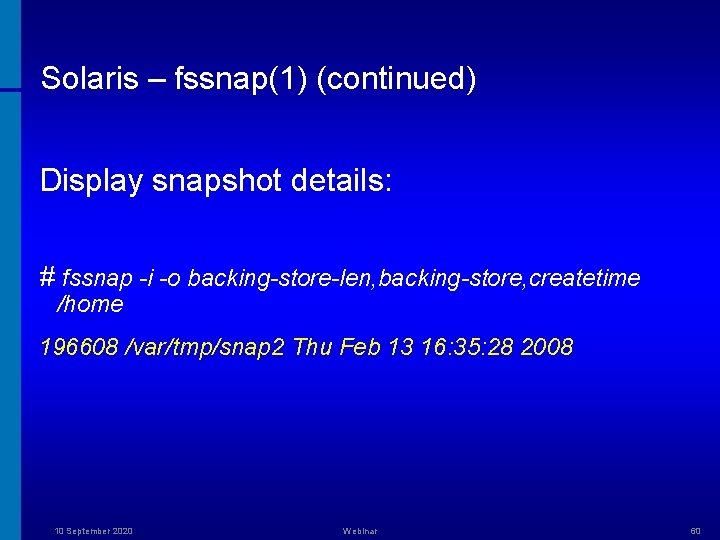
Solaris – fssnap(1) (continued) Display snapshot details: # fssnap -i -o backing-store-len, backing-store, createtime /home 196608 /var/tmp/snap 2 Thu Feb 13 16: 35: 28 2008 10 September 2020 Webinar 60
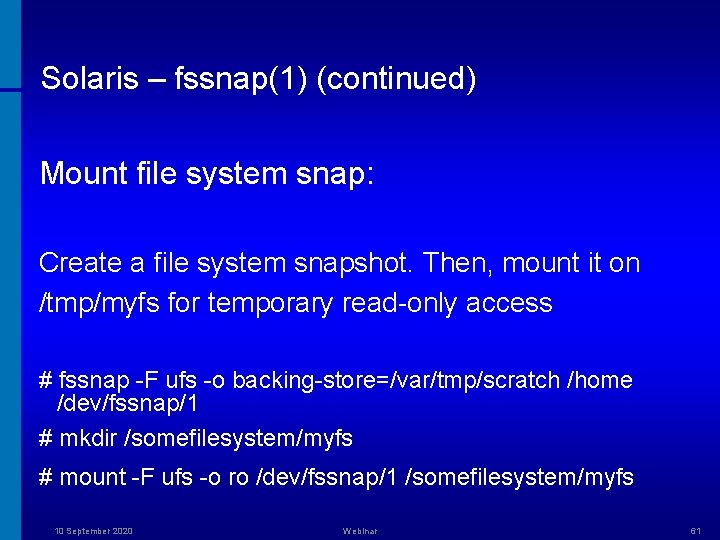
Solaris – fssnap(1) (continued) Mount file system snap: Create a file system snapshot. Then, mount it on /tmp/myfs for temporary read-only access # fssnap -F ufs -o backing-store=/var/tmp/scratch /home /dev/fssnap/1 # mkdir /somefilesystem/myfs # mount -F ufs -o ro /dev/fssnap/1 /somefilesystem/myfs 10 September 2020 Webinar 61
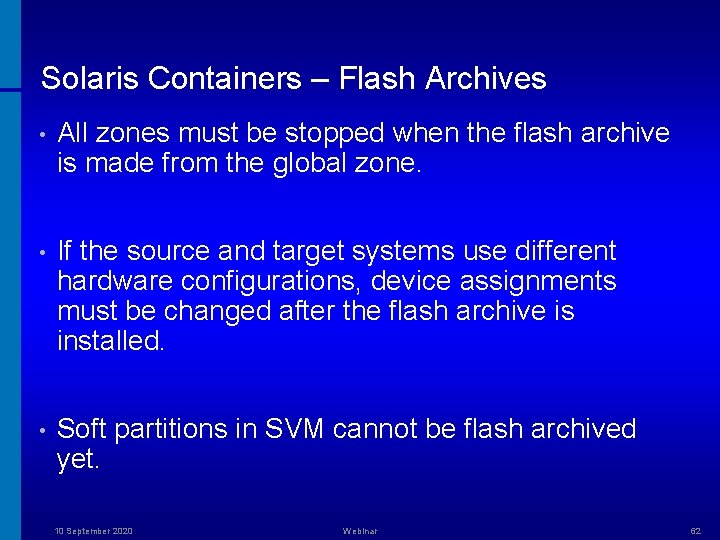
Solaris Containers – Flash Archives • All zones must be stopped when the flash archive is made from the global zone. • If the source and target systems use different hardware configurations, device assignments must be changed after the flash archive is installed. • Soft partitions in SVM cannot be flash archived yet. 10 September 2020 Webinar 62
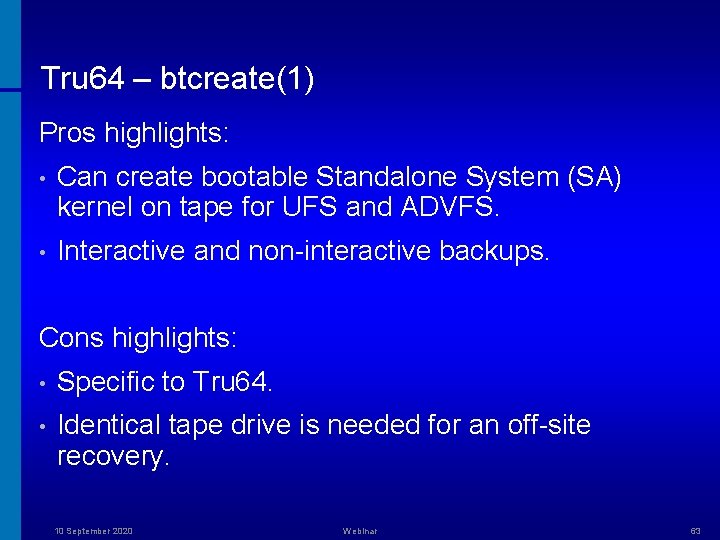
Tru 64 – btcreate(1) Pros highlights: • Can create bootable Standalone System (SA) kernel on tape for UFS and ADVFS. • Interactive and non-interactive backups. Cons highlights: • Specific to Tru 64. • Identical tape drive is needed for an off-site recovery. 10 September 2020 Webinar 63
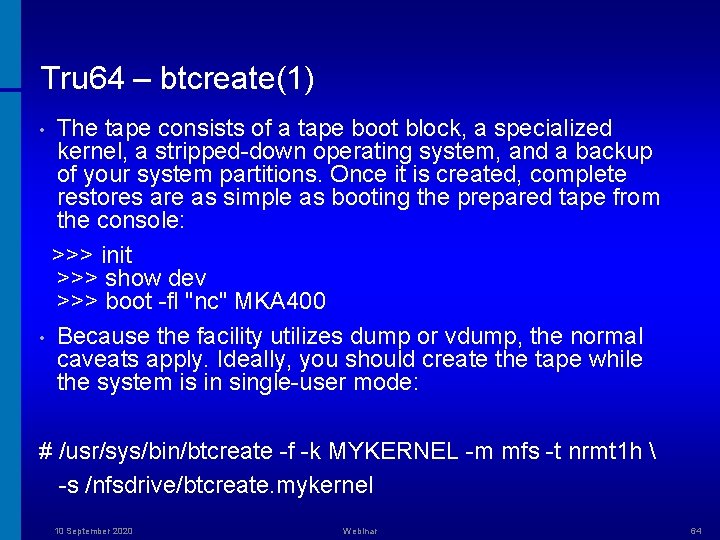
Tru 64 – btcreate(1) The tape consists of a tape boot block, a specialized kernel, a stripped-down operating system, and a backup of your system partitions. Once it is created, complete restores are as simple as booting the prepared tape from the console: >>> init >>> show dev >>> boot -fl "nc" MKA 400 • Because the facility utilizes dump or vdump, the normal caveats apply. Ideally, you should create the tape while the system is in single-user mode: • # /usr/sys/bin/btcreate -f -k MYKERNEL -m mfs -t nrmt 1 h -s /nfsdrive/btcreate. mykernel 10 September 2020 Webinar 64
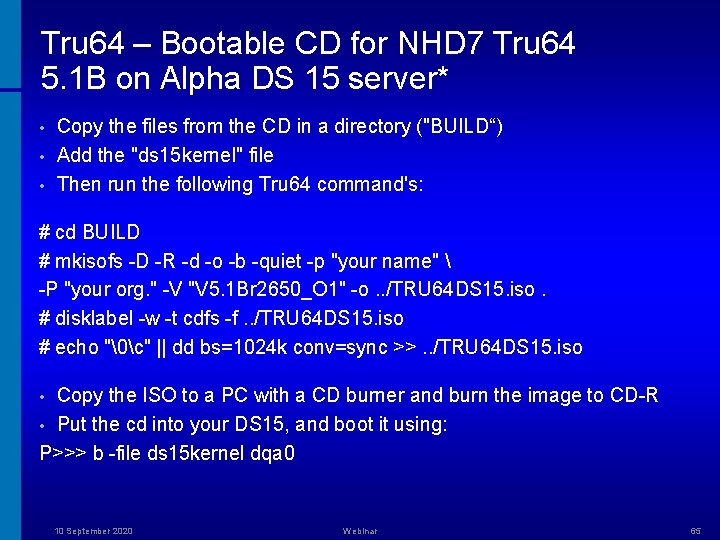
Tru 64 – Bootable CD for NHD 7 Tru 64 5. 1 B on Alpha DS 15 server* • • • Copy the files from the CD in a directory ("BUILD“) Add the "ds 15 kernel" file Then run the following Tru 64 command's: # cd BUILD # mkisofs -D -R -d -o -b -quiet -p "your name" -P "your org. " -V "V 5. 1 Br 2650_O 1" -o. . /TRU 64 DS 15. iso. # disklabel -w -t cdfs -f. . /TRU 64 DS 15. iso # echo "c" || dd bs=1024 k conv=sync >>. . /TRU 64 DS 15. iso Copy the ISO to a PC with a CD burner and burn the image to CD-R • Put the cd into your DS 15, and boot it using: P>>> b -file ds 15 kernel dqa 0 • 10 September 2020 Webinar 65
Bare Metal Recovery – Selected Commercial Products • HP Data Protector Express offers extended platform support with six different Bare Metal Disaster Recovery methods (integrated into the product). Supports Linux, Windows, and Net. Ware. * • Symantec (Veritas) Bare Metal Restore. Part of Enterprise NBU 6. 5. Includes support for AIX, HP-UX, Solaris, Linux, and Windows (why would anyone use the latter? ). • IBM Tivoli Storage Manager for System Backup and Recovery (for AIX 5. x only). Supports full system (installation image), volume group, file system (JFS, JFS 2, NFS, CDFS), file or directory, and raw logical volume. 10 September 2020 Webinar 66
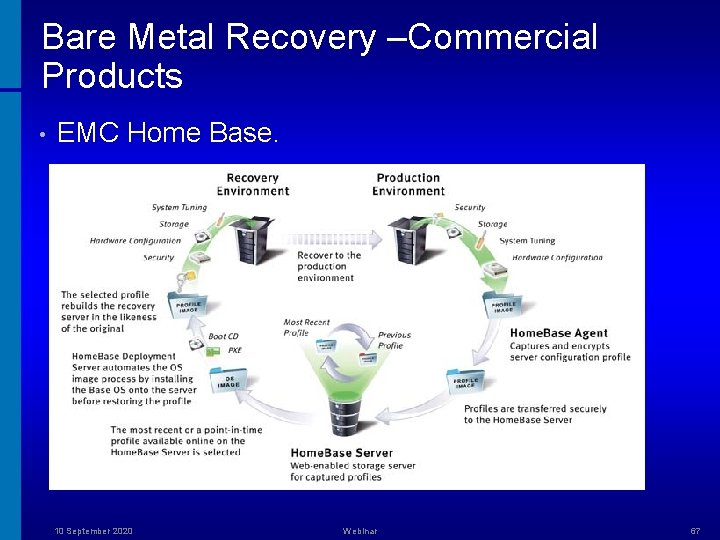
Bare Metal Recovery –Commercial Products • EMC Home Base. 10 September 2020 Webinar 67
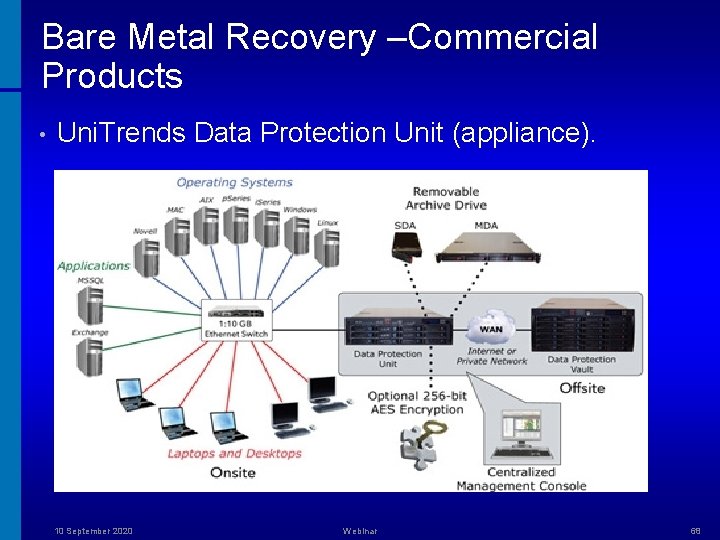
Bare Metal Recovery –Commercial Products • Uni. Trends Data Protection Unit (appliance). 10 September 2020 Webinar 68
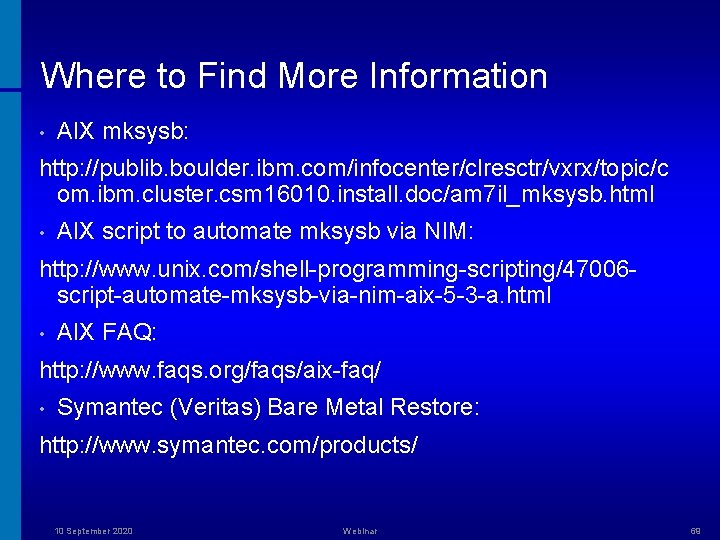
Where to Find More Information • AIX mksysb: http: //publib. boulder. ibm. com/infocenter/clresctr/vxrx/topic/c om. ibm. cluster. csm 16010. install. doc/am 7 il_mksysb. html • AIX script to automate mksysb via NIM: http: //www. unix. com/shell-programming-scripting/47006 script-automate-mksysb-via-nim-aix-5 -3 -a. html • AIX FAQ: http: //www. faqs. org/faqs/aix-faq/ • Symantec (Veritas) Bare Metal Restore: http: //www. symantec. com/products/ 10 September 2020 Webinar 69
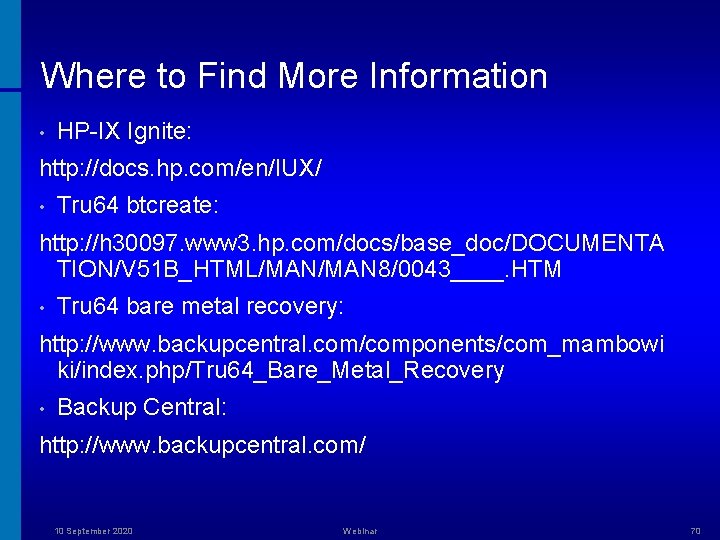
Where to Find More Information • HP-IX Ignite: http: //docs. hp. com/en/IUX/ • Tru 64 btcreate: http: //h 30097. www 3. hp. com/docs/base_doc/DOCUMENTA TION/V 51 B_HTML/MAN 8/0043____. HTM • Tru 64 bare metal recovery: http: //www. backupcentral. com/components/com_mambowi ki/index. php/Tru 64_Bare_Metal_Recovery • Backup Central: http: //www. backupcentral. com/ 10 September 2020 Webinar 70
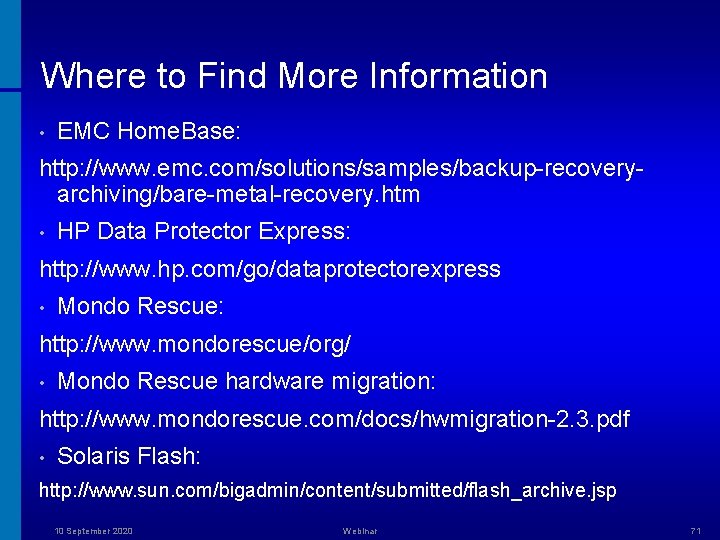
Where to Find More Information • EMC Home. Base: http: //www. emc. com/solutions/samples/backup-recoveryarchiving/bare-metal-recovery. htm • HP Data Protector Express: http: //www. hp. com/go/dataprotectorexpress • Mondo Rescue: http: //www. mondorescue/org/ • Mondo Rescue hardware migration: http: //www. mondorescue. com/docs/hwmigration-2. 3. pdf • Solaris Flash: http: //www. sun. com/bigadmin/content/submitted/flash_archive. jsp 10 September 2020 Webinar 71
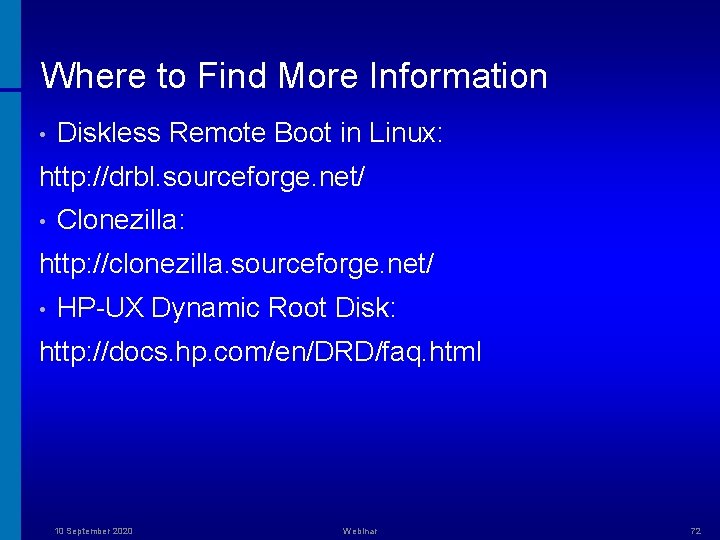
Where to Find More Information • Diskless Remote Boot in Linux: http: //drbl. sourceforge. net/ • Clonezilla: http: //clonezilla. sourceforge. net/ • HP-UX Dynamic Root Disk: http: //docs. hp. com/en/DRD/faq. html 10 September 2020 Webinar 72