
Common Commands MIPS ASM Tutorial part 3 By
Common Commands MIPS ASM Tutorial part 3 By Arthurtilly Link to part 2
Commands are things that make stuff happen in ASM. They almost always take parameters, either as registers or immediate hex values. In this tutorial, we’ll look at a few common commands, and create our first ASM code that actually does something useful.
ADDU and ADDIU stand for Add Unsigned and Add Immediate Unsigned, respectively. But before we look at how these commands are used, let’s sort out an easy misinterpretation of these commands. Although they say they’re “unsigned”, they’re not. The difference between these commands and their cousins, ADD and ADDI, is that in the event of an overflow, the latter commands will cause an error while these commands will not. This is why we always use ADDU and ADDIU. But because they’re signed, if we use them to add 0 x 80330000 and 0 x. B 21 D, we’ll actually get 0 x 8032 B 21 D. This happens when the first bit of the latter is 1 (when it is over 0 x 7 FFF). (This only really applies to ADDIU).
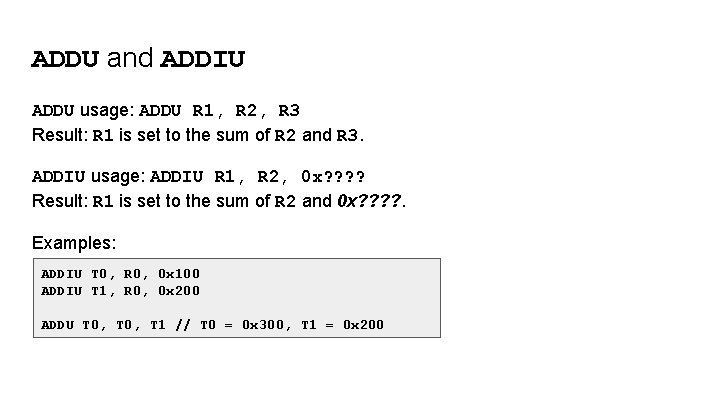
ADDU and ADDIU ADDU usage: ADDU R 1, R 2, R 3 Result: R 1 is set to the sum of R 2 and R 3. ADDIU usage: ADDIU R 1, R 2, 0 x? ? Result: R 1 is set to the sum of R 2 and 0 x? ? . Examples: ADDIU T 0, R 0, 0 x 100 ADDIU T 1, R 0, 0 x 200 ADDU T 0, T 1 // T 0 = 0 x 300, T 1 = 0 x 200
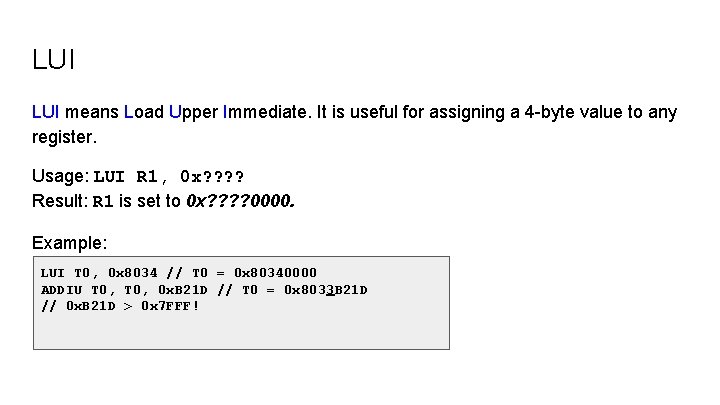
LUI means Load Upper Immediate. It is useful for assigning a 4 -byte value to any register. Usage: LUI R 1, 0 x? ? Result: R 1 is set to 0 x? ? 0000. Example: LUI T 0, 0 x 8034 // T 0 = 0 x 80340000 ADDIU T 0, 0 x. B 21 D // T 0 = 0 x 8033 B 21 D // 0 x. B 21 D > 0 x 7 FFF!
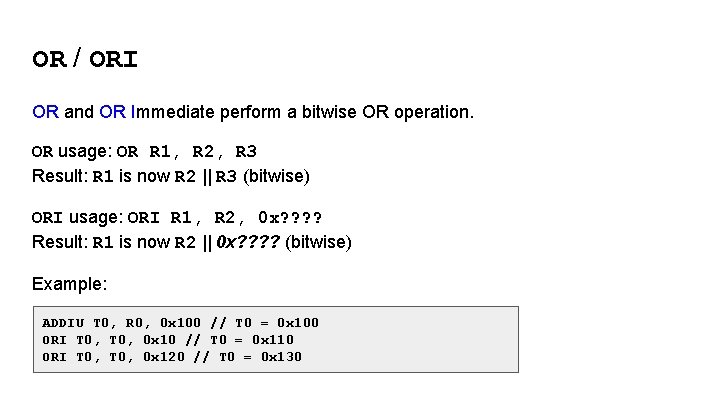
OR / ORI OR and OR Immediate perform a bitwise OR operation. OR usage: OR R 1, R 2, R 3 Result: R 1 is now R 2 || R 3 (bitwise) ORI usage: ORI R 1, R 2, 0 x? ? Result: R 1 is now R 2 || 0 x? ? (bitwise) Example: ADDIU T 0, R 0, 0 x 100 // T 0 = 0 x 100 ORI T 0, 0 x 10 // T 0 = 0 x 110 ORI T 0, 0 x 120 // T 0 = 0 x 130
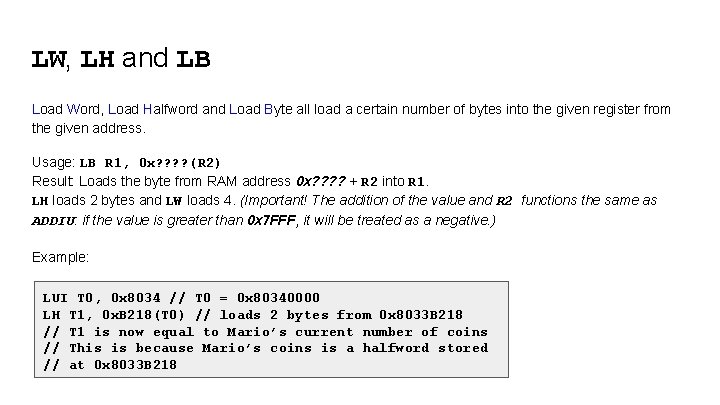
LW, LH and LB Load Word, Load Halfword and Load Byte all load a certain number of bytes into the given register from the given address. Usage: LB R 1, 0 x? ? (R 2) Result: Loads the byte from RAM address 0 x? ? + R 2 into R 1. LH loads 2 bytes and LW loads 4. (Important! The addition of the value and R 2 functions the same as ADDIU: if the value is greater than 0 x 7 FFF, it will be treated as a negative. ) Example: LUI T 0, 0 x 8034 // T 0 = 0 x 80340000 LH T 1, 0 x. B 218(T 0) // loads 2 bytes from 0 x 8033 B 218 // T 1 is now equal to Mario’s current number of coins // This is because Mario’s coins is a halfword stored // at 0 x 8033 B 218
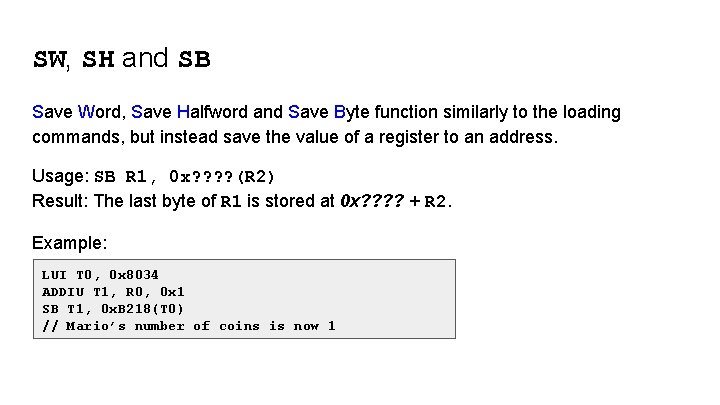
SW, SH and SB Save Word, Save Halfword and Save Byte function similarly to the loading commands, but instead save the value of a register to an address. Usage: SB R 1, 0 x? ? (R 2) Result: The last byte of R 1 is stored at 0 x? ? + R 2. Example: LUI T 0, 0 x 8034 ADDIU T 1, R 0, 0 x 1 SB T 1, 0 x. B 218(T 0) // Mario’s number of coins is now 1
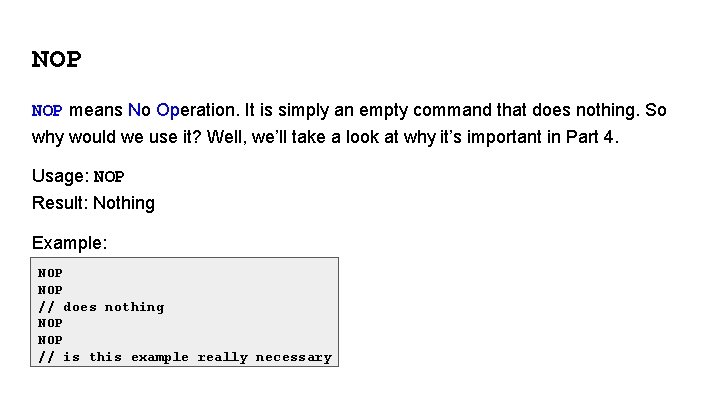
NOP means No Operation. It is simply an empty command that does nothing. So why would we use it? Well, we’ll take a look at why it’s important in Part 4. Usage: NOP Result: Nothing Example: NOP // does nothing NOP // is this example really necessary
Writing a proper function! Now that we’ve learned a few basic commands, let’s finally write some ASM that does something! Our goal is to remove the lives mechanic from the game. We’ll do this by setting the number of lives to 1 every frame. Create a new ASM file and call it “no_lives. asm” (or something else if you really want).
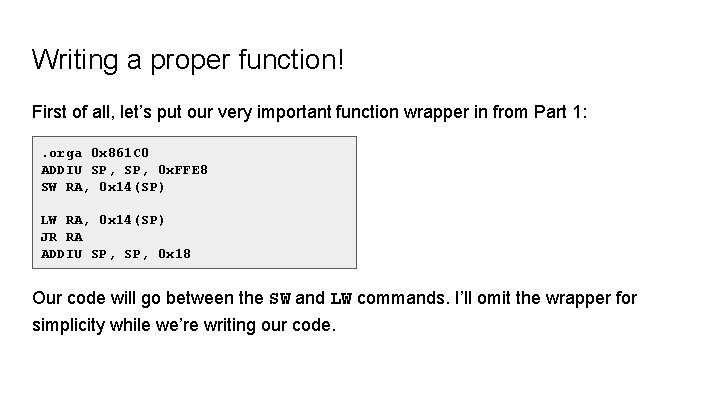
Writing a proper function! First of all, let’s put our very important function wrapper in from Part 1: . orga 0 x 861 C 0 ADDIU SP, 0 x. FFE 8 SW RA, 0 x 14(SP) LW RA, 0 x 14(SP) JR RA ADDIU SP, 0 x 18 Our code will go between the SW and LW commands. I’ll omit the wrapper for simplicity while we’re writing our code.
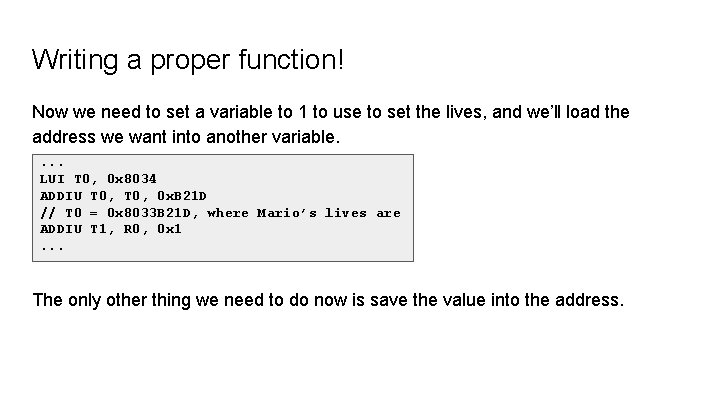
Writing a proper function! Now we need to set a variable to 1 to use to set the lives, and we’ll load the address we want into another variable. . LUI T 0, 0 x 8034 ADDIU T 0, 0 x. B 21 D // T 0 = 0 x 8033 B 21 D, where Mario’s lives are ADDIU T 1, R 0, 0 x 1. . . The only other thing we need to do now is save the value into the address.
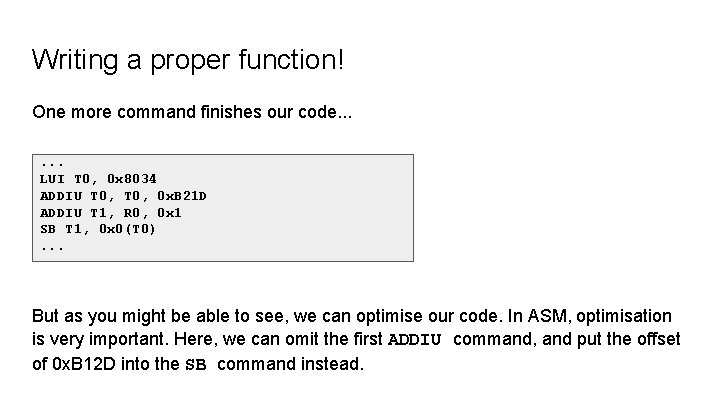
Writing a proper function! One more command finishes our code. . . LUI T 0, 0 x 8034 ADDIU T 0, 0 x. B 21 D ADDIU T 1, R 0, 0 x 1 SB T 1, 0 x 0(T 0). . . But as you might be able to see, we can optimise our code. In ASM, optimisation is very important. Here, we can omit the first ADDIU command, and put the offset of 0 x. B 12 D into the SB command instead.
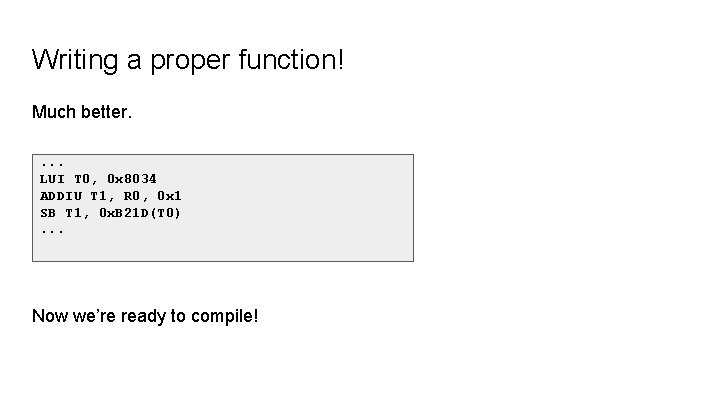
Writing a proper function! Much better. . LUI T 0, 0 x 8034 ADDIU T 1, R 0, 0 x 1 SB T 1, 0 x. B 21 D(T 0). . . Now we’re ready to compile!
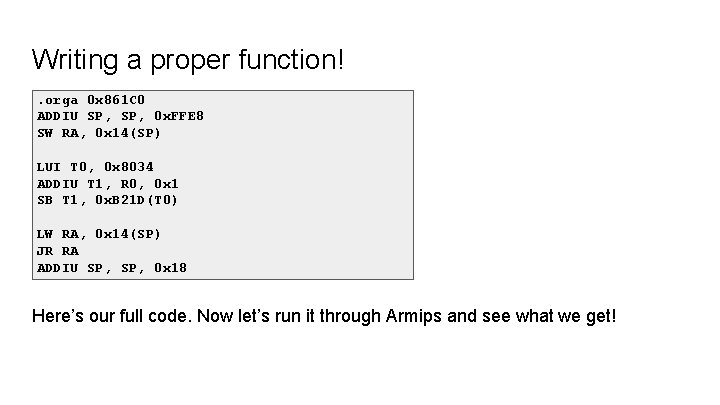
Writing a proper function!. orga 0 x 861 C 0 ADDIU SP, 0 x. FFE 8 SW RA, 0 x 14(SP) LUI T 0, 0 x 8034 ADDIU T 1, R 0, 0 x 1 SB T 1, 0 x. B 21 D(T 0) LW RA, 0 x 14(SP) JR RA ADDIU SP, 0 x 18 Here’s our full code. Now let’s run it through Armips and see what we get!
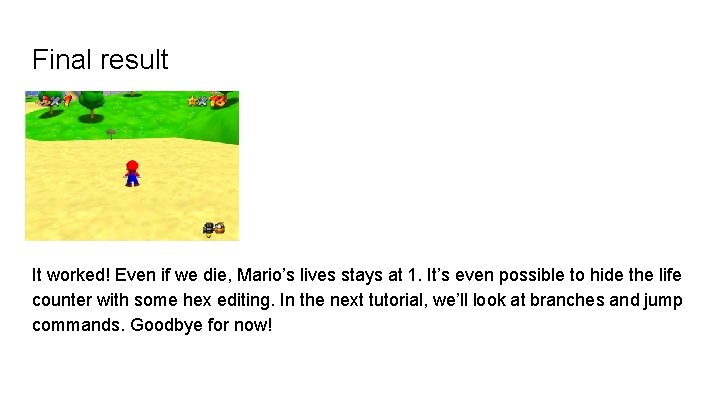
Final result It worked! Even if we die, Mario’s lives stays at 1. It’s even possible to hide the life counter with some hex editing. In the next tutorial, we’ll look at branches and jump commands. Goodbye for now!
- Slides: 16