
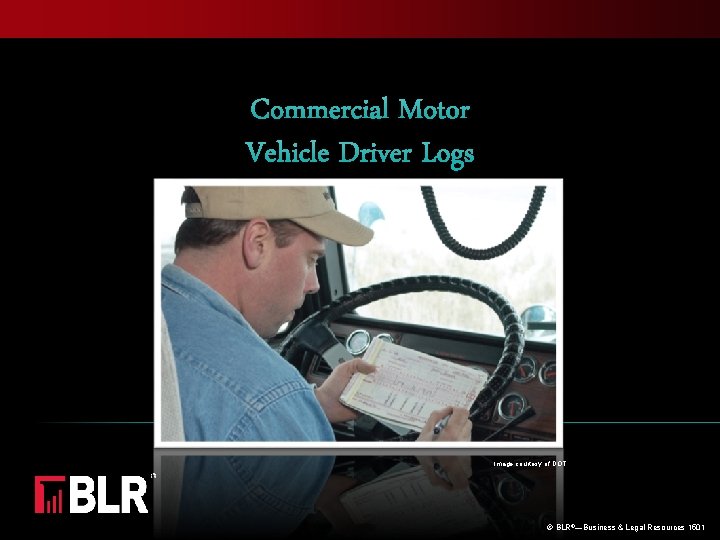
Commercial Motor Vehicle Driver Logs Image courtesy of

- Slides: 21
Commercial Motor Vehicle Driver Logs Image courtesy of DOT © BLR®—Business & Legal Resources 1501
Session Objectives Identify record of duty status requirements Complete the daily log correctly Log changes of duty status accurately on the grid Retain and submit logs in a timely manner © BLR®—Business & Legal Resources 1501
Prequiz: Show What You Know Driver logs may be filled out at the end of each week Logs must be turned in to the carrier at the end of each shift. Pre- and post-trip inspections should be logged as “ND, ” not driving Each daily log covers a 12 -hour period— 6 a. m. to 6 p. m. or 6 p. m. to 6 a. m. © BLR®—Business & Legal Resources 1501
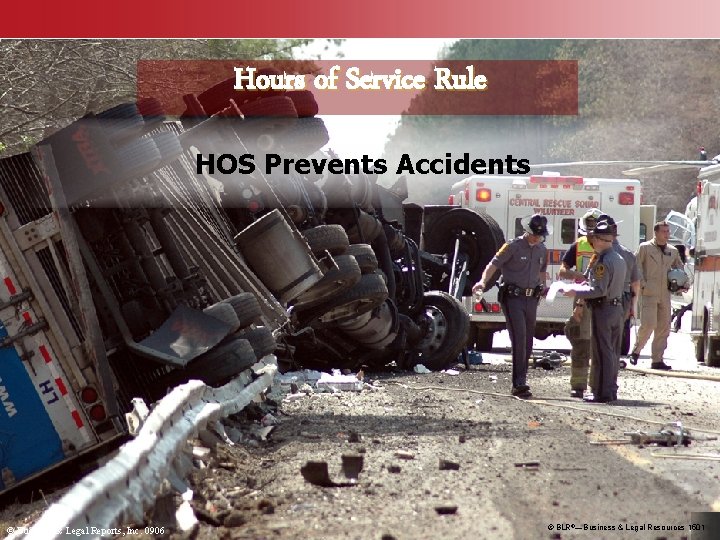
Hours of Service Rule HOS Prevents Accidents © Business & Legal Reports, Inc. 0906 © BLR®—Business & Legal Resources 1501
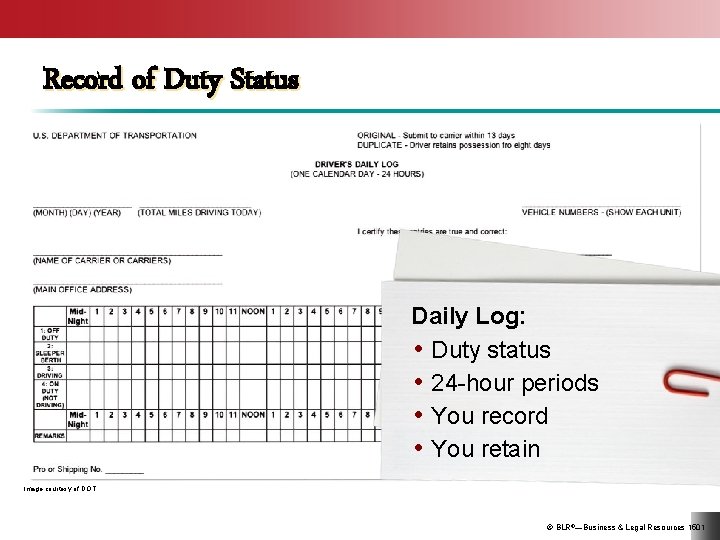
Record of Duty Status Daily Log: • Duty status • 24 -hour periods • You record • You retain Image courtesy of DOT © BLR®—Business & Legal Resources 1501
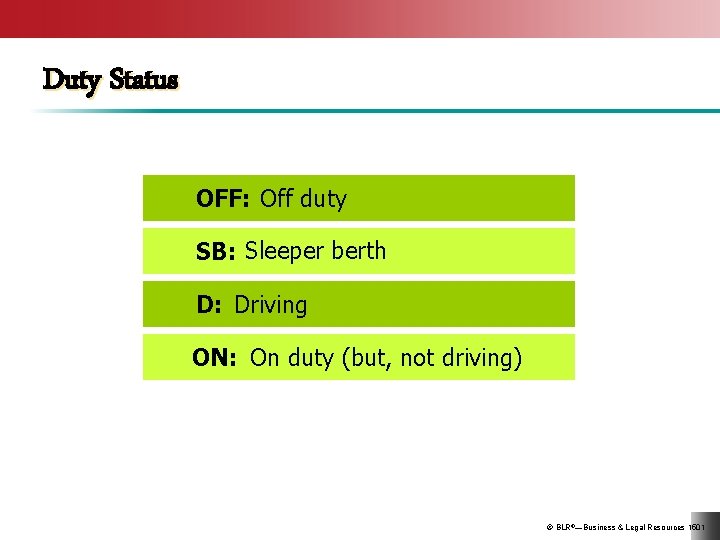
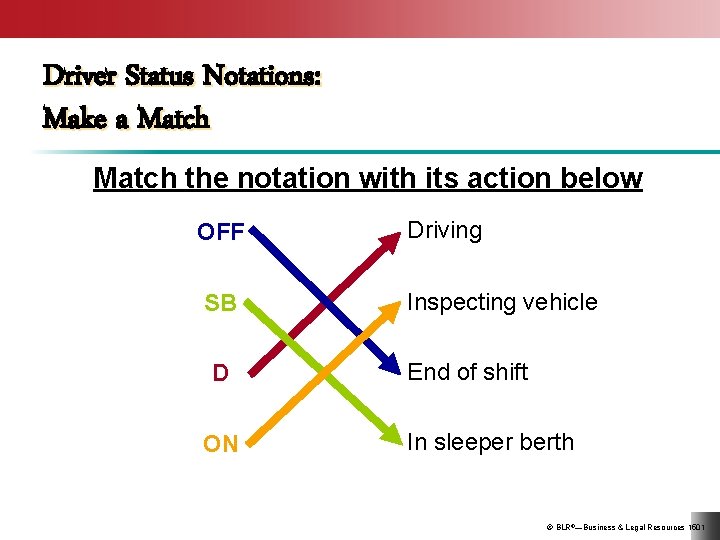
Duty Status OFF: Off duty SB: Sleeper berth D: Driving ON: On duty (but, not driving) © BLR®—Business & Legal Resources 1501
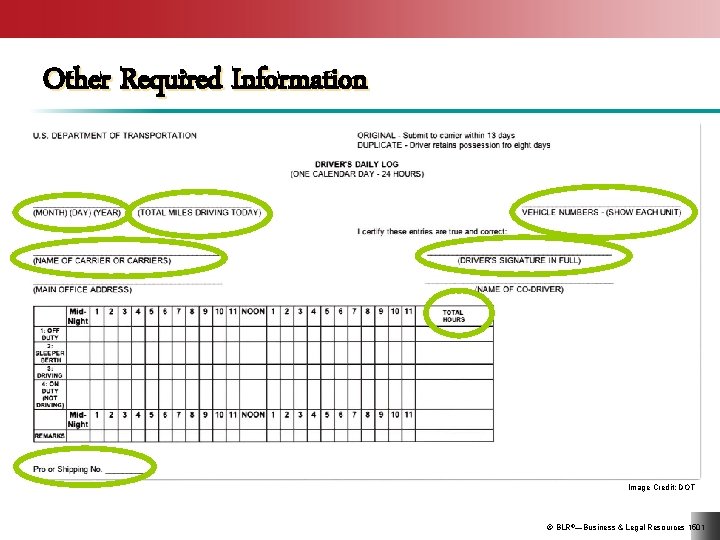
Other Required Information Image Credit: DOT © BLR®—Business & Legal Resources 1501
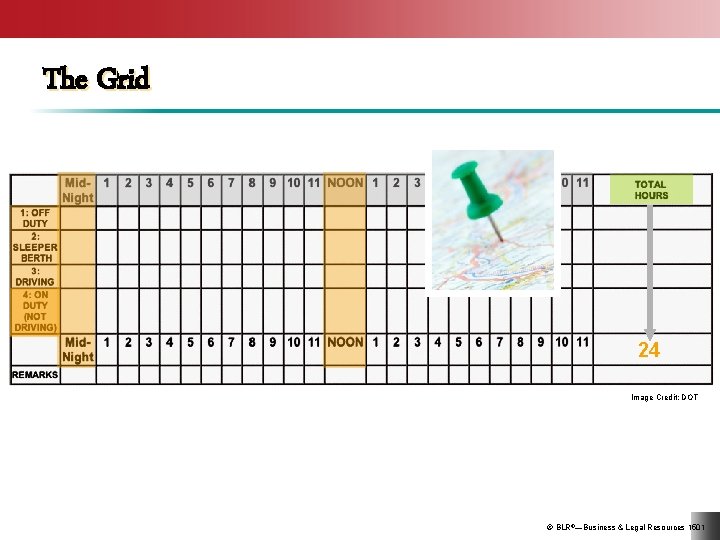
The Grid 24 Image Credit: DOT © BLR®—Business & Legal Resources 1501
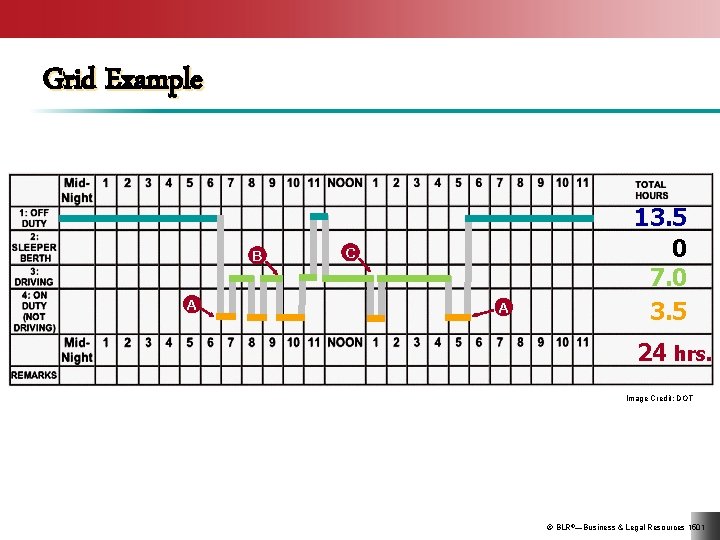
Grid Example B A C A 13. 5 0 7. 0 3. 5 24 hrs. Image Credit: DOT © BLR®—Business & Legal Resources 1501
Four Essentials of Proper Logs ccurate omplete asy to read trictly current © BLR®—Business & Legal Resources 1501
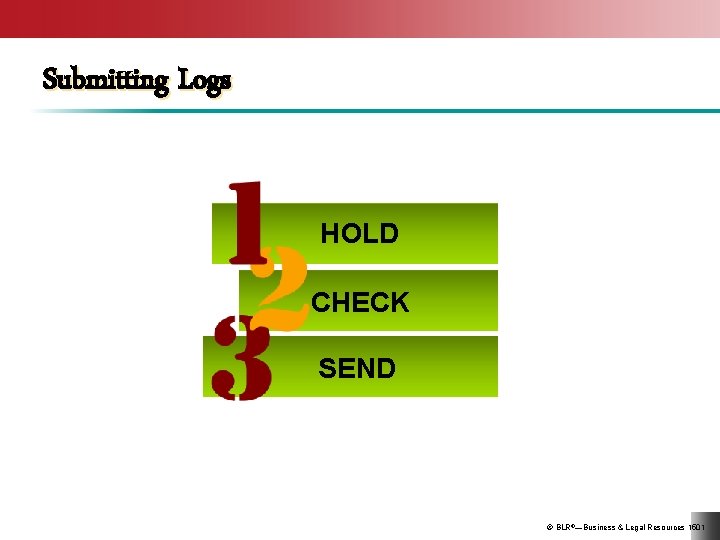
Submitting Logs HOLD CHECK SEND © BLR®—Business & Legal Resources 1501
Driver Status Notations: Make a Match the notation with its action below OFF SB D ON Driving Inspecting vehicle End of shift In sleeper berth © BLR®—Business & Legal Resources 1501
Daily Logs Review Do you understand: • HOS rule? • Record of duty status requirement? • How to record duty status? • Information required in daily log? • How to fill out the grid? • When to submit logs? © BLR®—Business & Legal Resources 1501
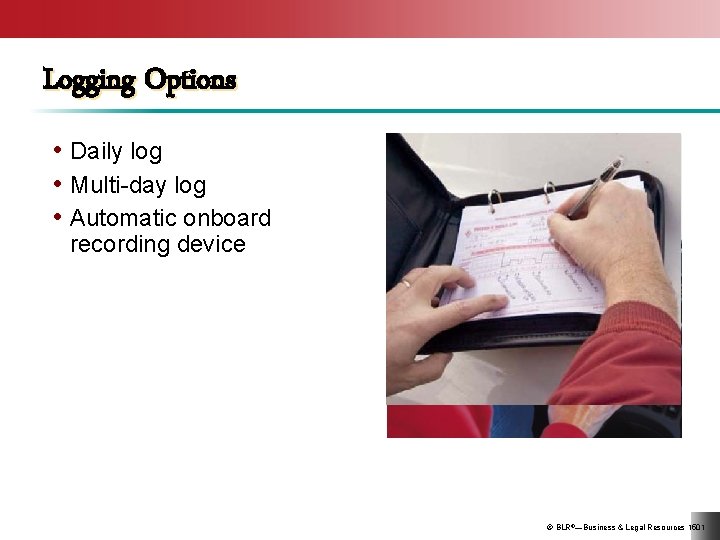
Logging Options • Daily log • Multi-day log • Automatic onboard recording device © BLR®—Business & Legal Resources 1501
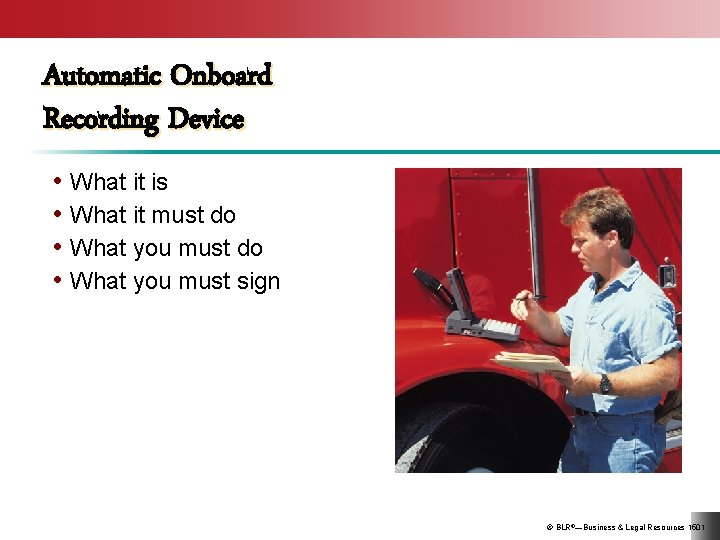
Automatic Onboard Recording Device • What it is • What it must do • What you must sign © BLR®—Business & Legal Resources 1501
Onboard Device System Failures • Note failure • Reconstruct logs • Prepare logs by hand © BLR®—Business & Legal Resources 1501
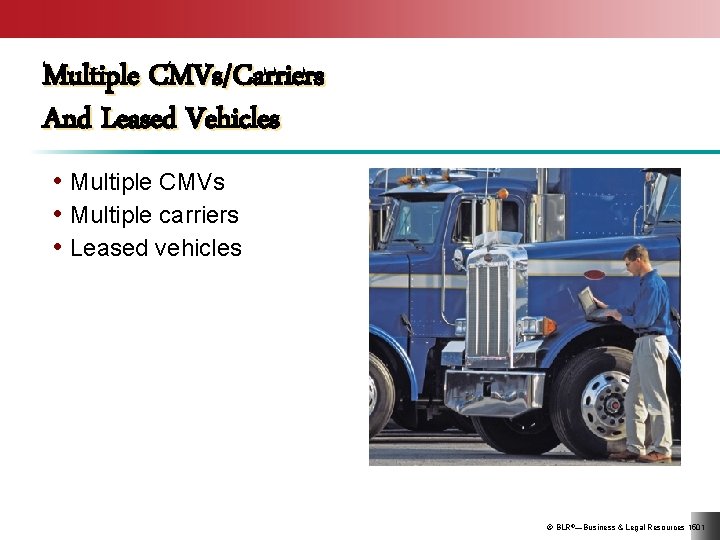
Multiple CMVs/Carriers And Leased Vehicles • Multiple CMVs • Multiple carriers • Leased vehicles © BLR®—Business & Legal Resources 1501
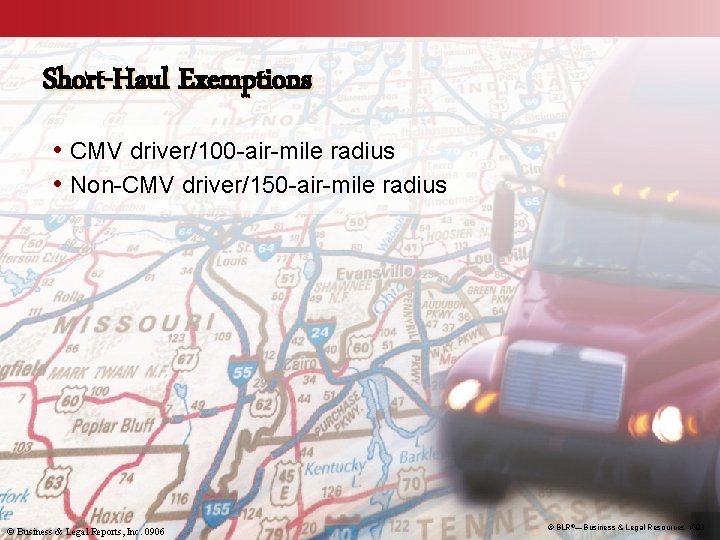
Short-Haul Exemptions • CMV driver/100 -air-mile radius • Non-CMV driver/150 -air-mile radius © Business & Legal Reports, Inc. 0906 © BLR®—Business & Legal Resources 1501
Daily Logs: Multiple Choice If you drive more than one CMV: Leased vehicles: The short-haul exemption for CMV drivers is: a. Only identify the first vehicle on the log b. Identify all vehicles a. Aren’t identified on the log b. Must be identified a. 100 -air-mile radius b. 200 -air-mile radius © BLR®—Business & Legal Resources 1501
Daily Logs Review Do you understand: • Logging options? • Automatic onboard recording device requirements? • How to handle onboard device system failures? • How to log more than one vehicle or carrier in a day? • Short-haul exemptions? © BLR®—Business & Legal Resources 1501
Key Points to Remember • The HOS rule requires interstate CMV drivers to keep a record of duty status for each 24 -hour period. • Daily logs must be neat, complete, accurate, and current. • Logs for the previous 7 consecutive days must be kept in your vehicle for inspection. • Short-haul drivers may be exempt from HOS logging requirements. © BLR®—Business & Legal Resources 1501