
Commercial Data Processing Lesson 4 CDP Cycle Processing


- Slides: 13
Commercial Data Processing Lesson 4: CDP Cycle: Processing, Storage & Output
Commercial Data Processing By the end of this lesson you will be able to: n interactive processing n batch processing n sequential access n direct access n types of output for a CDP process n multi-user database (credit).
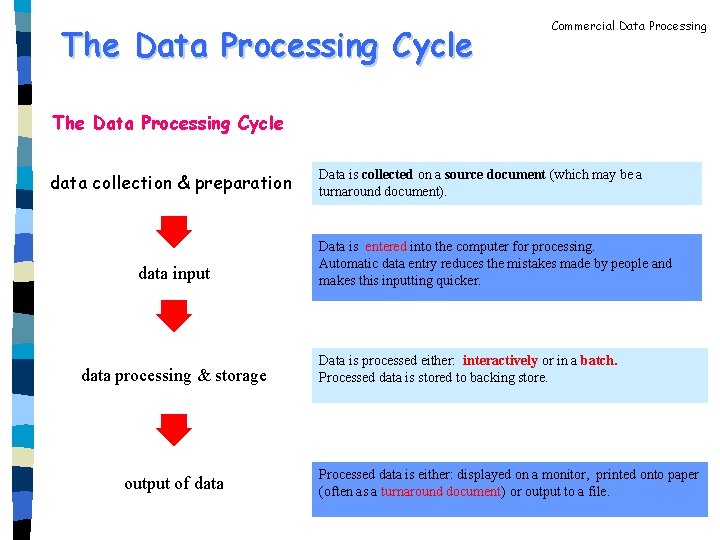
The Data Processing Cycle Commercial Data Processing The Data Processing Cycle data collection & preparation data input data processing & storage output of data Data is collected on a source document (which may be a turnaround document). Data is entered into the computer for processing. Automatic data entry reduces the mistakes made by people and makes this inputting quicker. Data is processed either: interactively or in a batch. Processed data is stored to backing store. Processed data is either: displayed on a monitor, printed onto paper (often as a turnaround document) or output to a file.
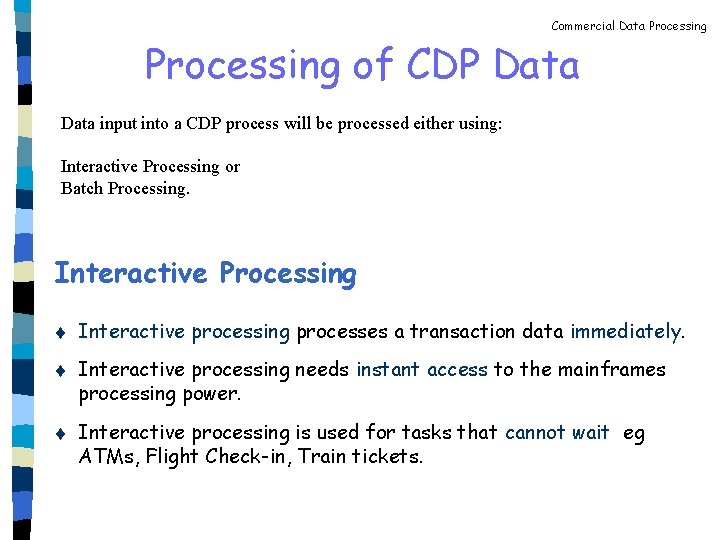
Commercial Data Processing of CDP Data input into a CDP process will be processed either using: Interactive Processing or Batch Processing. Interactive Processing t t t Interactive processing processes a transaction data immediately. Interactive processing needs instant access to the mainframes processing power. Interactive processing is used for tasks that cannot wait eg ATMs, Flight Check-in, Train tickets.
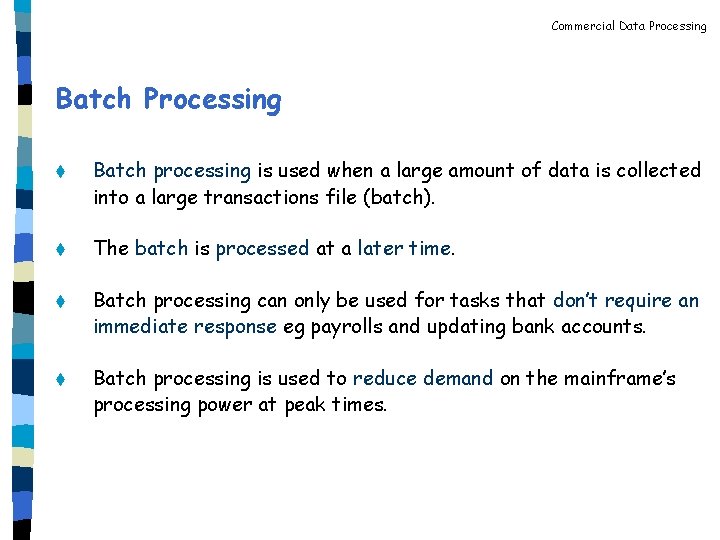
Commercial Data Processing Batch Processing t Batch processing is used when a large amount of data is collected into a large transactions file (batch). t The batch is processed at a later time. t Batch processing can only be used for tasks that don’t require an immediate response eg payrolls and updating bank accounts. t Batch processing is used to reduce demand on the mainframe’s processing power at peak times.
Commercial Data Processing
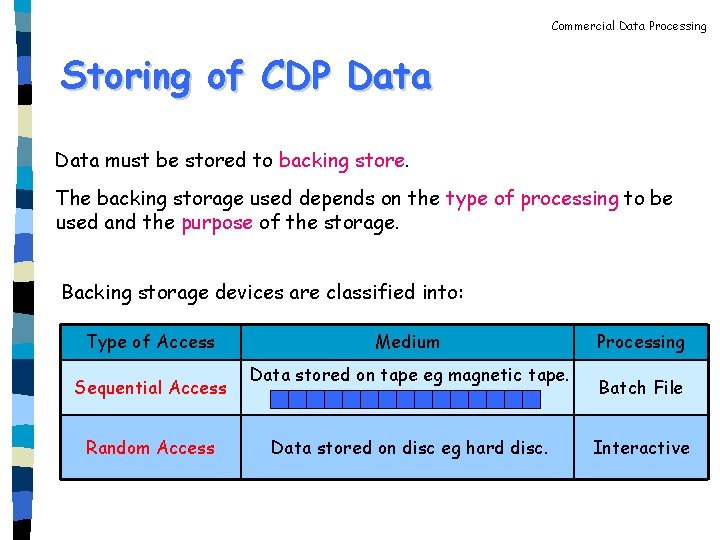
Commercial Data Processing Storing of CDP Data must be stored to backing store. The backing storage used depends on the type of processing to be used and the purpose of the storage. Backing storage devices are classified into: Type of Access Sequential Access Random Access Medium Data stored on tape eg magnetic tape. Data stored on disc eg hard disc. Processing Batch File Interactive
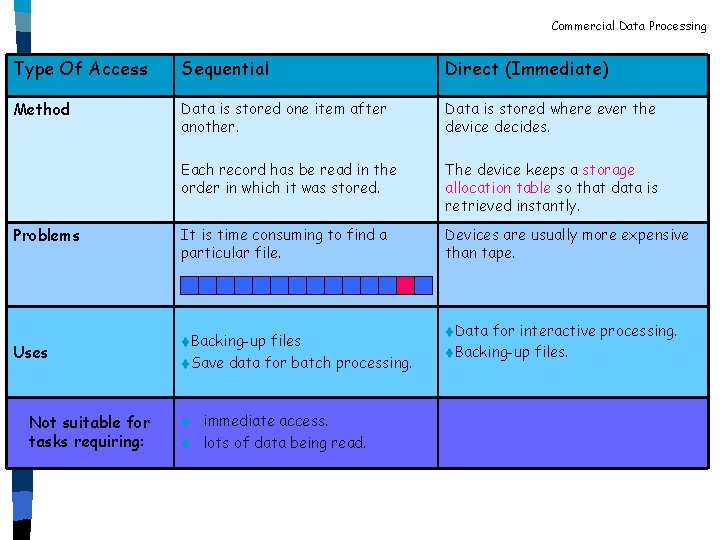
Commercial Data Processing Type Of Access Sequential Direct (Immediate) Method Data is stored one item after another. Data is stored where ever the device decides. Each record has be read in the order in which it was stored. The device keeps a storage allocation table so that data is retrieved instantly. It is time consuming to find a particular file. Devices are usually more expensive than tape. Problems Uses Not suitable for tasks requiring: t. Backing-up files t. Save data for batch processing. immediate access. t lots of data being read. t t. Data for interactive processing. t. Backing-up files.
Commercial Data Processing
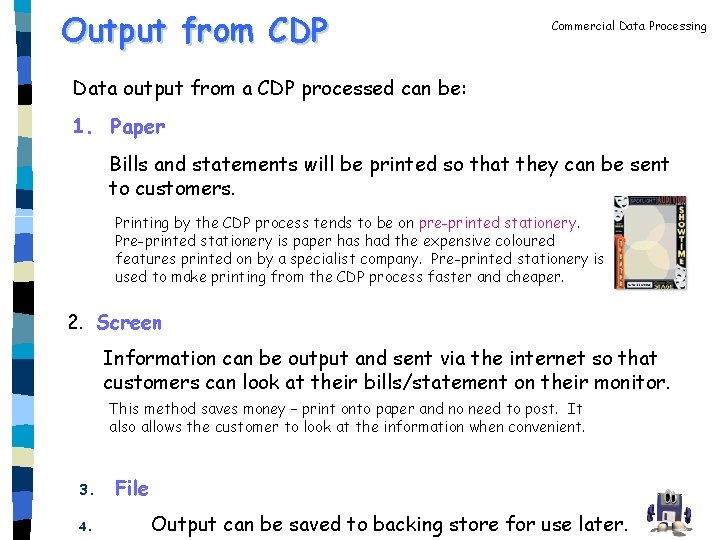
Output from CDP Commercial Data Processing Data output from a CDP processed can be: 1. Paper Bills and statements will be printed so that they can be sent to customers. Printing by the CDP process tends to be on pre-printed stationery. Pre-printed stationery is paper has had the expensive coloured features printed on by a specialist company. Pre-printed stationery is used to make printing from the CDP process faster and cheaper. 2. Screen Information can be output and sent via the internet so that customers can look at their bills/statement on their monitor. This method saves money – print onto paper and no need to post. It also allows the customer to look at the information when convenient. 3. 4. File Output can be saved to backing store for use later.
Commercial Data Processing Multi-user Databases A multi-user database is a database that can be accessed by many users at the same time. Companies will store their product catalogue, sales records, etc so that more than one member of staff can be updating records at the same time. Multi-user access is possible because the file is held on a central computer either a mainframe or a file server. Multi-user databases need to be able to: t. Allow many users to look at the data at the same time, but t. Prevent the same record being altered by 2 users at the same time Lock out prevents 2 users changing one record at the same time.
Commercial Data Processing Answer the following questions in your jotter. 1. Explain the term interactive processing. 2. Explain the term batch processing. 3. Suggest the most suitable type of processing: a) b) c) d) Cash withdrawal from an ATM. Totalling cost of shopping basket. Processing a companies monthly payroll. Customer booking a holiday. 4. Explain the term sequential access backing store. 5. Explain the term direct access backing store. 6. Suggest the most suitable type of backing store the transactions in question 3. 7. Suggest a suitable output method for payroll programs. 8. Why might a customer preferred to be emailed their bank statement? 9. Explain why companies used multi-user databases (credit). 10. Explain why multi-user database must have a lock out system (credit).
Commercial Data Processing http: //www. ictgcse. org. uk/? act=tpe&sub=GT_modesofprocessing