
Command Line arguments Main function int mainargc char
![Command Line arguments • Main function: int main(argc, char *argv[]) – argc is the](https://slidetodoc.com/presentation_image/f8ec649419cf0a6ac993629d53ea1825/image-1.jpg "Command Line arguments • Main function: int main(argc, char *argv[]) – argc is the")
![Accessing struct data • Declare: Person person[100]; • Access fields: JLJ printf("His name is](https://slidetodoc.com/presentation_image/f8ec649419cf0a6ac993629d53ea1825/image-5.jpg "Accessing struct data • Declare: Person person[100]; • Access fields: JLJ printf(\"His name is")
![Reading a text file #include <stdio. h> int main(void) { char data[256]; FILE *file;](https://slidetodoc.com/presentation_image/f8ec649419cf0a6ac993629d53ea1825/image-7.jpg "Reading a text file #include <stdio. h> int main(void) { char data[256]; FILE *file;")
![sscanf • Example: char str[] = "30 20 10"; int a, b, c; if](https://slidetodoc.com/presentation_image/f8ec649419cf0a6ac993629d53ea1825/image-10.jpg "sscanf • Example: char str[] = \"30 20 10\"; int a, b, c; if")
- Slides: 17
Command Line arguments • Main function: int main(argc, char *argv[]) – argc is the count of command line arguments – argv is an array of strings • argv[0] is the name of the program • argv[1] is the first argument from the command line • argv[k] is the kth argument from the command line • Command line example: >prog 123 abc – argc = 3 – argv[0] = "prog", argv[1] = "123", argv[2] = "abc" • If you expect two arguments: if (argc!=3) { printf("usage: prog <arg 1> <arg 2>); exit(1); }
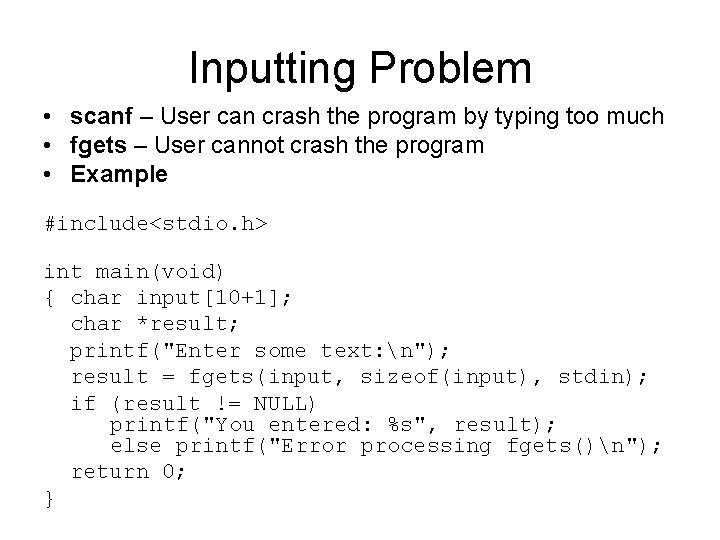
Inputting Problem • scanf – User can crash the program by typing too much • fgets – User cannot crash the program • Example #include<stdio. h> int main(void) { char input[10+1]; char *result; printf("Enter some text: n"); result = fgets(input, sizeof(input), stdin); if (result != NULL) printf("You entered: %s", result); else printf("Error processing fgets()n"); return 0; }
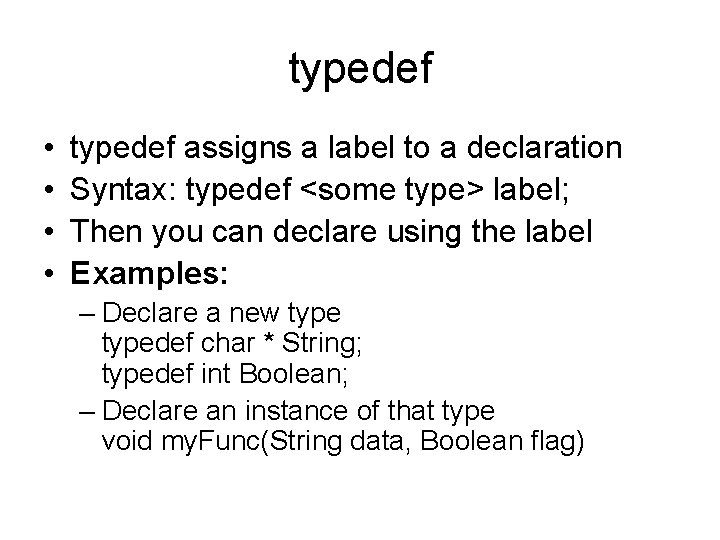
typedef • • typedef assigns a label to a declaration Syntax: typedef <some type> label; Then you can declare using the label Examples: – Declare a new typedef char * String; typedef int Boolean; – Declare an instance of that type void my. Func(String data, Boolean flag)
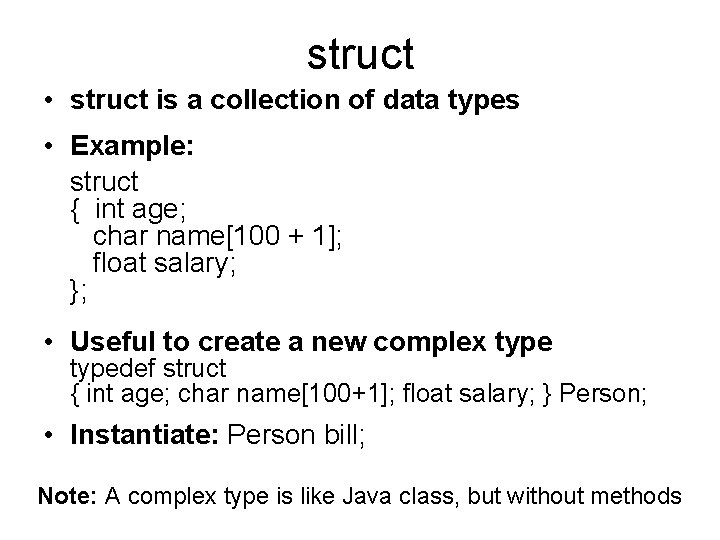
struct • struct is a collection of data types • Example: struct { int age; char name[100 + 1]; float salary; }; • Useful to create a new complex typedef struct { int age; char name[100+1]; float salary; } Person; • Instantiate: Person bill; Note: A complex type is like Java class, but without methods
Accessing struct data • Declare: Person person[100]; • Access fields: JLJ printf("His name is %sn", person[0]. name); for (int i=0; i<100; i++) printf("%s is %d years old with salary %fn" , person[i]. name , person[i]. age , person[i]. salary);
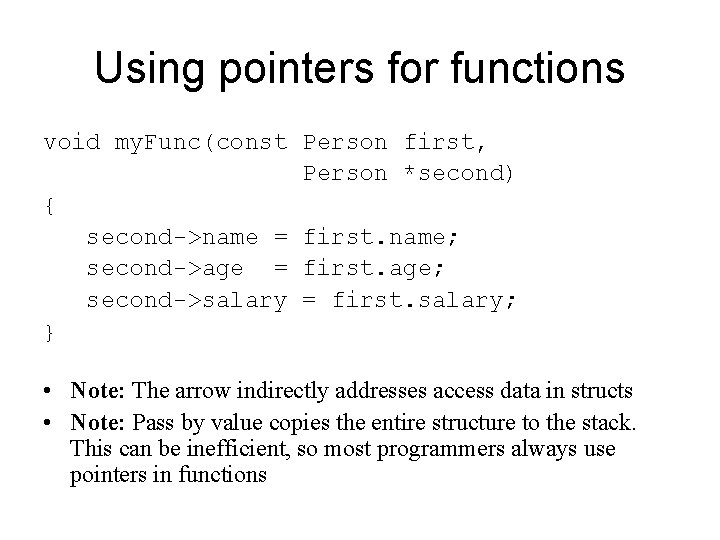
Using pointers for functions void my. Func(const Person first, Person *second) { second->name = first. name; second->age = first. age; second->salary = first. salary; } • Note: The arrow indirectly addresses access data in structs • Note: Pass by value copies the entire structure to the stack. This can be inefficient, so most programmers always use pointers in functions
Reading a text file #include <stdio. h> int main(void) { char data[256]; FILE *file; file = fopen("some. File. txt", "r"); if (file==NULL) return 2; while (!feof(file)) { int c. Size=sizeof(char); // normally 1 int d. Size=sizeof(data); // 256 * c. Size int size= d. Size/c. Size; // Array byte size fgets(data, size, file); printf("%s", data); } fclose(file); return 0; }
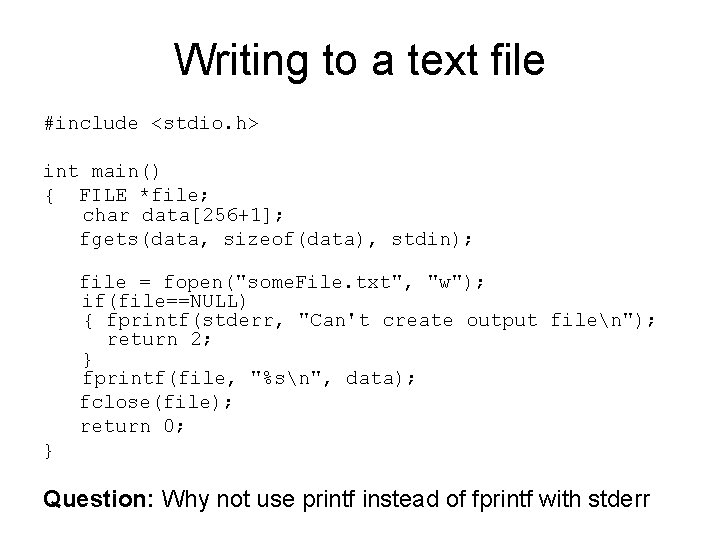
Writing to a text file #include <stdio. h> int main() { FILE *file; char data[256+1]; fgets(data, sizeof(data), stdin); file = fopen("some. File. txt", "w"); if(file==NULL) { fprintf(stderr, "Can't create output filen"); return 2; } fprintf(file, "%sn", data); fclose(file); return 0; } Question: Why not use printf instead of fprintf with stderr
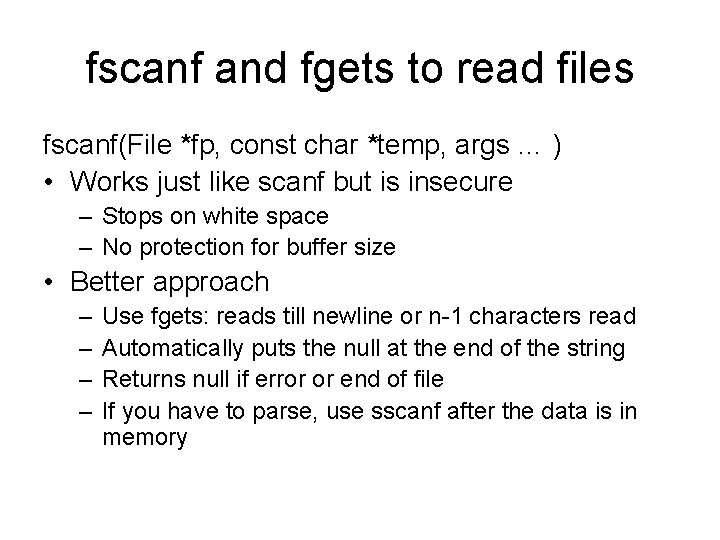
fscanf and fgets to read files fscanf(File *fp, const char *temp, args … ) • Works just like scanf but is insecure – Stops on white space – No protection for buffer size • Better approach – – Use fgets: reads till newline or n-1 characters read Automatically puts the null at the end of the string Returns null if error or end of file If you have to parse, use sscanf after the data is in memory
sscanf • Example: char str[] = "30 20 10"; int a, b, c; if (sscanf(str, "%d %d %d", &a, &b, &c) != 3) fprintf(stderr, "What happened? "); • sscanf is a very useful tool for parsing input or data read from files • Note: the strstr function is useful for finding the first occurrence of a little string in a big one. See lab 10. char *strstr (const char *haystack, const char *needle);
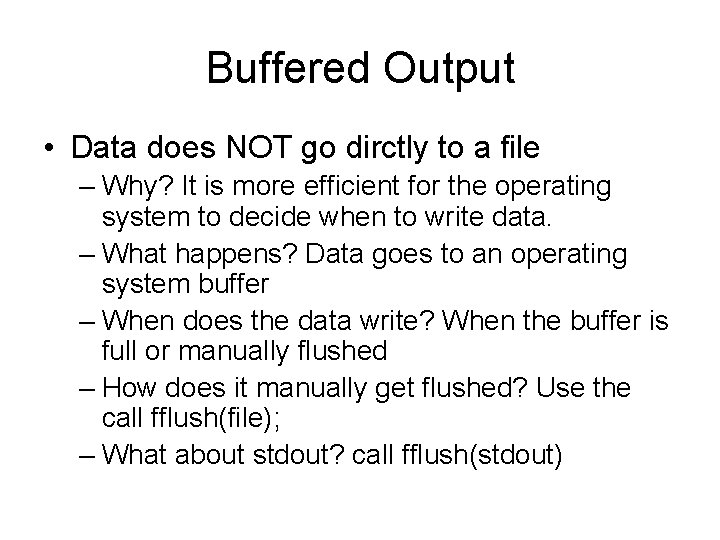
Buffered Output • Data does NOT go dirctly to a file – Why? It is more efficient for the operating system to decide when to write data. – What happens? Data goes to an operating system buffer – When does the data write? When the buffer is full or manually flushed – How does it manually get flushed? Use the call fflush(file); – What about stdout? call fflush(stdout)
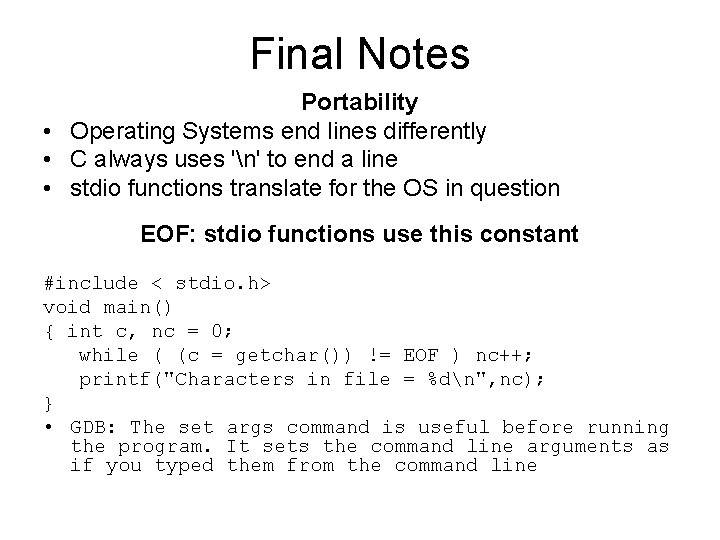
Final Notes Portability • Operating Systems end lines differently • C always uses 'n' to end a line • stdio functions translate for the OS in question EOF: stdio functions use this constant #include < stdio. h> void main() { int c, nc = 0; while ( (c = getchar()) != EOF ) nc++; printf("Characters in file = %dn", nc); } • GDB: The set args command is useful before running the program. It sets the command line arguments as if you typed them from the command line
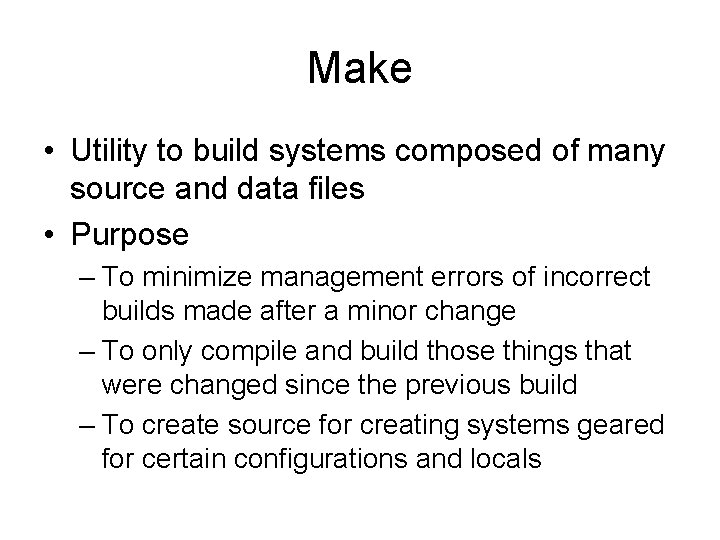
Make • Utility to build systems composed of many source and data files • Purpose – To minimize management errors of incorrect builds made after a minor change – To only compile and build those things that were changed since the previous build – To create source for creating systems geared for certain configurations and locals
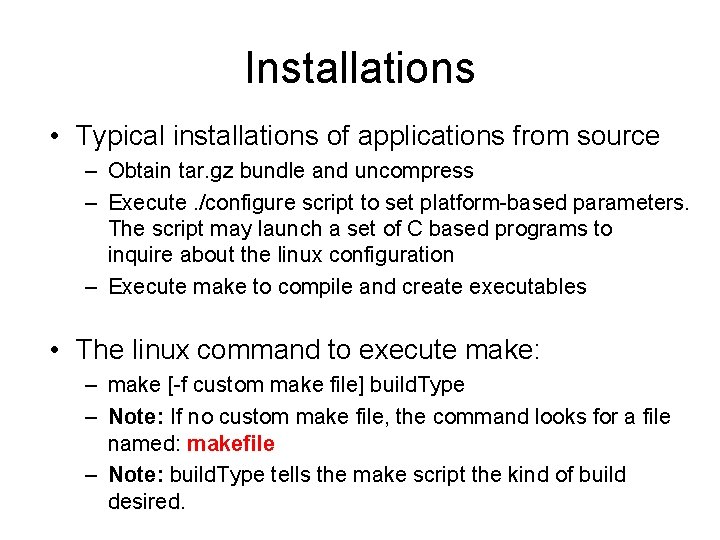
Installations • Typical installations of applications from source – Obtain tar. gz bundle and uncompress – Execute. /configure script to set platform-based parameters. The script may launch a set of C based programs to inquire about the linux configuration – Execute make to compile and create executables • The linux command to execute make: – make [-f custom make file] build. Type – Note: If no custom make file, the command looks for a file named: makefile – Note: build. Type tells the make script the kind of build desired.
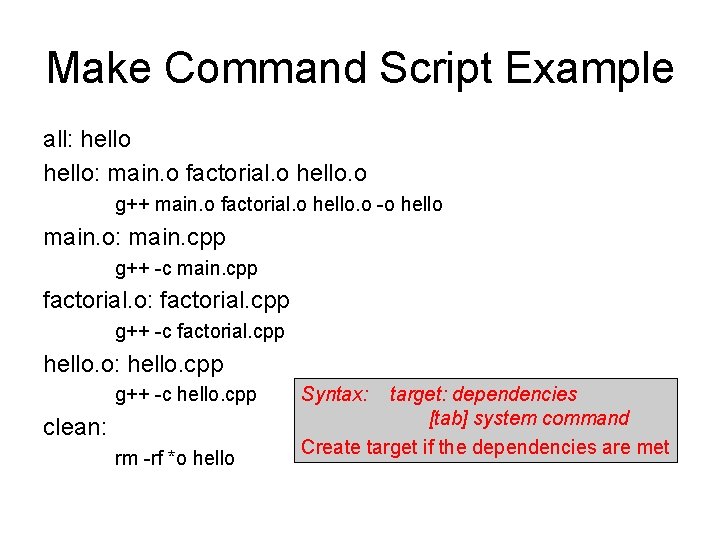
Make Command Script Example all: hello: main. o factorial. o hello. o g++ main. o factorial. o hello. o -o hello main. o: main. cpp g++ -c main. cpp factorial. o: factorial. cpp g++ -c factorial. cpp hello. o: hello. cpp g++ -c hello. cpp clean: rm -rf *o hello Syntax: target: dependencies [tab] system command Create target if the dependencies are met
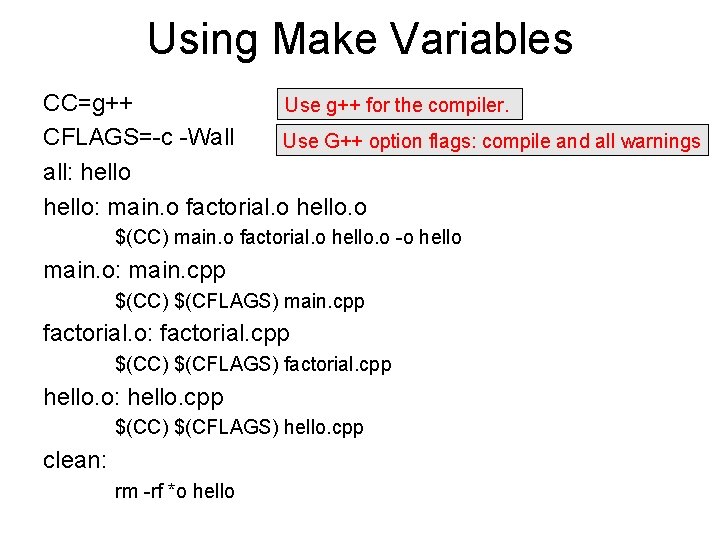
Using Make Variables CC=g++ Use g++ for the compiler. CFLAGS=-c -Wall Use G++ option flags: compile and all warnings all: hello: main. o factorial. o hello. o $(CC) main. o factorial. o hello. o -o hello main. o: main. cpp $(CC) $(CFLAGS) main. cpp factorial. o: factorial. cpp $(CC) $(CFLAGS) factorial. cpp hello. o: hello. cpp $(CC) $(CFLAGS) hello. cpp clean: rm -rf *o hello
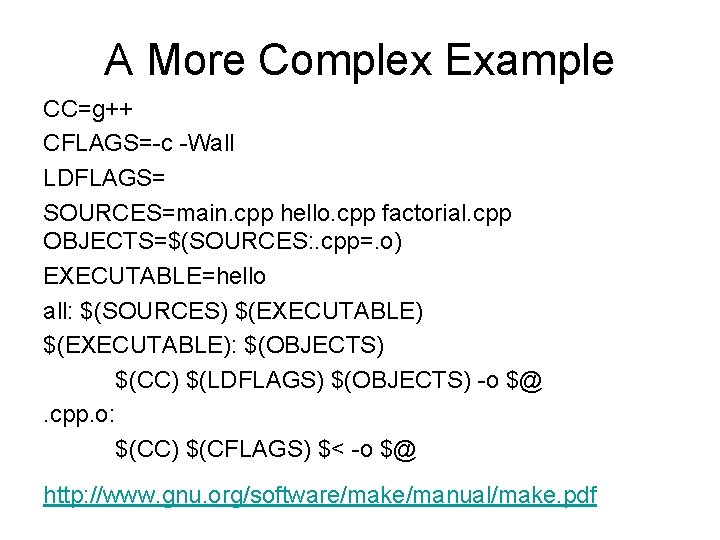
A More Complex Example CC=g++ CFLAGS=-c -Wall LDFLAGS= SOURCES=main. cpp hello. cpp factorial. cpp OBJECTS=$(SOURCES: . cpp=. o) EXECUTABLE=hello all: $(SOURCES) $(EXECUTABLE): $(OBJECTS) $(CC) $(LDFLAGS) $(OBJECTS) -o $@. cpp. o: $(CC) $(CFLAGS) $< -o $@ http: //www. gnu. org/software/make/manual/make. pdf