
COMM 1213 H 1 COMP 4923 X 1




- Slides: 21
COMM 1213 H 1 COMP 4923 X 1 HTML Page Structure and Navigation (Readings: Ch. 5 Lazar) 1
Outline • Information Architecture • Site Navigation EG 2
Defintions • Information Architecture – How large information spaces are organized for optimal user interaction – Structure of website • Site navigation – – – Provides a map through website Good site navigation = easy to find content “If the user can’t find it, the information is not there. ” 3
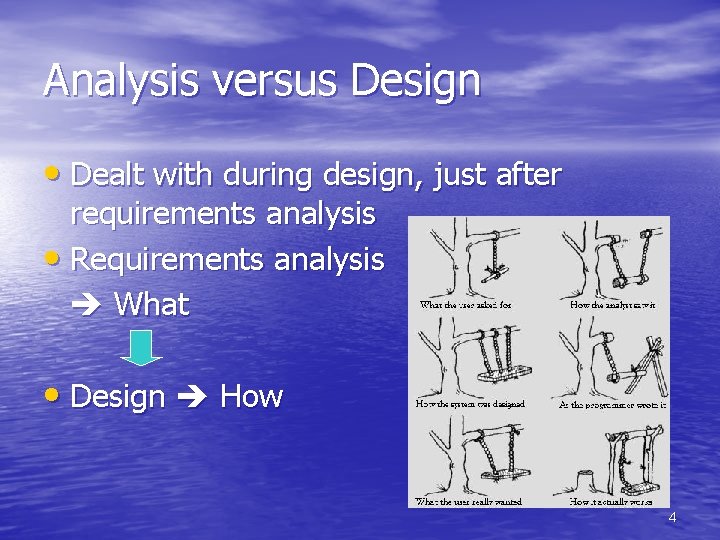
Analysis versus Design • Dealt with during design, just after requirements analysis • Requirements analysis What • Design How 4
Important issues during analysis and design: • Purpose and title of webpage • Content to be developed – Consider how it will be developed • How often data will be updated – Who will perform the update • Relationship between content 5
Determine Content Objects • A well-defined piece of content • Smallest granularity of content for the site • Static or dynamic (database driven) • More than one object can exist per page • Example: – catalog entries is an object – a specific item is an instance • Prioritize objects as to their importance – • mandatory, desirable, optional Rarely is all content provided in first release 6
Organize Content Objects • Allocate objects to webpages – use a table • Cognitive models – how users organize information in their minds • Use paper prototypes (cards) and look for – Groupings – Flow – Hierarchy 7
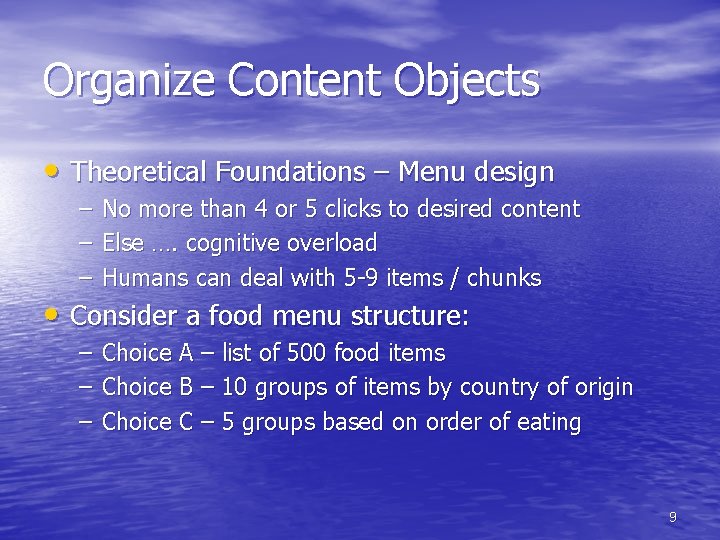
Organize Content Objects • Theoretical Foundations – Menu design – Hierarchical structure is preferred – Series of menus arranged in a tree structure • depth (number of menus levels) • Breadth (number of items per menu) – Short depth, wide breadth preferred. . Why? – Breadth should decreases as depth increases. . Why? 8
Organize Content Objects • Theoretical Foundations – Menu design – – – No more than 4 or 5 clicks to desired content Else …. cognitive overload Humans can deal with 5 -9 items / chunks – – – Choice A – list of 500 food items Choice B – 10 groups of items by country of origin Choice C – 5 groups based on order of eating • Consider a food menu structure: 9
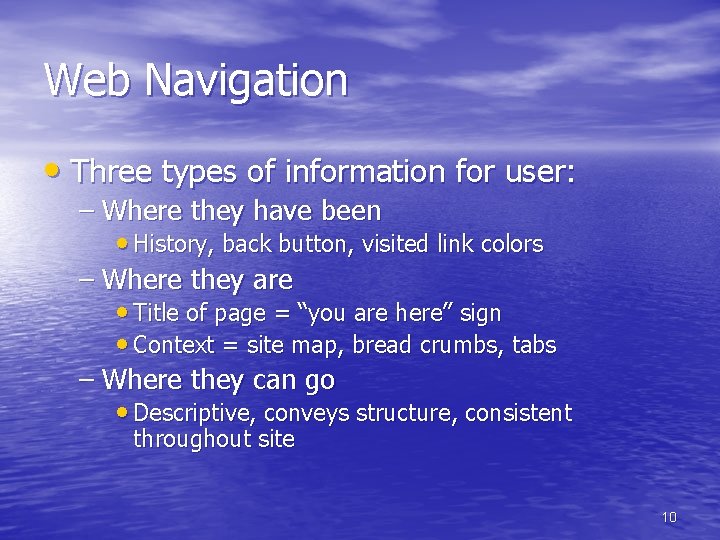
Web Navigation • Three types of information for user: – Where they have been • History, back button, visited link colors – Where they are • Title of page = “you are here” sign • Context = site map, bread crumbs, tabs – Where they can go • Descriptive, conveys structure, consistent throughout site 10
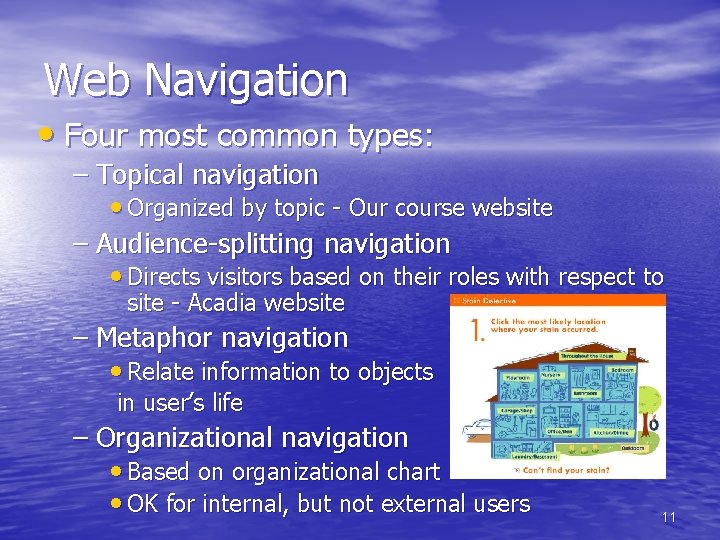
Web Navigation • Four most common types: – Topical navigation • Organized by topic - Our course website – Audience-splitting navigation • Directs visitors based on their roles with respect to site - Acadia website – Metaphor navigation • Relate information to objects in user’s life – Organizational navigation • Based on organizational chart • OK for internal, but not external users 11
Location of Navigation • Developer can not be certain of available screen space • Navigation must be easily visible – Top – Left – Combination of top and left 12
Resources • Getting started with HTML from the W 3 C • W 3 C's Recommendation for HTML 4. 0 is the • • authoritative specification for HTML W 3 Schools HTML Tutorial HTML Goodies HTML Primer An HTML Code Tutorial Writing HTML a tutorial for creating web pages (a little old but a different perspective) 13
THE END danny. silver@acadiau. ca 14
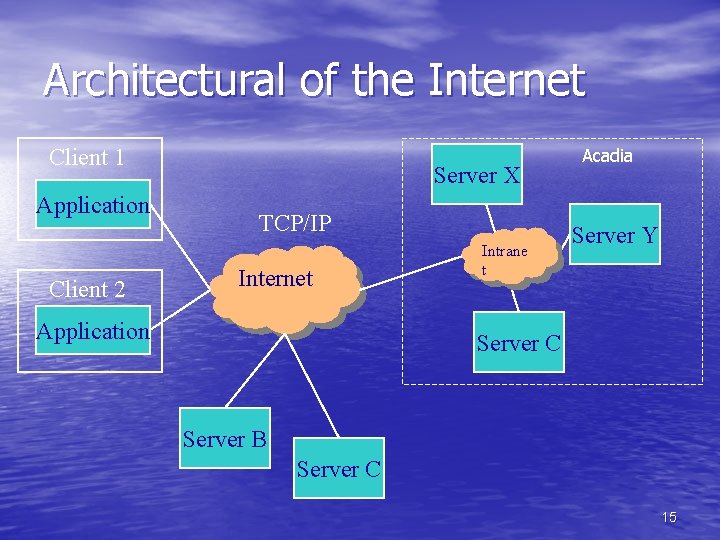
Architectural of the Internet Client 1 Application Client 2 Server X TCP/IP Internet Application Intrane t Acadia Server Y Server C Server B Server C 15
TCP/IP Protocol Architecture Transmission Control Protocol Internet Protocol 16
TCP/IP Protocol Architecture • Internet Protocol (IP) – like a postcard that contains: – Destination address (131. 162. 201. 7) – Return address – Block of data (content) • Transmission Control Protocol (TCP) – Ensures the post card gets through – Ensures the order of deliver – Handles errors and control flow 17
Client-Server Applications that use the Internet Telnet Window FTP Client e. Mail Client TCP IP Network Physical Telnet Protocol FTP SMTP/POP Internet Telnet Server FTP Server e. Mail Server TCP IP Network Physical 18
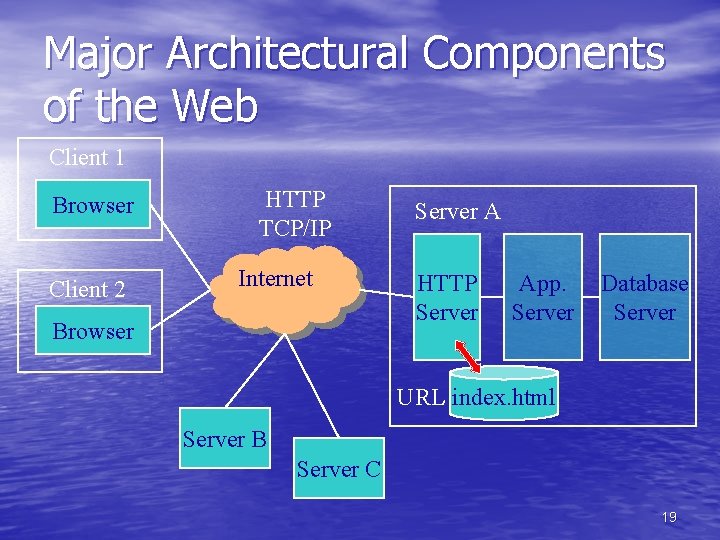
Major Architectural Components of the Web Client 1 Browser Client 2 HTTP TCP/IP Internet Browser Server A HTTP Server App. Server Database Server URL index. html Server B Server C 19
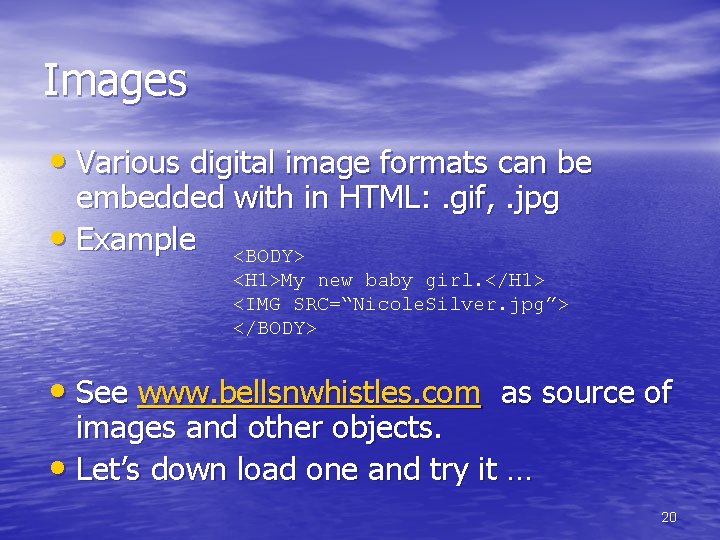
Images • Various digital image formats can be embedded with in HTML: . gif, . jpg • Example <BODY> <H 1>My new baby girl. </H 1> <IMG SRC=“Nicole. Silver. jpg”> </BODY> • See www. bellsnwhistles. com as source of images and other objects. • Let’s down load one and try it … 20
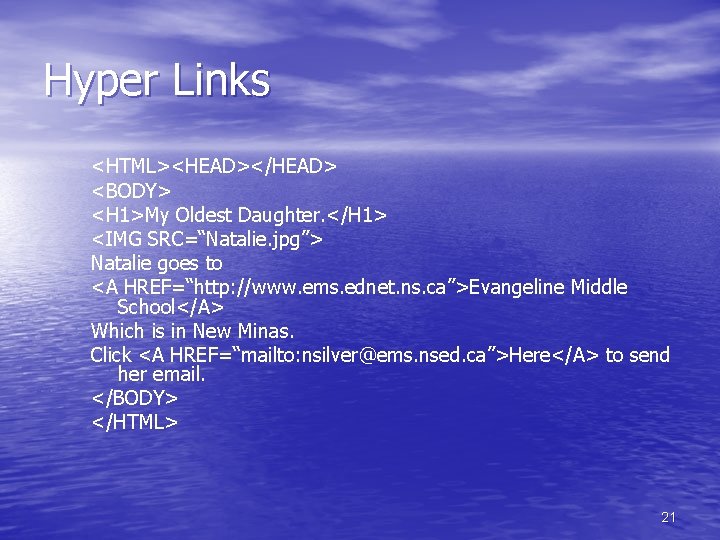
Hyper Links <HTML><HEAD></HEAD> <BODY> <H 1>My Oldest Daughter. </H 1> <IMG SRC=“Natalie. jpg”> Natalie goes to <A HREF=“http: //www. ems. ednet. ns. ca”>Evangeline Middle School</A> Which is in New Minas. Click <A HREF=“mailto: nsilver@ems. nsed. ca”>Here</A> to send her email. </BODY> </HTML> 21