
COMBAT ROBOTICS Learn Build Battle Welcome to your
COMBAT ROBOTICS Learn – Build - Battle
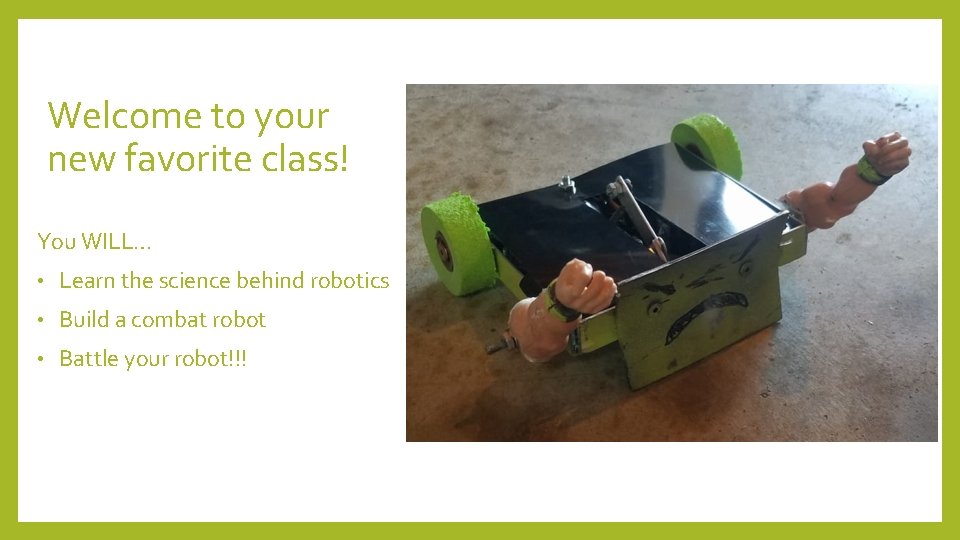
Welcome to your new favorite class! You WILL… • Learn the science behind robotics • Build a combat robot • Battle your robot!!!

Katapult Labs • Started by Katapult Engineering • Mission: to educate the community about Making. • Located in the old Dillsburg Library • Make. Boxes go out beyond the local community! Check them out!

Jennifer Wolverton Engineering Degree from Michigan State University. • Worked at Technicolor, Northrop Grumman, Capital One • Creating Algebra Club, an algebra supplement • www. Log. Cabin. Schoolhouse. com •
Classroom Management • Listen when others are talking. • Follow directions. • Show respect for Katapult Labs. • Work and play in a safe manner. • DO HARD THINGS. • Work as a TEAM. • Find your CREATIVITY. • Be RESPECTFUL, KIND, and HELPFUL. • Give COMPLIMENTS. • Stay seated unless directed otherwise. • Battle your friends, but cheer for both winners and losers of combat. • Put in 100%, Get out 100%.

Careers you will learn about… • Mechanical Engineering • Electrical Engineering • Computers • Process Engineering • Materials Science
Rules of COMBAT! 1. Be safe at all times. 2. Robots that don’t follow ALL rules will be disqualified from battle for the rest of the day and potentially the rest of the semester. 3. All shell construction out of plastics and foams. 4. Maximum dimension of robot cannot exceed 10" (meaning a square robot cannot have a diagonal dimension of greater than 10". Another way to think of it, the robot must fit inside of a sphere with a 5" radius) 5. Robots must only be activated in the arena or with permission of instructor. 6. Robots must weigh in equal or less than 1 pound. 7. Robots weapons could include: lifters, hammers, clamps, spinning weapons. (No sawing or drilling or fire. ) 8. No autonomous robots. They must all be radio controlled. 9. All efforts must be made to protect battery terminals from a direct short and causing a battery fire.
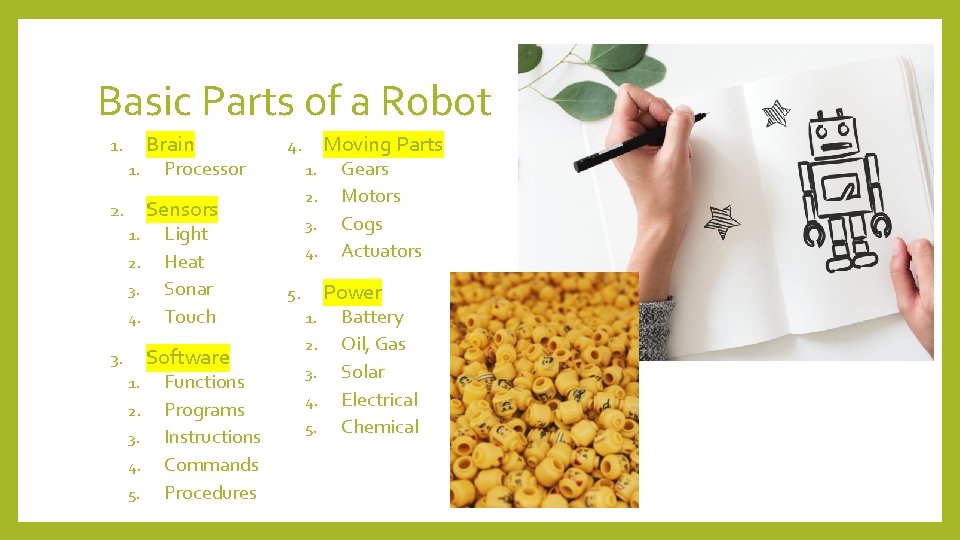
Basic Parts of a Robot Brain 1. 1. Processor 1. 2. Sensors 2. 1. 2. 3. 4. Light Heat Sonar Touch Software 3. 1. 2. 3. 4. 5. Functions Programs Instructions Commands Procedures Moving Parts 4. 3. 4. Gears Motors Cogs Actuators Power 5. 1. 2. 3. 4. 5. Battery Oil, Gas Solar Electrical Chemical
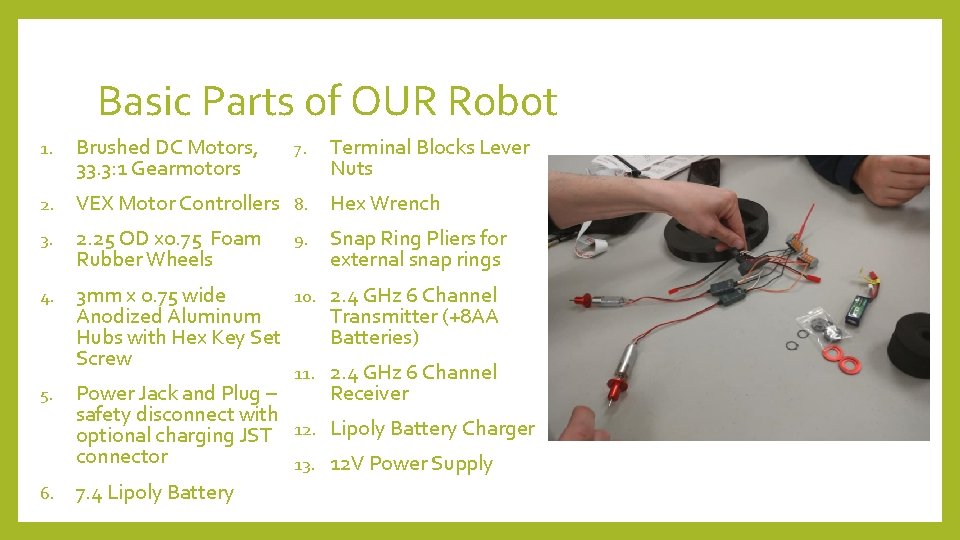
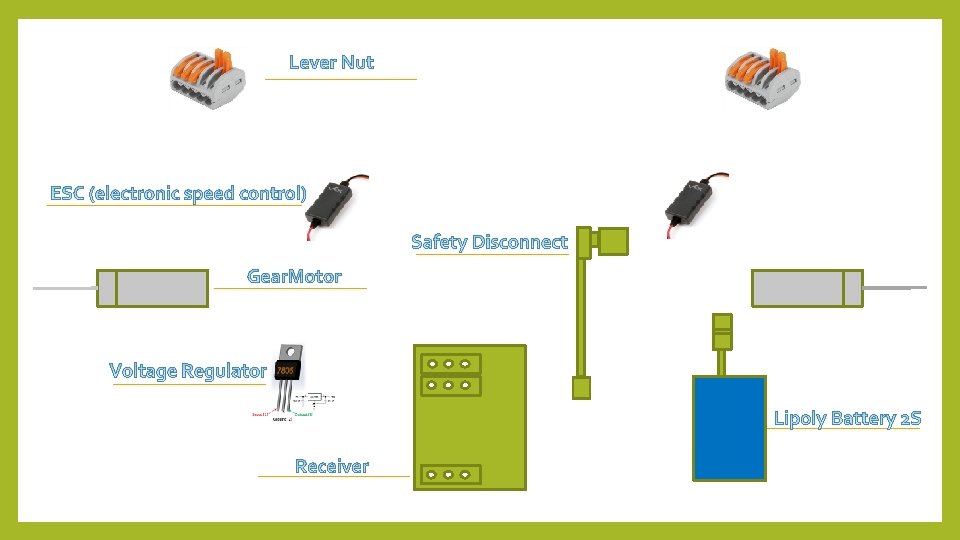
Basic Parts of OUR Robot 1. Brushed DC Motors, 33. 3: 1 Gearmotors 2. VEX Motor Controllers 8. Hex Wrench 3. 2. 25 OD x 0. 75 Foam Rubber Wheels 7. 9. Terminal Blocks Lever Nuts Snap Ring Pliers for external snap rings 10. 2. 4 GHz 6 Channel 3 mm x 0. 75 wide Transmitter (+8 AA Anodized Aluminum Batteries) Hubs with Hex Key Set Screw 11. 2. 4 GHz 6 Channel Receiver 5. Power Jack and Plug – safety disconnect with optional charging JST 12. Lipoly Battery Charger connector 13. 12 V Power Supply 6. 7. 4 Lipoly Battery 4.
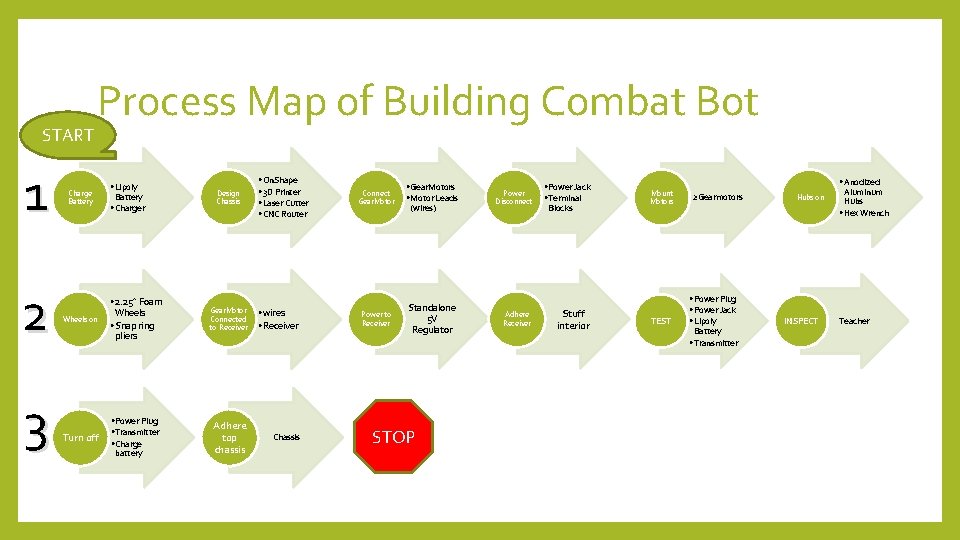
START 1 2 3 Process Map of Building Combat Bot Charge Battery Wheels on Turn off • Lipoly Battery • Charger • 2. 25” Foam Wheels • Snap ring pliers • Power Plug • Transmitter • Charge battery Design Chassis • On. Shape • 3 D Printer • Laser Cutter • CNC Router Gear. Motor Connected to Receiver • wires • Receiver Adhere top chassis Connect Gear. Motor Power to Receiver • Gear. Motors • Motor Leads (wires) Standalone 5 V Regulator STOP Power Disconnect Adhere Receiver • Power Jack • Terminal Blocks Stuff interior • Anodized Mount Motors TEST 2 Gearmotors • Power Plug • Power Jack • Lipoly Battery • Transmitter Hubs on INSPECT Aluminum Hubs • Hex Wrench Teacher
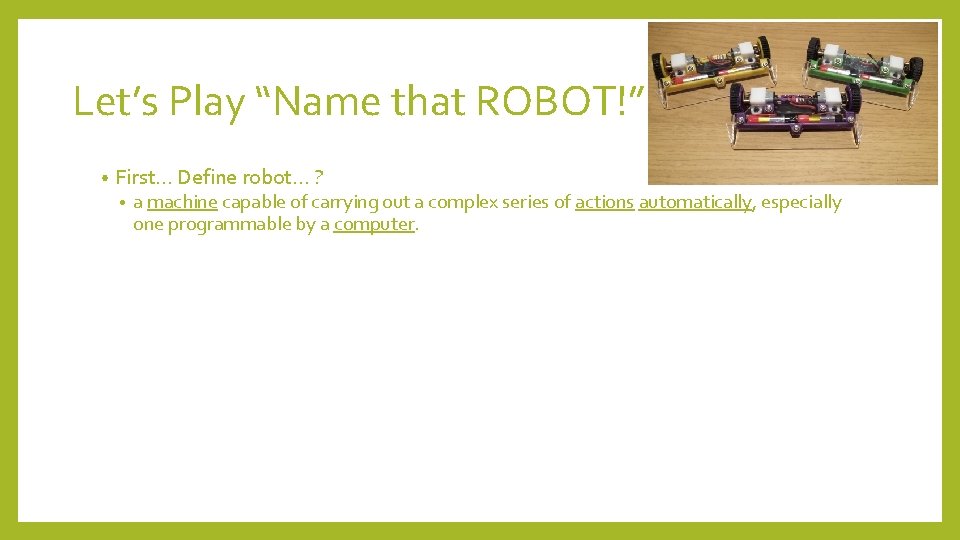
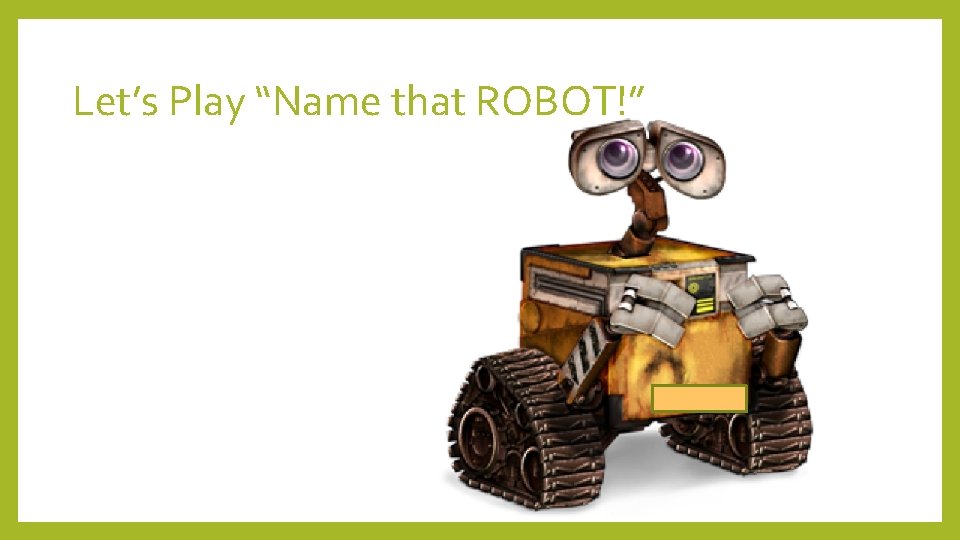
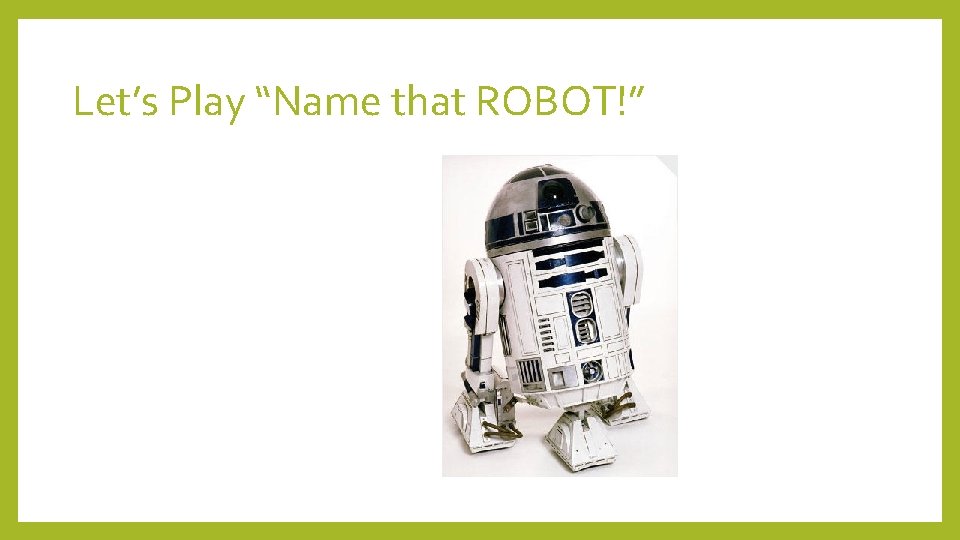
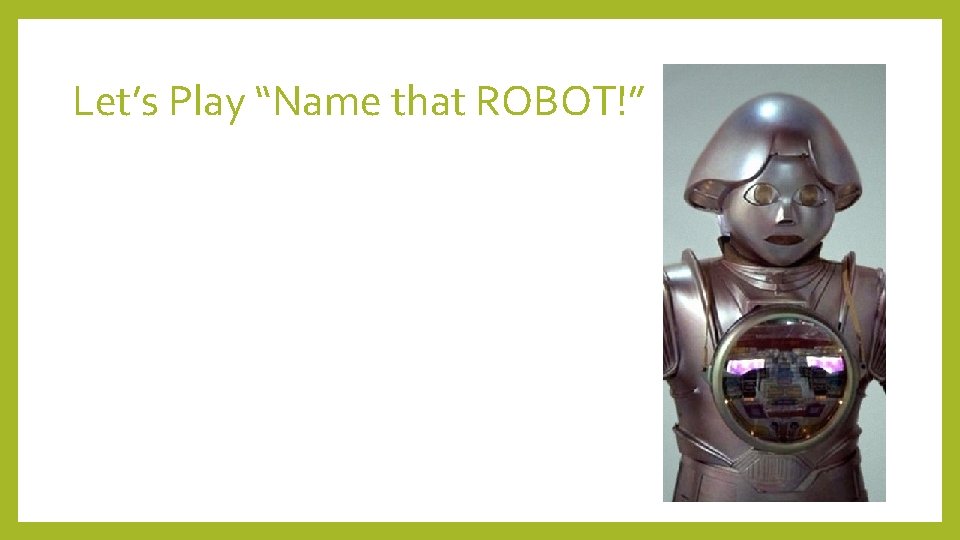
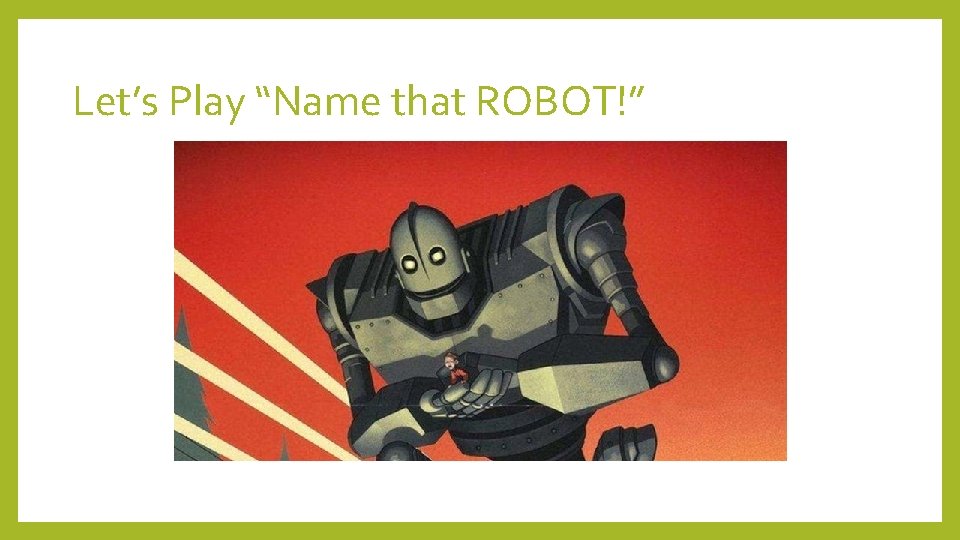
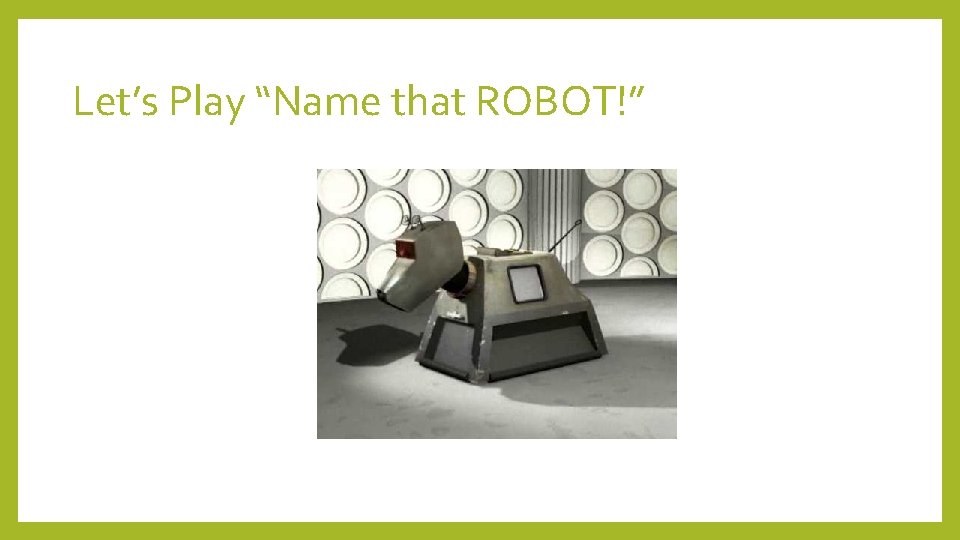
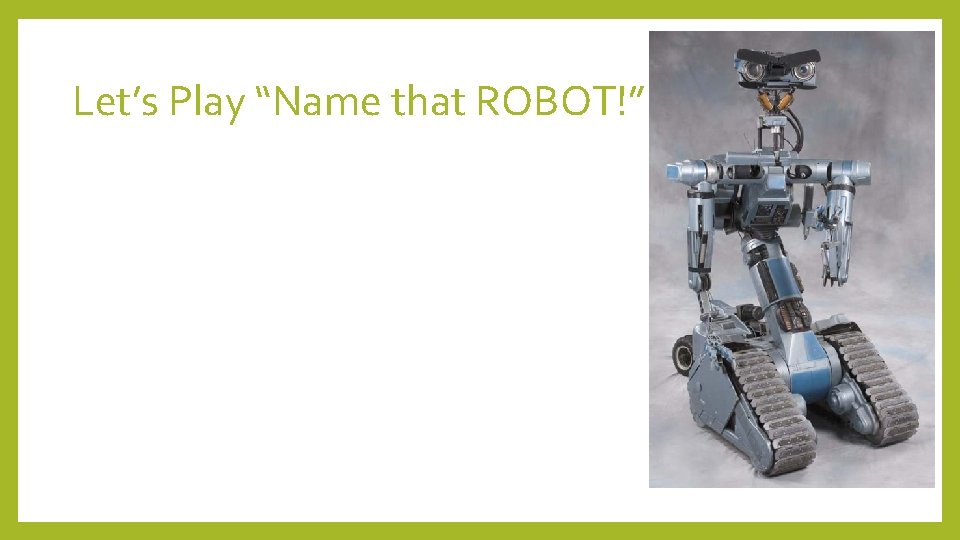
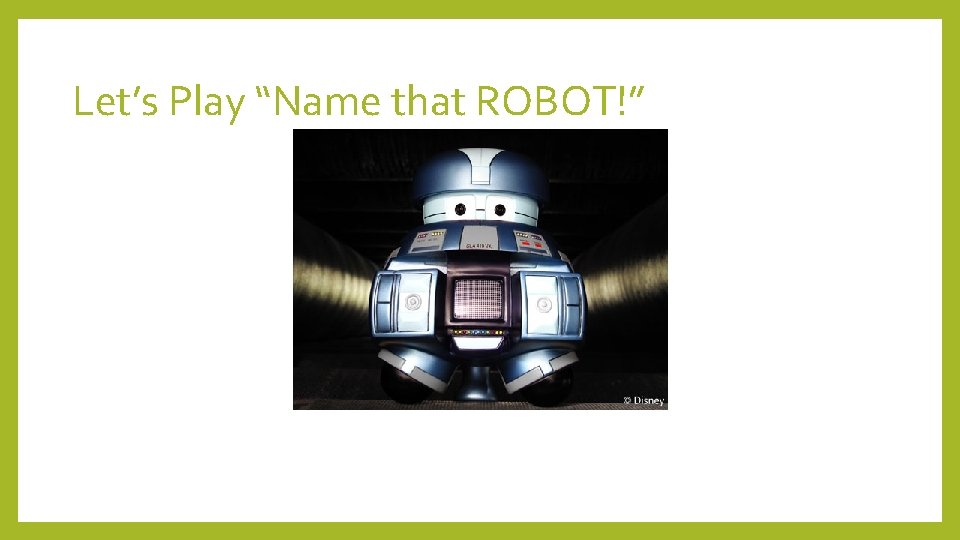
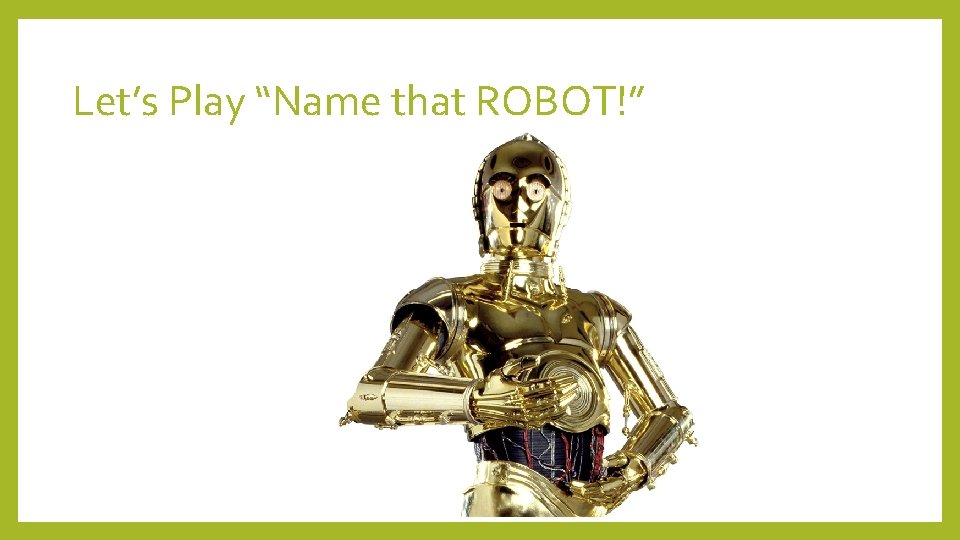
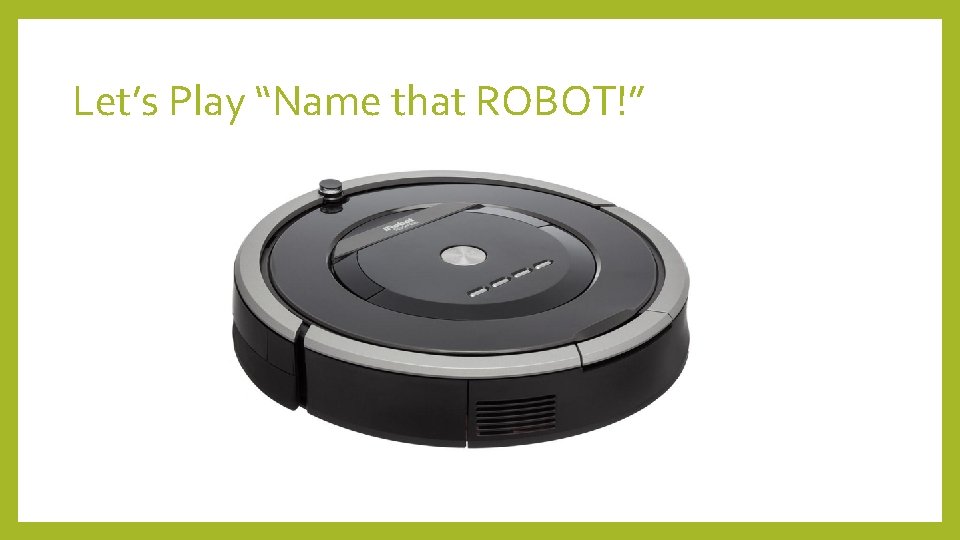
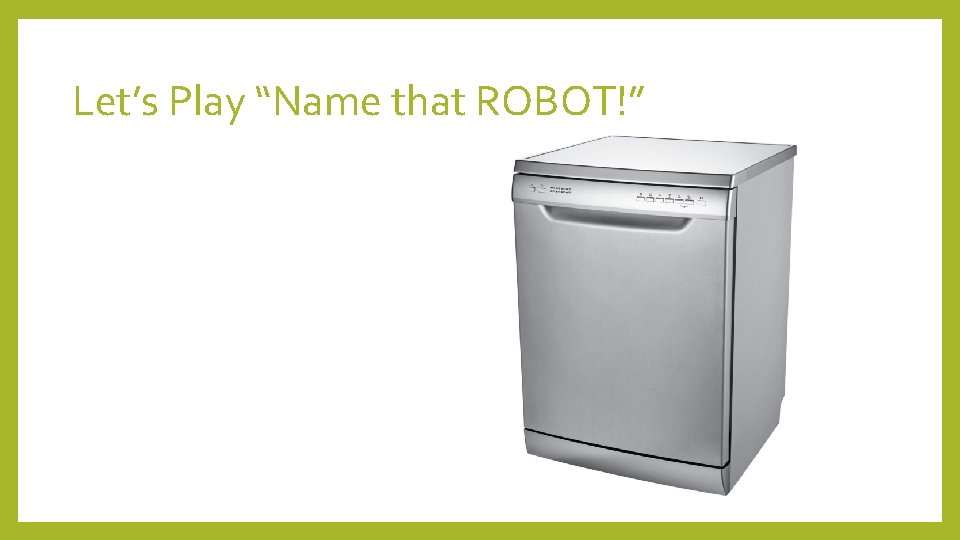
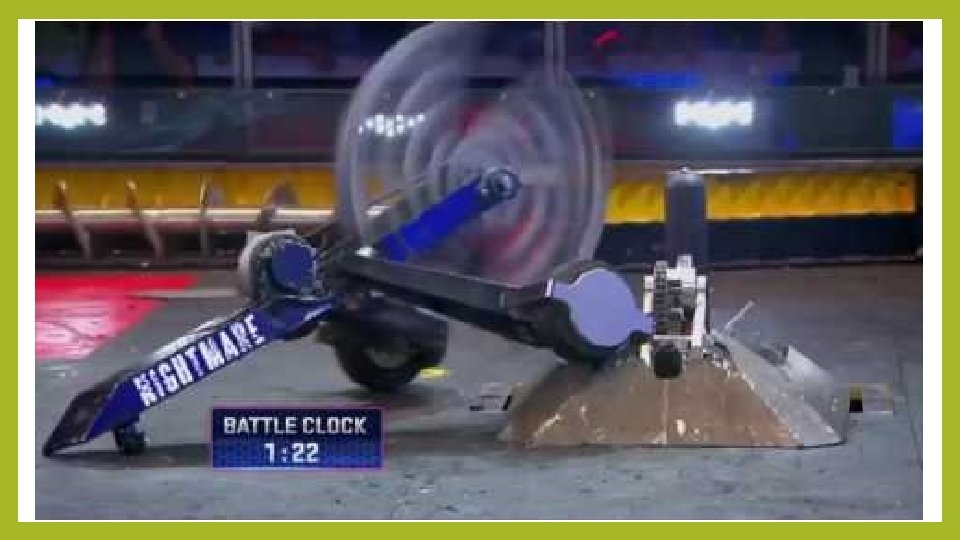
Let’s Play “Name that ROBOT!” • First… Define robot… ? • a machine capable of carrying out a complex series of actions automatically, especially one programmable by a computer.
Let’s Play “Name that ROBOT!”
Let’s Play “Name that ROBOT!”
Let’s Play “Name that ROBOT!”
Let’s Play “Name that ROBOT!”
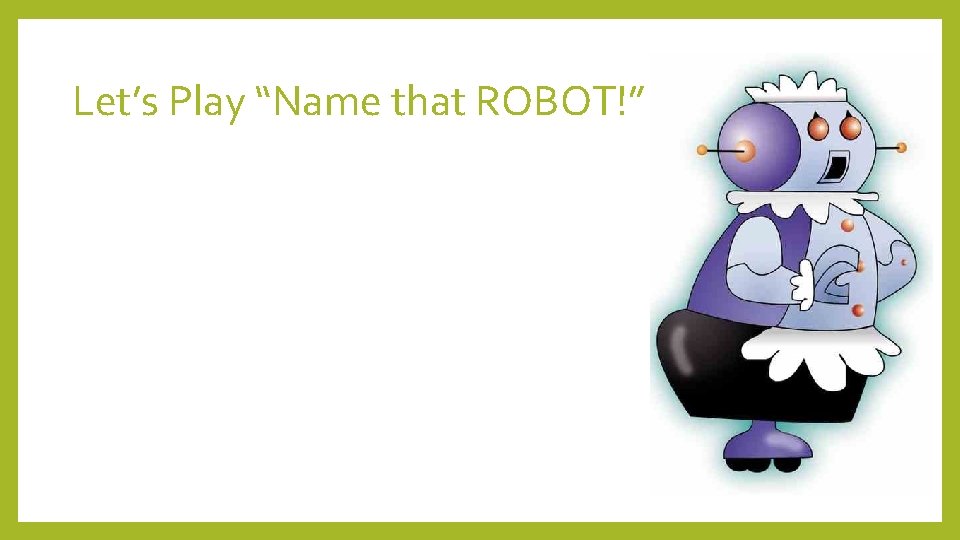
Let’s Play “Name that ROBOT!”
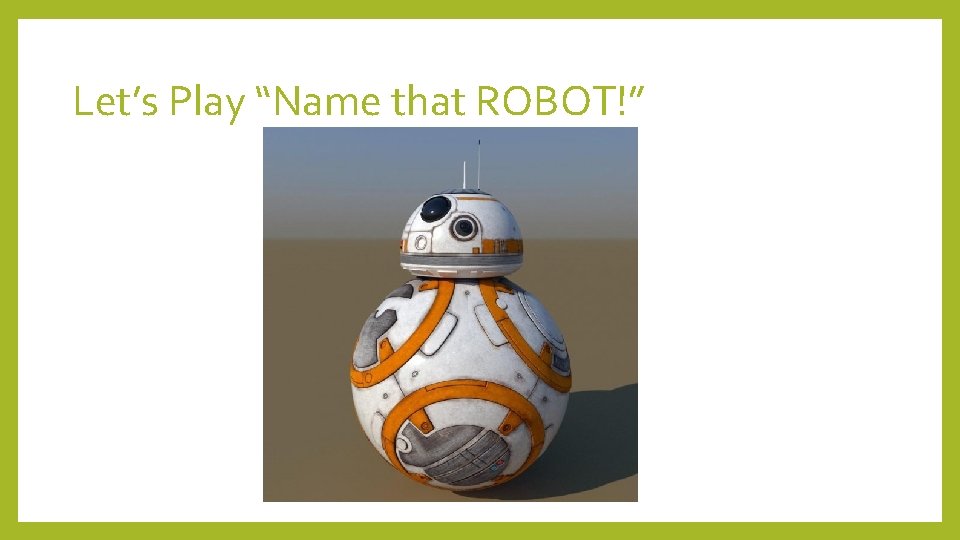
Let’s Play “Name that ROBOT!”
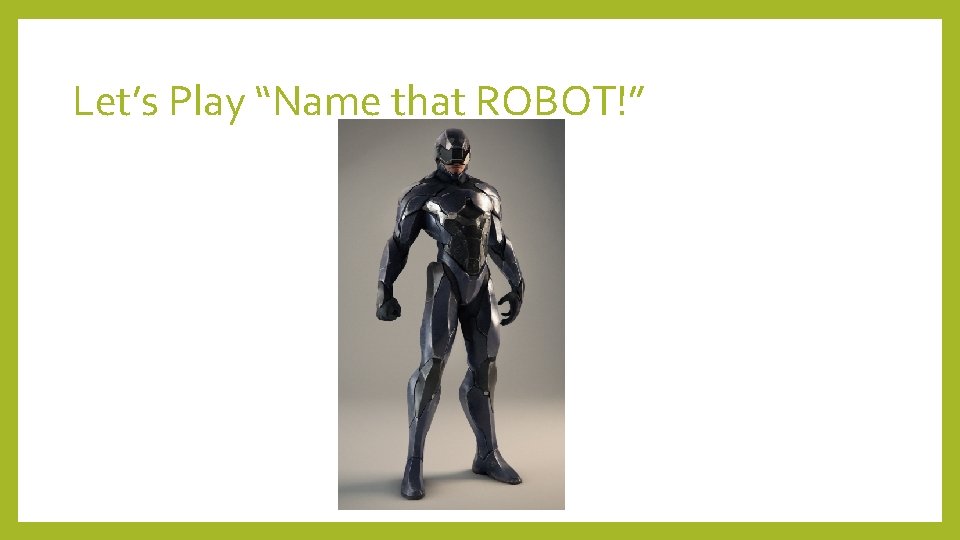
Let’s Play “Name that ROBOT!”
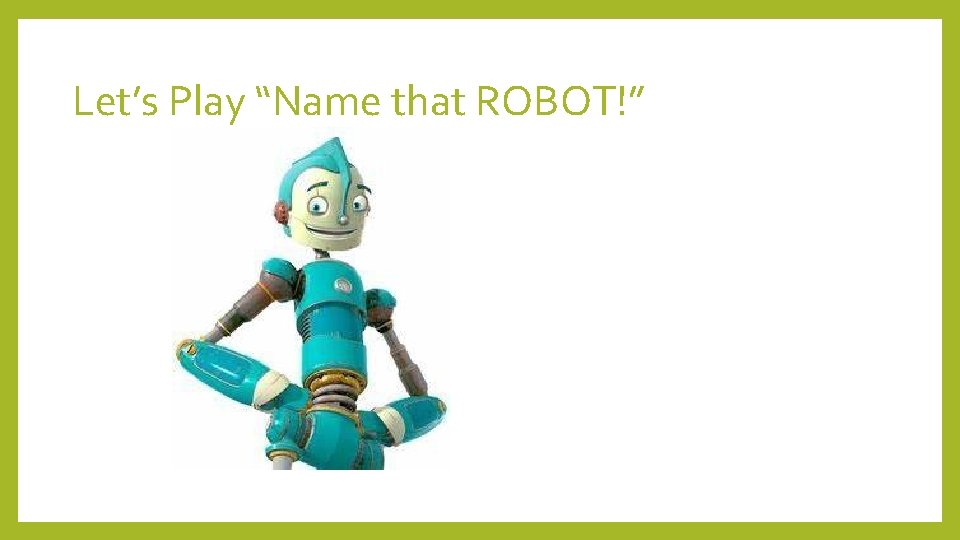
Let’s Play “Name that ROBOT!”
Let’s Play “Name that ROBOT!”
Let’s Play “Name that ROBOT!”
Let’s Play “Name that ROBOT!”
Let’s Play “Name that ROBOT!”
Let’s Play “Name that ROBOT!”
Let’s Play “Name that ROBOT!”
WEEK 1 tasks • Introductory BATTLE • Combat Robotics Class Presentation • Draw Basic Parts of a Robot • Build Jiggle Bot – Name Parts • Kahoot Games • Homework: Bring in one robot next week to share. (if you have one and want to) • Memorize basic parts of a robot. Quiz next week! • • BUILD (see process map) • BATTLE – last 15 minutes
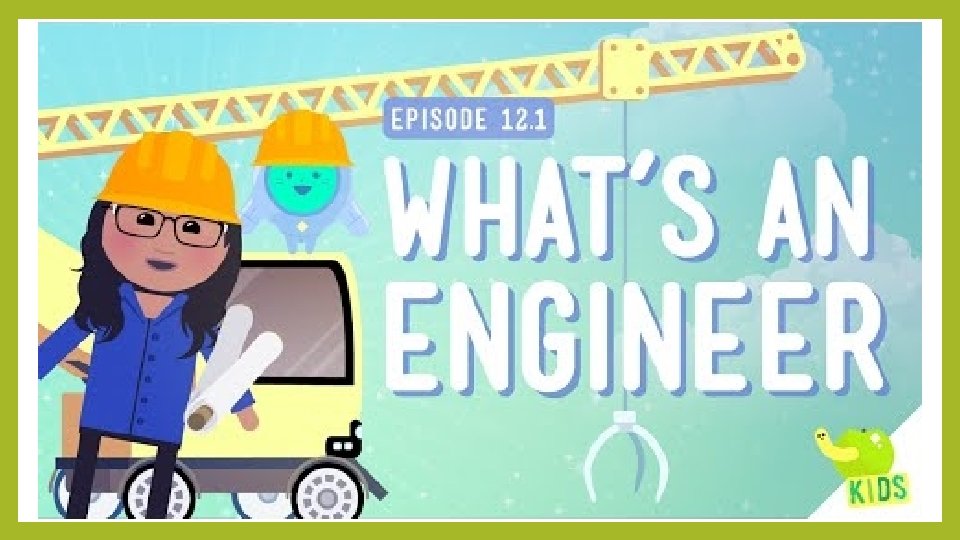
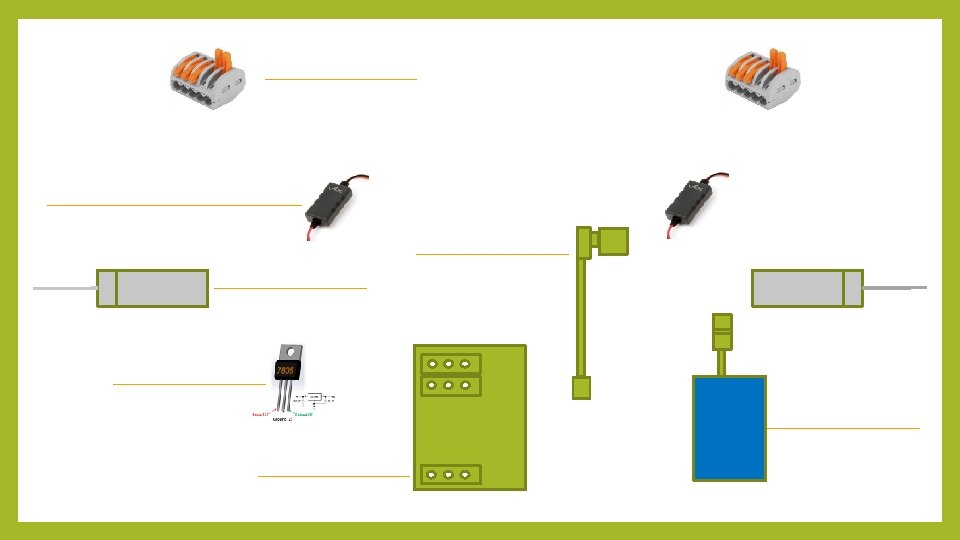
WEEK 2 tasks • Introductory BATTLE / 10 minute video of Battle. Bots / Sign in • What is an engineer video • Combat Robotics Class Presentation • POP QUIZ! • • Draw Basic Parts of a Robot Draw Simple Circuit (Videos) Draw OUR Circuit Schematic (without wires) Kahoot Games • BUILD wire together everything • BATTLE – mombot, sharkbot, and any finished studentbots • Homework: • • Bring in one robot next week to share. (if you have one and want to) Memorize simple circuit. Quiz next week!
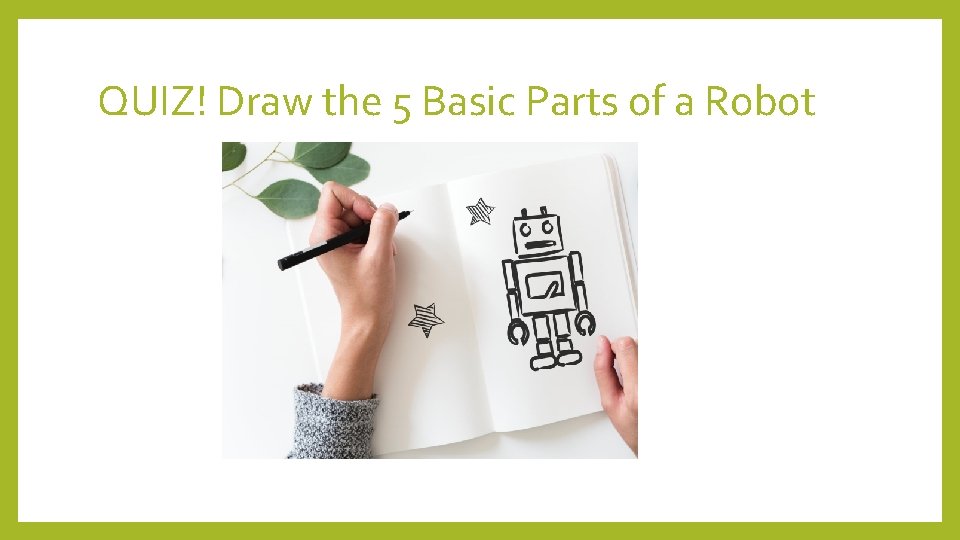
QUIZ! Draw the 5 Basic Parts of a Robot
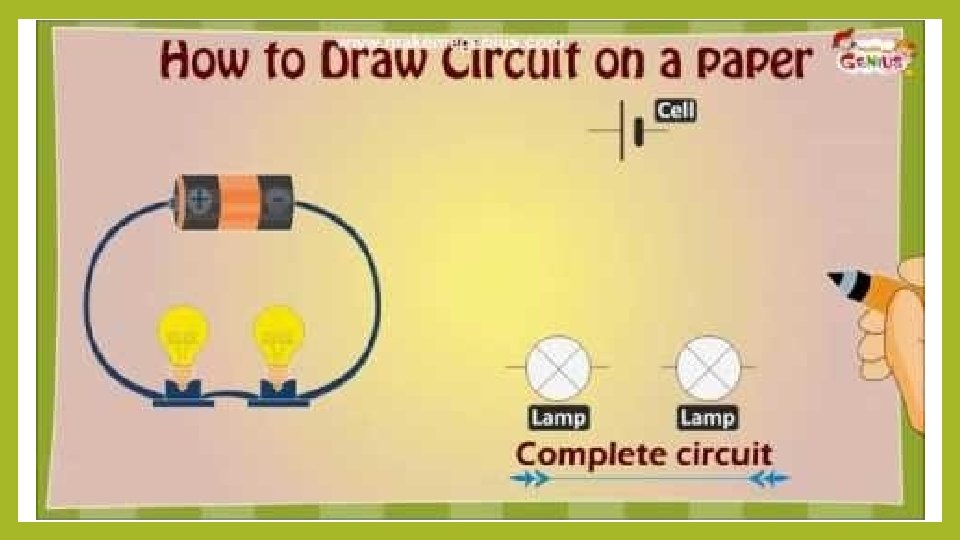
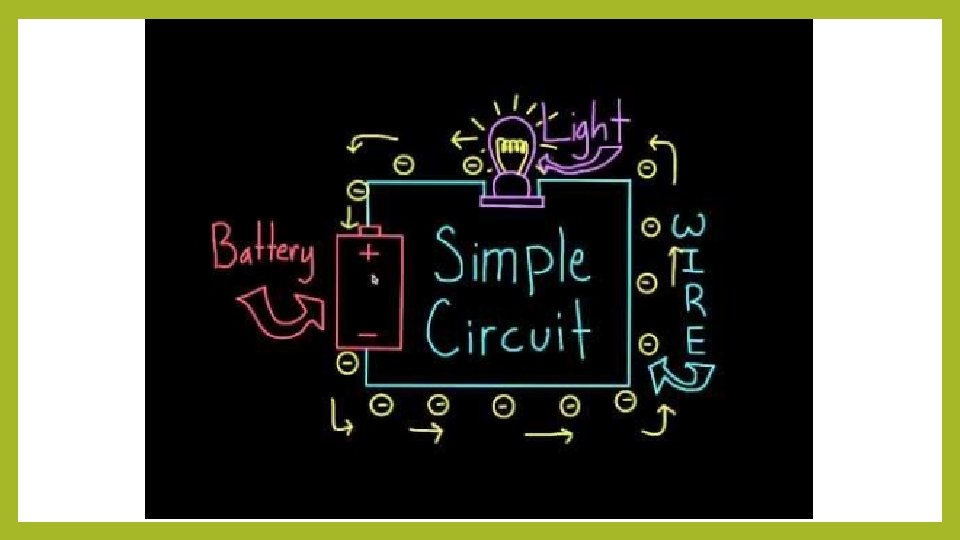
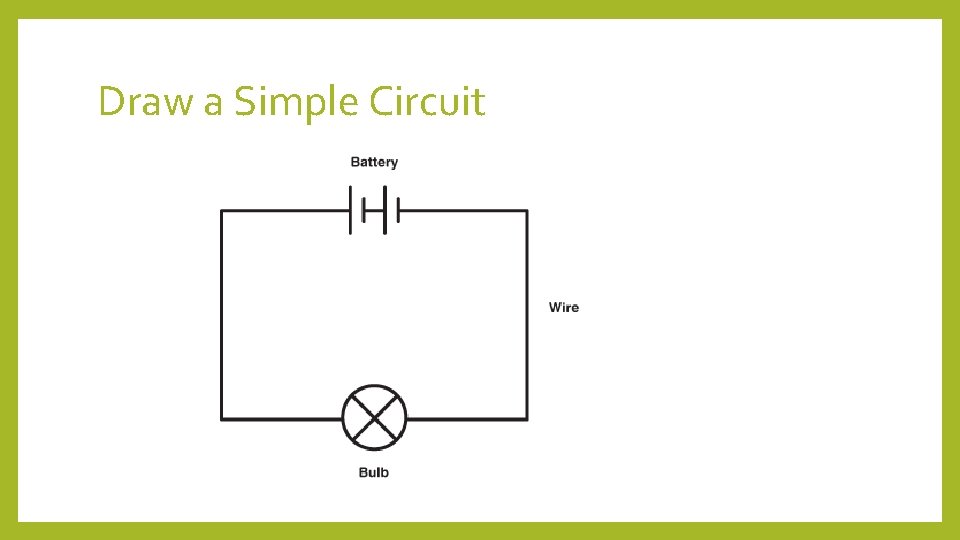
Draw a Simple Circuit


Kahoot GAMES • Robots 101 (Pre-Assessment) • Battle. Bots Quiz • Engineer • Famous Robots • Robot Quiz – Introduction • Rules • Material Science • Wacky Robot Facts • Robot Parts
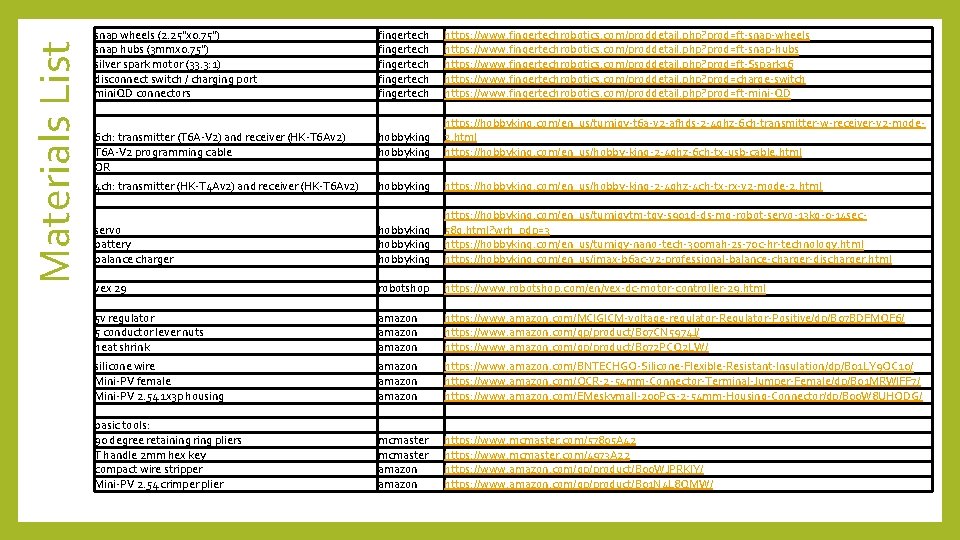
Materials List snap wheels (2. 25"x 0. 75") snap hubs (3 mmx 0. 75") silver spark motor (33. 3: 1) disconnect switch / charging port mini. QD connectors fingertech fingertech https: //www. fingertechrobotics. com/proddetail. php? prod=ft-snap-wheels https: //www. fingertechrobotics. com/proddetail. php? prod=ft-snap-hubs https: //www. fingertechrobotics. com/proddetail. php? prod=ft-Sspark 16 https: //www. fingertechrobotics. com/proddetail. php? prod=charge-switch https: //www. fingertechrobotics. com/proddetail. php? prod=ft-mini-QD 6 ch: transmitter (T 6 A-V 2) and receiver (HK-T 6 Av 2) T 6 A-V 2 programming cable OR hobbyking https: //hobbyking. com/en_us/turnigy-t 6 a-v 2 -afhds-2 -4 ghz-6 ch-transmitter-w-receiver-v 2 -mode 2. html https: //hobbyking. com/en_us/hobby-king-2 -4 ghz-6 ch-tx-usb-cable. html 4 ch: transmitter (HK-T 4 Av 2) and receiver (HK-T 6 Av 2) hobbyking https: //hobbyking. com/en_us/hobby-king-2 -4 ghz-4 ch-tx-rx-v 2 -mode-2. html servo battery balance charger hobbyking https: //hobbyking. com/en_us/turnigytm-tgy-s 901 d-ds-mg-robot-servo-13 kg-0 -14 sec 58 g. html? wrh_pdp=3 https: //hobbyking. com/en_us/turnigy-nano-tech-300 mah-2 s-70 c-hr-technology. html https: //hobbyking. com/en_us/imax-b 6 ac-v 2 -professional-balance-charger-discharger. html vex 29 robotshop https: //www. robotshop. com/en/vex-dc-motor-controller-29. html 5 v regulator 5 conductor lever nuts heat shrink amazon https: //www. amazon. com/MCIGICM-voltage-regulator-Regulator-Positive/dp/B 07 BDFMQF 6/ https: //www. amazon. com/gp/product/B 07 CN 5974 J/ https: //www. amazon. com/gp/product/B 072 PCQ 2 LW/ silicone wire Mini-PV female Mini-PV 2. 54 1 x 3 p housing amazon https: //www. amazon. com/BNTECHGO-Silicone-Flexible-Resistant-Insulation/dp/B 01 LY 9 OC 10/ https: //www. amazon. com/OCR-2 -54 mm-Connector-Terminal-Jumper-Female/dp/B 01 MRWIFF 7/ https: //www. amazon. com/EMeskymall-200 Pcs-2 -54 mm-Housing-Connector/dp/B 00 W 8 UHODG/ basic tools: 90 degree retaining ring pliers T handle 2 mm hex key compact wire stripper Mini-PV 2. 54 crimper plier mcmaster amazon https: //www. mcmaster. com/57805 A 42 https: //www. mcmaster. com/4973 A 22 https: //www. amazon. com/gp/product/B 00 WJPRKIY/ https: //www. amazon. com/gp/product/B 01 N 4 L 8 QMW/
- Slides: 38