
COM Transactions Writing Components In Visual Basic Brian
COM+ Transactions Writing Components In Visual Basic® Brian A. Randell Develop. Mentor 1 -304
developmentor l Hands-on training for hardcore developers Ø Guerrilla training courses: § Ø COM courses with banker’s hours: § § l Guerrilla VB & Guerrilla COM (C++) Essential COM+ for VB programmers Essential COM+ for C++ programmers Lots of other courses too!
Agenda l OLTP Concepts Ø Ø l Distributed Transactions Ø l The ACID rules, isolation & locking Writing transactions Transaction managers & the 2 -phase commit protocol COM+ Transactions Ø Ø Creating objects inside a transaction Controlling a distributed transaction’s outcome
Transaction Fundamentals l Most business applications use data in some way Ø Ø Ø Some apps are concerned with querying & analyzing data Other apps are primarily concerned with modifying data Apps that modify data and have many users are commonly referred to as on-line transaction processing (OLTP) systems

What Is A Transaction? l Imagine an application that processes purchase orders Ø Each order requires 3 database modifications 1) 2) 3) l Order quantity must be deducted from inventory Purchase price must be charged to customer Order record must be inserted in Orders table These three modifications make up one transaction (TX) Ø These modifications represent a single unit of work
The ACID Rules l l A transaction must meet 4 basic requirements It must be atomic Ø l A transaction must be an all-or-nothing proposition everything must be successfully written or nothing should be written It must be consistent Ø The data used by an application is never left in an invalid state after a transaction has completed
The ACID Rules l It must be isolated Ø l The uncommitted changes of one user are never seen by another user. Systems that run concurrent transactions require blocking It must be durable Ø Once a transaction has committed, the data source has stored all changes in persistent storage and these changes can be recovered in the event of a system failure
Isolation & Locking l A transaction has one of two outcomes Ø Ø l Successful transactions are committed Unsuccessful transactions are aborted Isolation is required during a transactions Ø Ø Ø Uncommitted changes might be rolled back Reading uncommitted changes can lead to inconsistent data TX 2 cannot see the uncommitted changes of other TX 1
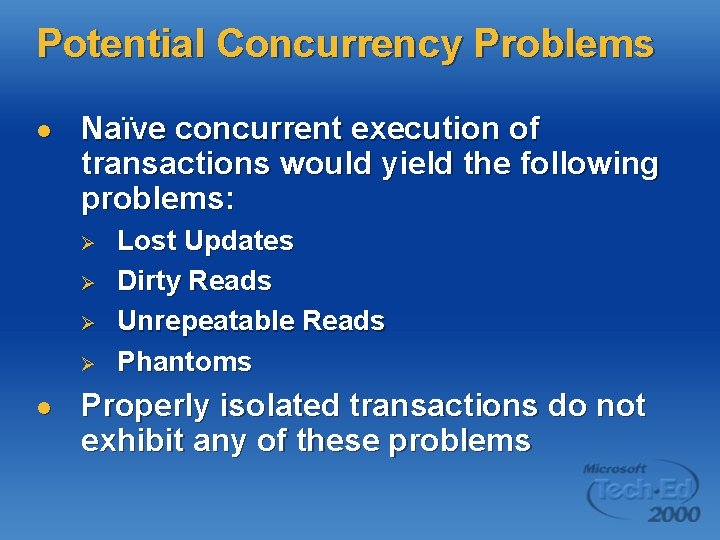
Potential Concurrency Problems l Naïve concurrent execution of transactions would yield the following problems: Ø Ø l Lost Updates Dirty Reads Unrepeatable Reads Phantoms Properly isolated transactions do not exhibit any of these problems
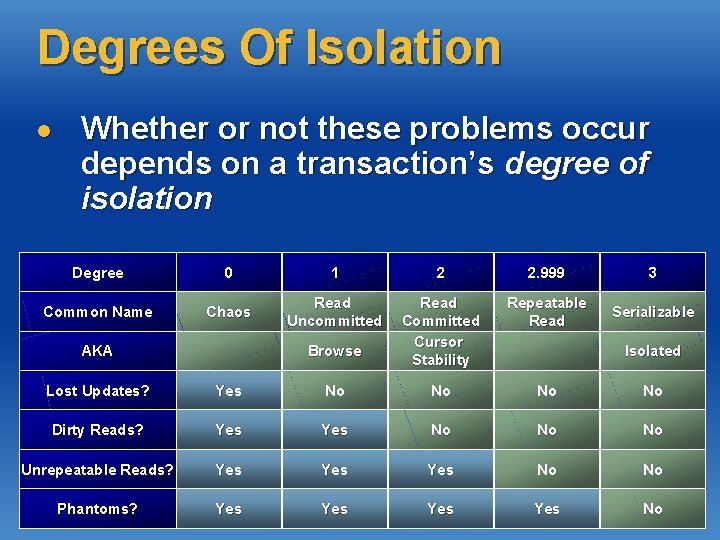
Degrees Of Isolation l Whether or not these problems occur depends on a transaction’s degree of isolation Degree 0 1 2 2. 999 3 Common Name Chaos Read Uncommitted Read Committed Cursor Stability Repeatable Read Serializable AKA Browse Isolated Lost Updates? Yes No No Dirty Reads? Yes No No No Unrepeatable Reads? Yes Yes No No Phantoms? Yes Yes No
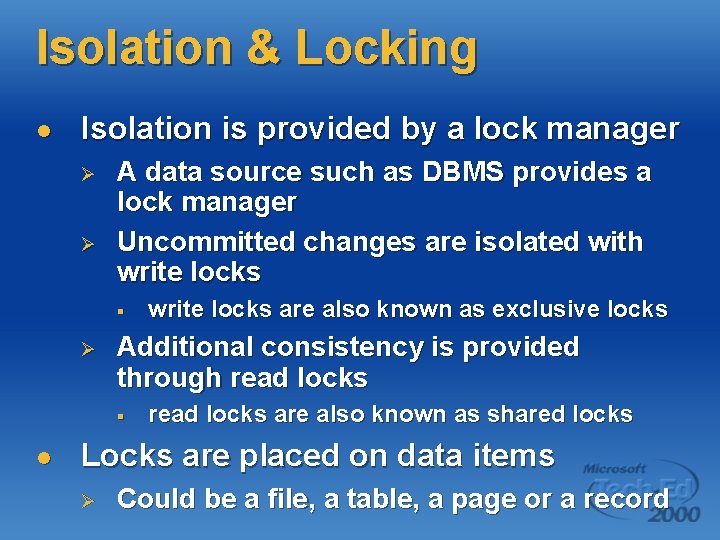
Isolation & Locking l Isolation is provided by a lock manager Ø Ø A data source such as DBMS provides a lock manager Uncommitted changes are isolated with write locks § Ø Additional consistency is provided through read locks § l write locks are also known as exclusive locks read locks are also known as shared locks Locks are placed on data items Ø Could be a file, a table, a page or a record
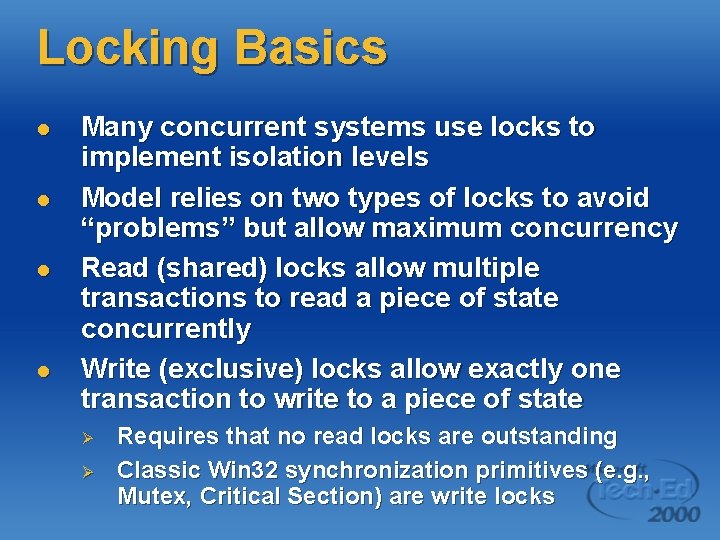
Locking Basics l l Many concurrent systems use locks to implement isolation levels Model relies on two types of locks to avoid “problems” but allow maximum concurrency Read (shared) locks allow multiple transactions to read a piece of state concurrently Write (exclusive) locks allow exactly one transaction to write to a piece of state Ø Ø Requires that no read locks are outstanding Classic Win 32 synchronization primitives (e. g. , Mutex, Critical Section) are write locks
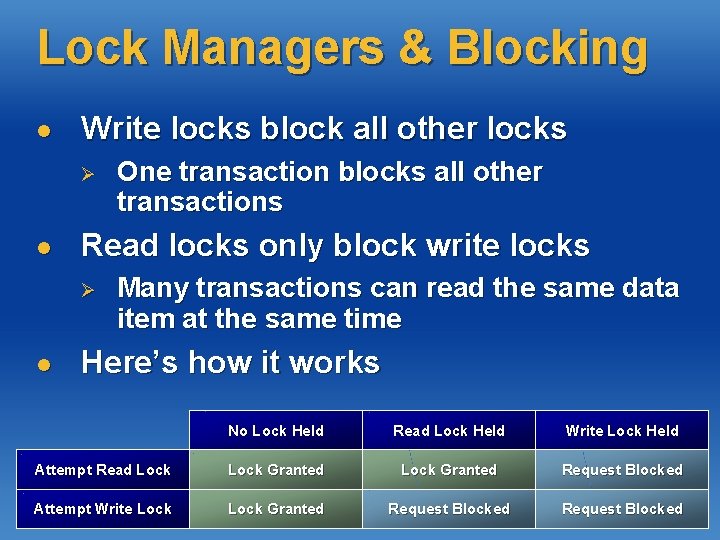
Lock Managers & Blocking l Write locks block all other locks Ø l Read locks only block write locks Ø l One transaction blocks all other transactions Many transactions can read the same data item at the same time Here’s how it works No Lock Held Read Lock Held Write Lock Held Attempt Read Lock Granted Request Blocked Attempt Write Lock Granted Request Blocked
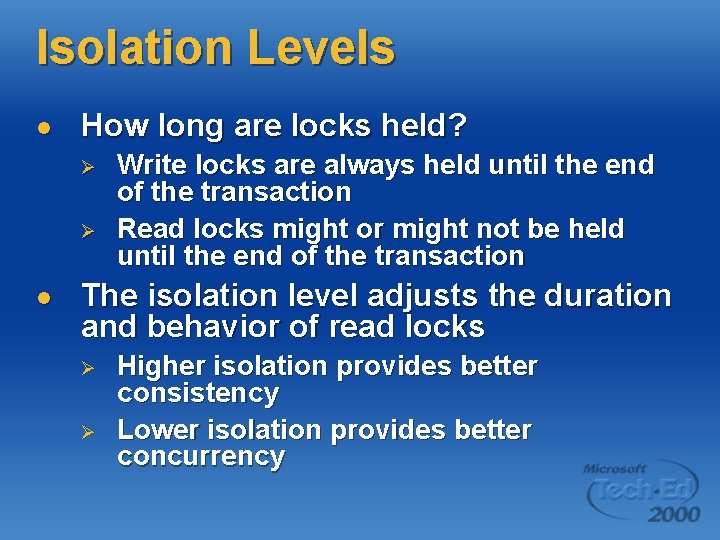
Isolation Levels l How long are locks held? Ø Ø l Write locks are always held until the end of the transaction Read locks might or might not be held until the end of the transaction The isolation level adjusts the duration and behavior of read locks Ø Ø Higher isolation provides better consistency Lower isolation provides better concurrency
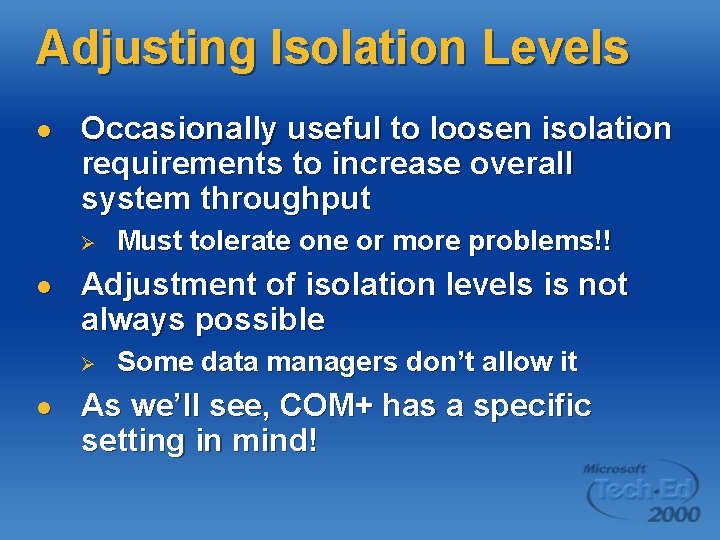
Adjusting Isolation Levels l Occasionally useful to loosen isolation requirements to increase overall system throughput Ø l Adjustment of isolation levels is not always possible Ø l Must tolerate one or more problems!! Some data managers don’t allow it As we’ll see, COM+ has a specific setting in mind!
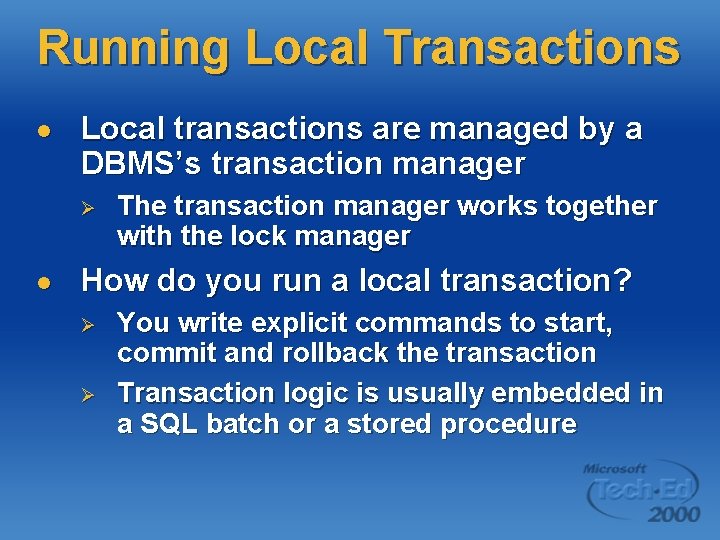
Running Local Transactions l Local transactions are managed by a DBMS’s transaction manager Ø l The transaction manager works together with the lock manager How do you run a local transaction? Ø Ø You write explicit commands to start, commit and rollback the transaction Transaction logic is usually embedded in a SQL batch or a stored procedure
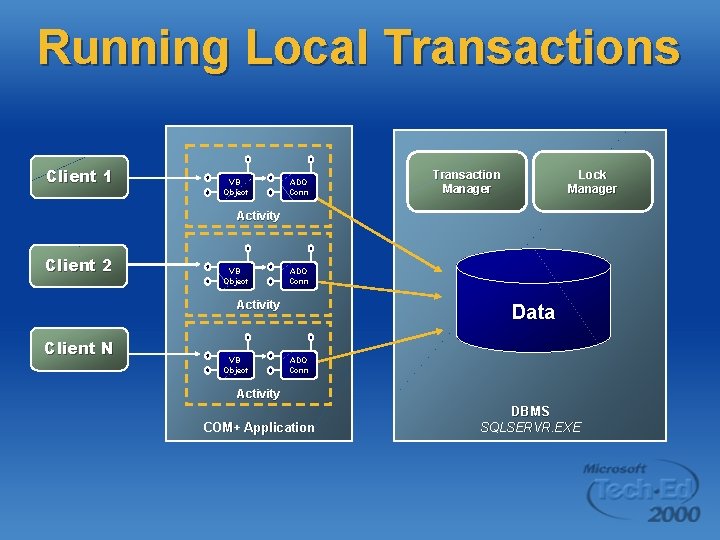
Running Local Transactions Client 1 VB Object ADO Conn Lock Manager Transaction Manager Activity Client 2 VB Object ADO Conn Activity Client N VB Object Data ADO Conn Activity COM+ Application DBMS SQLSERVR. EXE
Programming Local Tx’s #1 l This examples uses an ADO connection Ø Ø Ø ADO connection object provides transaction control This technique can be used with any ODBC or OLE-DB data source that supports transactions Controlling transactions from an ADO connection can be expensive due to the need to use extra round trips to DBMS to start/commit/abort
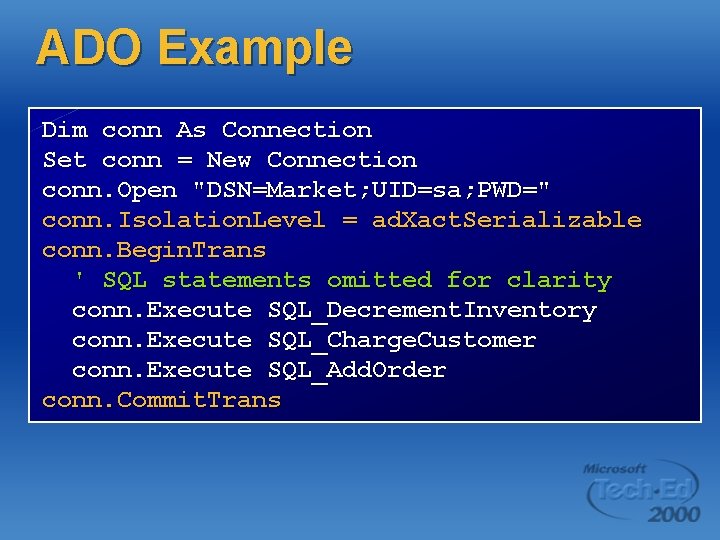
ADO Example Dim conn As Connection Set conn = New Connection conn. Open "DSN=Market; UID=sa; PWD=" conn. Isolation. Level = ad. Xact. Serializable conn. Begin. Trans ' SQL statements omitted for clarity conn. Execute SQL_Decrement. Inventory conn. Execute SQL_Charge. Customer conn. Execute SQL_Add. Order conn. Commit. Trans
Programming Local Tx’s #2 l Control the transaction using SQL Ø Ø SQL logic is embedded into a SQL batch or stored procedure Isolation level can be adjusted on a statement-by-statement basis using hints This approach usually requires SQL that is specific to a particular DBMS Writing fast OLTP code works across DBMS’s is usually impossible
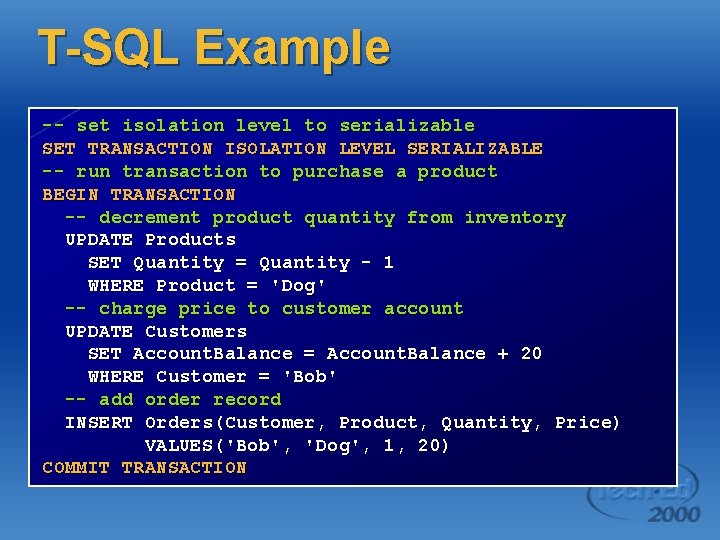
T-SQL Example -- set isolation level to serializable SET TRANSACTION ISOLATION LEVEL SERIALIZABLE -- run transaction to purchase a product BEGIN TRANSACTION -- decrement product quantity from inventory UPDATE Products SET Quantity = Quantity - 1 WHERE Product = 'Dog' -- charge price to customer account UPDATE Customers SET Account. Balance = Account. Balance + 20 WHERE Customer = 'Bob' -- add order record INSERT Orders(Customer, Product, Quantity, Price) VALUES('Bob', 'Dog', 1, 20) COMMIT TRANSACTION
Distributed Transactions l Local transactions only work when all the data lives in one place Ø Ø l For example, all the data lives in a single DBMS The transaction manager inside the DBMS enforces ACID rules What if the data lives in multiple data sources? Ø Ø The problem is much more difficult Commit/Abort logic must be coordinated across multiple data sources
2 -Phase Commit Protocol l Many vendors offer products that solve the problems of distributed transactions in the same way CICS from IBM, TUXEDO from BEA System and COM+ from Microsoft all use similar high-level architectures Architecture uses an abstraction called the transaction manager and a protocol called 2 -phase commit
The Microsoft DTC l The DTC is the Distributed Transaction Coordinator Ø l l l It is Microsoft's transaction manager It coordinates distributed transactions and enforces the ACID rules It executes the 2 -phase commit protocol Originally released as a part of SQL Server Ø Now an integrated part of MTS & COM+
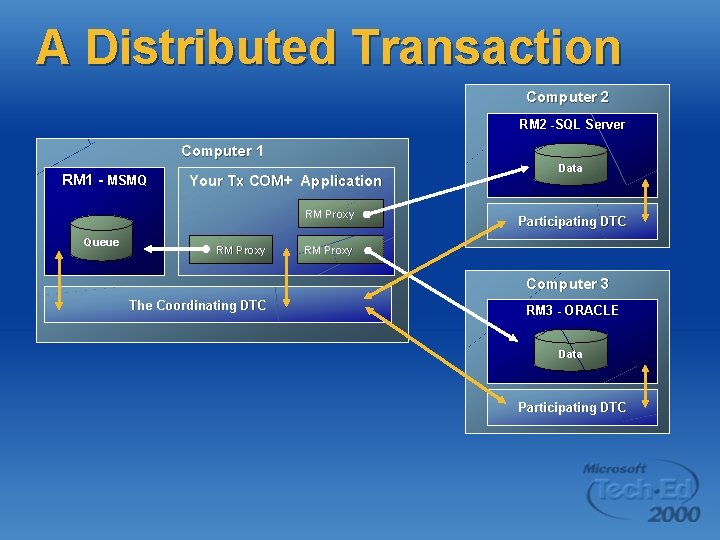
A Distributed Transaction Computer 2 RM 2 -SQL Server Computer 1 RM 1 - MSMQ Your Tx COM+ Application RM Proxy Queue RM Proxy Data Participating DTC RM Proxy Computer 3 The Coordinating DTC RM 3 - ORACLE Data Participating DTC
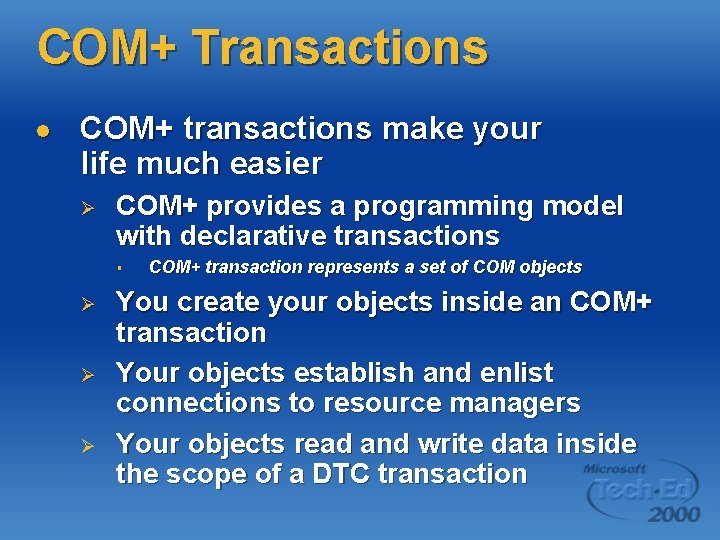
COM+ Transactions l COM+ transactions make your life much easier Ø COM+ provides a programming model with declarative transactions § Ø Ø Ø COM+ transaction represents a set of COM objects You create your objects inside an COM+ transaction Your objects establish and enlist connections to resource managers Your objects read and write data inside the scope of a DTC transaction
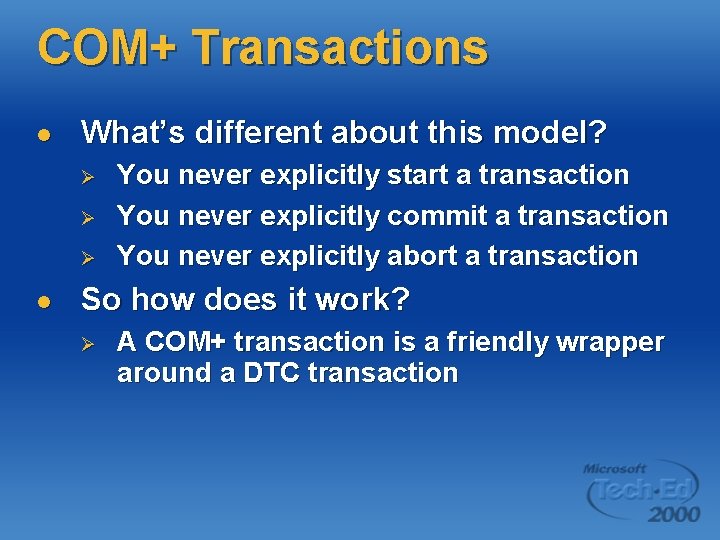
COM+ Transactions l What’s different about this model? Ø Ø Ø l You never explicitly start a transaction You never explicitly commit a transaction You never explicitly abort a transaction So how does it work? Ø A COM+ transaction is a friendly wrapper around a DTC transaction
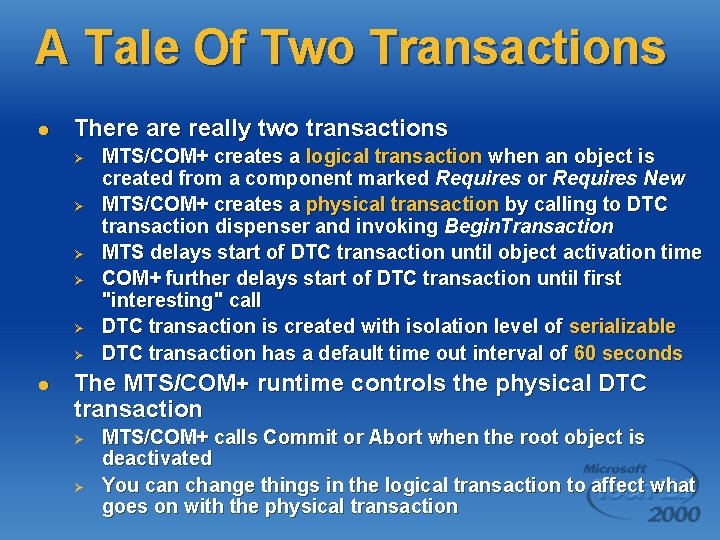
A Tale Of Two Transactions l There are really two transactions Ø Ø Ø l MTS/COM+ creates a logical transaction when an object is created from a component marked Requires or Requires New MTS/COM+ creates a physical transaction by calling to DTC transaction dispenser and invoking Begin. Transaction MTS delays start of DTC transaction until object activation time COM+ further delays start of DTC transaction until first "interesting" call DTC transaction is created with isolation level of serializable DTC transaction has a default time out interval of 60 seconds The MTS/COM+ runtime controls the physical DTC transaction Ø Ø MTS/COM+ calls Commit or Abort when the root object is deactivated You can change things in the logical transaction to affect what goes on with the physical transaction
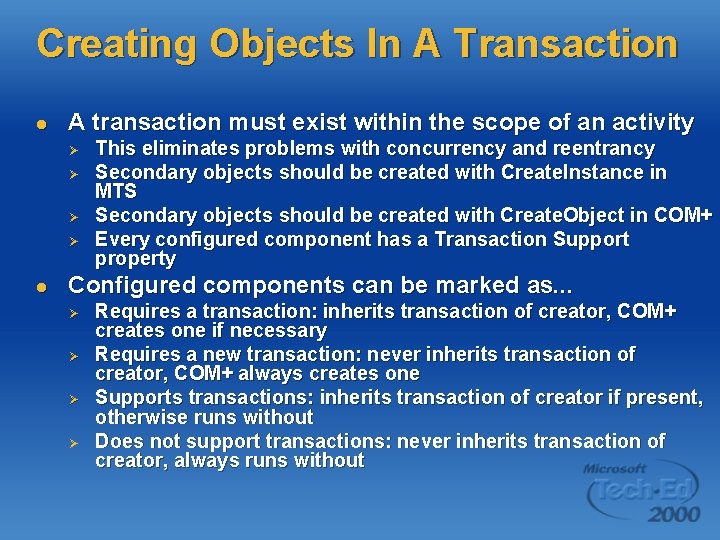
Creating Objects In A Transaction l A transaction must exist within the scope of an activity Ø Ø l This eliminates problems with concurrency and reentrancy Secondary objects should be created with Create. Instance in MTS Secondary objects should be created with Create. Object in COM+ Every configured component has a Transaction Support property Configured components can be marked as. . . Ø Ø Requires a transaction: inherits transaction of creator, COM+ creates one if necessary Requires a new transaction: never inherits transaction of creator, COM+ always creates one Supports transactions: inherits transaction of creator if present, otherwise runs without Does not support transactions: never inherits transaction of creator, always runs without
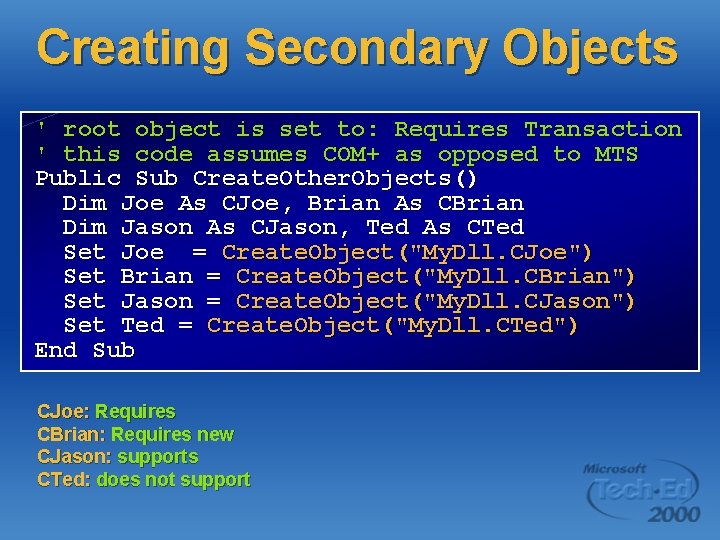
Creating Secondary Objects ' root object is set to: Requires Transaction ' this code assumes COM+ as opposed to MTS Public Sub Create. Other. Objects() Dim Joe As CJoe, Brian As CBrian Dim Jason As CJason, Ted As CTed Set Joe = Create. Object("My. Dll. CJoe") Set Brian = Create. Object("My. Dll. CBrian") Set Jason = Create. Object("My. Dll. CJason") Set Ted = Create. Object("My. Dll. CTed") End Sub CJoe: Requires CBrian: Requires new CJason: supports CTed: does not support
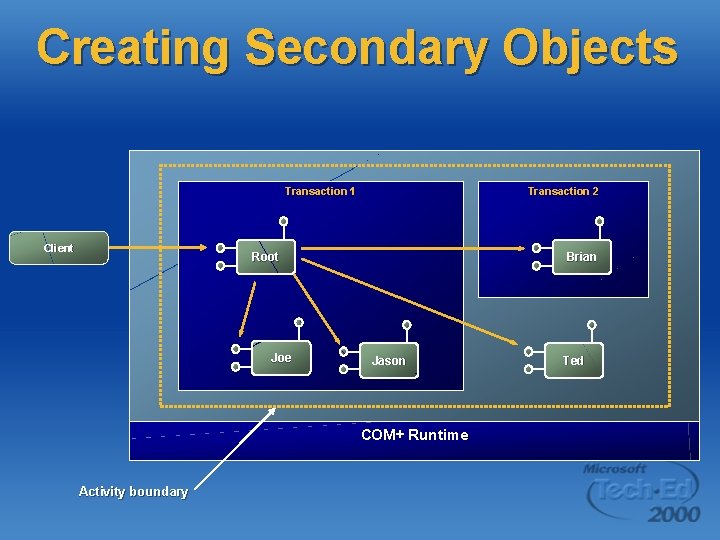
Creating Secondary Objects Transaction 1 Client Transaction 2 Root Joe Brian Jason COM+ Runtime Activity boundary Ted
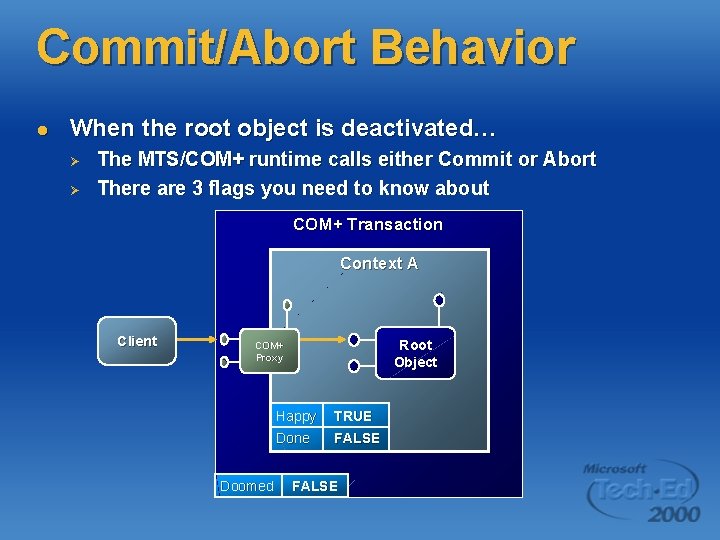
Commit/Abort Behavior l When the root object is deactivated… Ø Ø The MTS/COM+ runtime calls either Commit or Abort There are 3 flags you need to know about COM+ Transaction Context A Client Root Object COM+ Proxy Doomed Happy TRUE Done FALSE
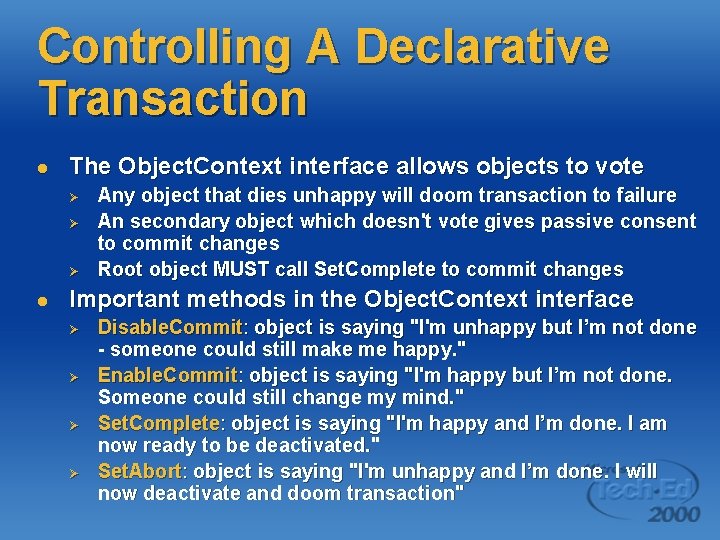
Controlling A Declarative Transaction l The Object. Context interface allows objects to vote Ø Ø Ø l Any object that dies unhappy will doom transaction to failure An secondary object which doesn't vote gives passive consent to commit changes Root object MUST call Set. Complete to commit changes Important methods in the Object. Context interface Ø Ø Disable. Commit: object is saying "I'm unhappy but I’m not done - someone could still make me happy. " Enable. Commit: object is saying "I'm happy but I’m not done. Someone could still change my mind. " Set. Complete: object is saying "I'm happy and I’m done. I am now ready to be deactivated. " Set. Abort: object is saying "I'm unhappy and I’m done. I will now deactivate and doom transaction"
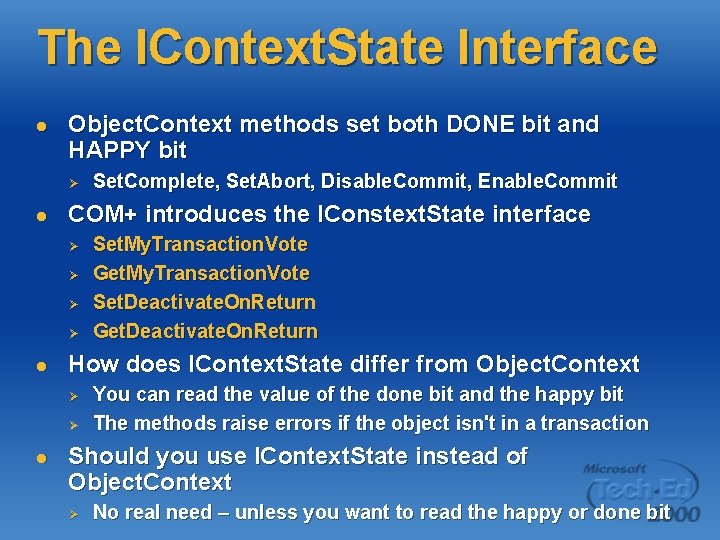
The IContext. State Interface l Object. Context methods set both DONE bit and HAPPY bit Ø l COM+ introduces the IConstext. State interface Ø Ø l Set. My. Transaction. Vote Get. My. Transaction. Vote Set. Deactivate. On. Return Get. Deactivate. On. Return How does IContext. State differ from Object. Context Ø Ø l Set. Complete, Set. Abort, Disable. Commit, Enable. Commit You can read the value of the done bit and the happy bit The methods raise errors if the object isn't in a transaction Should you use IContext. State instead of Object. Context Ø No real need – unless you want to read the happy or done bit
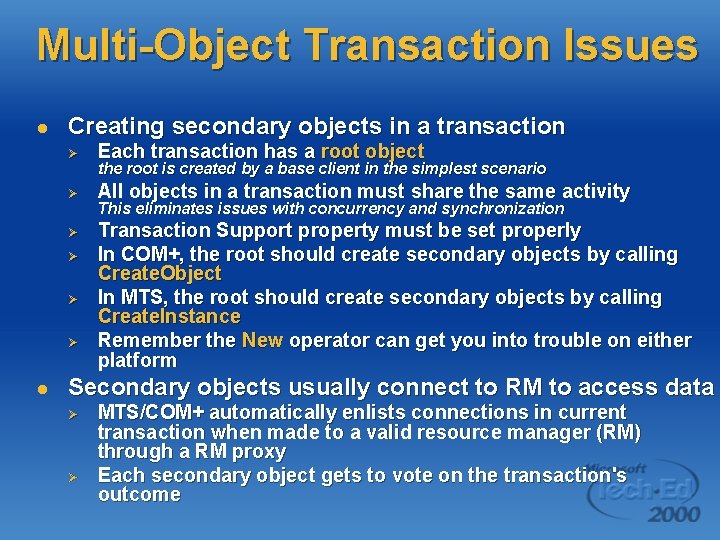
Multi-Object Transaction Issues l Creating secondary objects in a transaction Ø Each transaction has a root object Ø All objects in a transaction must share the same activity Ø Transaction Support property must be set properly In COM+, the root should create secondary objects by calling Create. Object In MTS, the root should create secondary objects by calling Create. Instance Remember the New operator can get you into trouble on either platform Ø Ø Ø l the root is created by a base client in the simplest scenario This eliminates issues with concurrency and synchronization Secondary objects usually connect to RM to access data Ø Ø MTS/COM+ automatically enlists connections in current transaction when made to a valid resource manager (RM) through a RM proxy Each secondary object gets to vote on the transaction's outcome
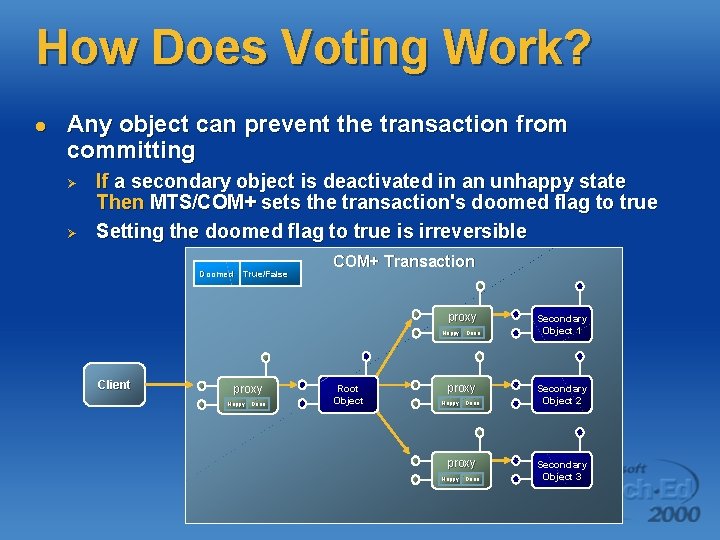
How Does Voting Work? l Any object can prevent the transaction from committing Ø Ø If a secondary object is deactivated in an unhappy state Then MTS/COM+ sets the transaction's doomed flag to true Setting the doomed flag to true is irreversible Doomed True/False COM+ Transaction proxy Happy Client proxy Happy Done Root Object Done proxy Happy Done Secondary Object 1 Secondary Object 2 Secondary Object 3
Writing Commit/Abort Logic l Each transaction must have a root object Ø Ø l Secondary objects can also vote in transaction outcome Ø Ø l This usually defines the client's entry point into the package Root should always call Set. Complete or Set. Abort to release tx If any secondary object can vote to rollback the transaction MTS/COM+ sets doomed flag to true when deactivating an unhappy object Root must somehow discover transaction is doomed Ø Ø No way for root to discover this through Object. Context interface Calling Set. Complete in root after a secondary object has set the doomed flag will result in a runtime error An attempt to activate an object in a doomed transaction results in an error Secondary objects should raise errors when voting to rollback
Watch Out When Calling Set. Abort In COM+ l There's an ugly bug in COM+ that isn’t in MTS Ø Ø l Here's a workaround until the bug is fixed Ø Ø l Secondary objects should not raise an error after setting the done bit The bug steps on the error message and the root gets the infamous error message "method '~' of object '~' failed" This bug breaks MTS code when you move your application to Win 2 K The bug will be fixed in Win 2 K service pack 1 Secondary objects should avoid calling Set. Abort before raising an error Secondary objects should call Set. My. Transaction. Vote or Disable. Commit instead – just don’t set the done bit to true What are the worst things about is this bug a problem Ø Ø MTS code will break when run under COM+ You can’t really create a component that can act as either the root or as a secondary object
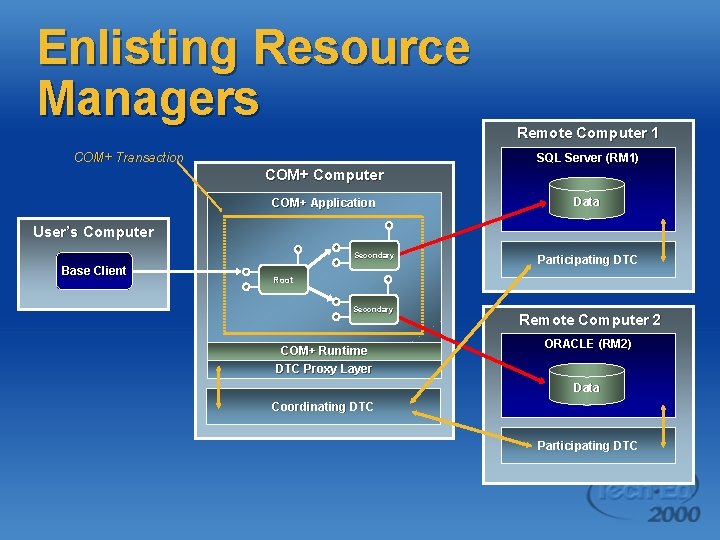
Enlisting Resource Managers COM+ Transaction Remote Computer 1 SQL Server (RM 1) COM+ Computer COM+ Application Data User’s Computer Secondary Base Client Participating DTC Root Secondary COM+ Runtime DTC Proxy Layer Remote Computer 2 ORACLE (RM 2) Data Coordinating DTC Participating DTC
Going Stateless l Transactional objects typically die after each method call Ø Ø l MTS/COM+ hides object destruction from clients Ø Ø l Calling Set. Complete or Set. Abort on Object. Context tells MTS/COM+ that the object's work is done and it can be deactivated (i. e. destroyed) Object destruction occurs in interception layer in method postprocessing The client holds a persistent connection to system-supplied proxy MTS/COM+ uses just-in-time activation to create a new object for each method called from the client How does this affect the way you program? Ø Ø Ø It helps you to release your transactions ASAP It discards state acquired from RMs before locks are released this is required to enforce the ACID rules This can make design more difficult because objects cannot hold state
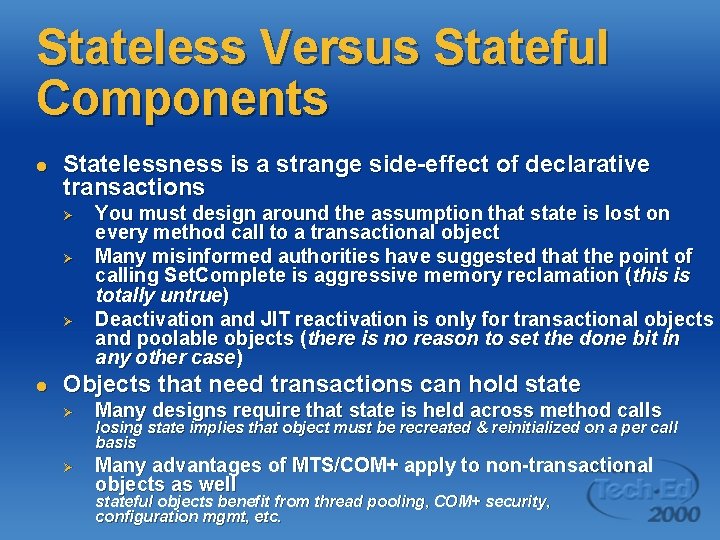
Stateless Versus Stateful Components l Statelessness is a strange side-effect of declarative transactions Ø Ø Ø l You must design around the assumption that state is lost on every method call to a transactional object Many misinformed authorities have suggested that the point of calling Set. Complete is aggressive memory reclamation (this is totally untrue) Deactivation and JIT reactivation is only for transactional objects and poolable objects (there is no reason to set the done bit in any other case) Objects that need transactions can hold state Ø Many designs require that state is held across method calls Ø Many advantages of MTS/COM+ apply to non-transactional objects as well losing state implies that object must be recreated & reinitialized on a per call basis stateful objects benefit from thread pooling, COM+ security, configuration mgmt, etc.
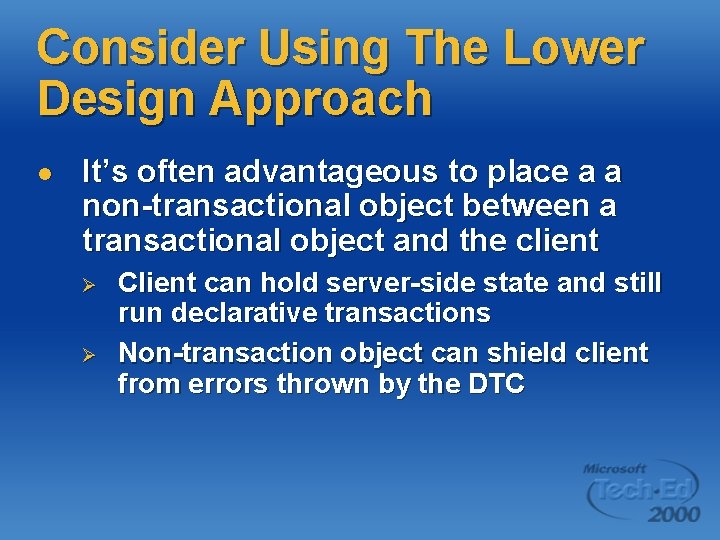
Consider Using The Lower Design Approach l It’s often advantageous to place a a non-transactional object between a transactional object and the client Ø Ø Client can hold server-side state and still run declarative transactions Non-transaction object can shield client from errors thrown by the DTC
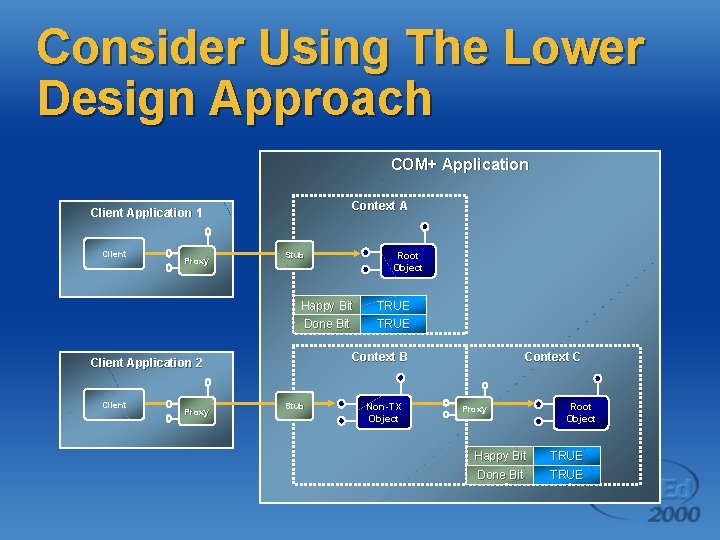
Consider Using The Lower Design Approach COM+ Application Context A Client Application 1 Client Proxy Happy Bit TRUE Done Bit TRUE Context B Client Application 2 Client Proxy Root Object Stub Non-TX Object Context C Proxy Root Object Happy Bit TRUE Done Bit TRUE
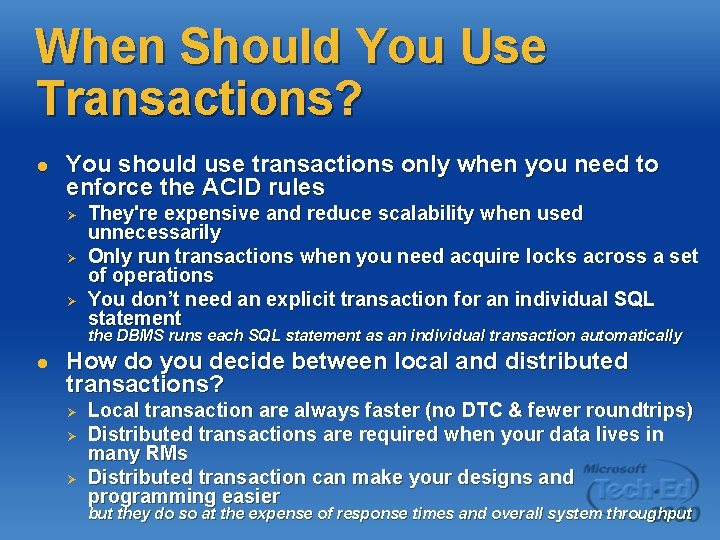
When Should You Use Transactions? l You should use transactions only when you need to enforce the ACID rules Ø Ø Ø They're expensive and reduce scalability when used unnecessarily Only run transactions when you need acquire locks across a set of operations You don’t need an explicit transaction for an individual SQL statement the DBMS runs each SQL statement as an individual transaction automatically l How do you decide between local and distributed transactions? Ø Ø Ø Local transaction are always faster (no DTC & fewer roundtrips) Distributed transactions are required when your data lives in many RMs Distributed transaction can make your designs and programming easier but they do so at the expense of response times and overall system throughput
Summary l OLTP Concepts Ø Ø Ø l Distributed Transactions Ø Ø Ø l The ACID rules Isolation and locking Writing local transactions The transaction manager and two phase commit The Distributed Transaction Coordinator Writing distributed transactions MTS/COM+ Transactions Ø Ø Creating objects inside a transaction Controlling the transactions outcome

- Slides: 47