
COLUMNS The foundation of design Sally Manke COLUMNS









- Slides: 38
COLUMNS The foundation of design Sally Manke
COLUMNS Visually organize your content
Why we design with columns • Reflects magazine and newspaper design • Helps readability • Makes the content the primary focus • Provides a guide/road map for the reader
Design Elements • Photographs • Copy Packages (Headlines, Secondary Headlines, Copy) • Captions • White Space/Negative Space • Graphics/Art
Layout Basics • Design double-page spreads • Set picas as the unit of measurement • Set adequate external margins • Set one pica internal spacing • Select number of columns
COLUMN LAYOUT Let’s build a 10 column layout (With a vertical dominant photograph)
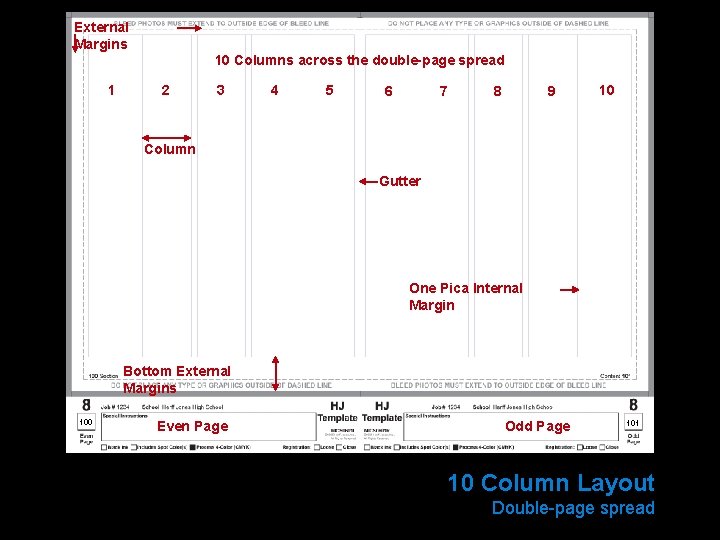
External Margins 10 Columns across the double-page spread 1 2 3 4 5 6 7 8 9 10 Column Gutter One Pica Internal Margin Bottom External Margins 100 Even Page Odd Page 101 10 Column Layout Double-page spread
Eyeline Folio Tab 100 Folio Tab 101 Add Folio Tabs and Eyeline
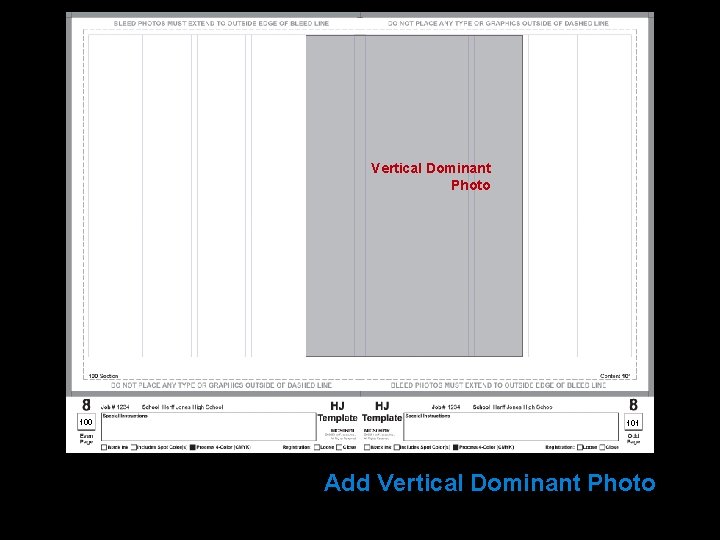
Vertical Dominant Photo 100 101 Add Vertical Dominant Photo
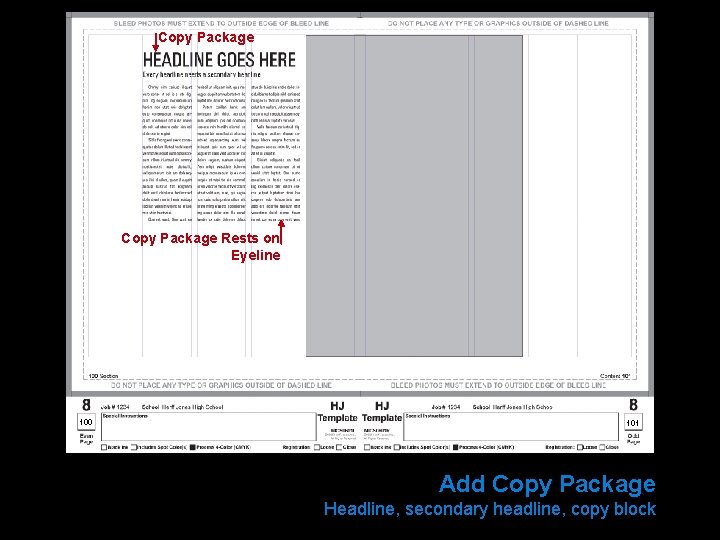
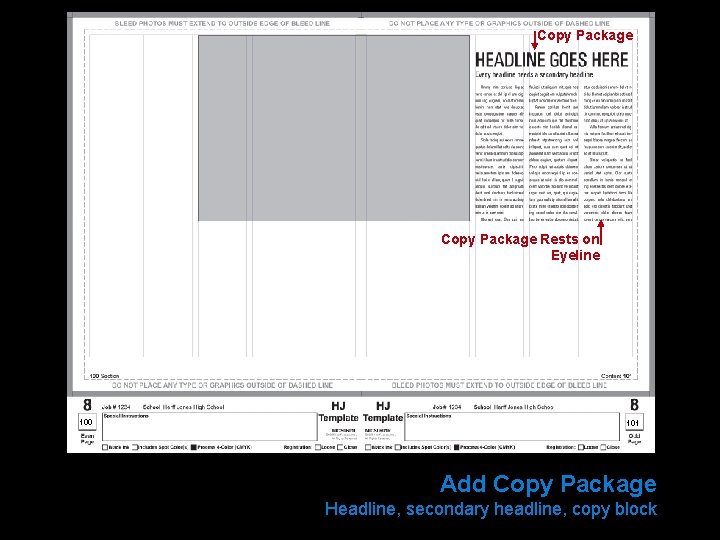
Copy Package Rests on Eyeline 100 101 Add Copy Package Headline, secondary headline, copy block
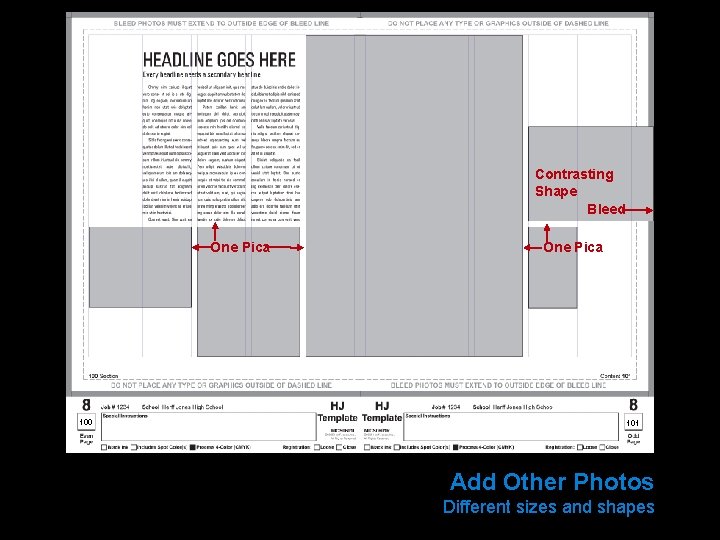
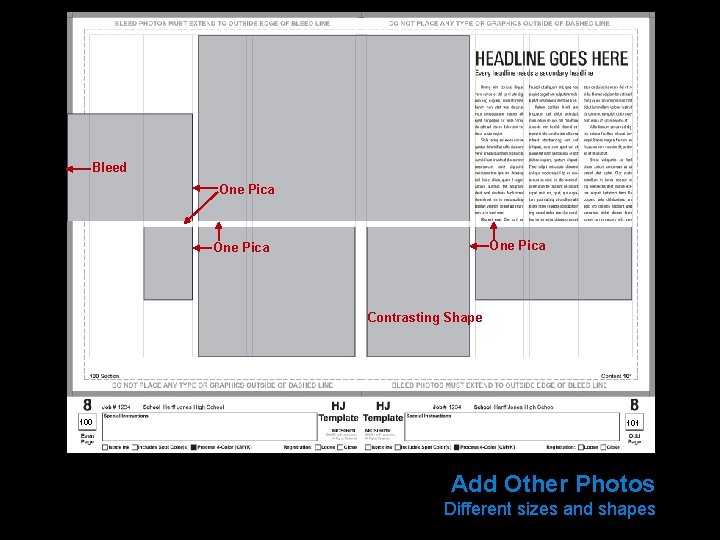
Contrasting Shape Bleed One Pica 100 One Pica 101 Add Other Photos Different sizes and shapes
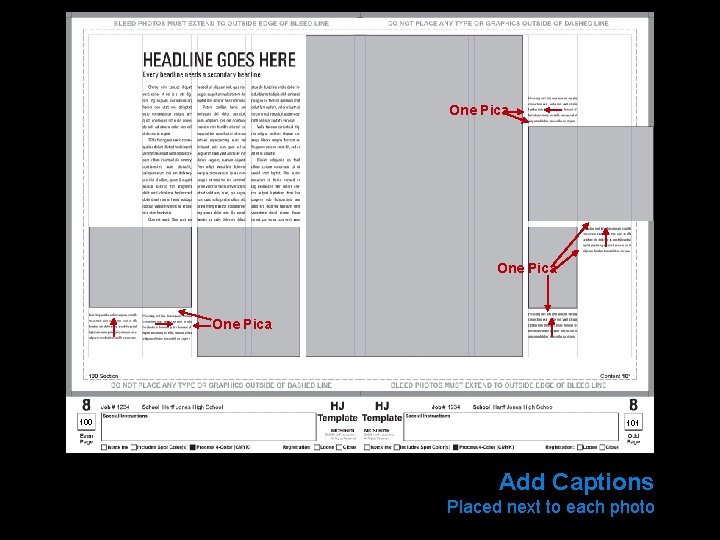
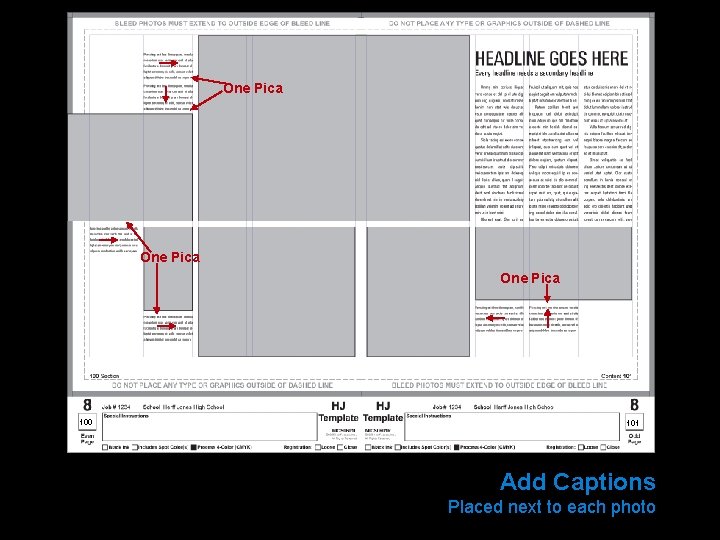
One Pica 100 101 Add Captions Placed next to each photo
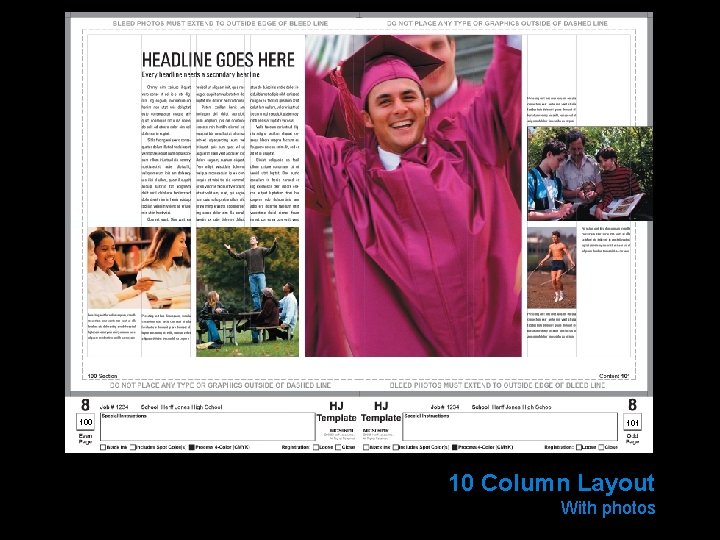
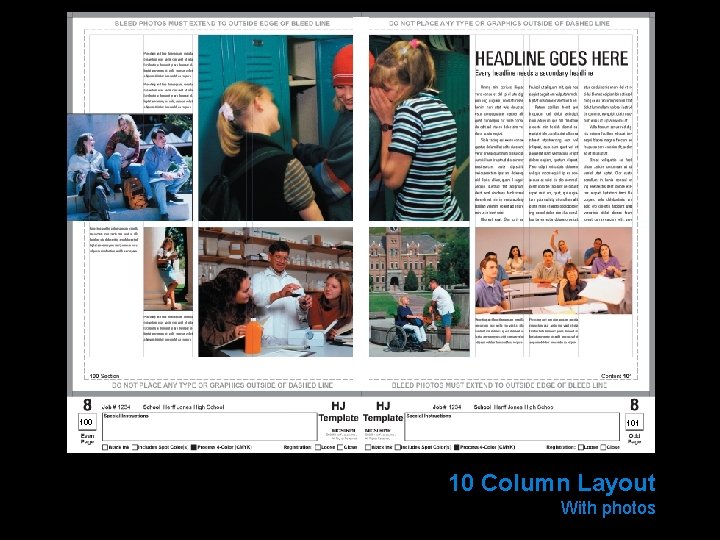
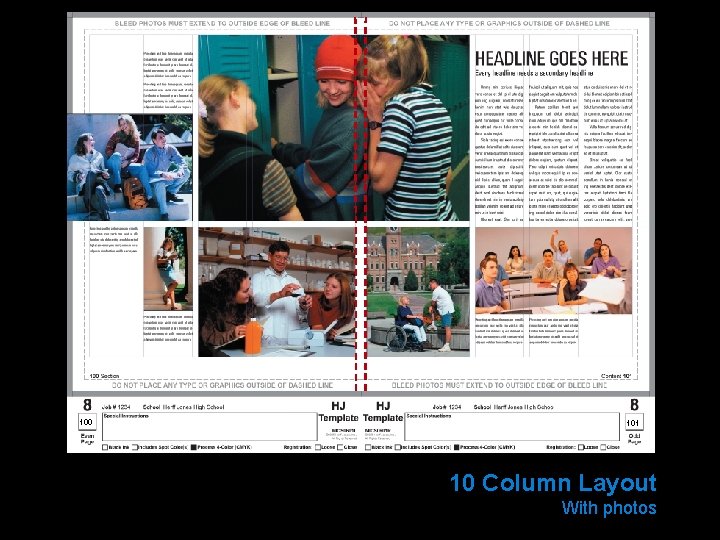
100 101 10 Column Layout With photos
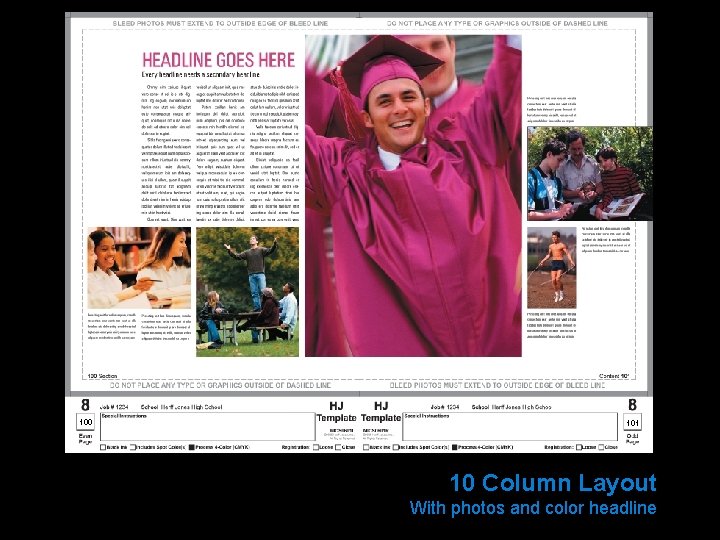
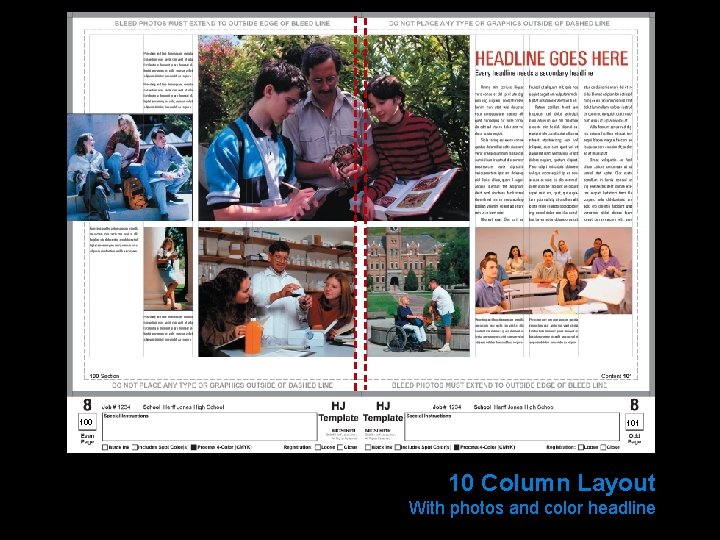
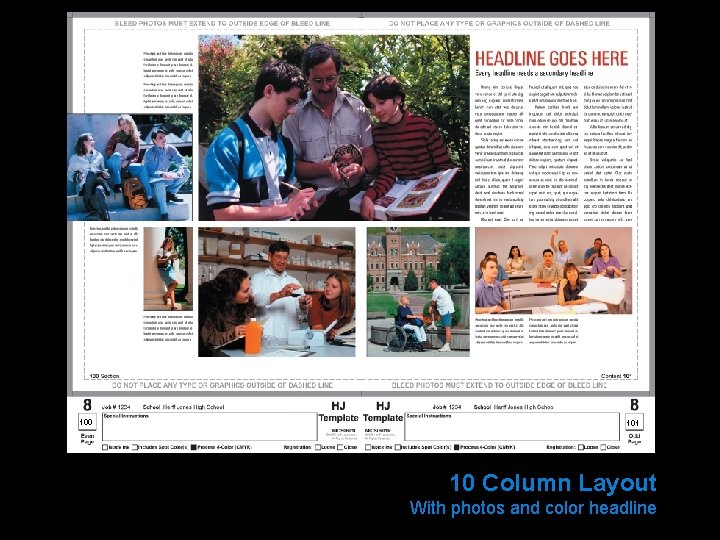
100 101 10 Column Layout With photos and color headline
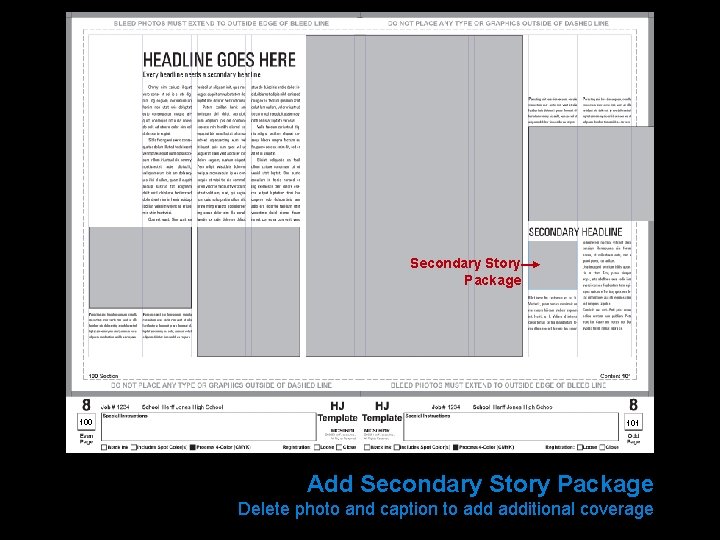
Secondary Story Package 100 101 Add Secondary Story Package Delete photo and caption to additional coverage
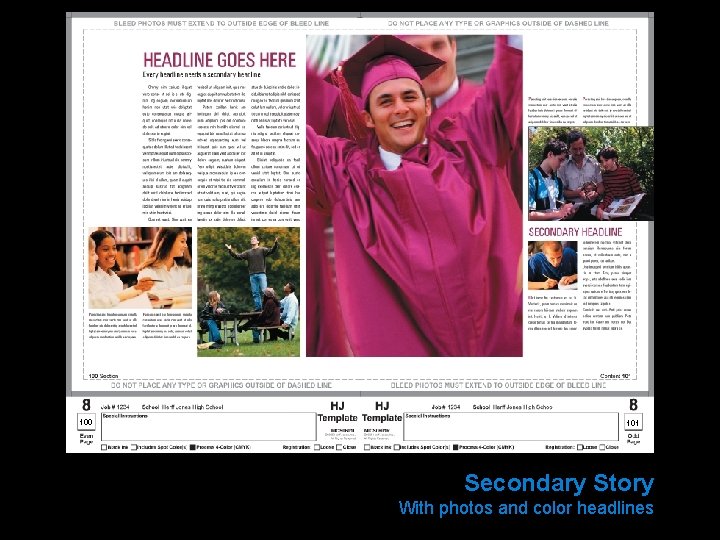
100 101 Secondary Story With photos and color headlines
COLUMN LAYOUT Let’s build a 10 column layout (With a horizontal dominant photograph)
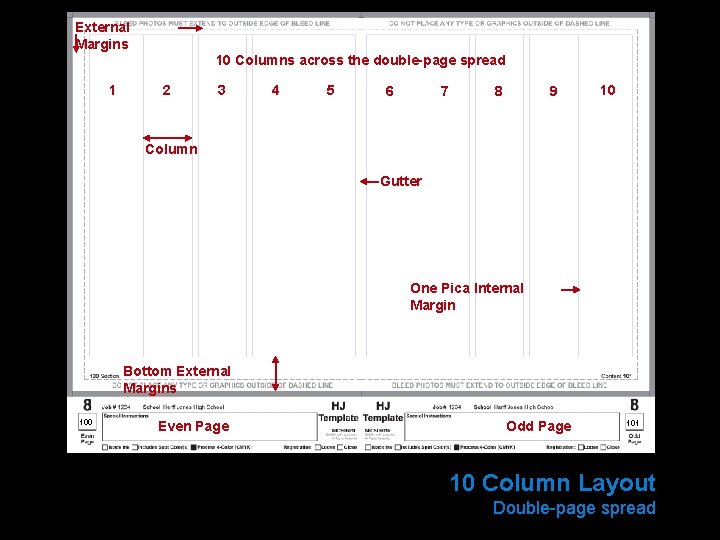
External Margins 10 Columns across the double-page spread 1 2 3 4 5 6 7 8 9 10 Column Gutter One Pica Internal Margin Bottom External Margins 100 Even Page Odd Page 101 10 Column Layout Double-page spread
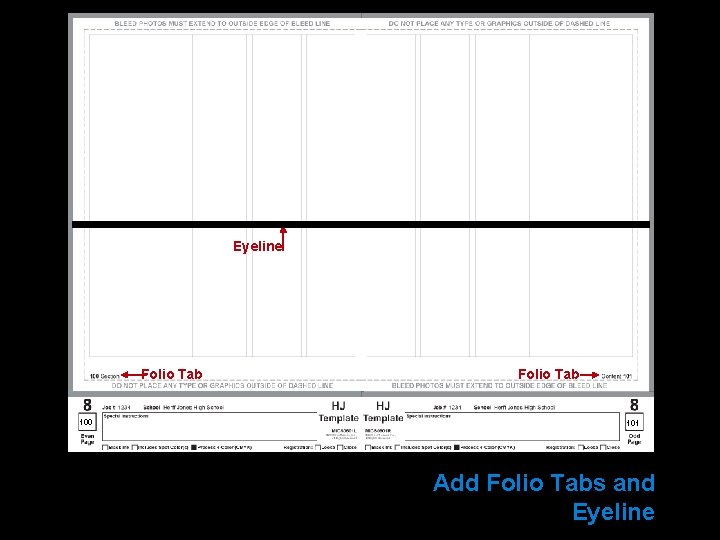
Eyeline Folio Tab 100 Folio Tab 101 Add Folio Tabs and Eyeline
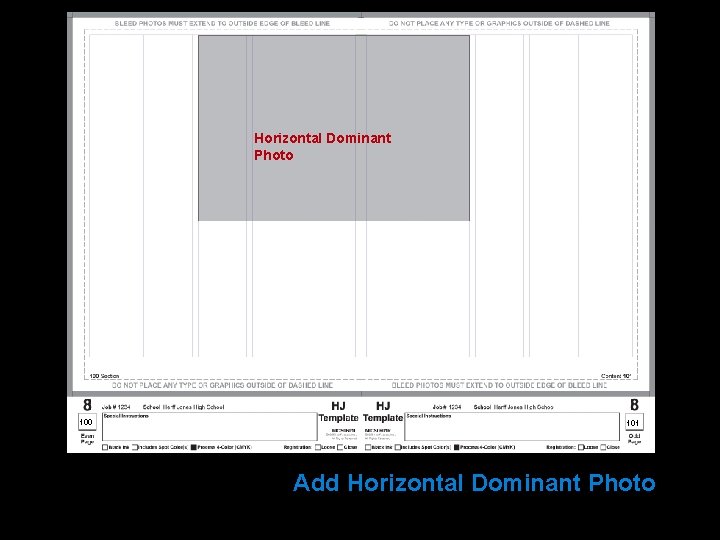
Horizontal Dominant Photo 100 101 Add Horizontal Dominant Photo
Copy Package Rests on Eyeline 100 101 Add Copy Package Headline, secondary headline, copy block
Bleed One Pica Contrasting Shape 100 101 Add Other Photos Different sizes and shapes
One Pica 100 101 Add Captions Placed next to each photo
100 101 10 Column Layout With photos
100 101 10 Column Layout With photos
100 101 10 Column Layout With photos and color headline
100 101 10 Column Layout With photos and color headline
VISUAL VARIETY Reposition design elements to avoid visual redundancy
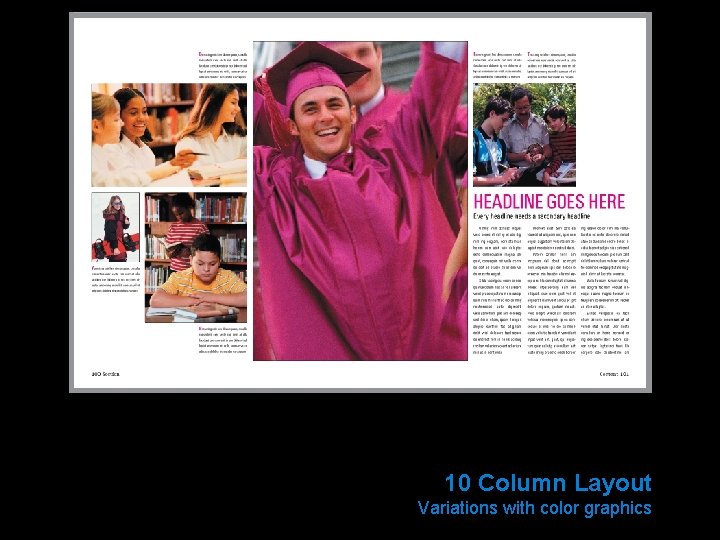
10 Column Layout Variations with color graphics
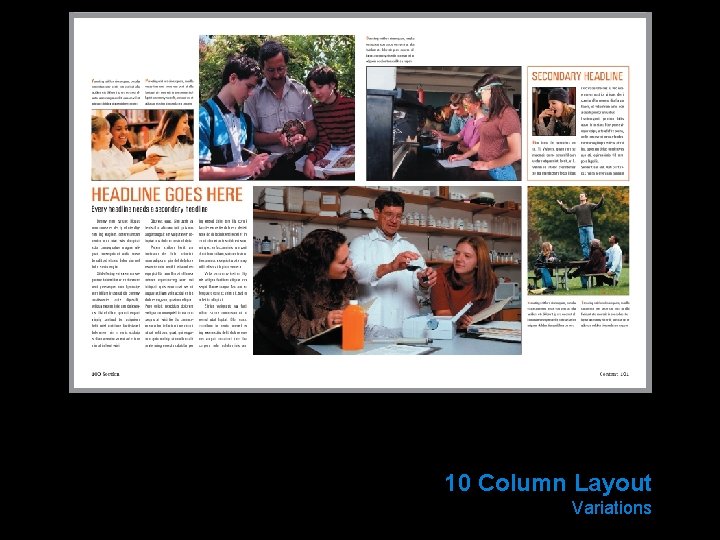
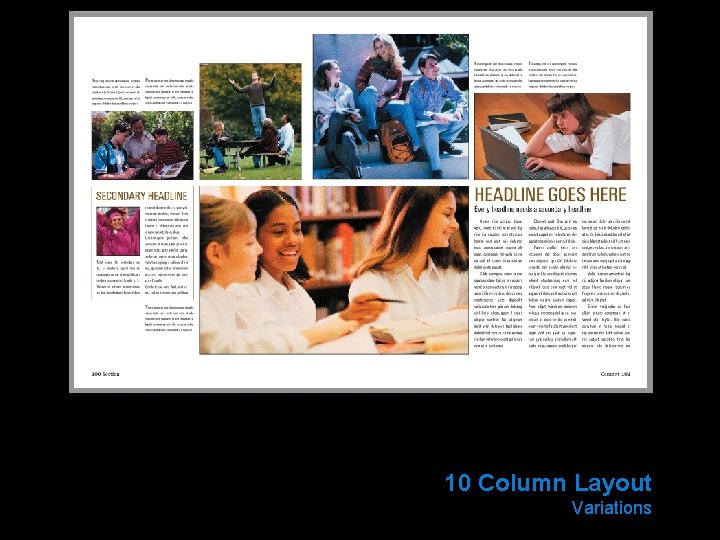
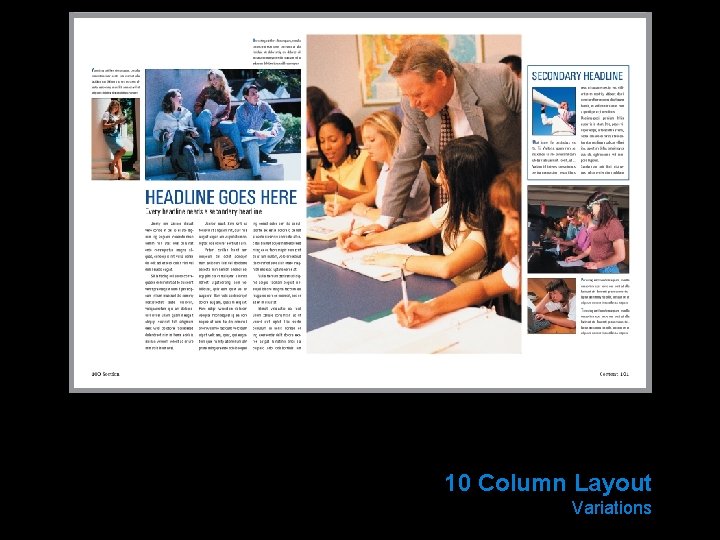
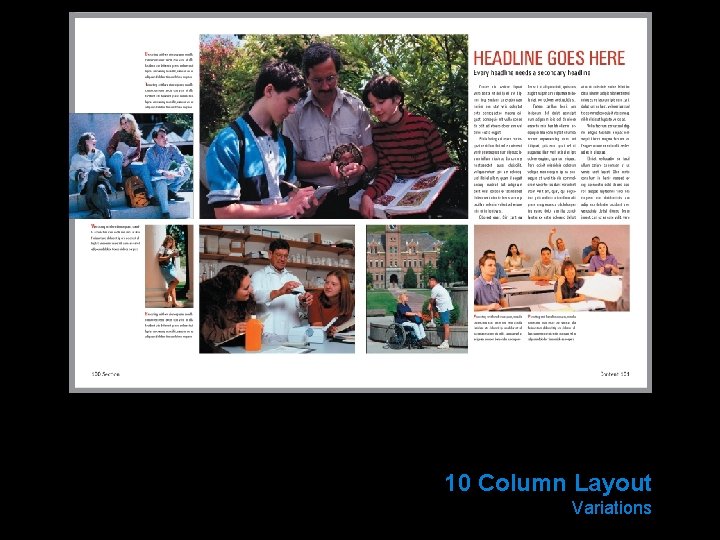
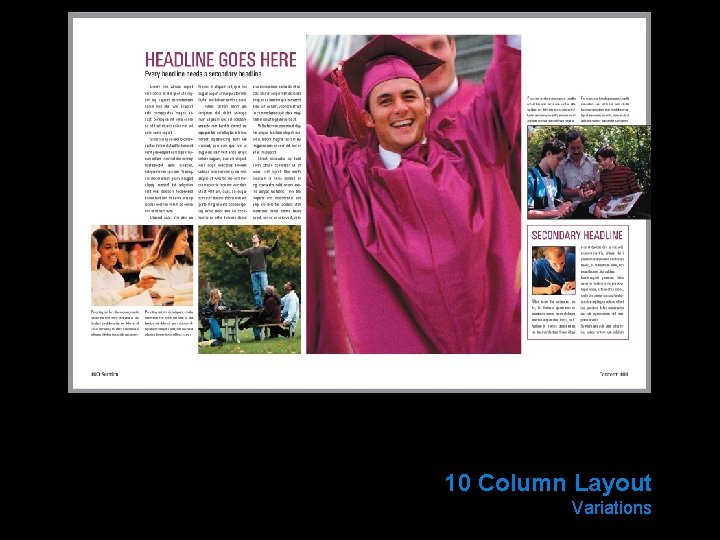
10 Column Layout Variations
10 Column Layout Variations
10 Column Layout Variations
10 Column Layout Variations
10 Column Layout Variations
Things to REMEMBER • Design double-page spreads • Set picas as the unit of measurement • Set adequate external margins • Use one pica internal margins • Select number of columns • Fill columns completely with photos or type • Place type to the outside of the spread • Cluster photos toward the center of the spread
COLUMNS created in conjunction with Sally Manke Herff Jones Special Consultant
COLUMN S The foundation of design
THANK YOU