
COLUMBIA SCIENCE TECHNOLOGY LAW REVIEW STLR LIBRARY RESEARCH
COLUMBIA SCIENCE & TECHNOLOGY LAW REVIEW (STLR) LIBRARY RESEARCH AND SERVICES TRAINING Presenting: Dana Neacsu (edn 13@columbia. edu) Presentation Hunter Whaley & Dana Neacsu
Overview Locating Sources Getting Materials from Other Libraries at Columbia University and Avoiding Fines Law Library Shelf Collections / Avoiding Fines from the Law Library Getting Materials from Outside Columbia University: Inter-Library Loan (ILL) Understanding Citations Law Library Locations Scanners in the Law Library Database Access Major Databases: Hein. Online and More Research Guides Perma. cc Academic Commons Questions / Contact
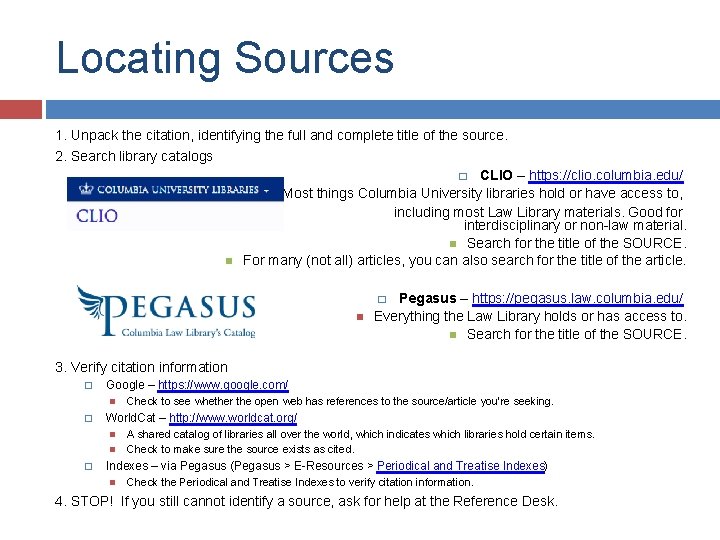
Locating Sources 1. Unpack the citation, identifying the full and complete title of the source. 2. Search library catalogs � CLIO – https: //clio. columbia. edu/ Most things Columbia University libraries hold or have access to, including most Law Library materials. Good for interdisciplinary or non-law material. Search for the title of the SOURCE. For many (not all) articles, you can also search for the title of the article. Pegasus – https: //pegasus. law. columbia. edu/ Everything the Law Library holds or has access to. Search for the title of the SOURCE. � 3. Verify citation information � Google – https: //www. google. com/ � World. Cat – http: //www. worldcat. org/ � Check to see whether the open web has references to the source/article you’re seeking. A shared catalog of libraries all over the world, which indicates which libraries hold certain items. Check to make sure the source exists as cited. Indexes – via Pegasus (Pegasus > E-Resources > Periodical and Treatise Indexes) Check the Periodical and Treatise Indexes to verify citation information. 4. STOP! If you still cannot identify a source, ask for help at the Reference Desk.
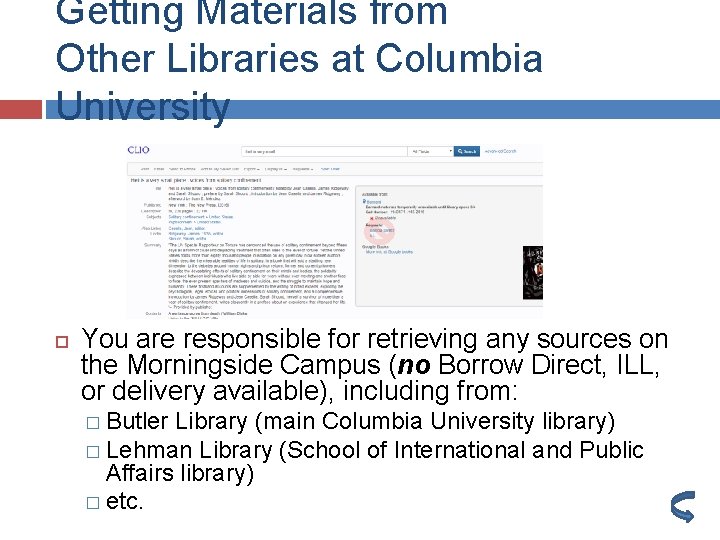
Getting Materials from Other Libraries at Columbia University You are responsible for retrieving any sources on the Morningside Campus (no Borrow Direct, ILL, or delivery available), including from: � Butler Library (main Columbia University library) � Lehman Library (School of International and Public Affairs library) � etc.
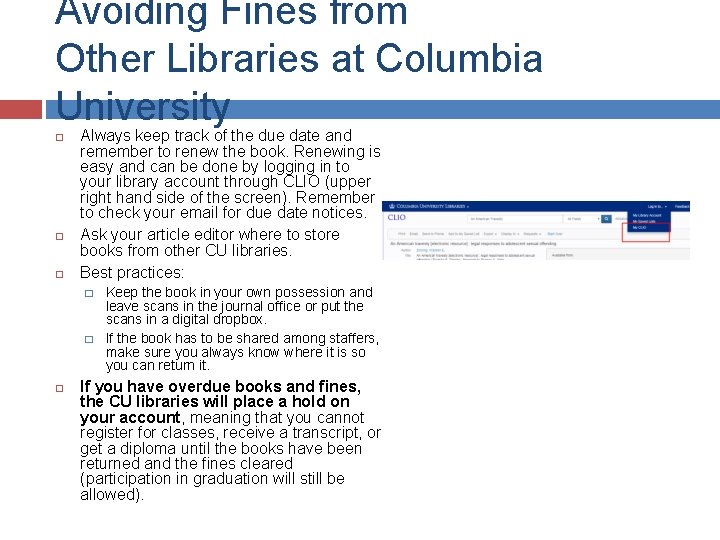
Avoiding Fines from Other Libraries at Columbia University Always keep track of the due date and remember to renew the book. Renewing is easy and can be done by logging in to your library account through CLIO (upper right hand side of the screen). Remember to check your email for due date notices. Ask your article editor where to store books from other CU libraries. Best practices: � � Keep the book in your own possession and leave scans in the journal office or put the scans in a digital dropbox. If the book has to be shared among staffers, make sure you always know where it is so you can return it. If you have overdue books and fines, the CU libraries will place a hold on your account, meaning that you cannot register for classes, receive a transcript, or get a diploma until the books have been returned and the fines cleared (participation in graduation will still be allowed).
Law Library Shelf Collections / Avoiding Fines from the Law Library For books from the Law Library, always use a shelf collection to avoid paying any fines at graduation time. Students with outstanding fines or unreturned books will not receive a diploma or transcript until all books are returned and fines paid (but will be allowed to participate in graduation). � � � Shelf collections can be established using the article author’s name at the Circulation Desk. Each article can get a different shelf collection. Books are checked out to a designated shelf in the Law Library on the 4 th floor. The books are always available in one location for everyone on the staff to come and use. Books checked out to a shelf collection cannot leave the library. The books never leave the library, so individual students are not held responsible. Books are checked out to the shelf for the semester. This can be extended if still needed. Only books from the Law Library can go on a shelf collection (no books from other Columbia University libraries or from ILL).
Getting Materials from Outside Columbia University: Inter-Library Loan (ILL) ILL requests can only be made in person at the Reference Desk in the Law Library. Law students CANNOT make ILL requests online, or in person at other CU libraries. Law students CANNOT use Borrow Direct. All ILL requests are made under the assigning editor’s name. When you make an ILL request, be ready to provide: � all the information you have on the source, including the original citation you are working from, � your assigning editor’s name and uni. � ILL requests can take up to 10 business days (2 weeks!) so do not wait until the last minute to make requests. Remember, ILL books cannot go on Law Library shelf
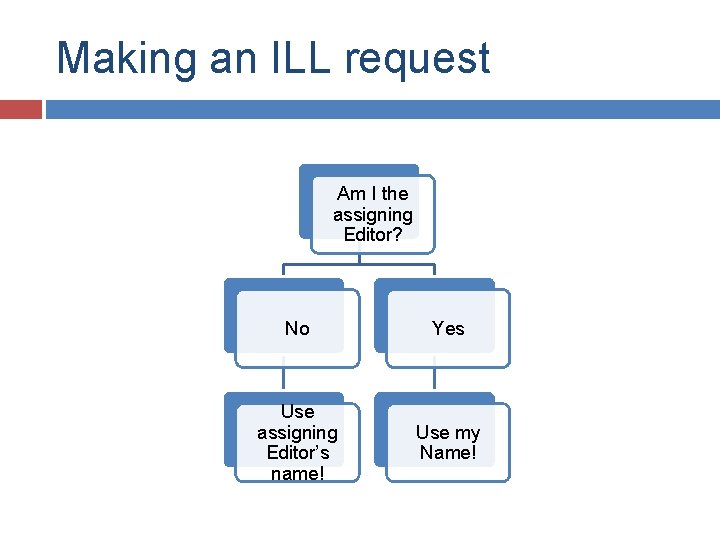
Making an ILL request Am I the assigning Editor? No Yes Use assigning Editor’s name! Use my Name!
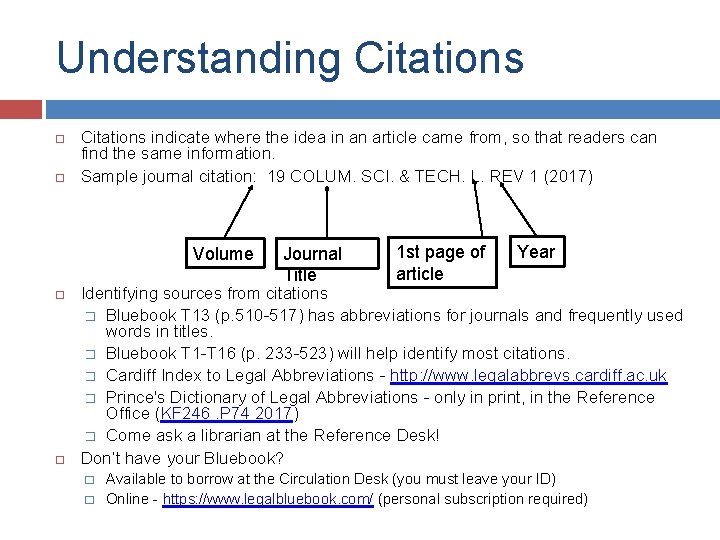
Understanding Citations indicate where the idea in an article came from, so that readers can find the same information. Sample journal citation: 19 COLUM. SCI. & TECH. L. REV 1 (2017) Volume Journal Title 1 st page of article Year Identifying sources from citations � Bluebook T 13 (p. 510 -517) has abbreviations for journals and frequently used words in titles. � Bluebook T 1 -T 16 (p. 233 -523) will help identify most citations. � Cardiff Index to Legal Abbreviations - http: //www. legalabbrevs. cardiff. ac. uk � Prince's Dictionary of Legal Abbreviations - only in print, in the Reference Office (KF 246. P 74 2017) � Come ask a librarian at the Reference Desk! Don’t have your Bluebook? � � Available to borrow at the Circulation Desk (you must leave your ID) Online - https: //www. legalbluebook. com/ (personal subscription required)
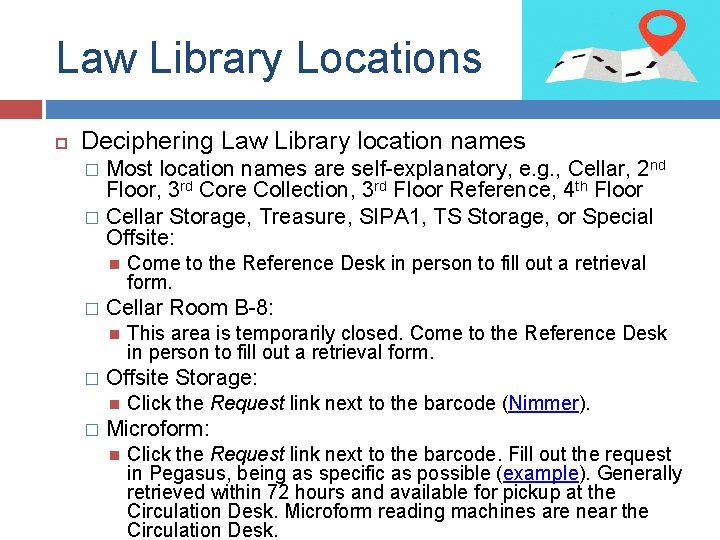
Law Library Locations Deciphering Law Library location names Most location names are self-explanatory, e. g. , Cellar, 2 nd Floor, 3 rd Core Collection, 3 rd Floor Reference, 4 th Floor � Cellar Storage, Treasure, SIPA 1, TS Storage, or Special Offsite: � � Cellar Room B-8: � This area is temporarily closed. Come to the Reference Desk in person to fill out a retrieval form. Offsite Storage: � Come to the Reference Desk in person to fill out a retrieval form. Click the Request link next to the barcode (Nimmer). Microform: Click the Request link next to the barcode. Fill out the request in Pegasus, being as specific as possible (example). Generally retrieved within 72 hours and available for pickup at the Circulation Desk. Microform reading machines are near the Circulation Desk.
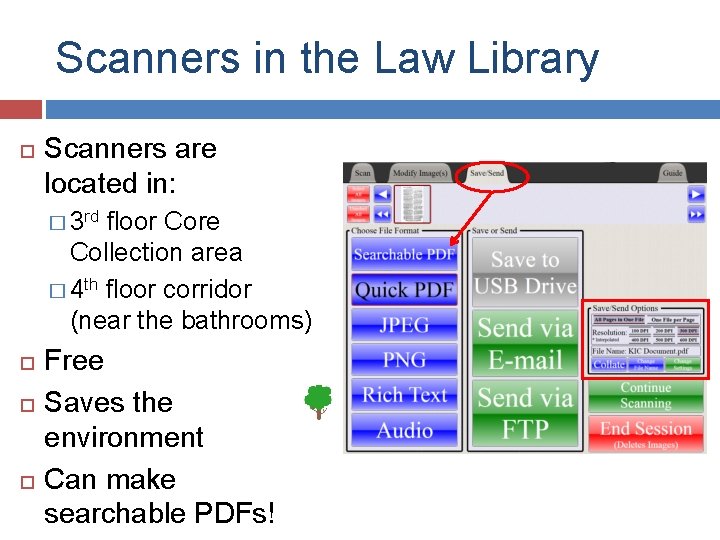
Scanners in the Law Library Scanners are located in: � 3 rd floor Core Collection area � 4 th floor corridor (near the bathrooms) Free Saves the environment Can make searchable PDFs!
Database Access databases via Pegasus (Law Library databases) or CLIO (other Columbia University library databases). A simple Google search for a database name will not always provide you with the same access. � If you are trying to access a database from off campus, you may need to authenticate yourself with: your CLS username/password (for Law Library databases) your UNI/password (for other CU library databases).
Major Databases: Hein. Online – closest to 1 -stop shopping you’ll find. Access via Pegasus (Pegasus > E-Resources > Hein. Online) � Great citation search function. � In PDF format and includes: � US-published (& many foreign) law review/journal articles, back to inception Congressional resources (e. g. , Congressional Record, Congressional Hearings) Executive branch resources (e. g. , Code of Federal Regulations, Public Papers of the Presidents) Statutory resources (e. g. , historical U. S. Codes & state statutes, Statutes at Large, state session laws) International law resources (e. g. , UN publications & yearbooks, treaties) Foreign law resources (e. g. , foreign constitutions, English Law Reports)
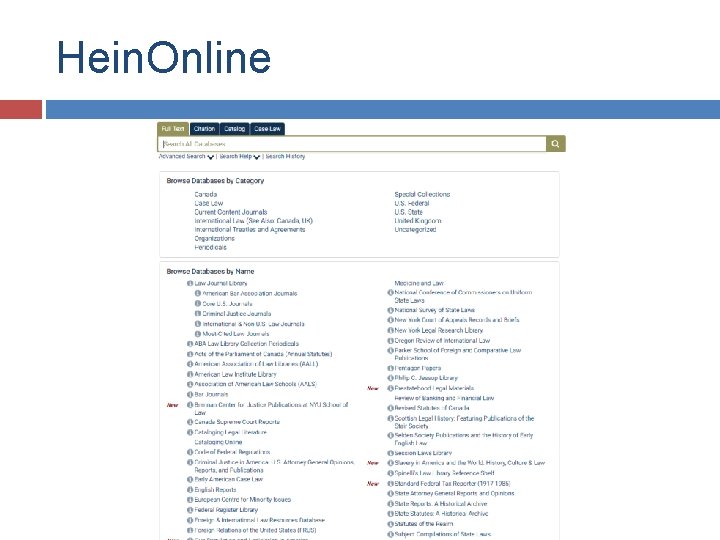
Hein. Online
Major Databases: U. S. Law govinfo (Run by the U. S. Government Publishing Office) https: //www. govinfo. gov/ � PDF files of United States Code, Statutes at Large, Congressional Record, Code of Federal Regulations, Federal Register, and more. � Previously Fdsys, this old GPO site will shut down in December, 2018. Legislative History resources – via Pegasus (Pegasus > E-Resources > US Legal Databases) Pro. Quest Legislative Insight � Pro. Quest Congressional � Regulatory resources – via Pegasus (Pegasus > EResources > US Legal Databases) � Pro. Quest Regulatory Insight
Major Databases: International Law United Nations material � UN Treaty Collection – https: //treaties. un. org � UN Documents – https: //documents. un. org/prod/ods. nsf/home. xsp � Access UN – via Pegasus (Pegasus > EResources > International Law Databases)
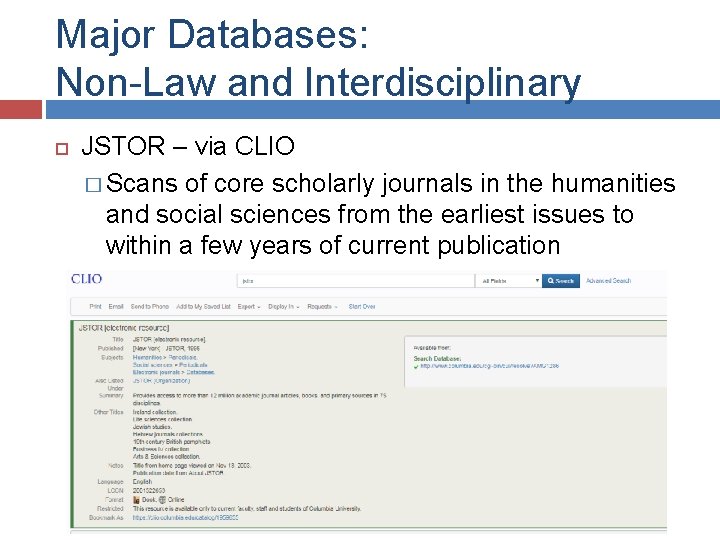
Major Databases: Non-Law and Interdisciplinary JSTOR – via CLIO � Scans of core scholarly journals in the humanities and social sciences from the earliest issues to within a few years of current publication
Research Guides Columbia Law Library Legal Research Guides – via Pegasus (Pegasus > E-Resources > Research Guides) Foreign Law Guide – via Pegasus (Pegasus > EResources > Foreign Law Databases) � May help you determine what the statute compilations and reporters are called in other countries � Formerly known as “Reynolds & Flores” Globa. Lex – http: //www. nyulawglobal. org/globalex � International, comparative, and foreign law research guides Many more available on the open web via Google search.
Perma. cc The Bluebook (20 th ed) in Rule 18. 2. 1(d) suports “born digital: ” � “Archiving of Internet sources is encouraged, but only when a reliable archival tool is available. For citations to Internet sources, append the archive URL to the full citation in brackets: ” Letter from Rose M. Oswald Poels, President/CEO, Wis. Bankers Ass’n, to Elizabeth M. Murphy, Sec’y, SEC (Sept. 17, 2013), http: //www. sec. gov/comments/s 7 -03 -13/s 70313178. pdf[http: //perma. cc/B 7 Z 7 D 9 DJ]. You are all set to use Perma. cc (your journal has an account) Using Perma: � � Your editor may ask staffers to create their own accounts or you may all use one account; Once you know where you archive your documents, input a URL. Perma. cc downloads the material identified by that URL and gives back a new URL (a “Perma. cc link”) identifying the archived version for the footnoted source. Use the perma link as shown in the example above.
Academic Commons Journals use academic commons to publish their journals and archive already published content. Free to access and deposit. All content is assigned a DOI persistent identifier. Academiccommons. columbia. edu � contact person: � Michelle Elizabeth Wilson, mew 2232@columbia. edu
Questions / Contact Reference Desk � Glass-walled office just inside the entrance of the Law Library, across from the Circulation Desk � Semester Hours Monday – Thursday: 10 AM – 8 PM Friday: 10 AM – 5 PM Saturday & Sunday: Noon – 6 PM Shorter hours during law school breaks. See schedule at: http: //hours. library. columbia. edu/? library=lawreference � Phone: (212) 854 -3743 Not for ILL requests (those must be made in person)
- Slides: 21