
COLOUR DETECTOR TRAINING AN AXALTA COATING SYSTEMS BRAND

COLOUR DETECTOR TRAINING AN AXALTA COATING SYSTEMS BRAND

AN AXALTA COATING SYSTEMS BRAND

WHAT IS THE COLOUR DETECTOR? AN AXALTA COATING SYSTEMS BRAND WWW. DUXONE. COM
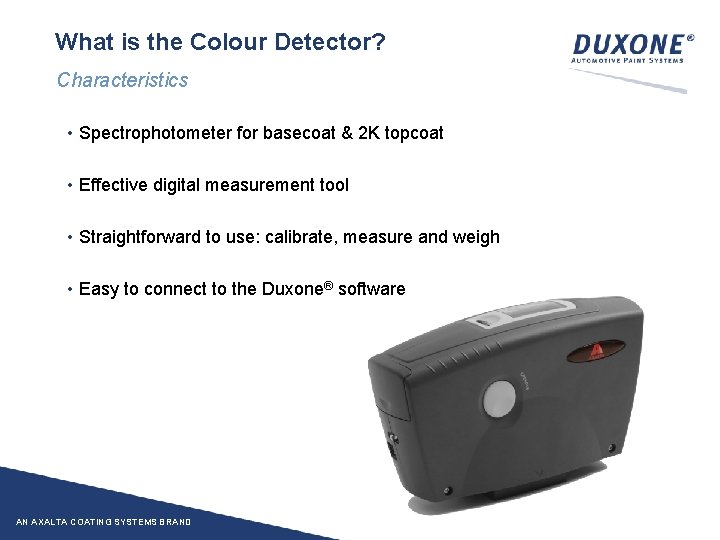
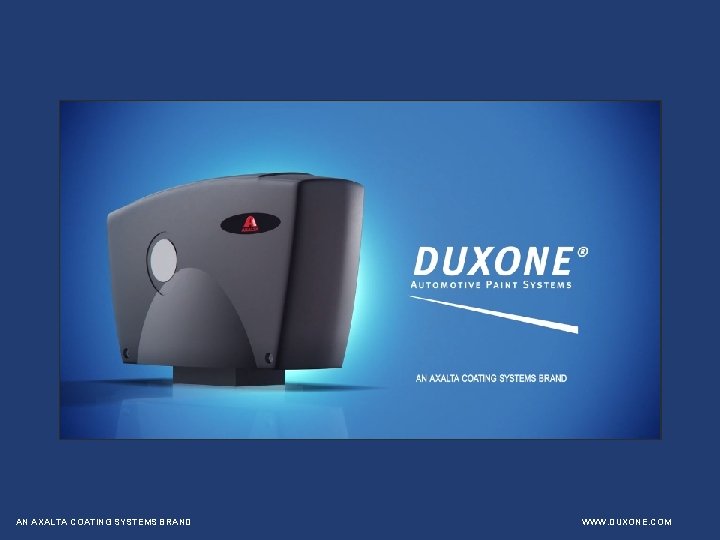
What is the Colour Detector? Characteristics • Spectrophotometer for basecoat & 2 K topcoat • Effective digital measurement tool • Straightforward to use: calibrate, measure and weigh • Easy to connect to the Duxone® software AN AXALTA COATING SYSTEMS BRAND
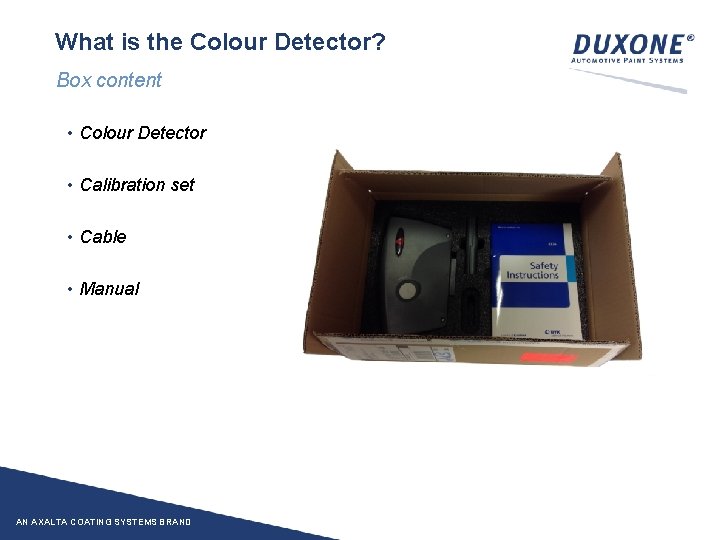
What is the Colour Detector? Box content • Colour Detector • Calibration set • Cable • Manual AN AXALTA COATING SYSTEMS BRAND

HOW TO USE THE COLOUR DETECTOR? 1. CALIBRATION AN AXALTA COATING SYSTEMS BRAND 2. MEASUREMENT 3. CONNECT TO SOFTWARE WWW. DUXONE. COM

1. CALIBRATION AN AXALTA COATING SYSTEMS BRAND WWW. DUXONE. COM
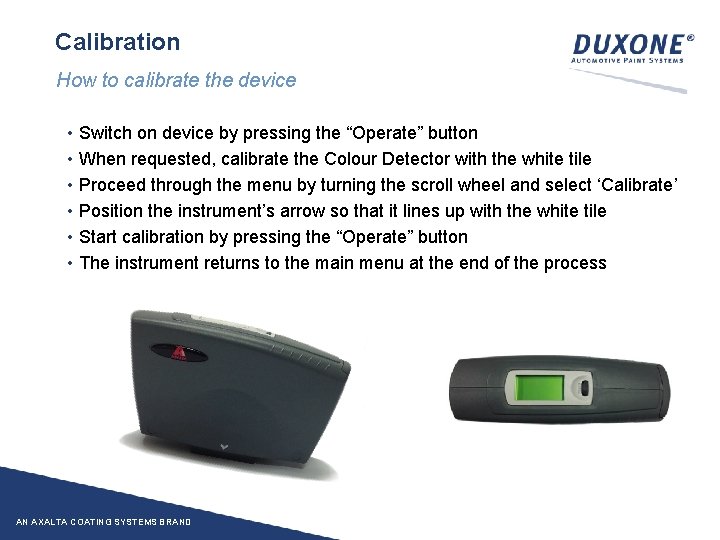
Calibration How to calibrate the device • • • Switch on device by pressing the “Operate” button When requested, calibrate the Colour Detector with the white tile Proceed through the menu by turning the scroll wheel and select ‘Calibrate’ Position the instrument’s arrow so that it lines up with the white tile Start calibration by pressing the “Operate” button The instrument returns to the main menu at the end of the process AN AXALTA COATING SYSTEMS BRAND
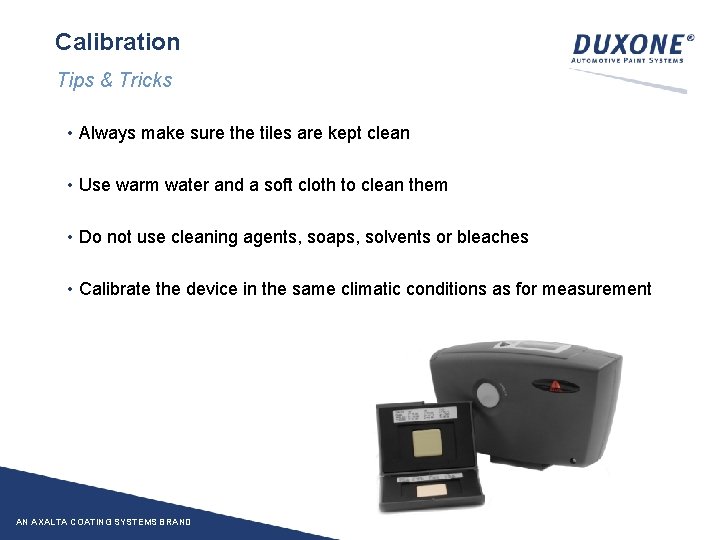
Calibration Tips & Tricks • Always make sure the tiles are kept clean • Use warm water and a soft cloth to clean them • Do not use cleaning agents, soaps, solvents or bleaches • Calibrate the device in the same climatic conditions as for measurement AN AXALTA COATING SYSTEMS BRAND

Calibration Green tile • Quick check to see if the spectro is still performing ok • The L, a, b-values of the tile that comes with the spectro are printed on the tile type them in and the software checks if these values are the same • If they do not match: spectro not reliable anymore and needs – at minimum – new calibration with white tile. If this doesn’t help to get the measured values back into range send spectro + calibration set back to Byk AN AXALTA COATING SYSTEMS BRAND

2. MEASUREMENT AN AXALTA COATING SYSTEMS BRAND WWW. DUXONE. COM
Measurement Preparation of surface • Degrease, polish and re-degrease the measurement area with DX 30 and polishing paste • Avoid scratches and dirt these can seriously affect measurement accuracy • Do the measurement on a levelled surface, not on corners or edges • Do the measurement as close as possible to the damage AN AXALTA COATING SYSTEMS BRAND

Measurement conditions • Perform the measurement in controlled conditions: From minimum 15°C to maximum 40°C Don’t leave the to-be-measured surface in hot sunshine for any length of time • Modify the position of the spectro for each of the 3 readings this to avoid a bad reading e. g. measurement done on a scratch, a dust particle, … • The 2 contact pins must stay on the surface during the measurement AN AXALTA COATING SYSTEMS BRAND
Measurement Remarks • Light conditions during measurement can be disregarded • The spectro doesn’t have to be connected to the software during measurement • Several colour measurements can be done before connecting to the software AN AXALTA COATING SYSTEMS BRAND

3. CONNECT TO SOFTWARE AN AXALTA COATING SYSTEMS BRAND WWW. DUXONE. COM
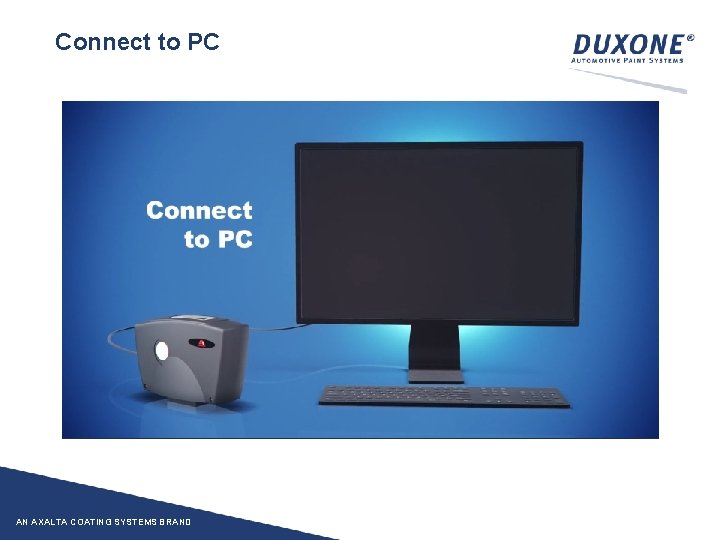
Connect to PC AN AXALTA COATING SYSTEMS BRAND
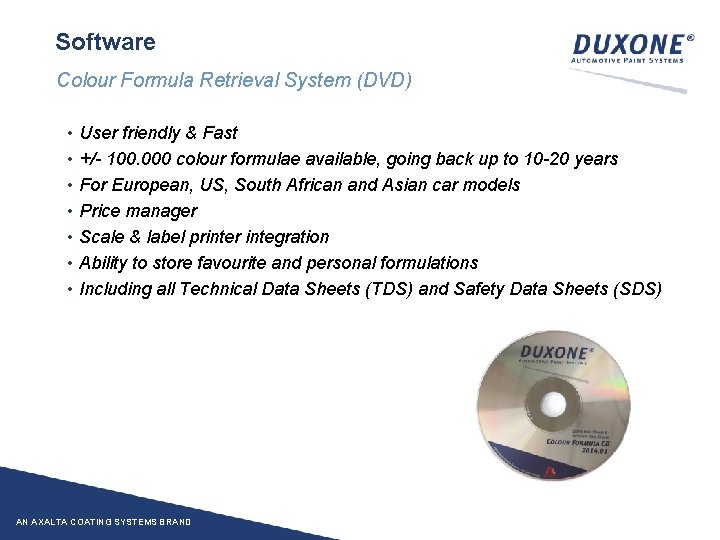
Software Colour Formula Retrieval System (DVD) • • User friendly & Fast +/- 100. 000 colour formulae available, going back up to 10 -20 years For European, US, South African and Asian car models Price manager Scale & label printer integration Ability to store favourite and personal formulations Including all Technical Data Sheets (TDS) and Safety Data Sheets (SDS) AN AXALTA COATING SYSTEMS BRAND
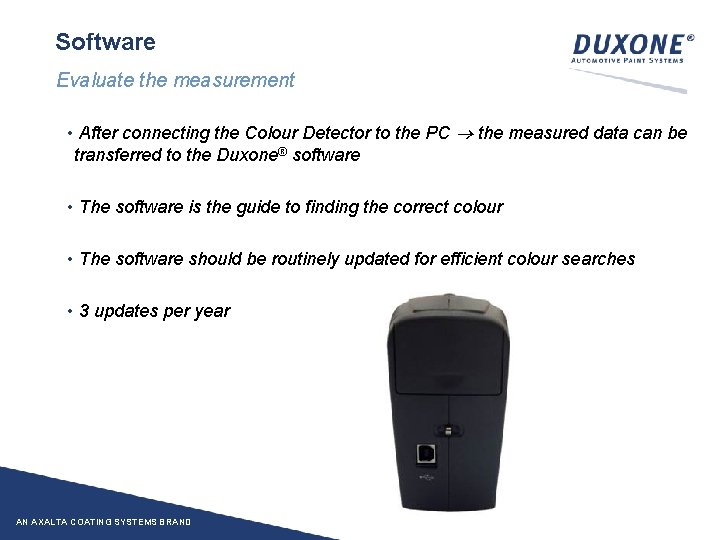
Software Evaluate the measurement • After connecting the Colour Detector to the PC the measured data can be transferred to the Duxone® software • The software is the guide to finding the correct colour • The software should be routinely updated for efficient colour searches • 3 updates per year AN AXALTA COATING SYSTEMS BRAND

HOW TO USE THE SOFTWARE? AN AXALTA COATING SYSTEMS BRAND WWW. DUXONE. COM
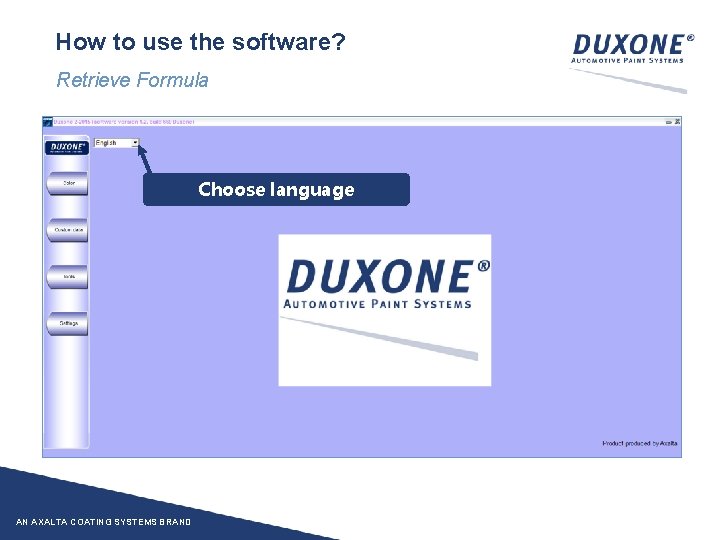
How to use the software? Retrieve Formula Choose language AN AXALTA COATING SYSTEMS BRAND
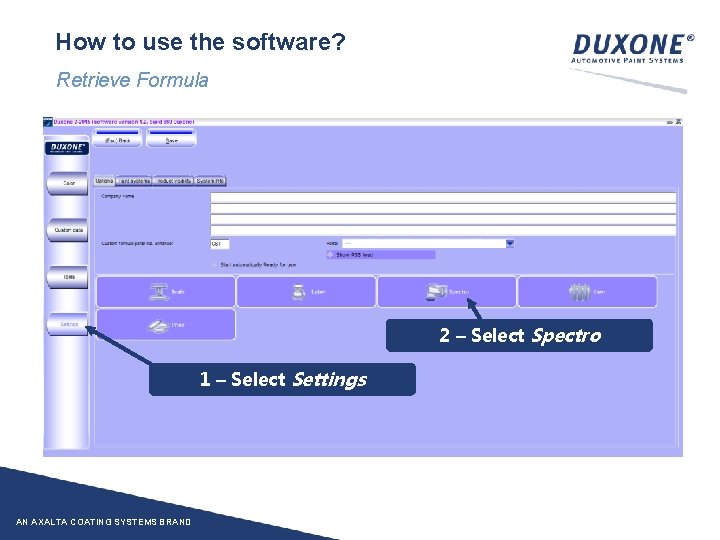
How to use the software? Retrieve Formula 2 – Select Spectro 1 – Select Settings AN AXALTA COATING SYSTEMS BRAND
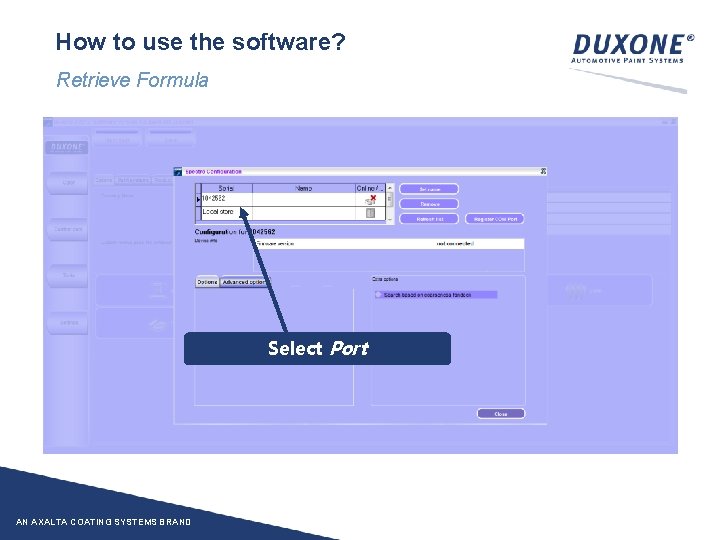
How to use the software? Retrieve Formula Select Port AN AXALTA COATING SYSTEMS BRAND
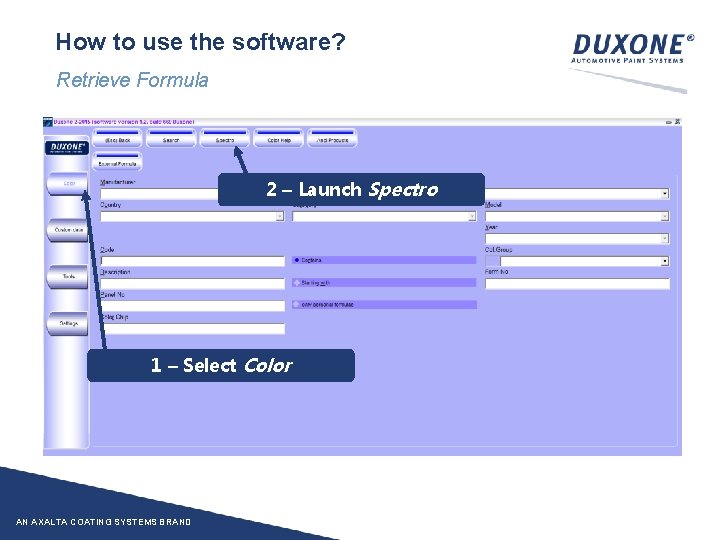
How to use the software? Retrieve Formula 2 – Launch Spectro 1 – Select Color AN AXALTA COATING SYSTEMS BRAND
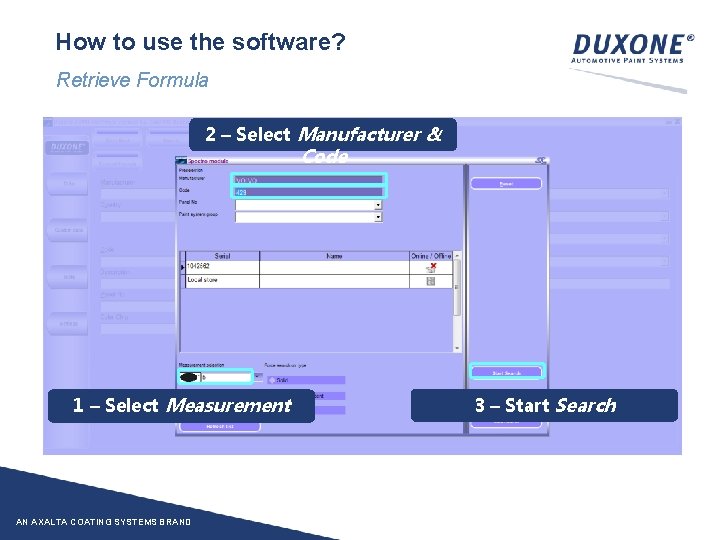
How to use the software? Retrieve Formula 2 – Select Manufacturer & Code 1 – Select Measurement AN AXALTA COATING SYSTEMS BRAND 3 – Start Search
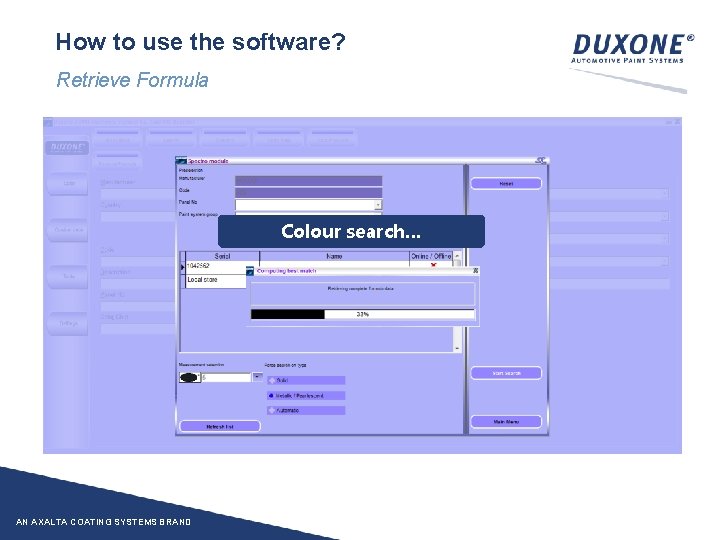
How to use the software? Retrieve Formula Colour search… AN AXALTA COATING SYSTEMS BRAND
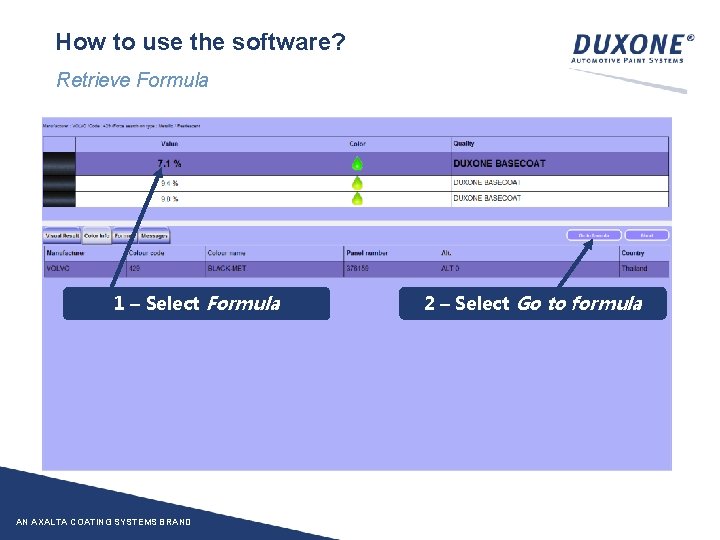
How to use the software? Retrieve Formula 1 – Select Formula AN AXALTA COATING SYSTEMS BRAND 2 – Select Go to formula
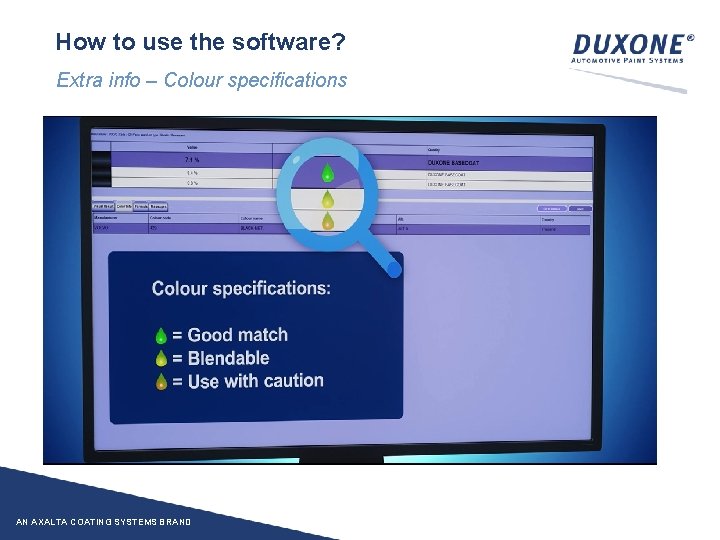
How to use the software? Extra info – Colour specifications AN AXALTA COATING SYSTEMS BRAND

How to use the software? Extra information – Visual colour comparison It’s recommended to always take the 1 st formula, however: • • The visual result is helpful to visually compare which potential formula is the best match It’s here possible to compare the target with the shaded formula AN AXALTA COATING SYSTEMS BRAND
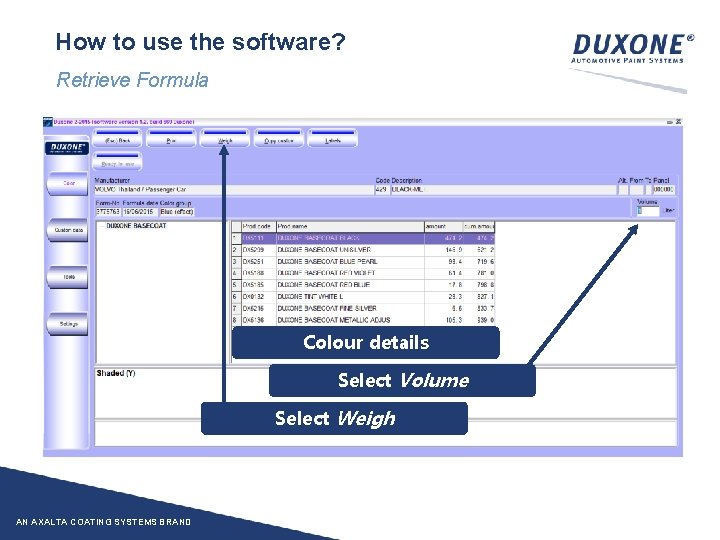
How to use the software? Retrieve Formula Colour details Select Volume Select Weigh AN AXALTA COATING SYSTEMS BRAND
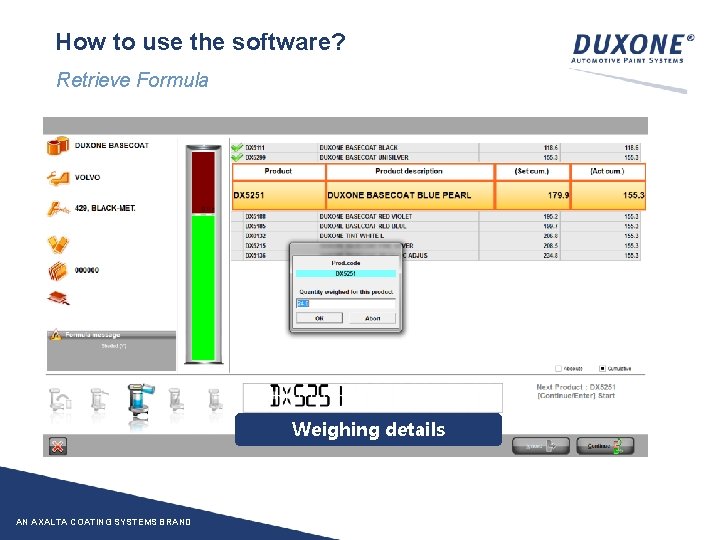
How to use the software? Retrieve Formula Weighing details AN AXALTA COATING SYSTEMS BRAND

FULL PROCESS AN AXALTA COATING SYSTEMS BRAND WWW. DUXONE. COM
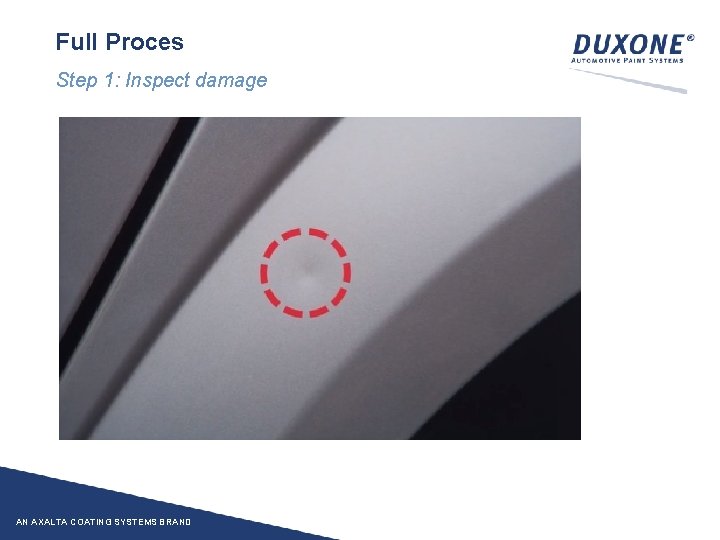
Full Proces Step 1: Inspect damage AN AXALTA COATING SYSTEMS BRAND

Full Proces Step 2: Measure colour close to damage AN AXALTA COATING SYSTEMS BRAND
Full Proces Step 3: Colour Detector • Connect Colour Detector to PC • Launch Duxone ® software • Retrieve colour AN AXALTA COATING SYSTEMS BRAND
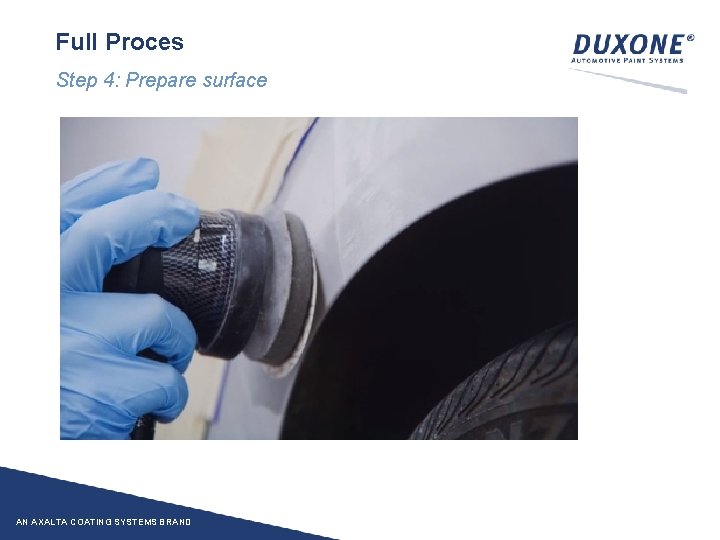
Full Proces Step 4: Prepare surface AN AXALTA COATING SYSTEMS BRAND
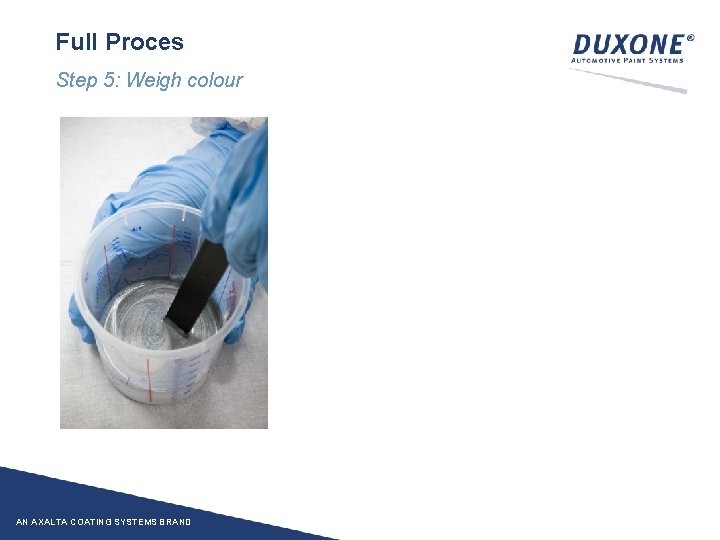
Full Proces Step 5: Weigh colour AN AXALTA COATING SYSTEMS BRAND

Full Proces Step 6: Apply colour & finish job AN AXALTA COATING SYSTEMS BRAND Before applying colour on damage: option to check colour through application of spray panel.
AN AXALTA COATING SYSTEMS BRAND WWW. DUXONE. COM
- Slides: 38