
Color Contrast Size and Style Hints for Designing
- Slides: 6
Color, Contrast, Size, and Style Hints for Designing Patient Education Brochures for Older Adults
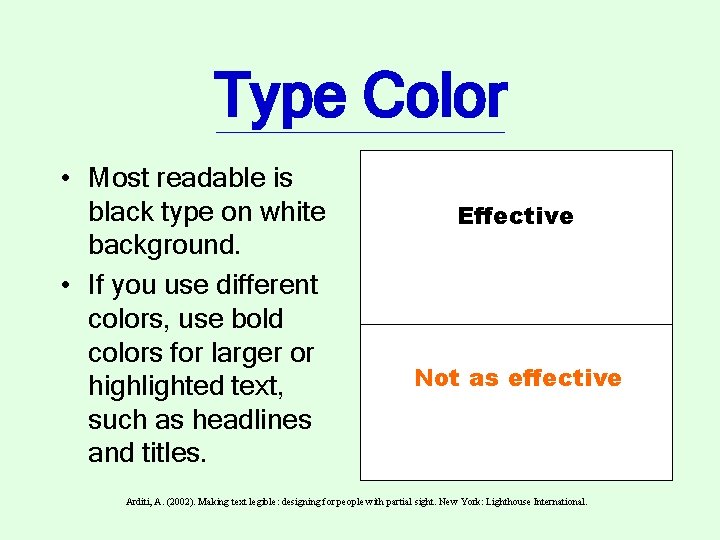
Type Color • Most readable is black type on white background. • If you use different colors, use bold colors for larger or highlighted text, such as headlines and titles. Effective Not as effective Arditi, A. (2002). Making text legible: designing for people with partial sight. New York: Lighthouse International.
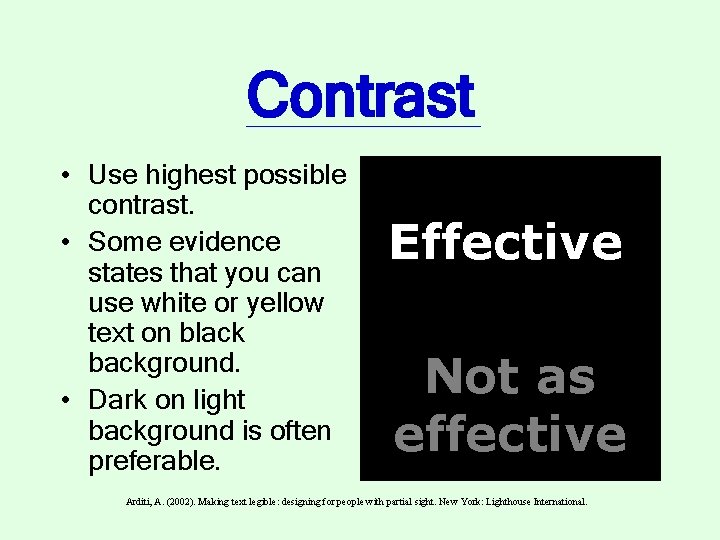
Contrast • Use highest possible contrast. • Some evidence states that you can use white or yellow text on black background. • Dark on light background is often preferable. Effective Not as effective Arditi, A. (2002). Making text legible: designing for people with partial sight. New York: Lighthouse International.
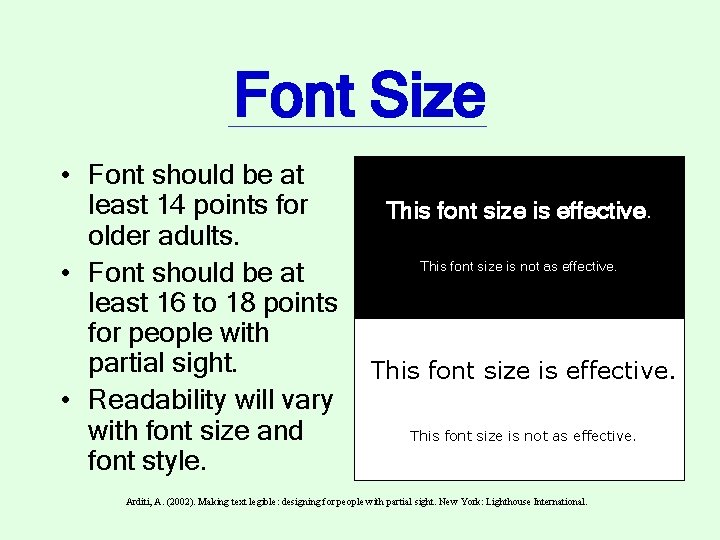
Font Size • Font should be at least 14 points for older adults. • Font should be at least 16 to 18 points for people with partial sight. • Readability will vary with font size and font style. This font size is effective. This font size is not as effective. Arditi, A. (2002). Making text legible: designing for people with partial sight. New York: Lighthouse International.
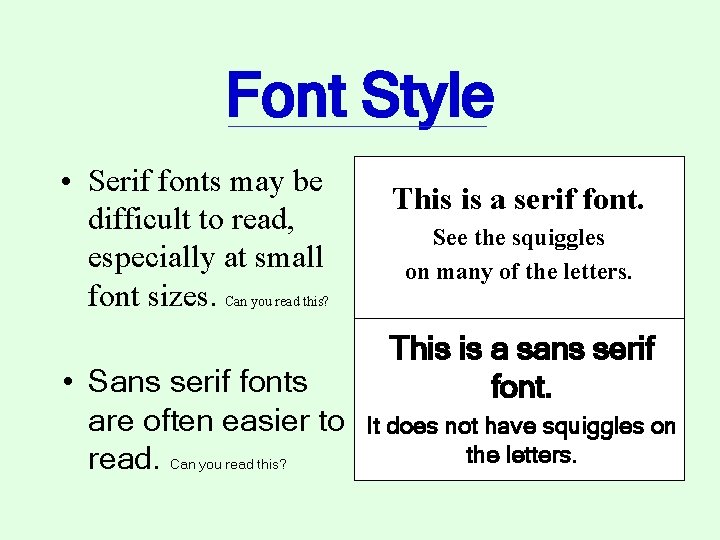
Font Style • Serif fonts may be difficult to read, especially at small font sizes. Can you read this? • Sans serif fonts are often easier to read. Can you read this? This is a serif font. See the squiggles on many of the letters. This is a sans serif font. It does not have squiggles on the letters.
Color, Contrast, Size, and Style was prepared by Catherine Van Son, Ph. D. , R. N. , and Linda Felver, Ph. D. , R. N. for the Older Adult Focus Project, OHSU School of Nursing.