
Color and Color for the Web n First
Color and Color for the Web n First, discuss idea of color (some overlap with lecture on HVS) n Second, discuss color in web pages 1
Why Study Color? Color can be a powerful tool to convey information and emotion improve user interfaces but its inappropriate use can severely reduce the performance of the systems we build 2
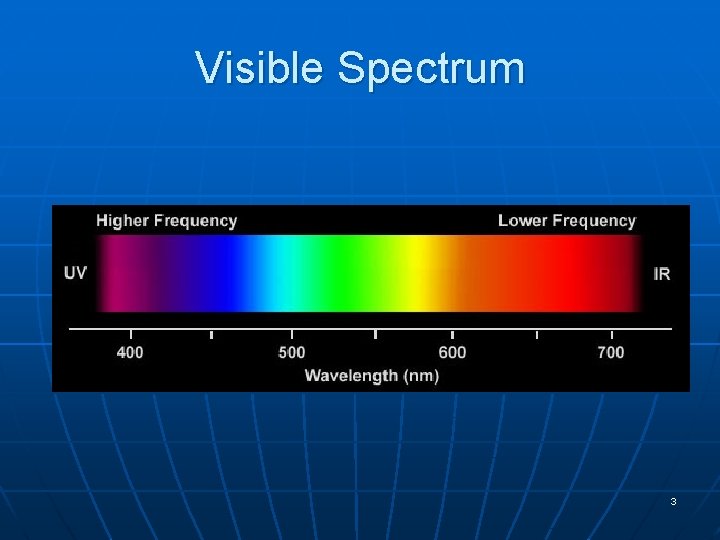
Visible Spectrum 3
Color Perception via Cones in Eye n n “Photopigments” used to sense color 3 types: blue, green, “red” (really yellow) • each sensitive to different band of spectrum • ratio of neural activity of the 3 color n other colors are perceived by combining stimulation 4
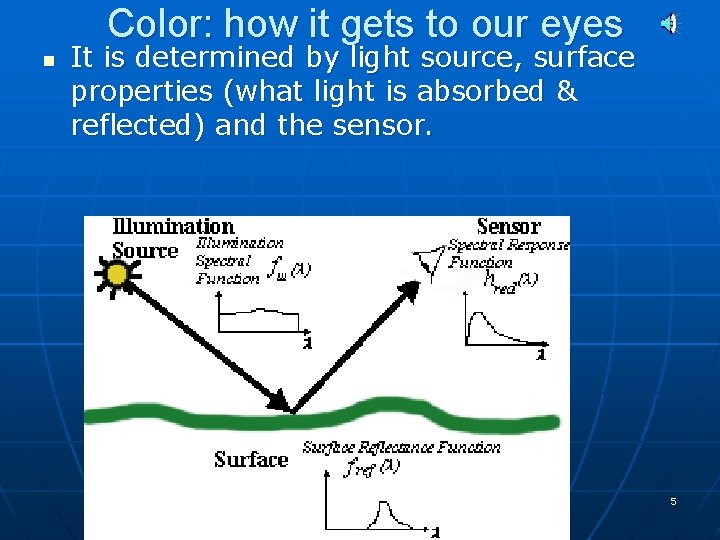
Color: how it gets to our eyes n It is determined by light source, surface properties (what light is absorbed & reflected) and the sensor. 5
Color Components n n n How we describe / measure color There is not just one way Three Main ways 1. Red Green Blue – used in displays, computers, TVs, phones, electronics (this is closest to how we see) 2. Cyan(blue-green) Magenta(red-blue) Yellow – used in print / paintings 3. Hue, Saturation, Intensity – used by artists, theoretical 6
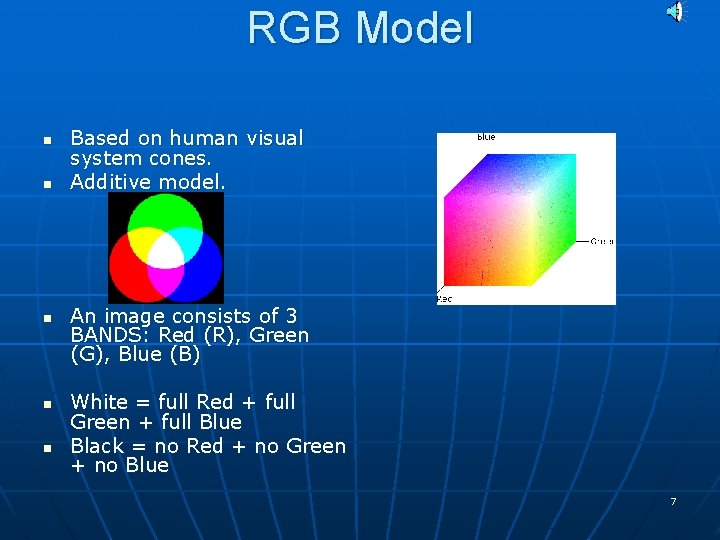
RGB Model n n n Based on human visual system cones. Additive model. An image consists of 3 BANDS: Red (R), Green (G), Blue (B) White = full Red + full Green + full Blue Black = no Red + no Green + no Blue 7
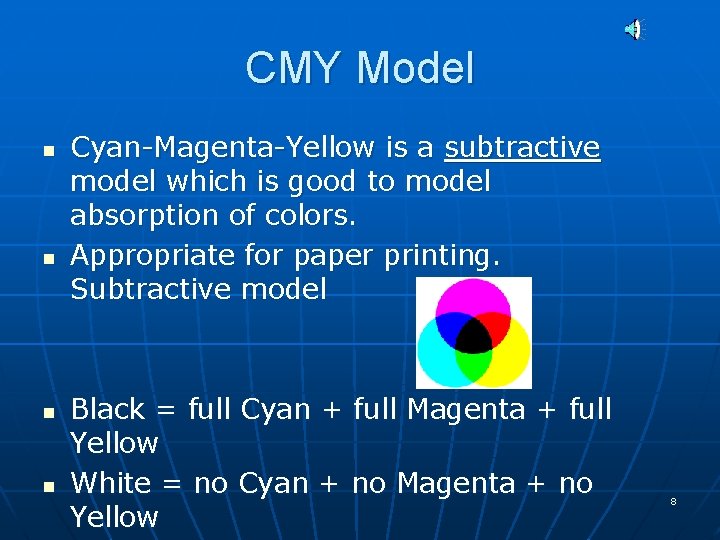
CMY Model n n Cyan-Magenta-Yellow is a subtractive model which is good to model absorption of colors. Appropriate for paper printing. Subtractive model Black = full Cyan + full Magenta + full Yellow White = no Cyan + no Magenta + no Yellow 8
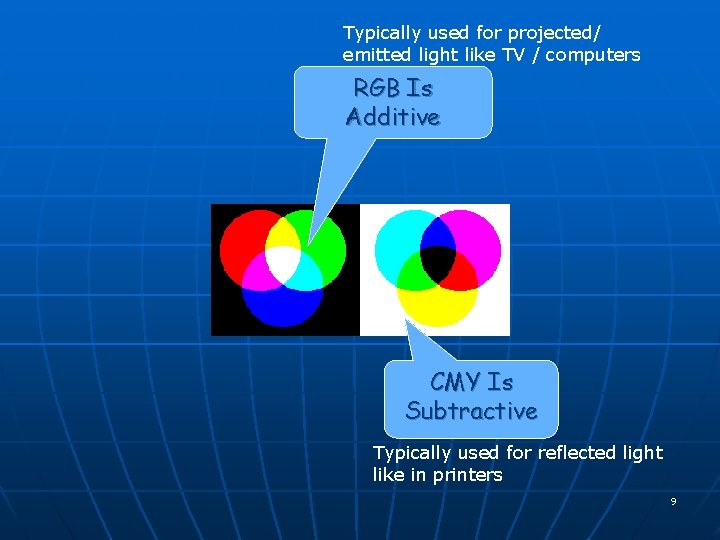
Typically used for projected/ emitted light like TV / computers RGB Is Additive CMY Is Subtractive Typically used for reflected light like in printers 9
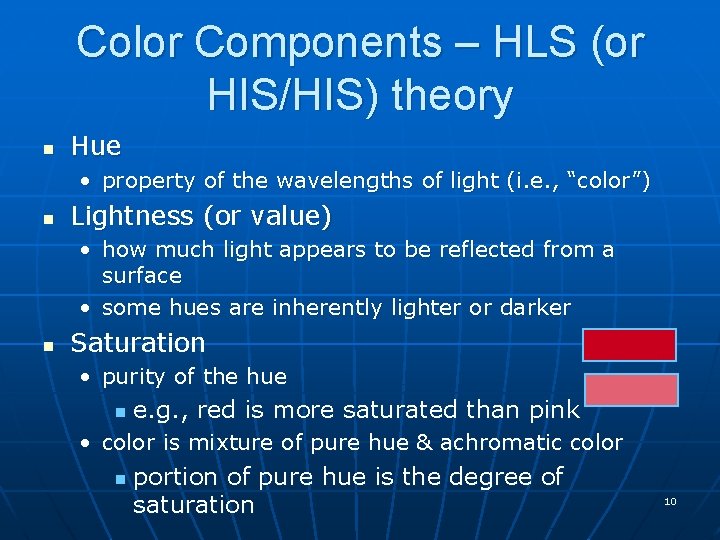
Color Components – HLS (or HIS/HIS) theory n Hue • property of the wavelengths of light (i. e. , “color”) n Lightness (or value) • how much light appears to be reflected from a surface • some hues are inherently lighter or darker n Saturation • purity of the hue n e. g. , red is more saturated than pink • color is mixture of pure hue & achromatic color n portion of pure hue is the degree of saturation 10
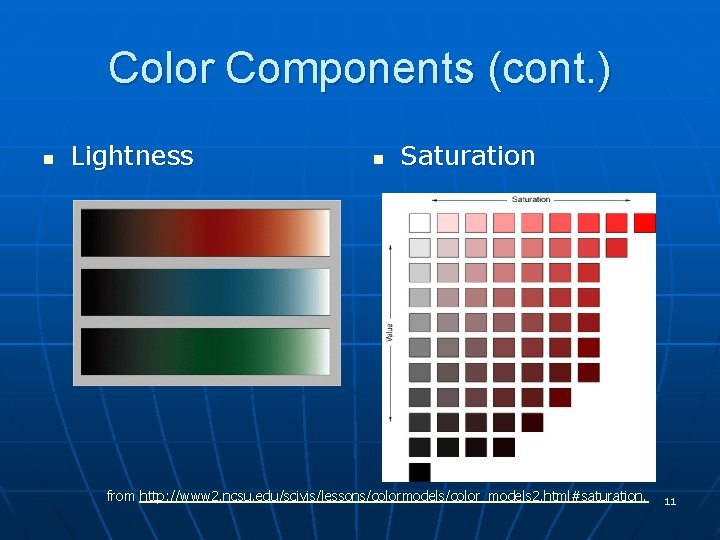
Color Components (cont. ) n Lightness n Saturation from http: //www 2. ncsu. edu/scivis/lessons/colormodels/color_models 2. html#saturation. 11
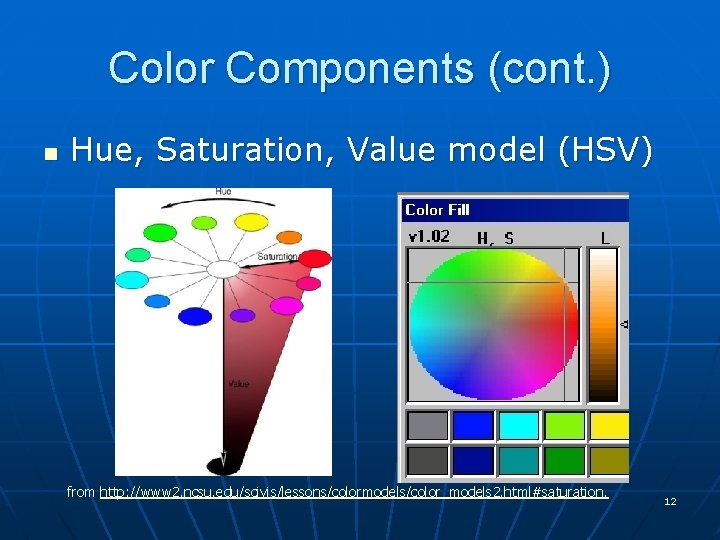
Color Components (cont. ) n Hue, Saturation, Value model (HSV) from http: //www 2. ncsu. edu/scivis/lessons/colormodels/color_models 2. html#saturation. 12
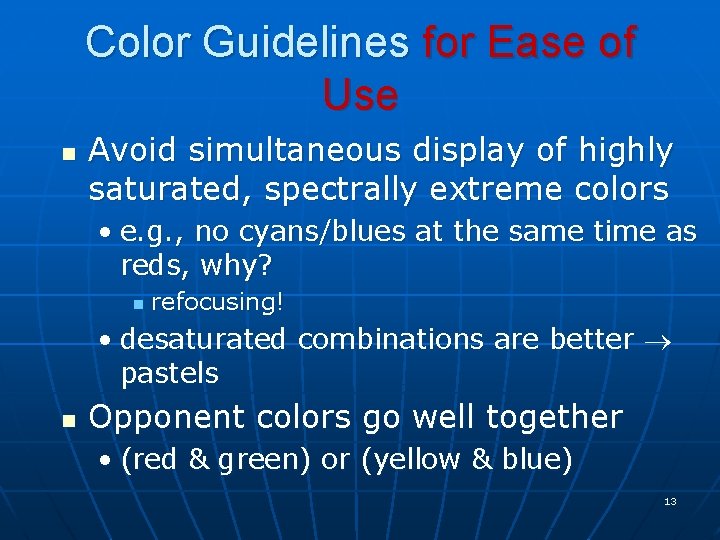
Color Guidelines for Ease of Use n Avoid simultaneous display of highly saturated, spectrally extreme colors • e. g. , no cyans/blues at the same time as reds, why? n refocusing! • desaturated combinations are better pastels n Opponent colors go well together • (red & green) or (yellow & blue) 13
Color Guidelines for functional design n n Beauty is in eye of beholder – so for art you decide. For function and usability – constraining how you use color can make or break an interface 14
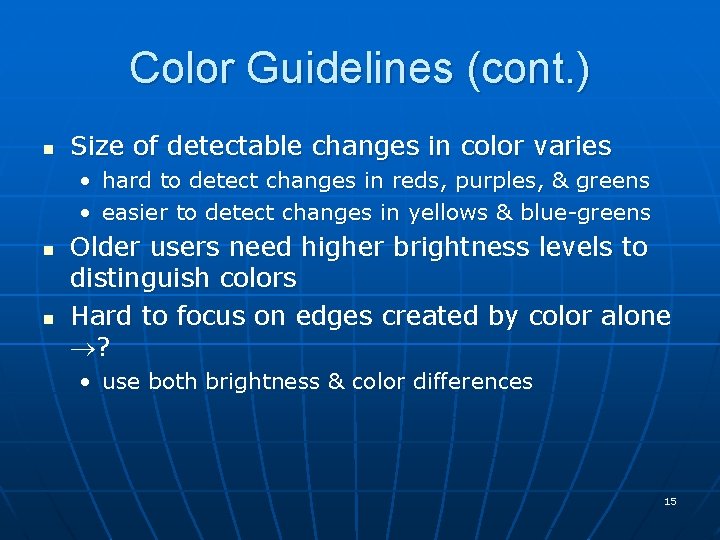
Color Guidelines (cont. ) n Size of detectable changes in color varies • • n n hard to detect changes in reds, purples, & greens easier to detect changes in yellows & blue-greens Older users need higher brightness levels to distinguish colors Hard to focus on edges created by color alone ? • use both brightness & color differences 15
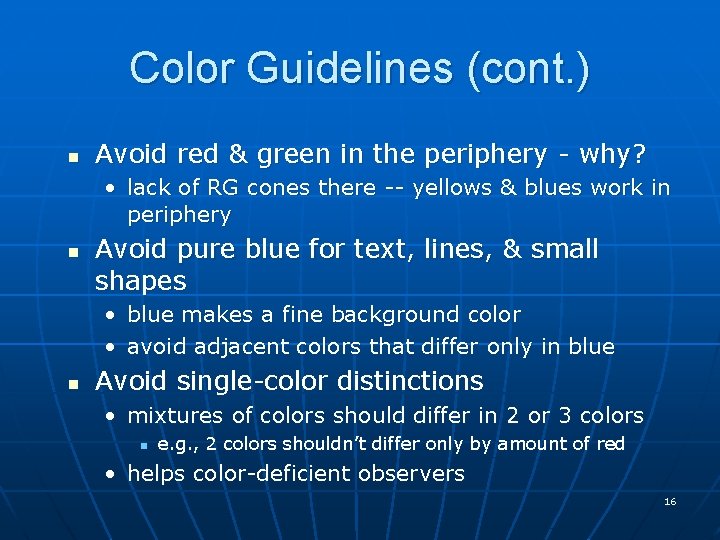
Color Guidelines (cont. ) n Avoid red & green in the periphery - why? • lack of RG cones there -- yellows & blues work in periphery n Avoid pure blue for text, lines, & small shapes • blue makes a fine background color • avoid adjacent colors that differ only in blue n Avoid single-color distinctions • mixtures of colors should differ in 2 or 3 colors n e. g. , 2 colors shouldn’t differ only by amount of red • helps color-deficient observers 16

Color in Web Pages 17
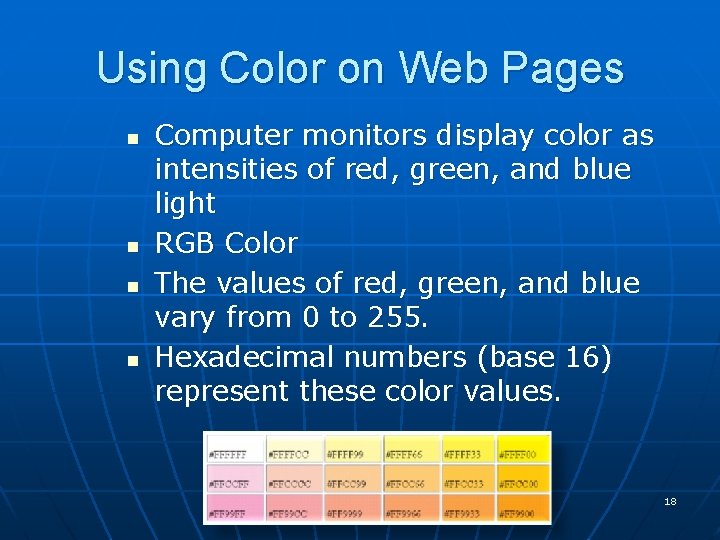
Using Color on Web Pages n n Computer monitors display color as intensities of red, green, and blue light RGB Color The values of red, green, and blue vary from 0 to 255. Hexadecimal numbers (base 16) represent these color values. 18
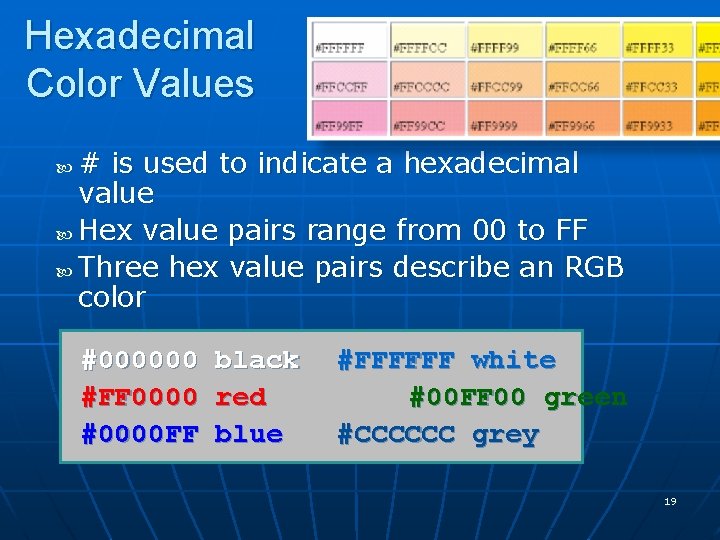
Hexadecimal Color Values # is used to indicate a hexadecimal value Hex value pairs range from 00 to FF Three hex value pairs describe an RGB color #000000 #FF 0000 #0000 FF black red blue #FFFFFF white #00 FF 00 green #CCCCCC grey 19
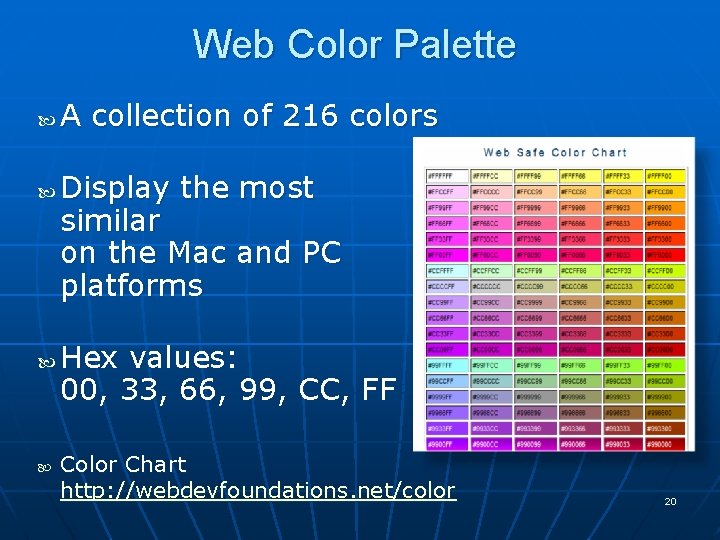
Web Color Palette A collection of 216 colors Display the most similar on the Mac and PC platforms Hex values: 00, 33, 66, 99, CC, FF Color Chart http: //webdevfoundations. net/color 20
Making Color Choices n How to choose a color scheme? • Monochromatic n http: //meyerweb. com/eric/tools/color-blend • Choose from a photograph or other image n http: //www. colr. org • Begin with a favorite color n Use one of the sites below to choose other colors • • • http: //colorsontheweb. com/colorwizard. asp http: //kuler. Adobe. com http: //colorschemedesigner. com/
Accessibility & Color n n n Everyone is not able to see or distinguish between colors Information must be conveyed even if color cannot be viewed According to Vischeck http: //www. vischeck. com/vischeck • 1 out of 20 people experience some type of color deficiency • Color choice can be crucial • Avoid using red, green, brown, gray, or purple next to each other • White, black, and shades of blue and yellow are easier to differentiate. n Simulation:
Color in (X)HTML n In attributes of tags i. e. bgcolor of <body> tag bgcolor=“#FFCCFF”> <body Others – use in CSS for styling many elements text, areas, etc. We will go over these as we learn them. 23
- Slides: 23