
Colleen Larsen GIS Coordinator Yelena Granovskaya GISCAD Specialist




- Slides: 27
Colleen Larsen – GIS Coordinator Yelena Granovskaya – GIS/CAD Specialist
• Service Area v. Padre Dam provides water, wastewater, recycled water and recreation services to 100, 000 residents in the San Diego suburbs of Santee, El Cajon, Lakeside, Flinn Springs, Harbison Canyon, Blossom Valley, Alpine, Dehesa and Crest • History v 1955 -formed by San Diego County Board of Supervisors to import water from the Colorado River. Originally named Rio San Diego Municipal Water District v 1976 -Renamed Padre Dam and merged with the Santee County Water District. v 1980 s-Acquired Alpine Highlands Water District and Crest Public Utility District. v. The District is named for the Old Mission Dam in Mission Trails Regional Park, built by Spanish missionaries circa 1807.
• Total Service Connections ~25, 125 v Potable & Sewer~13, 600 Potable Only~9, 700 Sewer Only~1, 600 Recycled~225 • Miles of Pipe v Water: 389 Sewer: 165 Recycled: 26 • Santee Lakes v 190 acres, 7 lakes, 300 campground sites, 10 cabins • GIS Staff v One GIS Coordinator v One GIS/CAD Specialists § Split time between Engineering & Enterprise GIS • What we work on…
• Timeline v 1985 – Board approves equipment to begin Engineering Computerization v 1995/96 – Base & Utility Mapping begins v 2002 – Moved from Integraph to ESRI v 2013 – Upgraded to the Small Utility Enterprise License Agreement v 2015 – ESRI Enterprise Advantage Program
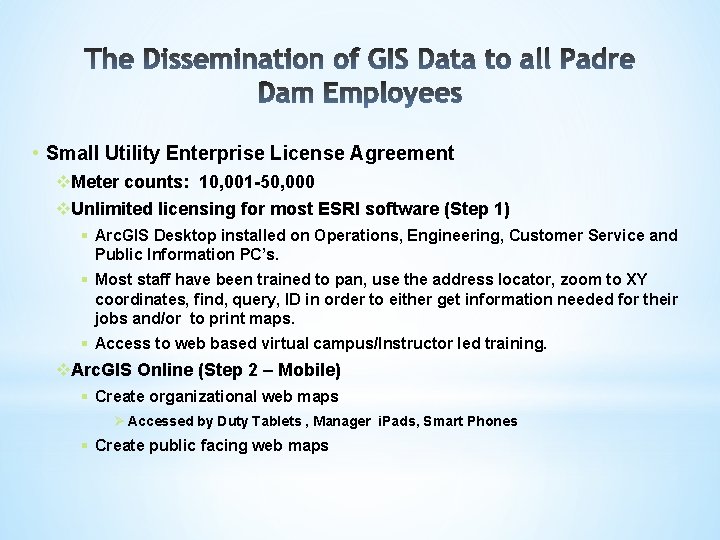
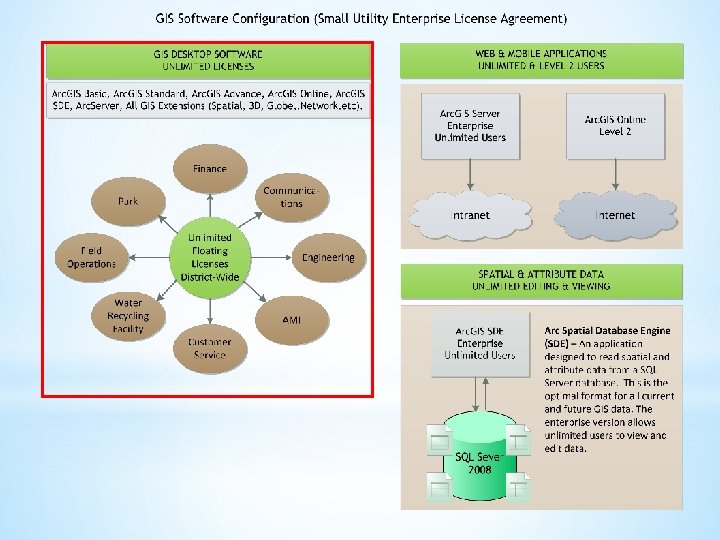
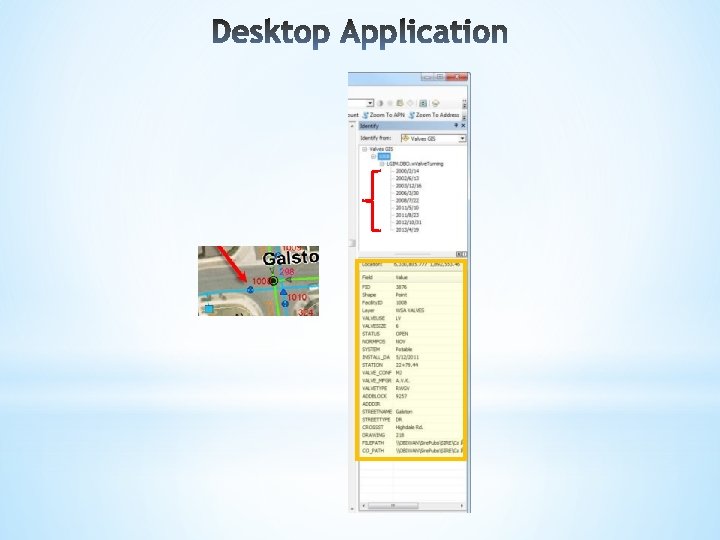
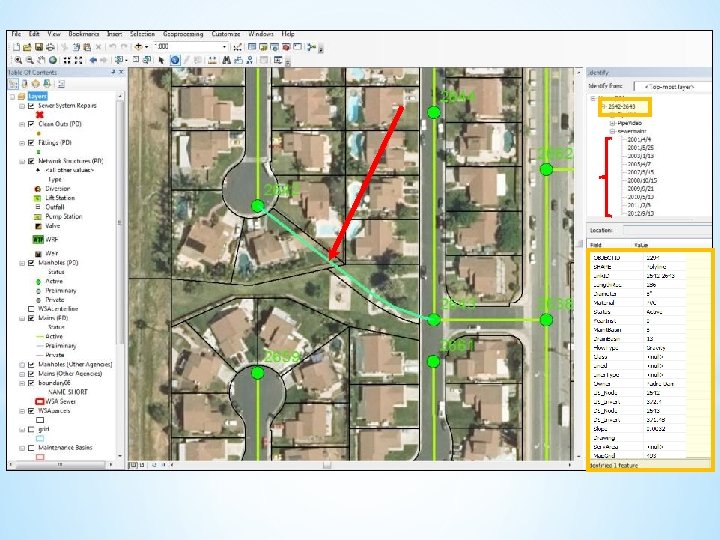
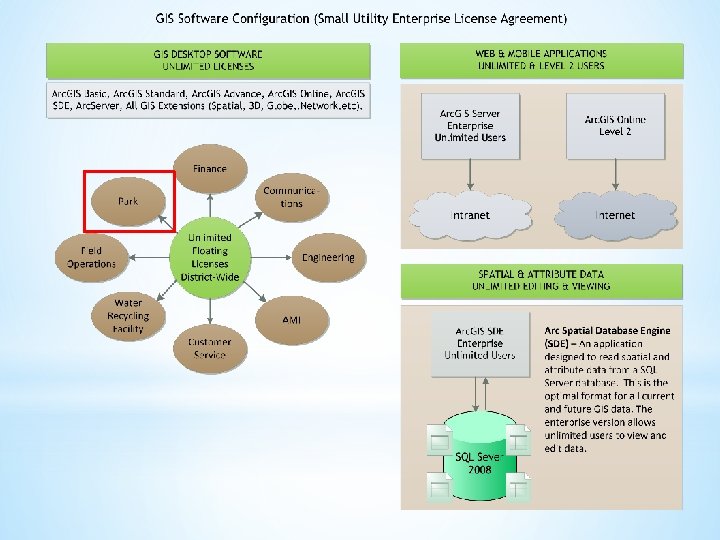
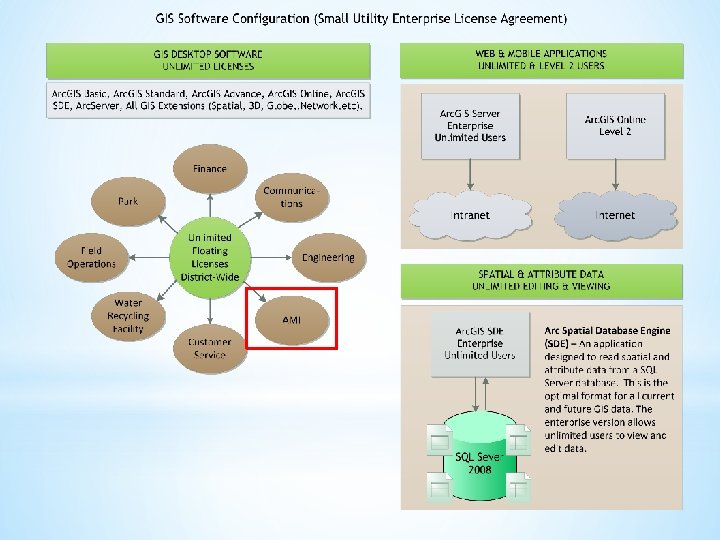
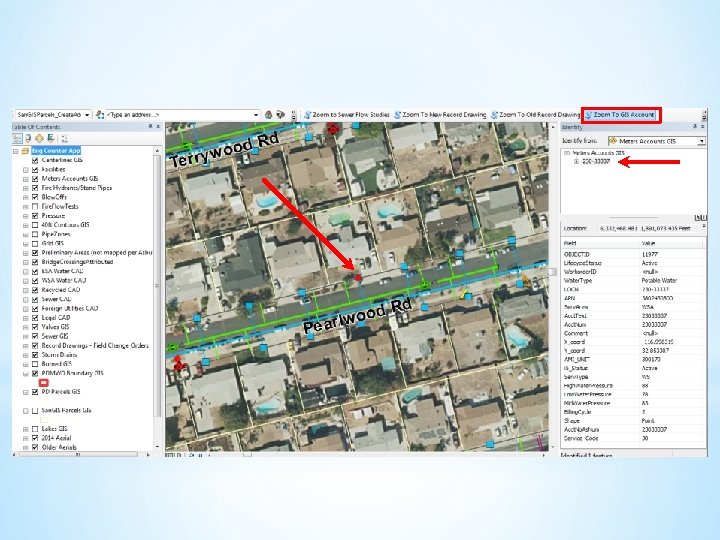
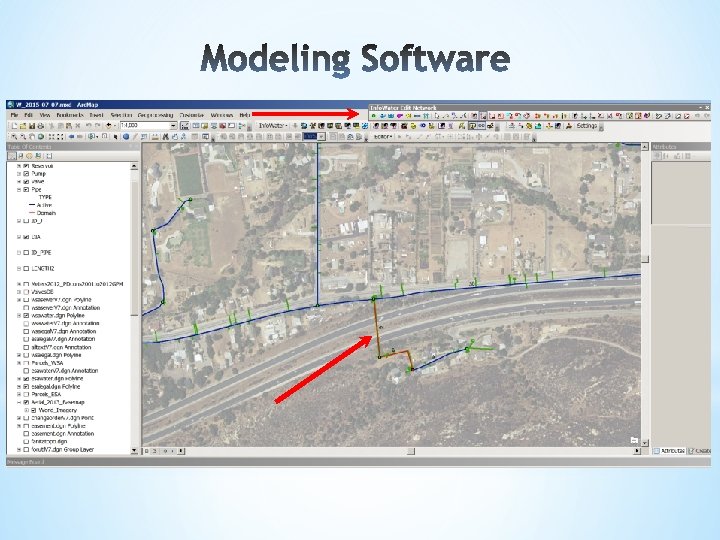
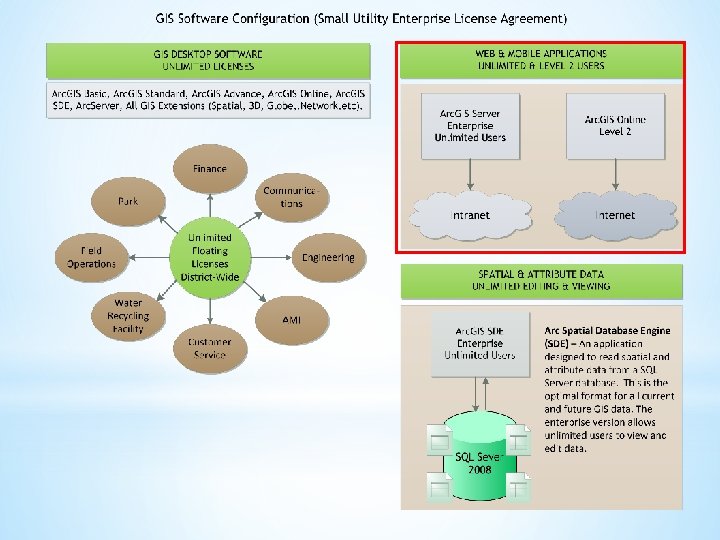
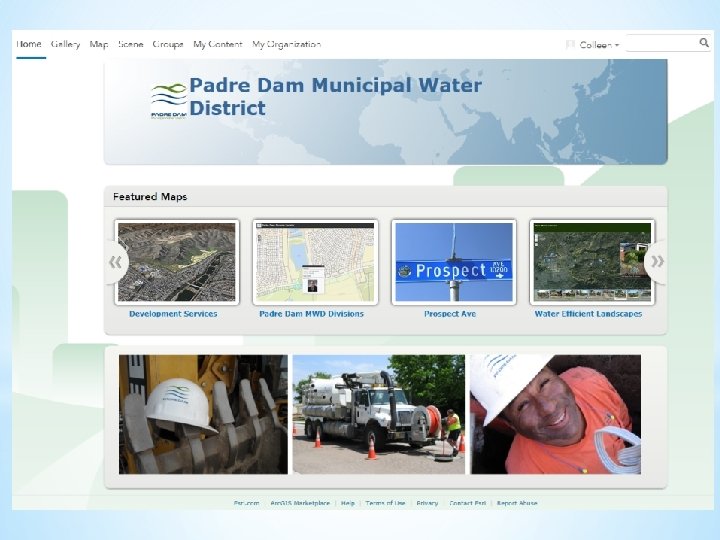
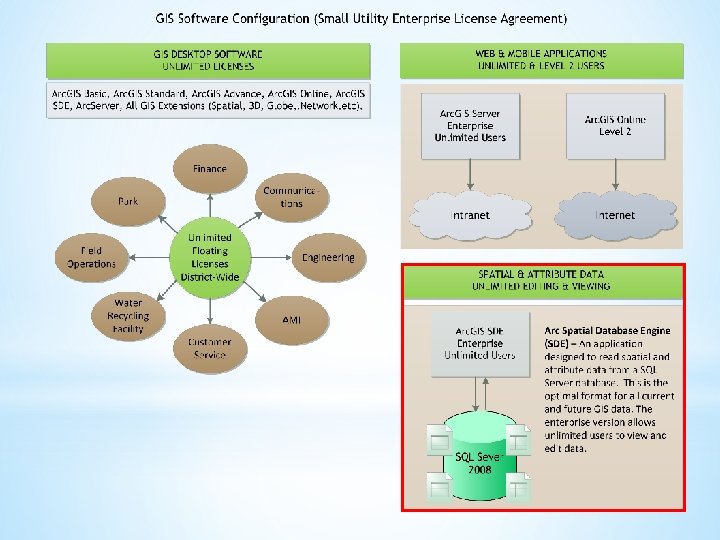
• Small Utility Enterprise License Agreement v. Meter counts: 10, 001 -50, 000 v. Unlimited licensing for most ESRI software (Step 1) § Arc. GIS Desktop installed on Operations, Engineering, Customer Service and Public Information PC’s. § Most staff have been trained to pan, use the address locator, zoom to XY coordinates, find, query, ID in order to either get information needed for their jobs and/or to print maps. § Access to web based virtual campus/Instructor led training. v. Arc. GIS Online (Step 2 – Mobile) § Create organizational web maps Ø Accessed by Duty Tablets , Manager i. Pads, Smart Phones § Create public facing web maps
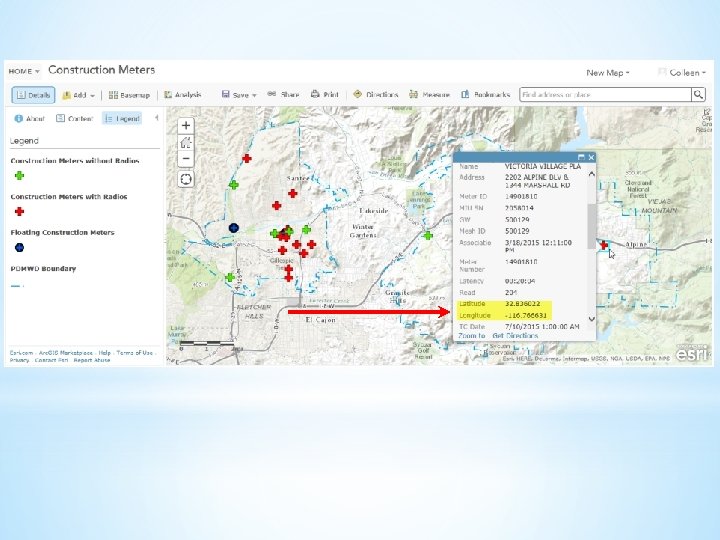
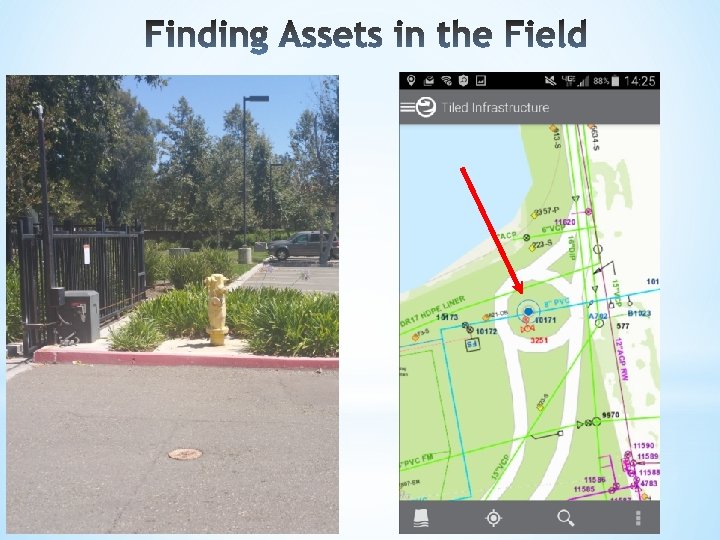
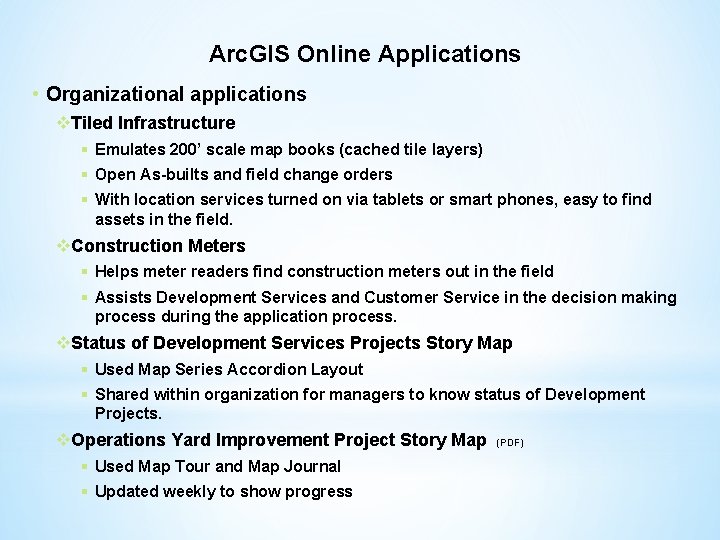
Arc. GIS Online Applications • Organizational applications v. Tiled Infrastructure § Emulates 200’ scale map books (cached tile layers) § Open As-builts and field change orders § With location services turned on via tablets or smart phones, easy to find assets in the field. v. Construction Meters § Helps meter readers find construction meters out in the field § Assists Development Services and Customer Service in the decision making process during the application process. v. Status of Development Services Projects Story Map § Used Map Series Accordion Layout § Shared within organization for managers to know status of Development Projects. v. Operations Yard Improvement Project Story Map § Used Map Tour and Map Journal § Updated weekly to show progress (PDF)
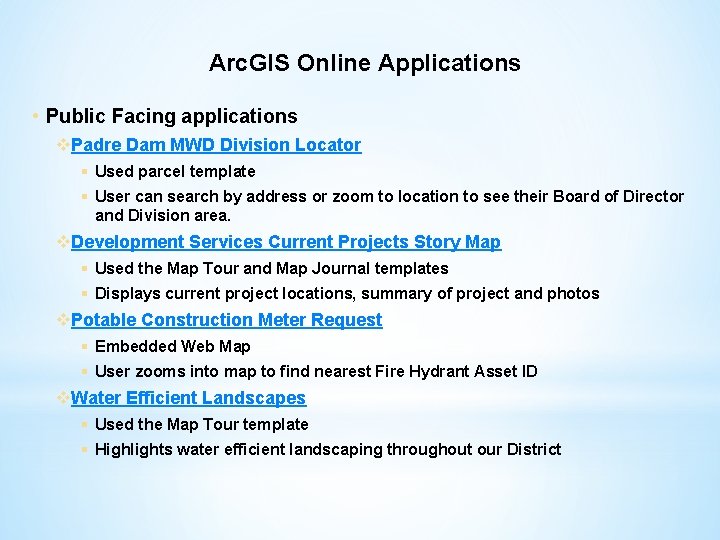
Arc. GIS Online Applications • Public Facing applications v. Padre Dam MWD Division Locator § Used parcel template § User can search by address or zoom to location to see their Board of Director and Division area. v. Development Services Current Projects Story Map § Used the Map Tour and Map Journal templates § Displays current project locations, summary of project and photos v. Potable Construction Meter Request § Embedded Web Map § User zooms into map to find nearest Fire Hydrant Asset ID v. Water Efficient Landscapes § Used the Map Tour template § Highlights water efficient landscaping throughout our District
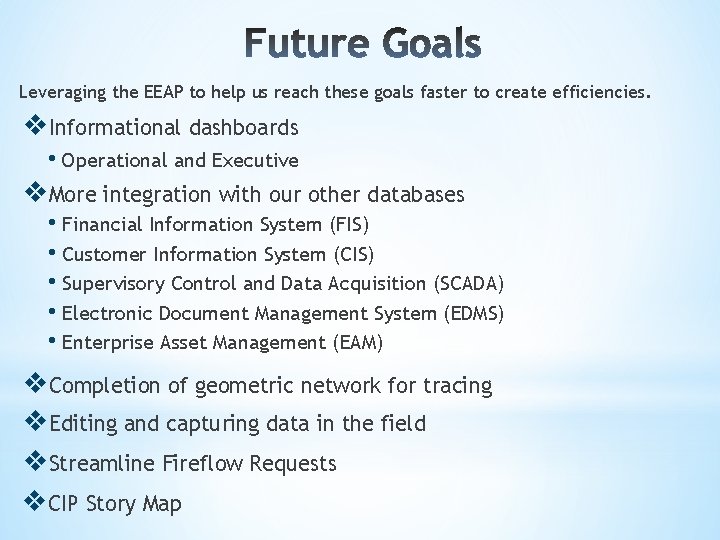
Leveraging the EEAP to help us reach these goals faster to create efficiencies. v. Informational dashboards • Operational and Executive v. More integration with our other databases • Financial Information System (FIS) • Customer Information System (CIS) • Supervisory Control and Data Acquisition (SCADA) • Electronic Document Management System (EDMS) • Enterprise Asset Management (EAM) v. Completion of geometric network for tracing v. Editing and capturing data in the field v. Streamline Fireflow Requests v. CIP Story Map