
Collecting Performance Metrics By Tracy Boggiano About Me
Collecting Performance Metrics By Tracy Boggiano
About Me SQL EXPERIENCE • 19+ years experience on SQL Server dating back to 6. 5 • Idera Ace 2018 and Idera Superstar 2018 PASS INVOLVEMENT • Co-leader of SIG Advanced DBA of Tri. Pass In Raleigh • Leading getting Linux content in the existing Virtual Groups TRACY BOGGIANO Database Superhero Broadvine VOLUNTEER WORK • Founder of We. Speak. Linux. com • Member of Speaking. Mentors. com • Volunteer with abused and neglected foster children through the NC Guardian ad Litem (volunteerforgal. org) also known as CASA nationwide (casaforchildren. org) Database Superhero 2018 3
Agenda • Why • When • What • How
Why Database Superhero 2018
Why Having Performance Metrics is Important • Understanding the trends in your environment • You can find a problem before someone complains • Proactive tuning • Makes troubleshooting easier • Capacity planning
Why Having Performance Metrics is Important • Gives you a baseline to show normal performance • • What’s the normal CPU Utilization How much memory is used for Buffer Pool vs. Plan Cache What is the PLE (Page Life Expectancy) Shows you abnormalities that need to be investigated • • CPU suddenly increases by 10% • PLE is lower than normal Is the Buffer Pool lower than normal or Plan Cache higher than normal
When Database Superhero 2018
When Should You Collect Performance Metrics • All the time • Collect samples on a regular interval such as every 30 seconds • Some things that we don’t cover such as table space less frequently
What Database Superhero 2018
What Systems Should You Collect Metrics On • Production is most important • But your test environment is “production” to your developers • Answer “ALL OF THEM”
How Database Superhero 2018
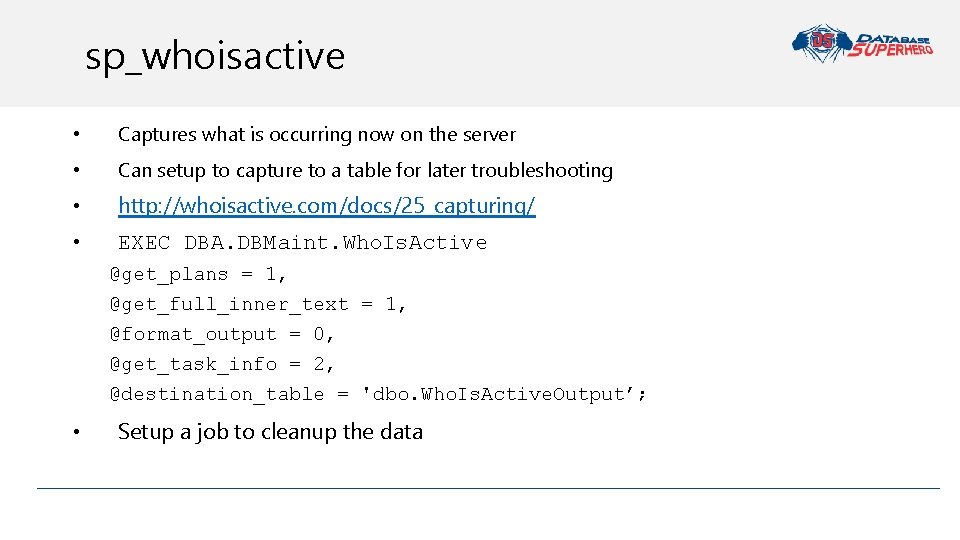
sp_whoisactive • Captures what is occurring now on the server • Can setup to capture to a table for later troubleshooting • http: //whoisactive. com/docs/25_capturing/ • EXEC DBA. DBMaint. Who. Is. Active @get_plans = 1, @get_full_inner_text = 1, @format_output = 0, @get_task_info = 2, @destination_table = 'dbo. Who. Is. Active. Output’; • Setup a job to cleanup the data
Query Store • • • Fix queries that have recently regressed Identify top queries Audit the history of query plans for a given query Analyze the resource usage patterns for a particular database In 2017 • It shows us wait stats for each query • Auto plan correction
Open Query Store • For those who can’t upgrade to 2016/2017 (yet) • Come with reports integrate with SSMS • Backwards compatible to 2008 • Opensource
Telegraf Solution Database Superhero 2018
Influx. DB • Open Source • Time Series Database • Name implies optimized for time-stamped or time series data • So it’s created for storing monitoring data • Tracks events tracked, monitored, downsampled, and aggregated over time
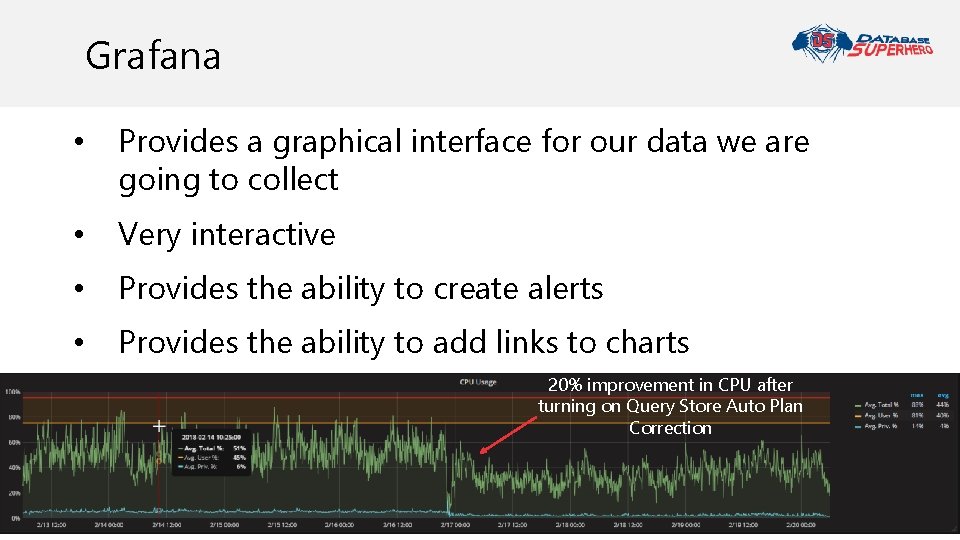
Grafana • Provides a graphical interface for our data we are going to collect • Very interactive • Provides the ability to create alerts • Provides the ability to add links to charts 20% improvement in CPU after turning on Query Store Auto Plan Correction
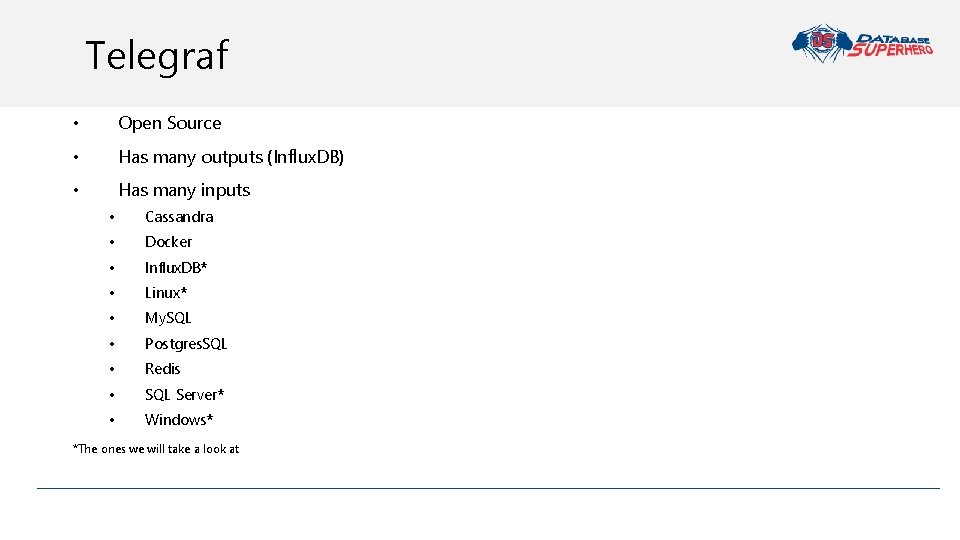
Telegraf • Open Source • Has many outputs (Influx. DB) • Has many inputs • Cassandra • Docker • Influx. DB* • Linux* • My. SQL • Postgres. SQL • Redis • SQL Server* • Windows* *The ones we will take a look at
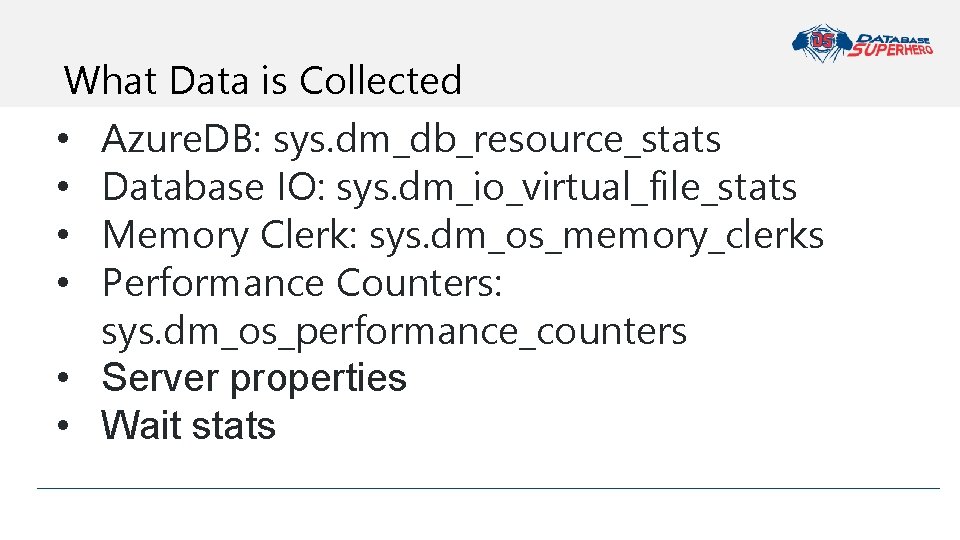
What Data is Collected • Azure. DB: sys. dm_db_resource_stats • Database IO: sys. dm_io_virtual_file_stats • Memory Clerk: sys. dm_os_memory_clerks • Performance Counters: sys. dm_os_performance_counters • Server properties • Wait stats
Installation Database Superhero 2018
Install and Configure Influx. DB • Go to website and use commands for operating system • Using Linux a few extra steps • Start the service • Set to auto start • Add ports to firewall • Create database • Set retention policy
Install and Configure Grafana • Go to website and use commands for operating system • Using Linux a few extra steps • Start the service • Set to auto start • Add ports to firewall • Add Influx. DB as data source • Import dashboards
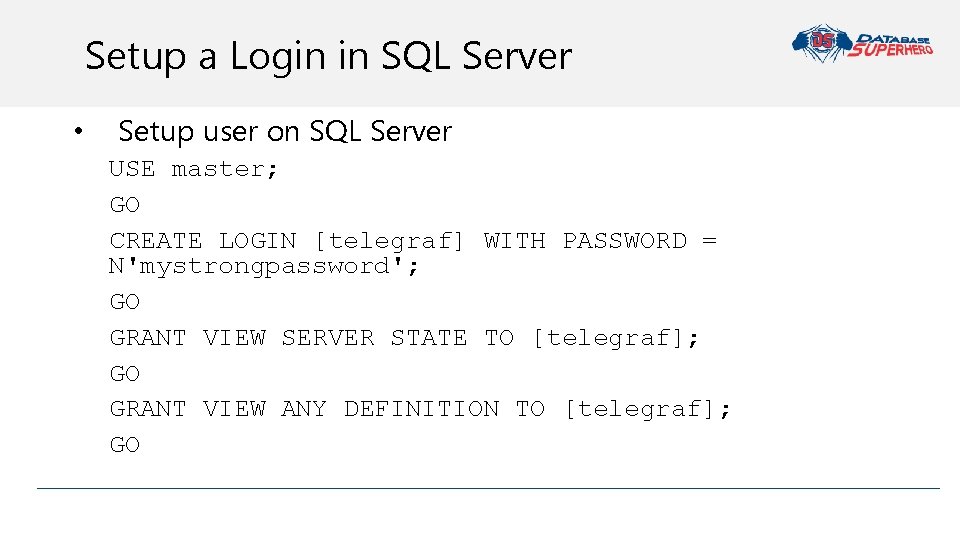
Setup a Login in SQL Server • Setup user on SQL Server USE master; GO CREATE LOGIN [telegraf] WITH PASSWORD = N'mystrongpassword'; GO GRANT VIEW SERVER STATE TO [telegraf]; GO GRANT VIEW ANY DEFINITION TO [telegraf]; GO
How to Setup Telegraf • Download from website from nightly builds (https: //dl. influxdata. com/telegraf/nightlies/tel egraf-nightly_windows_amd 64. zip) • Unzip to a network folder • Later we will Power. Shell to install on Windows • Then let’s setup the config file(s)
Demo Go through conf file Database Superhero 2018
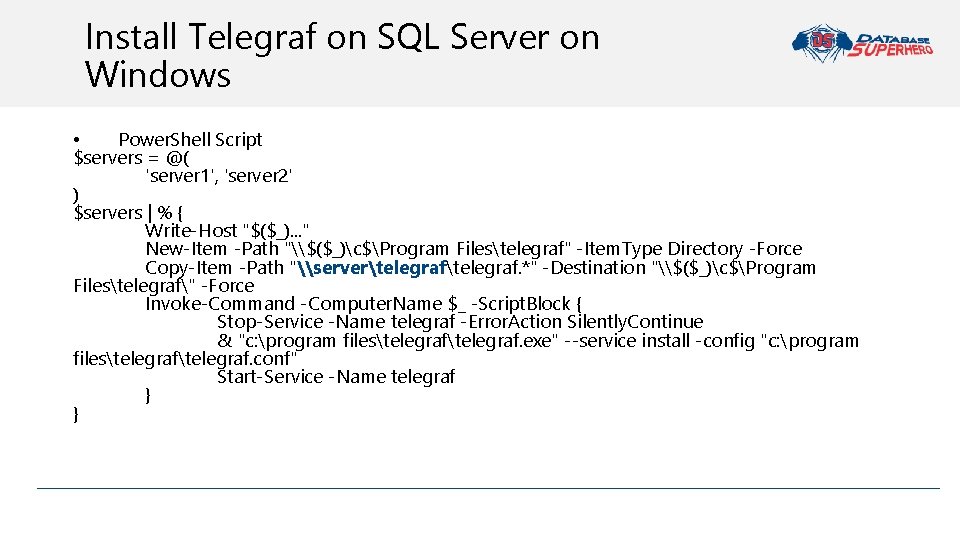
Install Telegraf on SQL Server on Windows • Power. Shell Script $servers = @( 'server 1', 'server 2' ) $servers | % { Write-Host "$($_). . . " New-Item -Path "\$($_)c$Program Filestelegraf" -Item. Type Directory -Force Copy-Item -Path "\servertelegraf. *" -Destination "\$($_)c$Program Filestelegraf" -Force Invoke-Command -Computer. Name $_ -Script. Block { Stop-Service -Name telegraf -Error. Action Silently. Continue & "c: program filestelegraf. exe" --service install -config "c: program filestelegraf. conf" Start-Service -Name telegraf } }
Install Telegraf on SQL Server on Linux • Go to website and use commands for operating system • Using Linux a few extra steps • • Create config file Edit config file Start the service Set to auto start
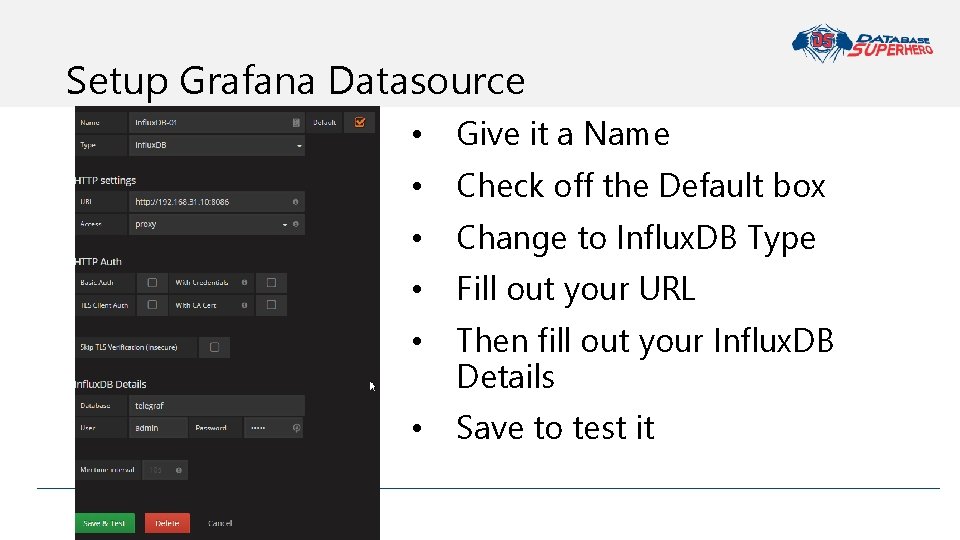
Setup Grafana Datasource • Give it a Name • Check off the Default box • Change to Influx. DB Type • Fill out your URL • Then fill out your Influx. DB Details • Save to test it
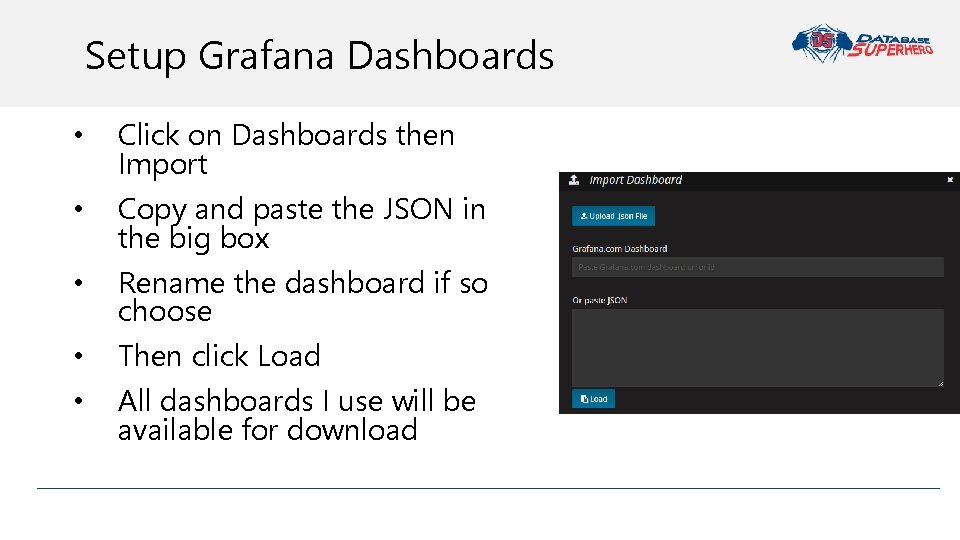
Setup Grafana Dashboards • • • Click on Dashboards then Import Copy and paste the JSON in the big box Rename the dashboard if so choose Then click Load All dashboards I use will be available for download
Demo Datasources Check load dashboards and checkout stats Query Store Database Superhero 2018
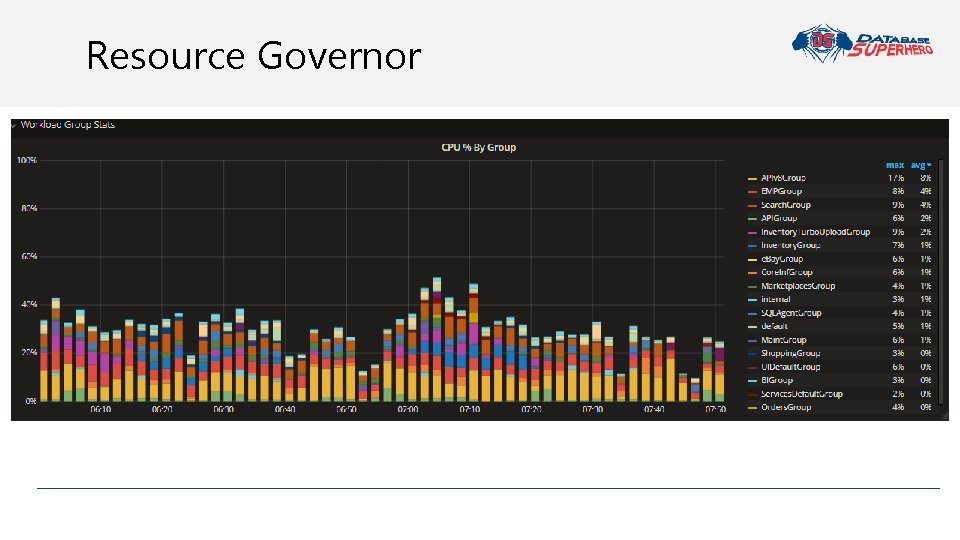
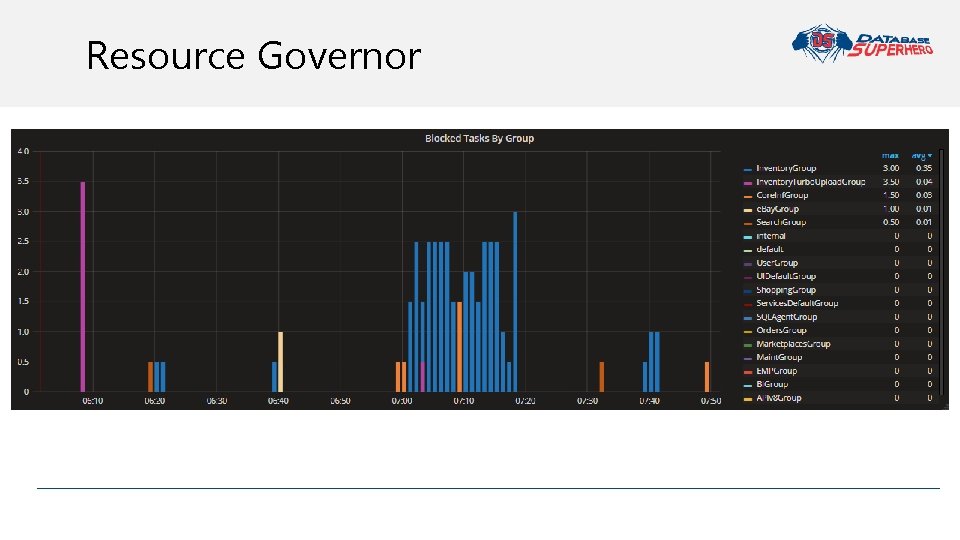
Resource Governor
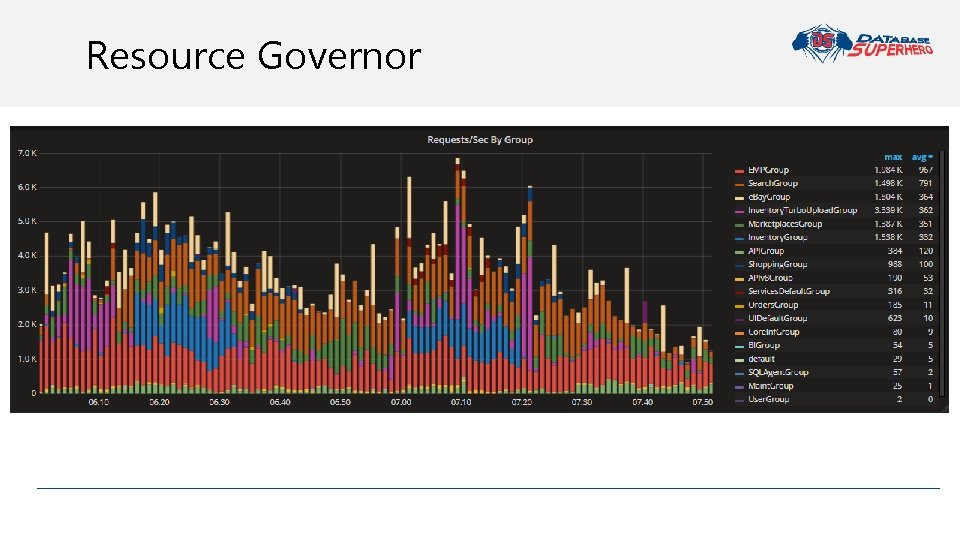
Resource Governor
Resource Governor
Demo What Interrupted My Nap One Saturday? #On. Call. Selfie Database Superhero 2018
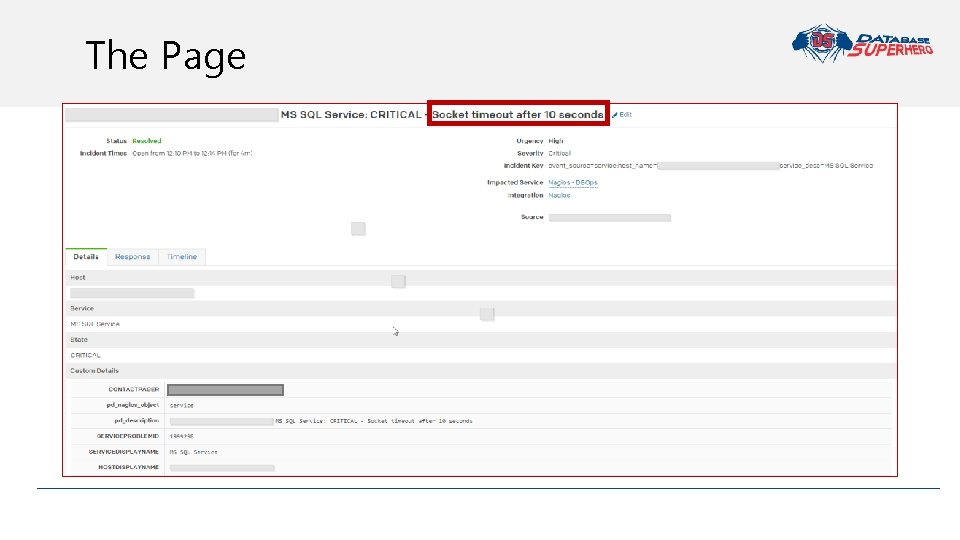
The Page
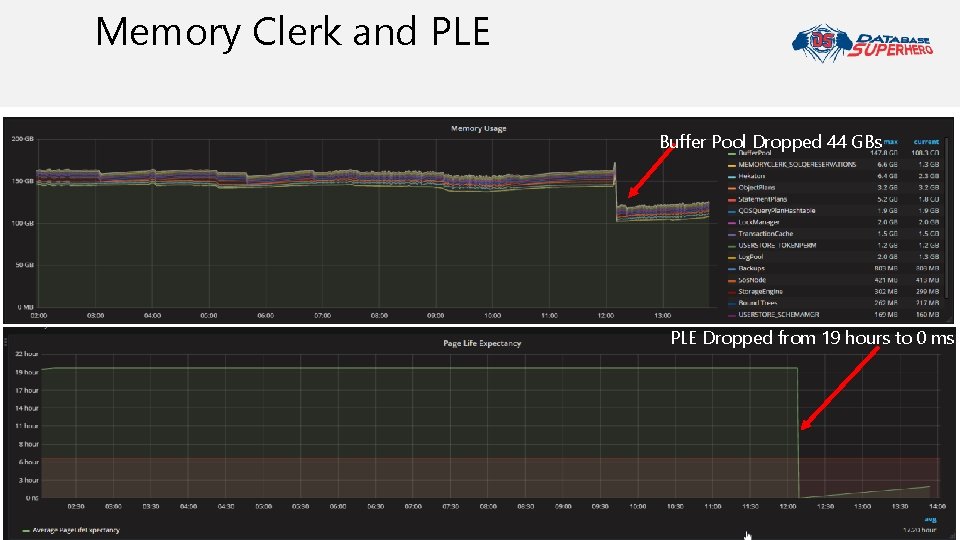
Memory Clerk and PLE Buffer Pool Dropped 44 GBs PLE Dropped from 19 hours to 0 ms
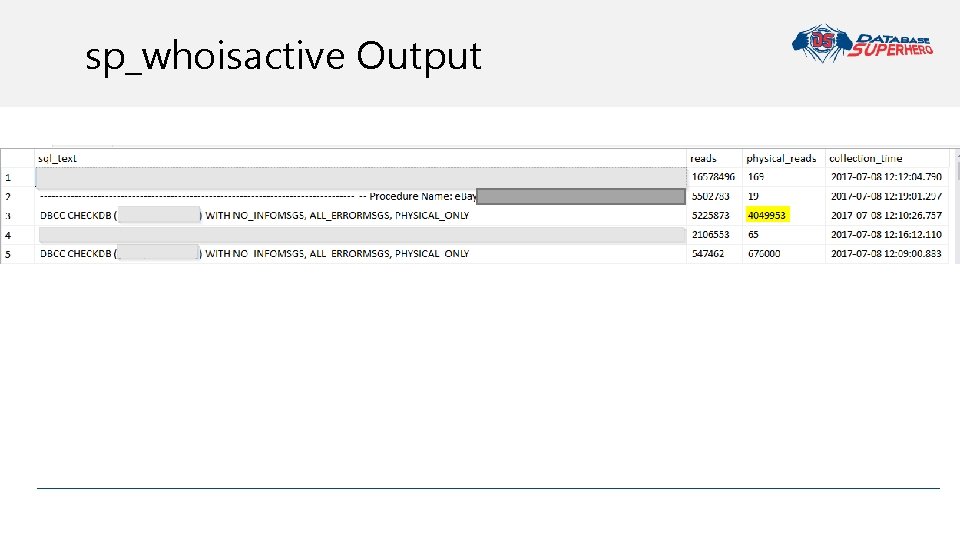
sp_whoisactive Output

#On. Call. Selfie
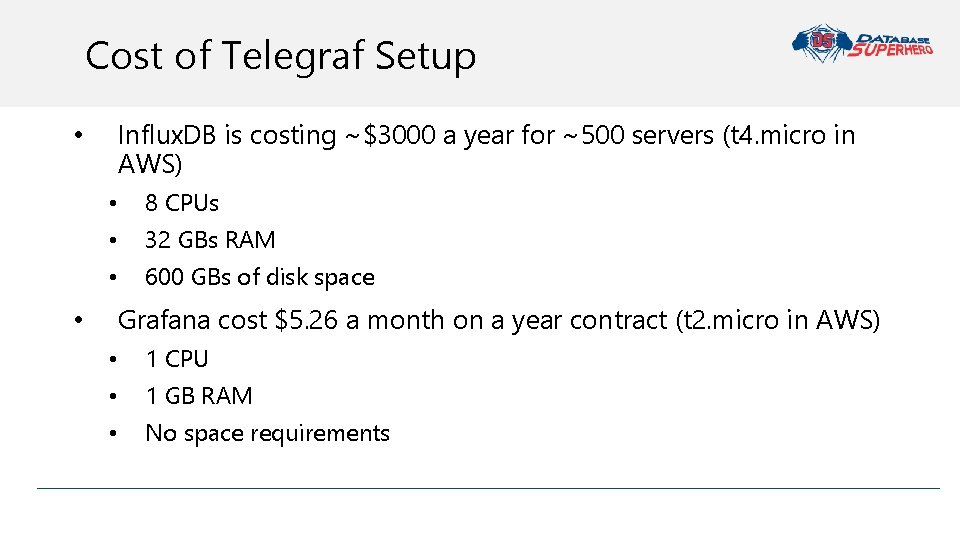
Cost of Telegraf Setup Influx. DB is costing ~$3000 a year for ~500 servers (t 4. micro in AWS) • • 8 CPUs • 32 GBs RAM • 600 GBs of disk space Grafana cost $5. 26 a month on a year contract (t 2. micro in AWS) • • 1 CPU • 1 GB RAM • No space requirements
Resources • Capture sp_showisactive to table - http: //whoisactive. com/docs/25_capturing/ • Monitoring Performance By Using the Query Store - https: //docs. microsoft. com/en -us/sql/relational-databases/performance/monitoring-performance-by-using-thequery-store • Open Query Store - https: //github. com/Open. Query. Store • Query Store Primer Presentation - http: //tracyboggiano. com/download/querystore-primer/ • Install SQL on Linux - https: //docs. microsoft. com/en-us/sql/linux/quickstart-installconnect-red-hat
Resources • Telegraf Plugin - https: //github. com/influxdata/telegraf/ • Influx. DB – http: //influxdb. com • Grafana – http: //Grafana. com • Guide for Setting up Telegraf - http: //tracyboggiano. com/archive/2018/02/setup-oftelegraf • SQLskills Waits Library - https: //www. sqlskills. com/help/waits/ • Wait Stats - https: //docs. microsoft. com/en-us/sql/relational-databases/system-catalogviews/sys-query-store-wait-stats-transact-sql • Mark’s Announcement - https: //m 82 labs. com/news-01 • Mark’s Podcasts on Resource Governor http: //sqldatapartners. com/2017/03/15/episode-87 -resource-governor/

Questions?

Contact Info EMAIL tracy@tracyboggiano. com TWITTER @Tracy. Boggiano MY WEBSITE databasesuperhero. com
- Slides: 43