
Collecting IBM i performance data for sizing with
Collecting IBM i performance data for sizing with Disk Magic Jana Jamsek ATS Europe © 2011 IBM Corporation
IBM Storage Systems Typical IBM i workloads § Day timeframe – On-line transactions – Transaction response time is important § Night timeframe –Batch job • Transactions • Copying of libraries • Save to tape – Duration of batch job is important § Depending on the customer’s preference size for Daily workload, Batch job, or both © 2011 IBM Corporation
IBM Storage Systems Collection periods § Depending on the customer’s preference –Daily time –Batch job time – 24 hours § Recommended to collect during 3 consecutive days § plus Recommenced to collect during hevay End-of-month job © 2011 IBM Corporation
IBM Storage Systems Needed data for sizing and modelling § Performance Tools (Collection Services) data – 5770 -PT 1 § Needed reports for sizing external storage –System report / Disk utilization –Resource report / Disk utilization –Component report / Disk activity –Note: System report / Storage Pool utilization is no more needed for Disk Magic © 2011 IBM Corporation
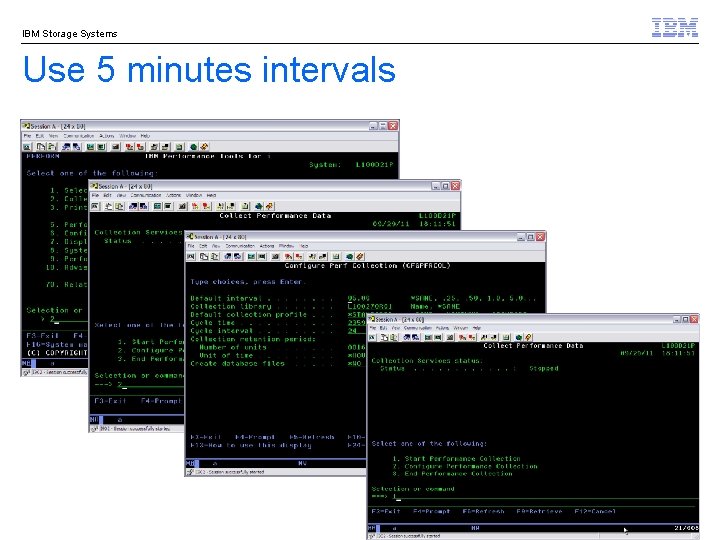
IBM Storage Systems Use 5 minutes intervals © 2011 IBM Corporation
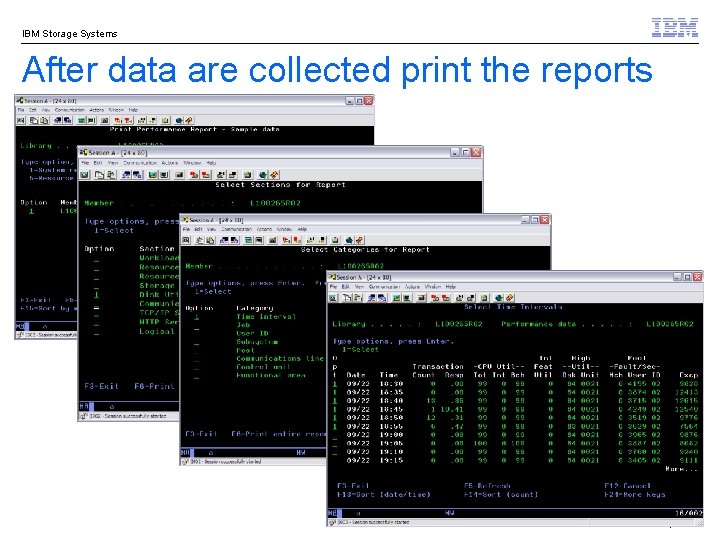
IBM Storage Systems After data are collected print the reports © 2011 IBM Corporation
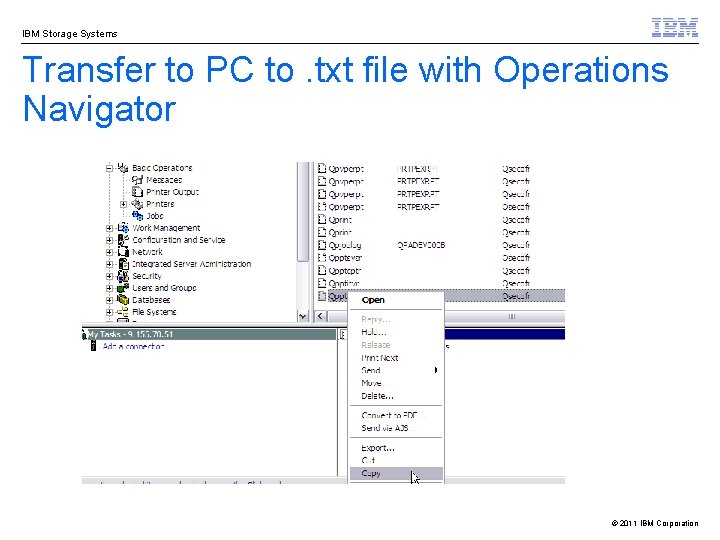
IBM Storage Systems Transfer to PC to. txt file with Operations Navigator © 2011 IBM Corporation
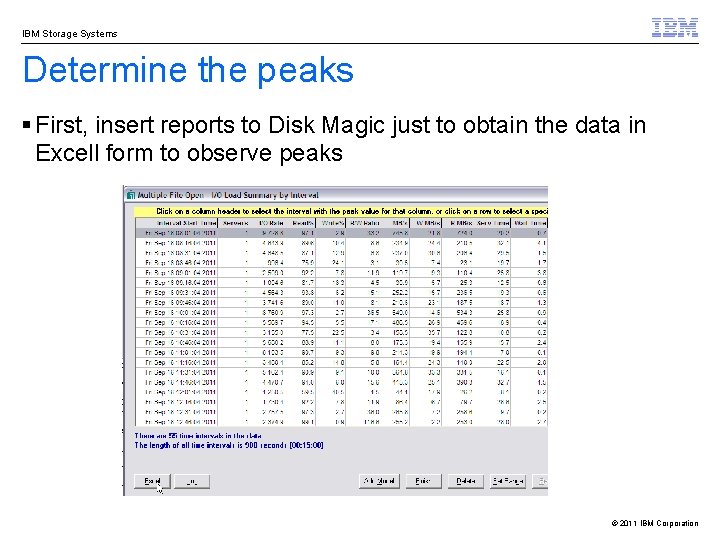
IBM Storage Systems Determine the peaks § First, insert reports to Disk Magic just to obtain the data in Excell form to observe peaks © 2011 IBM Corporation
IBM Storage Systems Determine the peaks - continue § Graphs from Disk Magic spreadsheet § Reports from 7 consecutive days 1. Oct candidate for peak © 2011 IBM Corporation
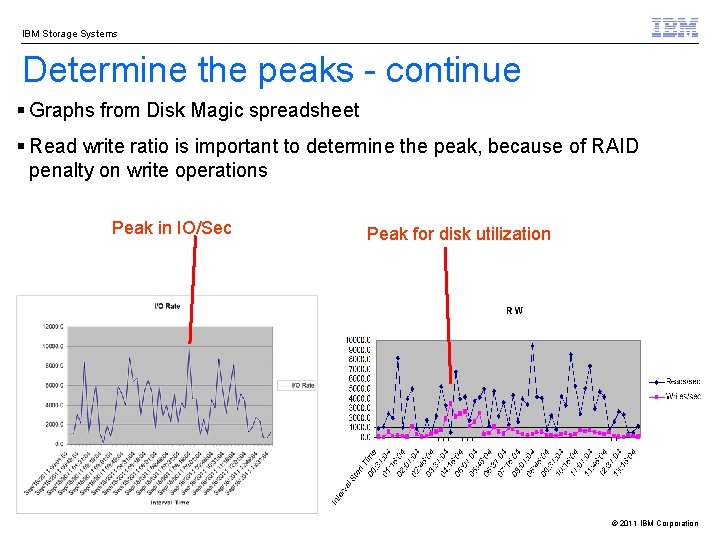
IBM Storage Systems Determine the peaks - continue § Graphs from Disk Magic spreadsheet § Read write ratio is important to determine the peak, because of RAID penalty on write operations Peak in IO/Sec Peak for disk utilization © 2011 IBM Corporation
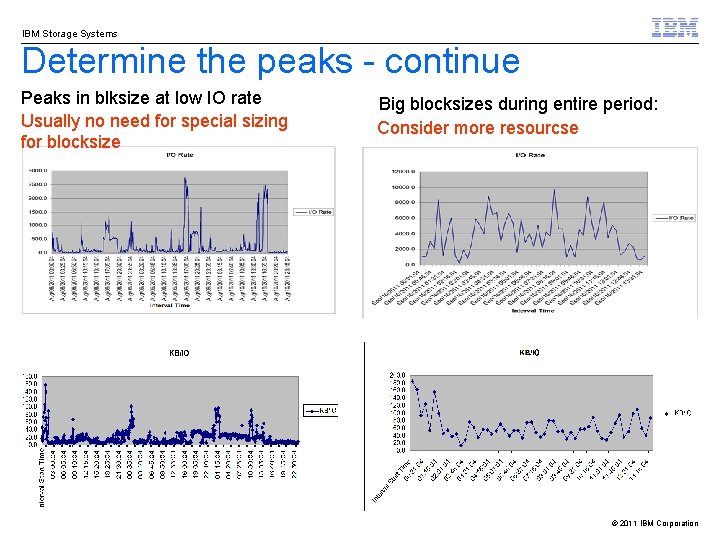
IBM Storage Systems Determine the peaks - continue Peaks in blksize at low IO rate Usually no need for special sizing for blocksize Big blocksizes during entire period: Consider more resourcse © 2011 IBM Corporation
IBM Storage Systems Best practise § Size for the peak for disk utilization § Consider big blocksizes if needed § Use Disk Magic to model –Peak by IO/sec –Peak by MB/sec –Peak by write MB/sec –Average © 2011 IBM Corporation
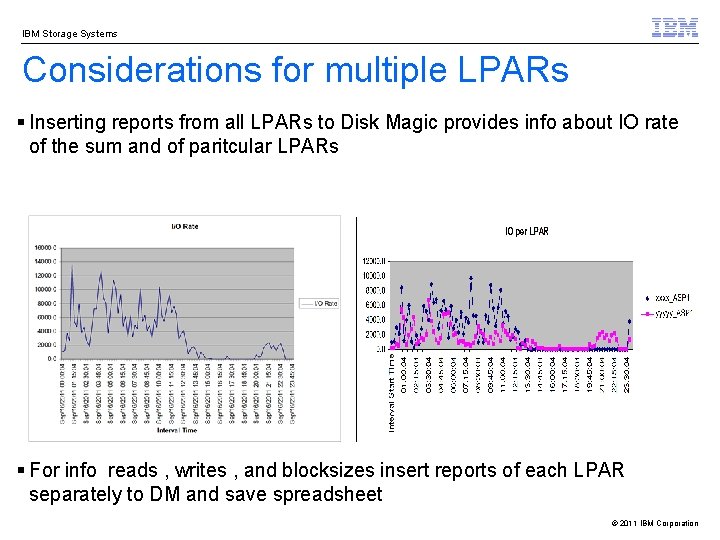
IBM Storage Systems Considerations for multiple LPARs § Inserting reports from all LPARs to Disk Magic provides info about IO rate of the sum and of paritcular LPARs § For info reads , writes , and blocksizes insert reports of each LPAR separately to DM and save spreadsheet © 2011 IBM Corporation
IBM Storage Systems Best practise § With multiple LPARs – If LPARs will use dedicated ranks size for the peak in each LPAR –If LPARs will share ranks size for peak of the sum; or size for the peak in each LPAR if they are important –Model the peaks of the sum © 2011 IBM Corporation
- Slides: 14