
Collaborative Construction Contents Introduction Overview of Collaborative Development
Collaborative Construction
Contents Introduction Overview of Collaborative Development Practices Pair Programming Formal Inspections Other Kinds of Collaborative Development Practices • Comparison of Collaborative Construction Techniques • Key Points • • •
Introduction • Collaboration is the action of working with someone to produce something. • Collaboration in the workplace is when two or more people work together through idea sharing and thinking to accomplish a common goal. • All collaborative construction techniques are attempts to formalize the process of showing your work to someone else for the purpose of flushing out errors.
Overview of Collaborative Development Practices • Collaborative construction refers to – pair programming – formal inspections – informal technical reviews – document reading • as well as other techniques in which developers share responsibility for creating code and other work products.
Overview of Collaborative Development Practices • All collaborative construction techniques, despite their differences, are based on the ideas that developers are blind to some of the trouble spots in their work, that other people don’t have the same blind spots, and that it’s beneficial for developers to have someone else look at their work. • Studies at the Software Engineering Institute have found that developers insert an average of 1 to 3 defects per hour into their designs and 5 to 8 defects per hour into code (Humphrey 1997), so attacking these blind spots is a key to effective construction.
Overview of Collaborative Development Practices • Some benefits of collaborative development practices are – Collaborative Construction Complements Other Quality-Assurance Techniques. – Collaborative Construction Provides Mentoring in Corporate Culture and Programming Expertise. – Collective Ownership Applies to All Forms of Collaborative Construction.
Pair Programming • When pair programming – one programmer types in code at the keyboard – the other programmer watches for mistakes – and thinks strategically about whether the code is being written correctly and whether the right code is being written.
Keys to Success with Pair Programming • The basic concept of pair programming is simple, but following guidelines are key to success with pair programming – Support pair programming with coding standards – Don’t let pair programming turn into watching – Don’t force pair programming of the easy stuff – Rotate pairs and work assignments regularly
Keys to Success with Pair Programming – Encourage pairs to match each other’s pace – Make sure both partners can see the monitor – Don’t force people who don’t like each other to pair – Avoid pairing all newbies – Assign a team leader
Benefits of Pair Programming • Pair programming benefits: produces numerous – It holds up better under stress than solo development. Pairs encourage each other to keep code quality high even when there’s pressure to write quick and dirty code. – It improves code quality. The readability and understandability of the code tends to rise to the level of the best programmer on the team.
Benefits of Pair Programming – It shortens schedules. Pairs tend to write code faster and with fewer errors. The project team spends less time at the end of the project correcting defects. – It produces all the other general benefits of collaborative construction, including disseminating corporate culture, mentoring junior programmers, and fostering collective ownership.
Formal Inspections • An inspection is a specific kind of review that has been shown to be extremely effective in detecting defects and to be relatively economical compared to testing. • Inspections were developed by Michael Fagan and used at IBM for several years before Fagan published the paper that made them public.
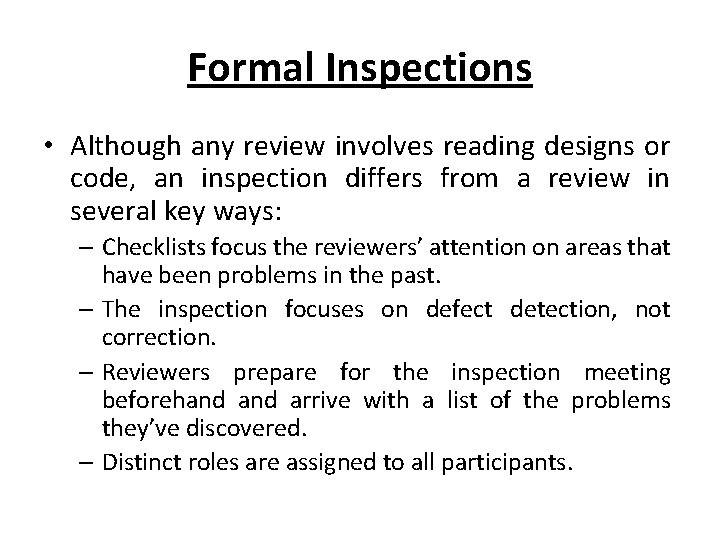
Formal Inspections • Although any review involves reading designs or code, an inspection differs from a review in several key ways: – Checklists focus the reviewers’ attention on areas that have been problems in the past. – The inspection focuses on defect detection, not correction. – Reviewers prepare for the inspection meeting beforehand arrive with a list of the problems they’ve discovered. – Distinct roles are assigned to all participants.
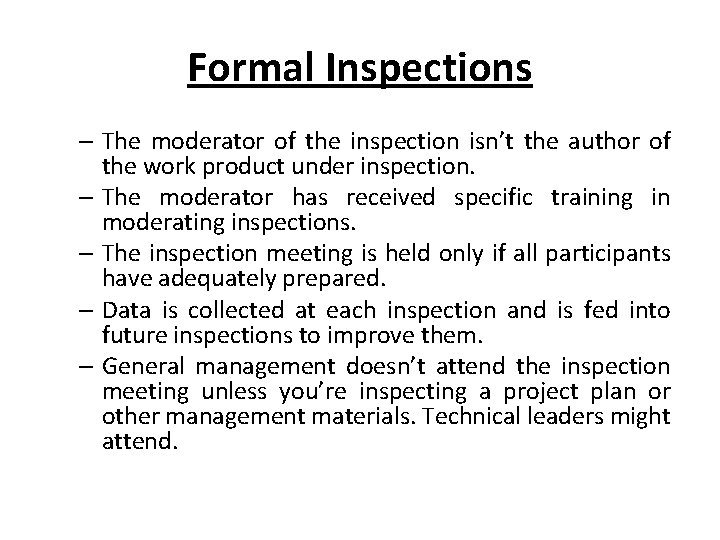
Formal Inspections – The moderator of the inspection isn’t the author of the work product under inspection. – The moderator has received specific training in moderating inspections. – The inspection meeting is held only if all participants have adequately prepared. – Data is collected at each inspection and is fed into future inspections to improve them. – General management doesn’t attend the inspection meeting unless you’re inspecting a project plan or other management materials. Technical leaders might attend.
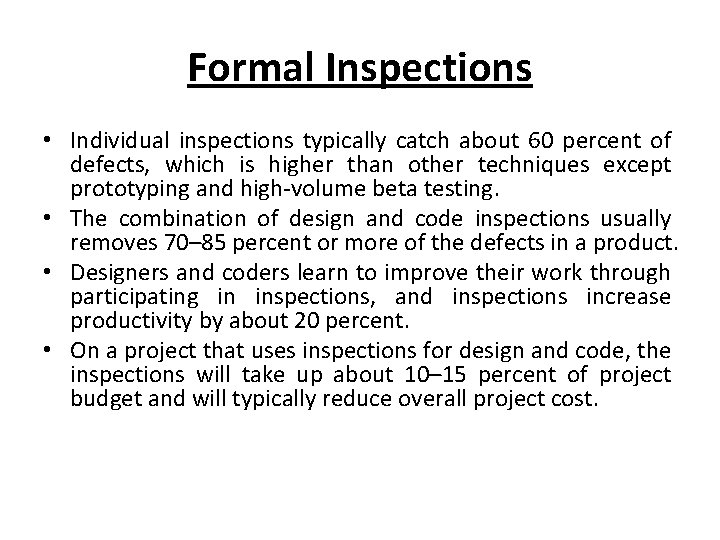
Formal Inspections • Individual inspections typically catch about 60 percent of defects, which is higher than other techniques except prototyping and high-volume beta testing. • The combination of design and code inspections usually removes 70– 85 percent or more of the defects in a product. • Designers and coders learn to improve their work through participating in inspections, and inspections increase productivity by about 20 percent. • On a project that uses inspections for design and code, the inspections will take up about 10– 15 percent of project budget and will typically reduce overall project cost.
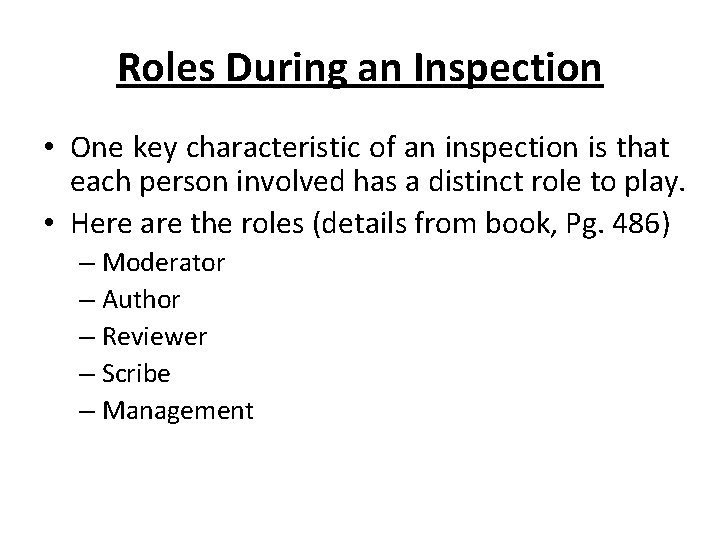
Roles During an Inspection • One key characteristic of an inspection is that each person involved has a distinct role to play. • Here are the roles (details from book, Pg. 486) – Moderator – Author – Reviewer – Scribe – Management
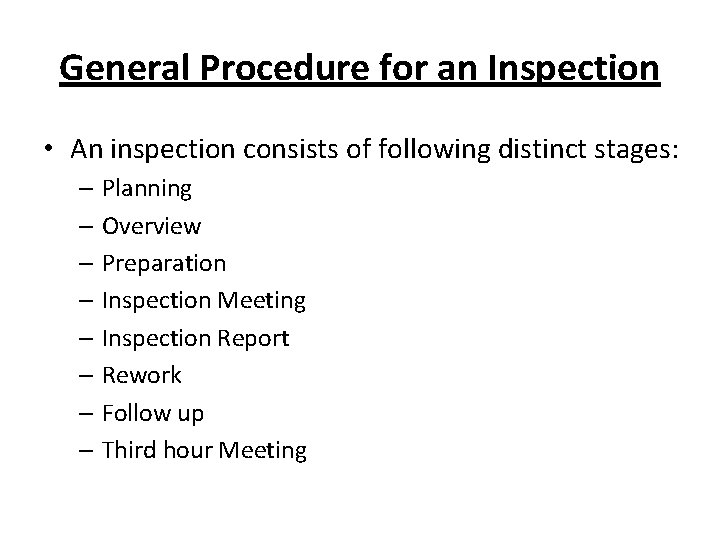
General Procedure for an Inspection • An inspection consists of following distinct stages: – Planning – Overview – Preparation – Inspection Meeting – Inspection Report – Rework – Follow up – Third hour Meeting
General Procedure for an Inspection • Planning: – The author gives the design or code to the moderator. – The moderator decides who will review the material and when and where the inspection meeting will occur; the moderator then distributes the design or code and a checklist that focuses the attention of the inspectors. – Materials should be printed with line numbers to speed up error identification during the meeting.
General Procedure for an Inspection • Overview – When the reviewers aren’t familiar with the project they are reviewing, the author can spend up to an hour or so describing the technical environment within which the design or code has been created. – Having an overview tends to be a dangerous practice because it can lead to a glossing over of unclear points in the design or code under inspection. – The design or code should speak for itself; the overview shouldn’t speak for it.
General Procedure for an Inspection • Preparation – Each reviewer works alone to scrutinize the design or code for errors. – The reviewers use the checklist to stimulate and direct their examination of the review materials. – Some organizations have found that inspections are more effective when each reviewer is assigned a specific perspective. – A reviewer might be asked to prepare for the inspection from the point of view of the maintenance programmer, the customer, or the designer, for example. Research on perspective-based reviews suggests that perspectivebased reviews might uncover more errors than general reviews.
General Procedure for an Inspection • Inspection Meeting – The moderator chooses someone other than the author to paraphrase the design or read the code. – All logic is explained, including each branch of each logical structure. – During this presentation, the scribe records errors as they are detected, but discussion of an error stops as soon as it’s recognized as an error. – The scribe notes the type and the severity of the error, and the inspection moves on.
General Procedure for an Inspection – The rate at which the design or the code is considered should be neither too slow nor too fast. – If it’s too slow, attention can lag and the meeting won’t be productive. – If it’s too fast, the group can overlook errors it would otherwise catch. – Don’t discuss solutions during the meeting. – The group should stay focused on identifying defects
General Procedure for an Inspection • Rework – The moderator assigns defects to someone, usually the author, for repair. – The assignee resolves each defect on the list.
General Procedure for an Inspection • Inspection Report – Within a day of the inspection meeting, the moderator produces an inspection report (e-mail or equivalent) that lists each defect, including its type and severity. – The inspection report helps to ensure that all defects will be corrected, and it’s used to develop a checklist that emphasizes problems specific to the organization. – If you collect data on the time spent and the number of errors found over time, you can respond to challenges about inspection’s efficacy with hard data. – Otherwise, you’ll be limited to saying that inspections seem better.
General Procedure for an Inspection • Follow-Up – The moderator is responsible for seeing that all rework assigned during the inspection is carried out. – Depending on the number of errors found and the severity of those errors, you might follow up by • having the reviewers re-inspect the entire work product • having the reviewers re-inspect only the fixes • allowing the author to complete the fixes without any follow-up.
General Procedure for an Inspection • Third-Hour Meeting – Even though during the inspection participants aren’t allowed to discuss solutions to the problems raised, some might still want to. – You can hold an informal, third-hour meeting to allow interested parties to discuss solutions after the official inspection is over.
Other Kinds of Collaborative Development Practices • Some other collaborative development practices are “Walk-throughs” and “Code Reading”.
Walk-Throughs • A walk-through is a popular kind of review. • The term is loosely defined, and at least some of its popularity can be attributed to the fact that people can call virtually any kind of review a “walk-through. ” • Because the term is so loosely defined, it’s hard to say exactly what a walk-through is. • Certainly, a walk-through involves two or more people discussing a design or code.
Walk-Throughs • Walk-through might be as informal as a casual session around a whiteboard; it might be as formal as a scheduled meeting with an overhead presentation prepared by the art department and a formal summary sent to management. • In one sense, “where two or three are gathered together, ” there is a walk-through.
Walk-Throughs • A few things that all walkthroughs have in common are: – The walk-through is usually hosted and moderated by the author of the design or code under review. – The walk-through focuses on technical issues—it’s a working meeting. – All participants prepare for the walk-through by reading the design or code and looking for errors.
Walk-Throughs – The walk-through is a chance for senior programmers to pass on experience and corporate culture to junior programmers. It’s also a chance for junior programmers to present new methodologies and to challenge timeworn, possibly obsolete, assumptions. – A walk-through usually lasts 30 to 60 minutes. – The emphasis is on error detection, not correction. – Management doesn’t attend.
Code Reading • Code reading is an alternative to inspections and walk-throughs. • In code reading, you read source code and look for errors. • You also comment on qualitative aspects of the code, such as its design, style, readability, maintainability, and efficiency.
Code Reading • A study at NASA’s Software Engineering Laboratory found that code reading detected about 3. 3 defects per hour of effort. • Testing detected about 1. 8 errors per hour. • Like the idea of a walk-through, the concept of code reading is loosely defined. • A code reading usually involves two or more people reading code independently and then meeting with the author of the code to discuss it.
Code Reading • Here’s how code reading goes: – In preparation for the meeting, the author of the code hands out source listings to the code readers. The listings are from 1000 to 10, 000 lines of code; 4000 lines is typical. – Two or more people read the code. Use at least two people to encourage competition between the reviewers. If you use more than two, measure everyone’s contribution so that you know how much the extra people contribute.
Code Reading – Reviewers read the code independently. Estimate a rate of about 1000 lines a day. – When the reviewers have finished reading the code, the code-reading meeting is hosted by the author of the code. The meeting lasts one or two hours and focuses on problems discovered by the code readers. No one makes any attempt to walk through the code line by line. The meeting is not even strictly necessary. – The author of the code fixes the problems identified by the reviewers.
Code Reading • The difference between code reading on the one hand inspections and walkthroughs on the other is that code reading focuses more on individual review of the code than on the meeting. • The result is that each reviewer’s time is focused on finding problems in the code. • Less time is spent in meetings in which each person contributes only part of the time and in which a substantial amount of the effort goes into moderating group dynamics. • Less time is spent delaying meetings until each person in the group can meet for two hours. • Code readings are especially valuable in situations in which reviewers are geographically dispersed.
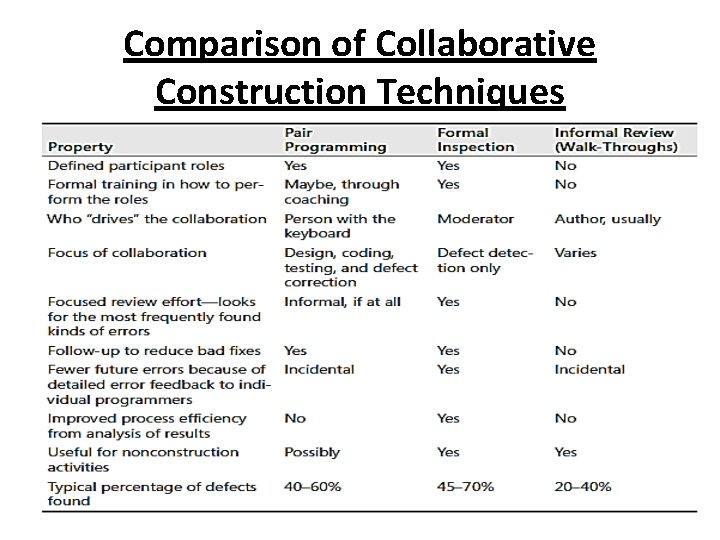
Comparison of Collaborative Construction Techniques
![Readings • [Chapter 22] Code Complete: A Practical Handbook of Software Construction by Steve](http://slidetodoc.com/presentation_image_h2/9ee61a96903456f82255862198b1e128/image-38.jpg "Readings • [Chapter 22] Code Complete: A Practical Handbook of Software Construction by Steve")
Readings • [Chapter 22] Code Complete: A Practical Handbook of Software Construction by Steve Mc. Connell, Microsoft Press; 2 nd Edition (July 7, 2004). ISBN-10: 0735619670
- Slides: 38