
Collaborating on Calendars Schedules and Task Management Windows
Collaborating on Calendars, Schedules and Task Management
Windows Live Calendar
Windows Live Calendar
Windows Live Calendar
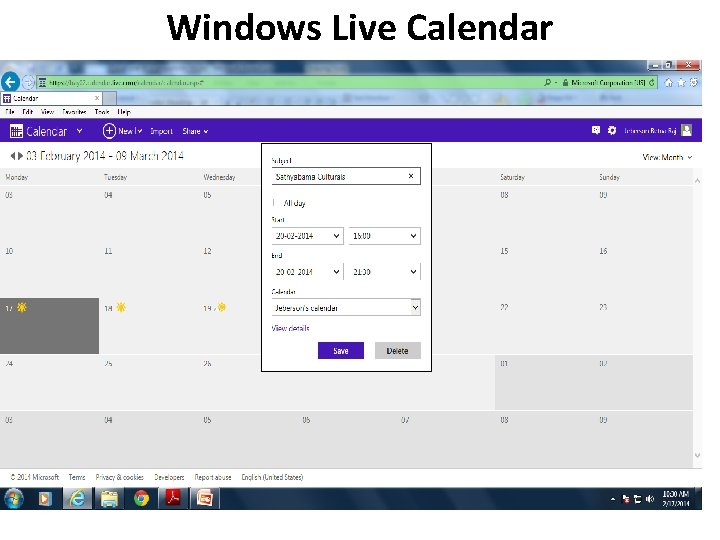
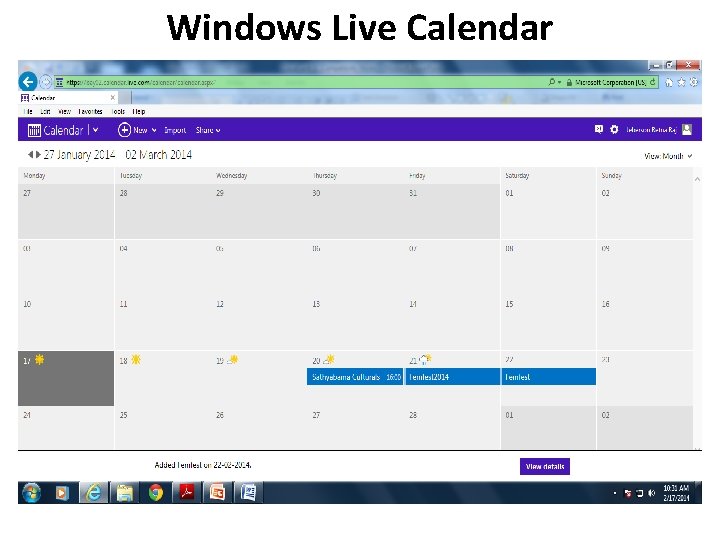
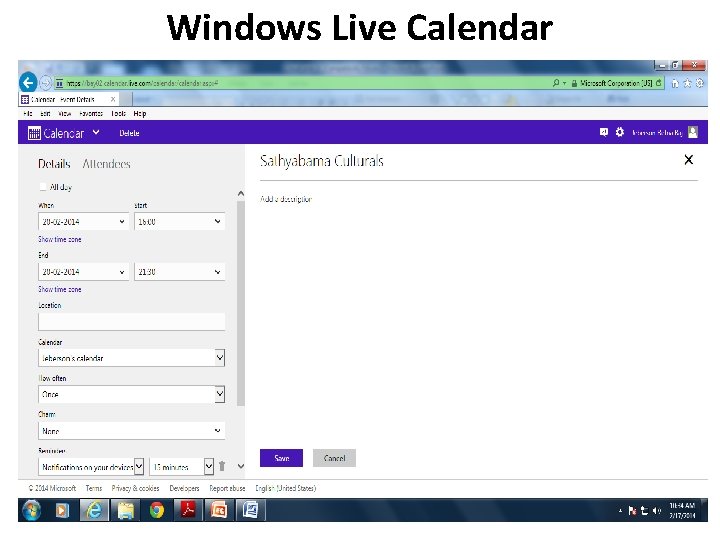
Windows Live Calendar § Windows Live Calendar (mail. live. com/mail/calendar. aspx) is Microsoft’s web-based calendar, actually part of the Windows Live Hotmail email service. § It offers tasks, like Yahoo! Calendar, and also lets you schedule meetings with other calendar and Hotmail users. § you can share your calendars with authorized users for group collaboration.
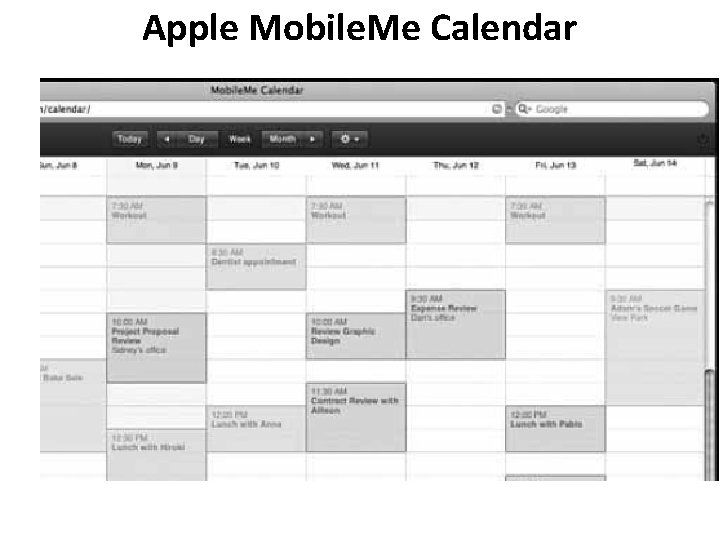
Apple Mobile. Me Calendar § Apple’s Mobile. Me (www. me. com) is a new competitor in the web-based apps market. § It includes online mail, contacts, and calendar, as well as an online photo gallery and file storage. § web-based calendar that can be accessed from any computer connected to the Internet, Mac or Windows. § it can also be accessed from Apple’s i. Phone, which makes it a truly mobile calendar. § Mobile. Me lets you create multiple calendars and display them all on the same screen, using different colors for each calendar. § Mobile. Me Calendar doesn’t offer i. Phone interoperability, § it’s bound to be a strong competitor in the online apps market, especially for non-business users. § Mobile. Me Calendar looks and feels a little slicker than all its competitors, Google Calendar
Apple Mobile. Me Calendar
AOL Calendar § America Online has millions of users, both paid subscribers and free web users. § Any registered user can access AOL Calendar (calendar. aol. com), which integrates with the AOL Instant Messenger (AIM) service for both instant messaging and email. § AOL Calendar lets you share calendars with authorized users; your calendars can be either private or public.
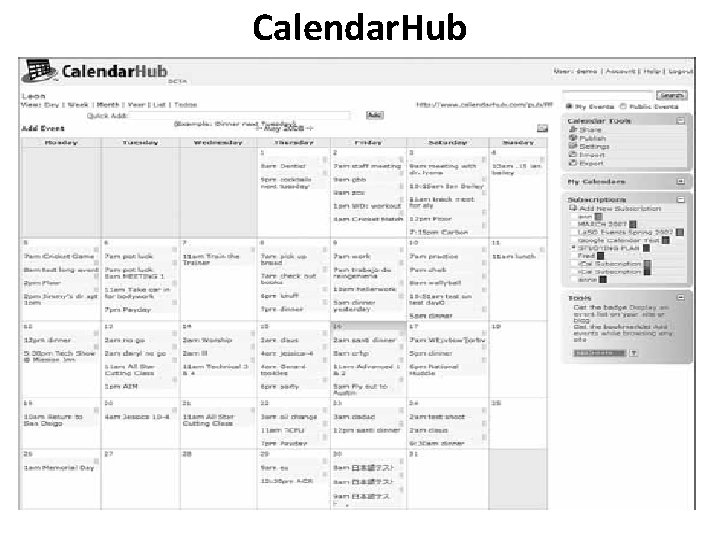
Calendar. Hub § Calendar. Hub (www. calendarhub. com), § Calendar. Hub offers all the features found in the previously discussed webbased calendars—private/public calendars, sharing/collaboration, multiple calendars, task-based to-do lists, and the like. § Calendar. Hub lets you publish calendars on your blog or website, which makes it great for creating sites for community groups, sports teams, and the like. Other users can sign up to receive email notification of new events, or subscribe to RSS feeds § it’s completely free.
Calendar. Hub
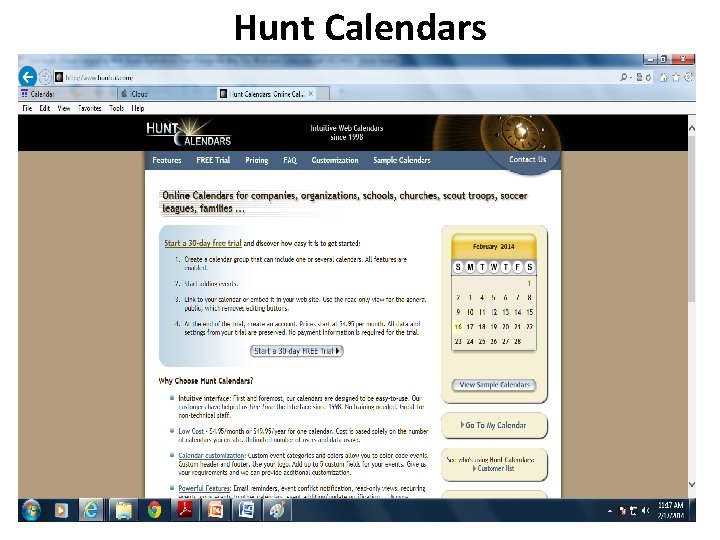
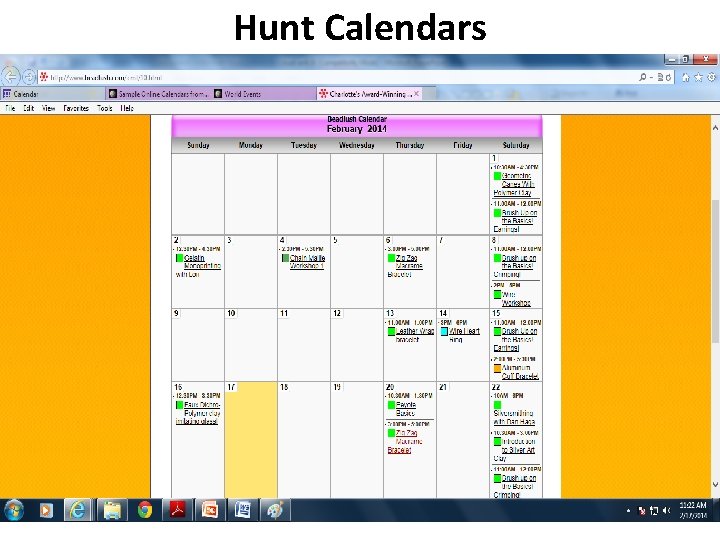
Hunt Calendars §Hunt Calendars (www. huntcal. com) offers event-based web calendars. §Useful features include email reminders, notification of event conflicts, notification of new and updated events, and the like. §The site lets you add web links and images to calendar events, which is fairly unique. §ability to customize the color scheme and graphics to reflect your organization’s look and feel. §Hunt Calendars particularly attractive to businesses and community groups.
Hunt Calendars
Hunt Calendars
Famundo § schedule for a community group, (www. famundo. com). § calendar ideal for schools, churches, sports teams, and the like. § After the public calendar has been created, users can subscribe § to be notified of new and upcoming events. § You can also add message boards, blogs, and other features to your calendar.
Famundo
e. Studio Calendar § e. Studio Calendar (www. same-page. com/calendar-software. html) is designed specifically for business use. You get three types of calendars in a single interface: § Member Event calendar helps users manage their personal time, keeptrack of meetings with others, and so on. § Team Event calendar is used to schedule activities for a group, as well as schedule facilities. § Supervisor calendar provides reports to managers about business activities and schedules. § In addition, you can use e. Studio Calendar to broadcast information about group activities (via email) and to schedule meetings. Information about company events can also be automatically published to your website.
30 Boxes § The name of 30 Boxes (www. 30 boxes. com) refers to the 30 “boxes” displayed on a typical monthly calendar. § The site itself offers a slick interface for adding events § All your events can be shared with other designated users, plus you get to-do lists, a link to Google’s Gmail, and similar useful features.
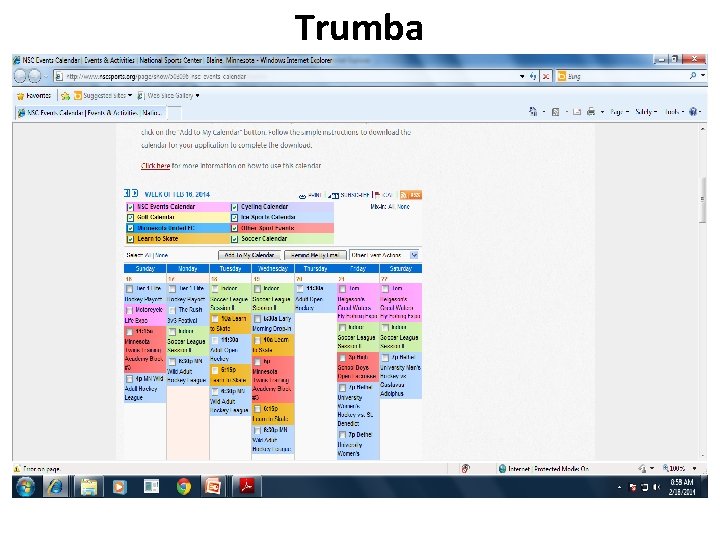
Trumba §Trumba (www. trumba. com) offers web-based calendars ideal for community organizations, schools, and similar public entities. §These widgets let users view full calendars, add events to the schedule, receive email notification of events, and such.
Trumba
Calendars Net § Calendars Net (www. calendars. net) is a free web-based calendar designed for companies or individuals who want to add interactive calendars to their websites. § The site also hosts personal calendars in the cloud. § You can employ four different levels of security (so that different users can view the calendar), add events, edit events, and even change universal calendar settings.
Jotlet (www. jotlet. net) is a Java. Script API and library that you can use to build rich calendar functionality into any web page.
Exploring Online Scheduling Applications § you have to clear time from all the attendees’ individual schedules, need to have right-sized meeting room. § Experts claim - seven emails or voice mails to arrange a single meeting; § a typical businessperson - spend more than 100 hours each year just scheduling meetings. § The typical app requires all users to enter their individual calendars beforehand. § When you schedule a meeting, the app checks attendees’ schedules for the first available free time for all. § The app then generates automated email messages to inform attendees of the meeting request (and the designated time), followed by automatic confirmation emails when attendees accept the invitation.
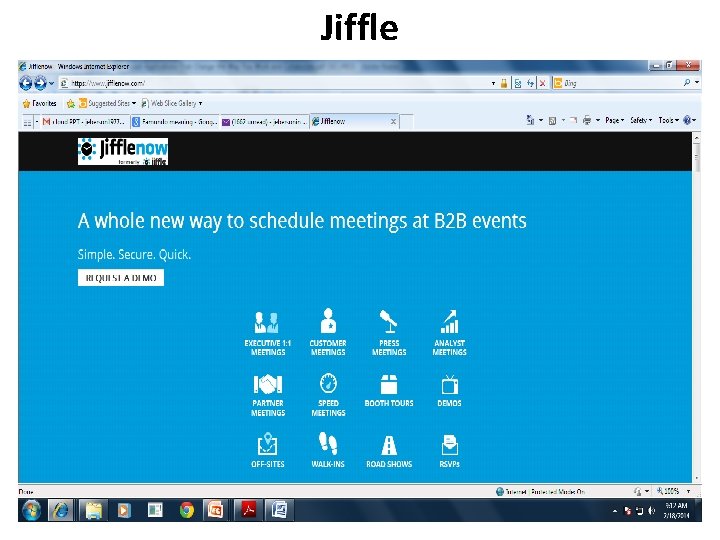
Jiffle § Jiffle (www. jifflenow. com), which schedules meetings, appointments, and the like for the enterprise environment. § To track employees’ free time, it synchronizes seamlessly with both Microsoft Outlook and Google Calendar. It also offers its own Jiffle Calendar application. § Jiffle allows the originating user to mark available time slots on his calendar, and then share them with proposed attendees via a Jiffle-generated email invitation. § These attendees view the invitation, log in to the Jiffle website, and then select their preferred time slots from the ones proposed. § Based on these responses, Jiffle picks the best time for the meeting and notifies all attendees via an automatic confirmation email.
Jiffle
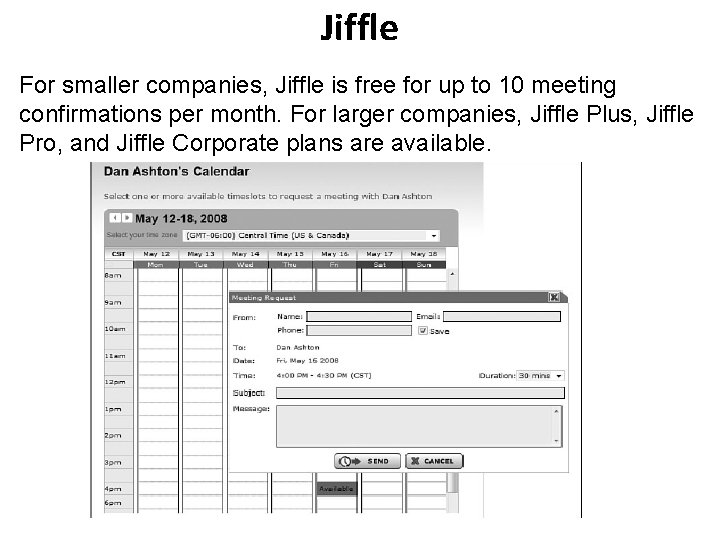
Jiffle For smaller companies, Jiffle is free for up to 10 meeting confirmations per month. For larger companies, Jiffle Plus, Jiffle Pro, and Jiffle Corporate plans are available.
Presdo § Presdo (www. presdo. com) is a scheduling tool that isn’t limited to § a single company. Presdo lets you schedule meetings and events with anyone who has an email address. § adding an event is as simple as entering a description into a box. You then enter the email addresses of other participants, and Presdo emails out the appropriate invites. § When an attendee responds, he’s automatically added to the event’s guest list.
Diarised § Diarised (www. diarised. com) is, like Presdo, a web-based meeting maker that users across different companies can use. § It helps you pick the best time for a meeting by sending out emails to invitees, letting them choose the best times for them, and then sending you a summary of those best dates. § You pick the final date, Diarised notifies everyone via email, and your meeting is scheduled
Windows Live Events § Microsoft’s Windows Live Events home. services. spaces. live. com /events/) is a customized version of its Live Spaces offering; § it lets Live Spaces users organize events and share activities between participants. § To schedule an event, you set up a list of invitees and then send out a mass email with a link back to your Live Event site. § Participants can share their photos, videos, and blog posts about the event § Live Events isn’t robust enough (or professional enough) for most business users. It is, however, a nice way to plan more personal and informal events
Schedulebook § Schedulebook (www. schedulebook. com) offers schedule for employees, customers, or other interested parties. The company’s three offerings are § Schedulebook Professionals, which is a business-oriented schedule/calendar/planning application § Schedulebook Office, which schedules the use of any shared resource, such as company meeting rooms or even vacation homes § Schedulebook Aviation, which is used by the aviation industry to schedule aircraft, flight training, and similar services
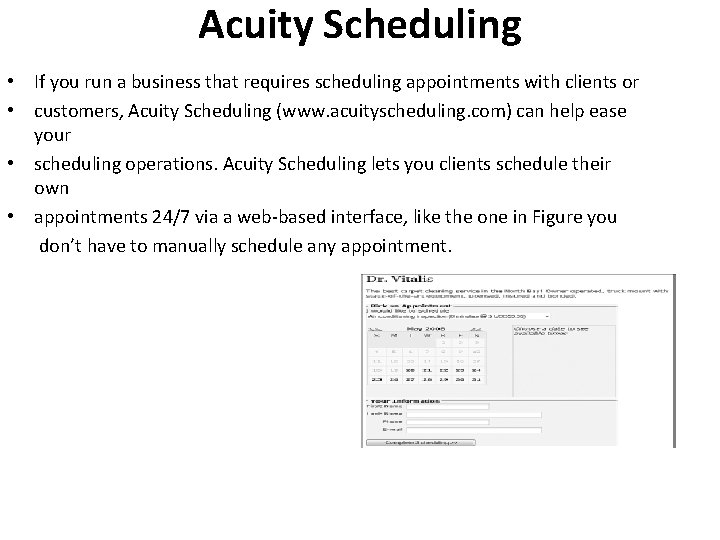
Acuity Scheduling • If you run a business that requires scheduling appointments with clients or • customers, Acuity Scheduling (www. acuityscheduling. com) can help ease your • scheduling operations. Acuity Scheduling lets you clients schedule their own • appointments 24/7 via a web-based interface, like the one in Figure you don’t have to manually schedule any appointment.
Appointment. Quest • Like Acuity Scheduling, Appointment. Quest (www. appointmentquest. com) is designed to solve the scheduling problems of busy professionals. • This application not only enables clients to make and you to accept appointments over the web, it also lets you manage personnel, schedules, and other calendarrelated items. hit. Appoint • Our last scheduling application, hit. Appoint (www. hitappoint. com), also enables online client booking. • Like the previous similar application, it’s ideal for any business that requires the making of customer appointments—barbershops, hair salons, doctor and dentist offices, consultant
- Slides: 33