
Coil response inversion in Aarhus Workbench November 2011
Coil response inversion in Aarhus Workbench, November 2011 Nikolaj Foged, and Esben Auken Hydro. Geophysics Group, Department of Earth Sciences, Aarhus University, Denmark
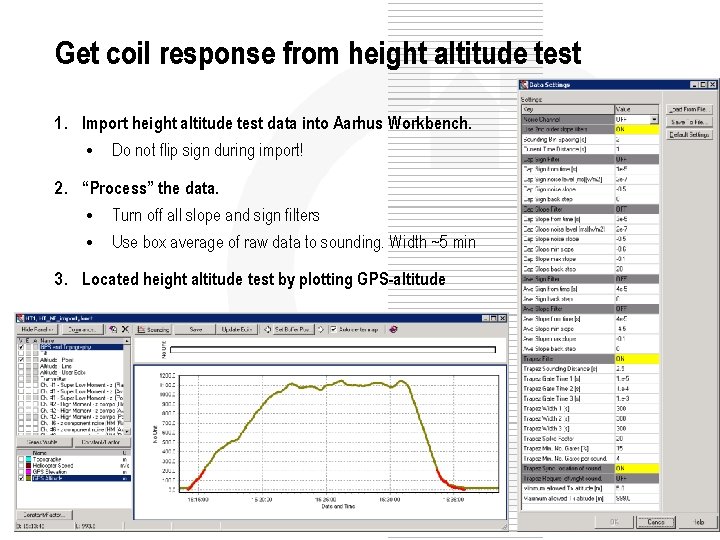
Get coil response from height altitude test 1. Import height altitude test data into Aarhus Workbench. • Do not flip sign during import! 2. “Process” the data. • Turn off all slope and sign filters • Use box average of raw data to sounding. Width ~5 min 3. Located height altitude test by plotting GPS-altitude
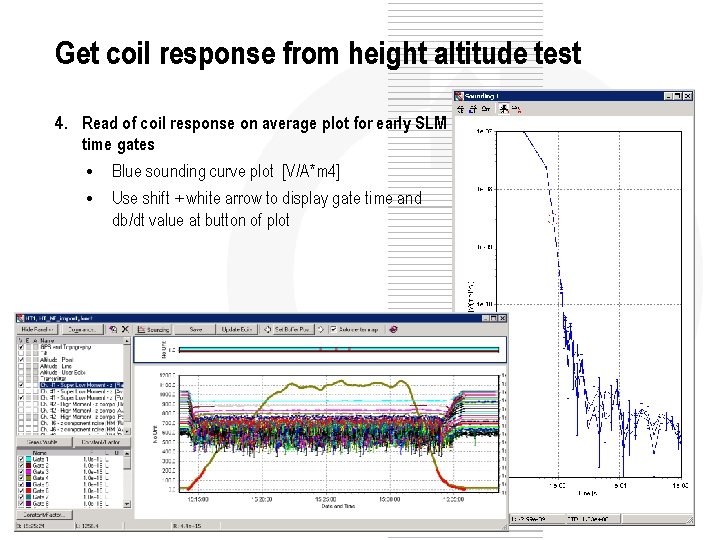
Get coil response from height altitude test 4. Read of coil response on average plot for early SLM time gates • Blue sounding curve plot [V/A*m 4] • Use shift + white arrow to display gate time and db/dt value at button of plot
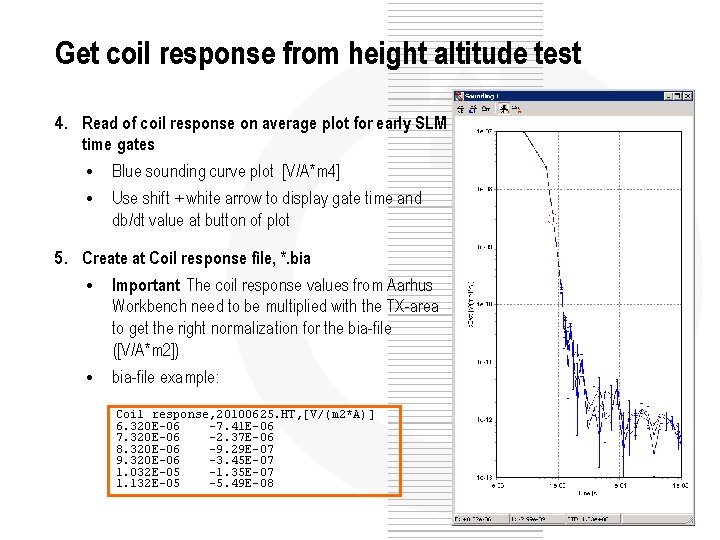
Get coil response from height altitude test 4. Read of coil response on average plot for early SLM time gates • Blue sounding curve plot [V/A*m 4] • Use shift + white arrow to display gate time and db/dt value at button of plot 5. Create at Coil response file, *. bia • Important: The coil response values from Aarhus Workbench need to be multiplied with the TX-area to get the right normalization for the bia-file ([V/A*m 2]) • bia-file example: Coil response, 20100625. HT, [V/(m 2*A)] 6. 320 E-06 -7. 41 E-06 7. 320 E-06 -2. 37 E-06 8. 320 E-06 -9. 29 E-07 9. 320 E-06 -3. 45 E-07 1. 032 E-05 -1. 35 E-07 1. 132 E-05 -5. 49 E-08
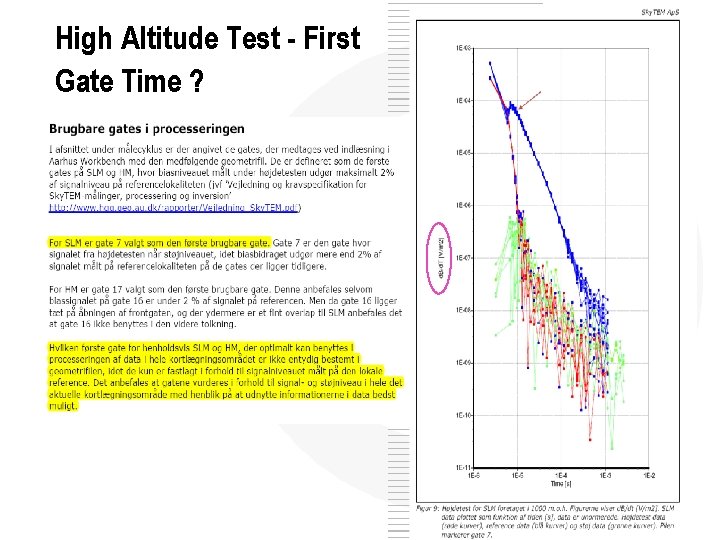
High Altitude Test - First Gate Time ?
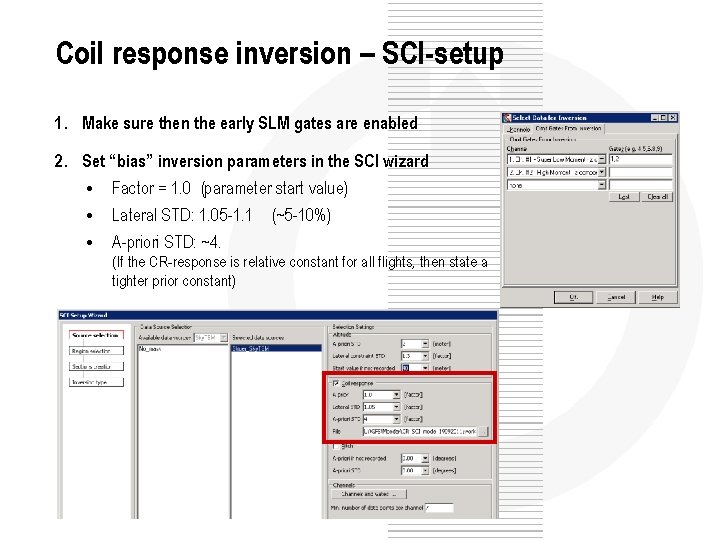
Coil response inversion – SCI-setup 1. Make sure then the early SLM gates are enabled 2. Set “bias” inversion parameters in the SCI wizard • Factor = 1. 0 (parameter start value) • Lateral STD: 1. 05 -1. 1 (~5 -10%) • A-priori STD: ~4. (If the CR-response is relative constant for all flights, then state a tighter prior constant)
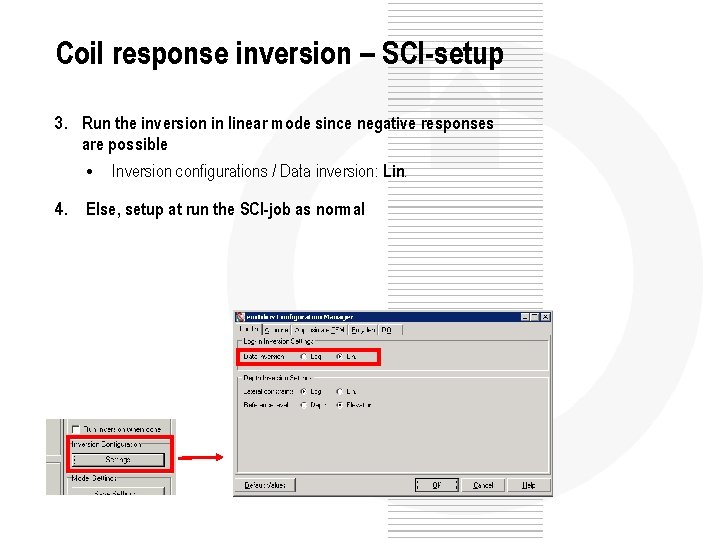
Coil response inversion – SCI-setup 3. Run the inversion in linear mode since negative responses are possible • Inversion configurations / Data inversion: Lin. 4. Else, setup at run the SCI-job as normal
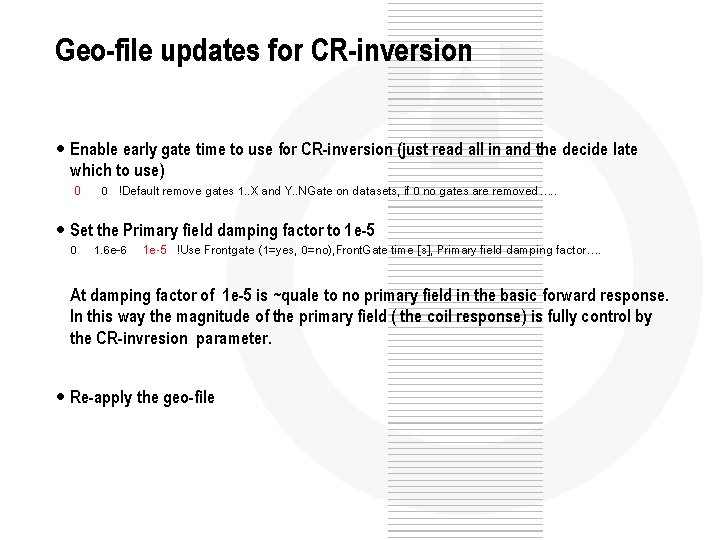
Geo-file updates for CR-inversion • Enable early gate time to use for CR-inversion (just read all in and the decide late which to use) 0 0 !Default remove gates 1. . X and Y. . NGate on datasets, if 0 no gates are removed…. . • Set the Primary field damping factor to 1 e-5 0 1. 6 e-6 1 e-5 !Use Frontgate (1=yes, 0=no), Front. Gate time [s], Primary field damping factor…. At damping factor of 1 e-5 is ~quale to no primary field in the basic forward response. In this way the magnitude of the primary field ( the coil response) is fully control by the CR-invresion parameter. • Re-apply the geo-file
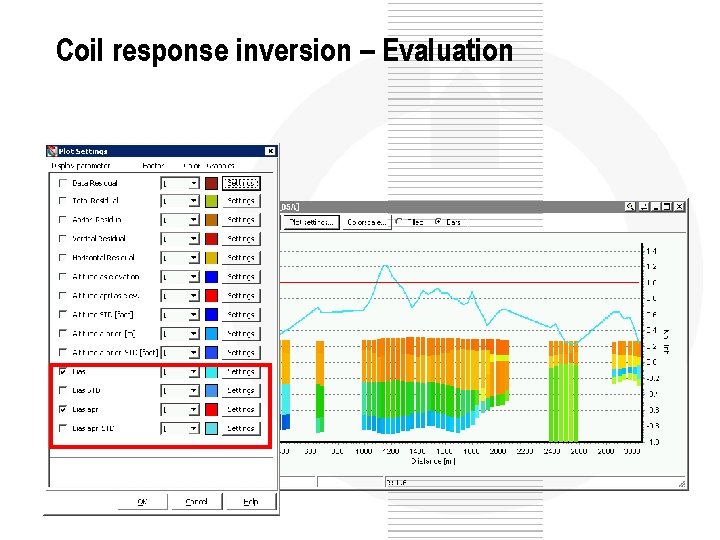
Coil response inversion – Evaluation
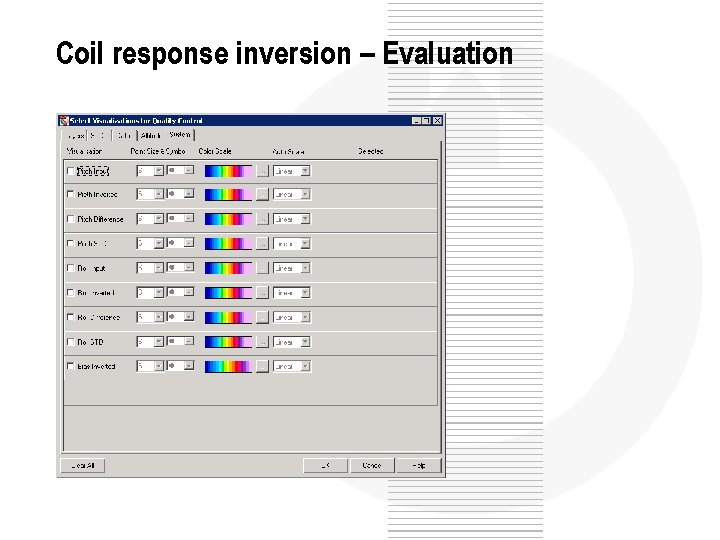
Coil response inversion – Evaluation
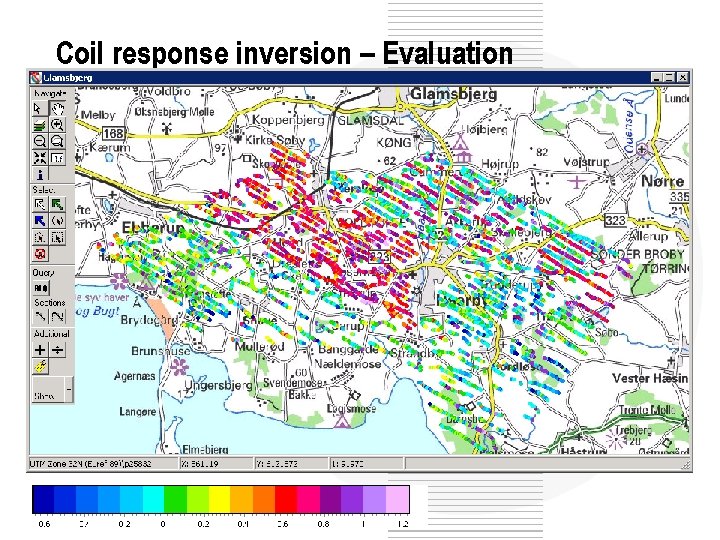
Coil response inversion – Evaluation
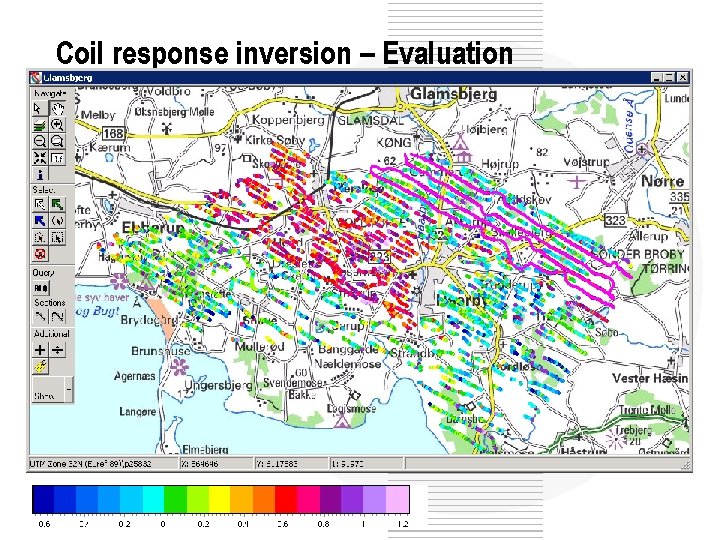
Coil response inversion – Evaluation
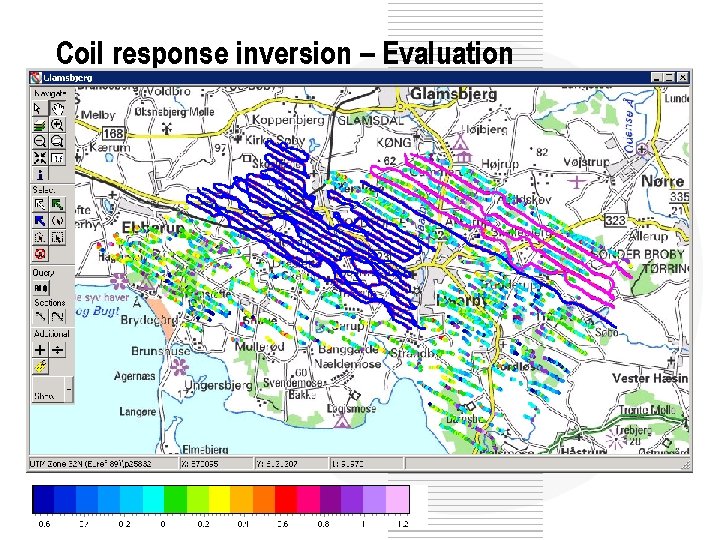
Coil response inversion – Evaluation
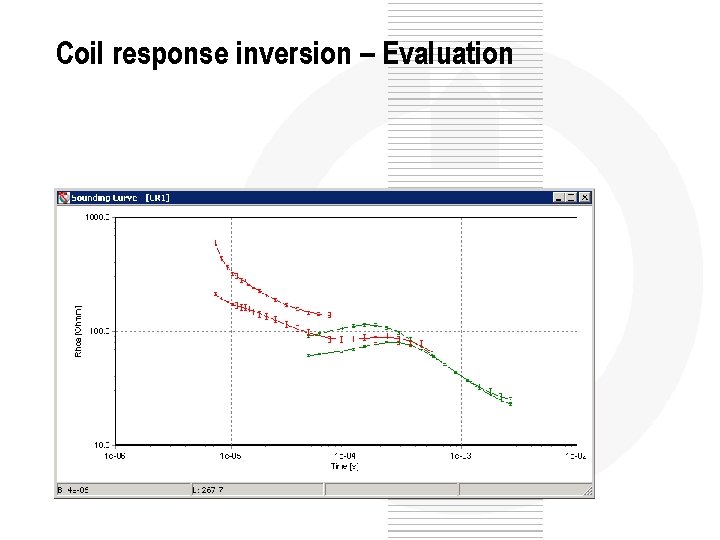
Coil response inversion – Evaluation
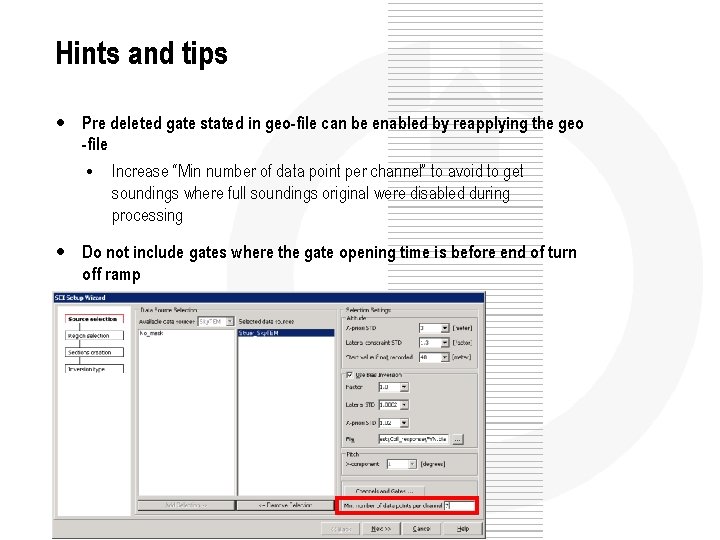
Hints and tips • Pre deleted gate stated in geo-file can be enabled by reapplying the geo -file • Increase “Min number of data point per channel” to avoid to get soundings where full soundings original were disabled during processing • Do not include gates where the gate opening time is before end of turn off ramp
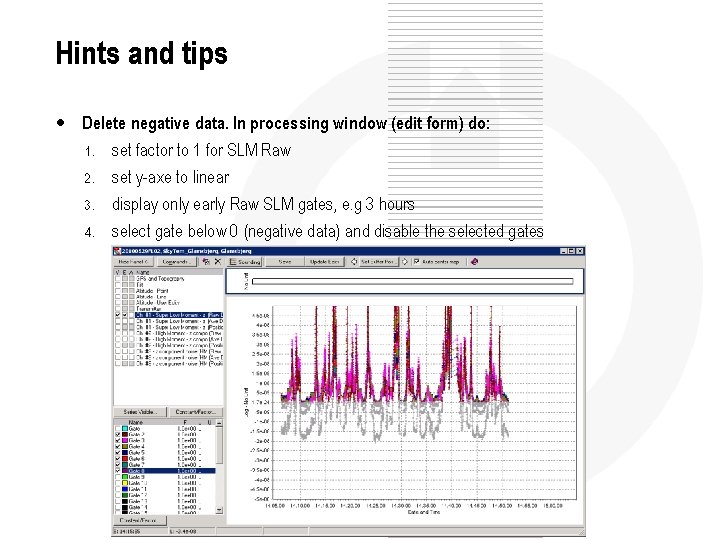
Hints and tips • Delete negative data. In processing window (edit form) do: 1. set factor to 1 for SLM Raw 2. set y-axe to linear 3. display only early Raw SLM gates, e. g 3 hours 4. select gate below 0 (negative data) and disable the selected gates
- Slides: 16