
Coding with Minecraft 4 Variables LESSON A Introduction
Coding with Minecraft 4: Variables
LESSON A : Introduction to Variables
WHAT WE’LL LEARN The importance of variables The different kinds of variables To code a game in Minecraft with variables
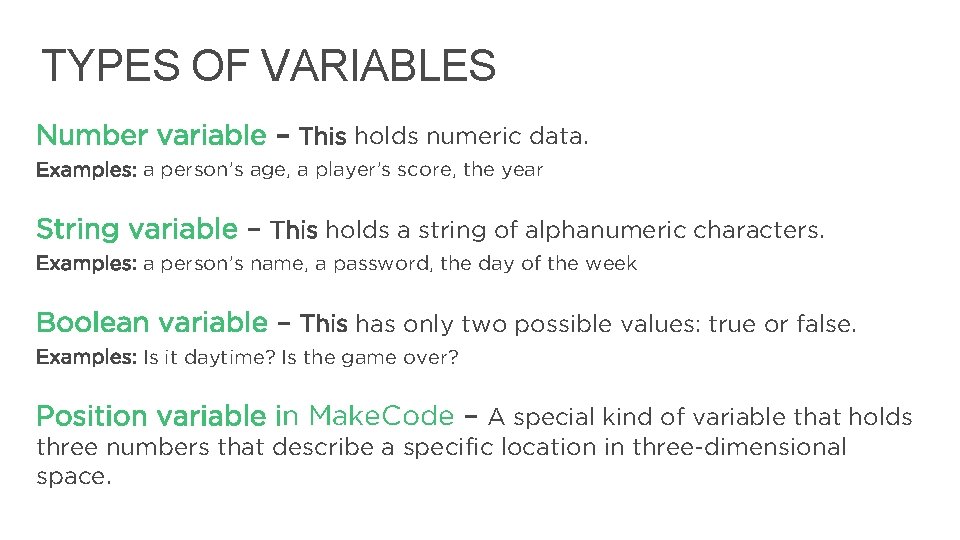
TYPES OF VARIABLES Number variable – This holds numeric data. Examples: a person’s age, a player’s score, the year String variable – This holds a string of alphanumeric characters. Examples: a person’s name, a password, the day of the week Boolean variable – This has only two possible values: true or false. Examples: Is it daytime? Is the game over? Position variable in Make. Code – A special kind of variable that holds three numbers that describe a specific location in three-dimensional space. 4
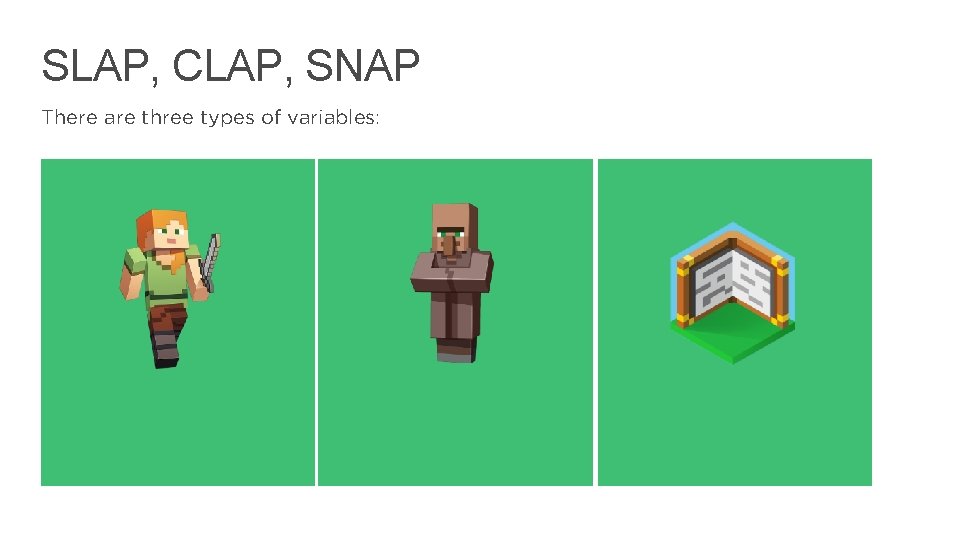
SLAP, CLAP, SNAP There are three types of variables: 5
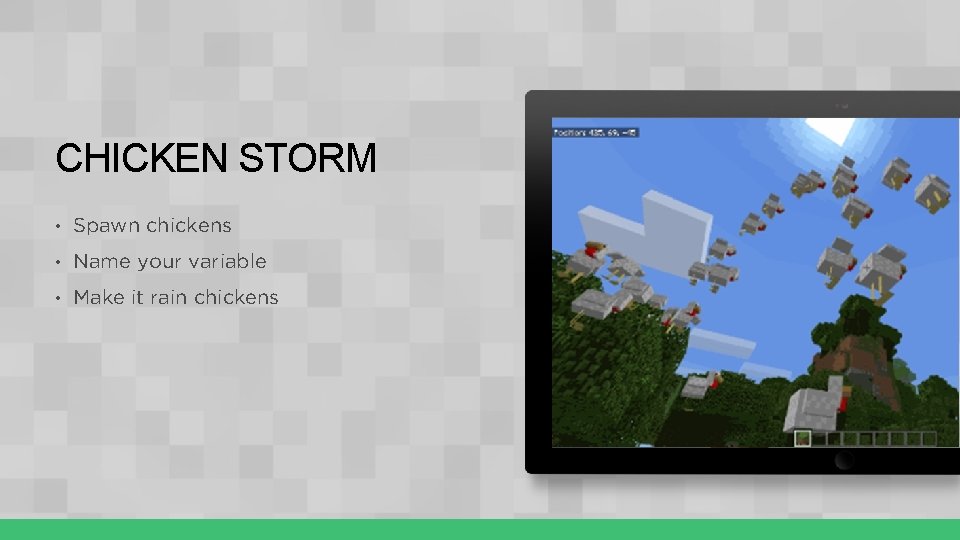
CHICKEN STORM • Spawn chickens • Name your variable • Make it rain chickens
REVIEW • What did your variable determine in the game? • Why is it good coding practice to give variables meaningful names?
LESSON A What we learned today Real-life variables The different kind of coding variables The importance of variables in coding and Minecraft
NEXT TIME Coding with variables Learn to use variables in Minecraft to: • Count things in Minecraft • Write a message in the sky • Create a report of your game’s activities 9

LESSON B: Coding with Variables
WHAT WE’LL LEARN To code variables in Minecraft to: • Count things • Keep score • Create a report of your game’s activities
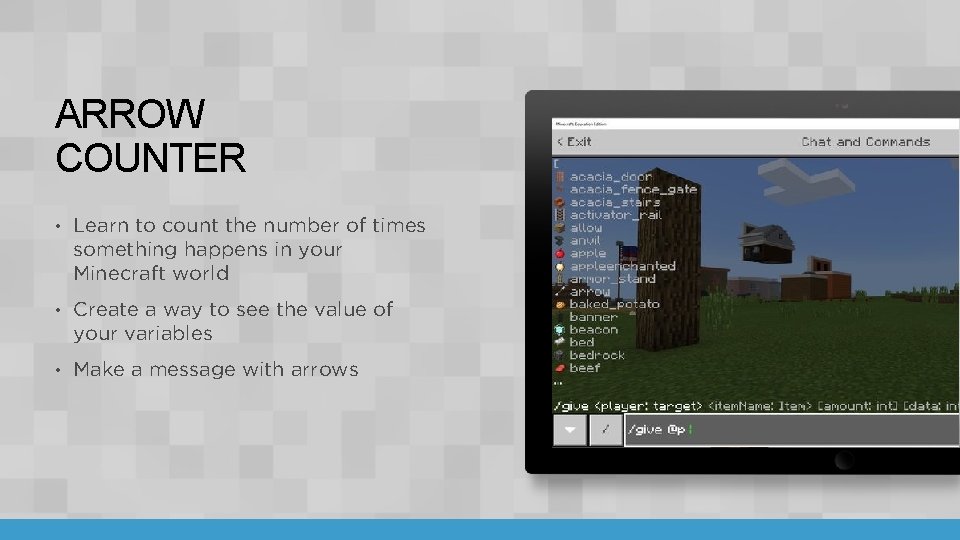
ARROW COUNTER • Learn to count the number of times something happens in your Minecraft world • Create a way to see the value of your variables • Make a message with arrows
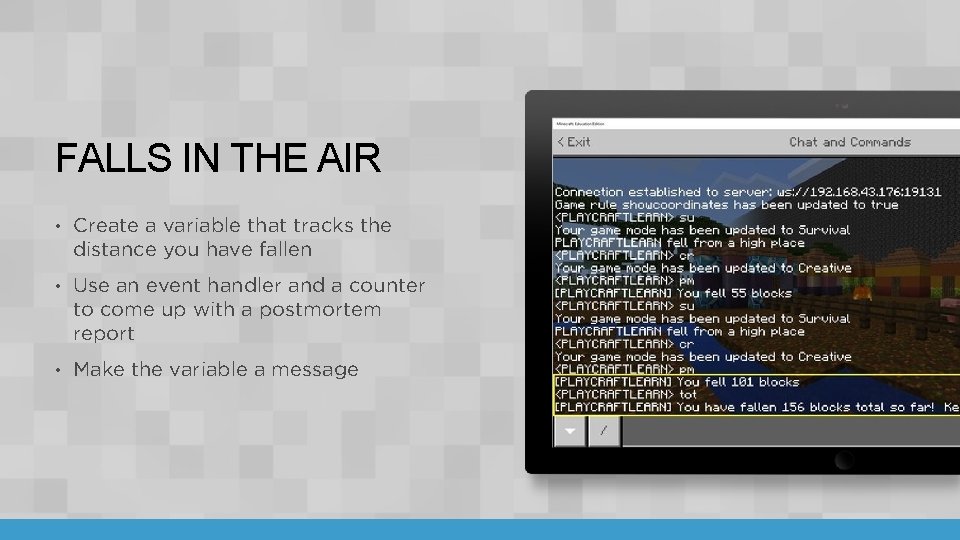
FALLS IN THE AIR • Create a variable that tracks the distance you have fallen • Use an event handler and a counter to come up with a postmortem report • Make the variable a message
REVIEW How do you use variables to keep score? How can you cause something to happen when a counter gets to a certain number? What are variables that hold text called? 14
LESSON B What we learned today To use variables in Minecraft to: • Count things • Keep score • Create a report of your game’s activities
NEXT TIME Combining variables to create messages in the sky Unit 4 quiz 16
LESSON C : COMBINING VARIABLES
WHAT WE’LL LEARN Combining variables to create messages in the sky Check our learning progress with a quiz
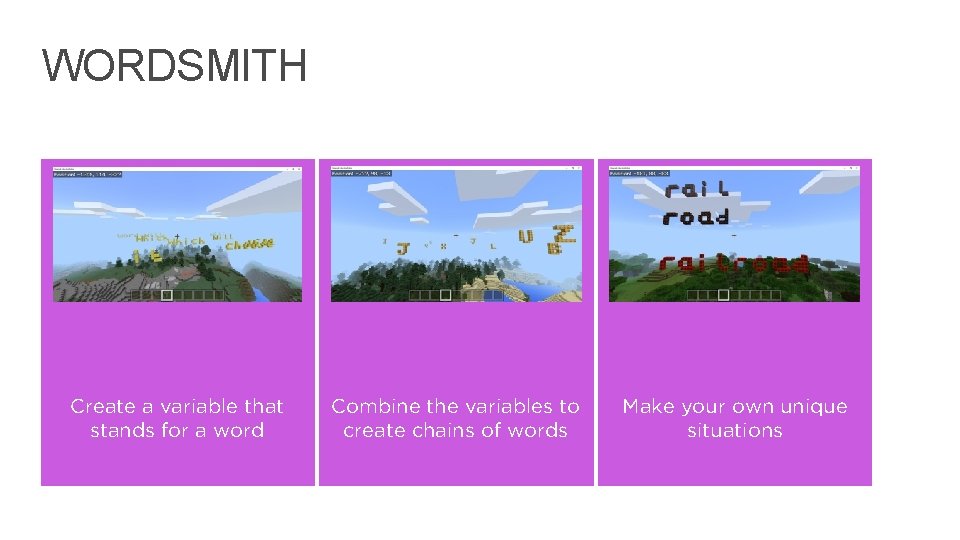
WORDSMITH Create a variable that stands for a word Combine the variables to create chains of words Make your own unique situations 19
LESSON C WHAT WE LEARNED TODAY To combine variables to create messages in the sky How much we have already learned
NEXT TIME Your independent project 21
LESSON D: GET CREATIVE WITH VARIABLES
WHAT WE’LL LEARN To create your own Make. Code projects that use variables to activate different parts of your program
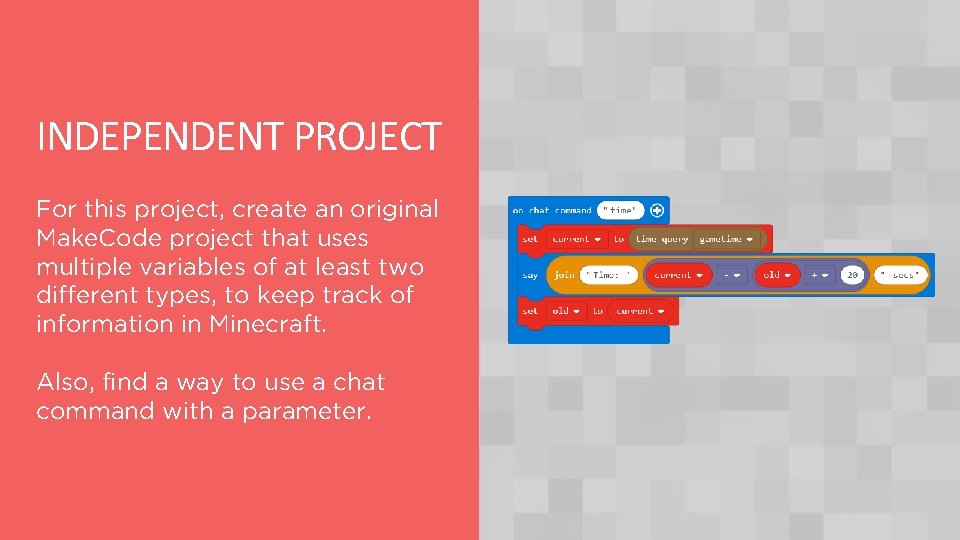
INDEPENDENT PROJECT For this project, create an original Make. Code project that uses multiple variables of at least two different types, to keep track of information in Minecraft. Also, find a way to use a chat command with a parameter.
INDEPENDENT PROJECT • Information you might store in variables / project ideas: • Store the number of something you spawn • Store text for the animal you spawned • Store your position • Store a relative position • Store words to put together to make sentences.
MINECRAFT DIARY ENTRY • What type of information did you choose to keep track of? • What problems did you encounter? How did you solve them? • How did you use variables in your project, and what were their types? • What did you name your variables and why? • What was something new that you learned for this project? Describe how you figured it out. • Include at least one screenshot of your project.
LESSON D What we learned today To create your own Make. Code projects that use variables
NEXT TIME Coding with Minecraft 5: Conditionals IF…Then 28
- Slides: 28