
Coding the Future What is engineering The application
- Slides: 30
Coding the Future
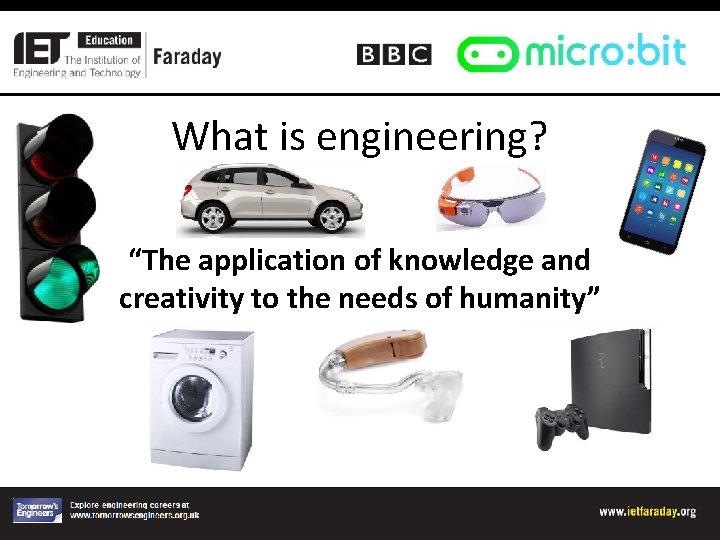
What is engineering? “The application of knowledge and creativity to the needs of humanity”
All about coding • Coding is a language used to instruct computers and robots. • In real life coding is all around us.
Brushing your teeth! • A code needs to tell the computer exactly what to do.
The Brief
Re-cap of the challenge • Develop two ways of using your micro: bit in a real-life context in one of the four themes (Travel, Health, Sport or Home and Leisure) • Code your micro: bit as a prototype to show your ideas. • As a team, pitch your ideas to the micro: bit engineers.
The Pitch • You will have 7 minutes to present your prototype to the judges explaining how you arrived at your design. • You need to make your pitch exciting! • You need to make us want to develop your prototypes.
Marking criteria • • Planning Development Budget Functionality of code Functionality of prototype Pitch Teamwork
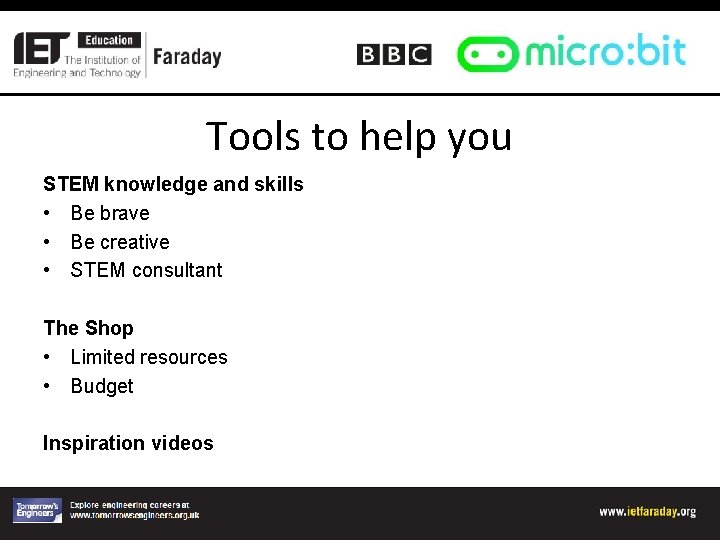
Tools to help you STEM knowledge and skills • Be brave • Be creative • STEM consultant The Shop • Limited resources • Budget Inspiration videos
Coding support folder • Contains further support – take a look. BBC Micro: bit Student Booklet • Contains all the information you need to succeed including the schedule for the day and how to score points! Libraries of code • These can be bought from the shop if needed – beware, they are expensive
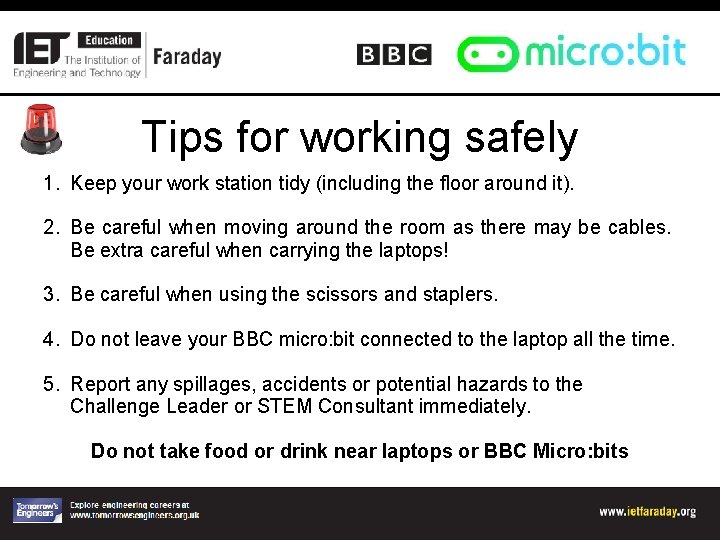
Tips for working safely 1. Keep your work station tidy (including the floor around it). 2. Be careful when moving around the room as there may be cables. Be extra careful when carrying the laptops! 3. Be careful when using the scissors and staplers. 4. Do not leave your BBC micro: bit connected to the laptop all the time. 5. Report any spillages, accidents or potential hazards to the Challenge Leader or STEM Consultant immediately. Do not take food or drink near laptops or BBC Micro: bits
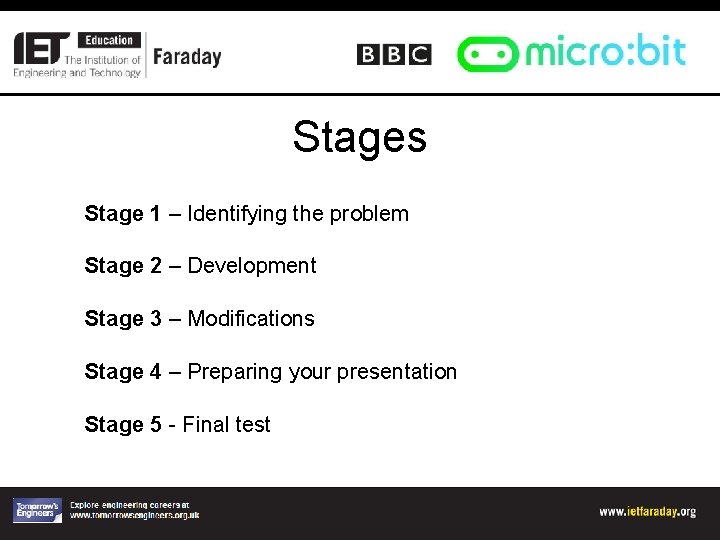
Stages Stage 1 – Identifying the problem Stage 2 – Development Stage 3 – Modifications Stage 4 – Preparing your presentation Stage 5 - Final test
STAGE 1: Identifying the ideas you have for your BBC micro: bit
Ideas • What ideas do you have for your BBC micro: bit in each of the four themes? • How would your ideas solve problems or change or improve people’s lives? 14 4 521 minutes 15 11 minutes 63 7 8 9 minute Time is up 10 13 12
Role allocation You have 5 minutes to: • Allocate each team member a specific role using the job specifications sheets on your table. • Write your name and role on the badge and put it in the lanyard.
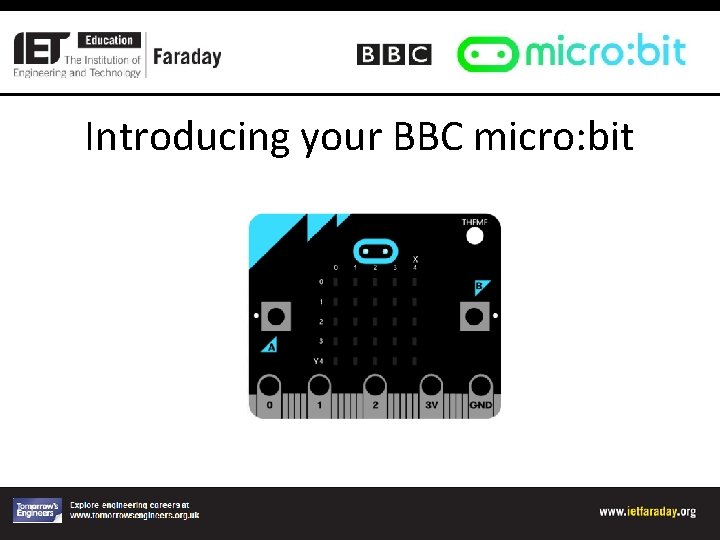
Introducing your BBC micro: bit
Coding apprenticeship • Have a go at coding ‘Hello World’ first as an introduction to Touch Develop.
STAGE 2: Development
Development SHOP OPEN FOR BUSINESS • Purchasing period – the Accountant may buy the materials needed. • Begin to develop your code • Make sure you have completed all of Stage 1 and Stage 2 in the Planning and Reflections sheet. It will be marked soon!
10 minute break
Re-group! • How are you all getting on? • Do you need to modify your ideas? • Begin preparing the pitch for your design prototypes • Complete Stage 3 reflections – these will be marked at lunchtime! • Plan the time you have left carefully!
The pitch • Look at the assessment criteria – really important! • Make it interesting • Showcase your product
Lunch Tools down – take a 30 minute break
Final preparations • Can you complete your prototypes in the time left? • Have you started your pitch? • Have you filled in your accounts sheet? • Do you need to buy anything else from the shop? • Have you completed your Stage 3 reflections? • How can you best use the time remaining?
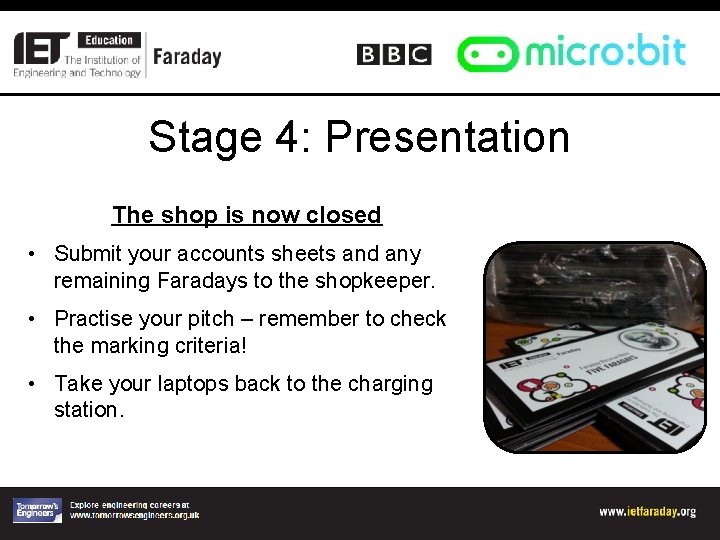
Stage 4: Presentation The shop is now closed • Submit your accounts sheets and any remaining Faradays to the shopkeeper. • Practise your pitch – remember to check the marking criteria! • Take your laptops back to the charging station.
Stage 5: Final Test 7 minutes - Teams present their prototypes to the judges. We will cut you off if you go over time!
The Pitch
Tidying up • • Complete the evaluation form Collect your team’s lanyards Hand in your ‘Planning and Reflections’ sheet Take any spare resources back to the shop
Judging in progress
And the winner is. . .