
Coding FLAME Algorithms with FLAMElab Example dot product
Coding FLAME Algorithms with FLAME@lab Example: dot product Robert van de Geijn Department of Computer Sciences, UT-Austin
What is FLAME@lab? • FLAME@lab is the Mscript Application Programming Interface (API) for coding FLAME algorithms. • Mscript is the programming language for Matlab and Octave (which is a public domain version of Matlab).
This tutorial assumes that you have already completed the FLa. Te. X tutorial
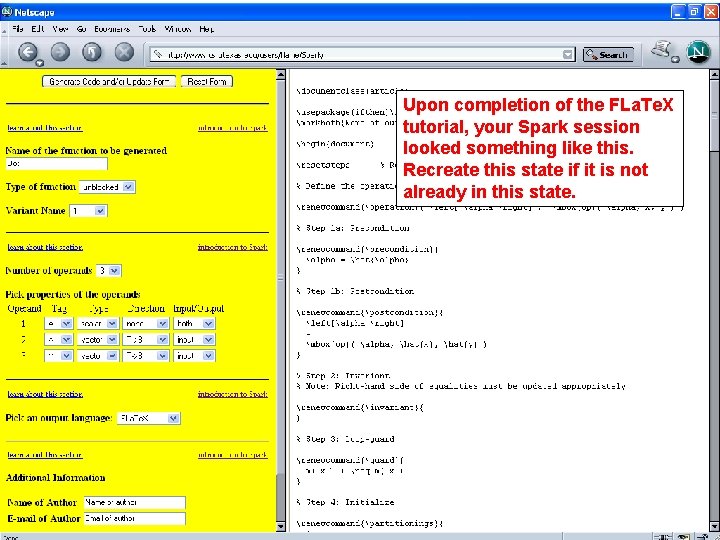
Upon completion of the FLa. Te. X tutorial, your Spark session looked something like this. Recreate this state if it is not already in this state.
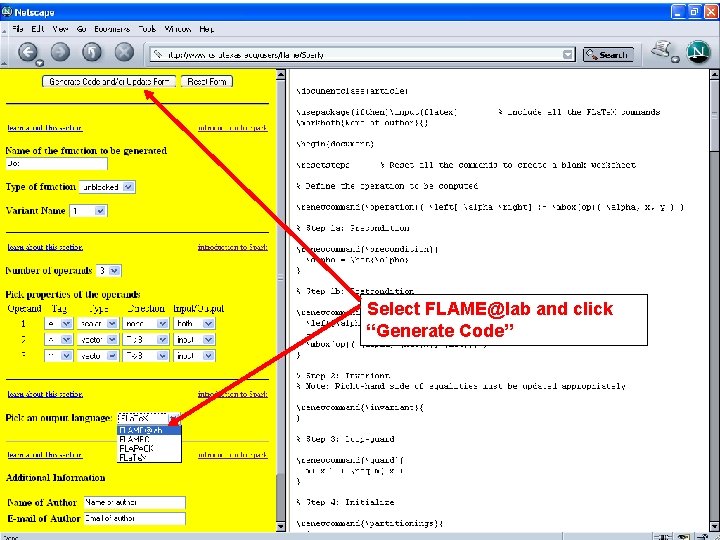
Select FLAME@lab and click “Generate Code”
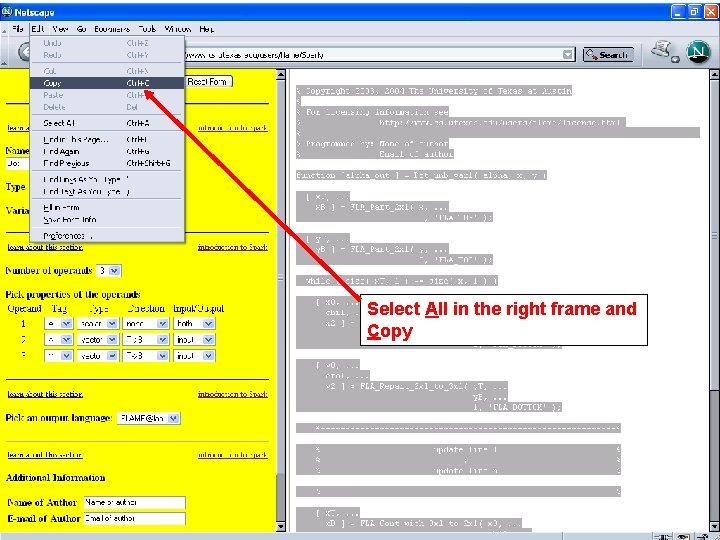
Select All in the right frame and Copy
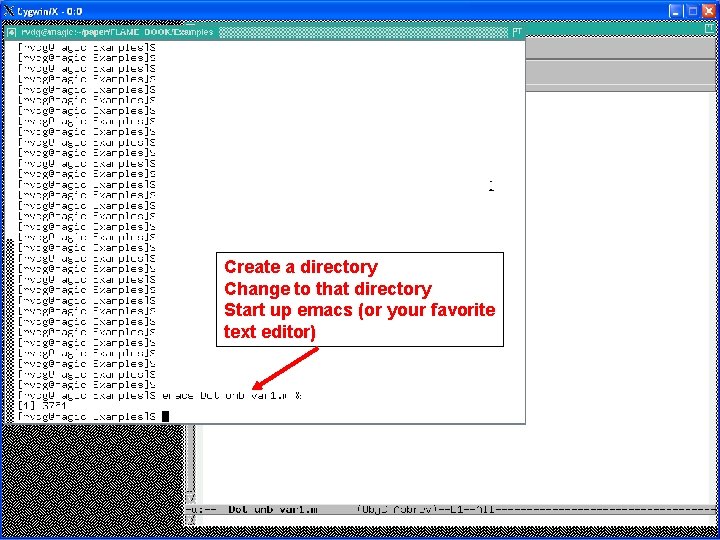
Create a directory Change to that directory Start up emacs (or your favorite text editor)
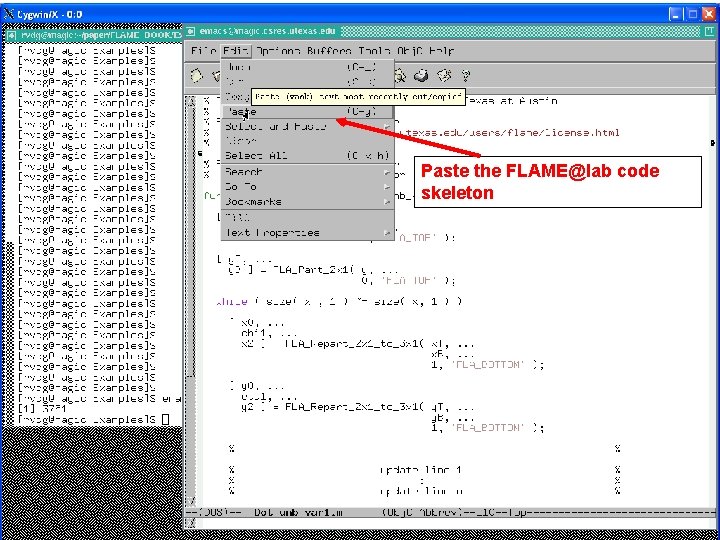
Paste the FLAME@lab code skeleton
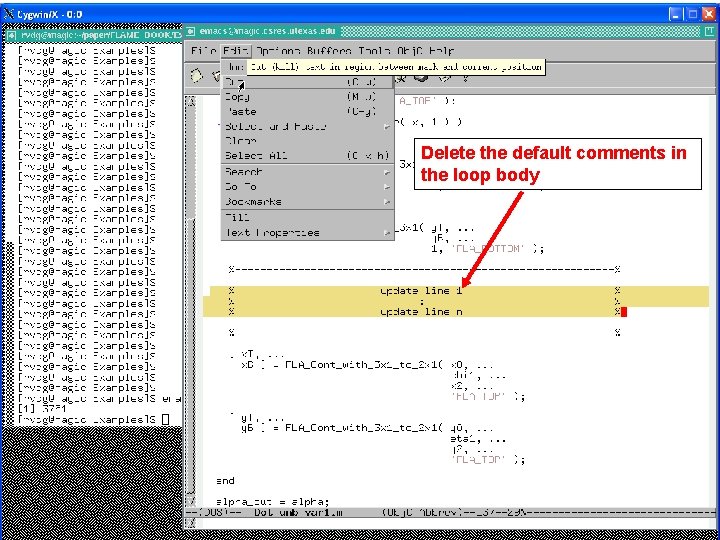
Delete the default comments in the loop body
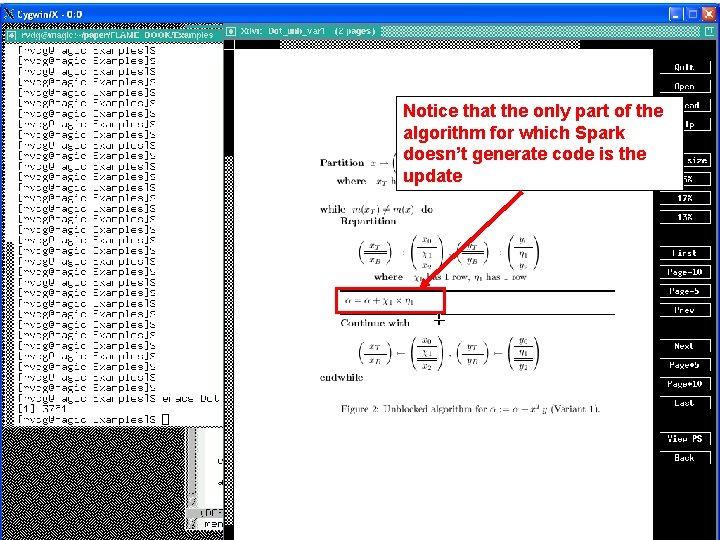
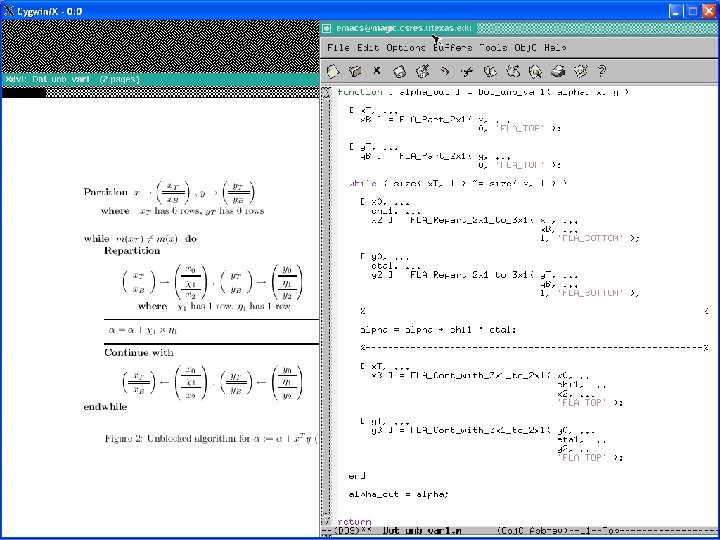
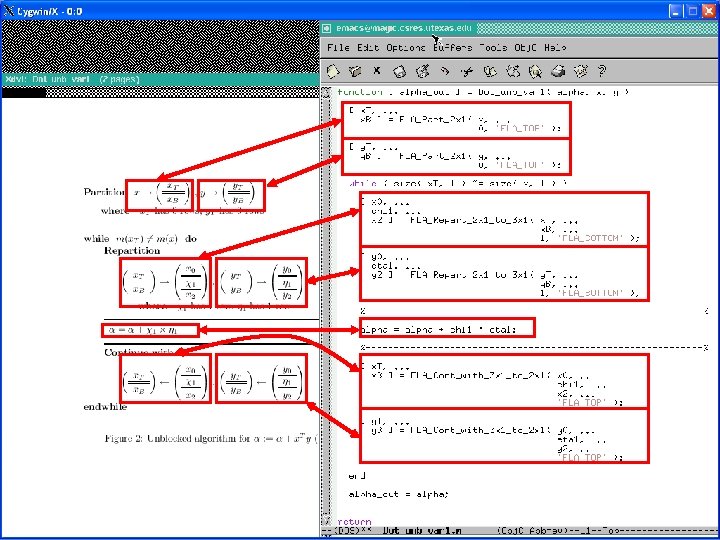
Notice that the only part of the algorithm for which Spark doesn’t generate code is the update
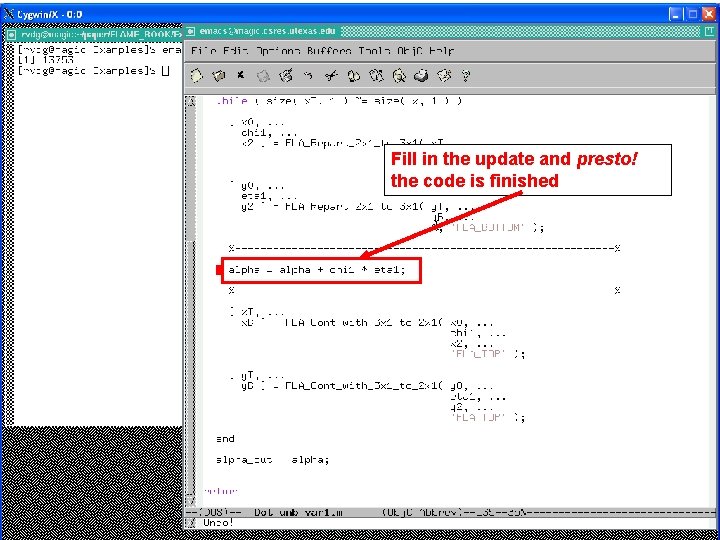
Fill in the update and presto! the code is finished
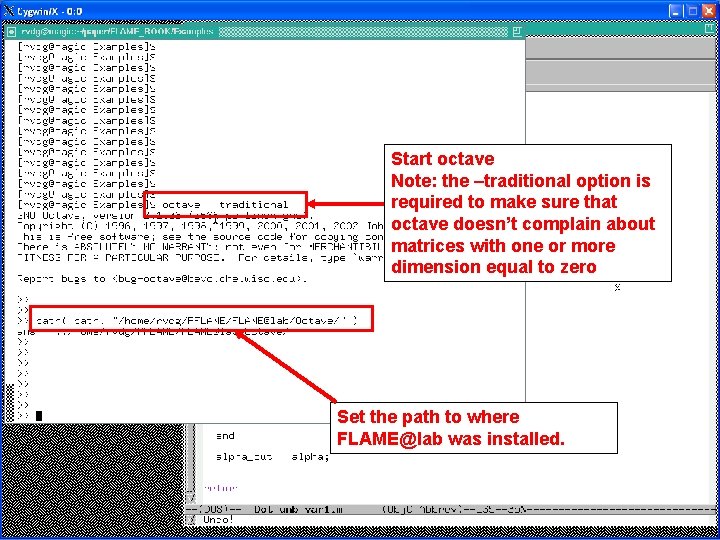
Start octave Note: the –traditional option is required to make sure that octave doesn’t complain about matrices with one or more dimension equal to zero Set the path to where FLAME@lab was installed.
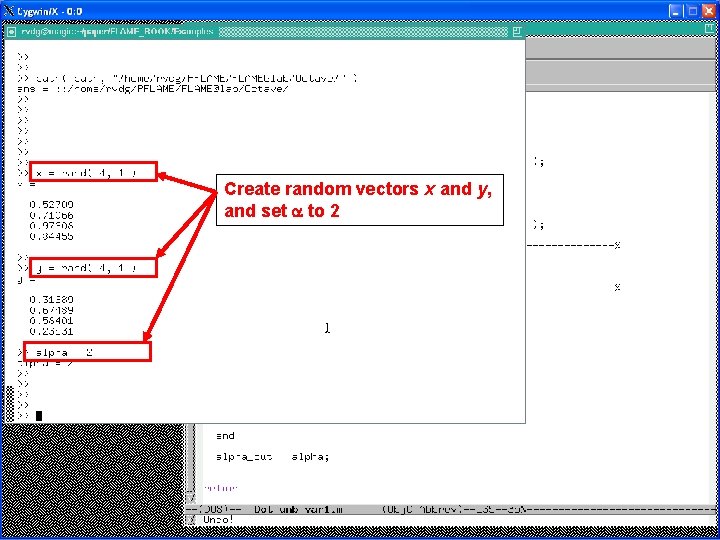
Create random vectors x and y, and set a to 2
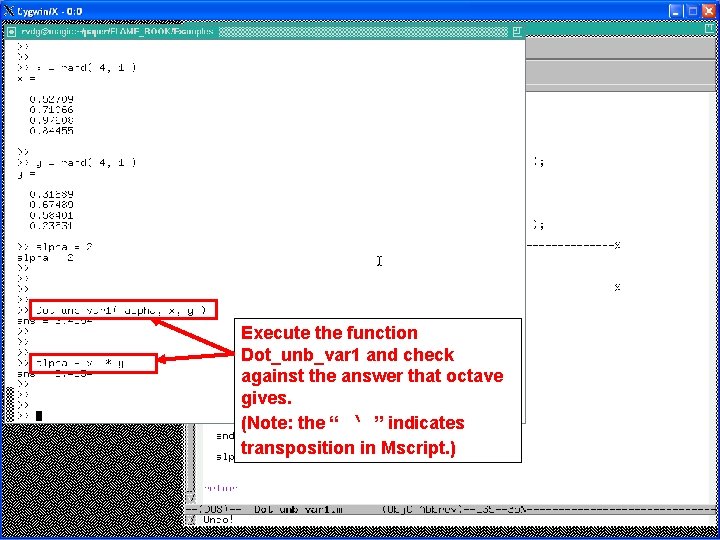
Execute the function Dot_unb_var 1 and check against the answer that octave gives. (Note: the “ ‘ ” indicates transposition in Mscript. )
- Slides: 16