
CODING A COBOL SOURCE PROGRAM see prelab cob
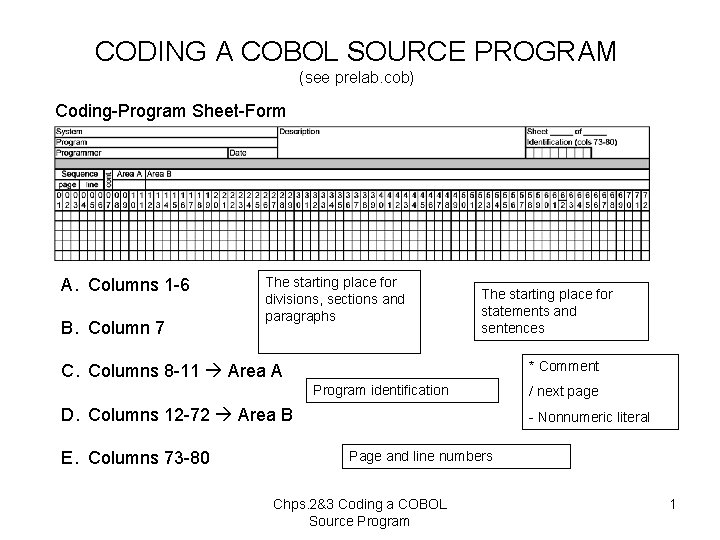
CODING A COBOL SOURCE PROGRAM (see prelab. cob) Coding-Program Sheet-Form A. Columns 1 -6 B. Column 7 The starting place for divisions, sections and paragraphs The starting place for statements and sentences * Comment C. Columns 8 -11 Area A Program identification D. Columns 12 -72 Area B E. Columns 73 -80 / next page - Nonnumeric literal Page and line numbers Chps. 2&3 Coding a COBOL Source Program 1
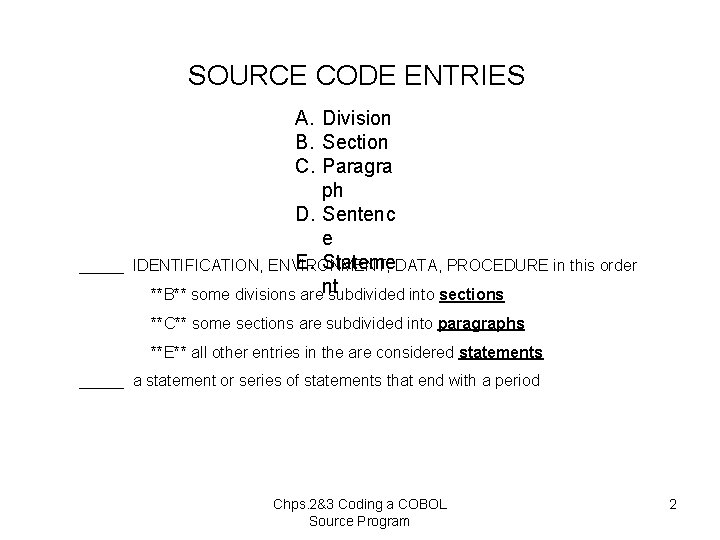
SOURCE CODE ENTRIES _____ A. Division B. Section C. Paragra ph D. Sentenc e E. Stateme. DATA, PROCEDURE in this order IDENTIFICATION, ENVIRONMENT, **B** some divisions arent subdivided into sections **C** some sections are subdivided into paragraphs **E** all other entries in the are considered statements _____ a statement or series of statements that end with a period Chps. 2&3 Coding a COBOL Source Program 2
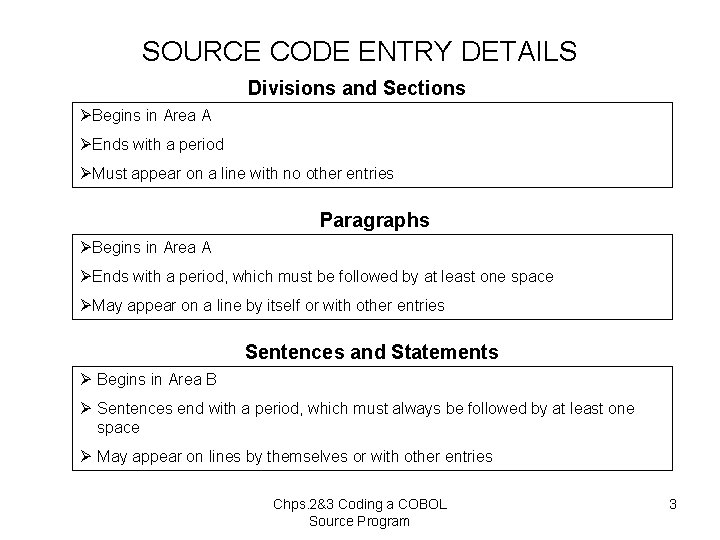
SOURCE CODE ENTRY DETAILS Divisions and Sections ØBegins in Area A ØEnds with a period ØMust appear on a line with no other entries Paragraphs ØBegins in Area A ØEnds with a period, which must be followed by at least one space ØMay appear on a line by itself or with other entries Sentences and Statements Ø Begins in Area B Ø Sentences end with a period, which must always be followed by at least one space Ø May appear on lines by themselves or with other entries Chps. 2&3 Coding a COBOL Source Program 3
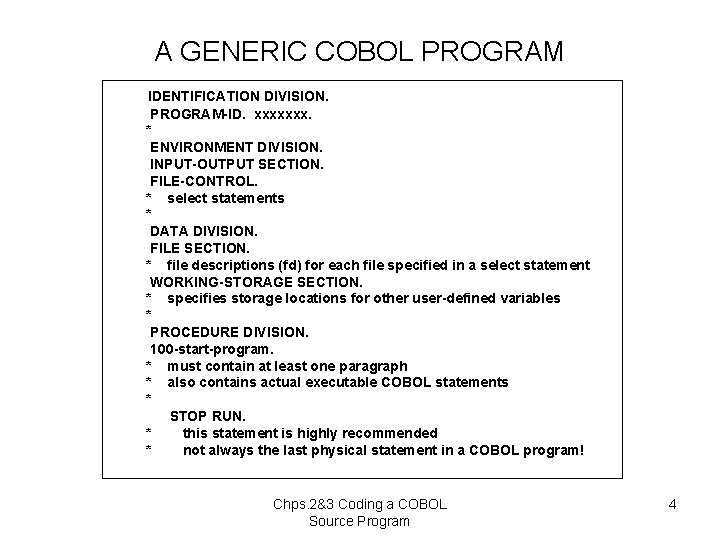
A GENERIC COBOL PROGRAM IDENTIFICATION DIVISION. PROGRAM-ID. xxxxxxx. * ENVIRONMENT DIVISION. INPUT-OUTPUT SECTION. FILE-CONTROL. * select statements * DATA DIVISION. FILE SECTION. * file descriptions (fd) for each file specified in a select statement WORKING-STORAGE SECTION. * specifies storage locations for other user-defined variables * PROCEDURE DIVISION. 100 -start-program. * must contain at least one paragraph * also contains actual executable COBOL statements * STOP RUN. * this statement is highly recommended * not always the last physical statement in a COBOL program! Chps. 2&3 Coding a COBOL Source Program 4
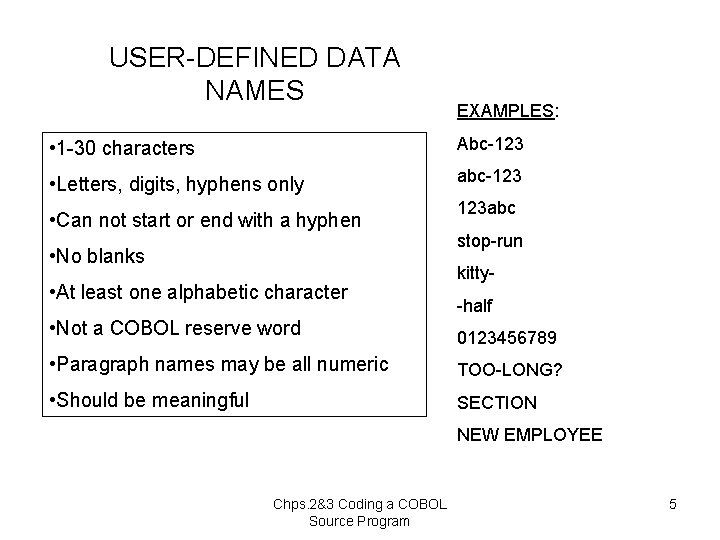
USER-DEFINED DATA NAMES EXAMPLES: • 1 -30 characters Abc-123 • Letters, digits, hyphens only abc-123 • Can not start or end with a hyphen • No blanks • At least one alphabetic character 123 abc stop-run kitty-half • Not a COBOL reserve word 0123456789 • Paragraph names may be all numeric TOO-LONG? • Should be meaningful SECTION NEW EMPLOYEE Chps. 2&3 Coding a COBOL Source Program 5
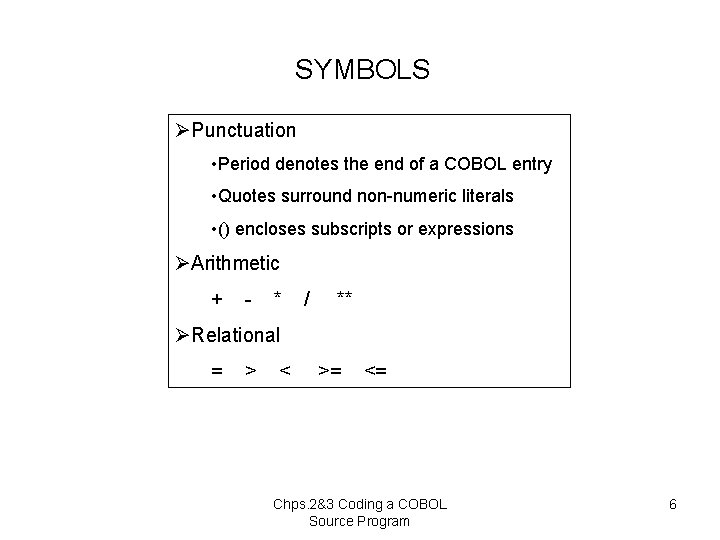
SYMBOLS ØPunctuation • Period denotes the end of a COBOL entry • Quotes surround non-numeric literals • () encloses subscripts or expressions ØArithmetic + - * / ** ØRelational = > < >= <= Chps. 2&3 Coding a COBOL Source Program 6
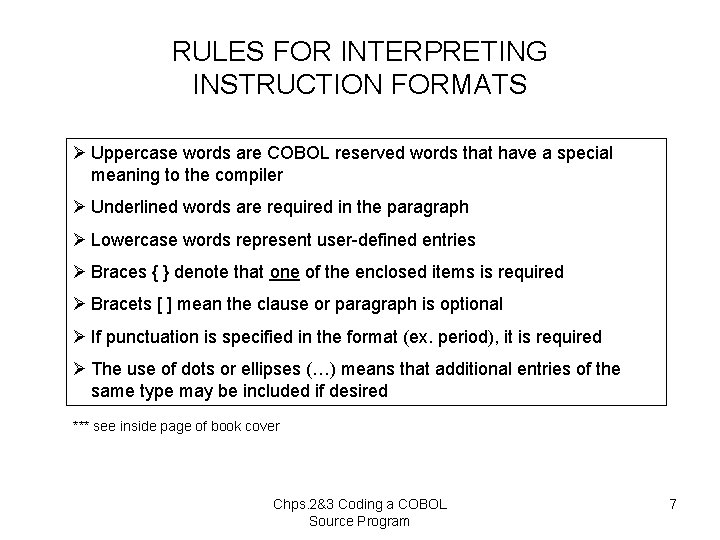
RULES FOR INTERPRETING INSTRUCTION FORMATS Ø Uppercase words are COBOL reserved words that have a special meaning to the compiler Ø Underlined words are required in the paragraph Ø Lowercase words represent user-defined entries Ø Braces { } denote that one of the enclosed items is required Ø Bracets [ ] mean the clause or paragraph is optional Ø If punctuation is specified in the format (ex. period), it is required Ø The use of dots or ellipses (…) means that additional entries of the same type may be included if desired *** see inside page of book cover Chps. 2&3 Coding a COBOL Source Program 7
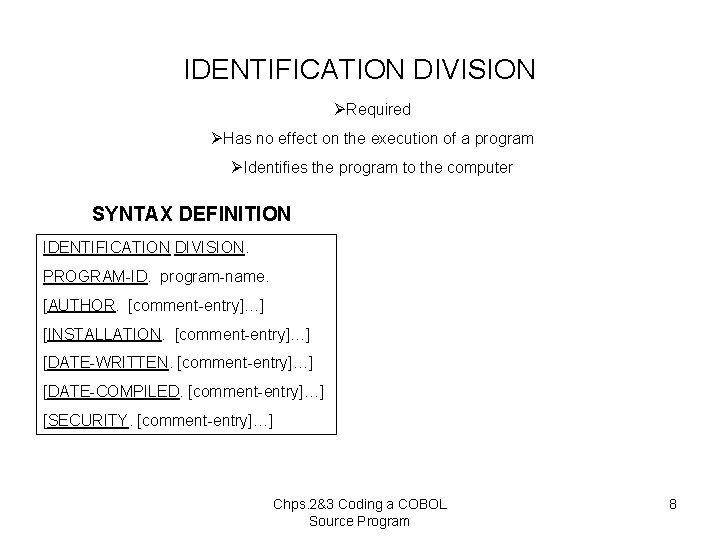
IDENTIFICATION DIVISION ØRequired ØHas no effect on the execution of a program ØIdentifies the program to the computer SYNTAX DEFINITION IDENTIFICATION DIVISION. PROGRAM-ID. program-name. [AUTHOR. [comment-entry]…] [INSTALLATION. [comment-entry]…] [DATE-WRITTEN. [comment-entry]…] [DATE-COMPILED. [comment-entry]…] [SECURITY. [comment-entry]…] Chps. 2&3 Coding a COBOL Source Program 8
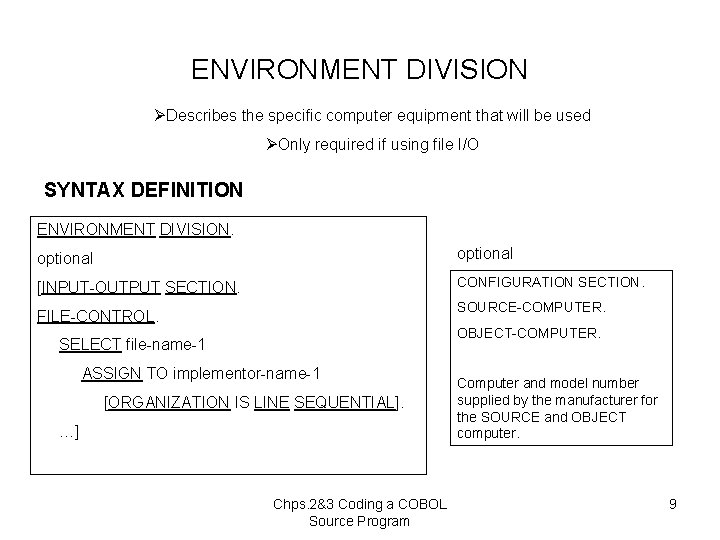
ENVIRONMENT DIVISION ØDescribes the specific computer equipment that will be used ØOnly required if using file I/O SYNTAX DEFINITION ENVIRONMENT DIVISION. optional [INPUT-OUTPUT SECTION. CONFIGURATION SECTION. SOURCE-COMPUTER. FILE-CONTROL. OBJECT-COMPUTER. SELECT file-name-1 ASSIGN TO implementor-name-1 [ORGANIZATION IS LINE SEQUENTIAL]. …] Chps. 2&3 Coding a COBOL Source Program Computer and model number supplied by the manufacturer for the SOURCE and OBJECT computer. 9
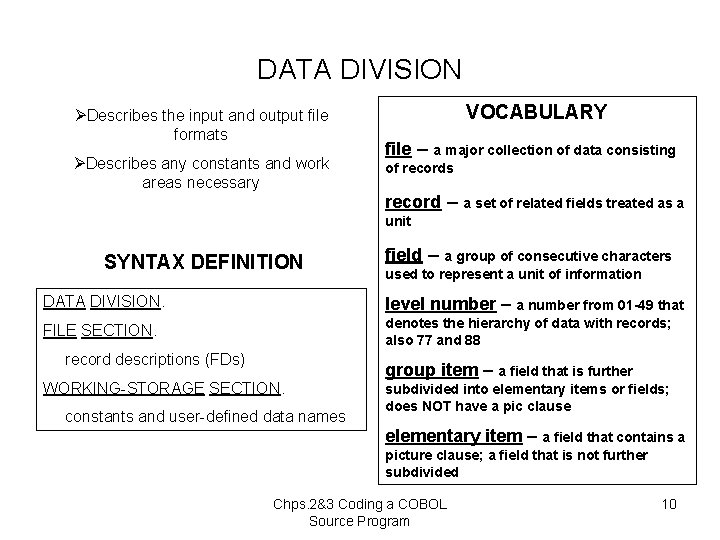
DATA DIVISION ØDescribes the input and output file formats ØDescribes any constants and work areas necessary VOCABULARY file – a major collection of data consisting of records record – a set of related fields treated as a unit SYNTAX DEFINITION field – a group of consecutive characters used to represent a unit of information DATA DIVISION. level number – a number from 01 -49 that FILE SECTION. denotes the hierarchy of data with records; also 77 and 88 record descriptions (FDs) WORKING-STORAGE SECTION. constants and user-defined data names group item – a field that is further subdivided into elementary items or fields; does NOT have a pic clause elementary item – a field that contains a picture clause; a field that is not further subdivided Chps. 2&3 Coding a COBOL Source Program 10
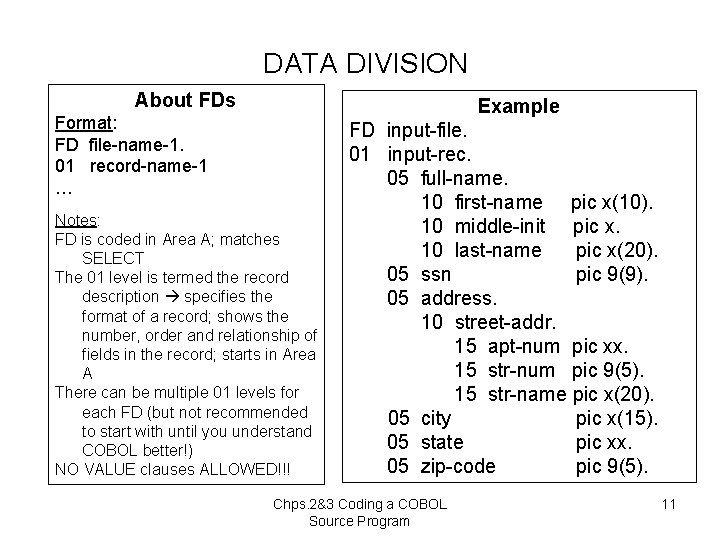
DATA DIVISION About FDs Example Format: FD file-name-1. 01 record-name-1 … Notes: FD is coded in Area A; matches SELECT The 01 level is termed the record description specifies the format of a record; shows the number, order and relationship of fields in the record; starts in Area A There can be multiple 01 levels for each FD (but not recommended to start with until you understand COBOL better!) NO VALUE clauses ALLOWED!!! FD input-file. 01 input-rec. 05 full-name. 10 first-name pic x(10). 10 middle-init pic x. 10 last-name pic x(20). 05 ssn pic 9(9). 05 address. 10 street-addr. 15 apt-num pic xx. 15 str-num pic 9(5). 15 str-name pic x(20). 05 city pic x(15). 05 state pic xx. 05 zip-code pic 9(5). Chps. 2&3 Coding a COBOL Source Program 11
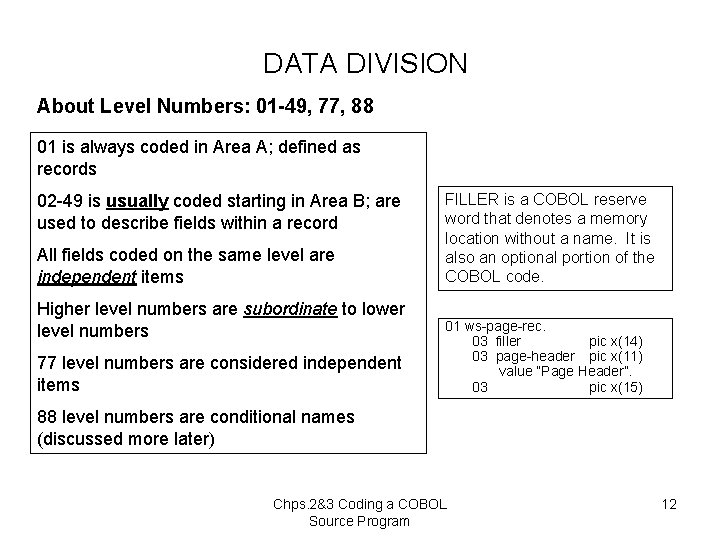
DATA DIVISION About Level Numbers: 01 -49, 77, 88 01 is always coded in Area A; defined as records 02 -49 is usually coded starting in Area B; are used to describe fields within a record All fields coded on the same level are independent items Higher level numbers are subordinate to lower level numbers 77 level numbers are considered independent items FILLER is a COBOL reserve word that denotes a memory location without a name. It is also an optional portion of the COBOL code. 01 ws-page-rec. 03 filler pic x(14) 03 page-header pic x(11) value “Page Header”. 03 pic x(15) 88 level numbers are conditional names (discussed more later) Chps. 2&3 Coding a COBOL Source Program 12
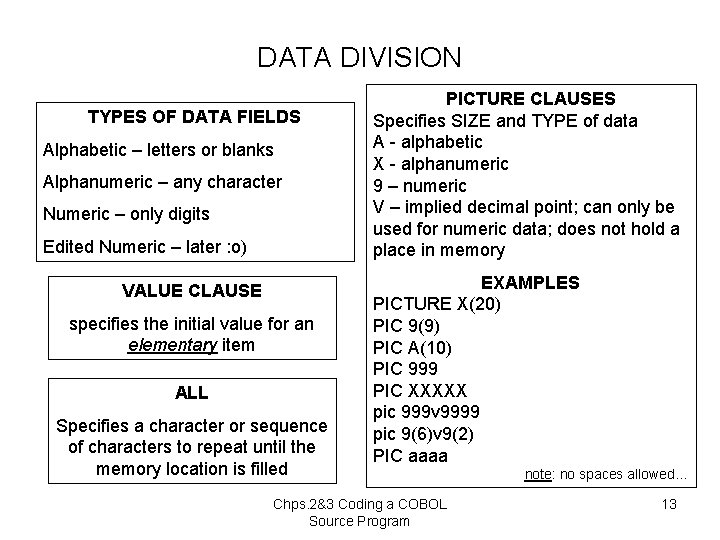
DATA DIVISION TYPES OF DATA FIELDS Alphabetic – letters or blanks Alphanumeric – any character Numeric – only digits Edited Numeric – later : o) VALUE CLAUSE specifies the initial value for an elementary item ALL Specifies a character or sequence of characters to repeat until the memory location is filled PICTURE CLAUSES Specifies SIZE and TYPE of data A - alphabetic X - alphanumeric 9 – numeric V – implied decimal point; can only be used for numeric data; does not hold a place in memory EXAMPLES PICTURE X(20) PIC 9(9) PIC A(10) PIC 999 PIC XXXXX pic 999 v 9999 pic 9(6)v 9(2) PIC aaaa Chps. 2&3 Coding a COBOL Source Program note: no spaces allowed… 13
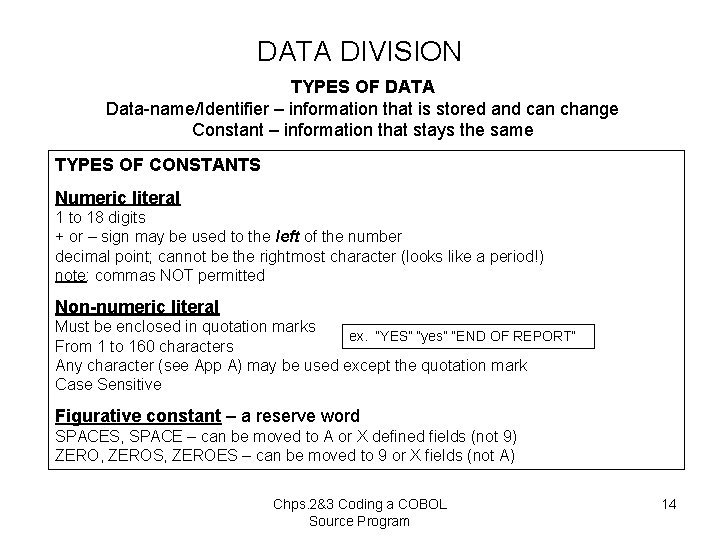
DATA DIVISION TYPES OF DATA Data-name/Identifier – information that is stored and can change Constant – information that stays the same TYPES OF CONSTANTS Numeric literal 1 to 18 digits + or – sign may be used to the left of the number decimal point; cannot be the rightmost character (looks like a period!) note: commas NOT permitted Non-numeric literal Must be enclosed in quotation marks ex. “YES” “yes” “END OF REPORT” From 1 to 160 characters Any character (see App A) may be used except the quotation mark Case Sensitive Figurative constant – a reserve word SPACES, SPACE – can be moved to A or X defined fields (not 9) ZERO, ZEROS, ZEROES – can be moved to 9 or X fields (not A) Chps. 2&3 Coding a COBOL Source Program 14
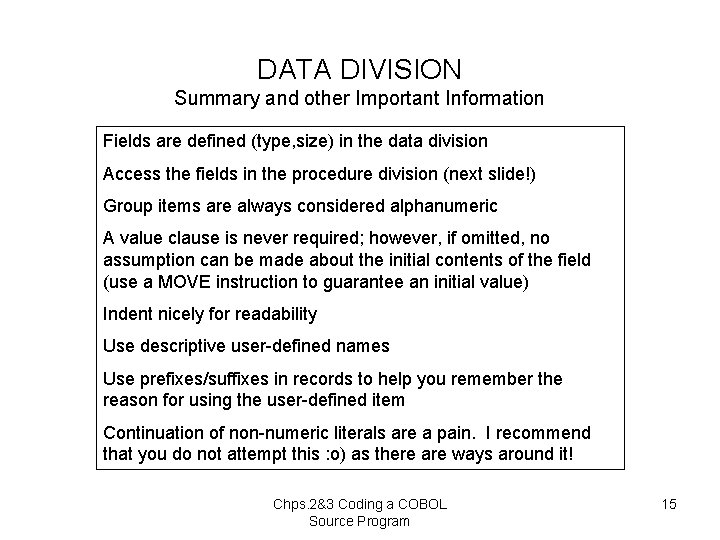
DATA DIVISION Summary and other Important Information Fields are defined (type, size) in the data division Access the fields in the procedure division (next slide!) Group items are always considered alphanumeric A value clause is never required; however, if omitted, no assumption can be made about the initial contents of the field (use a MOVE instruction to guarantee an initial value) Indent nicely for readability Use descriptive user-defined names Use prefixes/suffixes in records to help you remember the reason for using the user-defined item Continuation of non-numeric literals are a pain. I recommend that you do not attempt this : o) as there are ways around it! Chps. 2&3 Coding a COBOL Source Program 15
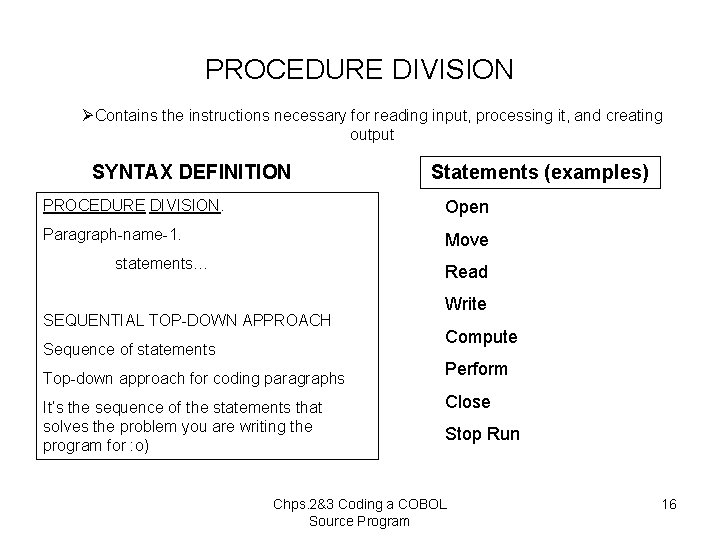
PROCEDURE DIVISION ØContains the instructions necessary for reading input, processing it, and creating output SYNTAX DEFINITION Statements (examples) PROCEDURE DIVISION. Open Paragraph-name-1. Move statements… Read SEQUENTIAL TOP-DOWN APPROACH Sequence of statements Top-down approach for coding paragraphs It’s the sequence of the statements that solves the problem you are writing the program for : o) Write Compute Perform Close Stop Run Chps. 2&3 Coding a COBOL Source Program 16
- Slides: 16