
Code Tuning Techniques Relatively small coding changes to
![Loops, Unrolling i = 0; while(i < cnt){ a[i] = i; i++; } •](https://slidetodoc.com/presentation_image_h2/d13436bb1fe4e0d0f50ce4f1c749fece/image-5.jpg "Loops, Unrolling i = 0; while(i < cnt){ a[i] = i; i++; } •")
![Minimize Work in Loops for (i=0; i<max; i++) a[i] = b[i] + str 1](https://slidetodoc.com/presentation_image_h2/d13436bb1fe4e0d0f50ce4f1c749fece/image-6.jpg "Minimize Work in Loops for (i=0; i<max; i++) a[i] = b[i] + str 1")

![Memory Management Programs can request memory dynamically with malloc(); int valarr[10]; int *valarr; valarr](https://slidetodoc.com/presentation_image_h2/d13436bb1fe4e0d0f50ce4f1c749fece/image-21.jpg "Memory Management Programs can request memory dynamically with malloc(); int valarr[10]; int *valarr; valarr")

![Thread Management int main (int argc, char *argv[]) { pthread_t threads[NUM_THREADS]; int rc; long](https://slidetodoc.com/presentation_image_h2/d13436bb1fe4e0d0f50ce4f1c749fece/image-35.jpg "Thread Management int main (int argc, char *argv[]) { pthread_t threads[NUM_THREADS]; int rc; long")
![Joining Example int main (int argc, char *argv[]) { pthread_t a. Thread; pthread_attr_t attr;](https://slidetodoc.com/presentation_image_h2/d13436bb1fe4e0d0f50ce4f1c749fece/image-38.jpg "Joining Example int main (int argc, char *argv[]) { pthread_t a. Thread; pthread_attr_t attr;")
- Slides: 38
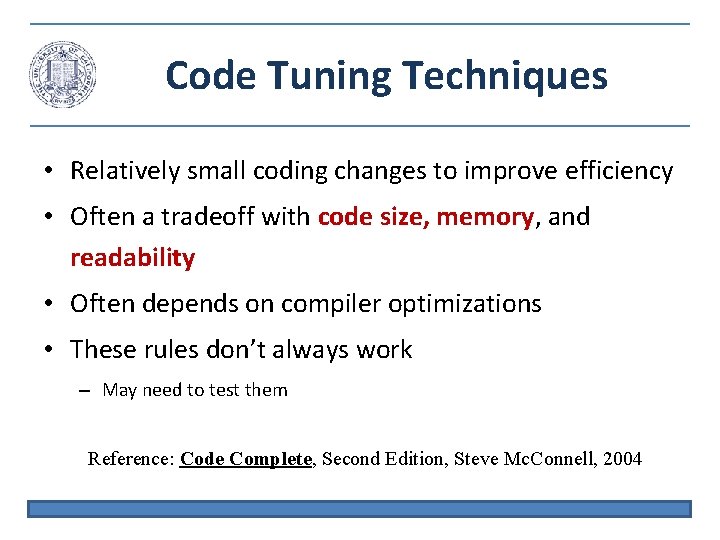
Code Tuning Techniques • Relatively small coding changes to improve efficiency • Often a tradeoff with code size, memory, and readability • Often depends on compiler optimizations • These rules don’t always work – May need to test them Reference: Code Complete, Second Edition, Steve Mc. Connell, 2004
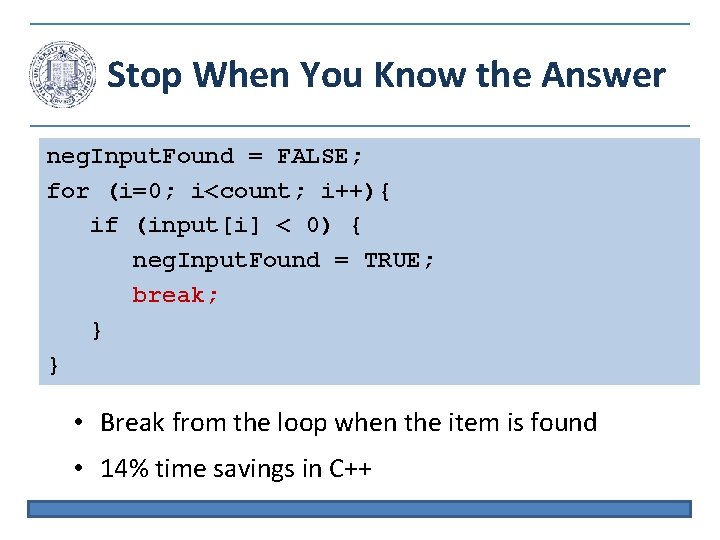
Stop When You Know the Answer neg. Input. Found = FALSE; for (i=0; i<count; i++){ if (input[i] < 0) { neg. Input. Found = TRUE; break; } } • Break from the loop when the item is found • 14% time savings in C++
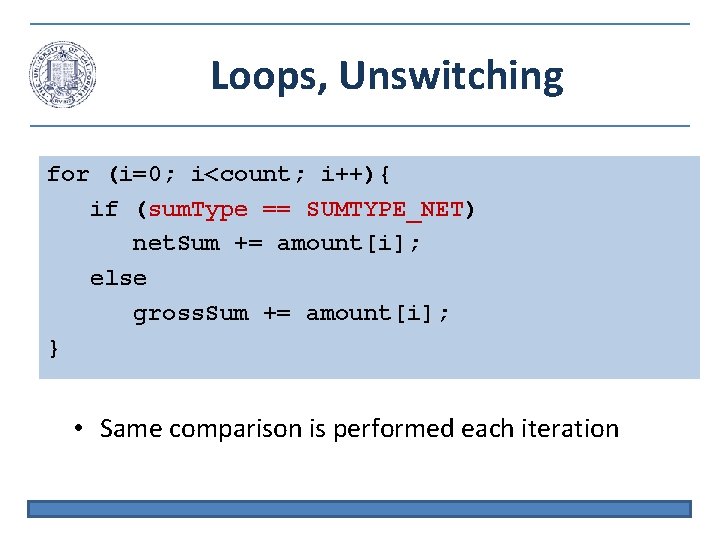
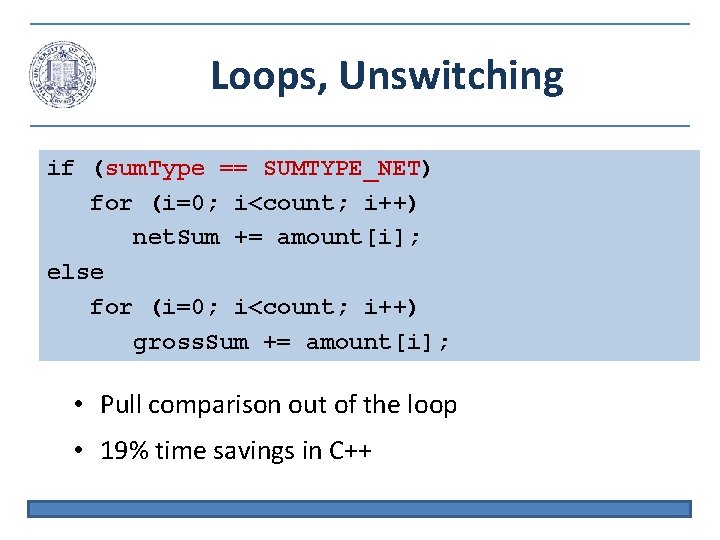
Loops, Unswitching for (i=0; i<count; i++){ if (sum. Type == SUMTYPE_NET) net. Sum += amount[i]; else gross. Sum += amount[i]; } • Same comparison is performed each iteration
Loops, Unswitching if (sum. Type == SUMTYPE_NET) for (i=0; i<count; i++) net. Sum += amount[i]; else for (i=0; i<count; i++) gross. Sum += amount[i]; • Pull comparison out of the loop • 19% time savings in C++
Loops, Unrolling i = 0; while(i < cnt){ a[i] = i; i++; } • Perform two iterations in one • Reduce loop overhead • 34% improvement in C++ i = 0; while(i < cnt - 1){ a[i] = i; a[i+1] = i+1; i += 2; } if (i == cnt-1) a[cnt-1] = cnt-1;
Minimize Work in Loops for (i=0; i<max; i++) a[i] = b[i] + str 1 ->str 2 ->str 3 ->str 4; x = str 1 ->str 2 ->str 3 ->str 4; for (i=0; i<max; i++) a[i] = b[i] + x; • Dereferencing takes time • 19% time savings in C++
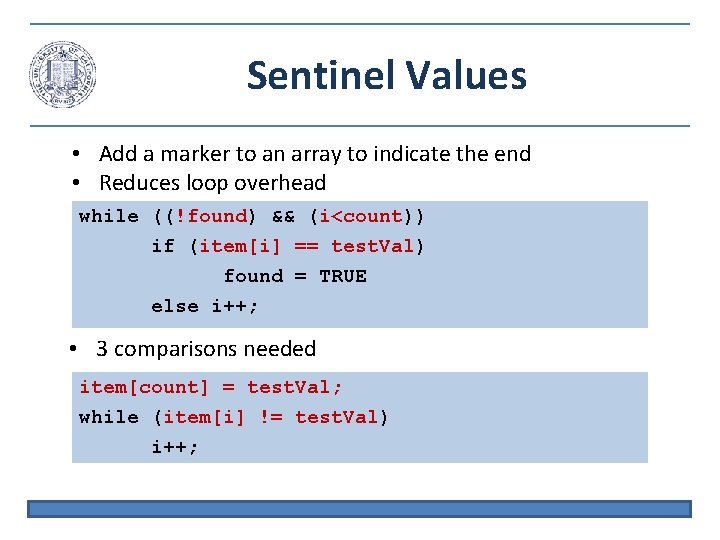
Sentinel Values • Add a marker to an array to indicate the end • Reduces loop overhead while ((!found) && (i<count)) if (item[i] == test. Val) found = TRUE else i++; • 3 comparisons needed item[count] = test. Val; while (item[i] != test. Val) i++;
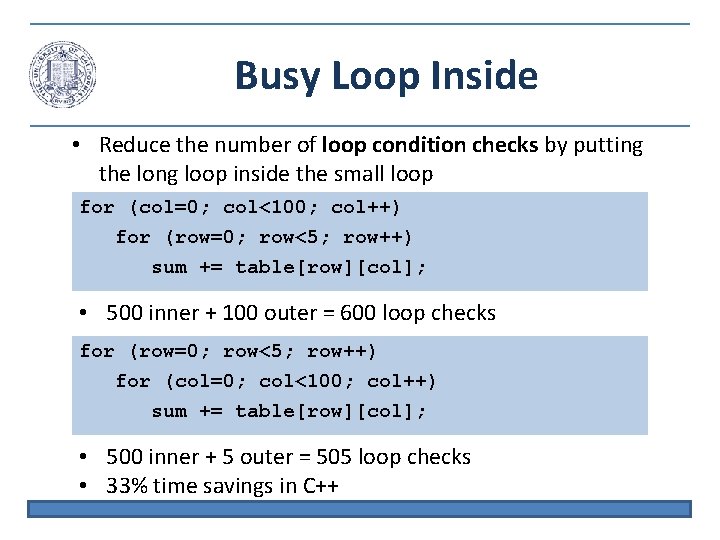
Busy Loop Inside • Reduce the number of loop condition checks by putting the long loop inside the small loop for (col=0; col<100; col++) for (row=0; row<5; row++) sum += table[row][col]; • 500 inner + 100 outer = 600 loop checks for (row=0; row<5; row++) for (col=0; col<100; col++) sum += table[row][col]; • 500 inner + 5 outer = 505 loop checks • 33% time savings in C++
Strength Reduction • Replacing complex instructions with simple instructions – Multiplication with addition for (i=0; i<sale. Count; i++) comm[i]=(i+1) * rev * base * disc; inc. Comm = rev * base * disc; cum. Comm = inc. Comm; for (i=0; i<sale. Count; i++){ comm[i] = cum. Comm; cum. Comm += inc. Comm; } • 12% performance improvement in C++
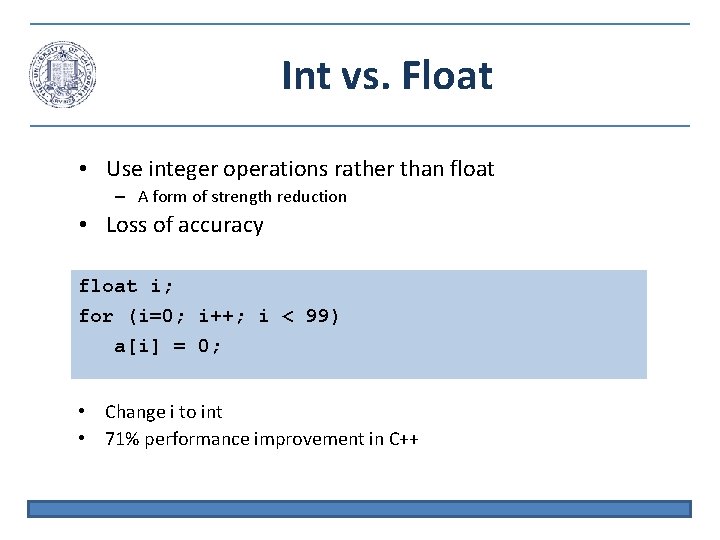
Int vs. Float • Use integer operations rather than float – A form of strength reduction • Loss of accuracy float i; for (i=0; i++; i < 99) a[i] = 0; • Change i to int • 71% performance improvement in C++
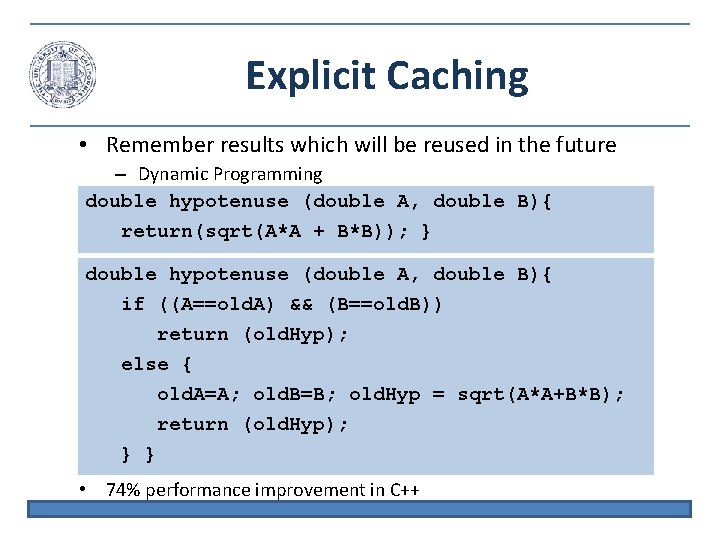
Explicit Caching • Remember results which will be reused in the future – Dynamic Programming double hypotenuse (double A, double B){ return(sqrt(A*A + B*B)); } double hypotenuse (double A, double B){ if ((A==old. A) && (B==old. B)) return (old. Hyp); else { old. A=A; old. B=B; old. Hyp = sqrt(A*A+B*B); return (old. Hyp); } } • 74% performance improvement in C++
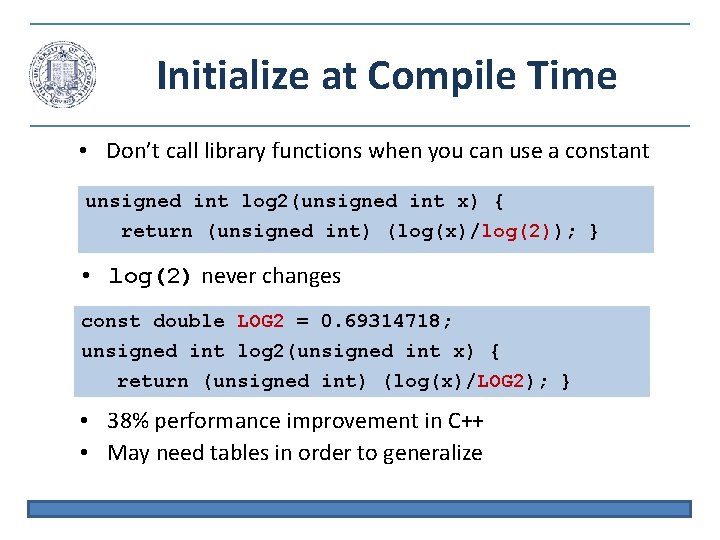
Initialize at Compile Time • Don’t call library functions when you can use a constant unsigned int log 2(unsigned int x) { return (unsigned int) (log(x)/log(2)); } • log(2) never changes const double LOG 2 = 0. 69314718; unsigned int log 2(unsigned int x) { return (unsigned int) (log(x)/LOG 2); } • 38% performance improvement in C++ • May need tables in order to generalize
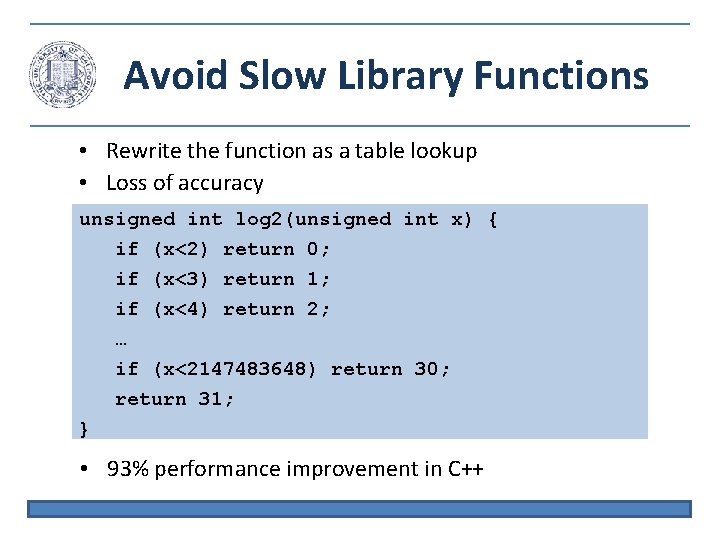
Avoid Slow Library Functions • Rewrite the function as a table lookup • Loss of accuracy unsigned int log 2(unsigned int x) { if (x<2) return 0; if (x<3) return 1; if (x<4) return 2; … if (x<2147483648) return 30; return 31; } • 93% performance improvement in C++
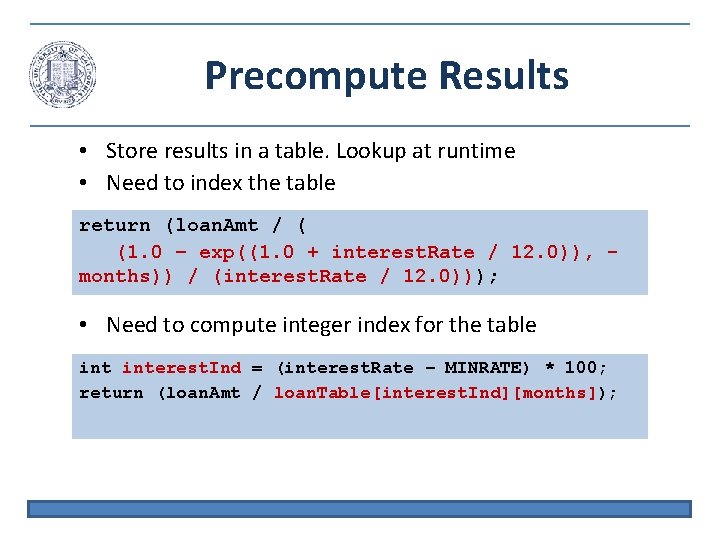
Precompute Results • Store results in a table. Lookup at runtime • Need to index the table return (loan. Amt / ( (1. 0 – exp((1. 0 + interest. Rate / 12. 0)), months)) / (interest. Rate / 12. 0))); • Need to compute integer index for the table interest. Ind = (interest. Rate – MINRATE) * 100; return (loan. Amt / loan. Table[interest. Ind][months]);
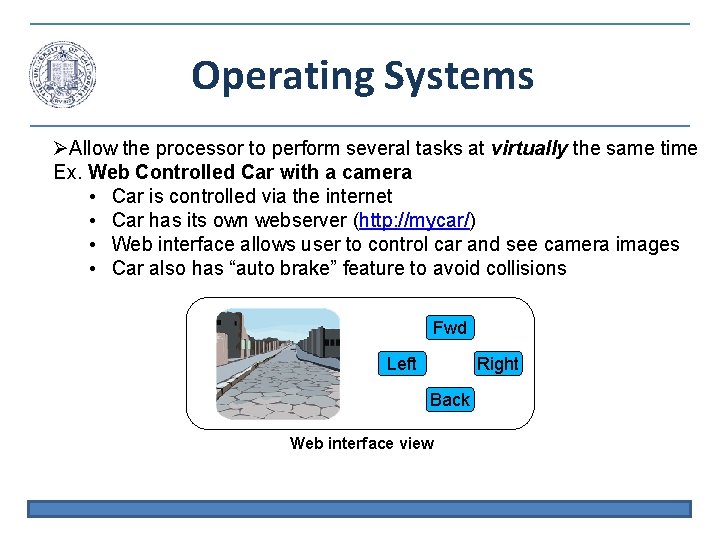
Operating Systems Allow the processor to perform several tasks at virtually the same time Ex. Web Controlled Car with a camera • Car is controlled via the internet • Car has its own webserver (http: //mycar/) • Web interface allows user to control car and see camera images • Car also has “auto brake” feature to avoid collisions Fwd Left Right Back Web interface view
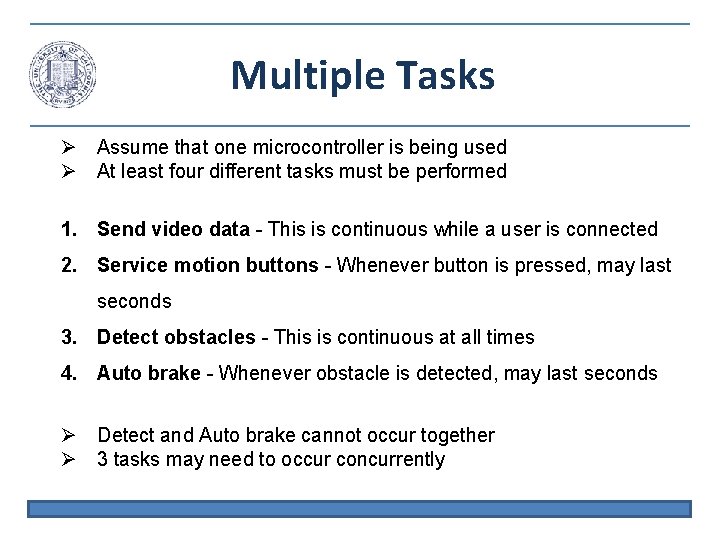
Multiple Tasks Assume that one microcontroller is being used At least four different tasks must be performed 1. Send video data - This is continuous while a user is connected 2. Service motion buttons - Whenever button is pressed, may last seconds 3. Detect obstacles - This is continuous at all times 4. Auto brake - Whenever obstacle is detected, may last seconds Detect and Auto brake cannot occur together 3 tasks may need to occur concurrently
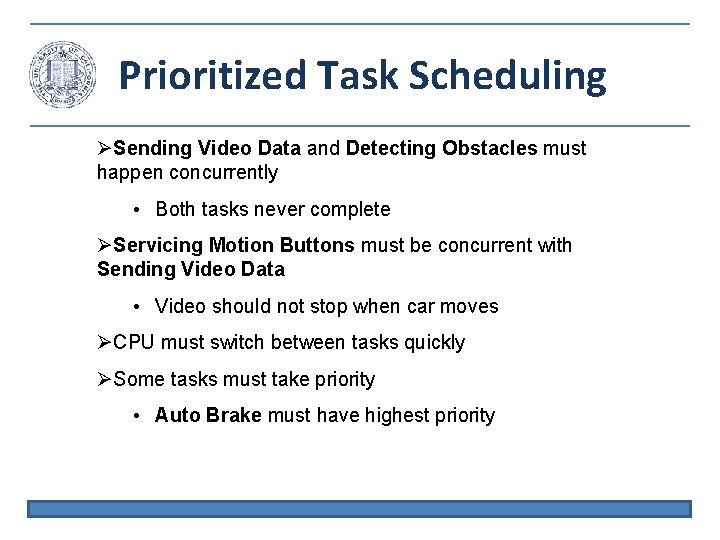
Prioritized Task Scheduling Sending Video Data and Detecting Obstacles must happen concurrently • Both tasks never complete Servicing Motion Buttons must be concurrent with Sending Video Data • Video should not stop when car moves CPU must switch between tasks quickly Some tasks must take priority • Auto Brake must have highest priority
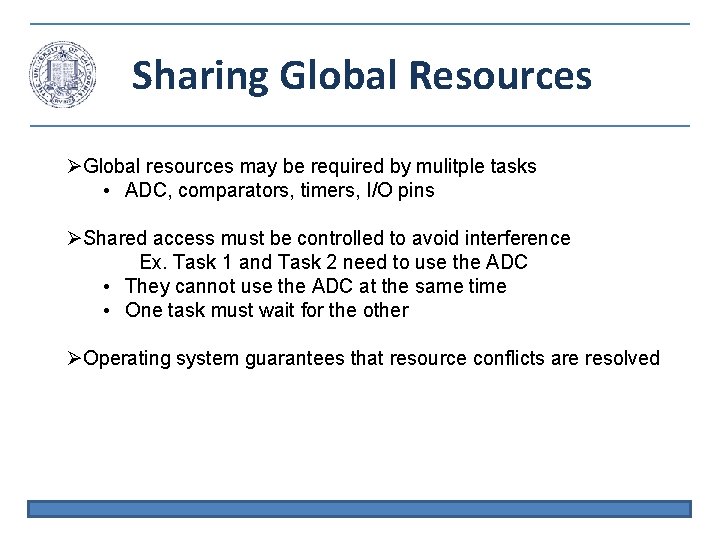
Sharing Global Resources Global resources may be required by mulitple tasks • ADC, comparators, timers, I/O pins Shared access must be controlled to avoid interference Ex. Task 1 and Task 2 need to use the ADC • They cannot use the ADC at the same time • One task must wait for the other Operating system guarantees that resource conflicts are resolved
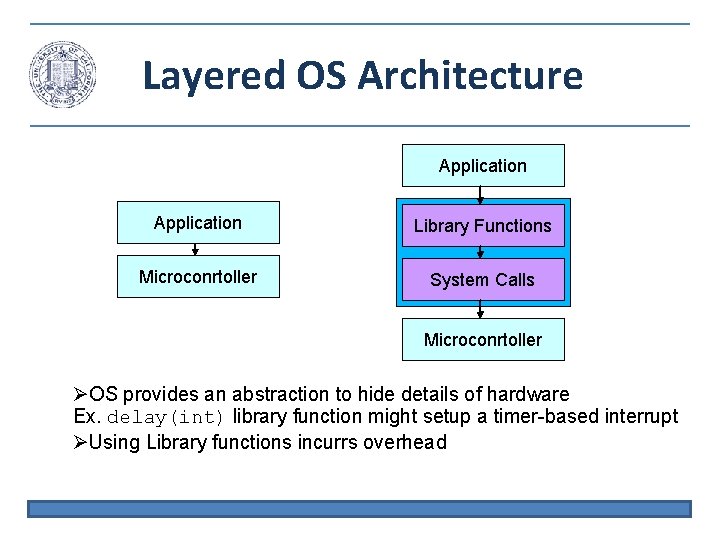
Layered OS Architecture Application Library Functions Microconrtoller System Calls Microconrtoller OS provides an abstraction to hide details of hardware Ex. delay(int) library function might setup a timer-based interrupt Using Library functions incurrs overhead
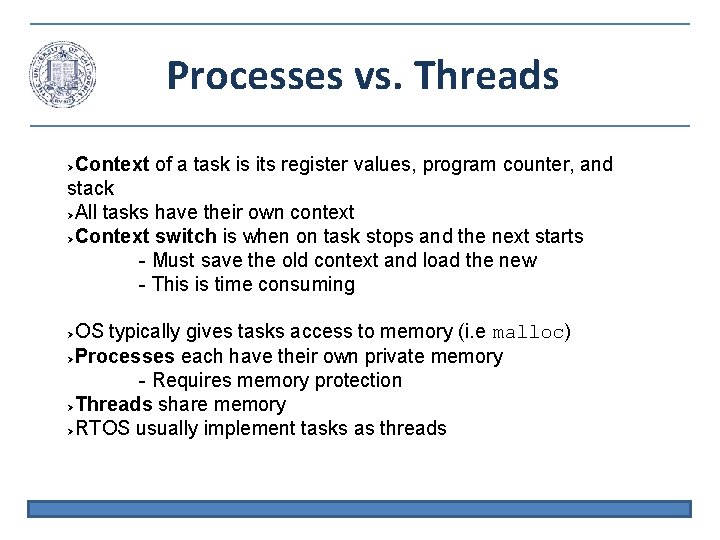
Processes vs. Threads Context of a task is its register values, program counter, and stack All tasks have their own context Context switch is when on task stops and the next starts - Must save the old context and load the new - This is time consuming OS typically gives tasks access to memory (i. e malloc) Processes each have their own private memory - Requires memory protection Threads share memory RTOS usually implement tasks as threads
Memory Management Programs can request memory dynamically with malloc(); int valarr[10]; int *valarr; valarr = (int *) malloc(10 * sizeof(int)); Dynamically allocated memory must be explicitly released - statically allocated memory is released on function return free(valarr); Dynamic memory allocation is flexible but harder to deal with - Must free the memory manually - Cannot access freed memory
OS Memory Management A program cannot know the dynamic memory allocation - Which memory locations are used and which are available? Operating system keeps tables describing which memory locations are available The program must request memory from the OS - OS may deny request if there is no memory available OS also protects memory - Enforce memory access permissions
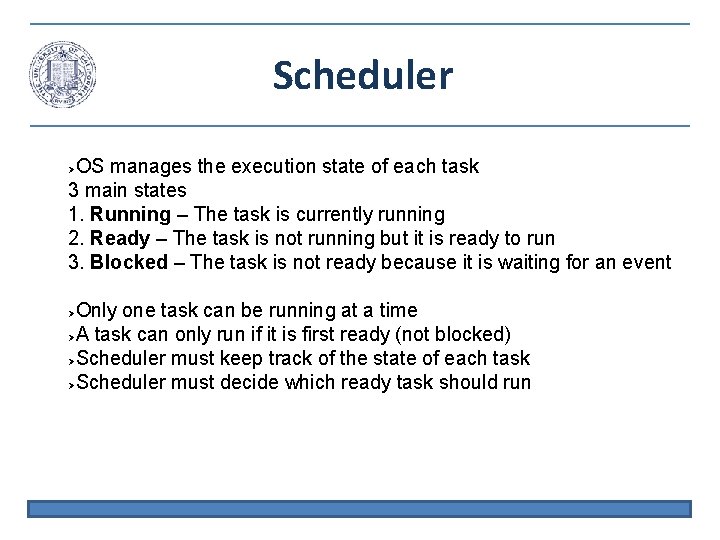
Scheduler OS manages the execution state of each task 3 main states 1. Running – The task is currently running 2. Ready – The task is not running but it is ready to run 3. Blocked – The task is not ready because it is waiting for an event Only one task can be running at a time A task can only run if it is first ready (not blocked) Scheduler must keep track of the state of each task Scheduler must decide which ready task should run
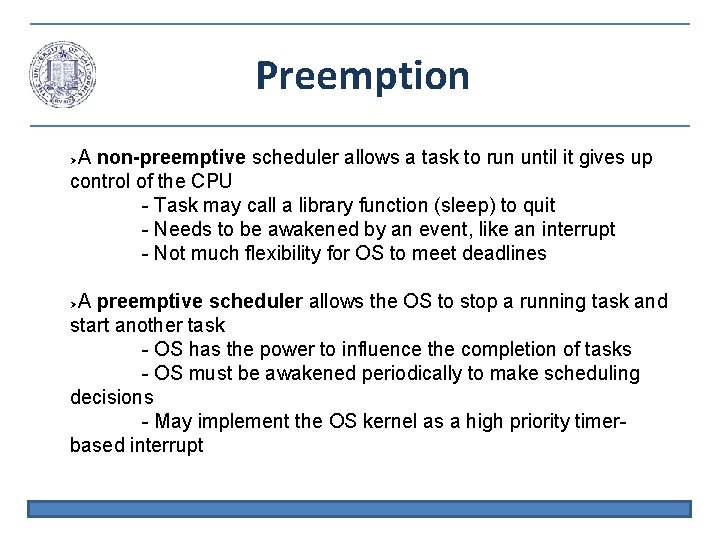
Preemption A non-preemptive scheduler allows a task to run until it gives up control of the CPU - Task may call a library function (sleep) to quit - Needs to be awakened by an event, like an interrupt - Not much flexibility for OS to meet deadlines A preemptive scheduler allows the OS to stop a running task and start another task - OS has the power to influence the completion of tasks - OS must be awakened periodically to make scheduling decisions - May implement the OS kernel as a high priority timerbased interrupt
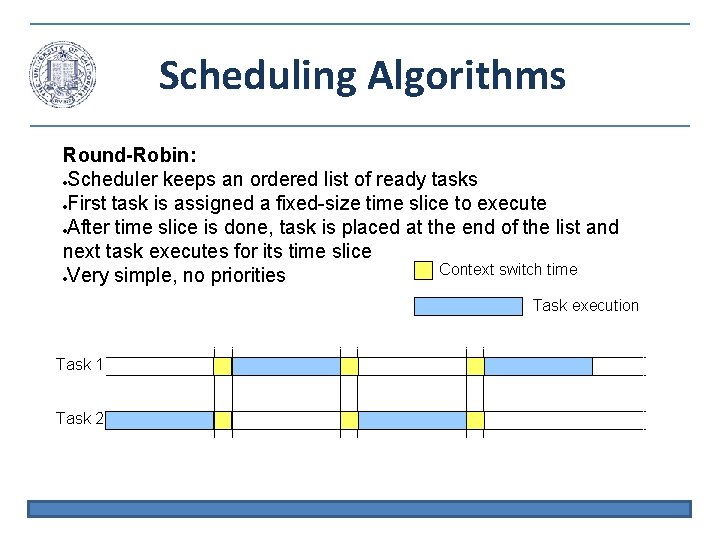
Scheduling Algorithms Round-Robin: Scheduler keeps an ordered list of ready tasks First task is assigned a fixed-size time slice to execute After time slice is done, task is placed at the end of the list and next task executes for its time slice Context switch time Very simple, no priorities Task execution Task 1 Task 2
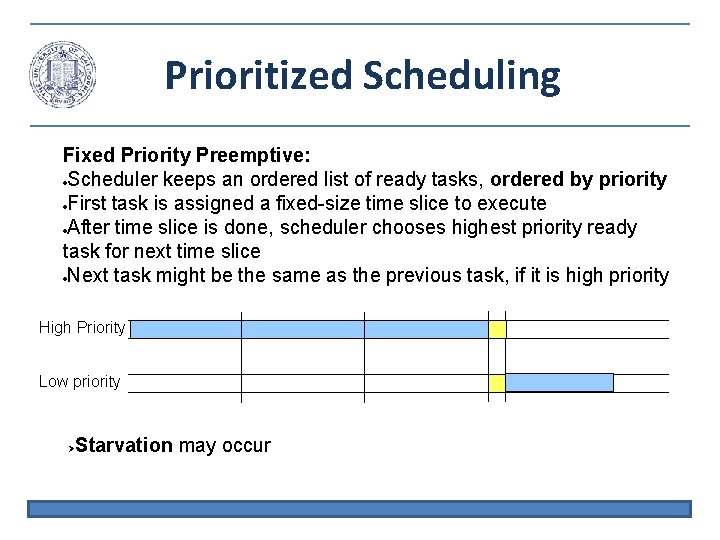
Prioritized Scheduling Fixed Priority Preemptive: Scheduler keeps an ordered list of ready tasks, ordered by priority First task is assigned a fixed-size time slice to execute After time slice is done, scheduler chooses highest priority ready task for next time slice Next task might be the same as the previous task, if it is high priority High Priority Low priority Starvation may occur
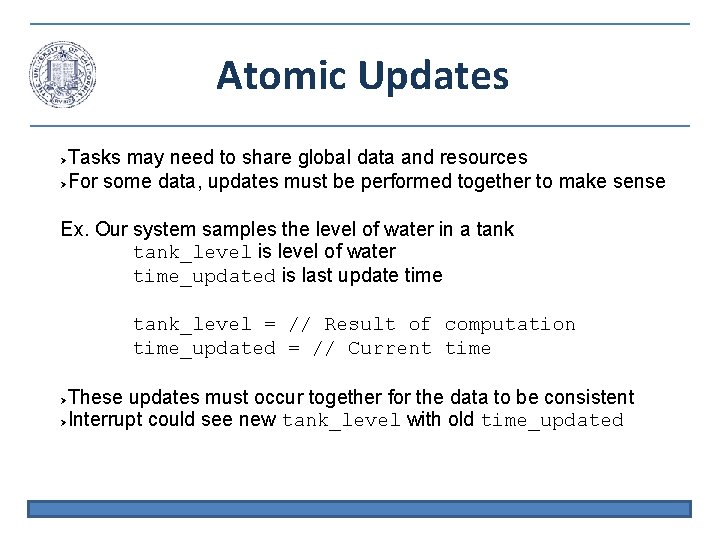
Atomic Updates Tasks may need to share global data and resources For some data, updates must be performed together to make sense Ex. Our system samples the level of water in a tank_level is level of water time_updated is last update time tank_level = // Result of computation time_updated = // Current time These updates must occur together for the data to be consistent Interrupt could see new tank_level with old time_updated
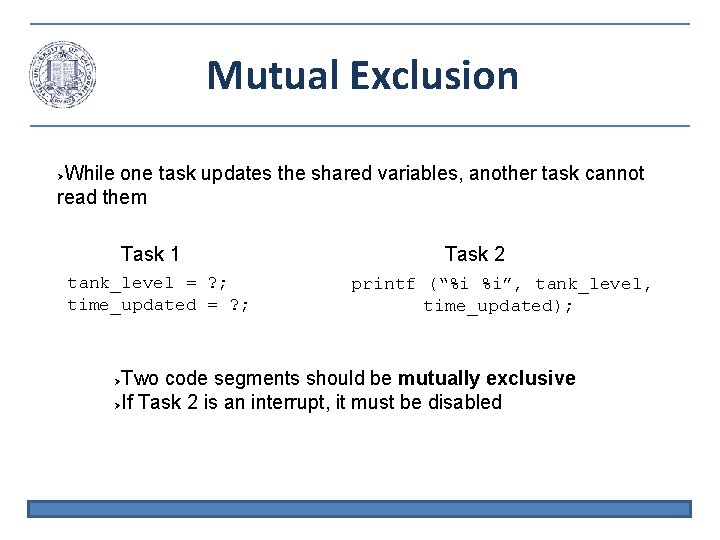
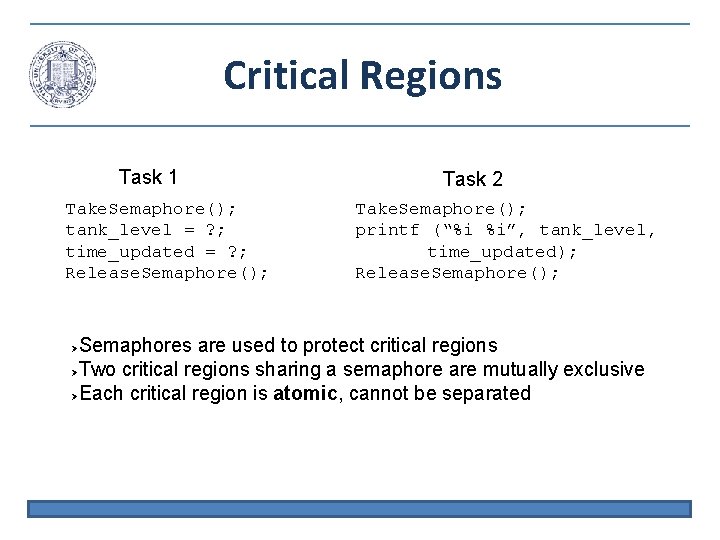
Mutual Exclusion While one task updates the shared variables, another task cannot read them Task 1 tank_level = ? ; time_updated = ? ; Task 2 printf (“%i %i”, tank_level, time_updated); Two code segments should be mutually exclusive If Task 2 is an interrupt, it must be disabled
Semaphores A semaphore is a flag which indicates that execution is safe May be implemented as a binary variable, 1 continue, 0 wait Take. Semaphore(): If semaphore is available (1) then take it (set to 0) and continue If semaphore is note available (0) then block until it is available Release. Semaphore(): Set semaphore to 1 so that another task can take it Only one task can have a semaphore at one time
Critical Regions Task 1 Take. Semaphore(); tank_level = ? ; time_updated = ? ; Release. Semaphore(); Task 2 Take. Semaphore(); printf (“%i %i”, tank_level, time_updated); Release. Semaphore(); Semaphores are used to protect critical regions Two critical regions sharing a semaphore are mutually exclusive Each critical region is atomic, cannot be separated
POSIX Threads (Pthreads) • IEEE POSIX 1003. 1 c: Standard for a C language API for thread control • All pthreads in a process share, Process ID Heap File descriptors Shared libraries • Each pthread maintains its own, Stack pointer Registers Scheduling properties (such as policy or priority) Set of pending and blocked signals
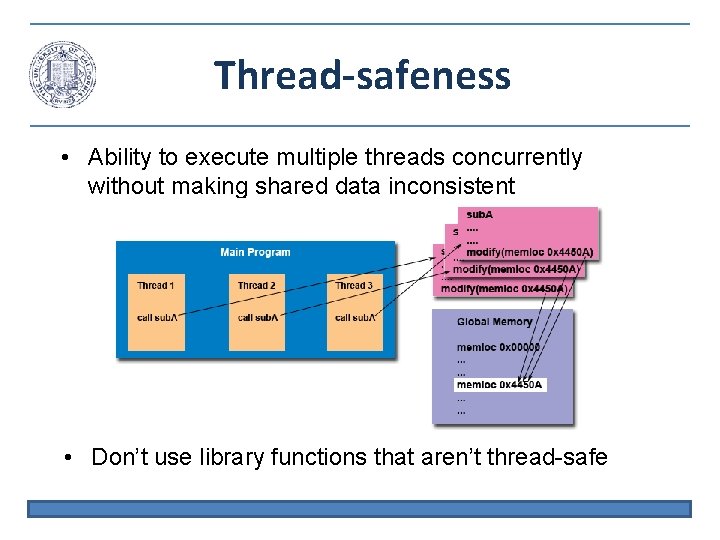
Thread-safeness • Ability to execute multiple threads concurrently without making shared data inconsistent • Don’t use library functions that aren’t thread-safe
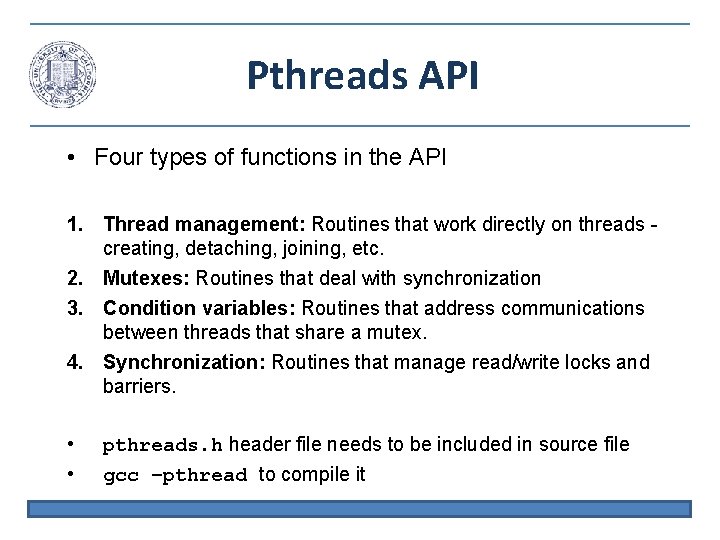
Pthreads API • Four types of functions in the API 1. Thread management: Routines that work directly on threads creating, detaching, joining, etc. 2. Mutexes: Routines that deal with synchronization 3. Condition variables: Routines that address communications between threads that share a mutex. 4. Synchronization: Routines that manage read/write locks and barriers. • • pthreads. h header file needs to be included in source file gcc –pthread to compile it
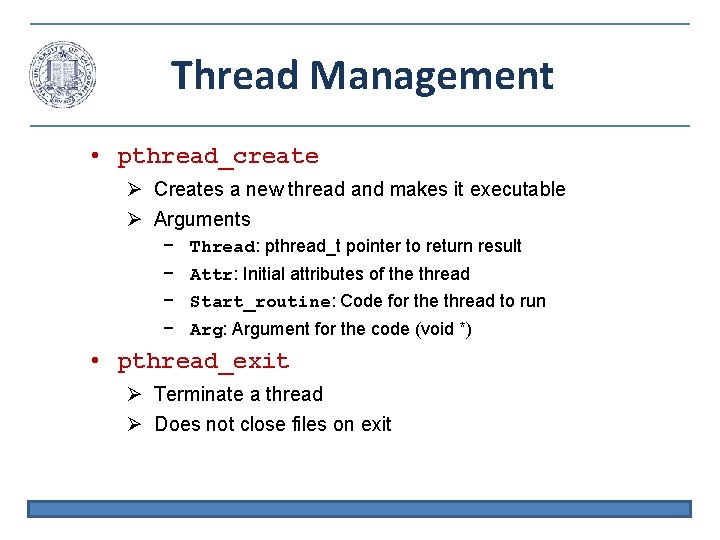
Thread Management • pthread_create Creates a new thread and makes it executable Arguments − − Thread: pthread_t pointer to return result Attr: Initial attributes of the thread Start_routine: Code for the thread to run Arg: Argument for the code (void *) • pthread_exit Terminate a thread Does not close files on exit
Thread Management int main (int argc, char *argv[]) { pthread_t threads[NUM_THREADS]; int rc; long t; for(t=0; t<NUM_THREADS; t++){ printf("In main: creating thread %ldn", t); rc = pthread_create(&threads[t], NULL, Print. Hello, (void *)t); if (rc){ printf("ERROR; return code is %dn", rc); exit(-1); } } pthread_exit(NULL); } • Creates a set of threads, all running Print. Hello • Takes an argument, the thread number
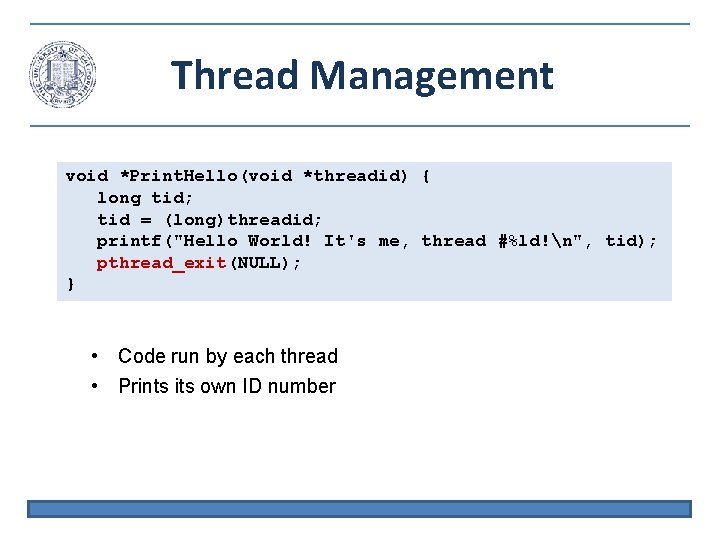
Thread Management void *Print. Hello(void *threadid) { long tid; tid = (long)threadid; printf("Hello World! It's me, thread #%ld!n", tid); pthread_exit(NULL); } • Code run by each thread • Prints its own ID number
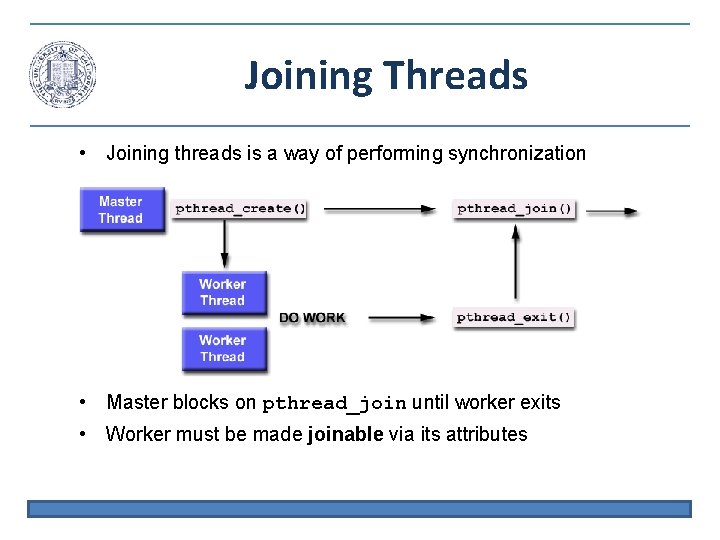
Joining Threads • Joining threads is a way of performing synchronization • Master blocks on pthread_join until worker exits • Worker must be made joinable via its attributes
Joining Example int main (int argc, char *argv[]) { pthread_t a. Thread; pthread_attr_t attr; int rc, *t=0; void *status; pthread_attr_init(&attr); pthread_attr_setdetachstate(&attr, PTHREAD_CREATE_JOINABLE); rc = pthread_create(&thread[t], &attr, Busy. Work, (void *)t); pthread_attr_destroy(&attr); … // Do something rc = pthread_join(thread[t], &status); • pthread_attr_* define attributes of the thread (make it joinable) • pthread_attr_destroy frees the attribute structure