
CMSC 341 First session CMSC 341 First session
![Makefiles • Syntax: • RULE: DEPENDENCY LINE • [tab]ACTION LINE(S) – DEPENDENCY LINE: TARGET](https://slidetodoc.com/presentation_image_h2/4a1a5832f21407a9c289a0dac2eb0cdd/image-5.jpg "Makefiles • Syntax: • RULE: DEPENDENCY LINE • [tab]ACTION LINE(S) – DEPENDENCY LINE: TARGET")
![How to Submit • submitmake <section> <project> • submitrun <section> <project> [command-line args]](https://slidetodoc.com/presentation_image_h2/4a1a5832f21407a9c289a0dac2eb0cdd/image-11.jpg "How to Submit • submitmake <section> <project> • submitrun <section> <project> [command-line args]")
- Slides: 13
CMSC 341 First session
CMSC 341 First session w Instructors • Dr. Penny Rheingans (Section 401) – E-mail: rheingan@cs. umbc. edu • Mr. James M. Kukla (Section 101) – E-mail: jkukla 1@cs. umbc. edu • Dr. Mitch Edelman (Section 201 & 301) – E-mail: edelman@cs. umbc. edu w TA's • Sushma Natarajan – E-mail: snatar 3@umbc. edu • Xuan Su – E-mail: xsu 2@umbc. edu
CMSC 341 w w w Makefiles Compiling & Debugging How to Submit Project Organisation Project Policy
Makefiles w Intro: • Makefiles are basically sophisticated shell scripts that automate the repetitive tasks of compiling/recompiling many inter-related files. w What is a Makefile? • A makefile is a special file, containing shell commands, that you create and name makefile. • The makefile contains a list of rules.
Makefiles • Syntax: • RULE: DEPENDENCY LINE • [tab]ACTION LINE(S) – DEPENDENCY LINE: TARGET FILES: SOURCE FILES • Comments can be placed in makefiles by starting the line with #. • A macro definition starts with a variable name (in capital letters) followed by an equal sign then followed by the string of commands the macro will replace.
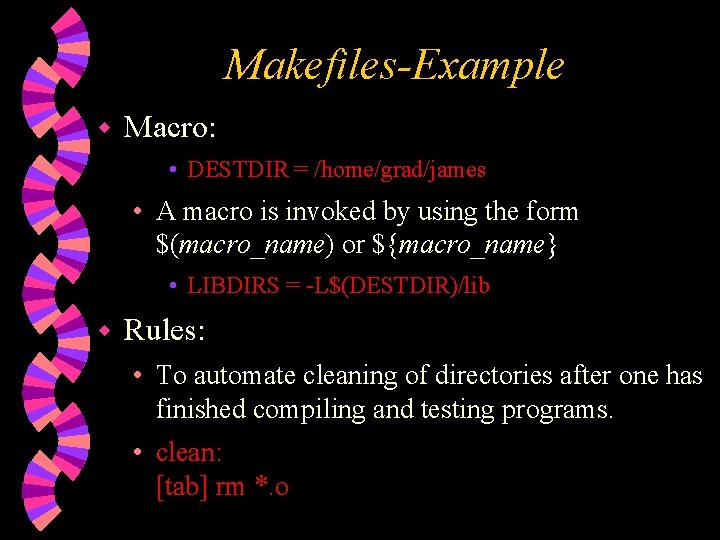
Makefiles-Example w Macro: • DESTDIR = /home/grad/james • A macro is invoked by using the form $(macro_name) or ${macro_name} • LIBDIRS = -L$(DESTDIR)/lib w Rules: • To automate cleaning of directories after one has finished compiling and testing programs. • clean: [tab] rm *. o
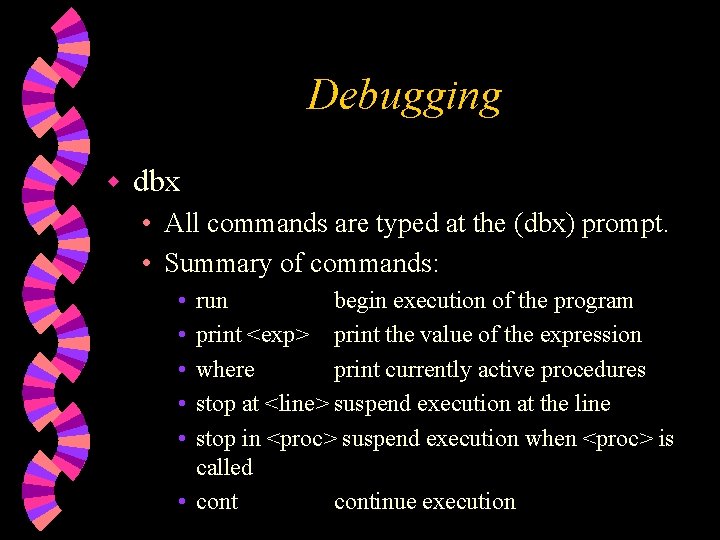
Debugging w dbx • All commands are typed at the (dbx) prompt. • Summary of commands: • • • run begin execution of the program print <exp> print the value of the expression where print currently active procedures stop at <line> suspend execution at the line stop in <proc> suspend execution when <proc> is called • continue execution
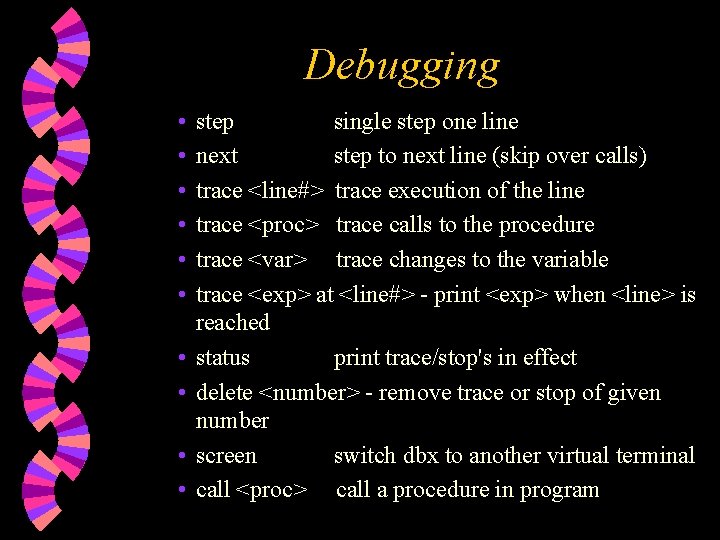
Debugging • • • step single step one line next step to next line (skip over calls) trace <line#> trace execution of the line trace <proc> trace calls to the procedure trace <var> trace changes to the variable trace <exp> at <line#> - print <exp> when <line> is reached status print trace/stop's in effect delete <number> - remove trace or stop of given number screen switch dbx to another virtual terminal call <proc> call a procedure in program
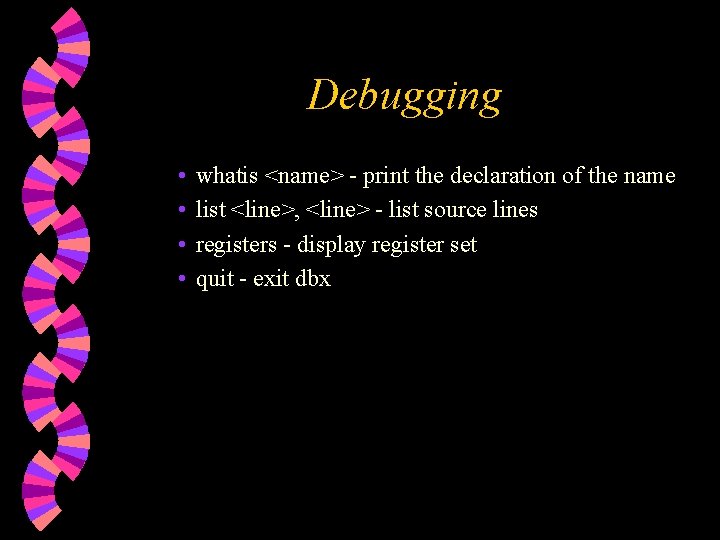
Debugging • • whatis <name> - print the declaration of the name list <line>, <line> - list source lines registers - display register set quit - exit dbx
How to Submit Check up http: //www. gl. umbc. edu/submit w Use w • submit - to copy a file/set of files into the submission directory. • submitls - to list the submitted files. • submitproj - to list the projects. • submitrm - to remove files that have been submitted.
How to Submit • submitmake <section> <project> • submitrun <section> <project> [command-line args]
Project Organisation w Check out • http: //www. cs. umbc. edu/~rheingan/341 Fall 00 -project_organization. shtml • File Organization • Each class is to be defined in its own header file. • Each header file is to be guarded. • Documentation • Every file is to be headed by comments giving the – name of the file, your name, your section, your student ID, your GL email address, the creation and current dates, and a brief description of the file's contents.
CMSC 341 All the best !!!!