
CMSC 201 Computer Science I for Majors Lecture
- Slides: 52
CMSC 201 Computer Science I for Majors Lecture 05 – Comparison Operators and Boolean (Logical) Operators Prof. Katherine Gibson Based on slides by Shawn Lupoli and Max Morawski at UMBC www. umbc. edu
Last Class We Covered • Expressions • Python’s operators – Including mod and integer division • The order of operations • Different variables types – How to cast to a type • Constants (and why using them is important) 2 www. umbc. edu
Any Questions from Last Time? www. umbc. edu
Today’s Objectives • To learn a bit about main() • To learn more of Python’s operators – Comparison operators – Logical operators • To practice using these new operators • To become more familiar with using Boolean variables 4 www. umbc. edu
Quick Note about main() www. umbc. edu
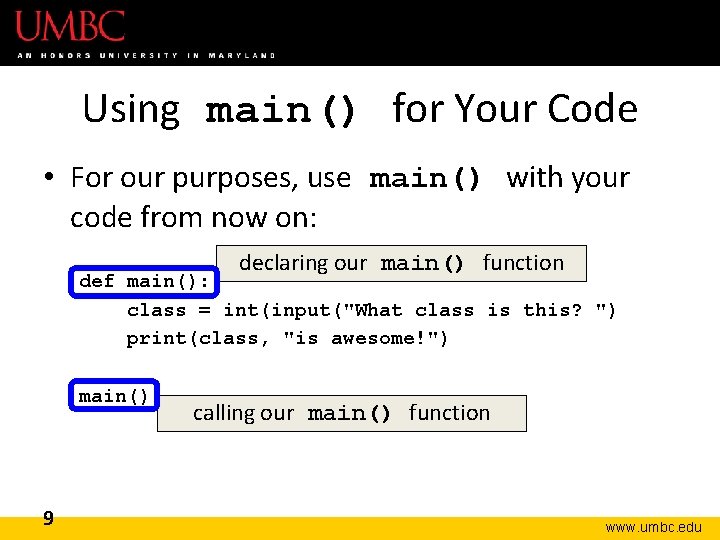
main() • In Lab 2, we introduced the code def main(): – as the first line of code in our file • main() is an example of a function • We can use functions to organize our code 6 www. umbc. edu
Functions • We’ll cover functions in more detail later • For now, think of them as something similar to a variable – Variables hold data – Functions hold code 7 www. umbc. edu
Calling main() • With variables, we use the variable name to access the data they store • We must do the same with functions like main(), using the function name to execute the code they store 8 www. umbc. edu
Using main() for Your Code • For our purposes, use main() with your code from now on: declaring our main() function def main(): class = int(input("What class is this? ") print(class, "is awesome!") main() 9 calling our main() function www. umbc. edu
Review: Control Structures & Operators 10 www. umbc. edu
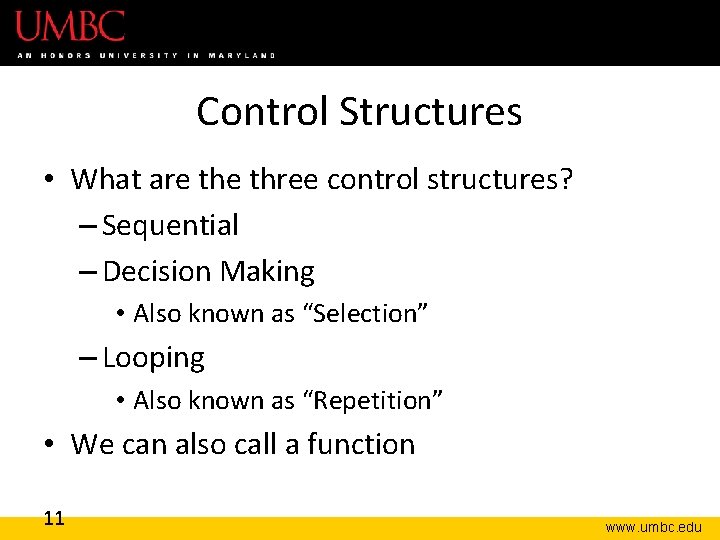
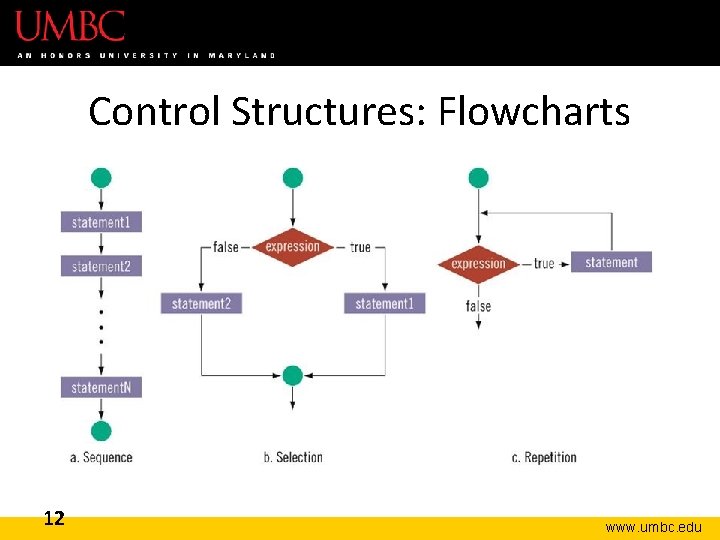
Control Structures • What are three control structures? – Sequential – Decision Making • Also known as “Selection” – Looping • Also known as “Repetition” • We can also call a function 11 www. umbc. edu
Control Structures: Flowcharts 12 www. umbc. edu
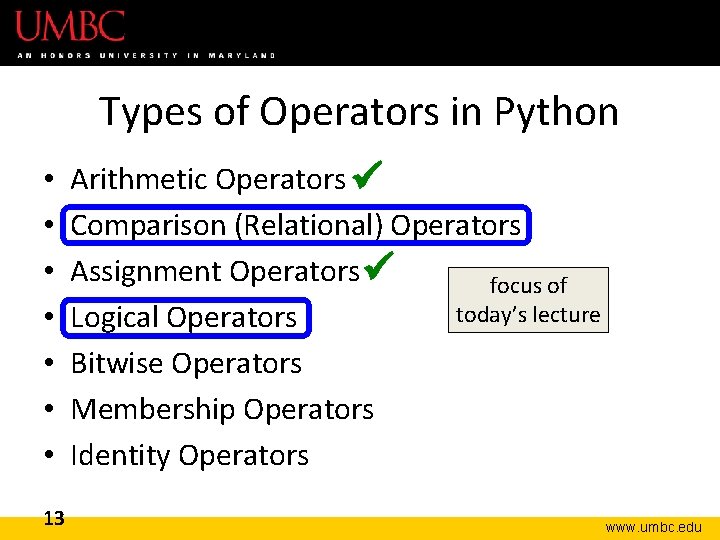
Types of Operators in Python • • 13 Arithmetic Operators Comparison (Relational) Operators Assignment Operators focus of today’s lecture Logical Operators Bitwise Operators Membership Operators Identity Operators www. umbc. edu
Comparison Operators www. umbc. edu
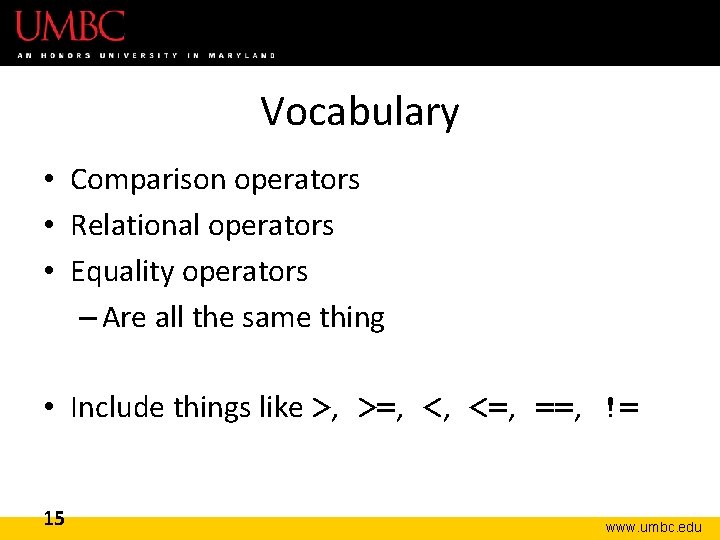
Vocabulary • Comparison operators • Relational operators • Equality operators – Are all the same thing • Include things like >, >=, <, <=, ==, != 15 www. umbc. edu
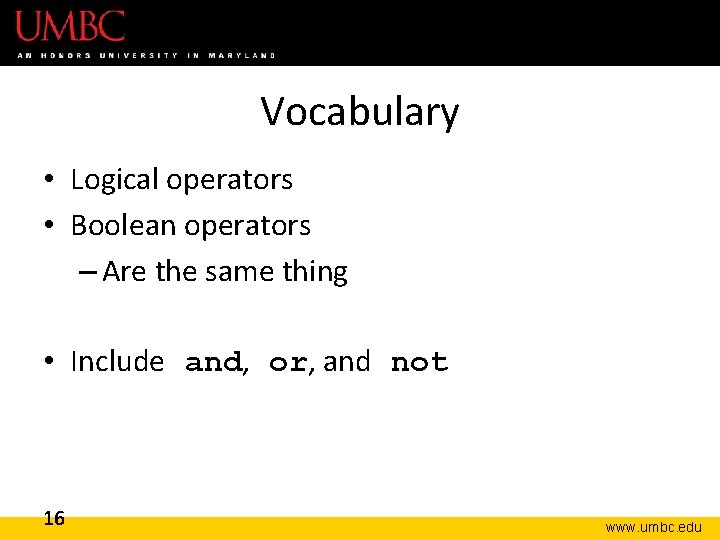
Vocabulary • Logical operators • Boolean operators – Are the same thing • Include and, or, and not 16 www. umbc. edu
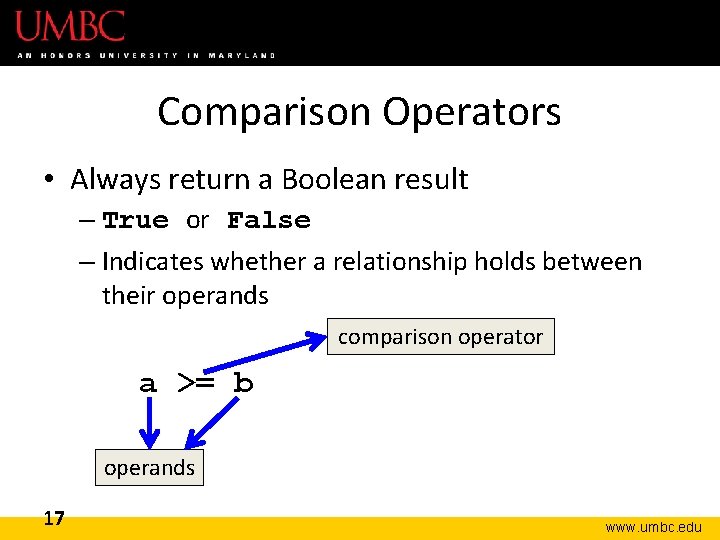
Comparison Operators • Always return a Boolean result – True or False – Indicates whether a relationship holds between their operands comparison operator a >= b operands 17 www. umbc. edu
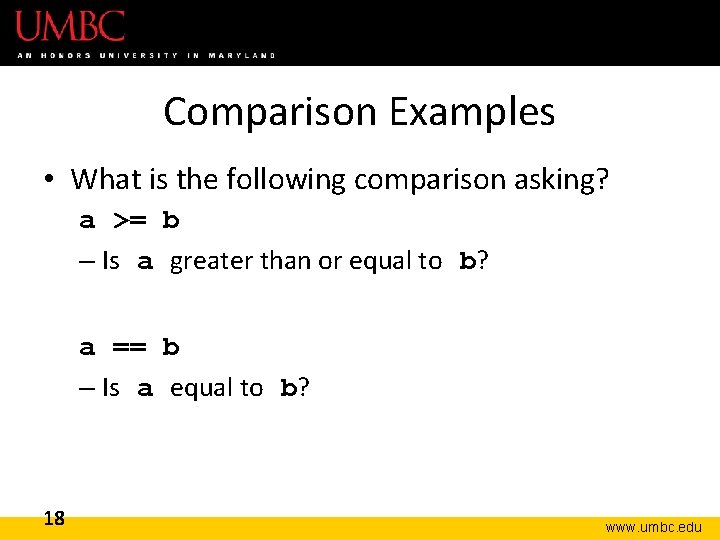
Comparison Examples • What is the following comparison asking? a >= b – Is a greater than or equal to b? a == b – Is a equal to b? 18 www. umbc. edu
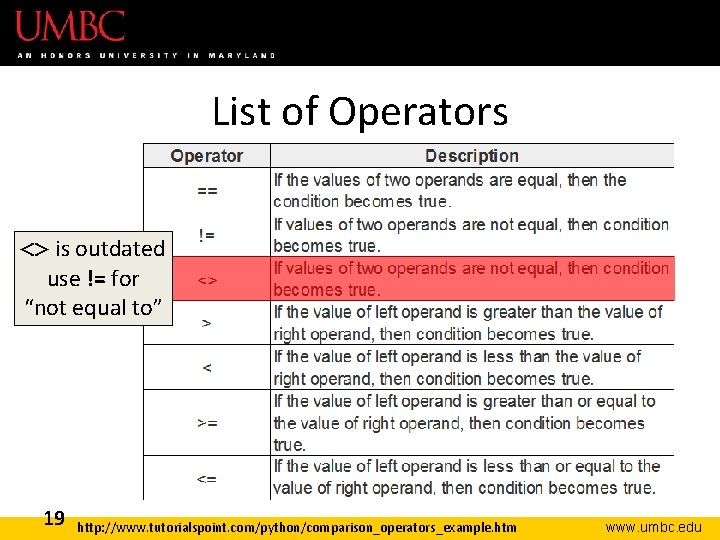
List of Operators <> is outdated use != for “not equal to” 19 http: //www. tutorialspoint. com/python/comparison_operators_example. htm www. umbc. edu
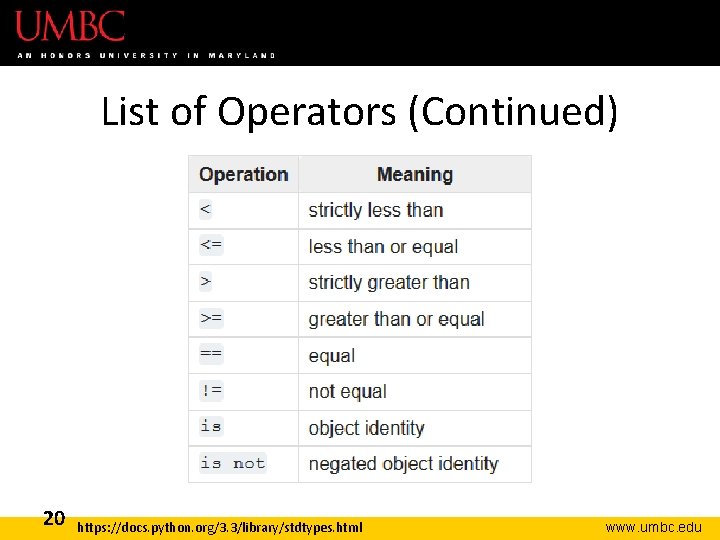
List of Operators (Continued) 20 https: //docs. python. org/3. 3/library/stdtypes. html www. umbc. edu
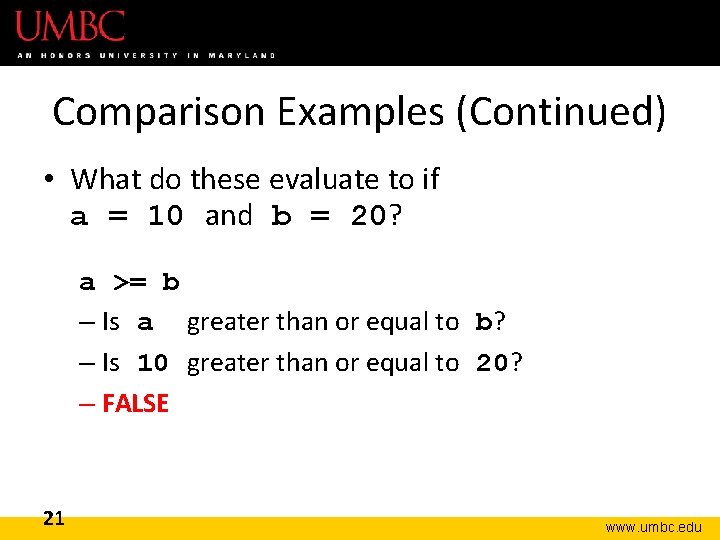
Comparison Examples (Continued) • What do these evaluate to if a = 10 and b = 20? a >= b – Is a greater than or equal to b? – Is 10 greater than or equal to 20? – FALSE 21 www. umbc. edu
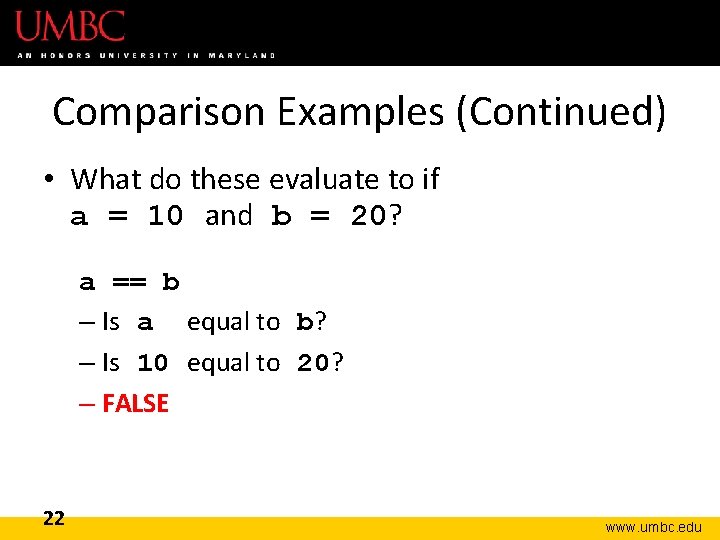
Comparison Examples (Continued) • What do these evaluate to if a = 10 and b = 20? a == b – Is a equal to b? – Is 10 equal to 20? – FALSE 22 www. umbc. edu
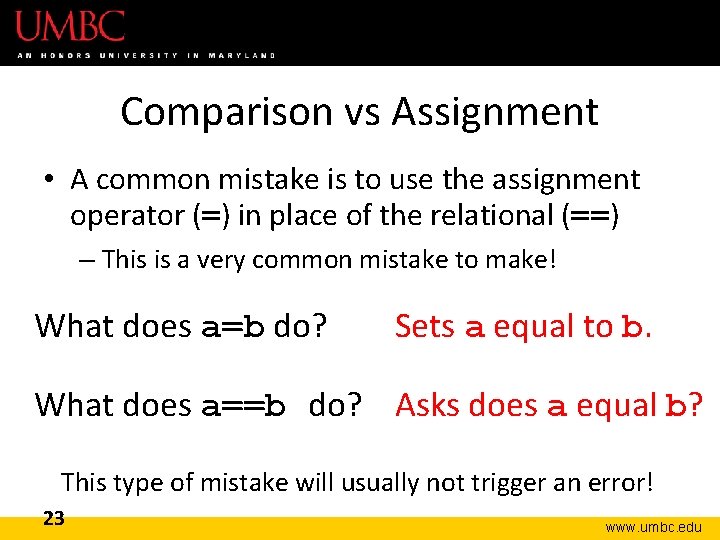
Comparison vs Assignment • A common mistake is to use the assignment operator (=) in place of the relational (==) – This is a very common mistake to make! What does a=b do? Sets a equal to b. What does a==b do? Asks does a equal b? This type of mistake will usually not trigger an error! 23 www. umbc. edu
Comparison Operator Examples www. umbc. edu
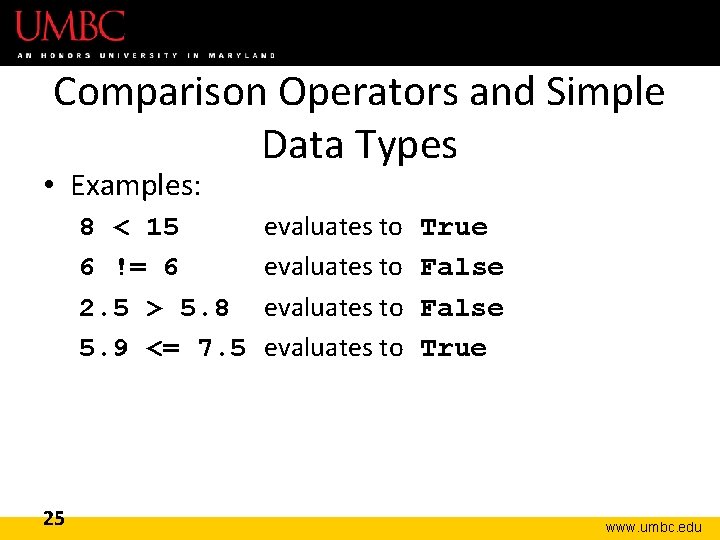
Comparison Operators and Simple Data Types • Examples: 8 < 15 6 != 6 2. 5 > 5. 8 5. 9 <= 7. 5 25 evaluates to True False True www. umbc. edu
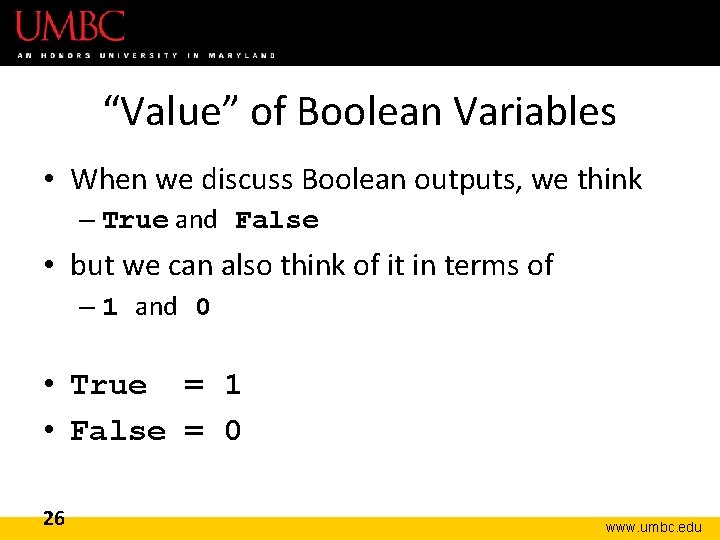
“Value” of Boolean Variables • When we discuss Boolean outputs, we think – True and False • but we can also think of it in terms of – 1 and 0 • True = 1 • False = 0 26 www. umbc. edu
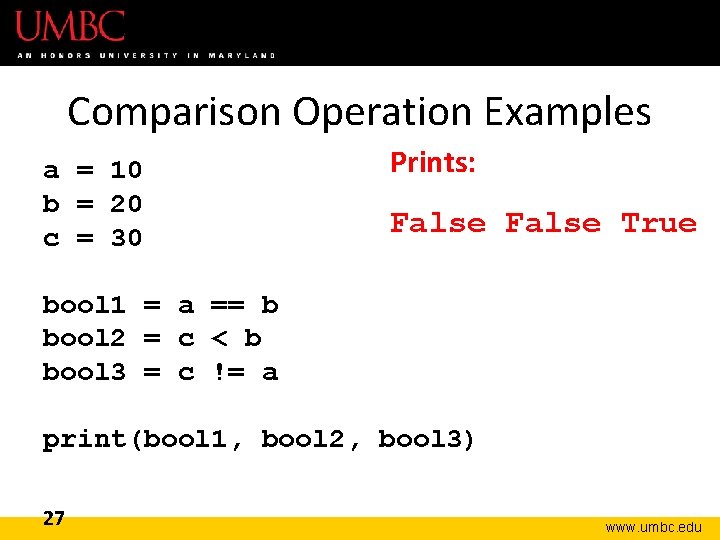
Comparison Operation Examples a = 10 b = 20 c = 30 Prints: False True bool 1 = a == b bool 2 = c < b bool 3 = c != a print(bool 1, bool 2, bool 3) 27 www. umbc. edu
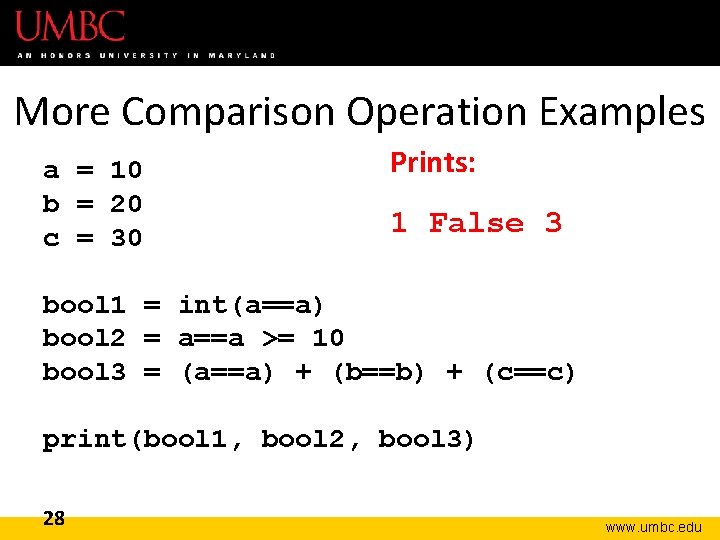
More Comparison Operation Examples a = 10 b = 20 c = 30 Prints: 1 False 3 bool 1 = int(a==a) bool 2 = a==a >= 10 bool 3 = (a==a) + (b==b) + (c==c) print(bool 1, bool 2, bool 3) 28 www. umbc. edu
Logical Operators www. umbc. edu
Logical Operators • There are three logical operators: – and – or – not • They allow us to build more complex Boolean expressions – By combining simpler Boolean expressions 30 www. umbc. edu
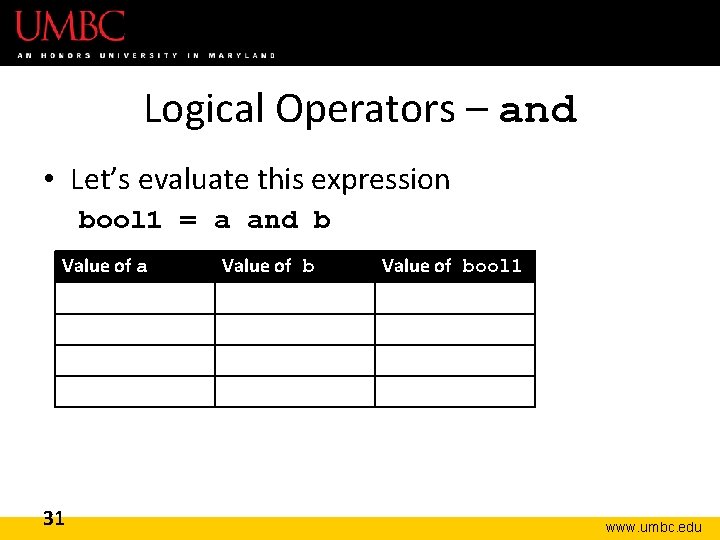
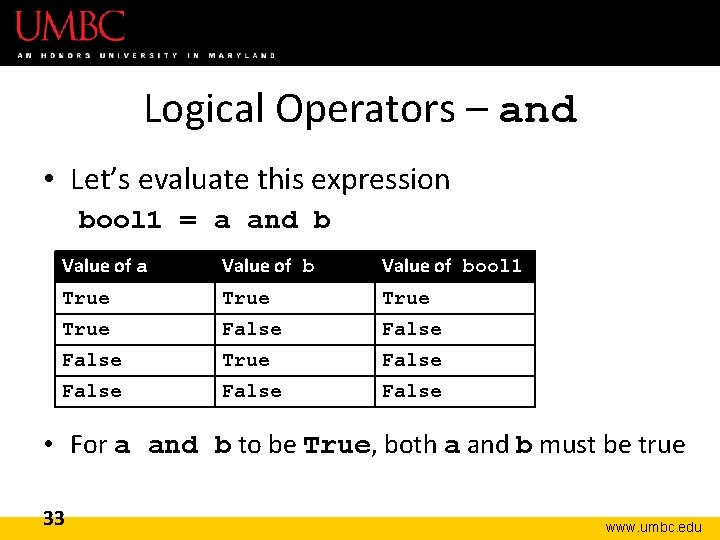
Logical Operators – and • Let’s evaluate this expression bool 1 = a and b Value of a 31 Value of bool 1 www. umbc. edu
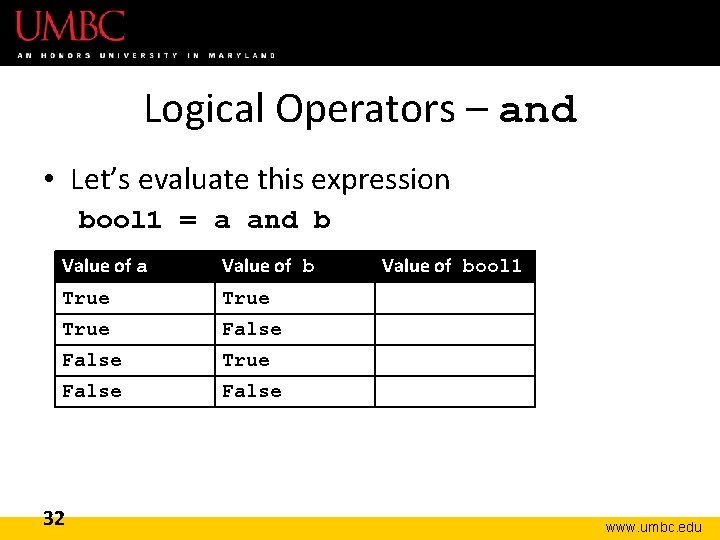
Logical Operators – and • Let’s evaluate this expression bool 1 = a and b Value of a Value of bool 1 True False True False 32 www. umbc. edu
Logical Operators – and • Let’s evaluate this expression bool 1 = a and b Value of a Value of bool 1 True False True False • For a and b to be True, both a and b must be true 33 www. umbc. edu
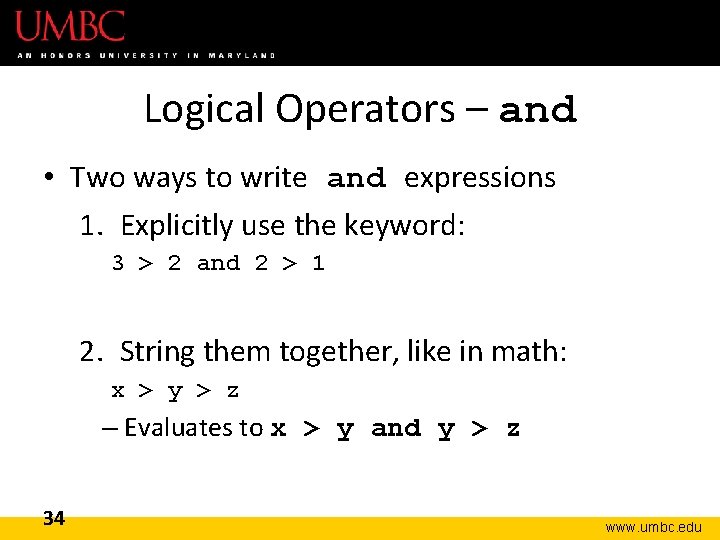
Logical Operators – and • Two ways to write and expressions 1. Explicitly use the keyword: 3 > 2 and 2 > 1 2. String them together, like in math: x > y > z – Evaluates to x > y and y > z 34 www. umbc. edu
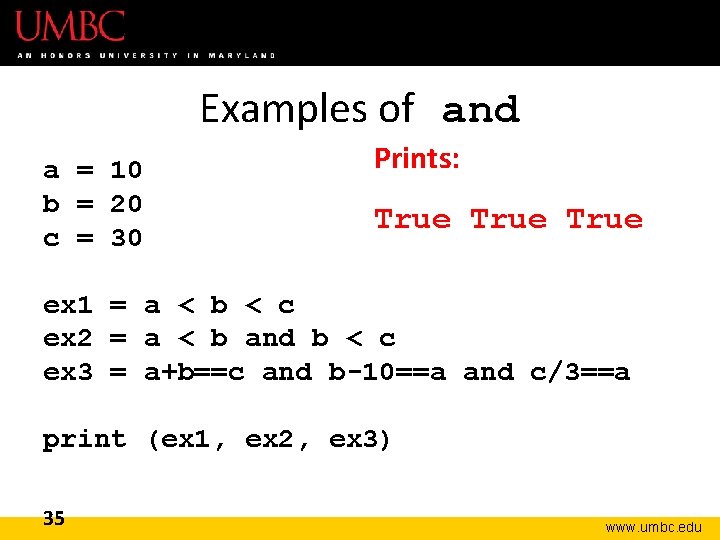
Examples of and a = 10 b = 20 c = 30 Prints: True ex 1 = a < b < c ex 2 = a < b and b < c ex 3 = a+b==c and b-10==a and c/3==a print (ex 1, ex 2, ex 3) 35 www. umbc. edu
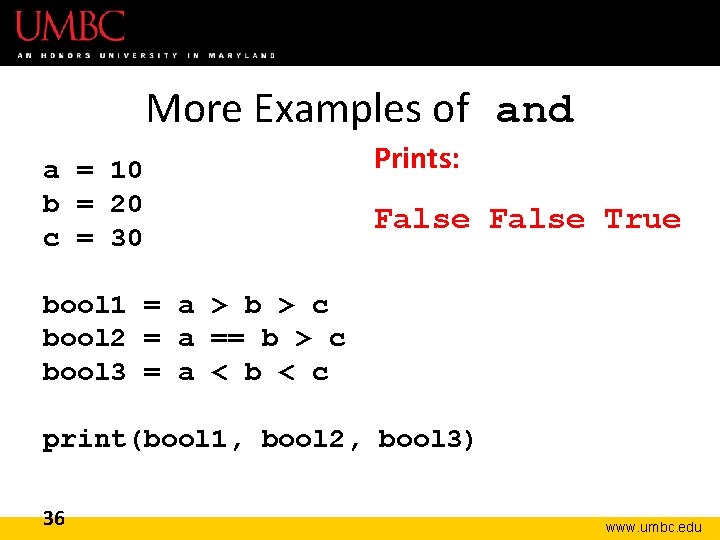
More Examples of and a = 10 b = 20 c = 30 Prints: False True bool 1 = a > b > c bool 2 = a == b > c bool 3 = a < b < c print(bool 1, bool 2, bool 3) 36 www. umbc. edu
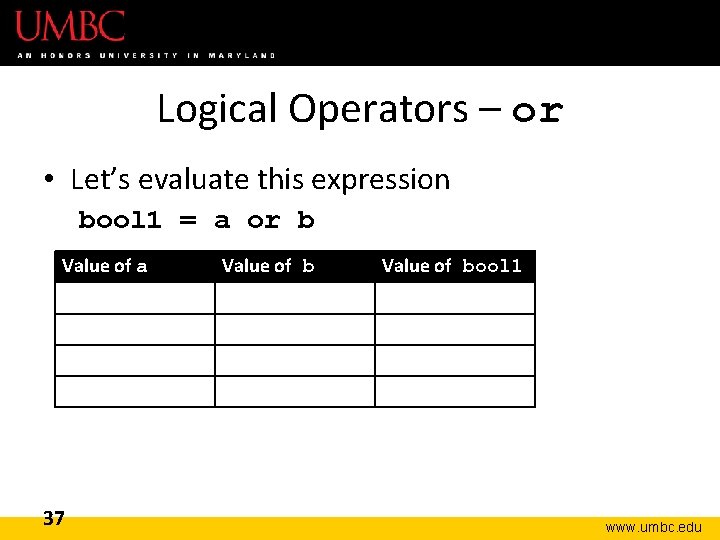
Logical Operators – or • Let’s evaluate this expression bool 1 = a or b Value of a 37 Value of bool 1 www. umbc. edu
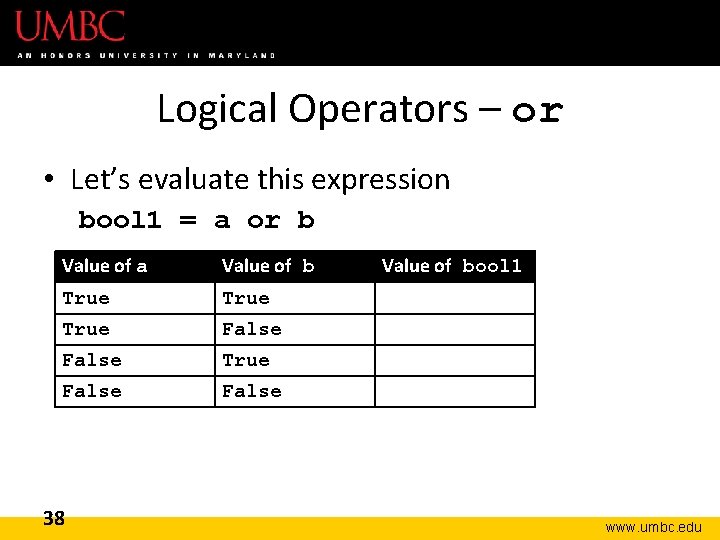
Logical Operators – or • Let’s evaluate this expression bool 1 = a or b Value of a Value of bool 1 True True False False 38 www. umbc. edu
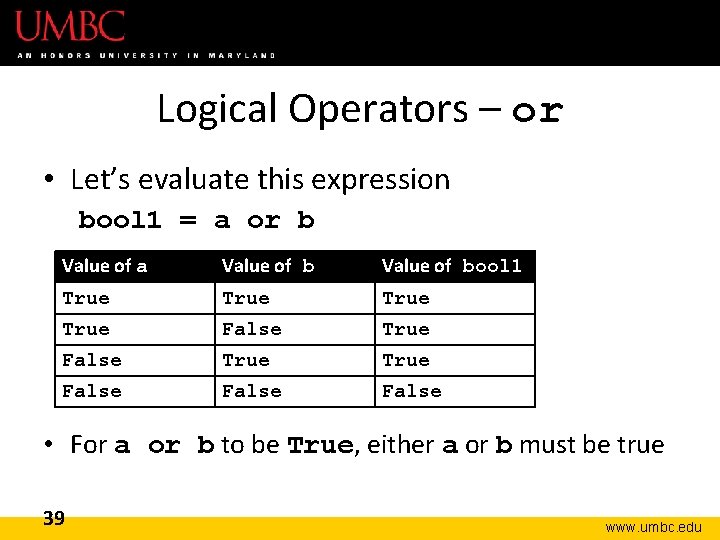
Logical Operators – or • Let’s evaluate this expression bool 1 = a or b Value of a Value of bool 1 True True False False • For a or b to be True, either a or b must be true 39 www. umbc. edu
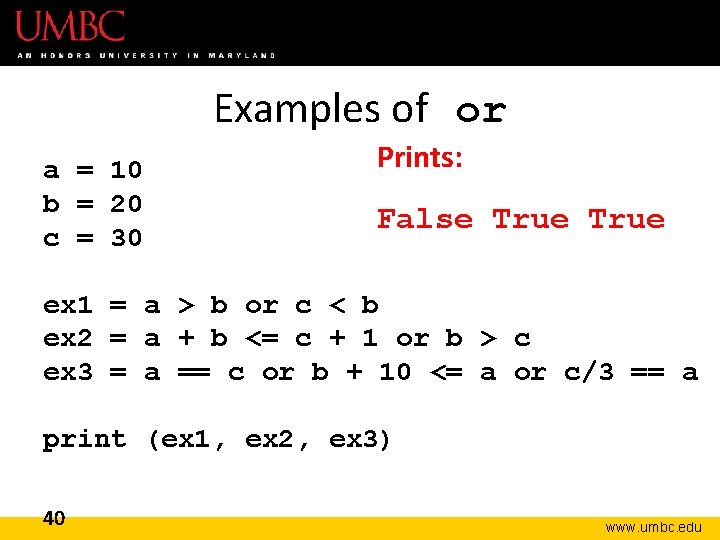
Examples of or a = 10 b = 20 c = 30 Prints: False True ex 1 = a > b or c < b ex 2 = a + b <= c + 1 or b > c ex 3 = a == c or b + 10 <= a or c/3 == a print (ex 1, ex 2, ex 3) 40 www. umbc. edu
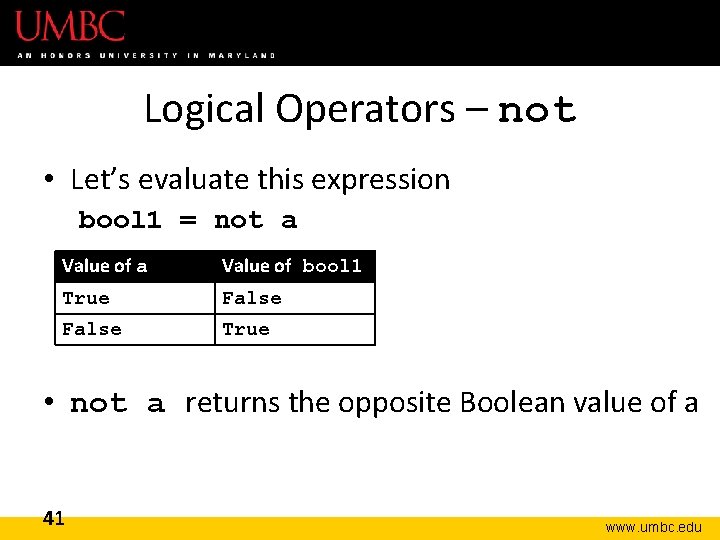
Logical Operators – not • Let’s evaluate this expression bool 1 = not a Value of bool 1 True False True • not a returns the opposite Boolean value of a 41 www. umbc. edu
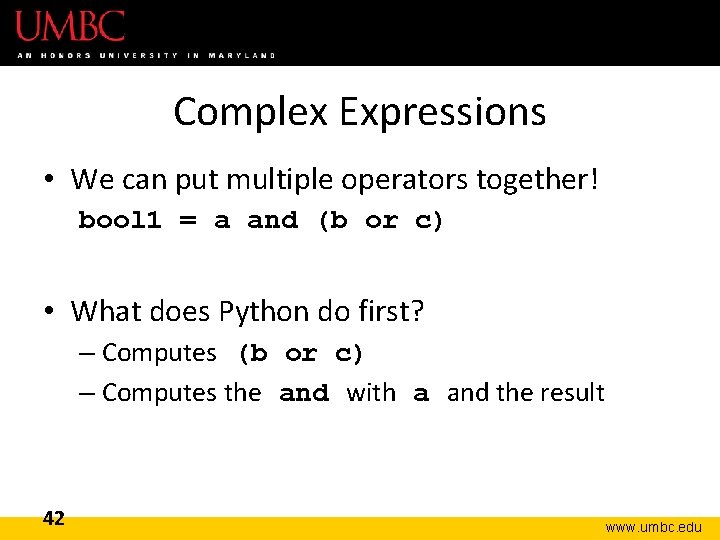
Complex Expressions • We can put multiple operators together! bool 1 = a and (b or c) • What does Python do first? – Computes (b or c) – Computes the and with a and the result 42 www. umbc. edu
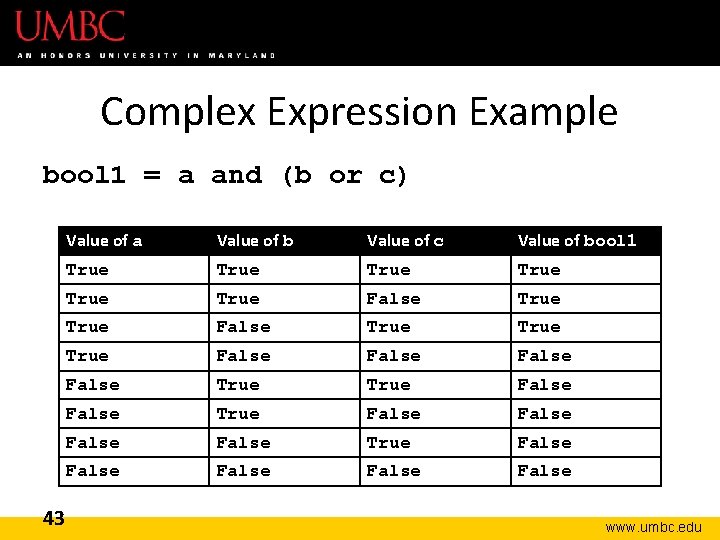
Complex Expression Example bool 1 = a and (b or c) 43 Value of a Value of b Value of c Value of bool 1 True True True False False True False False False www. umbc. edu
“Short Circuit” Evaluation www. umbc. edu
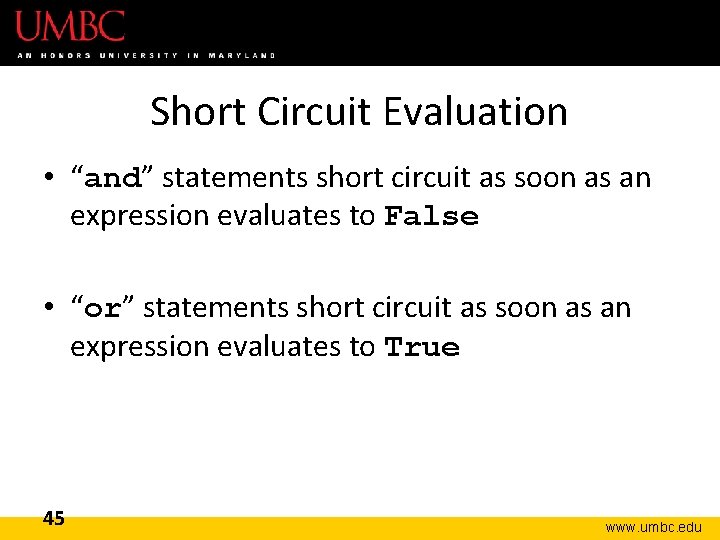
Short Circuit Evaluation • “and” statements short circuit as soon as an expression evaluates to False • “or” statements short circuit as soon as an expression evaluates to True 45 www. umbc. edu
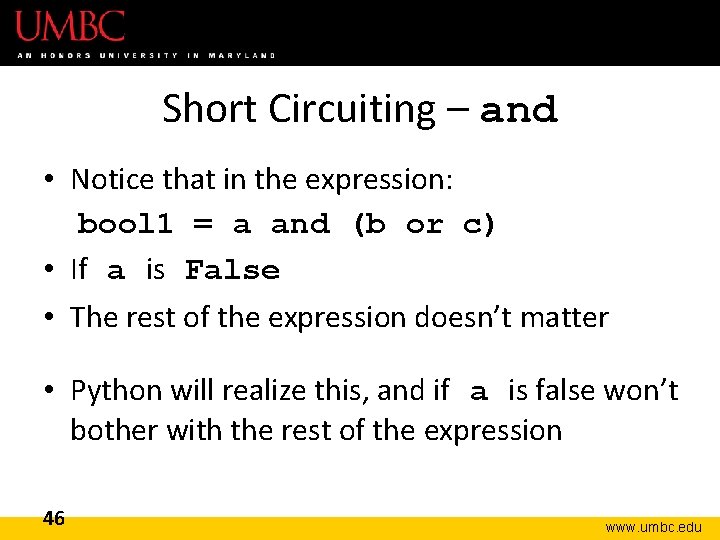
Short Circuiting – and • Notice that in the expression: bool 1 = a and (b or c) • If a is False • The rest of the expression doesn’t matter • Python will realize this, and if a is false won’t bother with the rest of the expression 46 www. umbc. edu
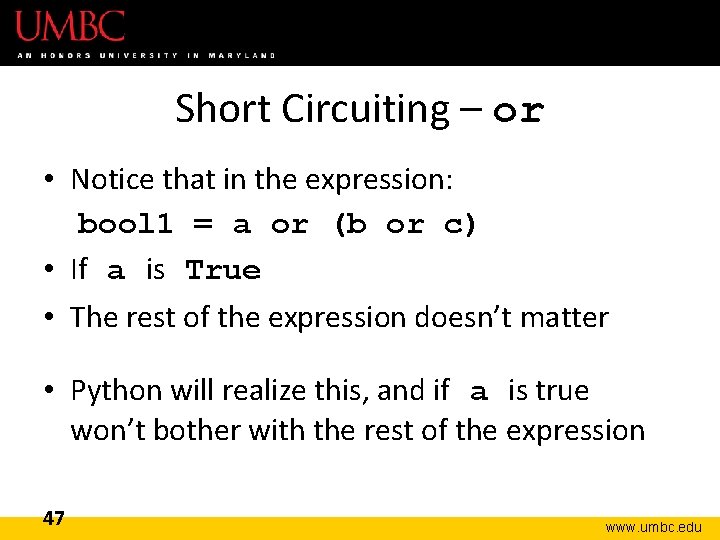
Short Circuiting – or • Notice that in the expression: bool 1 = a or (b or c) • If a is True • The rest of the expression doesn’t matter • Python will realize this, and if a is true won’t bother with the rest of the expression 47 www. umbc. edu
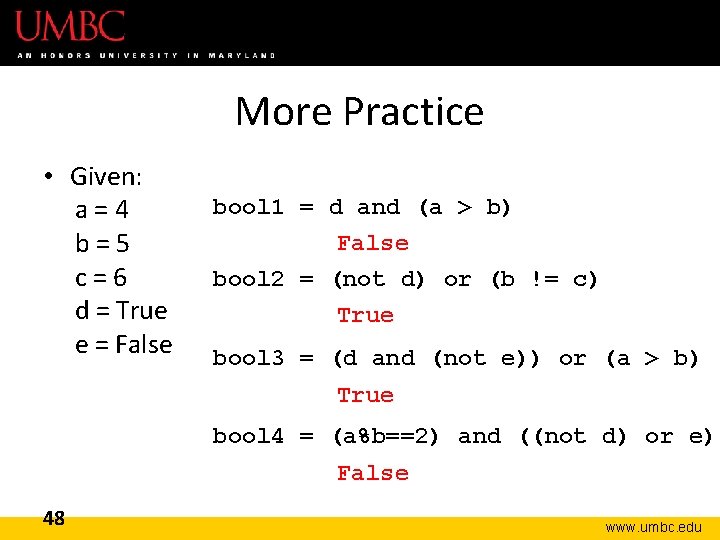
More Practice • Given: a=4 b=5 c=6 d = True e = False bool 1 = d and (a > b) False bool 2 = (not d) or (b != c) True bool 3 = (d and (not e)) or (a > b) True bool 4 = (a%b==2) and ((not d) or e) False 48 www. umbc. edu
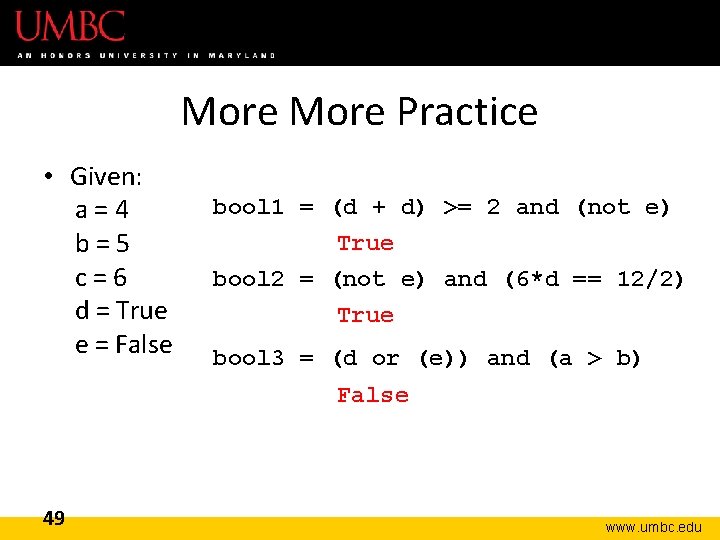
More Practice • Given: a=4 b=5 c=6 d = True e = False bool 1 = (d + d) >= 2 and (not e) True bool 2 = (not e) and (6*d == 12/2) True bool 3 = (d or (e)) and (a > b) False 49 www. umbc. edu
Numbers and Booleans • Python accepts anything that is non-zero as True – There are some exceptions, but we’ll get into those later • So technically you can use any integer as a Boolean expression 50 www. umbc. edu
Decision Making • So, why do we care about comparison operators and logical operators so much? Answer: Next Class 51 www. umbc. edu
Announcements • Your Lab 3 is meeting normally this week! – Make sure you attend your correct section • Homework 2 is out – Due by Tuesday (Sept 15 th) at 8: 59 PM • Homeworks are on Blackboard – Weekly Agendas are also on Blackboard 52 www. umbc. edu