
CMSC 131 ObjectOriented Programming I Arrays Dept of
CMSC 131 Object-Oriented Programming I Arrays Dept of Computer Science University of Maryland College Park This material is based on material provided by Ben Bederson, Bonnie Dorr, Fawzi Emad, David Mount, Jan Plane
Summary of Arrays • Arrays are: • Sequences of cells holding values of the same type (“base type”) • Objects (hence created using new) • To define an array variable: • • int[] a; // an array with base type int To create an array object: • a = new int[3]; • Creates an array of 3 cells on the heap • The base type is int To access individual array cells use indexing • a[0], a[1], …, a[9] • Cells are just like variables: • They may be read x = a[3]; • They may be written a[2] = 7; Careful with index values as you can get out of bounds Example: Out. Of. Bounds. java • Array. Index. Out. Of. Bounds. Exception is thrown 2
Arrays of References • Arrays objects • Array variables references • Array cells variables of the base type • References or primitives depending on what that base type is • So far we have seen arrays of primitives (int, double, char, etc. ) • Let’s see arrays of references • Example: Array. Of. References. java • Let’s draw a memory diagram • Can we have an array of array references? • Yes! We will see them later on (2 -Dimensional arrays) 3
Arrays as Arguments/Return Values • Passing arrays to methods • Arrays and array elements can be used as arguments to methods • The mechanism used to pass arrays and array elements is the same one we have used so far: pass-by-value • Example: Passing. Values. java • Does the size of an array affect the amount of effort required to pass the array to a method? • Returning arrays • You can also return arrays you have created in a method or references to arrays passed in as parameters • Example: Returning. Array. java 4
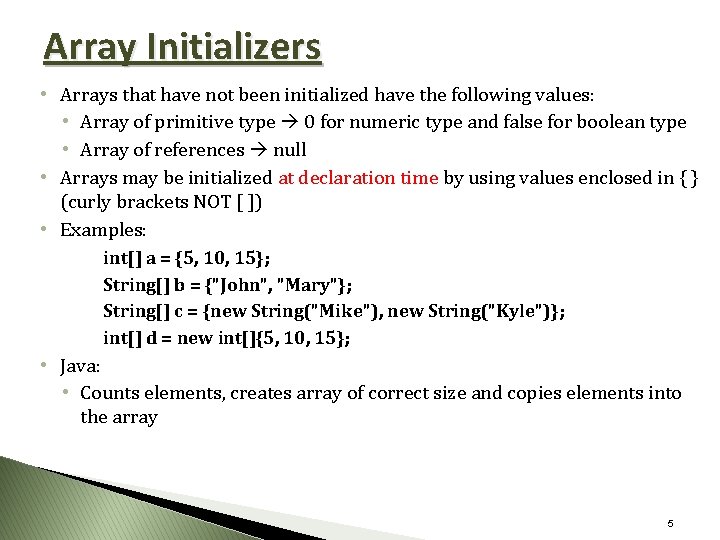
Array Initializers • Arrays that have not been initialized have the following values: • Array of primitive type 0 for numeric type and false for boolean type • Array of references null • Arrays may be initialized at declaration time by using values enclosed in { } (curly brackets NOT [ ]) • Examples: int[] a = {5, 10, 15}; String[] b = {"John", "Mary"}; String[] c = {new String("Mike"), new String("Kyle")}; int[] d = new int[]{5, 10, 15}; • Java: • Counts elements, creates array of correct size and copies elements into the array 5
Arrays in Classes • Arrays can also be part of class definitions • Example: roster. Example • Let’s draw a memory diagram for a roster 6
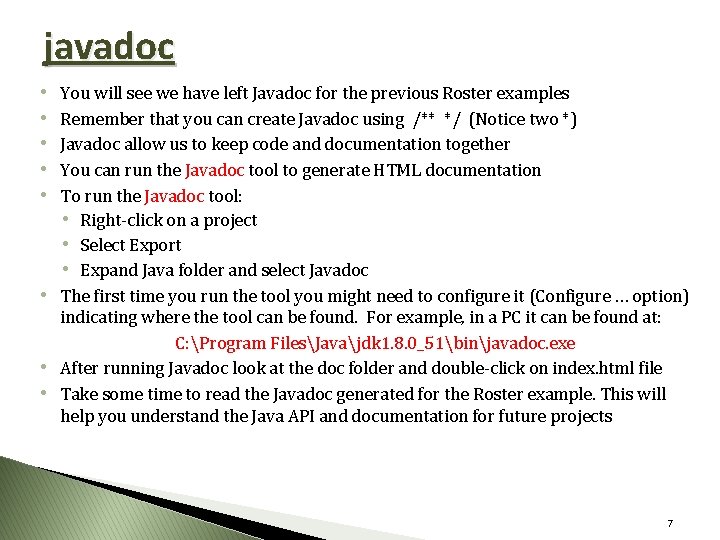
javadoc • • • You will see we have left Javadoc for the previous Roster examples Remember that you can create Javadoc using /** */ (Notice two *) Javadoc allow us to keep code and documentation together You can run the Javadoc tool to generate HTML documentation To run the Javadoc tool: • Right-click on a project • Select Export • Expand Java folder and select Javadoc • The first time you run the tool you might need to configure it (Configure … option) indicating where the tool can be found. For example, in a PC it can be found at: C: Program FilesJavajdk 1. 8. 0_51binjavadoc. exe • After running Javadoc look at the doc folder and double-click on index. html file • Take some time to read the Javadoc generated for the Roster example. This will help you understand the Java API and documentation for future projects 7
- Slides: 7