
CMPUT 301 Lecture 30 Dialog Notations and Design

![Grammars • EBNF notation: () {} – grouping | – list of alternates []](https://slidetodoc.com/presentation_image_h2/1dad3f2c9dcc4e27e3070c7be6ce7c98/image-7.jpg "Grammars • EBNF notation: () {} – grouping | – list of alternates []")
![Regular Expressions • Examples: – a postal code [A-Z][0 -9][A-Z][0 -9] – a positive](https://slidetodoc.com/presentation_image_h2/1dad3f2c9dcc4e27e3070c7be6ce7c98/image-17.jpg "Regular Expressions • Examples: – a postal code [A-Z][0 -9][A-Z][0 -9] – a positive")

- Slides: 32
CMPUT 301: Lecture 30 Dialog Notations and Design Ken Wong Department of Computing Science University of Alberta 2001 -11 -21
Textual Notations • Selected kinds: – grammars – production rules 2
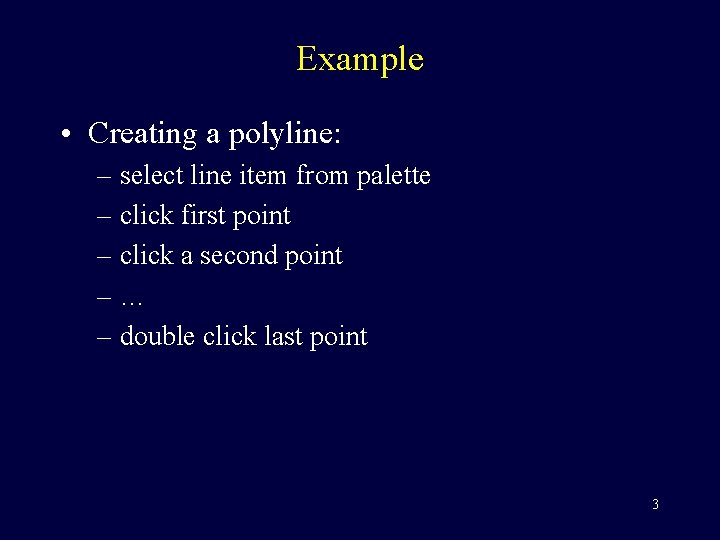
Example • Creating a polyline: – select line item from palette – click first point – click a second point –… – double click last point 3
Grammars • BNF: – Backus-Naur Form – a notation that specifies a grammar or syntax for a language – e. g. , valid command lines – e. g. , valid source code – e. g. , valid user/computer dialogs 4
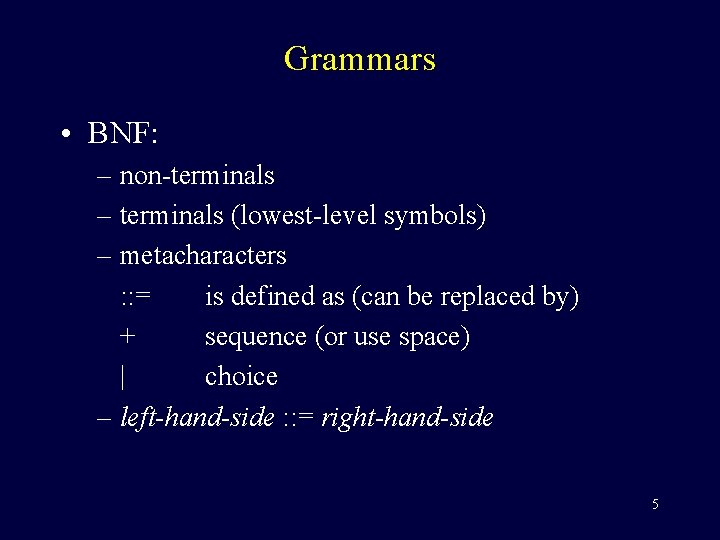
Grammars • BNF: – non-terminals – terminals (lowest-level symbols) – metacharacters : : = is defined as (can be replaced by) + sequence (or use space) | choice – left-hand-side : : = right-hand-side 5
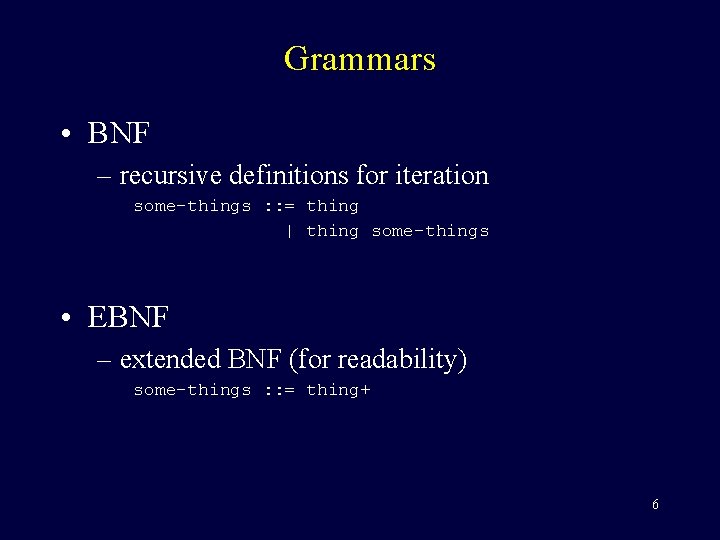
Grammars • BNF – recursive definitions for iteration some-things : : = thing | thing some-things • EBNF – extended BNF (for readability) some-things : : = thing+ 6
Grammars • EBNF notation: () {} – grouping | – list of alternates [] – alternate * – optional items – zero or one occurrences – zero or more occurrences + – one or more occurrences 7
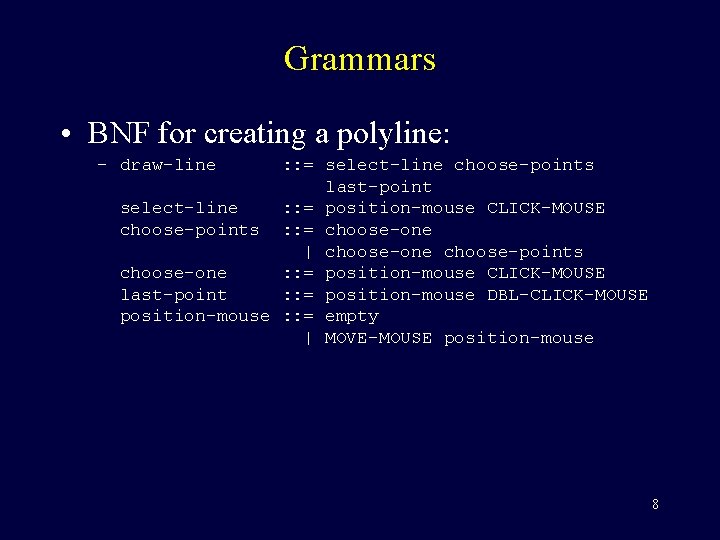
Grammars • BNF for creating a polyline: – draw-line : : = select-line choose-points last-point select-line : : = position-mouse CLICK-MOUSE choose-points : : = choose-one | choose-one choose-points choose-one : : = position-mouse CLICK-MOUSE last-point : : = position-mouse DBL-CLICK-MOUSE position-mouse : : = empty | MOVE-MOUSE position-mouse 8
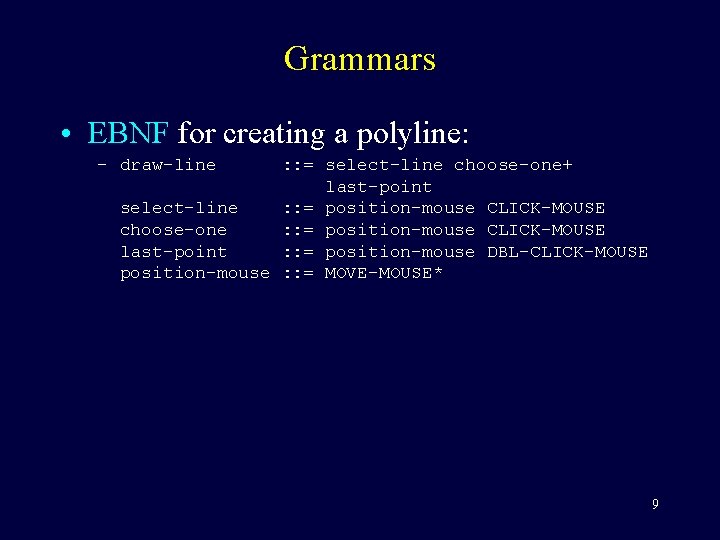
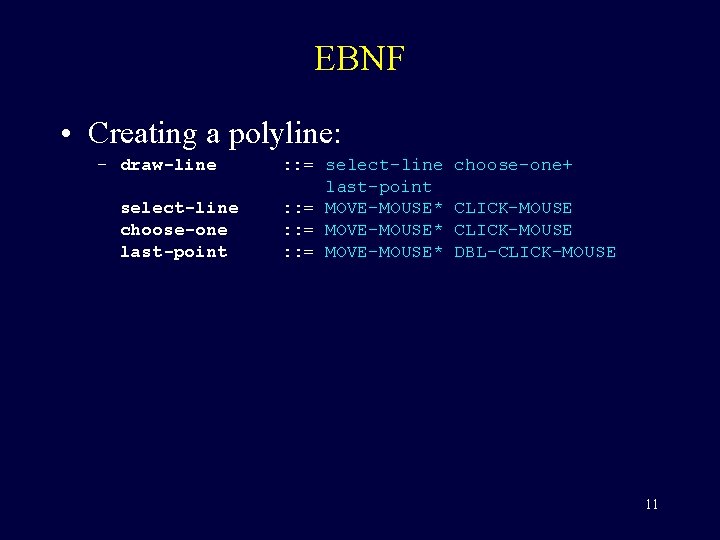
Grammars • EBNF for creating a polyline: – draw-line : : = select-line choose-one+ last-point select-line : : = position-mouse CLICK-MOUSE choose-one : : = position-mouse CLICK-MOUSE last-point : : = position-mouse DBL-CLICK-MOUSE position-mouse : : = MOVE-MOUSE* 9
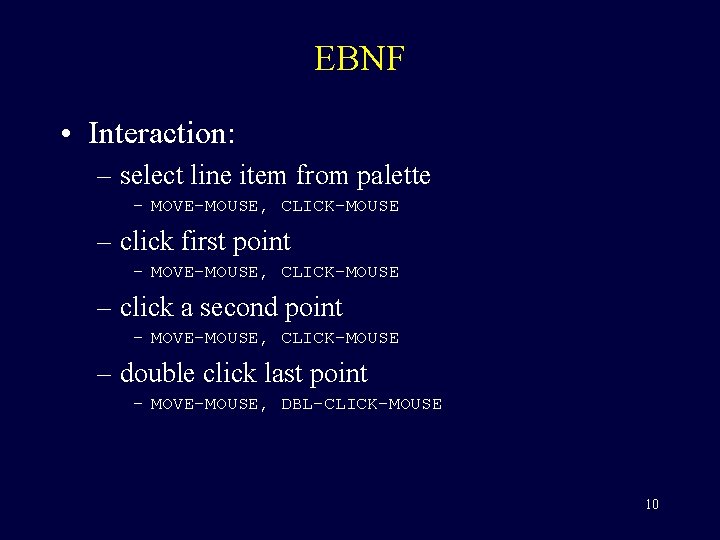
EBNF • Interaction: – select line item from palette – MOVE-MOUSE, CLICK-MOUSE – click first point – MOVE-MOUSE, CLICK-MOUSE – click a second point – MOVE-MOUSE, CLICK-MOUSE – double click last point – MOVE-MOUSE, DBL-CLICK-MOUSE 10
EBNF • Creating a polyline: – draw-line select-line choose-one last-point : : = select-line last-point : : = MOVE-MOUSE* choose-one+ CLICK-MOUSE DBL-CLICK-MOUSE 11
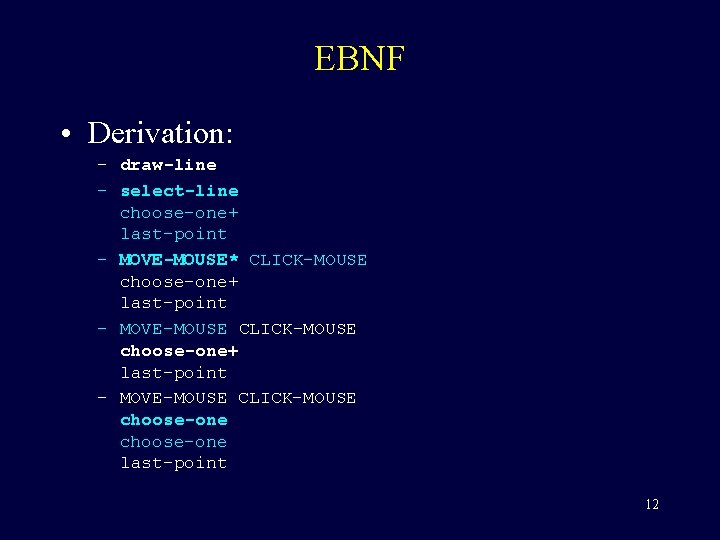
EBNF • Derivation: – draw-line – select-line choose-one+ last-point – MOVE-MOUSE* CLICK-MOUSE choose-one+ last-point – MOVE-MOUSE CLICK-MOUSE choose-one last-point 12
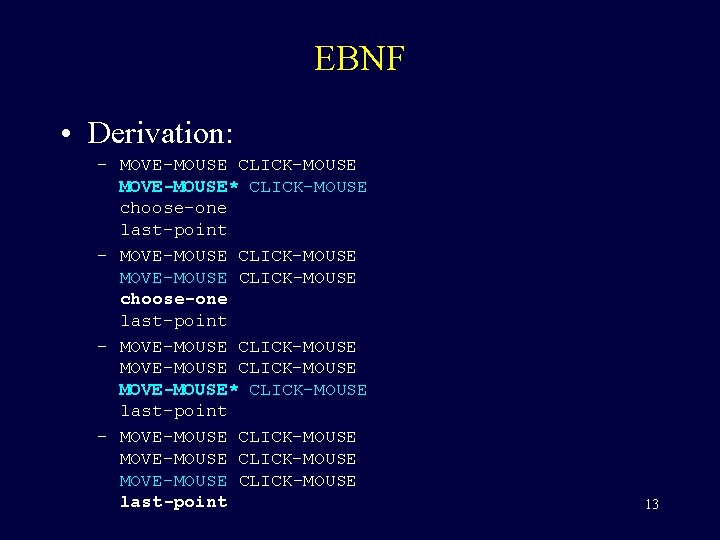
EBNF • Derivation: – MOVE-MOUSE CLICK-MOUSE MOVE-MOUSE* CLICK-MOUSE choose-one last-point – MOVE-MOUSE CLICK-MOUSE MOVE-MOUSE* CLICK-MOUSE last-point – MOVE-MOUSE CLICK-MOUSE last-point 13
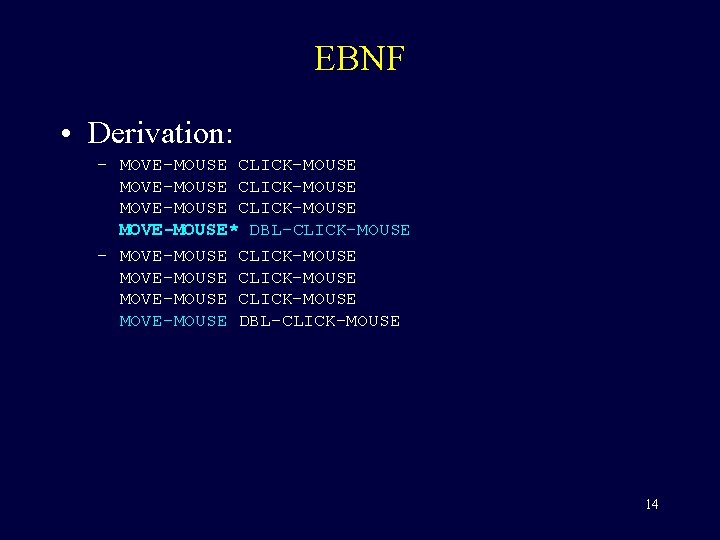
EBNF • Derivation: – MOVE-MOUSE CLICK-MOUSE MOVE-MOUSE* DBL-CLICK-MOUSE – MOVE-MOUSE CLICK-MOUSE MOVE-MOUSE DBL-CLICK-MOUSE 14
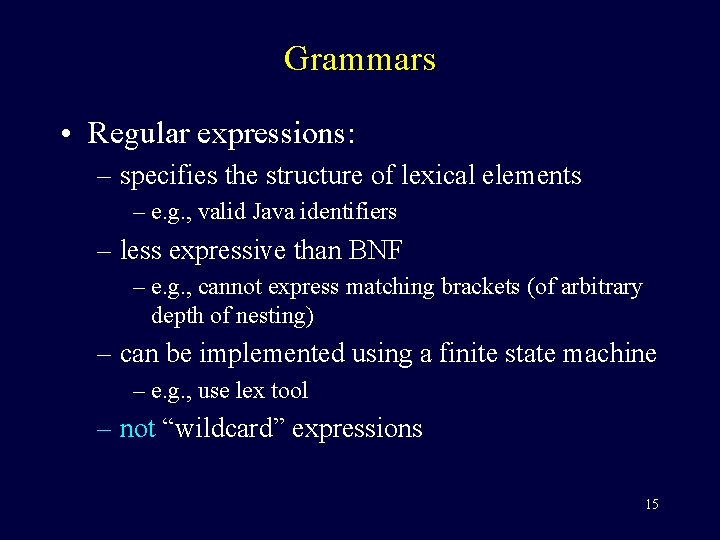
Grammars • Regular expressions: – specifies the structure of lexical elements – e. g. , valid Java identifiers – less expressive than BNF – e. g. , cannot express matching brackets (of arbitrary depth of nesting) – can be implemented using a finite state machine – e. g. , use lex tool – not “wildcard” expressions 15
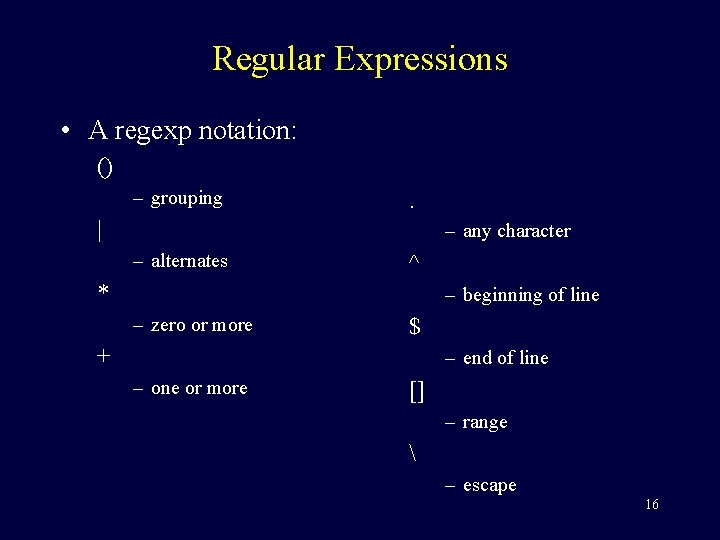
Regular Expressions • A regexp notation: () – grouping . | – any character – alternates ^ * – beginning of line – zero or more $ + – end of line – one or more [] – range – escape 16
Regular Expressions • Examples: – a postal code [A-Z][0 -9][A-Z][0 -9] – a positive integer (unlimited digits) [0 -9]+ – a Java identifier [_a-z. A-Z][_a-z. A-Z 0 -9]* – sometimes useful at low-level dialogs select-line click* double-click 17
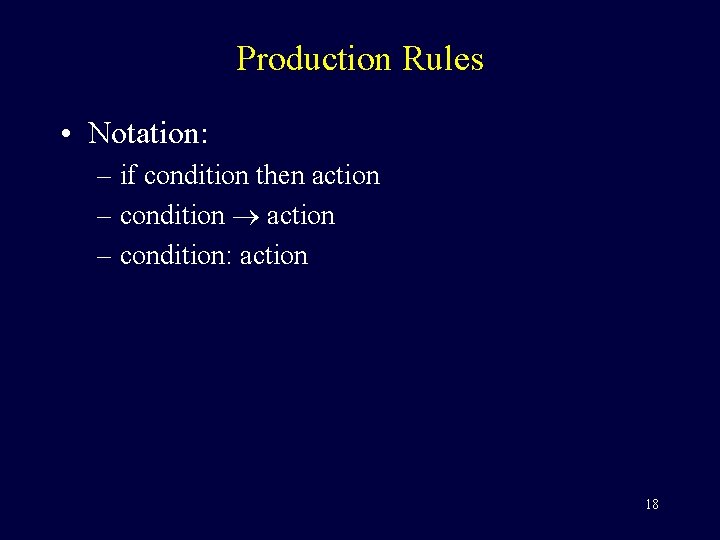
Production Rules • Notation: – if condition then action – condition: action 18
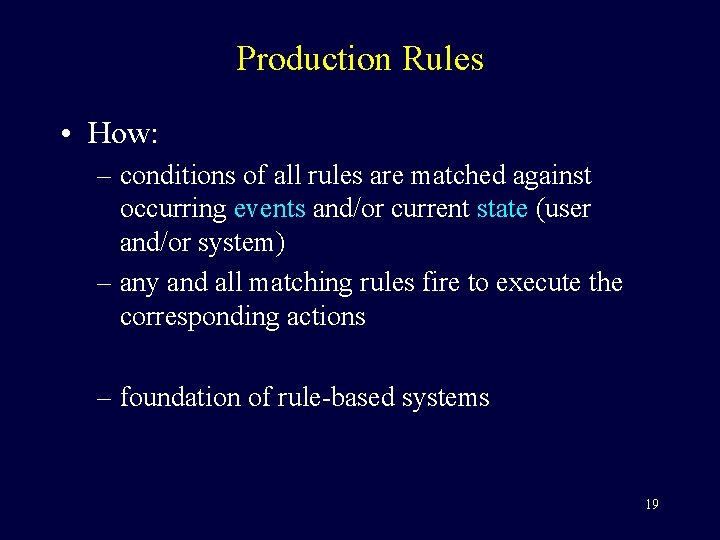
Production Rules • How: – conditions of all rules are matched against occurring events and/or current state (user and/or system) – any and all matching rules fire to execute the corresponding actions – foundation of rule-based systems 19
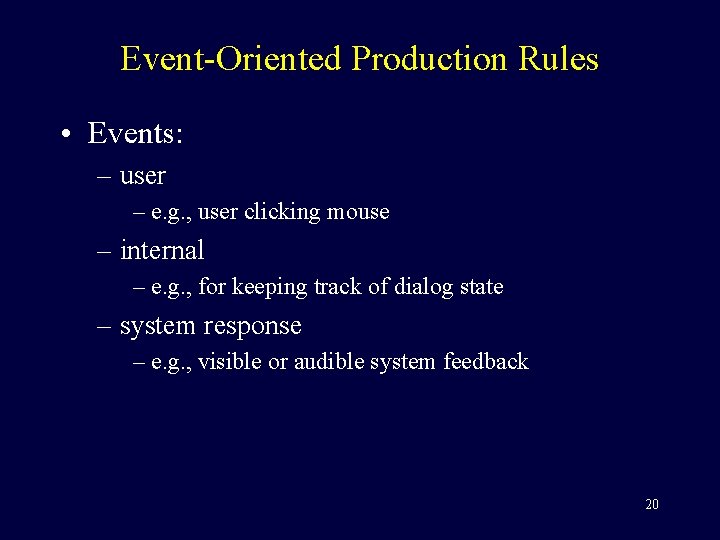
Event-Oriented Production Rules • Events: – user – e. g. , user clicking mouse – internal – e. g. , for keeping track of dialog state – system response – e. g. , visible or audible system feedback 20
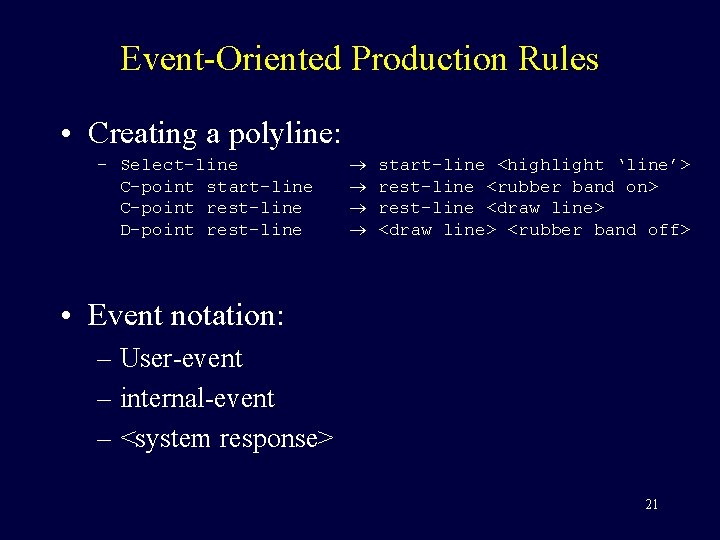
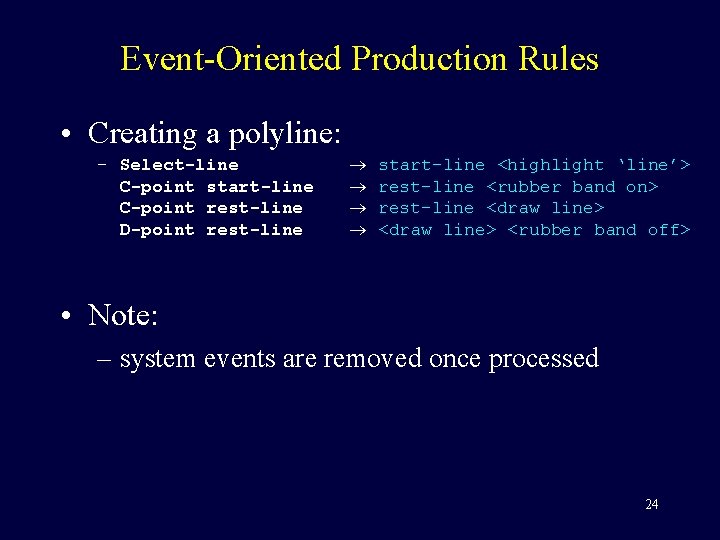
Event-Oriented Production Rules • Creating a polyline: – Select-line C-point start-line C-point rest-line D-point rest-line start-line <highlight ‘line’> rest-line <rubber band on> rest-line <draw line> <rubber band off> • Event notation: – User-event – internal-event – <system response> 21
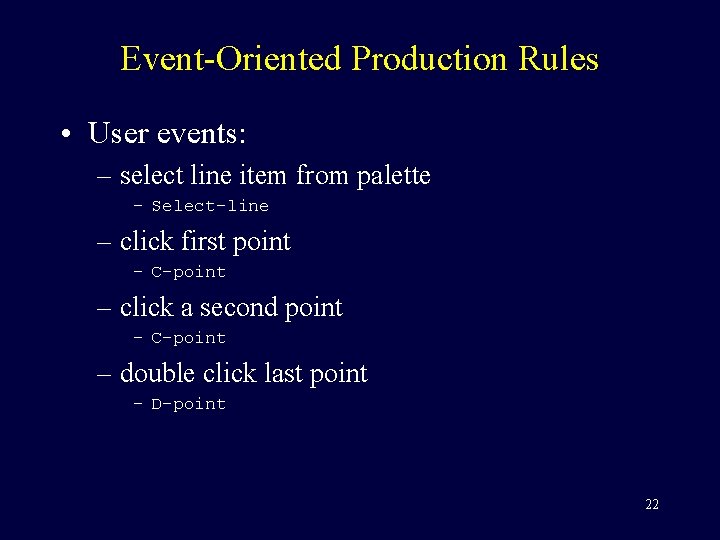
Event-Oriented Production Rules • User events: – select line item from palette – Select-line – click first point – C-point – click a second point – C-point – double click last point – D-point 22
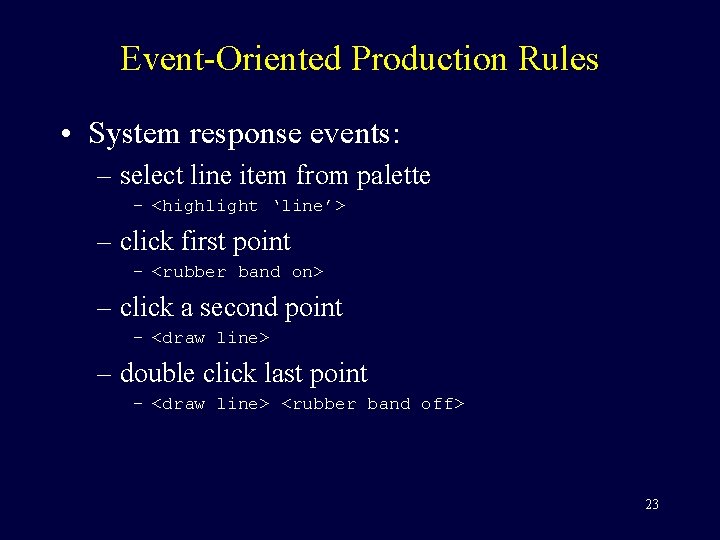
Event-Oriented Production Rules • System response events: – select line item from palette – <highlight ‘line’> – click first point – <rubber band on> – click a second point – <draw line> – double click last point – <draw line> <rubber band off> 23
Event-Oriented Production Rules • Creating a polyline: – Select-line C-point start-line C-point rest-line D-point rest-line start-line <highlight ‘line’> rest-line <rubber band on> rest-line <draw line> <rubber band off> • Note: – system events are removed once processed 24
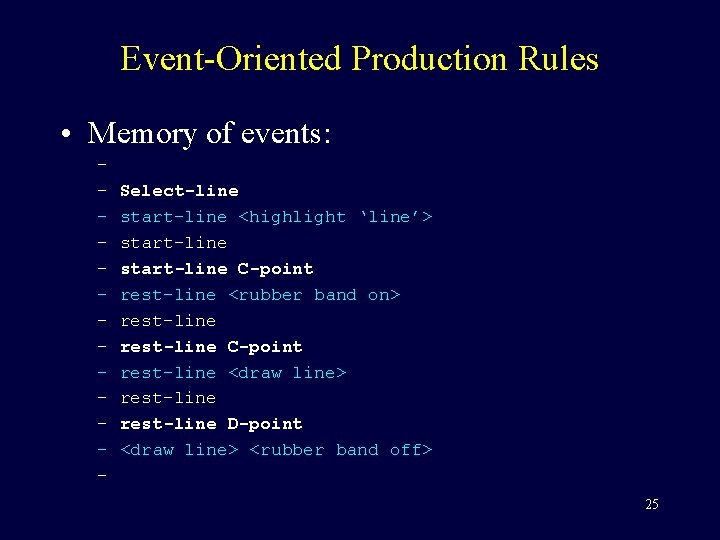
Event-Oriented Production Rules • Memory of events: – – – – Select-line start-line <highlight ‘line’> start-line C-point rest-line <rubber band on> rest-line C-point rest-line <draw line> rest-line D-point <draw line> <rubber band off> 25
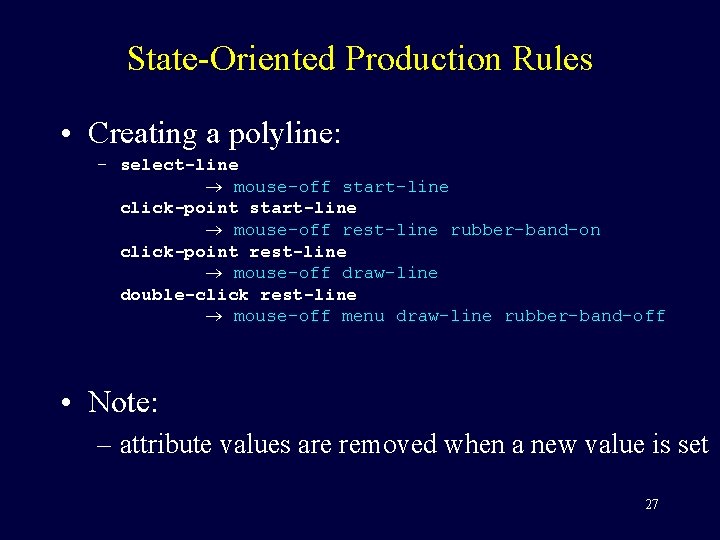
State-Oriented Production Rules • Attributes and states: – Mouse: { mouse-off, select-line, click-point, double-click } – Line-state: { menu, start-line, rest-line } – Rubber-band: { rubber-band-off, rubber-band-on } – Draw: { draw-nothing, draw-line } 26
State-Oriented Production Rules • Creating a polyline: – select-line mouse-off start-line click-point start-line mouse-off rest-line rubber-band-on click-point rest-line mouse-off draw-line double-click rest-line mouse-off menu draw-line rubber-band-off • Note: – attribute values are removed when a new value is set 27
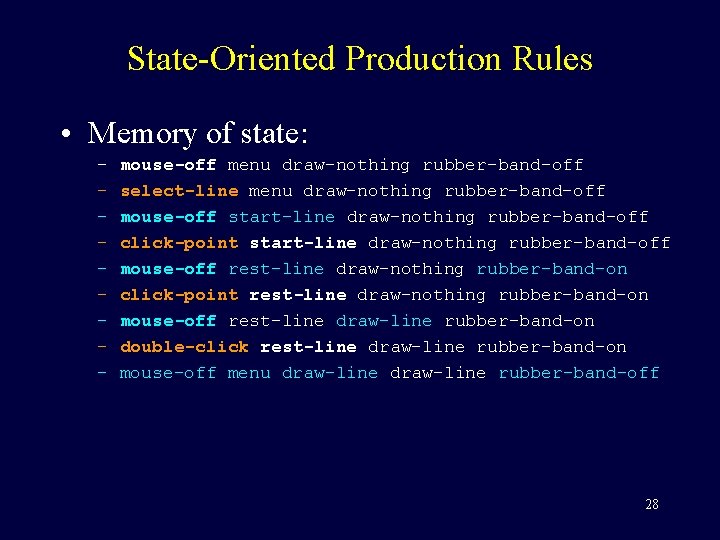
State-Oriented Production Rules • Memory of state: – – – – – mouse-off menu draw-nothing rubber-band-off select-line menu draw-nothing rubber-band-off mouse-off start-line draw-nothing rubber-band-off click-point start-line draw-nothing rubber-band-off mouse-off rest-line draw-nothing rubber-band-on click-point rest-line draw-nothing rubber-band-on mouse-off rest-line draw-line rubber-band-on double-click rest-line draw-line rubber-band-on mouse-off menu draw-line rubber-band-off 28
Production Rules • Mixing events and state: – event: condition action • Note: – the event must occur and the condition must be true for the rule to fire 29
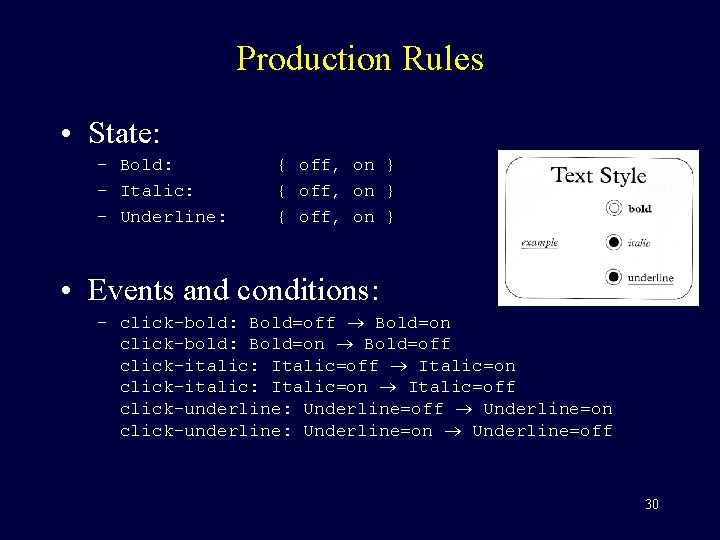
Production Rules • State: – Bold: – Italic: – Underline: { off, on } • Events and conditions: – click-bold: Bold=off Bold=on click-bold: Bold=on Bold=off click-italic: Italic=off Italic=on click-italic: Italic=on Italic=off click-underline: Underline=off Underline=on click-underline: Underline=on Underline=off 30
Production Rules • Issues: – better able to handle concurrency – somewhat awkward at handling sequential dialogs – start-line, rest-line 31
References • Human-Computer Interaction – A. Dix et al. – Prentice Hall, 1998 – [d 8] 32