
CMPE 280 Web UI Design and Development January
CMPE 280 Web UI Design and Development January 23 Class Meeting Department of Computer Engineering San Jose State University Spring 2020 Instructor: Ron Mak www. cs. sjsu. edu/~mak 1
Basic Info o Office hours n n o Tu. Th 4: 30 – 5: 30 PM ENG 250 Website n n n Faculty webpage: http: //www. cs. sjsu. edu/~mak/ Class webpage: http: //www. cs. sjsu. edu/~mak/CMPE 280/index. html Syllabus Assignments Lecture notes Computer Engineering Dept. Spring 2020: January 23 CMPE 280: Web UI Design and Development © R. Mak 2
Permission Numbers o Go to the Computer Engineering Department website: https: //cmpe. sjsu. edu o Click the link in the sidebar: Spring 2020 Registration Notes o Click the link under “Spring 2020 Online permission number request” o Fill out the Google form. Computer Engineering Dept. Spring 2020: January 23 CMPE 280: Web UI Design and Development © R. Mak 3
Course Learning Outcomes o CLO 1: Requirements analysis: Analyze a problem’s requirements and design an application to meet them. o CLO 2: Client side: Use HTML 5, CSS 3, Java. Script, libraries such as j. Query, and frameworks such as Angular. JS. Employ GUI design patterns to develop superior web user interfaces. o CLO 3: Server side: Use technologies such as node. js and Mongo. DB and frameworks such as Express to create RESTful web services. Computer Engineering Dept. Spring 2020: January 23 CMPE 280: Web UI Design and Development © R. Mak 4
Course Learning Outcomes, cont’d o CLO 4: Web applications development: Execute the complete process of designing, developing, deploying, and maintaining applications using web standards. Implement techniques such as search engine optimization (SEO). o CLO 5: Data science: Use data visualization to design and implement web-based information dashboards and web applications that tell stories with data. o CLO 6: User experience (UX): Perform usability testing to create web applications that offer a compelling UX. Computer Engineering Dept. Spring 2020: January 23 CMPE 280: Web UI Design and Development © R. Mak 5
Course Topics o Web programming overview n n n o Model-View-Controller (MVC) architecture Client side Server side Data management backend Single-page applications (SPAs) Analysis n n n Functional and nonfunctional requirements Use cases Functional specification Computer Engineering Dept. Spring 2020: January 23 CMPE 280: Web UI Design and Development © R. Mak 6
Course Topics, cont’d o Client-side programming n n n n HTML 5 + CSS 3 Java. Script libraries: j. Query, React Responsive websites AJAX Framework: Angular. JS Internationalization and localization Search engine optimization (SEO) Computer Engineering Dept. Spring 2020: January 23 CMPE 280: Web UI Design and Development © R. Mak 7
Course Topics, cont’d o Server-side programming n n n o Framework: node. js + Express MEAN stack RESTful web services Data management n n No. SQL database: Mongo. DB Content management: Word. Press Computer Engineering Dept. Spring 2020: January 23 CMPE 280: Web UI Design and Development © R. Mak 8
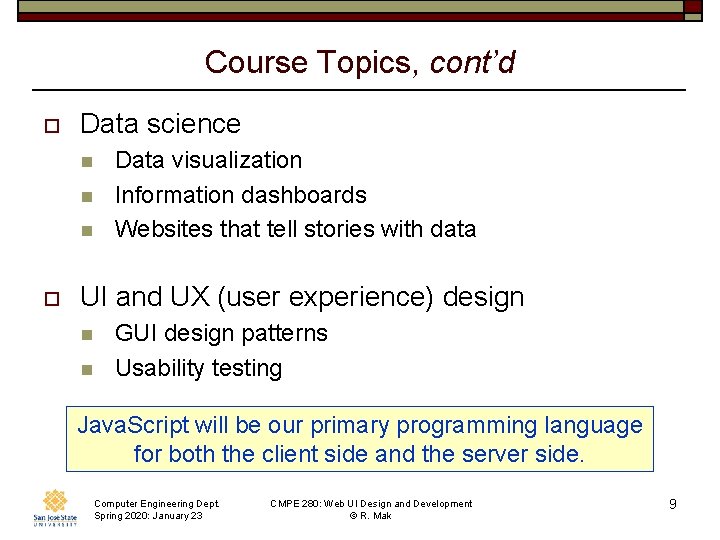
Course Topics, cont’d o Data science n n n o Data visualization Information dashboards Websites that tell stories with data UI and UX (user experience) design n n GUI design patterns Usability testing Java. Script will be our primary programming language for both the client side and the server side. Computer Engineering Dept. Spring 2020: January 23 CMPE 280: Web UI Design and Development © R. Mak 9
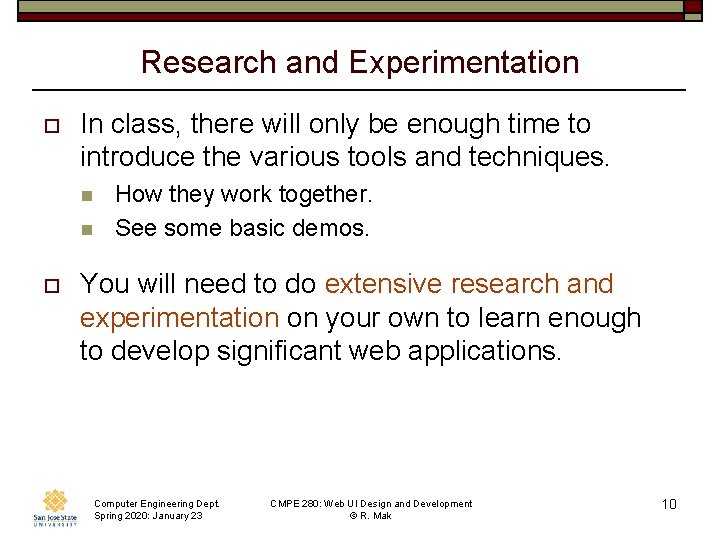
Research and Experimentation o In class, there will only be enough time to introduce the various tools and techniques. n n o How they work together. See some basic demos. You will need to do extensive research and experimentation on your own to learn enough to develop significant web applications. Computer Engineering Dept. Spring 2020: January 23 CMPE 280: Web UI Design and Development © R. Mak 10
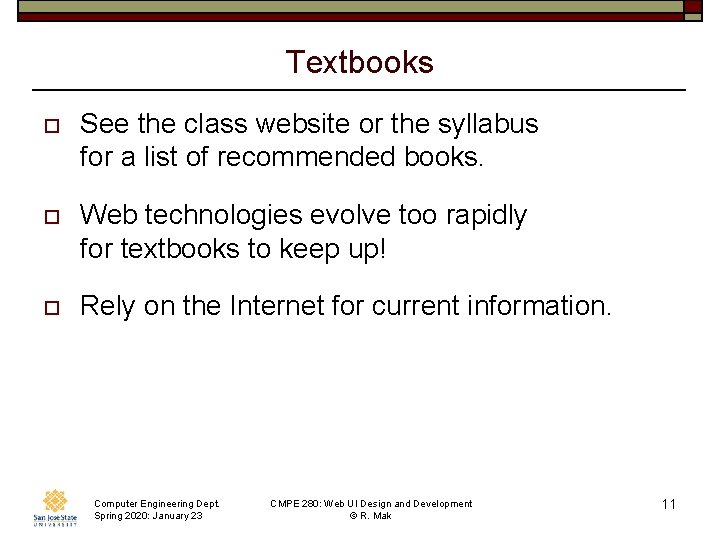
Textbooks o See the class website or the syllabus for a list of recommended books. o Web technologies evolve too rapidly for textbooks to keep up! o Rely on the Internet for current information. Computer Engineering Dept. Spring 2020: January 23 CMPE 280: Web UI Design and Development © R. Mak 11
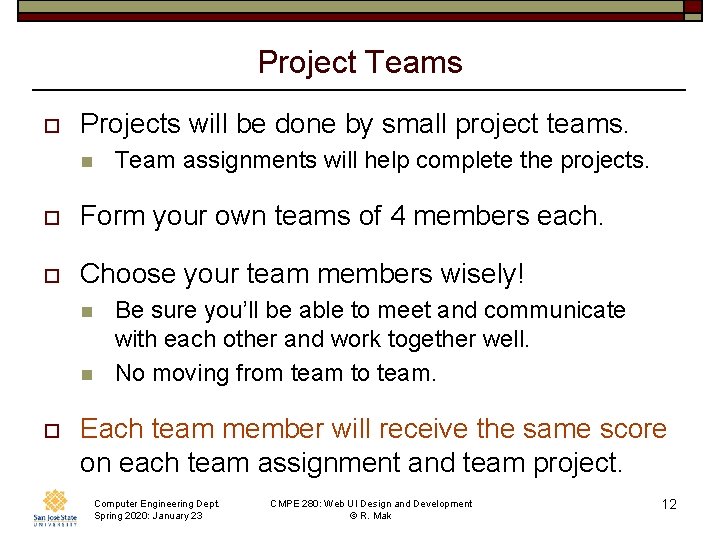
Project Teams o Projects will be done by small project teams. n Team assignments will help complete the projects. o Form your own teams of 4 members each. o Choose your team members wisely! n n o Be sure you’ll be able to meet and communicate with each other and work together well. No moving from team to team. Each team member will receive the same score on each team assignment and team project. Computer Engineering Dept. Spring 2020: January 23 CMPE 280: Web UI Design and Development © R. Mak 12
Project Teams, cont’d o Each team email to ron. mak@sjsu. edu by Wednesday, January 29: n n o Your team name A list of team members and email addresses Subject: CMPE 280 Team Name n Example: CMPE 280 Team Hyper Hackers Computer Engineering Dept. Spring 2020: January 23 CMPE 280: Web UI Design and Development © R. Mak 13
Team Project o Each team picks a web application that tells a story with data to develop during the semester. n o Client-side programming n n n o Use one or more datasets. Mastery of client-side tools and techniques. Create compelling UI and UX. Access existing web services or create your own. Server-side programming n n Application logic and data management RESTful web services. Computer Engineering Dept. Spring 2020: January 23 CMPE 280: Web UI Design and Development © R. Mak 14
Team Project, cont’d o As you learn more web software technologies, subsequent assignments will enable each team to add more capabilities to the team project. n n o Incremental approach. Always add new capabilities to an application that’s already working. By the end of the semester, each team will have successfully developed a significant web application! Computer Engineering Dept. Spring 2020: January 23 CMPE 280: Web UI Design and Development © R. Mak 15
Where to Find Data o Public datasets n o Google “datasets for data science projects” Create realistic data using data generation tools. n Examples: Mockaroo, Generate. Data. com Computer Engineering Dept. Spring 2020: January 23 CMPE 280: Web UI Design and Development © R. Mak 16
Individual Responsibilities You are personally responsible for participating and contributing to your team’s work, and for understanding each part of the work for every assignment whether or not you worked on that part. Computer Engineering Dept. Spring 2020: January 23 CMPE 280: Web UI Design and Development © R. Mak 17
Postmortem Assessment Report o o At the end of the semester, each student will individually turn in a short (one page) report: n A brief description of what you learned in the course. n An assessment of your personal accomplishments for your project team. n An assessment of the contributions of each of your project team members. This report will be seen only by the instructor. Computer Engineering Dept. Spring 2020: January 23 CMPE 280: Web UI Design and Development © R. Mak 18
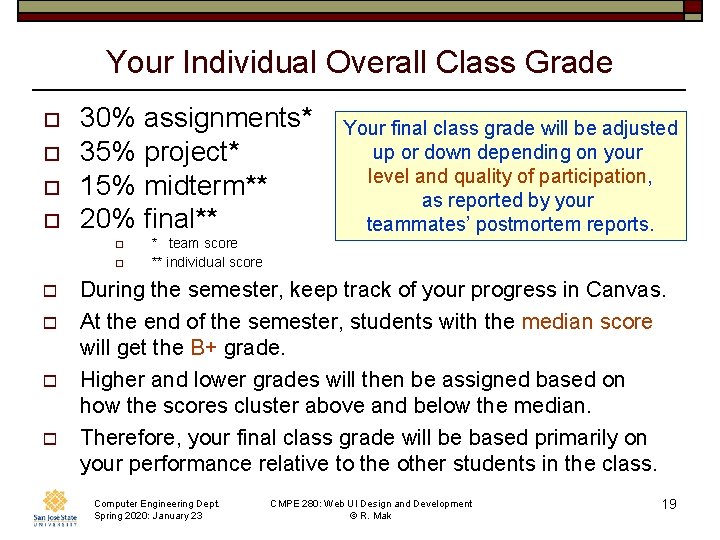
Your Individual Overall Class Grade o o 30% assignments* 35% project* 15% midterm** 20% final** o o o * team score ** individual score Your final class grade will be adjusted up or down depending on your level and quality of participation, as reported by your teammates’ postmortem reports. During the semester, keep track of your progress in Canvas. At the end of the semester, students with the median score will get the B+ grade. Higher and lower grades will then be assigned based on how the scores cluster above and below the median. Therefore, your final class grade will be based primarily on your performance relative to the other students in the class. Computer Engineering Dept. Spring 2020: January 23 CMPE 280: Web UI Design and Development © R. Mak 19

Please Submit to Canvas o A signed copy of the Honesty Pledge. n To be available soon in Canvas. Computer Engineering Dept. Spring 2020: January 23 CMPE 280: Web UI Design and Development © R. Mak 20

Take roll! Computer Engineering Dept. Spring 2020: January 23 CMPE 280: Web UI Design and Development © R. Mak 21
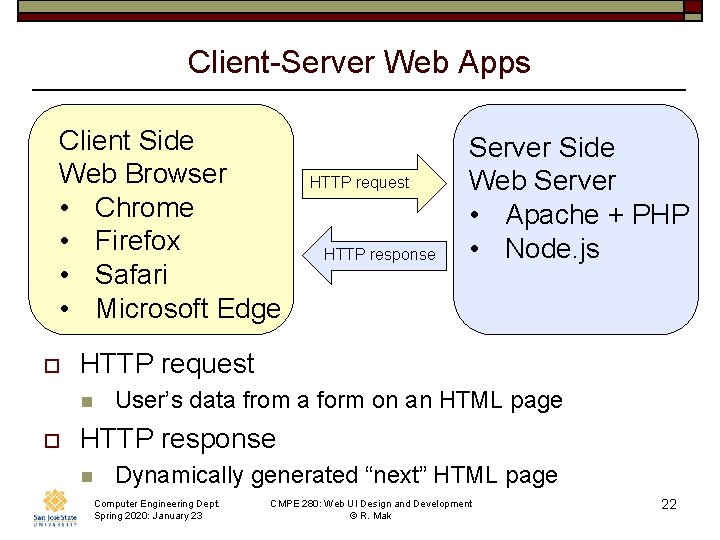
Client-Server Web Apps Client Side Web Browser • Chrome • Firefox • Safari • Microsoft Edge o HTTP response HTTP request n o HTTP request Server Side Web Server • Apache + PHP • Node. js User’s data from a form on an HTML page HTTP response n Dynamically generated “next” HTML page Computer Engineering Dept. Spring 2020: January 23 CMPE 280: Web UI Design and Development © R. Mak 22
Basic “Naked” HTML o HTML specifies a web page’s n n n o content structure semantics HTML should no longer specify formatting. n n Separate content from formatting. Formatting tags and attributes are deprecated. o o Font, color, alignment, etc. Formatting should be specified by CSS. n Cascading Style Sheets Computer Engineering Dept. Spring 2020: January 23 CMPE 280: Web UI Design and Development © R. Mak 23
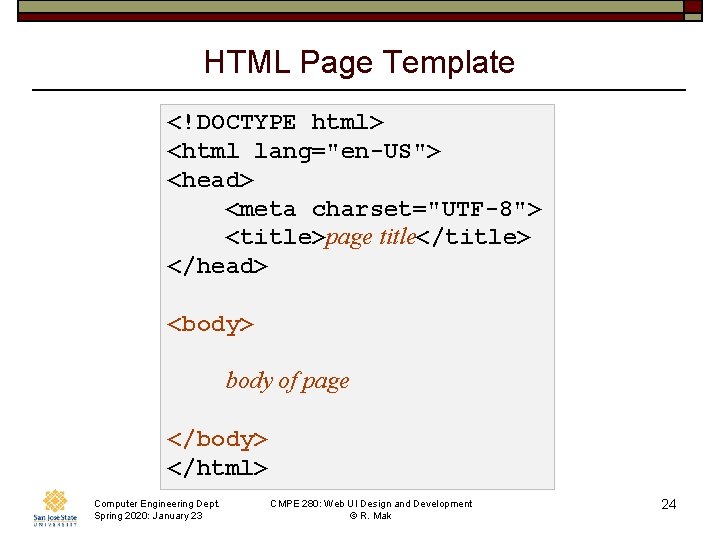
HTML Page Template <!DOCTYPE html> <html lang="en-US"> <head> <meta charset="UTF-8"> <title>page title</title> </head> <body> body of page </body> </html> Computer Engineering Dept. Spring 2020: January 23 CMPE 280: Web UI Design and Development © R. Mak 24
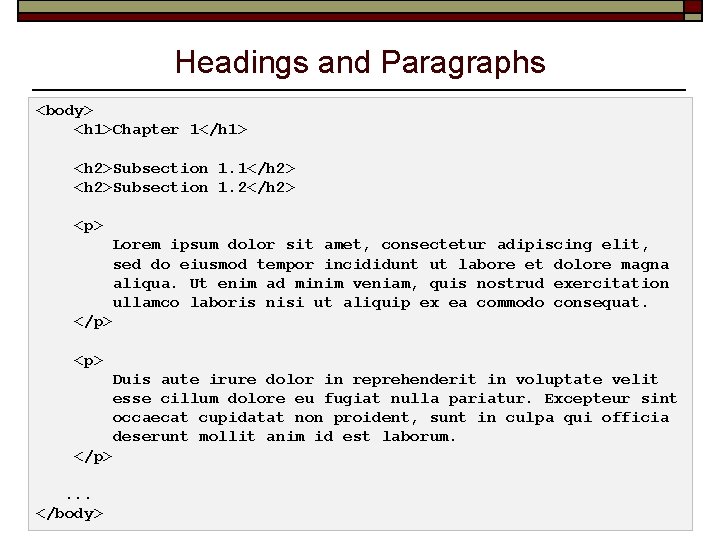
Headings and Paragraphs <body> <h 1>Chapter 1</h 1> <h 2>Subsection 1. 1</h 2> <h 2>Subsection 1. 2</h 2> <p> Lorem ipsum dolor sit amet, consectetur adipiscing elit, sed do eiusmod tempor incididunt ut labore et dolore magna aliqua. Ut enim ad minim veniam, quis nostrud exercitation ullamco laboris nisi ut aliquip ex ea commodo consequat. </p> <p> Duis aute irure dolor in reprehenderit in voluptate velit esse cillum dolore eu fugiat nulla pariatur. Excepteur sint occaecat cupidatat non proident, sunt in culpa qui officia deserunt mollit anim id est laborum. </p>. . . Computer Engineering Dept. </body> Spring 2020: January 23 CMPE 280: Web UI Design and Development © R. Mak 25
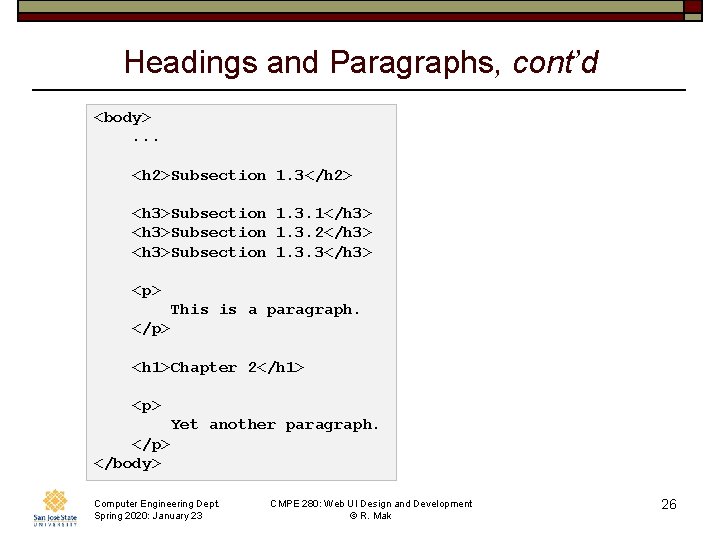
Headings and Paragraphs, cont’d <body>. . . <h 2>Subsection 1. 3</h 2> <h 3>Subsection 1. 3. 1</h 3> <h 3>Subsection 1. 3. 2</h 3> <h 3>Subsection 1. 3. 3</h 3> <p> This is a paragraph. </p> <h 1>Chapter 2</h 1> <p> Yet another paragraph. </p> </body> Computer Engineering Dept. Spring 2020: January 23 CMPE 280: Web UI Design and Development © R. Mak 26
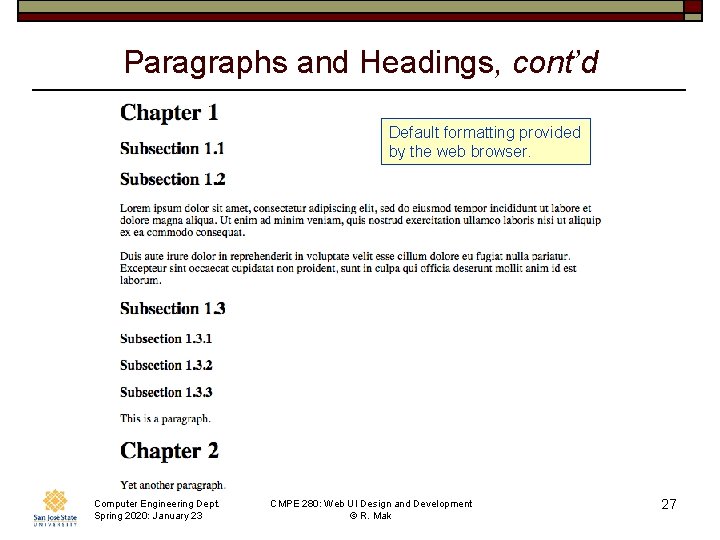
Paragraphs and Headings, cont’d Default formatting provided by the web browser. Computer Engineering Dept. Spring 2020: January 23 CMPE 280: Web UI Design and Development © R. Mak 27
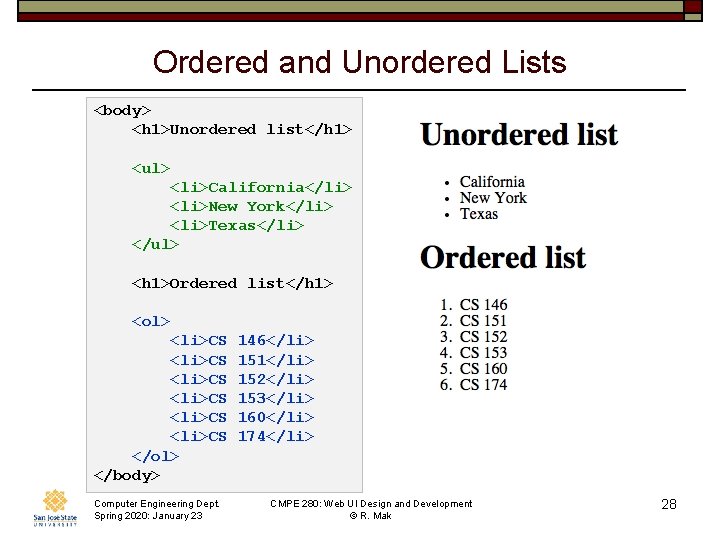
Ordered and Unordered Lists <body> <h 1>Unordered list</h 1> <ul> <li>California</li> <li>New York</li> <li>Texas</li> </ul> <h 1>Ordered list</h 1> <ol> <li>CS <li>CS </ol> </body> Computer Engineering Dept. Spring 2020: January 23 146</li> 151</li> 152</li> 153</li> 160</li> 174</li> CMPE 280: Web UI Design and Development © R. Mak 28
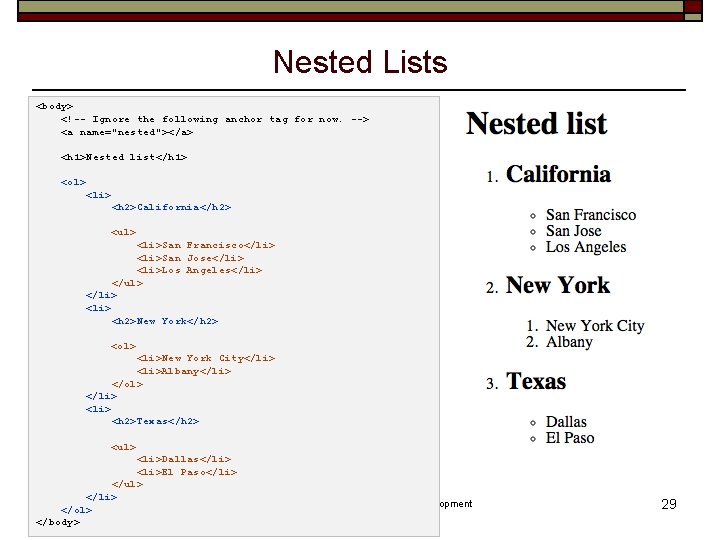
Nested Lists <body> <!-- Ignore the following anchor tag for now. --> <a name="nested"></a> <h 1>Nested list</h 1> <ol> <li> <h 2>California</h 2> <ul> <li>San Francisco</li> <li>San Jose</li> <li>Los Angeles</li> </ul> </li> <h 2>New York</h 2> <ol> <li>New York City</li> <li>Albany</li> </ol> </li> <h 2>Texas</h 2> <ul> <li>Dallas</li> <li>El Paso</li> </ul> </li> Computer Engineering Dept. </ol> Spring 2020: January 23 </body> CMPE 280: Web UI Design and Development © R. Mak 29
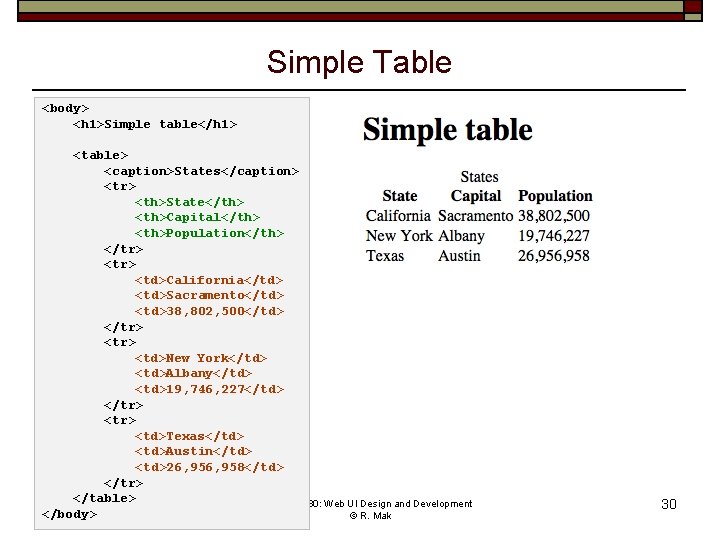
Simple Table <body> <h 1>Simple table</h 1> <table> <caption>States</caption> <tr> <th>State</th> <th>Capital</th> <th>Population</th> </tr> <td>California</td> <td>Sacramento</td> <td>38, 802, 500</td> </tr> <td>New York</td> <td>Albany</td> <td>19, 746, 227</td> </tr> <td>Texas</td> <td>Austin</td> <td>26, 958</td> </tr> </table> Computer Engineering Dept. CMPE 280: Web UI Design and Development </body>Spring 2020: January 23 © R. Mak 30
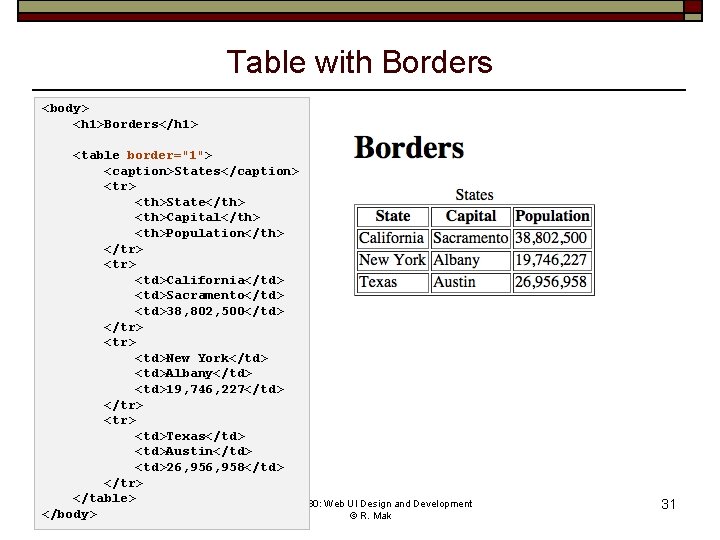
Table with Borders <body> <h 1>Borders</h 1> <table border="1"> <caption>States</caption> <tr> <th>State</th> <th>Capital</th> <th>Population</th> </tr> <td>California</td> <td>Sacramento</td> <td>38, 802, 500</td> </tr> <td>New York</td> <td>Albany</td> <td>19, 746, 227</td> </tr> <td>Texas</td> <td>Austin</td> <td>26, 958</td> </tr> </table> Computer Engineering Dept. CMPE 280: Web UI Design and Development </body>Spring 2020: January 23 © R. Mak 31
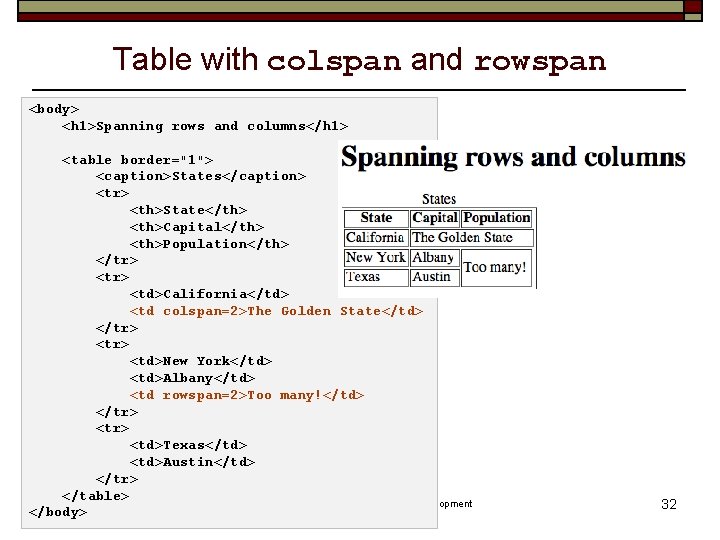
Table with colspan and rowspan <body> <h 1>Spanning rows and columns</h 1> <table border="1"> <caption>States</caption> <tr> <th>State</th> <th>Capital</th> <th>Population</th> </tr> <td>California</td> <td colspan=2>The Golden State</td> </tr> <td>New York</td> <td>Albany</td> <td rowspan=2>Too many!</td> </tr> <td>Texas</td> <td>Austin</td> </tr> </table> Computer Engineering Dept. CMPE 280: Web UI Design and Development </body> Spring 2020: January 23 © R. Mak 32
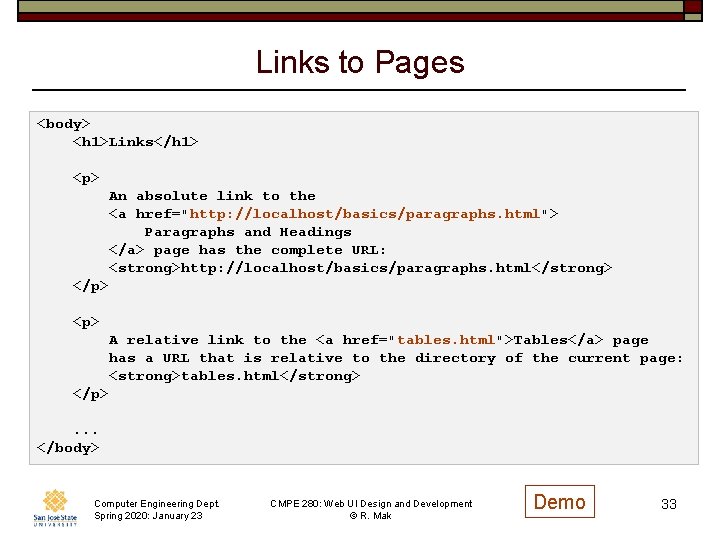
Links to Pages <body> <h 1>Links</h 1> <p> An absolute link to the <a href="http: //localhost/basics/paragraphs. html"> Paragraphs and Headings </a> page has the complete URL: <strong>http: //localhost/basics/paragraphs. html</strong> </p> <p> A relative link to the <a href="tables. html">Tables</a> page has a URL that is relative to the directory of the current page: <strong>tables. html</strong> </p>. . . </body> Computer Engineering Dept. Spring 2020: January 23 CMPE 280: Web UI Design and Development © R. Mak Demo 33
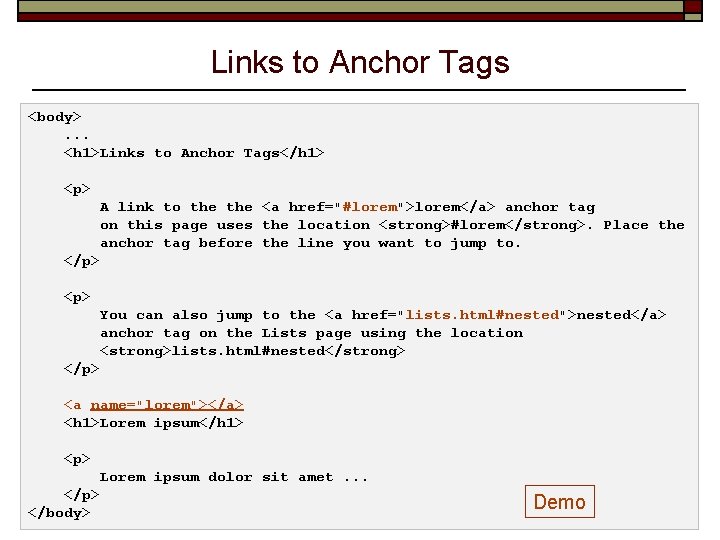
Links to Anchor Tags <body>. . . <h 1>Links to Anchor Tags</h 1> <p> A link to the <a href="#lorem">lorem</a> anchor tag on this page uses the location <strong>#lorem</strong>. Place the anchor tag before the line you want to jump to. </p> <p> You can also jump to the <a href="lists. html#nested">nested</a> anchor tag on the Lists page using the location <strong>lists. html#nested</strong> </p> <a name="lorem"></a> <h 1>Lorem ipsum</h 1> <p> Lorem ipsum dolor sit amet. . . </p> Computer Engineering Dept. </body> Spring 2020: January 23 CMPE 280: Web UI Design and Development © R. Mak Demo 34
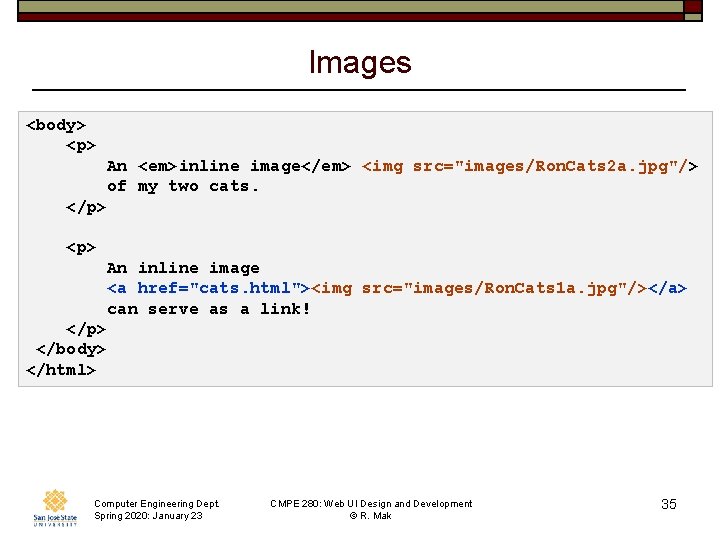
Images <body> <p> An <em>inline image</em> <img src="images/Ron. Cats 2 a. jpg"/> of my two cats. </p> <p> An inline image <a href="cats. html"><img src="images/Ron. Cats 1 a. jpg"/></a> can serve as a link! </p> </body> </html> Computer Engineering Dept. Spring 2020: January 23 CMPE 280: Web UI Design and Development © R. Mak 35
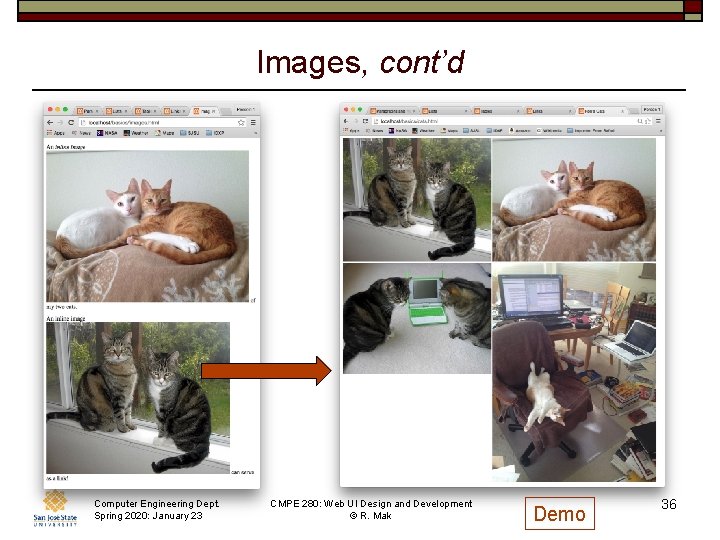
Images, cont’d Computer Engineering Dept. Spring 2020: January 23 CMPE 280: Web UI Design and Development © R. Mak Demo 36
Reminder: By Wednesday, January 29 o Form teams. o Email me your team information. n n team name team members and email addresses Computer Engineering Dept. Spring 2020: January 23 CMPE 280: Web UI Design and Development © R. Mak 37
- Slides: 37