
CME SOFTWARE REVIEW THE GOOD THE BAD THE
CME SOFTWARE REVIEW THE GOOD, THE BAD & THE UGLY

DISCLOSURE STATEMENT Julie Mc. Hugh, CME Coordinator Grand Rapids Medical Education Partners has nothing to disclose
COMPUTER SOFTWARE REVIEW LEARNING OBJECTIVES - TO PROVIDE AWARENESS OF WHAT IS AVAILABLE - TO DISCUSS PROS & CONS OF CURRENT SITUATION - TO UNDERSTAND PROCESSES AND QUESTIONS TO CONSIDER BEFORE PURCHASE
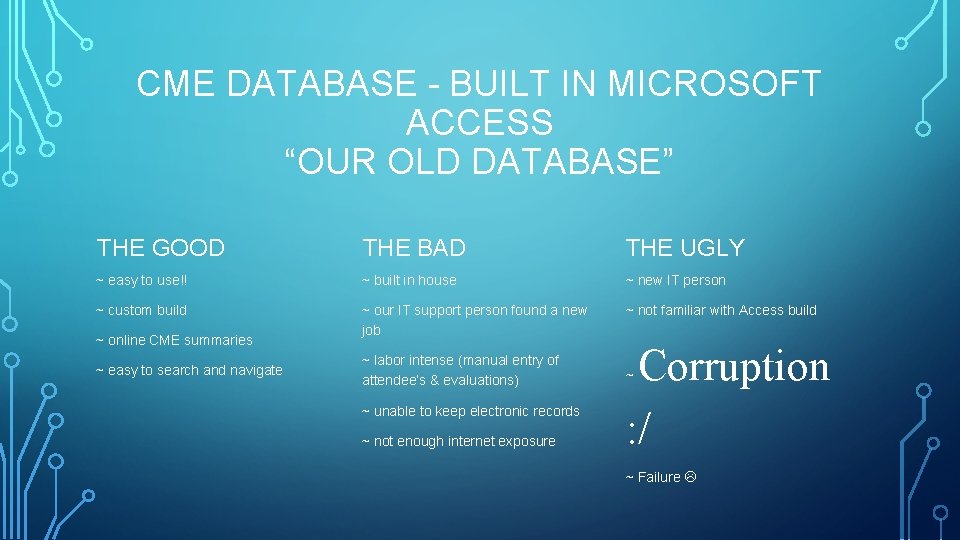
CME DATABASE - BUILT IN MICROSOFT ACCESS “OUR OLD DATABASE” THE GOOD THE BAD THE UGLY ~ easy to use!! ~ built in house ~ new IT person ~ custom build ~ our IT support person found a new job ~ not familiar with Access build ~ online CME summaries ~ easy to search and navigate ~ labor intense (manual entry of attendee’s & evaluations) ~ unable to keep electronic records ~ not enough internet exposure Corruption : / ~ ~ Failure


CME SOFTWARE CHOICES = LIMITED!! THE GOOD STUFF CME TRACKER: • Highly recommended • Web-Based Application • “CME software” • PARS reporting • Online application, CME Calendar & Summaries all branded like our website AMBROSIA SOFTWARE: • Custom build • Smartphone capable • In house training/local company • Had worked on our current database and understood what we were doing
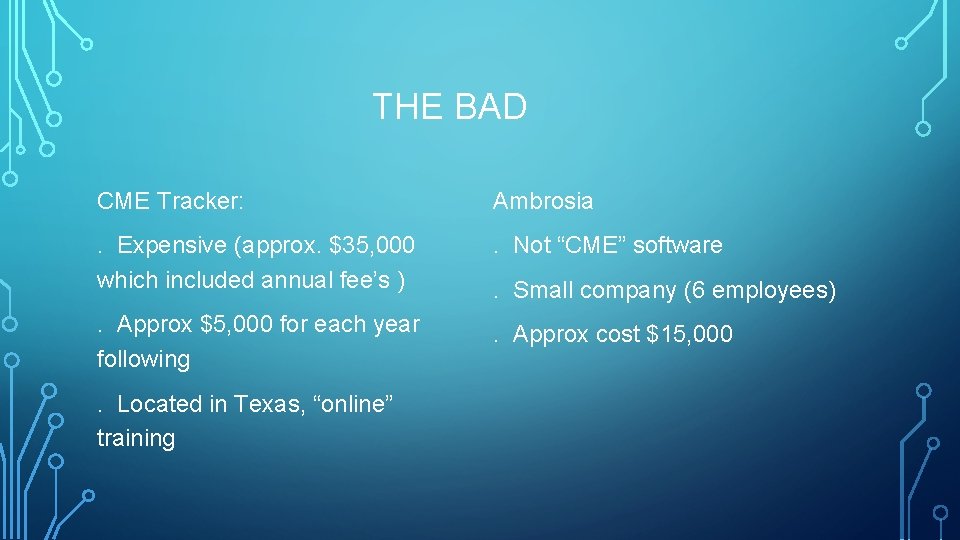
THE BAD CME Tracker: Ambrosia . Expensive (approx. $35, 000 which included annual fee’s ) . Not “CME” software . Approx $5, 000 for each year following . Approx cost $15, 000 . Located in Texas, “online” training . Small company (6 employees)
THE UGLIES • Re-creating CME and how we do it • Training Physician’s Responsible, Activity Organizer’s and end users • Website delays, our current website was being rebuilt so we needed the website banding before we could move forward with Publisher • Using different browsers (ie Chrome for CME Tracker & Interent Explorer for evaluations) • User friendly?
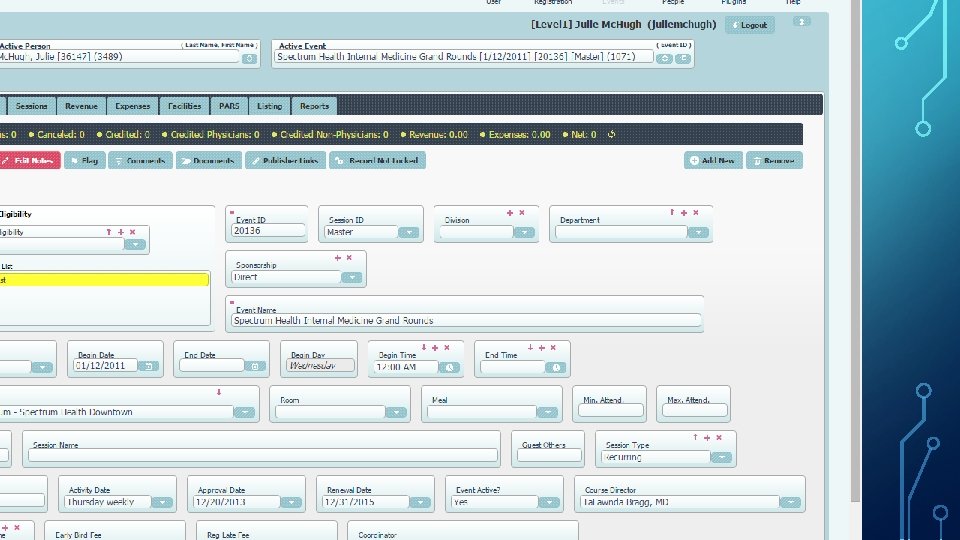
CME TRACKER – USER FRIENDLY? - The training has been difficult to grasp (online training) - Don’t understand how it will all work yet, still have to have training on Publisher - It’s not easy software to navigate or understand (ie; searches are difficult, one of our temp helpers said it’s really written for a programmer - LOTS you can do with it, but not much that we will need to utilize - Calendar isn’t set up to calculate different RSS schedules - More work with set-up
SUGGESTIONS: • MAKE SURE YOU UNDERSTAND WHAT YOU ARE GETTING AND HOW THE SOFTWARE WORKS • REMEMBER THE PERSON SELLING YOU THE SOFTWARE IS THE “SALES PERSON”. • DISCUSS WHAT IS WORKING WELL WITH YOUR CURRENT SOFTWARE, AND WHAT YOU CAN’T LIVE WITHOUT • IMPORT SOME OF YOUR DATA INTO THE NEW SOFTWARE TO SEE HOW THEIR SYSTEM WORKS AND WHAT YOUR INFORMATION WILL LOOK LIKE • DISCUSS WHAT YOU WOULD LIKE TO DO BETTER (IE ONLINE EVALUATIONS) • UNDERSTAND DIFFERENT TERMS (EVENTS = SESSIONS/ACTIVITIES = MASTERS, ETC)
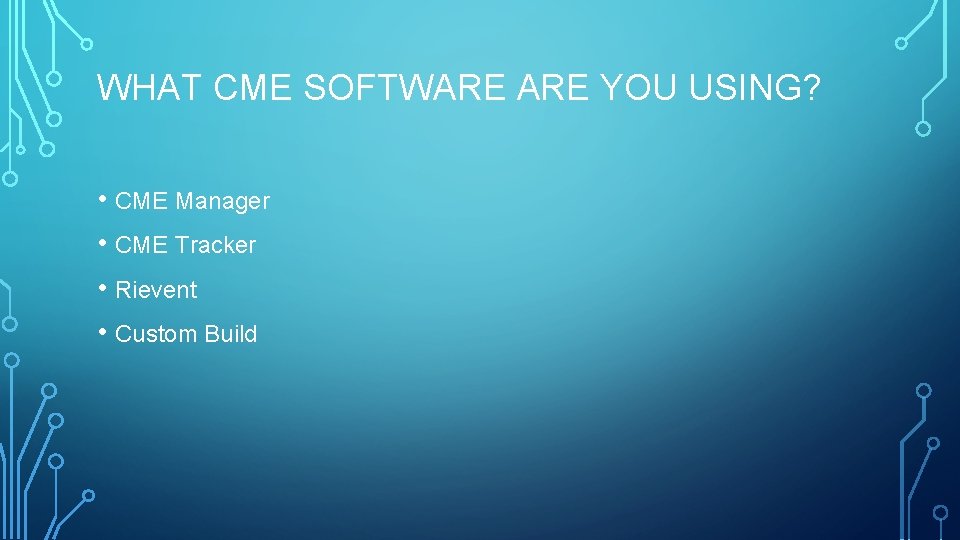
WHAT CME SOFTWARE YOU USING? • CME Manager • CME Tracker • Rievent • Custom Build
- Slides: 12