
CMD vs Networking Over Alice and Bob Windows
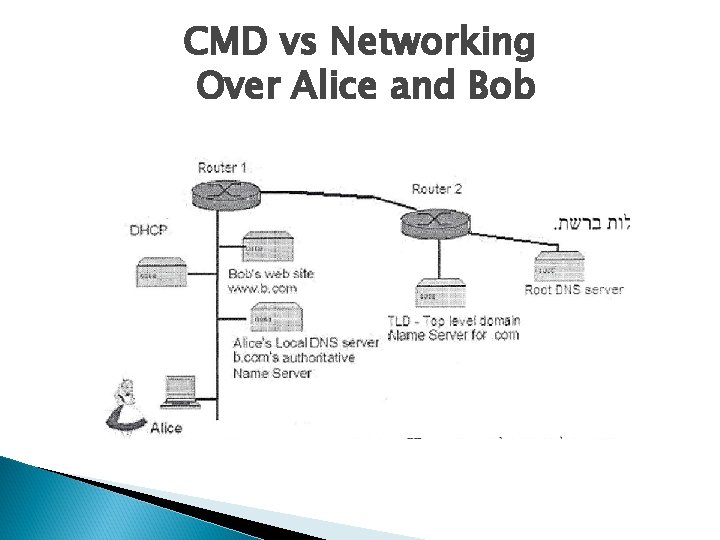
CMD vs Networking Over Alice and Bob
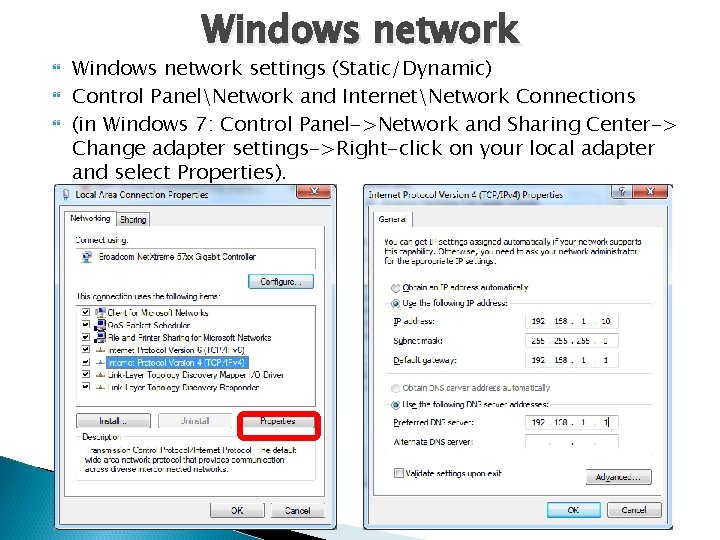
Windows network Windows network settings (Static/Dynamic) Control PanelNetwork and InternetNetwork Connections (in Windows 7: Control Panel->Network and Sharing Center-> Change adapter settings->Right-click on your local adapter and select Properties).
Windows CMD command line CMD/Run http: //ss 64. com/nt/ - (CMD לסקרנים )כל הפקודות
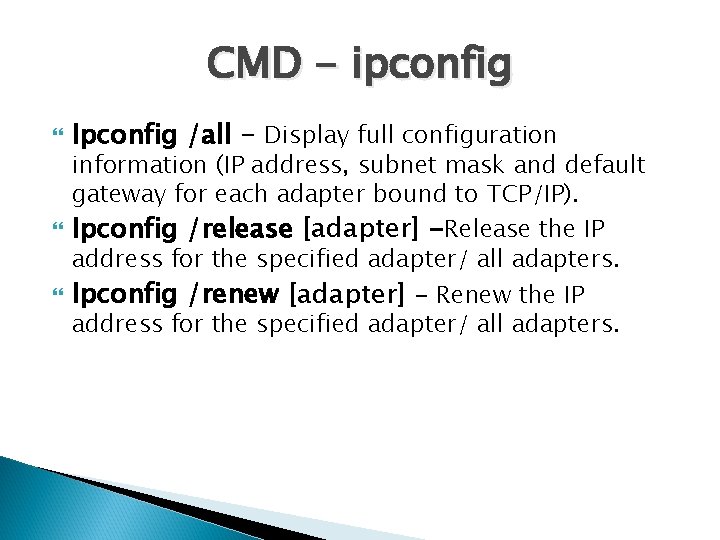
CMD - ipconfig Ipconfig /all - Display full configuration information (IP address, subnet mask and default gateway for each adapter bound to TCP/IP). Ipconfig /release [adapter] -Release the IP address for the specified adapter/ all adapters. Ipconfig /renew [adapter] - Renew the IP address for the specified adapter/ all adapters.
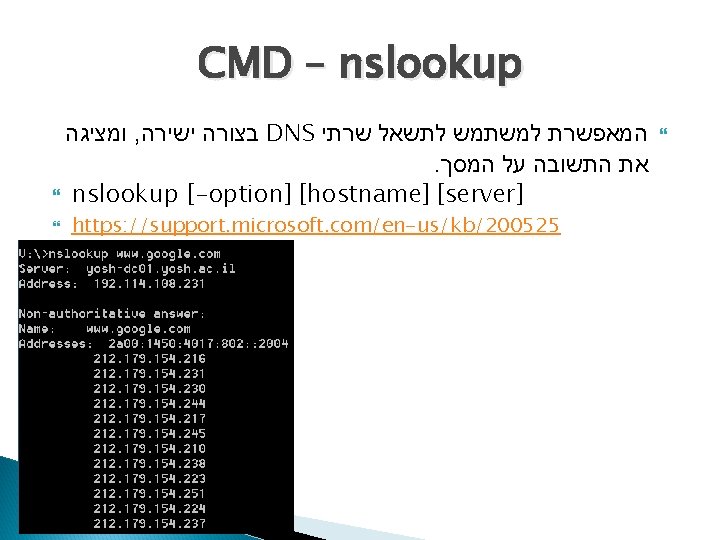
CMD – nslookup ומציגה , בצורה ישירה DNS המאפשרת למשתמש לתשאל שרתי . את התשובה על המסך nslookup [-option] [hostname] [server] https: //support. microsoft. com/en-us/kb/200525
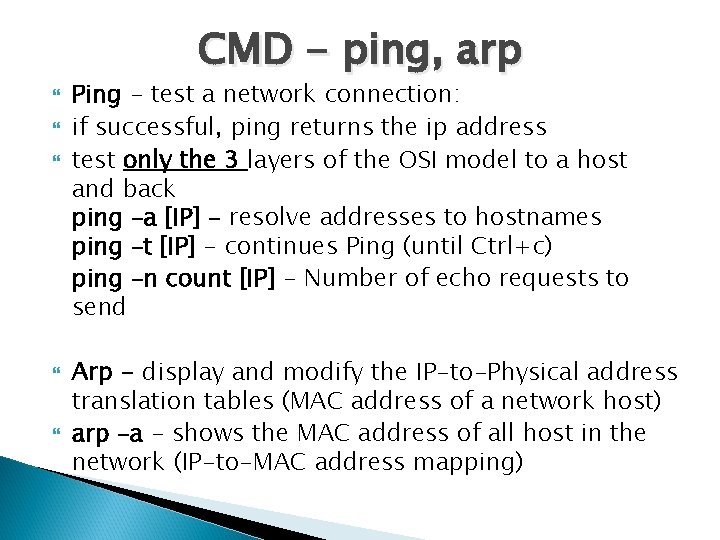
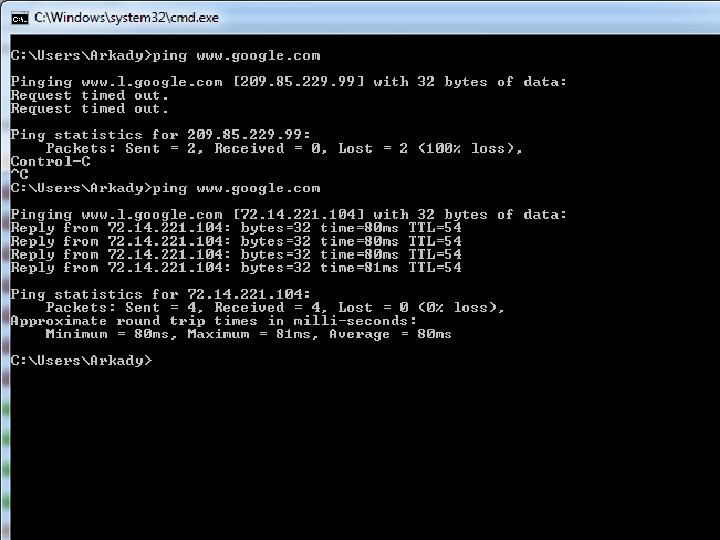
CMD - ping, arp Ping - test a network connection: if successful, ping returns the ip address test only the 3 layers of the OSI model to a host and back ping –a [IP] - resolve addresses to hostnames ping –t [IP] - continues Ping (until Ctrl+c) ping –n count [IP] - Number of echo requests to send Arp - display and modify the IP-to-Physical address translation tables (MAC address of a network host) arp –a - shows the MAC address of all host in the network (IP-to-MAC address mapping)
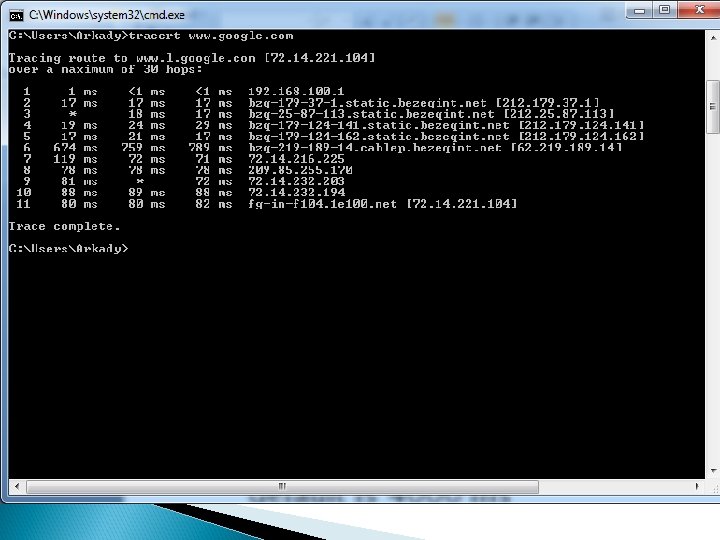
CMD - tracert Tracert - shows a trace(way) to a host tracert www. google. com tracert –d [IP] - quick, without hostnames tracert –w timeout [IP] - wait timeout (in ms) for each reply “*” - means that the time is more than set default is 4000 ms or invisible to the tracert command http: //ip-lookup. net - find information about any IP address
CMD - Net. Stat Use for checking network and Internet connections netstat – display active TCP/IP network connections and protocol statistics netstat –a - display All TCP and UDP connections and listening ports netstat –e - display Ethernet statistics netstat -o - display the Owning process ID (PID) associated with each connection netstat –s - display per-protocol statistics ( )הרבה
CMD – Net מיפוי , שליחת הודעות , משמשת לצורך קבלת מידע על הרשת . קבלת סטטיסטיקה ועוד , מקומות מרוחקים net statistics - display network statistics of the workstation or server. net user - displays users on the computer or domain net view - displays a list of computers in a specified workgroup or the shared resources available on a specified computer. net use - displays information about computer connections http: //www. microsoft. com/resources/documentation/windo ws/xp/all/proddocs/en-us/net_use. mspx? mfr=true
CMD - tips Cmd – ftp, tftp יש גם כזה דבר Cls – clear the command window Exit – close the command window
- Slides: 13