
Clu ster ing Log Shipping g n i
- Slides: 12
Clu ster ing Log Shipping g n i r ro ir M B D Implementing SQLServer Always. ON Sarabpreet Singh Anand SQL Server – MVP SQLServer. Geeks. com (VP)
Sarabpreet Singh Anand Ø SQL Server MVP Ø MCTS, MCITP: Admin, MCT certifications Ø Vice President & Regional Mentor SQLServer. Geeks. com Ø Expert in handling VLDBs & Disaster Management Ø Conducted many SQL Server Boot camp Trainings across India Ø Regular Speaker: Ø UG Events, In-person Events & Webcasts Ø Microsoft Community Tech Days (CTD), Etc Ø Follow Me @Sarab_SQLGeek Ø Email : sarab@sarabpreet. com Ø sarabpreet. anand@gmail. com
Agenda Ø Why Always. ON Ø What is required to configure Always. ON Ø Benefits of Always. ON Ø How Always. ON works Ø Diff. Topologies Ø Readable Secondary Ø Backup on Secondary Ø Demo Ø How to implementConfigure Always. ON Ø Backups on Secondary Ø Readable Secondaries
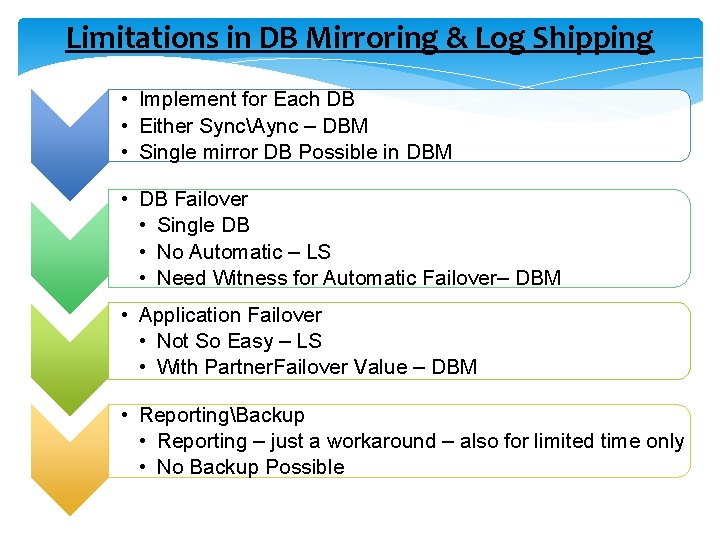
Limitations in DB Mirroring & Log Shipping • Implement for Each DB • Either SyncAync – DBM • Single mirror DB Possible in DBM • DB Failover • Single DB • No Automatic – LS • Need Witness for Automatic Failover– DBM • Application Failover • Not So Easy – LS • With Partner. Failover Value – DBM • ReportingBackup • Reporting – just a workaround – also for limited time only • No Backup Possible
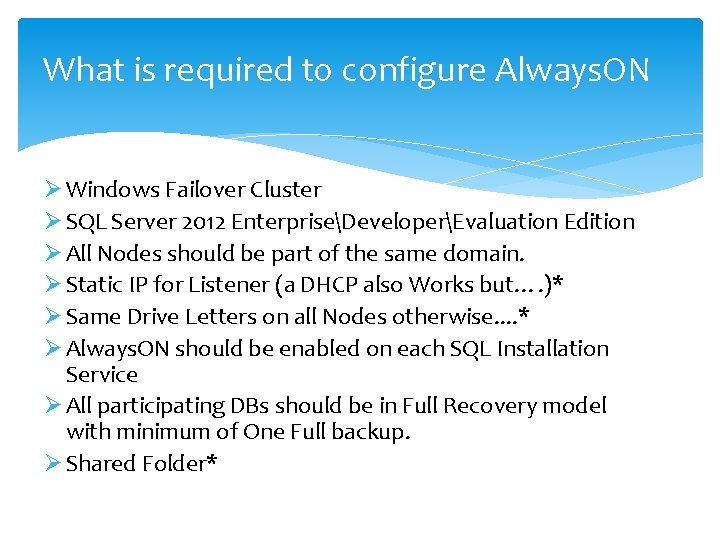
What is required to configure Always. ON Ø Windows Failover Cluster Ø SQL Server 2012 EnterpriseDeveloperEvaluation Edition Ø All Nodes should be part of the same domain. Ø Static IP for Listener (a DHCP also Works but…. )* Ø Same Drive Letters on all Nodes otherwise. . * Ø Always. ON should be enabled on each SQL Installation Service Ø All participating DBs should be in Full Recovery model with minimum of One Full backup. Ø Shared Folder*
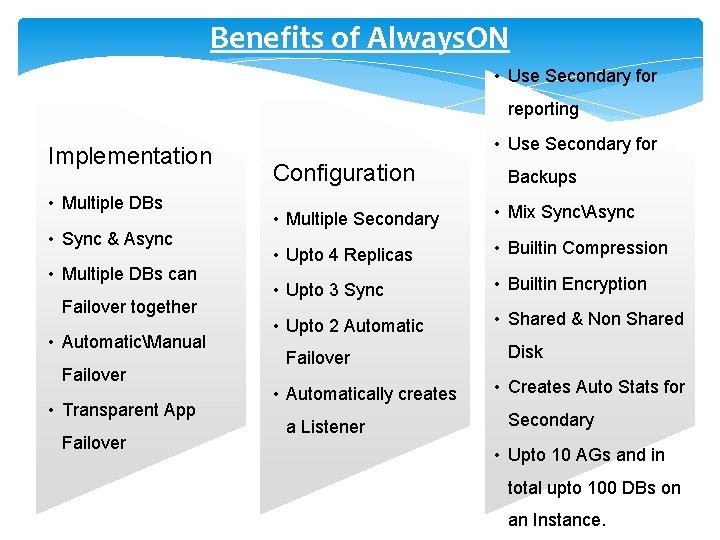
Benefits of Always. ON • Use Secondary for reporting Implementation • Multiple DBs • Sync & Async • Multiple DBs can Failover together • AutomaticManual Failover • Transparent App Failover • Use Secondary for Configuration Backups • Multiple Secondary • Mix SyncAsync • Upto 4 Replicas • Builtin Compression • Upto 3 Sync • Builtin Encryption • Upto 2 Automatic • Shared & Non Shared Failover • Automatically creates a Listener Disk • Creates Auto Stats for Secondary • Upto 10 AGs and in total upto 100 DBs on an Instance.
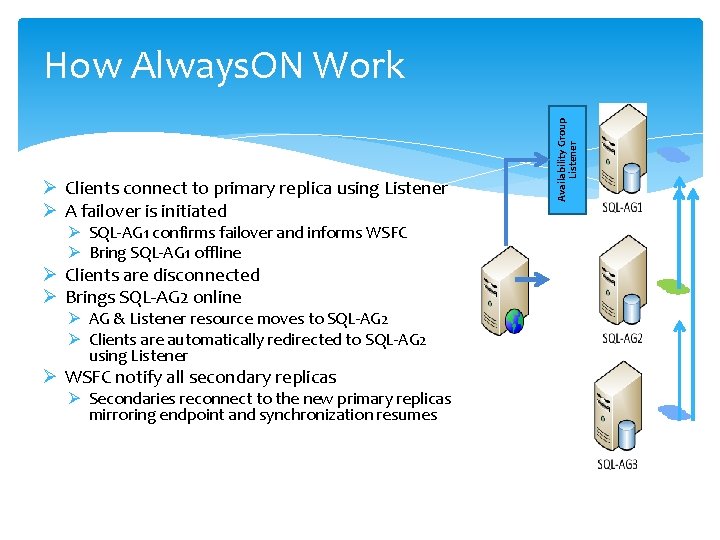
Ø Clients connect to primary replica using Listener Ø A failover is initiated Ø SQL-AG 1 confirms failover and informs WSFC Ø Bring SQL-AG 1 offline Ø Clients are disconnected Ø Brings SQL-AG 2 online Ø AG & Listener resource moves to SQL-AG 2 Ø Clients are automatically redirected to SQL-AG 2 using Listener Ø WSFC notify all secondary replicas Ø Secondaries reconnect to the new primary replicas mirroring endpoint and synchronization resumes Availability Group Listener How Always. ON Work
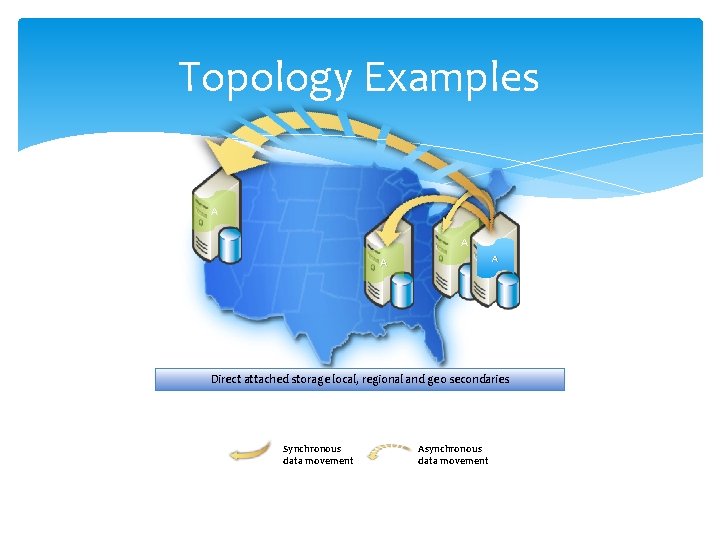
Topology Examples A A Direct attached storage local, regional and geo secondaries Synchronous data movement Asynchronous data movement
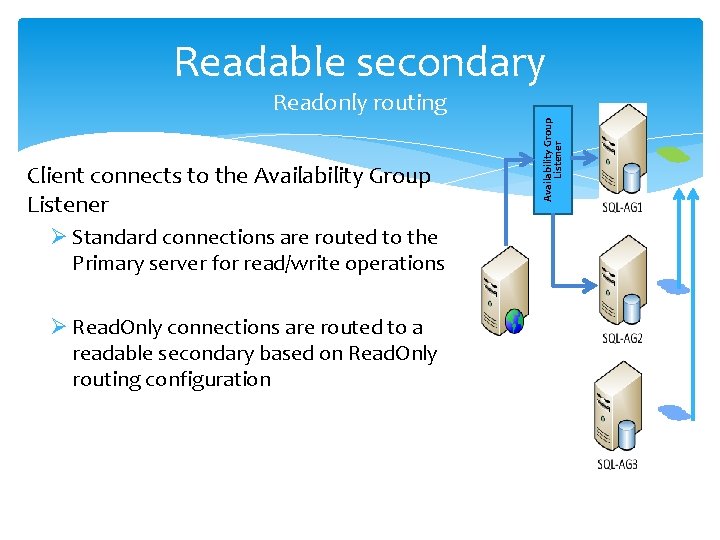
Readable secondary Client connects to the Availability Group Listener Ø Standard connections are routed to the Primary server for read/write operations Ø Read. Only connections are routed to a readable secondary based on Read. Only routing configuration Availability Group Listener Readonly routing
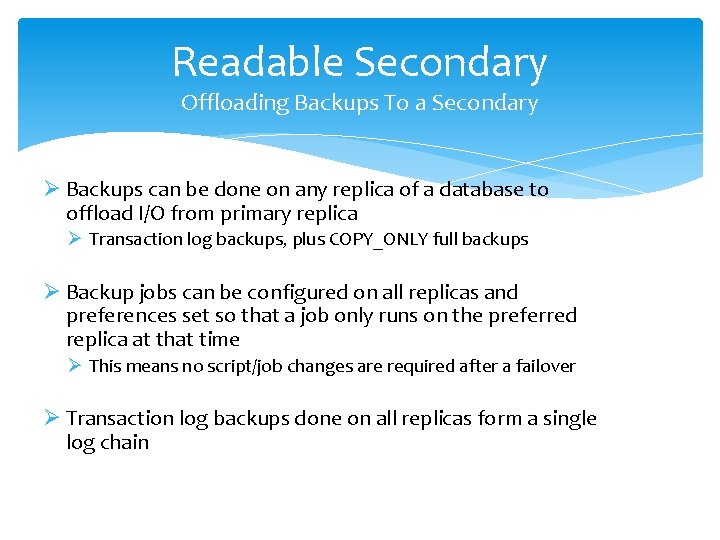
Readable Secondary Offloading Backups To a Secondary Ø Backups can be done on any replica of a database to offload I/O from primary replica Ø Transaction log backups, plus COPY_ONLY full backups Ø Backup jobs can be configured on all replicas and preferences set so that a job only runs on the preferred replica at that time Ø This means no script/job changes are required after a failover Ø Transaction log backups done on all replicas form a single log chain
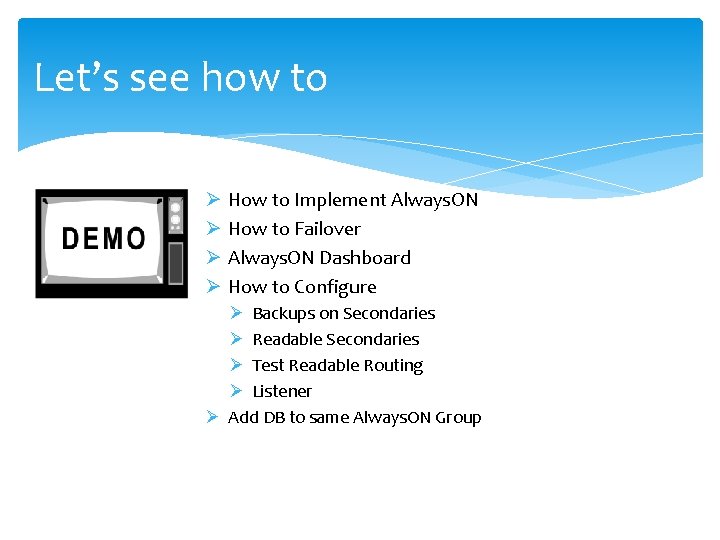
Let’s see how to Ø How to Implement Always. ON Ø How to Failover Ø Always. ON Dashboard Ø How to Configure Ø Backups on Secondaries Ø Readable Secondaries Ø Test Readable Routing Ø Listener Ø Add DB to same Always. ON Group
Thank you Speaker Contact Info: Twitter: @Sarab_SQLGeek Email: Sarab@Sarabpreet. com Sarabpreet. anand@gmail. com