
Cloud Computing Security Infrastructure Technician What are the
- Slides: 16
Cloud Computing Security Infrastructure Technician
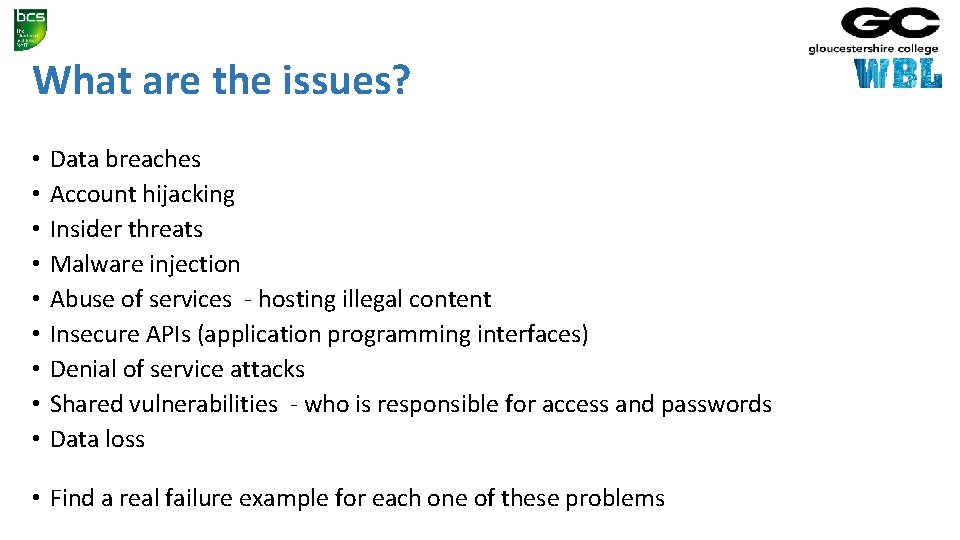
What are the issues? • • • Data breaches Account hijacking Insider threats Malware injection Abuse of services - hosting illegal content Insecure APIs (application programming interfaces) Denial of service attacks Shared vulnerabilities - who is responsible for access and passwords Data loss • Find a real failure example for each one of these problems
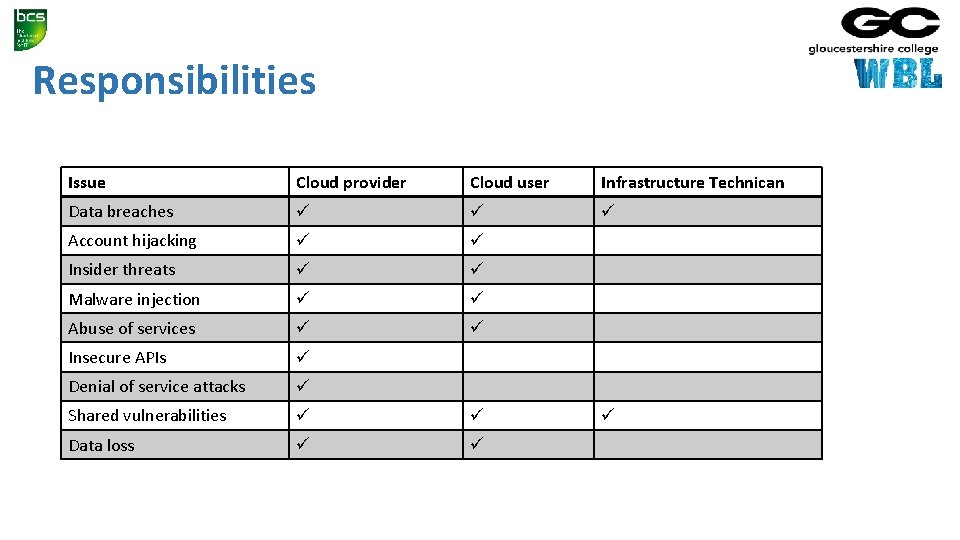
Responsibilities Issue Cloud provider Cloud user Infrastructure Technican Data breaches Account hijacking Insider threats Malware injection Abuse of services Insecure APIs Denial of service attacks Shared vulnerabilities Data loss
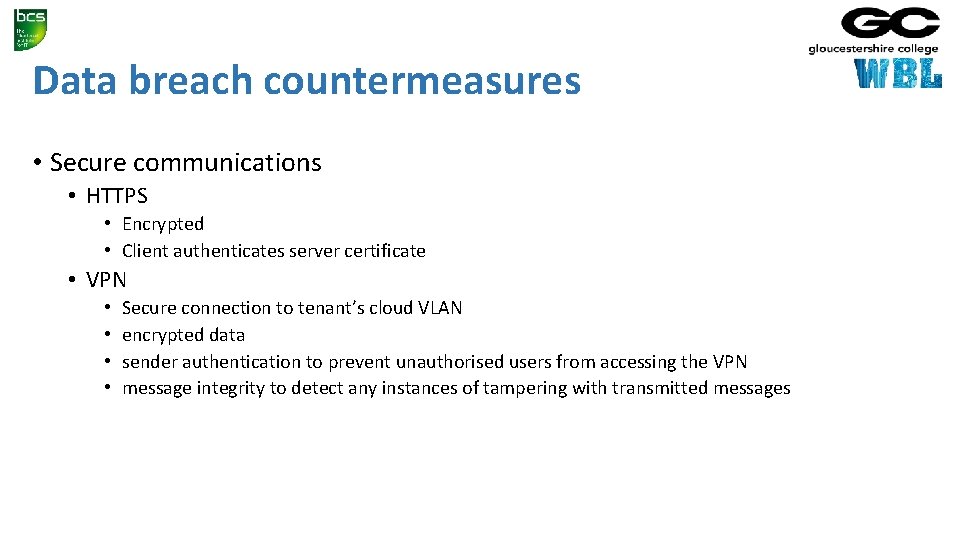
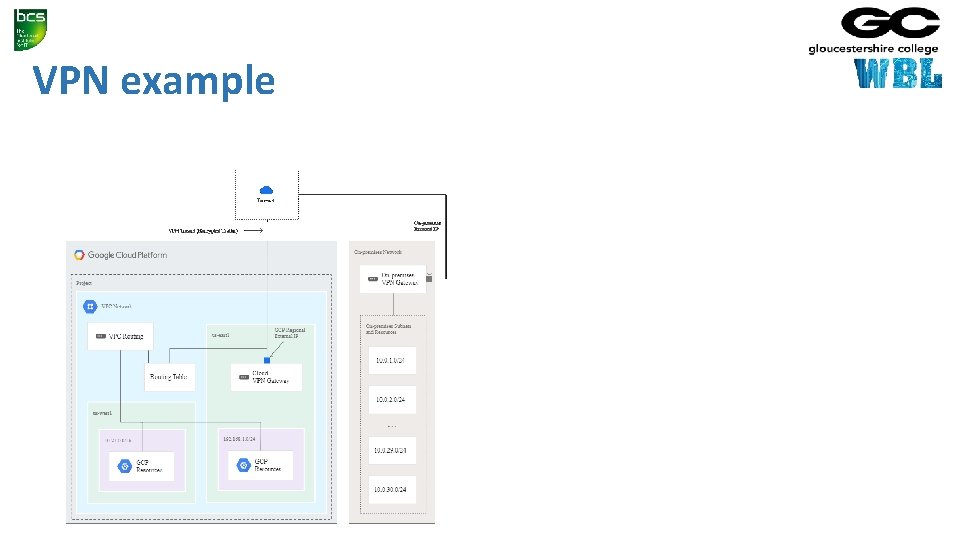
Data breach countermeasures • Secure communications • HTTPS • Encrypted • Client authenticates server certificate • VPN • • Secure connection to tenant’s cloud VLAN encrypted data sender authentication to prevent unauthorised users from accessing the VPN message integrity to detect any instances of tampering with transmitted messages
VPN example
Shared vulnerabilities • Passwords • Tenant controls issuing • Tenant and host control password policies • Access control • Tenant and host control user and group creation • Tenant and host control user and group access to resources
Passwords • Test your password security • https: //howsecureismypassword. net/ • Traditional • Password length • Required characters • No reuse • Better • • Password manager Passphrases, Four random dictionary words CVC-CVC (consonant-vowel-consonant) • System • Lock after failed attempts • Limit rate of attempts
Authentication • Access to secure systems based on user credentials that imply authenticity • Something the user knows • • • Password Partial password Pass phrase Personal identification number (PIN) Challenge response (the user must answer a question, or pattern) Security question
Authentication • Something the user has • • • wrist band ID card security token implanted device smartphone with built-in hardware token software token or smartphone holding a software token
Authentication • Something the user is or does • • Fingerprint Retinal pattern DNA sequence (there assorted definitions of what is sufficient) Signature Face Voice Unique bio-electric signals or other biometric identifier
Multi-factor authentication • Single factor • Only one required • Two factor • Two required • Research authentication requirements • • Banking Gmail i. Cloud Dropbox
Password managers • User IDs are often guessable • Derived from the account holder's name, email address etc • Complex passwords are difficult to remember • Many users have defaulted to passwords like • • “password" "abc 123“ their pet's name other easily guessable or breakable naming conventions • Hundreds of millions or more passwords may already be floating around the seedier corners of the internet • https: //haveibeenpwned. com/
Password managers • The user creates a master password for access to their identity vault • If this is forgotten then passwords are not available and will have to be reset • The password manager fills in individual user IDs and passwords for the sites and apps in use • Each site or app can have a different, complex and hard to remember password • These can be generated by the password manager • Two factor authentication provides security • The vault is encrypted (on the device or in the cloud)
Password managers • Features • • Local storage Cloud based vault (accessible from multiple devices) Form filling App integration Fingerprint authentication (IOS, Android) Built into the OS (Apple Keychain) Automatic password change (renders old password hacks obsolete) Travel mode (limited set of password on mobile device)
Password managers • Login credentials must be stored in an encrypted form • Secure resource usage • using secure memory to prevent a decrypted password being recovered by a malicious security cracker • Should not trust the security of outside applications • they may store decrypted passwords in undeleted temp files (Google Chrome used to show passwords without authentication)
Summary • 1. 4 • Understand factors required for secure password • set a strong password policy • use multifactor / two-factor authentication where available • 1. 5 • List the pros and cons of password management tools and services • all passwords in one place • access on multiple device • password generation.