
CLOUD COMPUTING Definition Available At home At work
• ‘’CLOUD COMPUTING’’ - Definition • Available: At home At work On holyday
Are we already using cloud? Cloud growth and development • Data updated to 2015
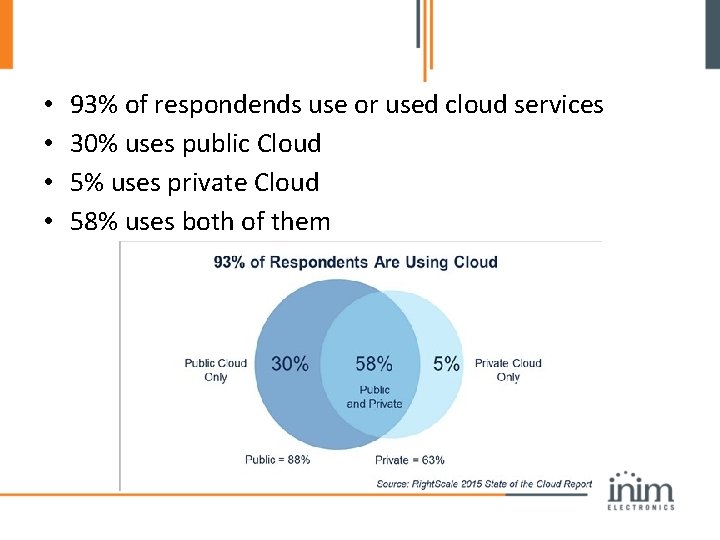
• • 93% of respondends use or used cloud services 30% uses public Cloud 5% uses private Cloud 58% uses both of them
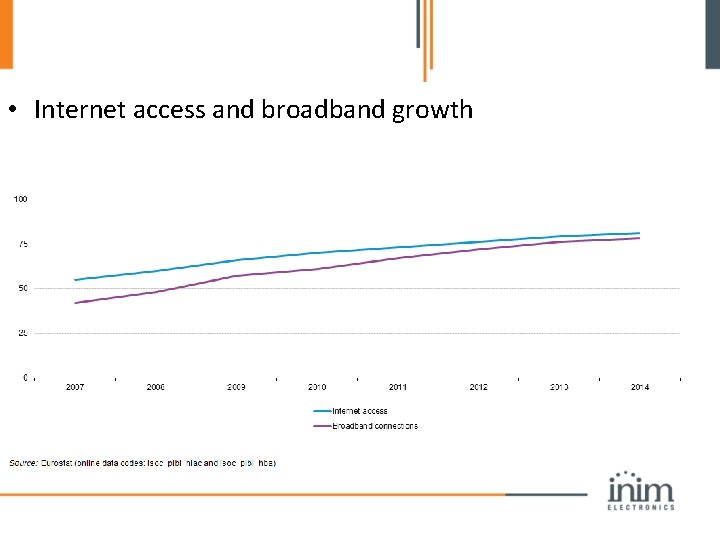
• Internet access and broadband growth
• In 2015 31 % of people between 16 and 74 years old, used cloud computing services to store data. In 2015 il 60 % of people between 16 and 74 years old, used cloud computing services to buy goods and services. The growth was 12% compared to 2014.
Inim. Cloud: PROFESSIONAL & SECURE www. inimcloud. com
• Inim. Cloud was developd as powerful tool for: THE INSTALLER DESIGN STUDIOS INIM DISTRIBUTORS …and as END-USER services portal
• Inim. Cloud is secure-by-default, the protocol has strong cryptography based on AES 128 • Cyber-attack protection • inim. Cloud is design to be professional and efficient
• High computing performace • High storage space: 512 Mb per installer • Higly usable user interface, simple and intuitive.
Inim. Cloud is TIER 3 certified • Availability of 99, 982% • redundancy: 1) Hard disk backup 2) Network backup 3) Power line provider backup 4) Power line backup: gasoline generator 5) Geographically replicated
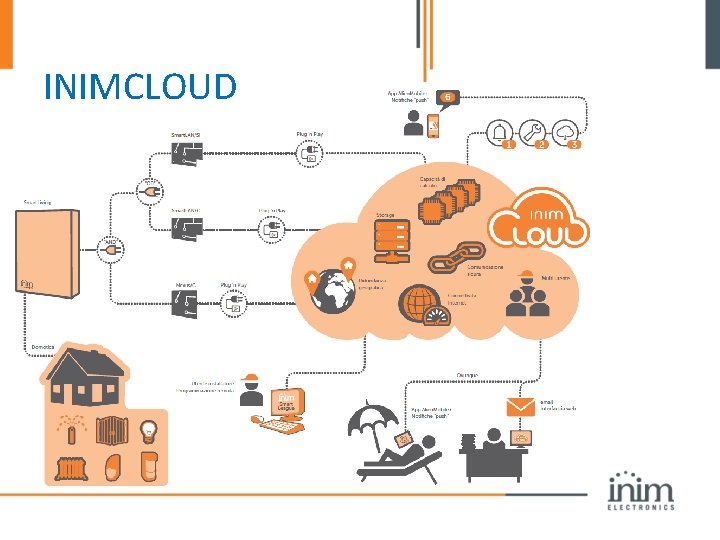
INIMCLOUD
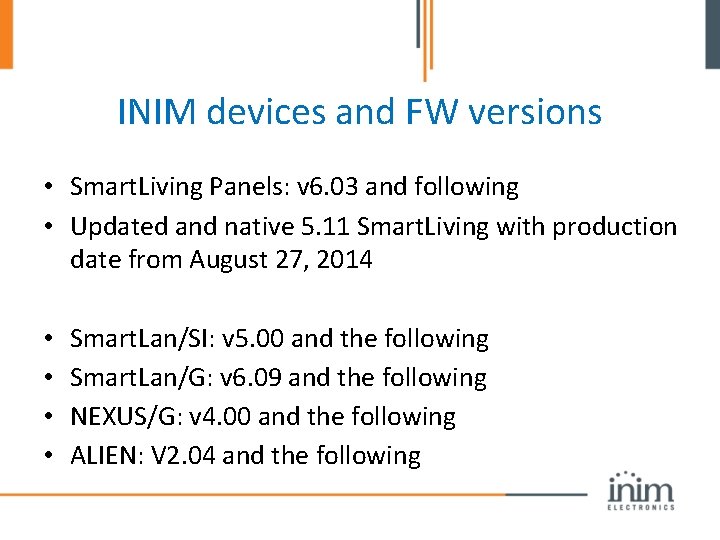
INIM devices and FW versions • Smart. Living Panels: v 6. 03 and following • Updated and native 5. 11 Smart. Living with production date from August 27, 2014 • • Smart. Lan/SI: v 5. 00 and the following Smart. Lan/G: v 6. 09 and the following NEXUS/G: v 4. 00 and the following ALIEN: V 2. 04 and the following
INIMCLOUD connection backup • Smart. LAN/SI or Smart. LAN/G • Nexus/G
Inim. Cloud users’ benefits • Secure and reliable connection with the intrusion detection system • Easy panel management, secure and worldwide available. • Panel supervision done by the installer • Push and email notification for free. • Panel health monitor • New services without expensive upgrades.
Inim. Cloud installer benefits • Direct connection with the panel: no port-forward, no DDNS • Easy supervision of the panel, worldwide available. • Maintenance contract: business opportunity! • Smart. Living plug&play: cloud is just connected!
Inim. Cloud for the Installer
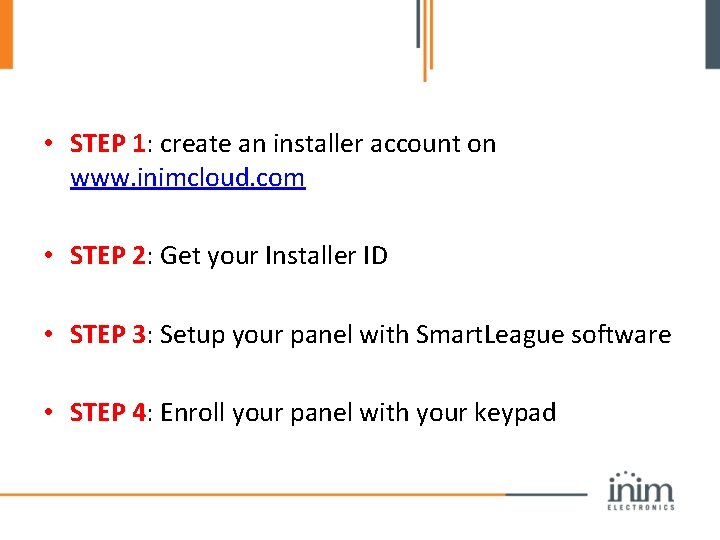
• STEP 1: create an installer account on www. inimcloud. com • STEP 2: Get your Installer ID • STEP 3: Setup your panel with Smart. League software • STEP 4: Enroll your panel with your keypad
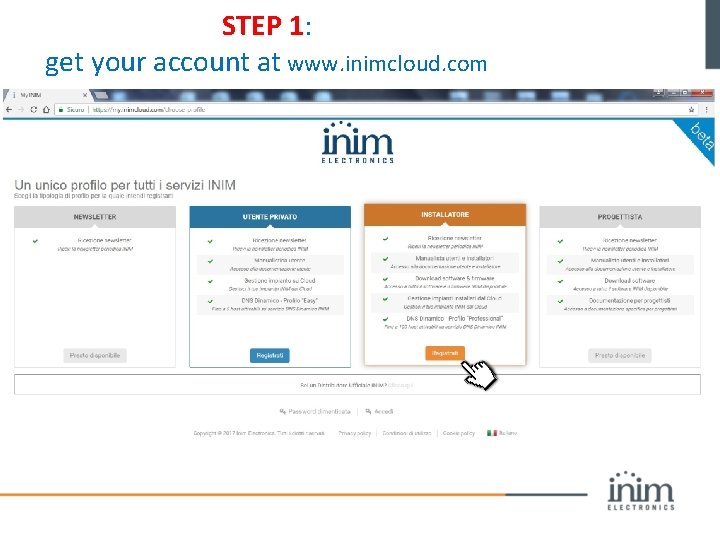
STEP 1: get your account at www. inimcloud. com
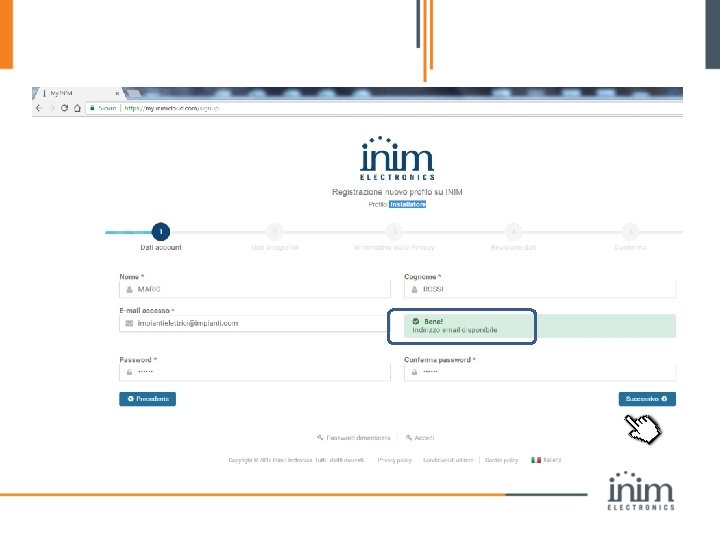
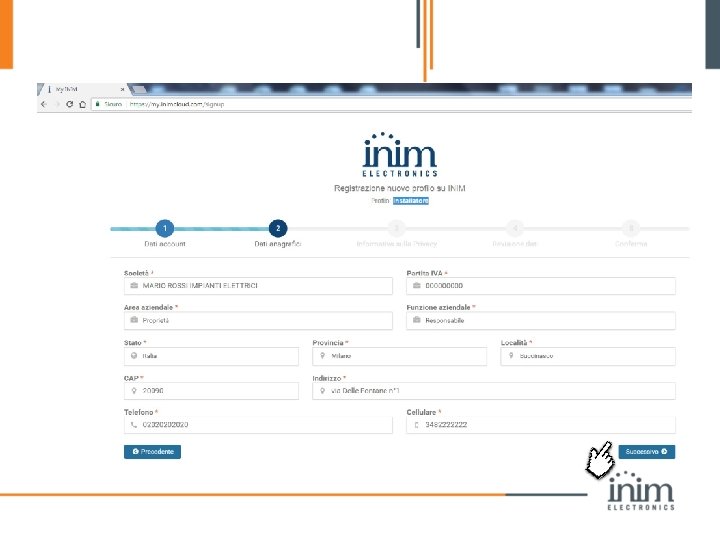
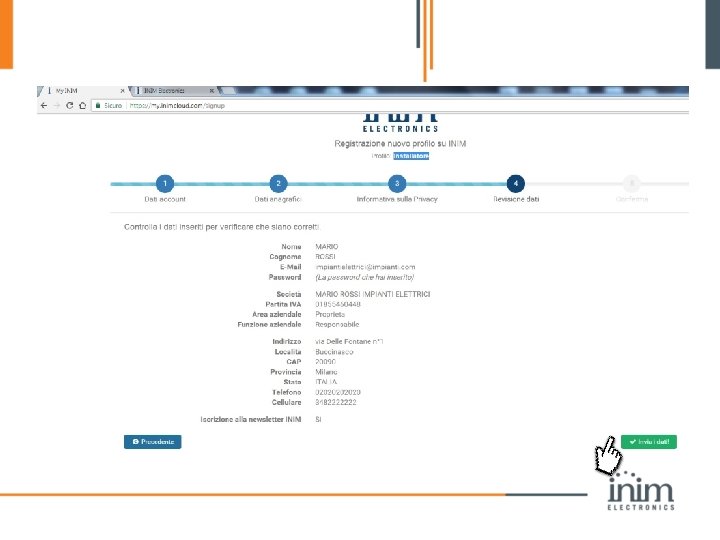
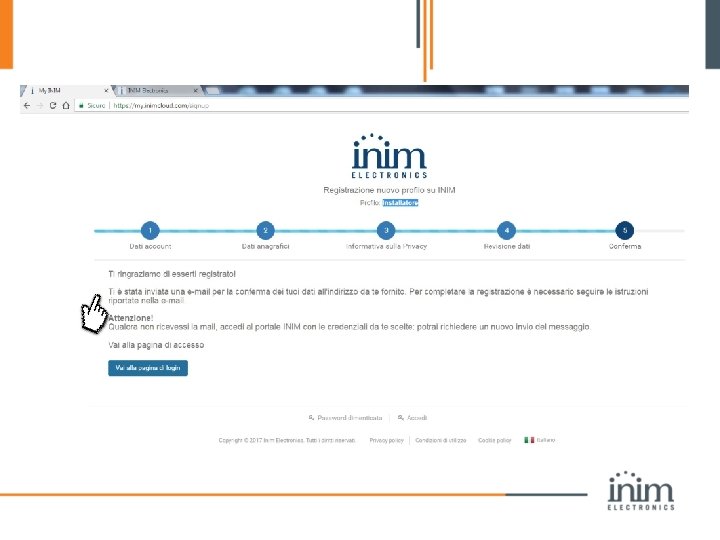
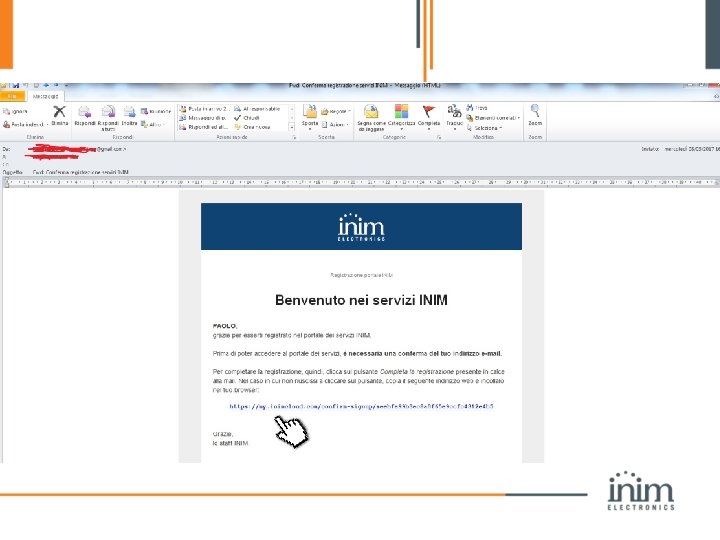
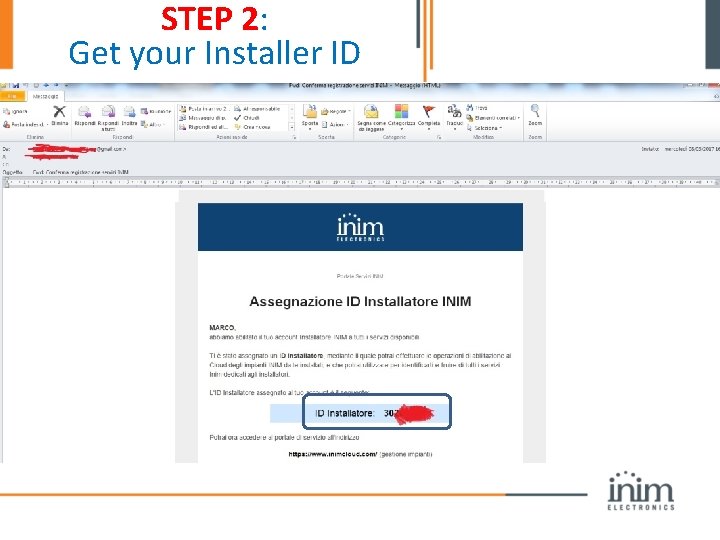
STEP 2: Get your Installer ID
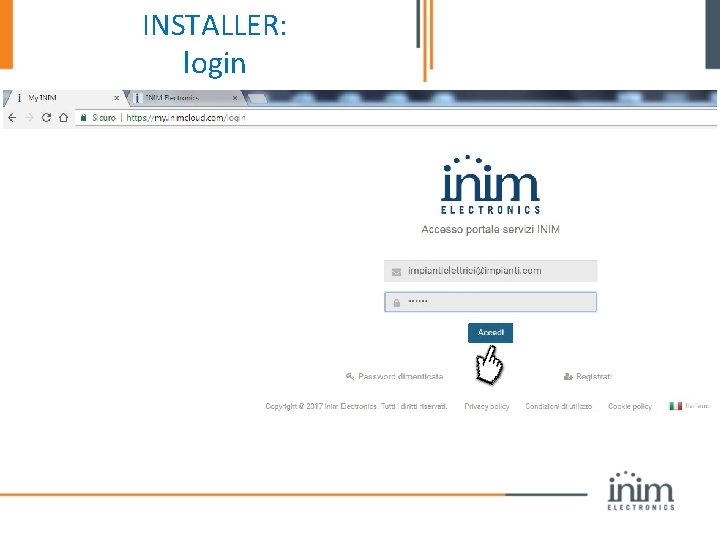
INSTALLER: login
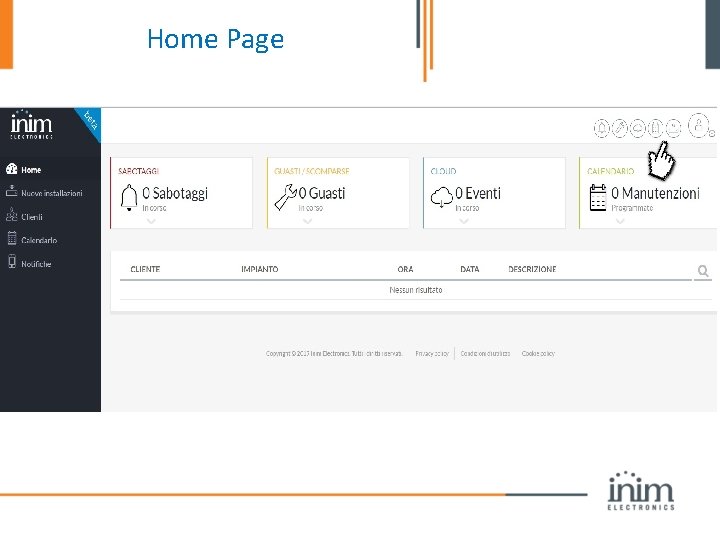
Home Page
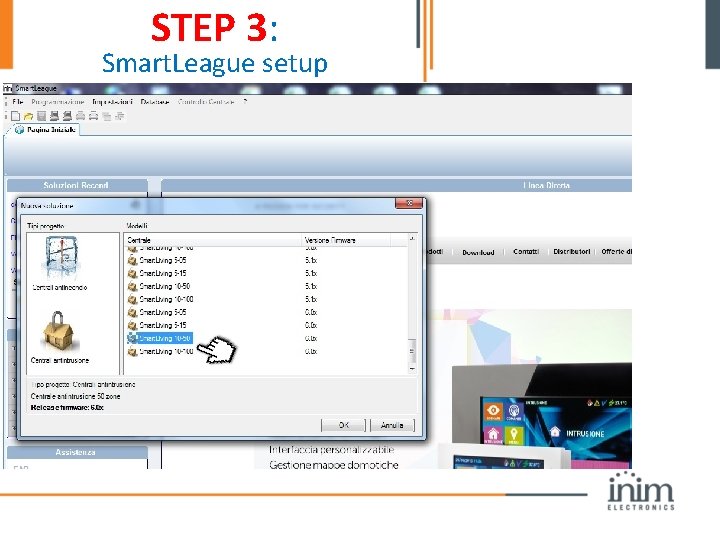
STEP 3: Smart. League setup
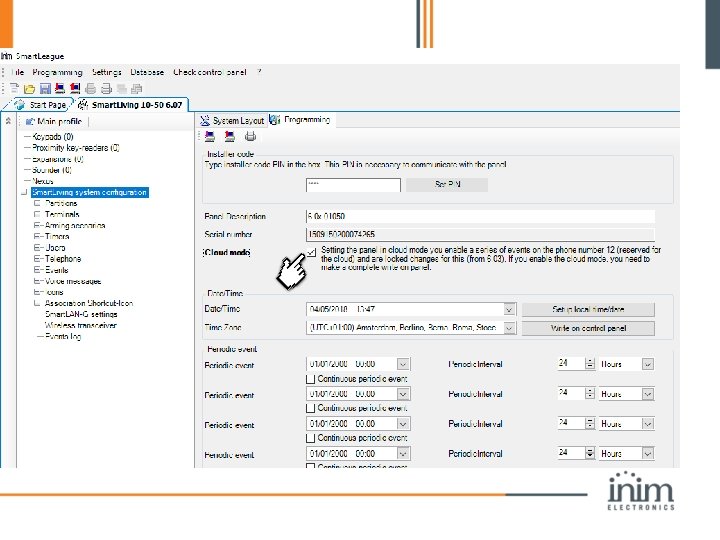
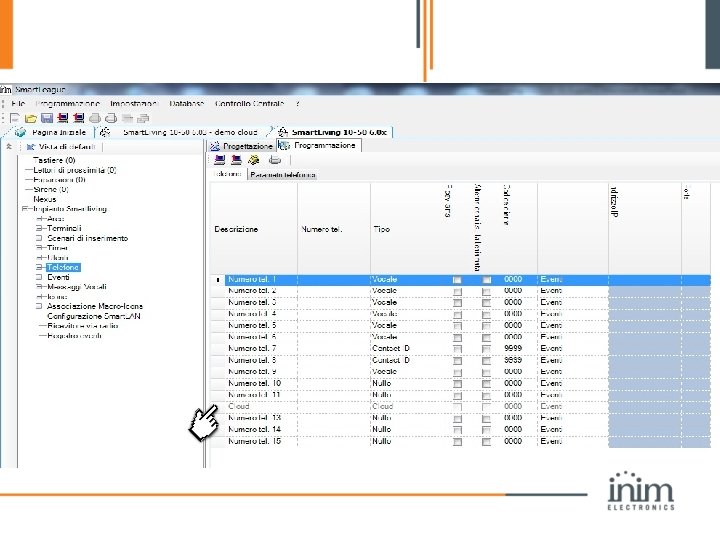
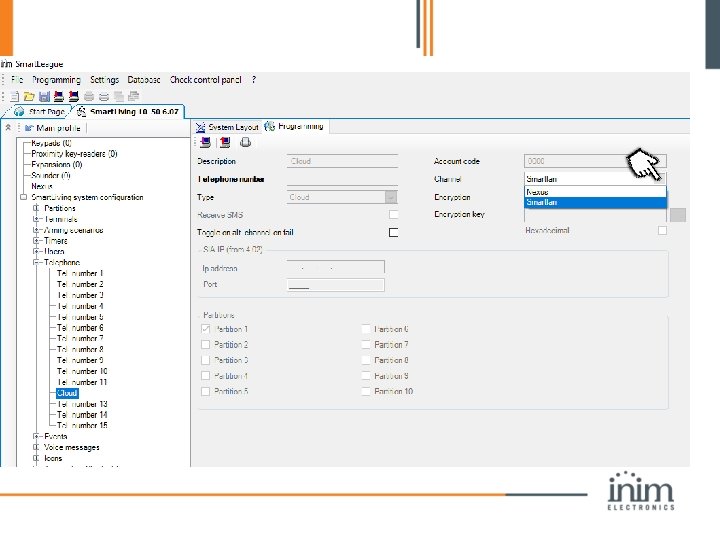
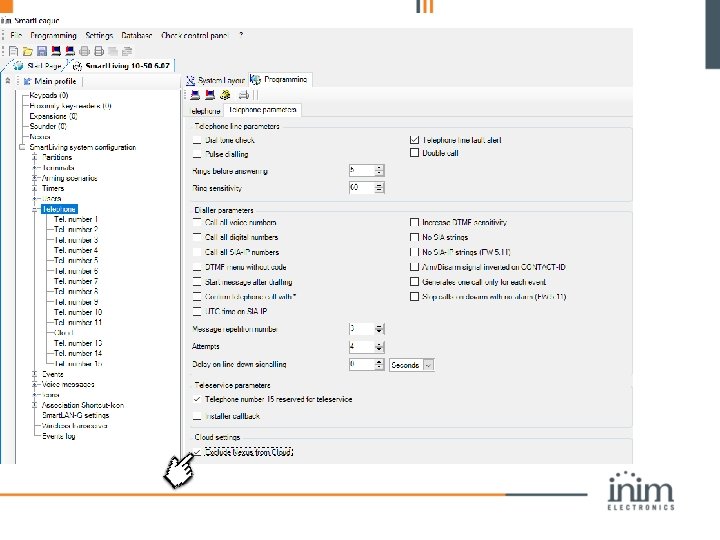
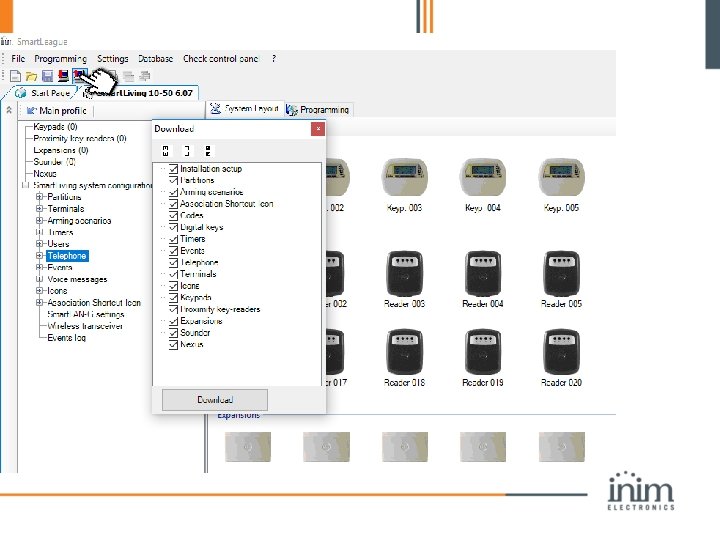
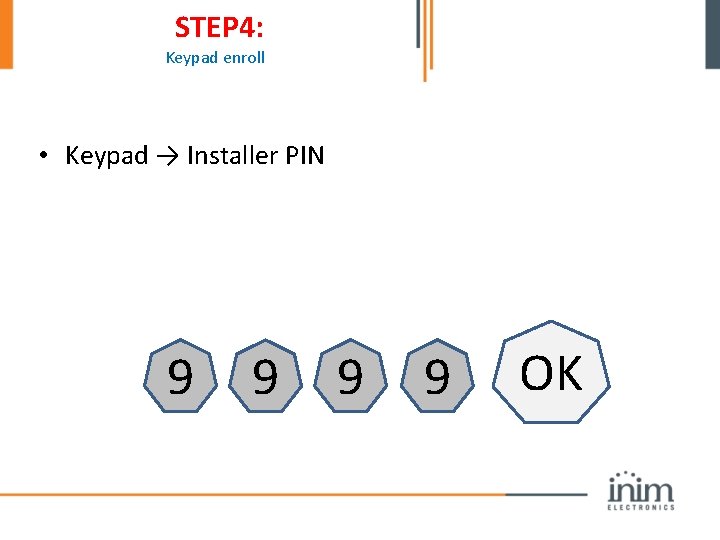
STEP 4: Keypad enroll • Keypad → Installer PIN 9 9 OK
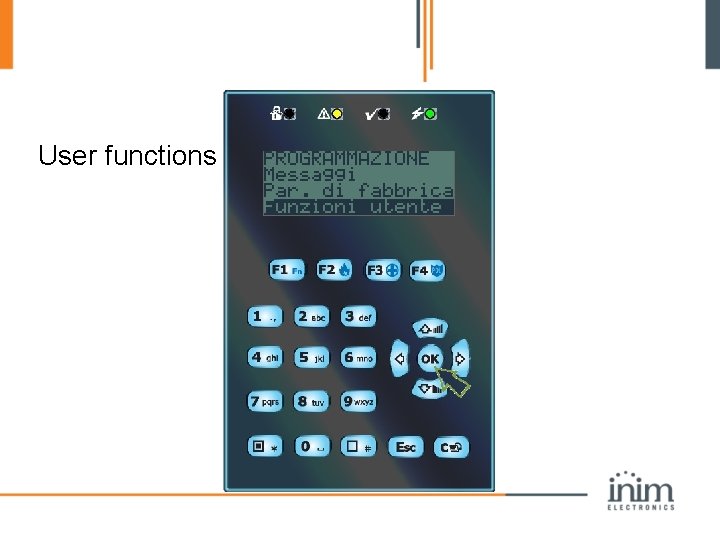
User functions
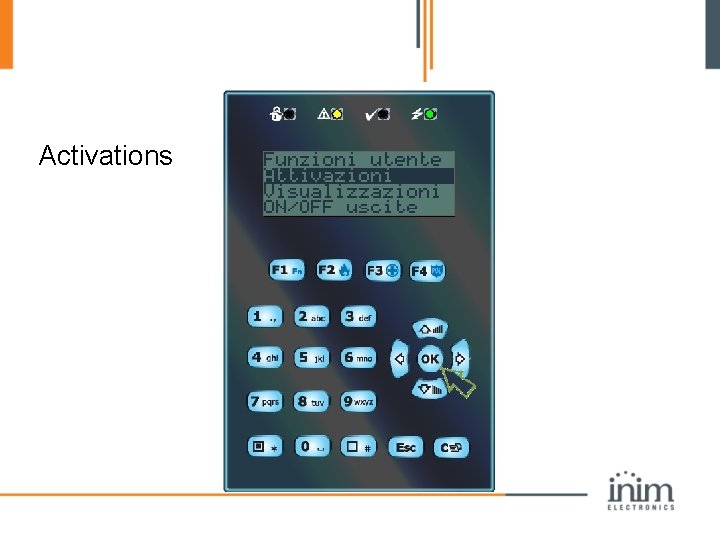
Activations
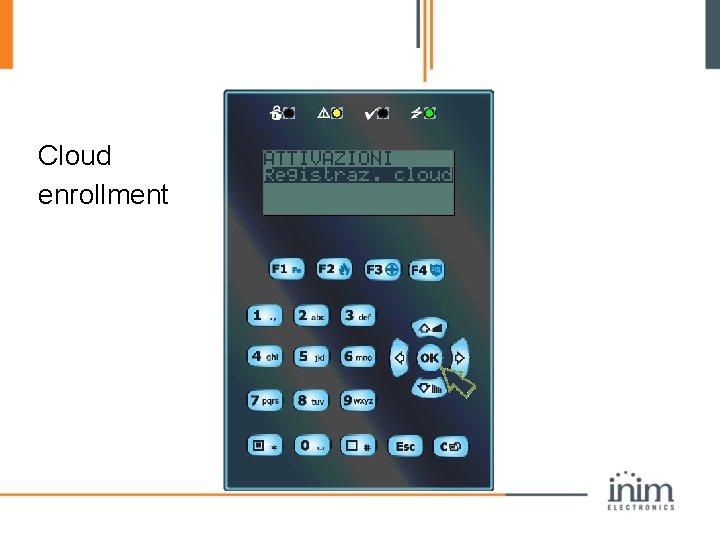
Cloud enrollment
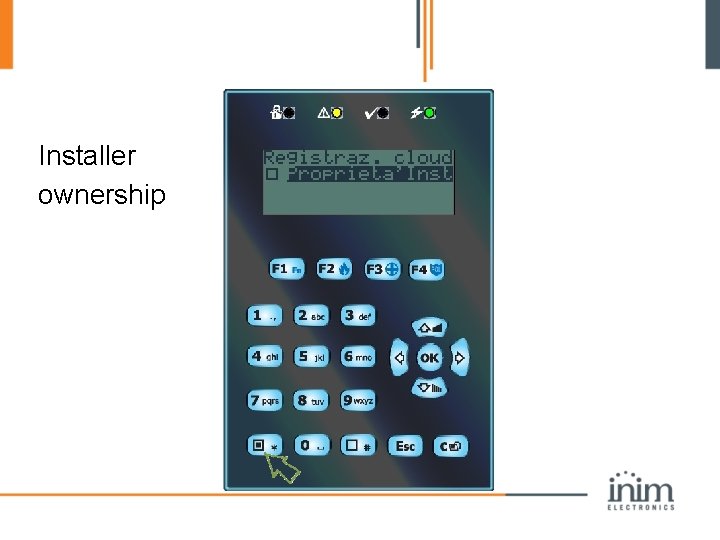
Installer ownership
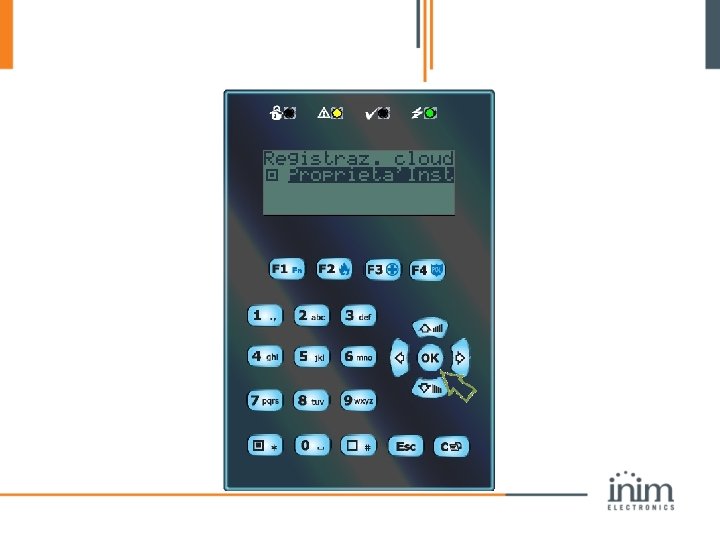
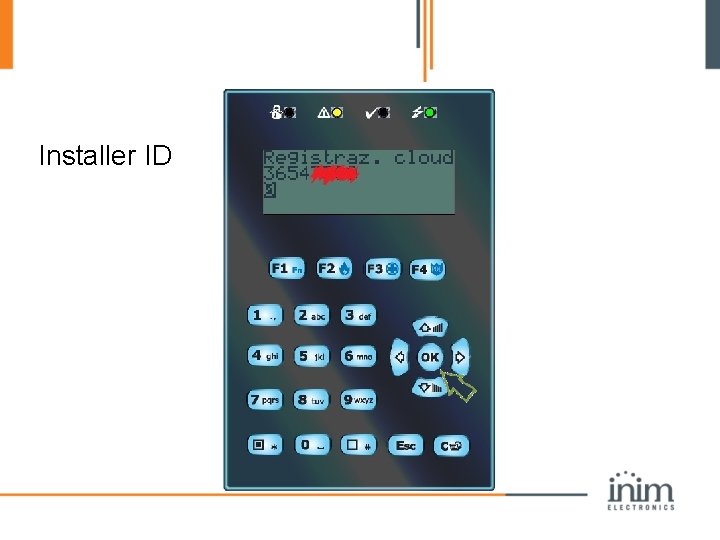
Installer ID
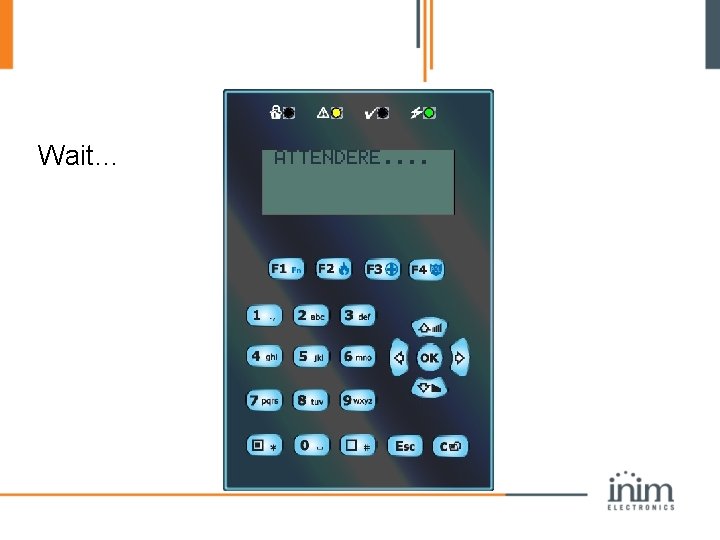
Wait…
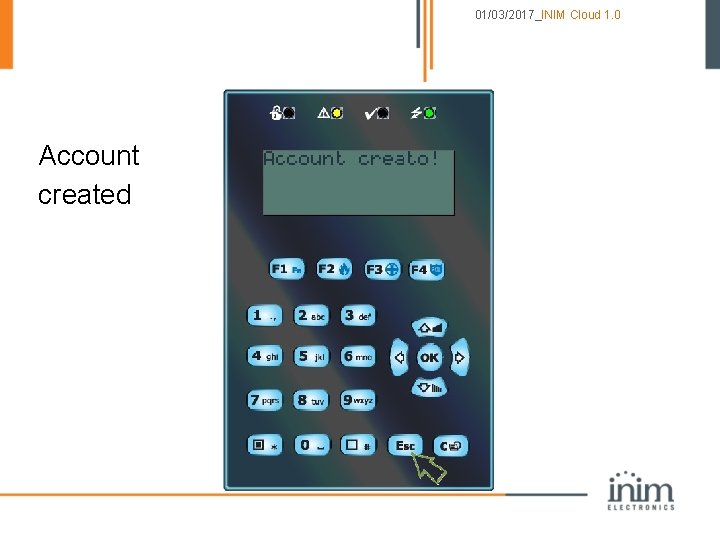
01/03/2017_INIM Cloud 1. 0 Account created
Installer cloud page: panel management and monitoring
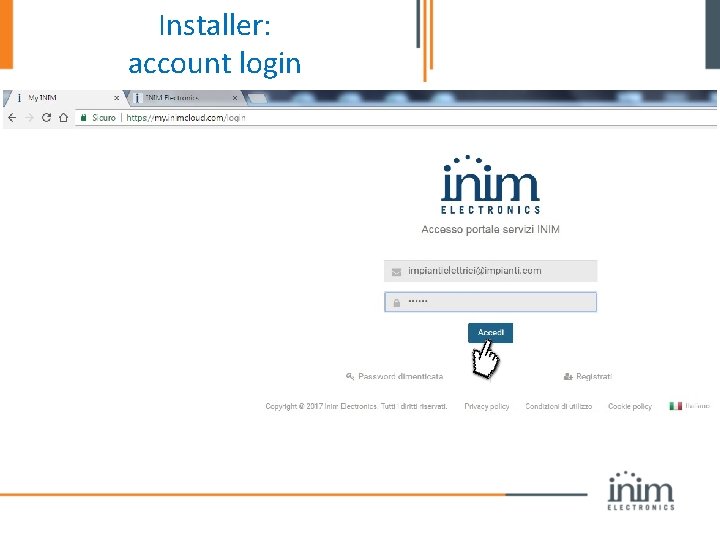
Installer: account login
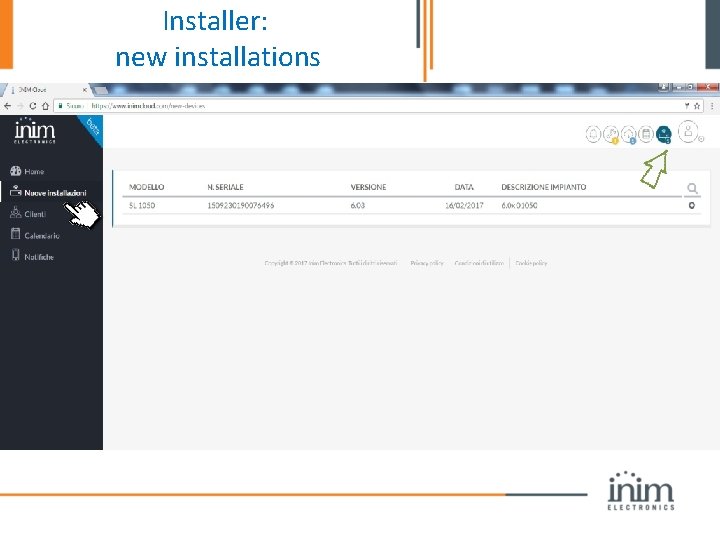
Installer: new installations
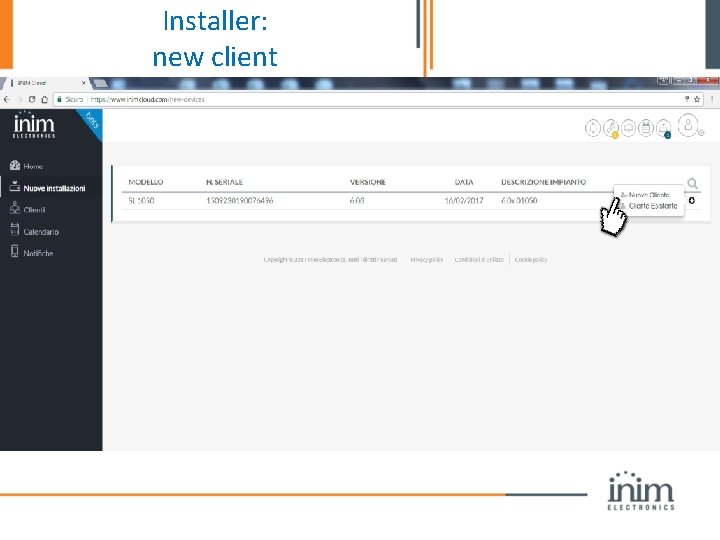
Installer: new client
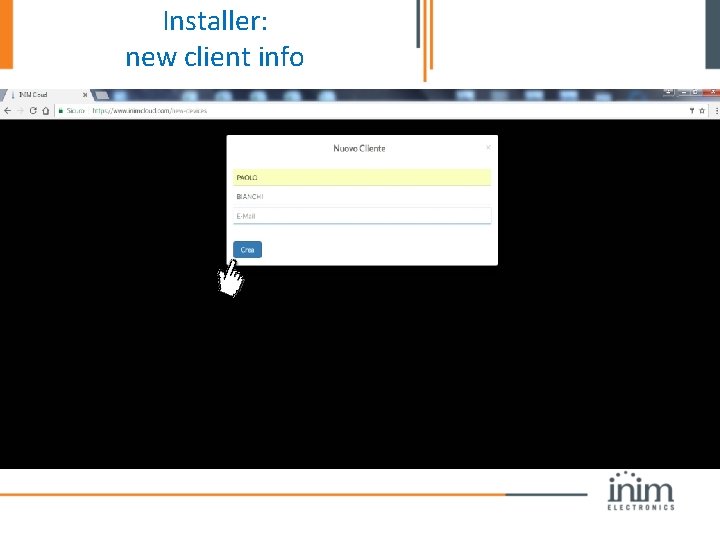
Installer: new client info
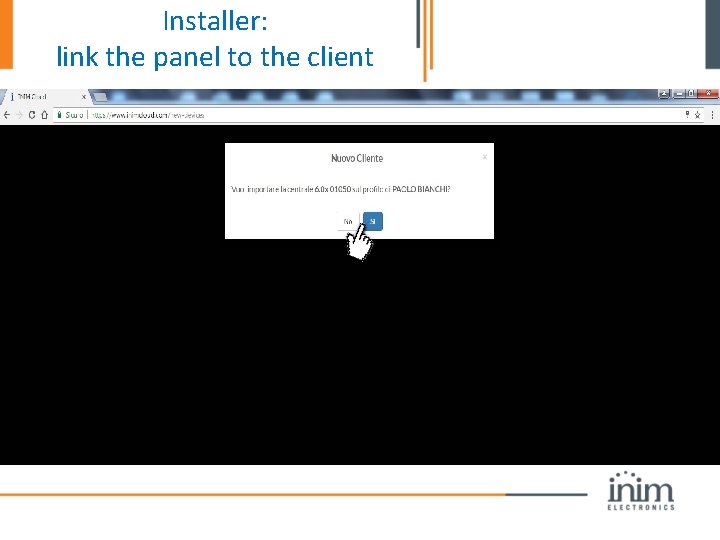
Installer: link the panel to the client
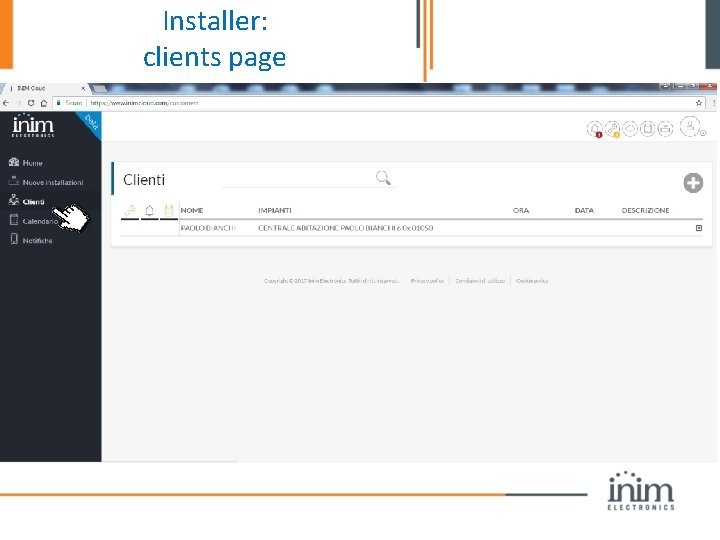
Installer: clients page
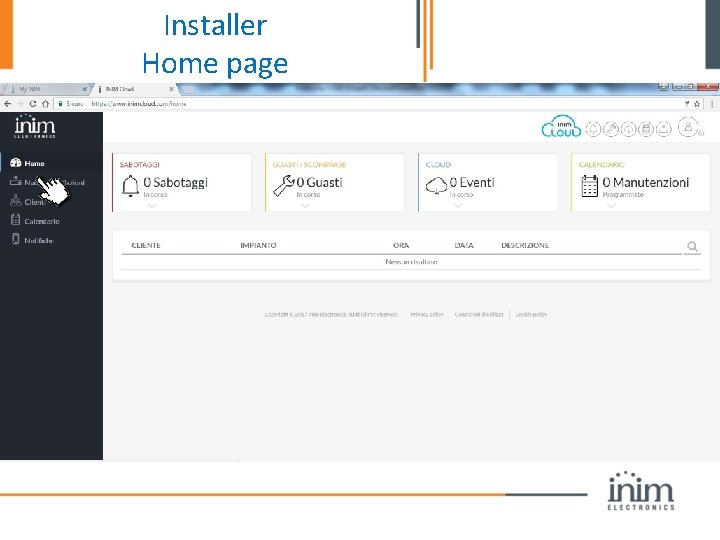
Installer Home page
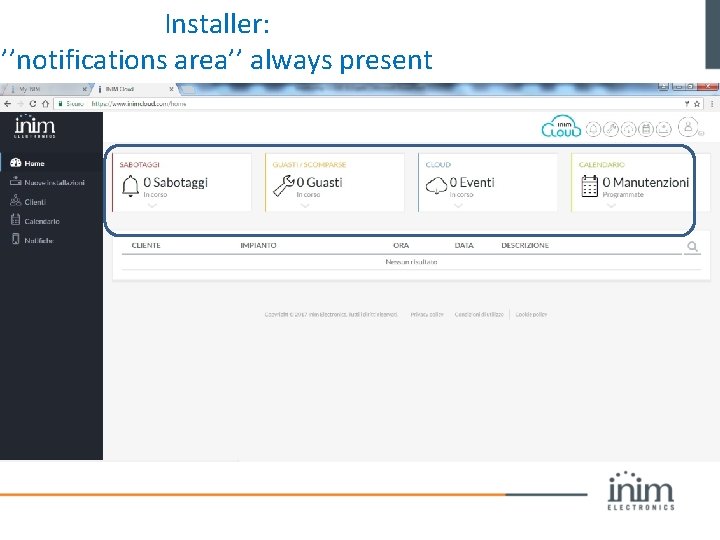
Installer: ’’notifications area’’ always present
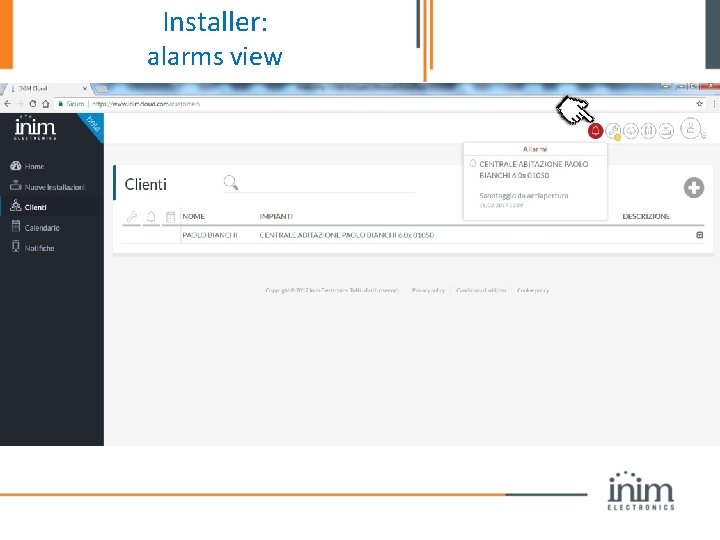
Installer: alarms view
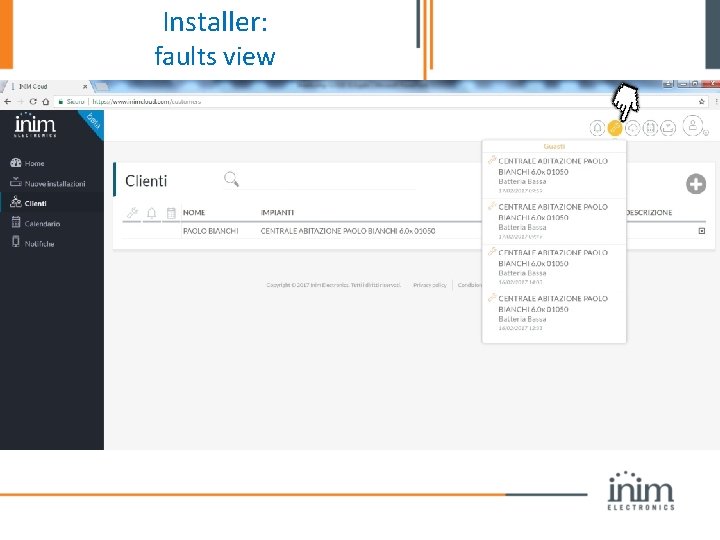
Installer: faults view
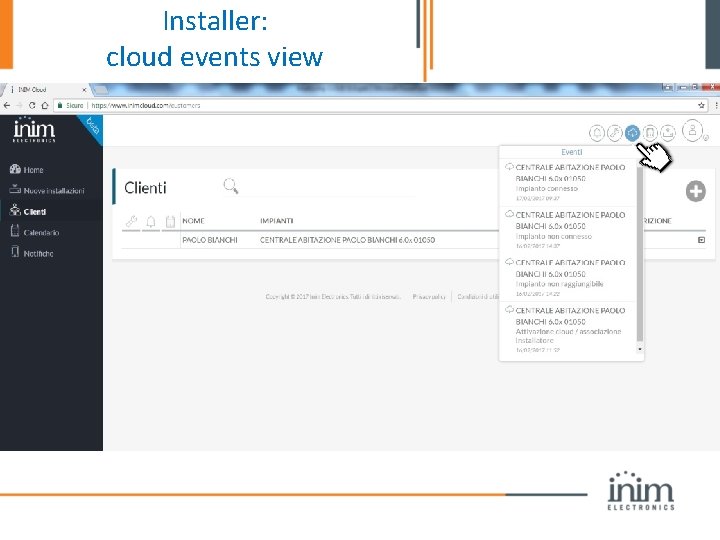
Installer: cloud events view
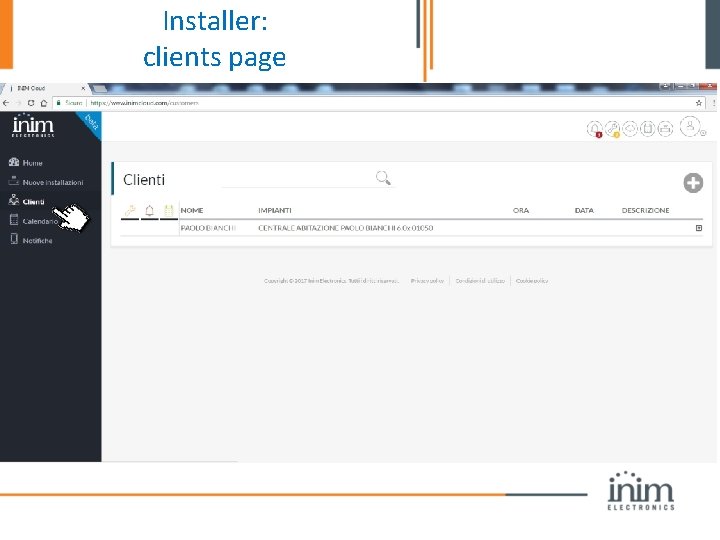
Installer: clients page
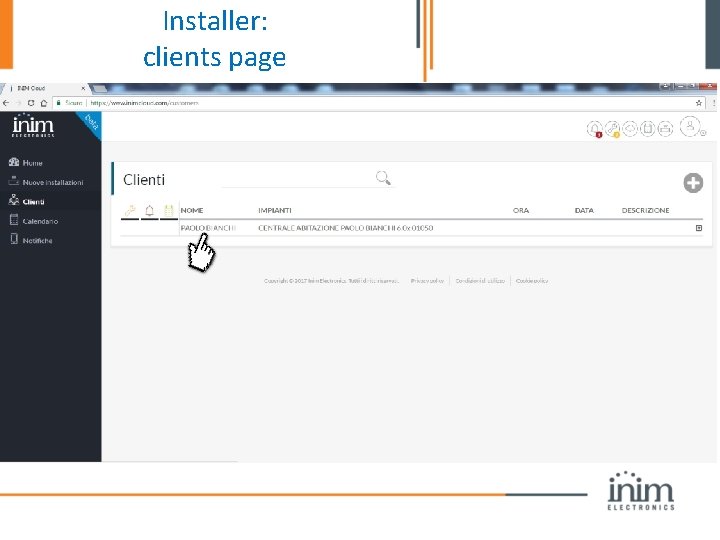
Installer: clients page
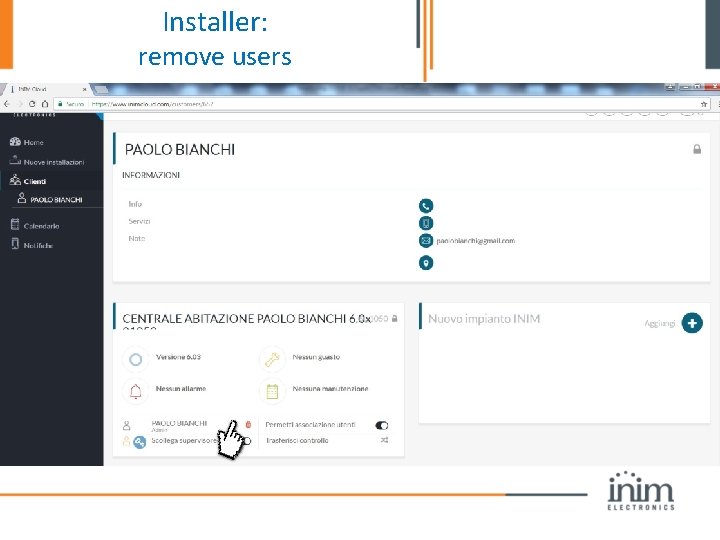
Installer: remove users
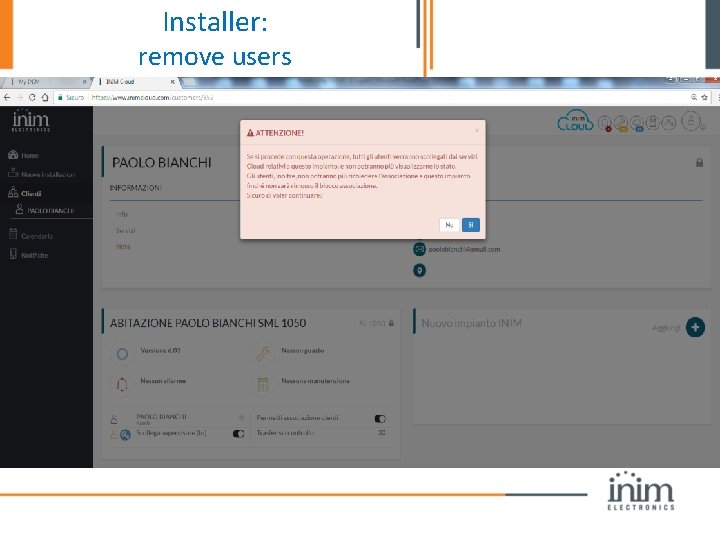
Installer: remove users
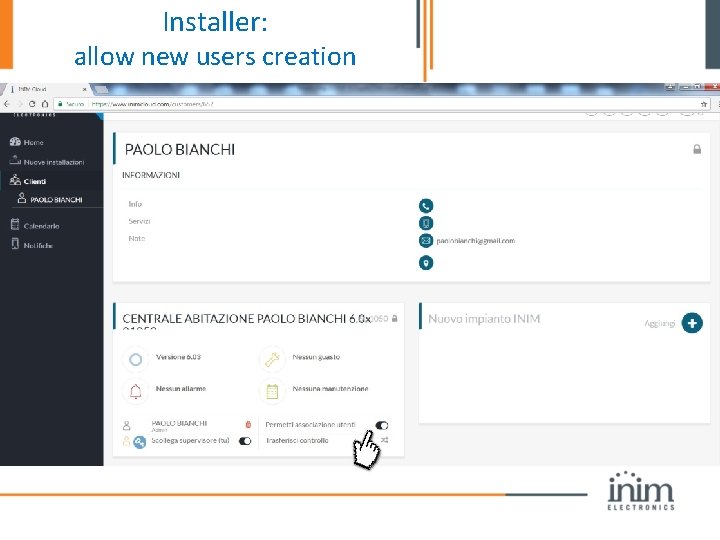
Installer: allow new users creation
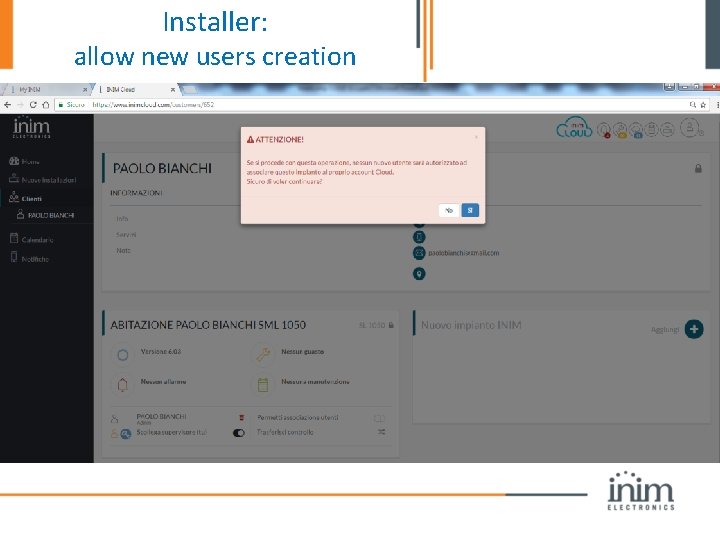
Installer: allow new users creation
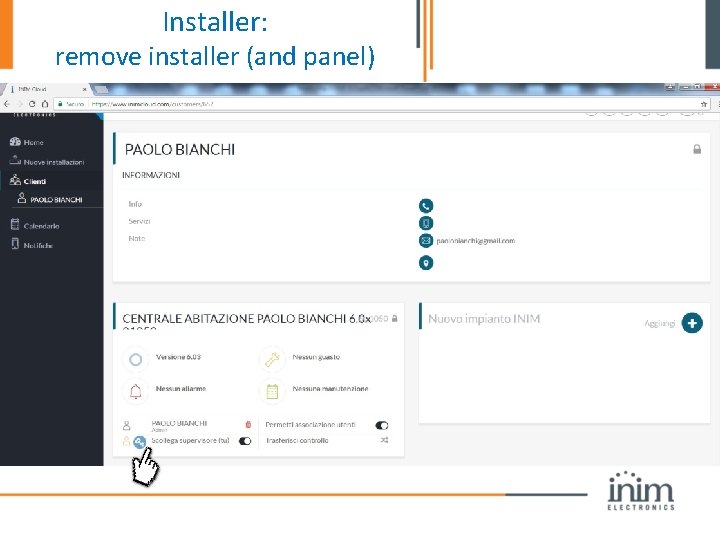
Installer: remove installer (and panel)
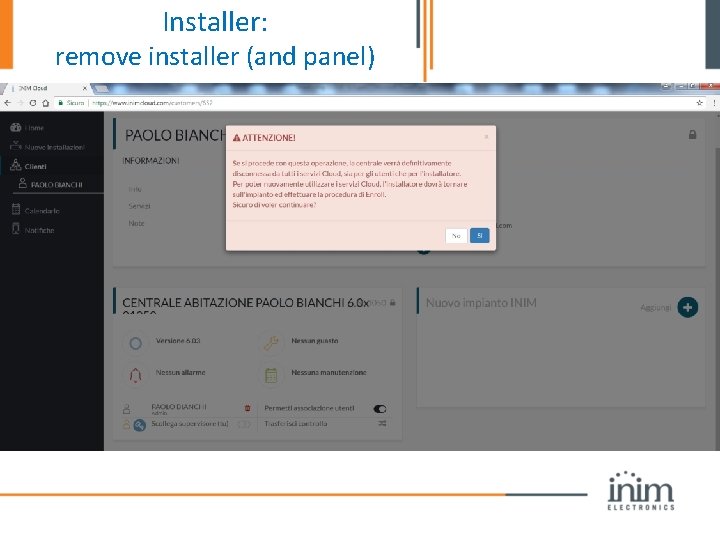
Installer: remove installer (and panel)
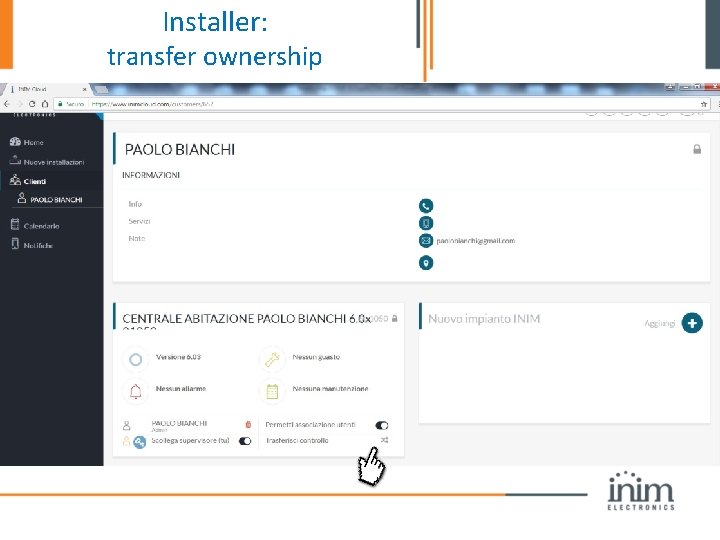
Installer: transfer ownership
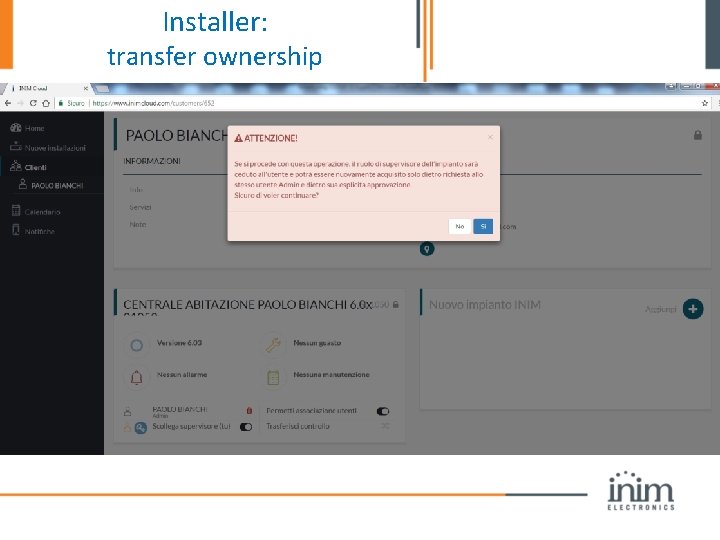
Installer: transfer ownership
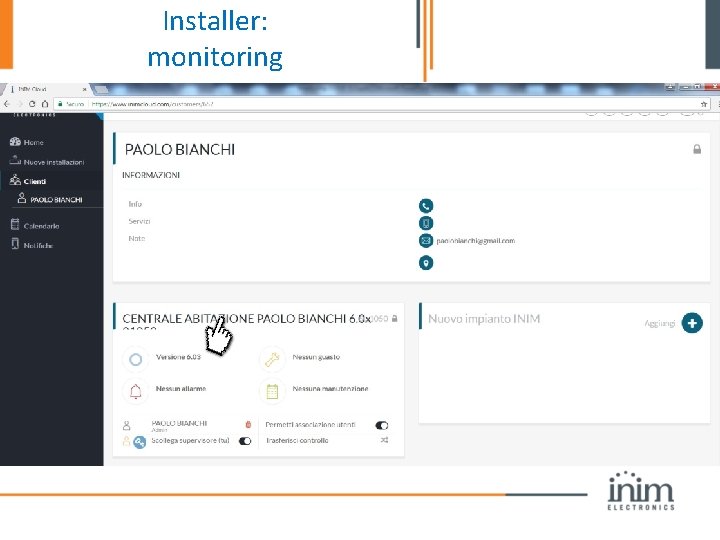
Installer: monitoring
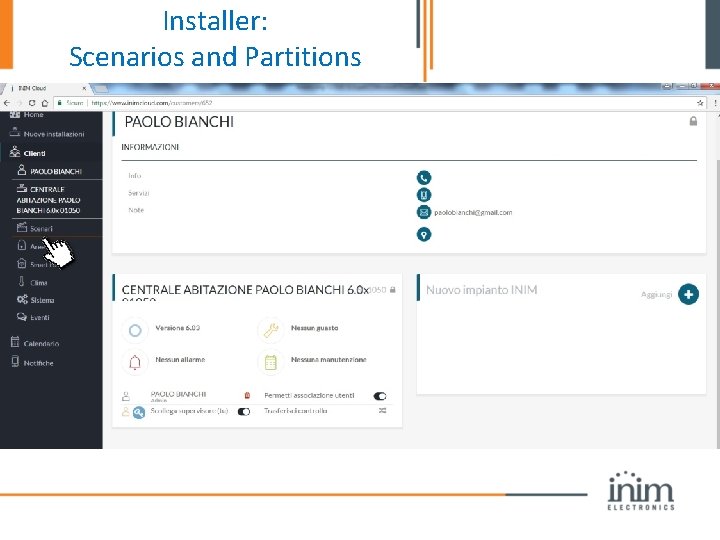
Installer: Scenarios and Partitions
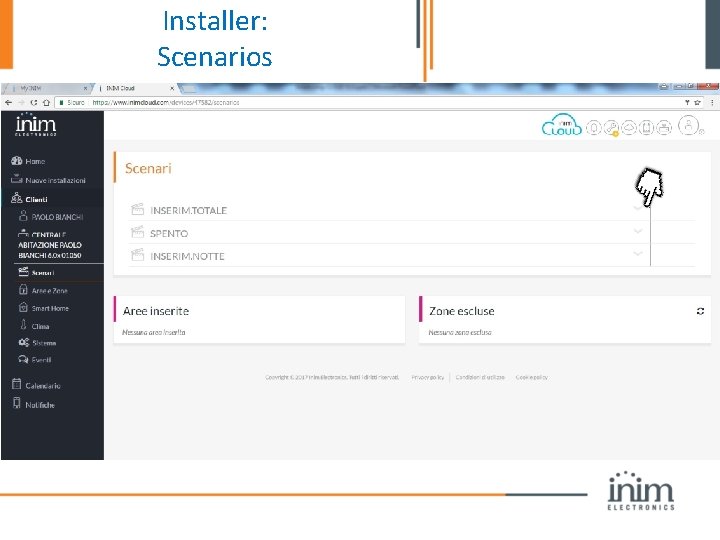
Installer: Scenarios
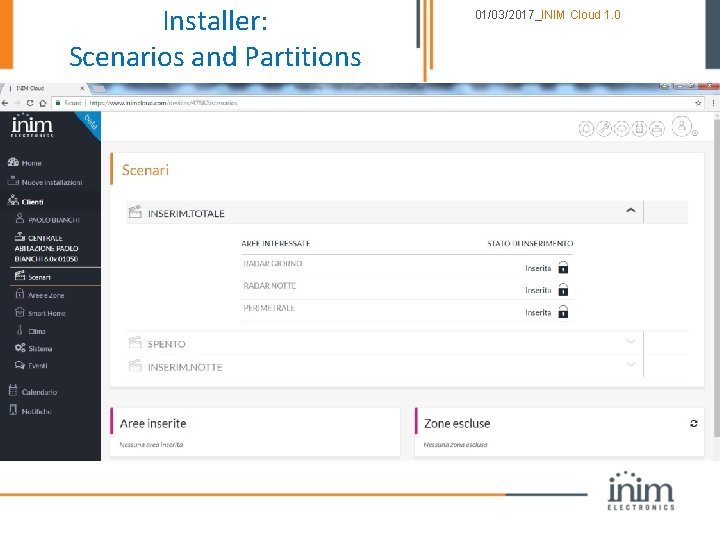
Installer: Scenarios and Partitions 01/03/2017_INIM Cloud 1. 0
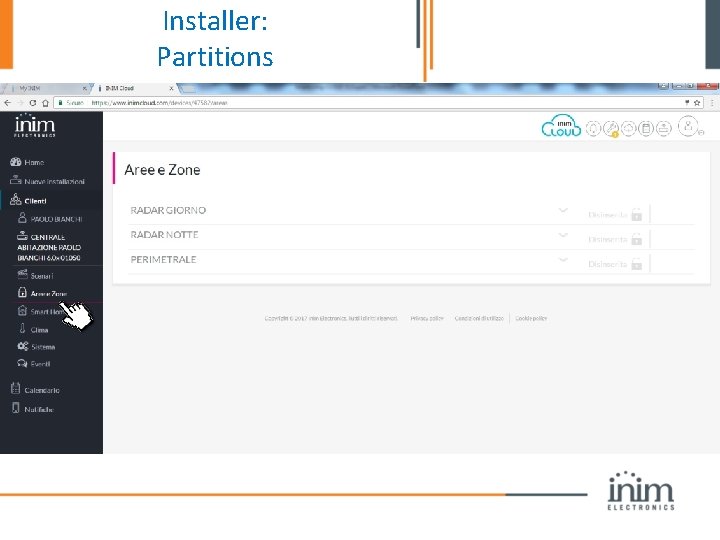
Installer: Partitions
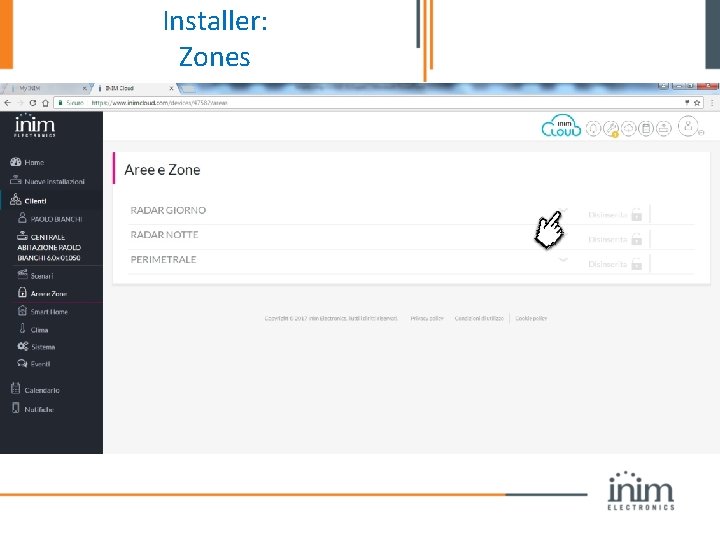
Installer: Zones
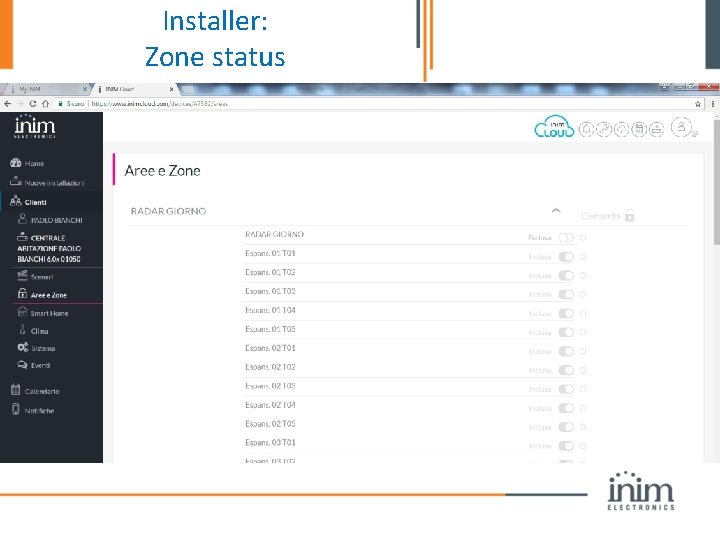
Installer: Zone status
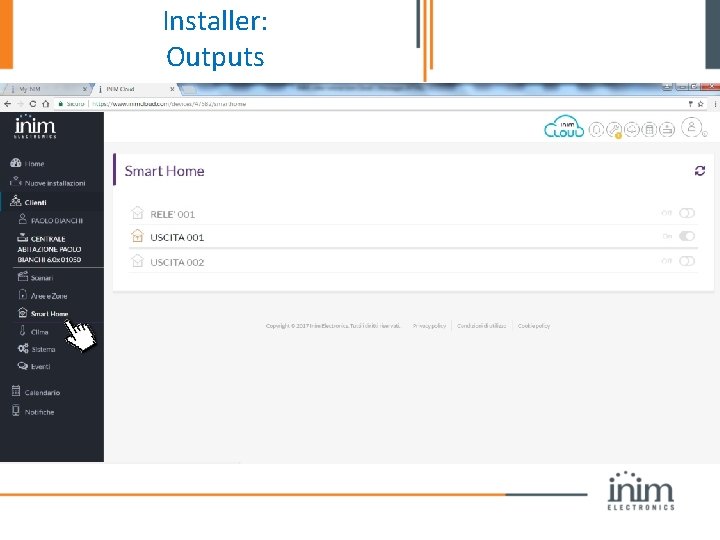
Installer: Outputs
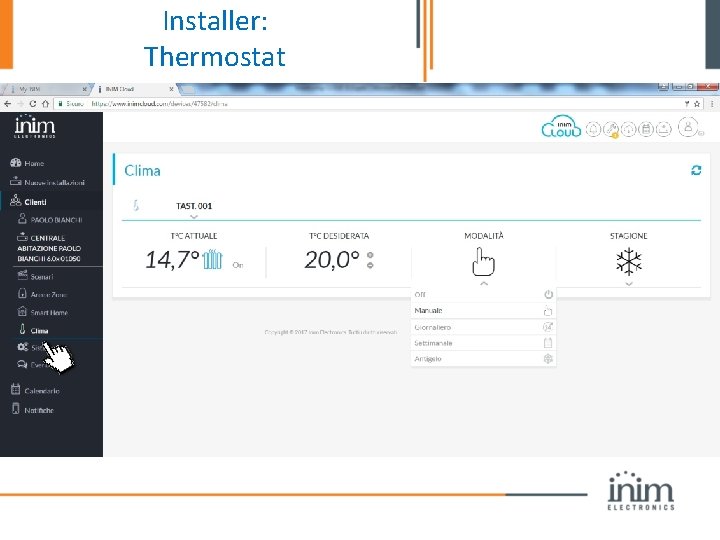
Installer: Thermostat
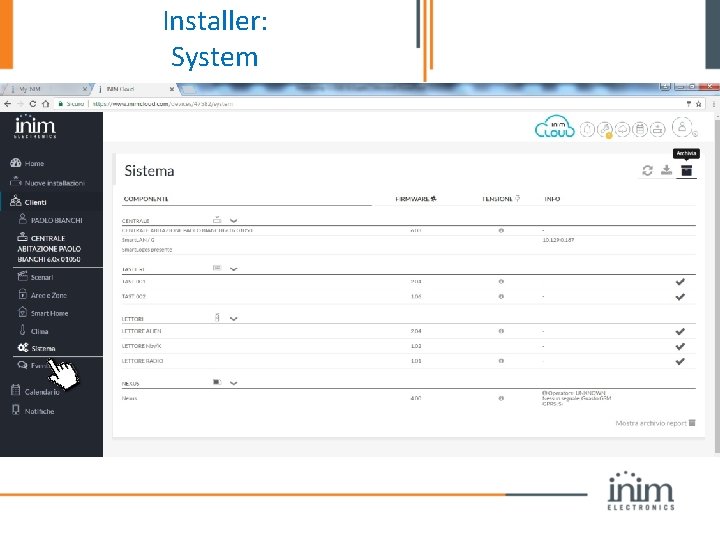
Installer: System
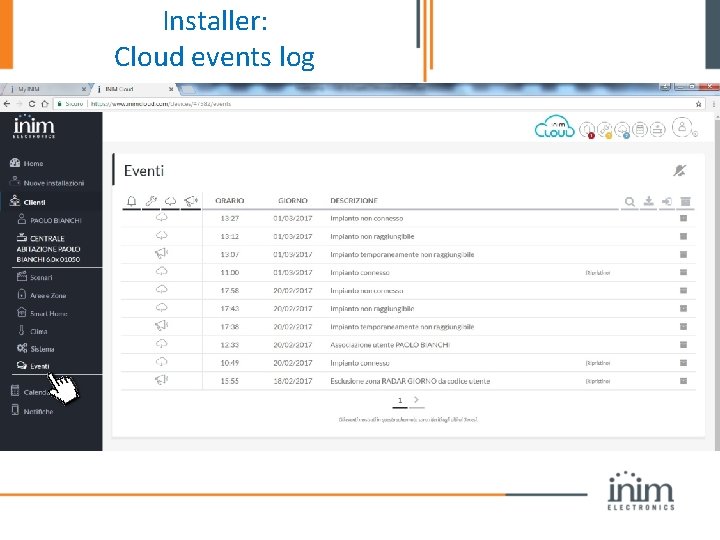
Installer: Cloud events log
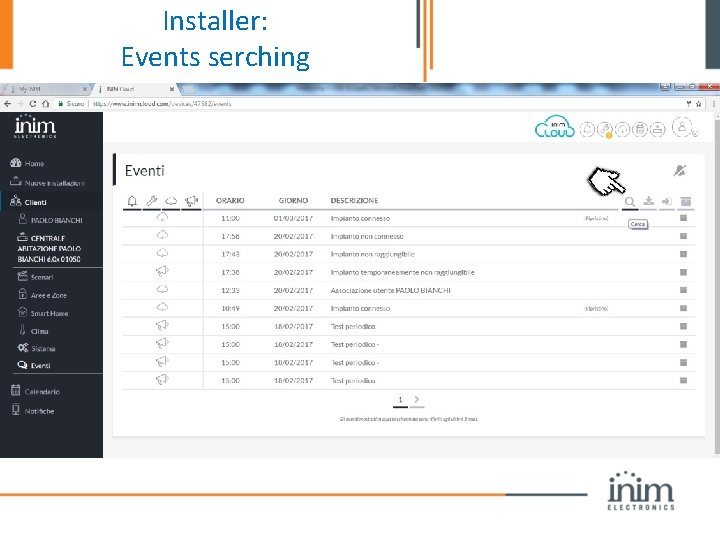
Installer: Events serching
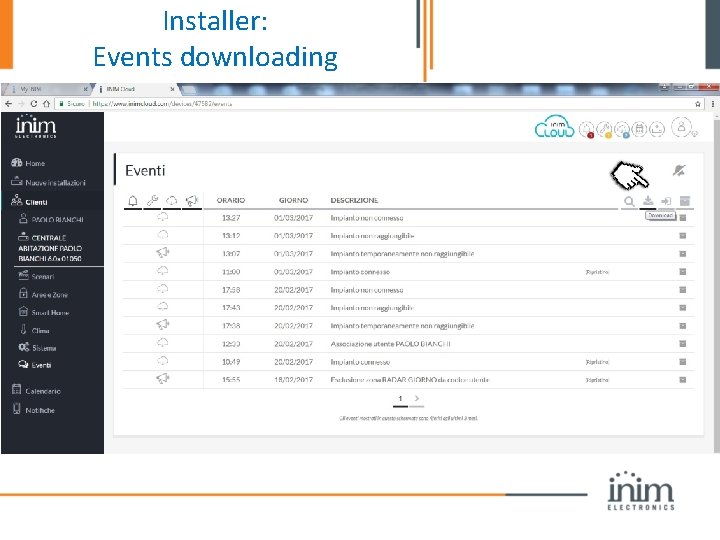
Installer: Events downloading
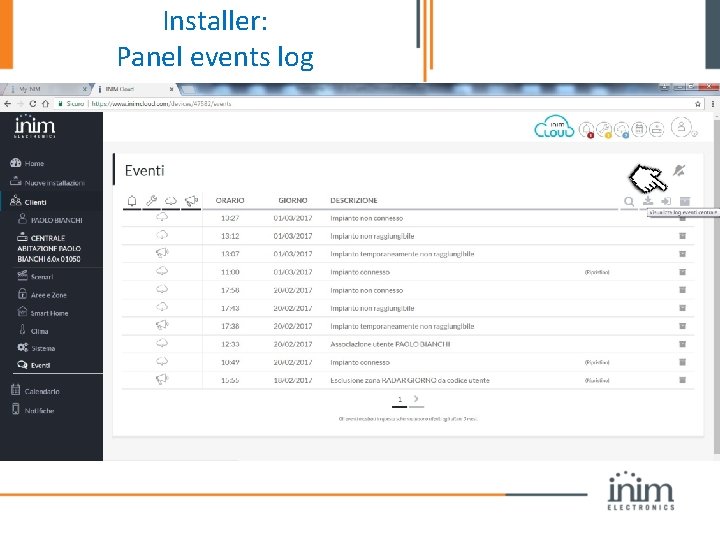
Installer: Panel events log
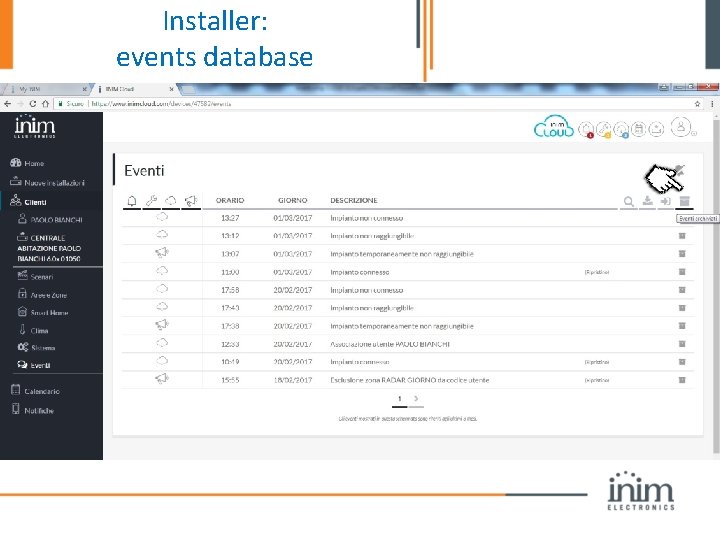
Installer: events database
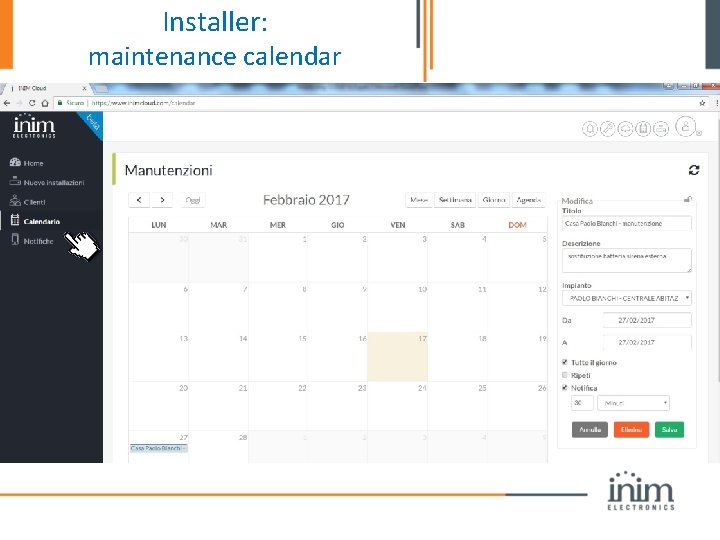
Installer: maintenance calendar
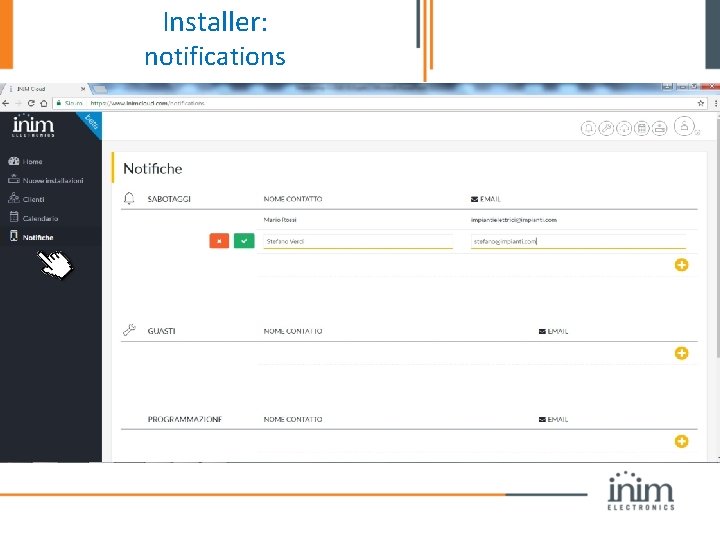
Installer: notifications
You. Tube: video tutorial https: //www. youtube. com/watch? v=PFb. H 9 f. NZJN 0
Inimcloud for the End-user
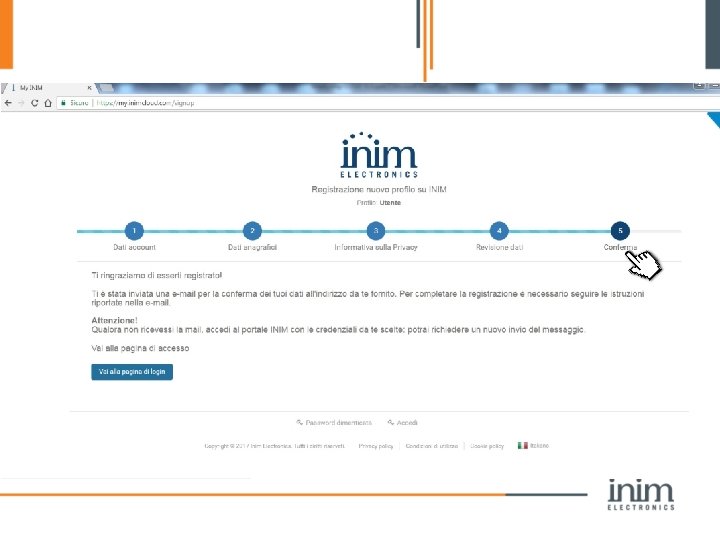
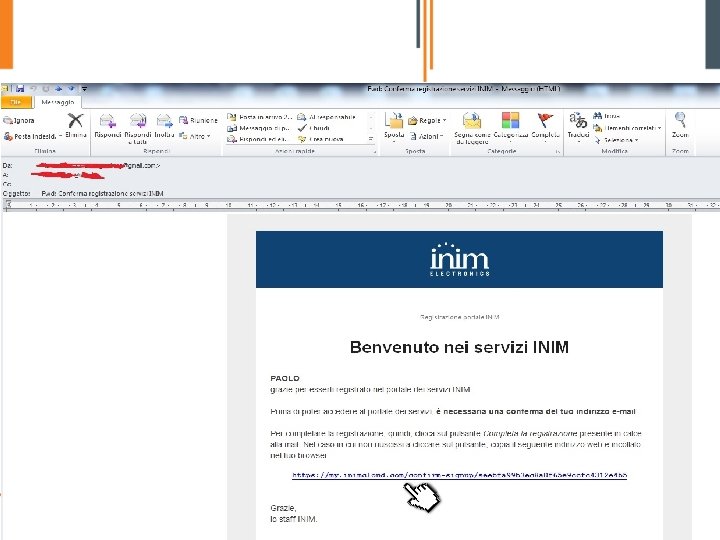
End-User • STEP 1: create an account as user at www. inimcloud. com • STEP 2: Get an One-Time-Password (15 min) • STEP 3: OTP Enroll on keypad
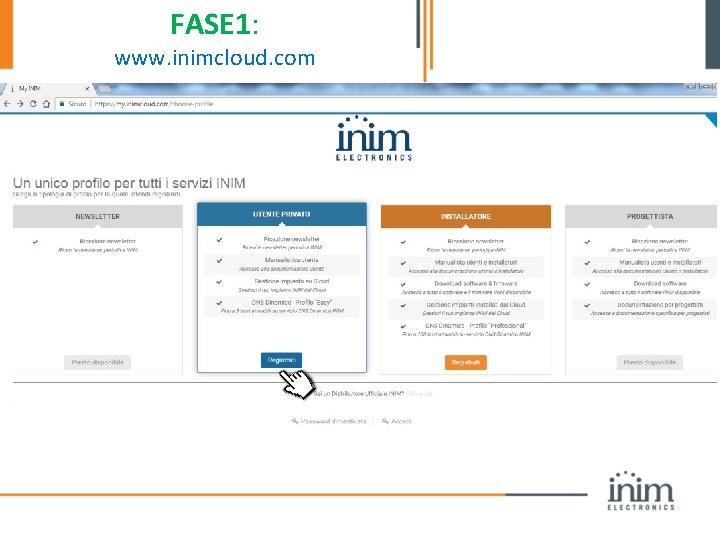
FASE 1: www. inimcloud. com
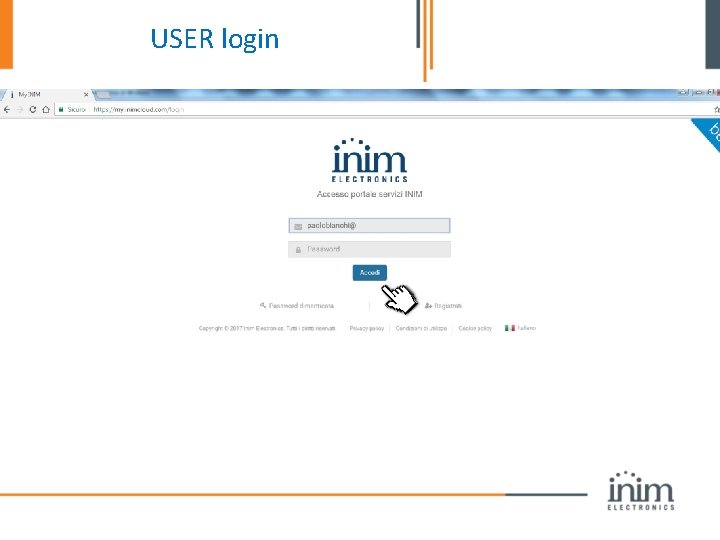
USER login
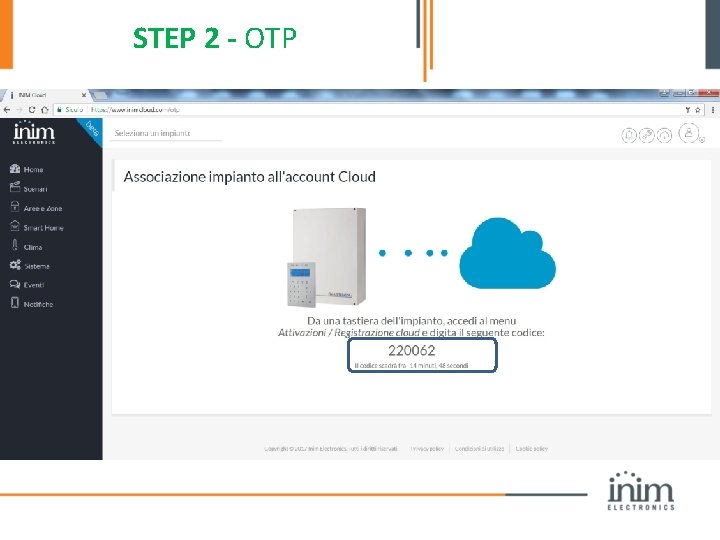
STEP 2 - OTP
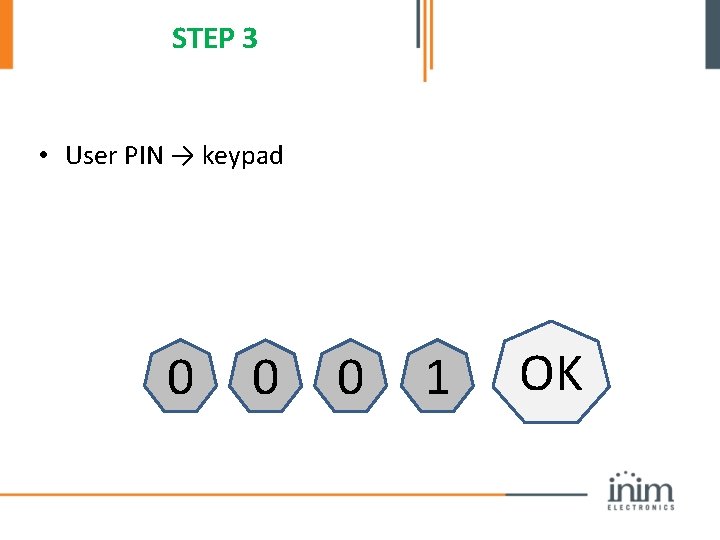
STEP 3 • User PIN → keypad 0 0 0 1 OK
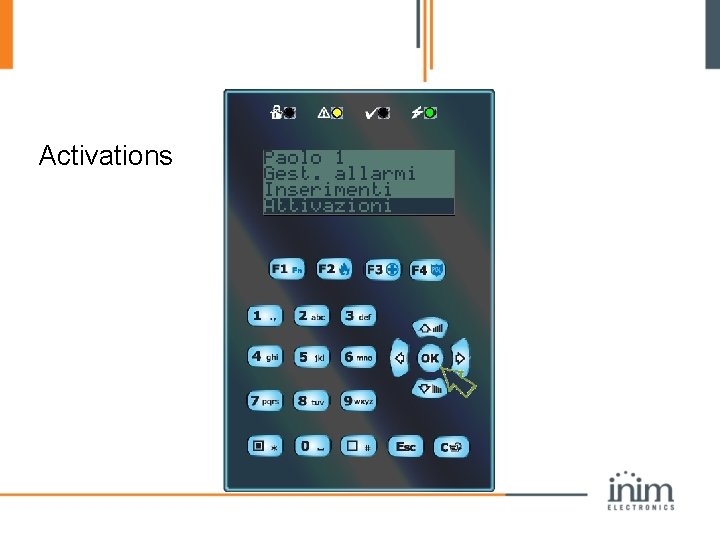
Activations
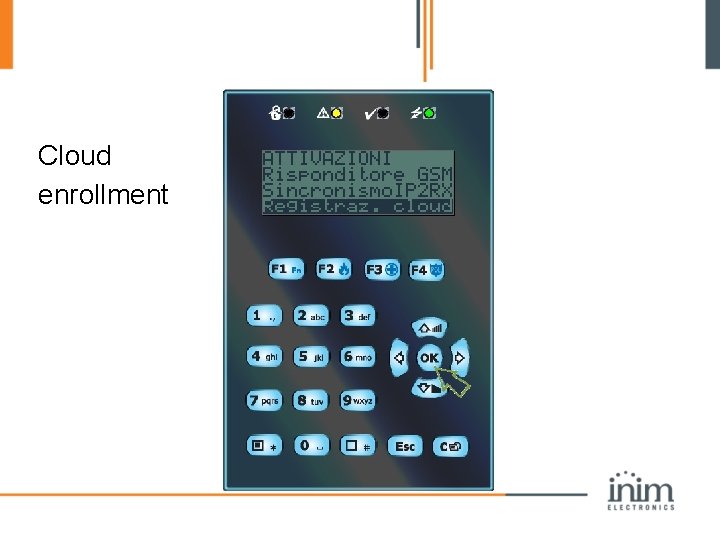
Cloud enrollment
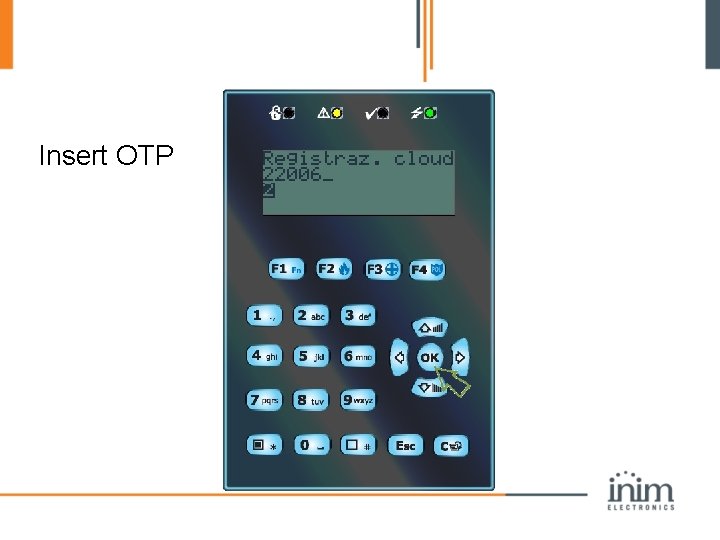
Insert OTP
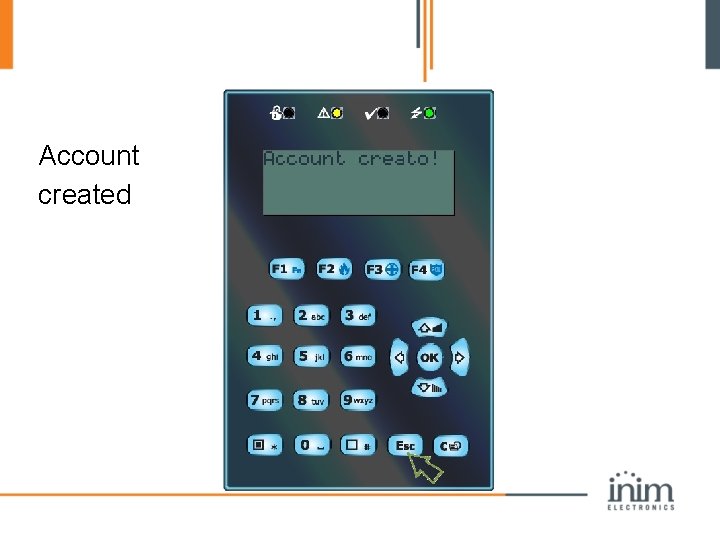
Account created
End-user cloud page: panel management and monitoring
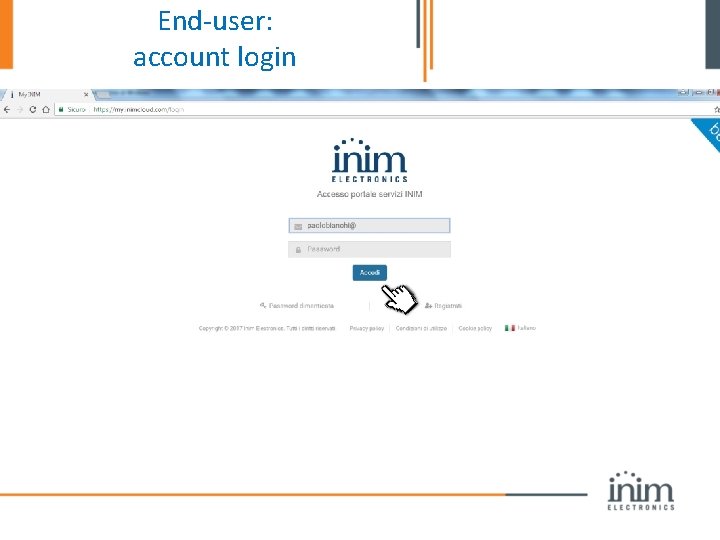
End-user: account login
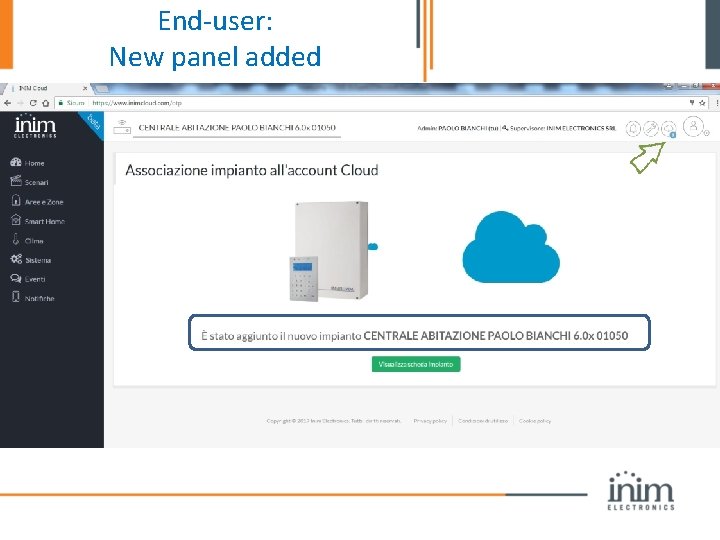
End-user: New panel added
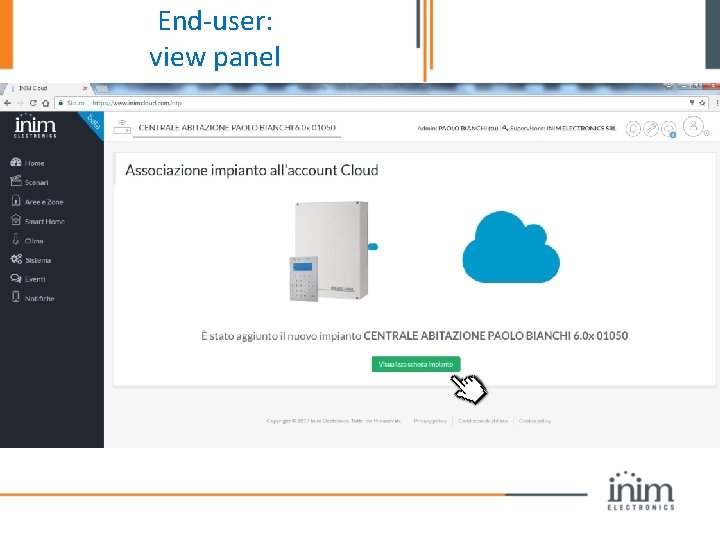
End-user: view panel
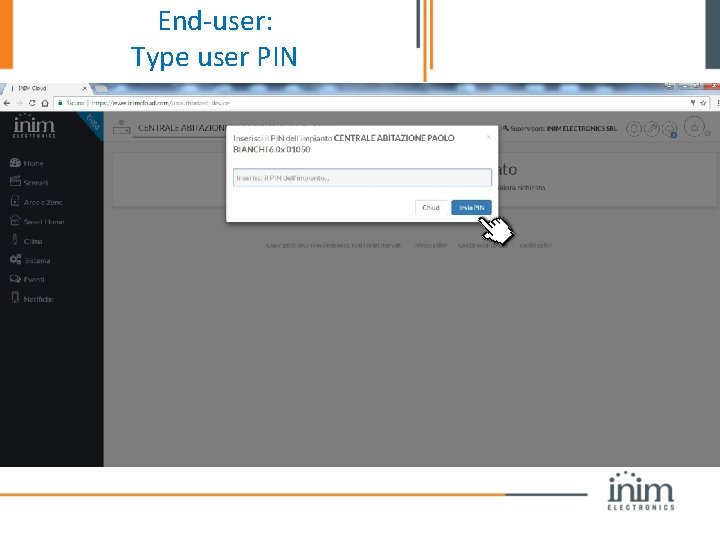
End-user: Type user PIN
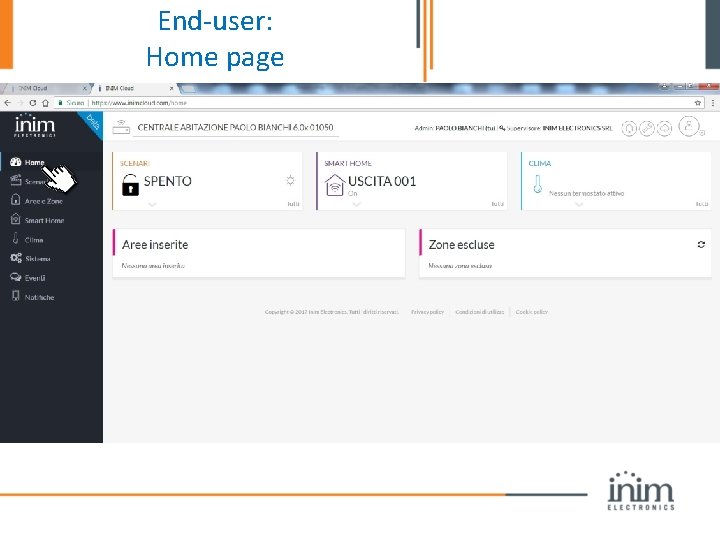
End-user: Home page
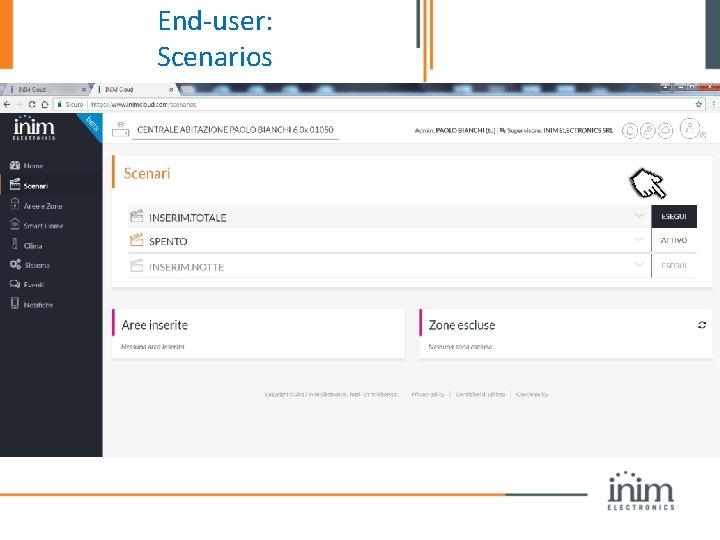
End-user: Scenarios
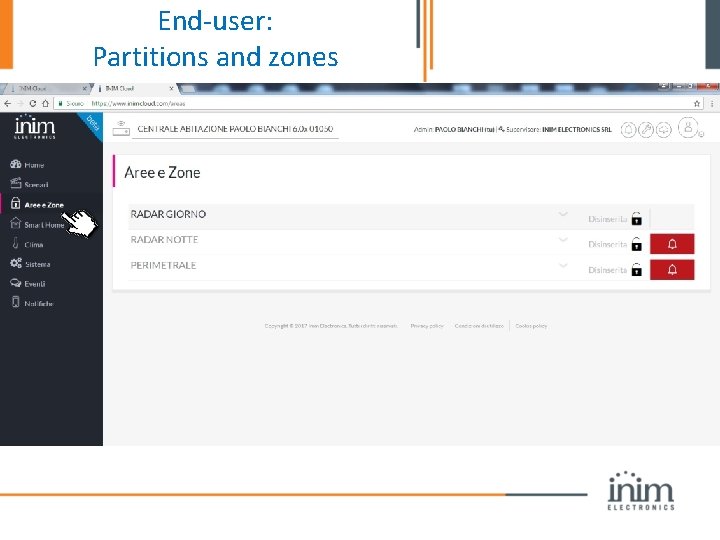
End-user: Partitions and zones
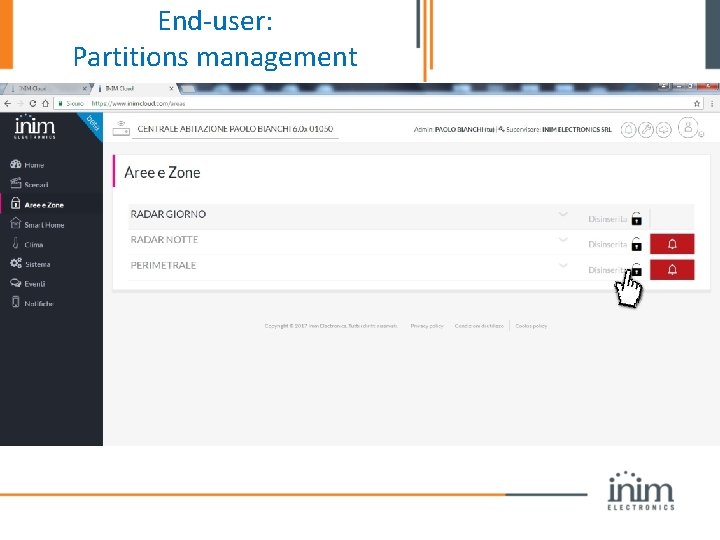
End-user: Partitions management
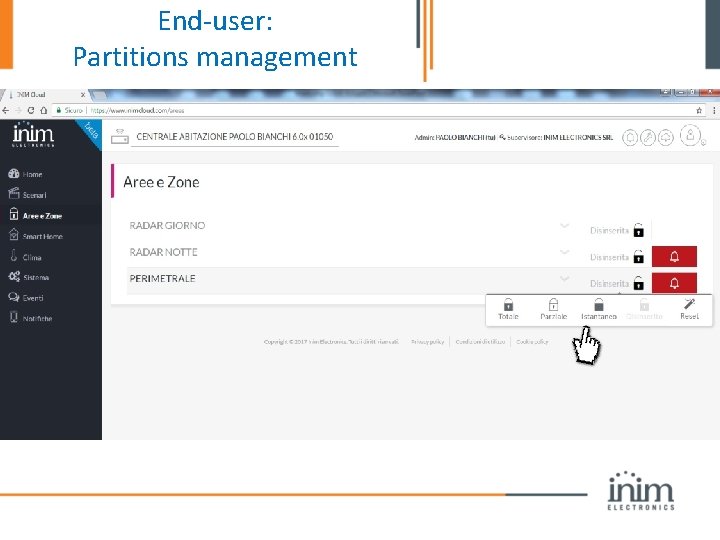
End-user: Partitions management
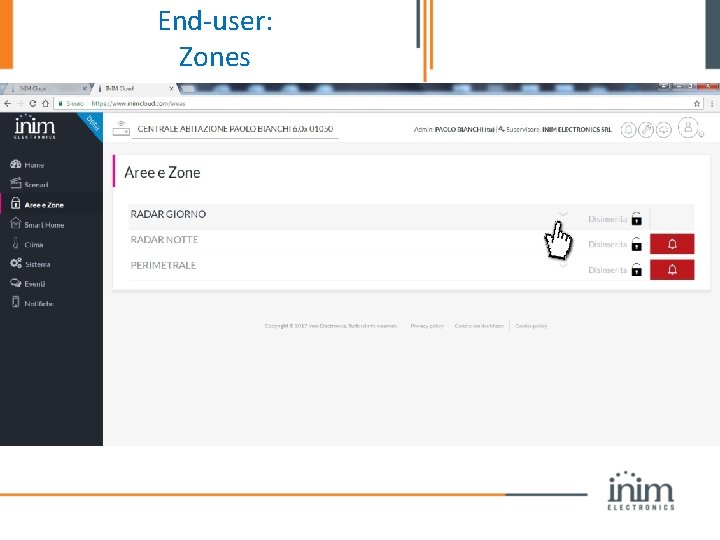
End-user: Zones
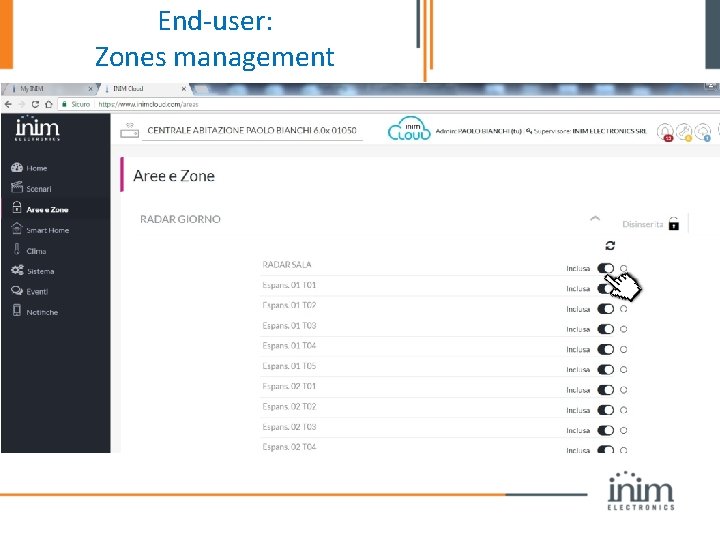
End-user: Zones management
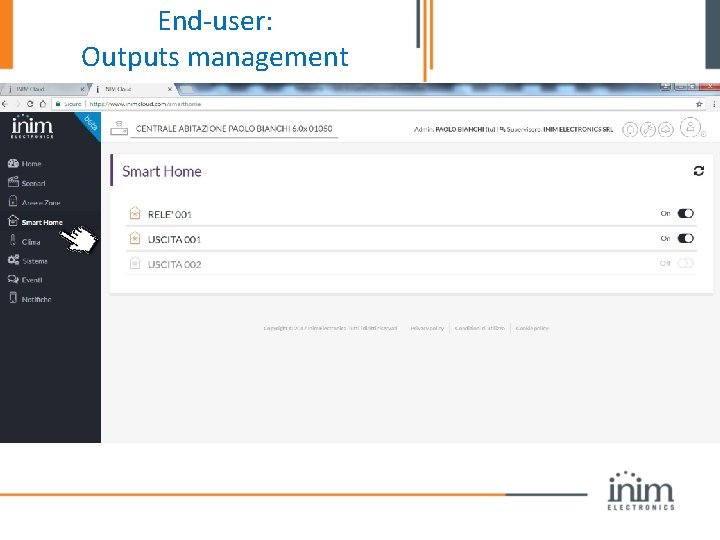
End-user: Outputs management
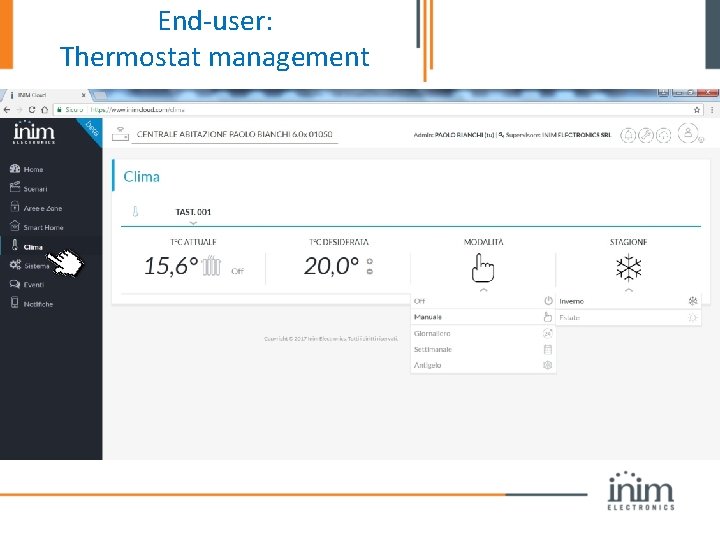
End-user: Thermostat management
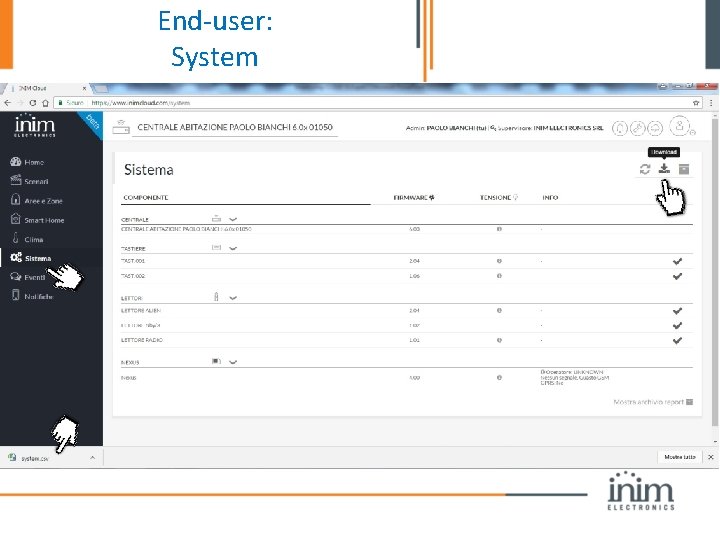
End-user: System
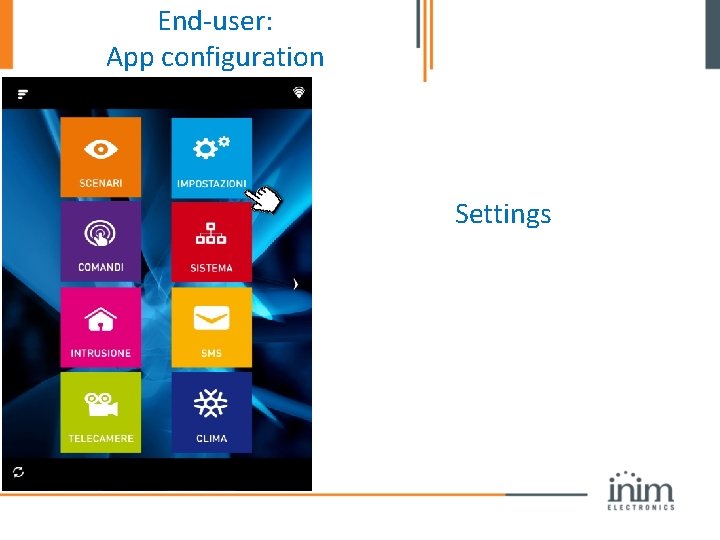
End-user: App configuration Settings
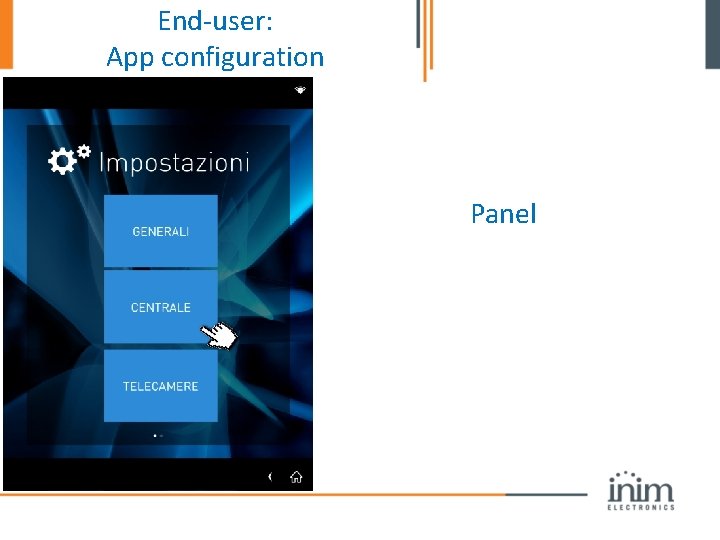
End-user: App configuration Panel
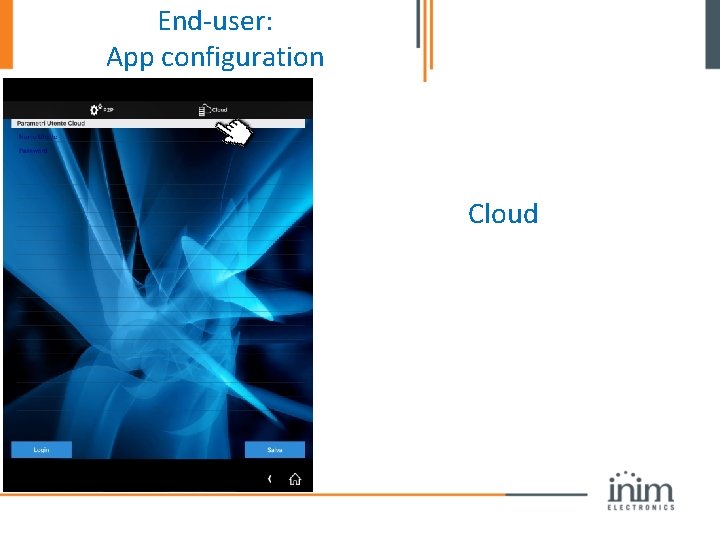
End-user: App configuration Cloud
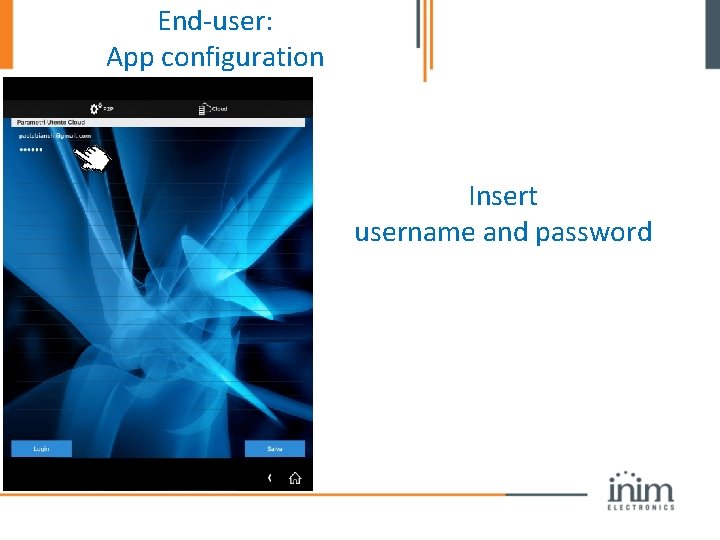
End-user: App configuration Insert username and password
You. Tube: end-user video tutorial https: //www. youtube. com/watch? v=Xzqcl. ELs. HS k

Thank you for attention.
- Slides: 115