
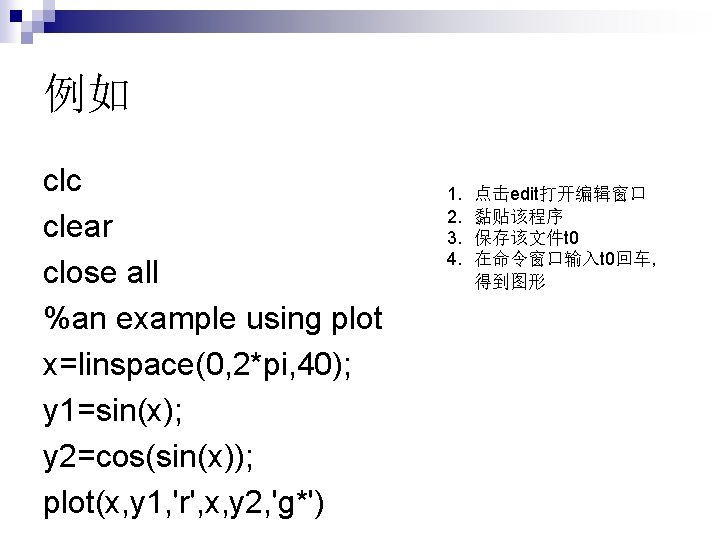
clc clear close all an example using plot

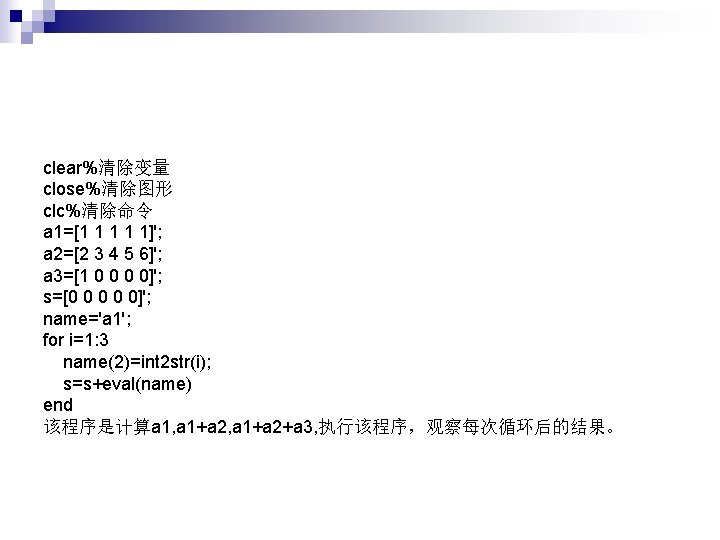
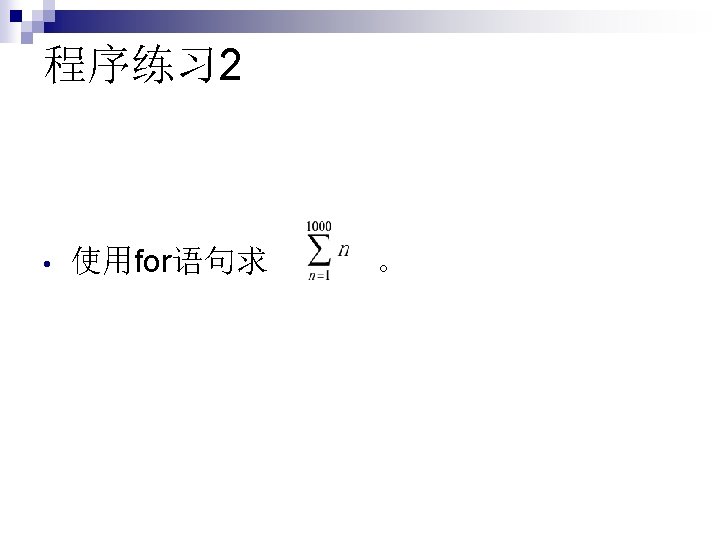
![观察比较三者的区别 for i=1: 4 if i==2 %continue %break return end disp(['i=', num 2 str(i)])](https://slidetodoc.com/presentation_image_h2/75f0342d7fc3bee27e20be656103a196/image-29.jpg "观察比较三者的区别 for i=1: 4 if i==2 %continue %break return end disp(['i=', num 2 str(i)])")

![函数的输出可以有多个,例如motion function [dist, vel, accel]=motion(t) accel=0. 5. *t; vel=accel. *t; dist=vel. *t;](https://slidetodoc.com/presentation_image_h2/75f0342d7fc3bee27e20be656103a196/image-40.jpg "函数的输出可以有多个,例如motion function [dist, vel, accel]=motion(t) accel=0. 5. *t; vel=accel. *t; dist=vel. *t;")
![函数没有输入输出, 例如star,这时类似于脚 本文件。 function []=star 1() theta=pi/2: 0. 8*pi: 4. 8*pi; r=ones(1, 6); polar(theta,](https://slidetodoc.com/presentation_image_h2/75f0342d7fc3bee27e20be656103a196/image-41.jpg "函数没有输入输出, 例如star,这时类似于脚 本文件。 function []=star 1() theta=pi/2: 0. 8*pi: 4. 8*pi; r=ones(1, 6); polar(theta,")
![my_date_match函数 function [common_date, ix, iy]=my_date_match(x, y) %input: x and y are date vectors, respectively](https://slidetodoc.com/presentation_image_h2/75f0342d7fc3bee27e20be656103a196/image-45.jpg "my_date_match函数 function [common_date, ix, iy]=my_date_match(x, y) %input: x and y are date vectors, respectively")
![调用my_date_match load matchdata n [commandate, ix, iy]=my_date_match(x, y) n [xdata(ix) ydata(iy)] n](https://slidetodoc.com/presentation_image_h2/75f0342d7fc3bee27e20be656103a196/image-47.jpg "调用my_date_match load matchdata n [commandate, ix, iy]=my_date_match(x, y) n [xdata(ix) ydata(iy)] n")
- Slides: 47
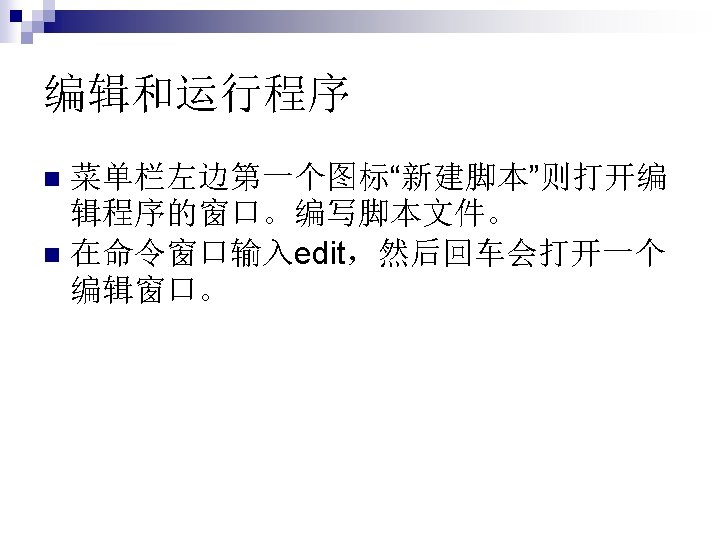
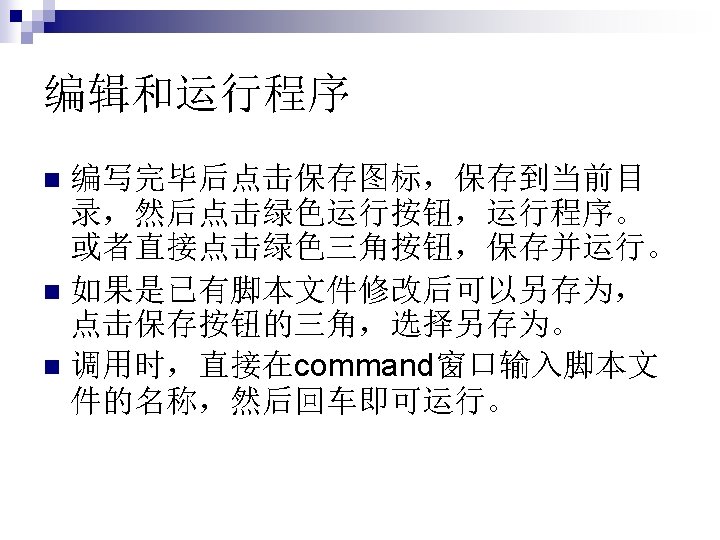
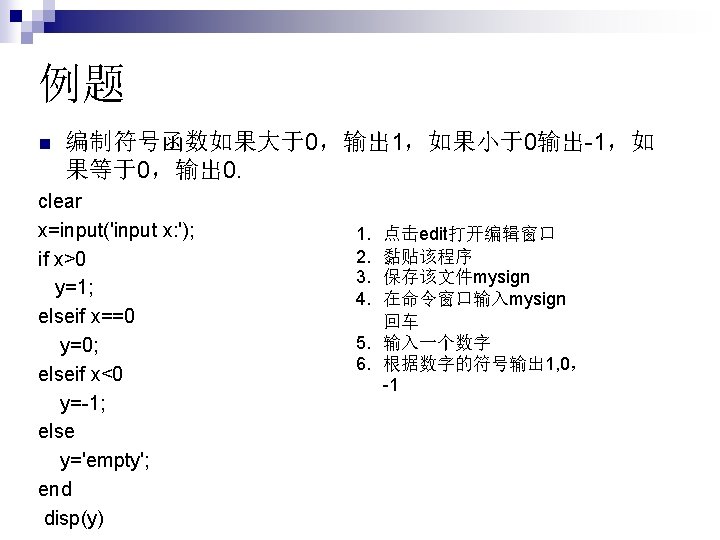
例如 clc clear close all %an example using plot x=linspace(0, 2*pi, 40); y 1=sin(x); y 2=cos(sin(x)); plot(x, y 1, 'r', x, y 2, 'g*') 1. 2. 3. 4. 点击edit打开编辑窗口 黏贴该程序 保存该文件t 0 在命令窗口输入t 0回车, 得到图形
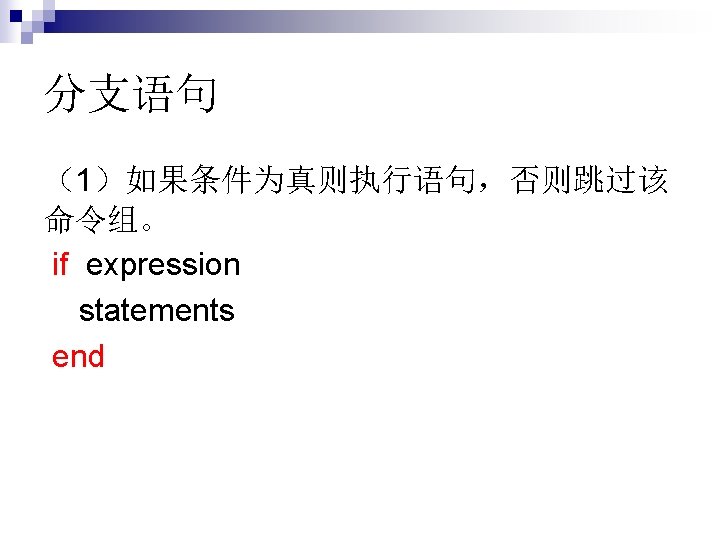
MATLAB的控制流 分支结构: if-else switch-case n
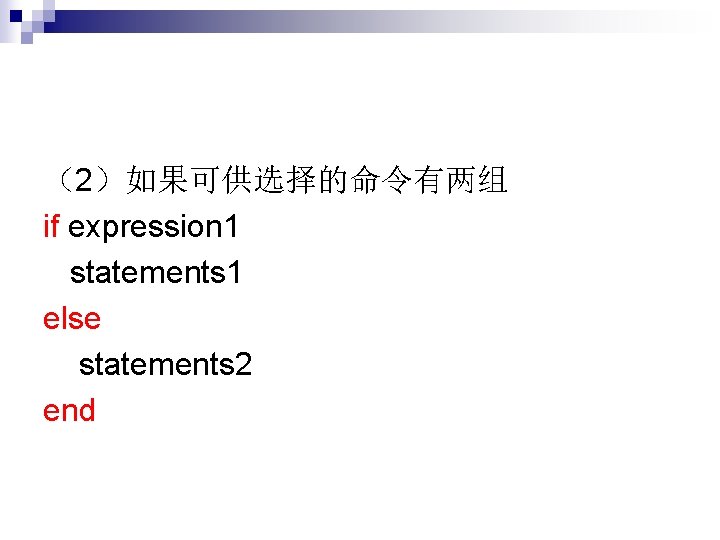
(2)如果可供选择的命令有两组 if expression 1 statements 1 else statements 2 end
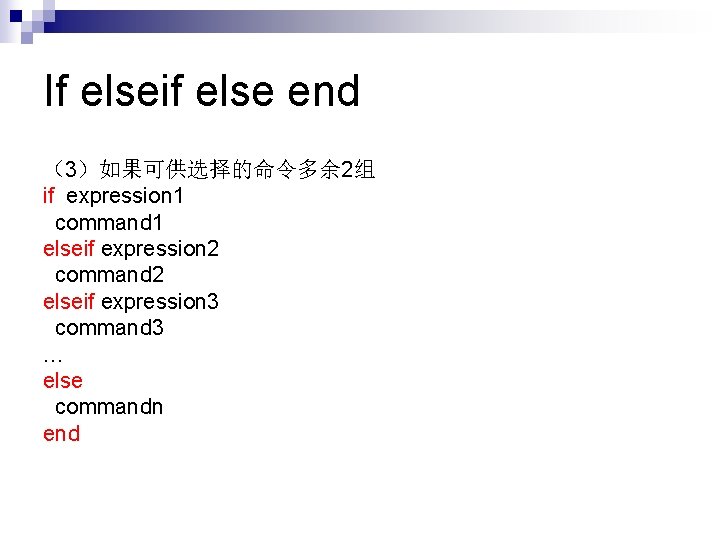
If elseif else end (3)如果可供选择的命令多余 2组 if expression 1 command 1 elseif expression 2 command 2 elseif expression 3 command 3 … else commandn end
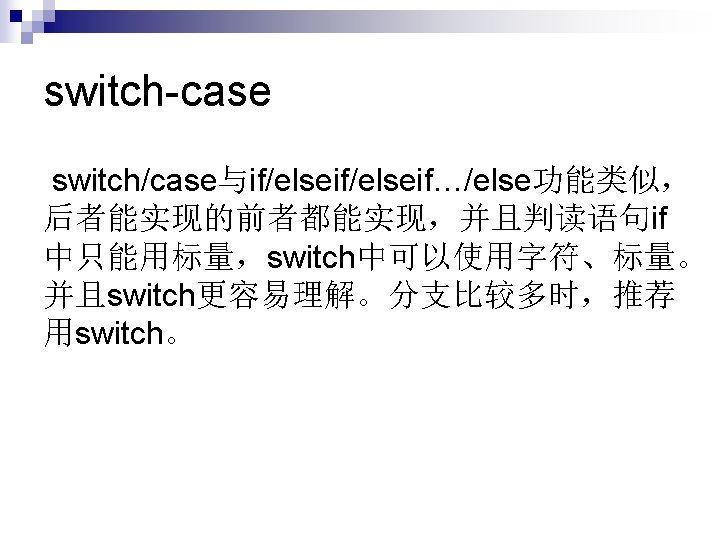
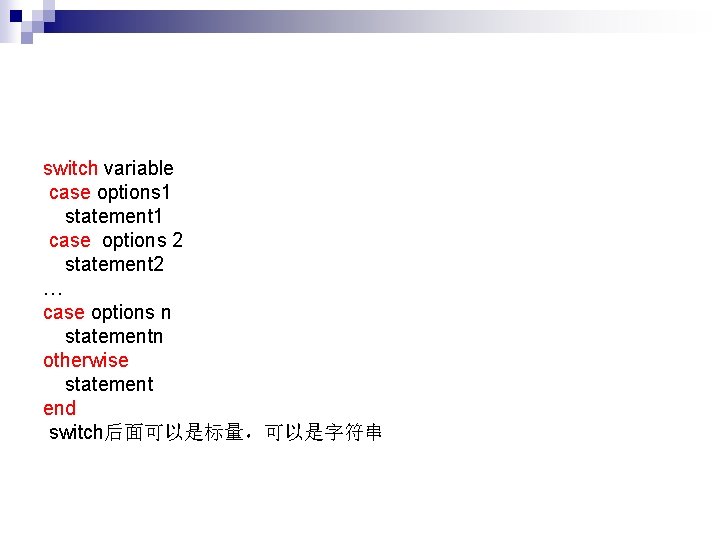
switch variable case options 1 statement 1 case options 2 statement 2 … case options n statementn otherwise statement end switch后面可以是标量,可以是字符串
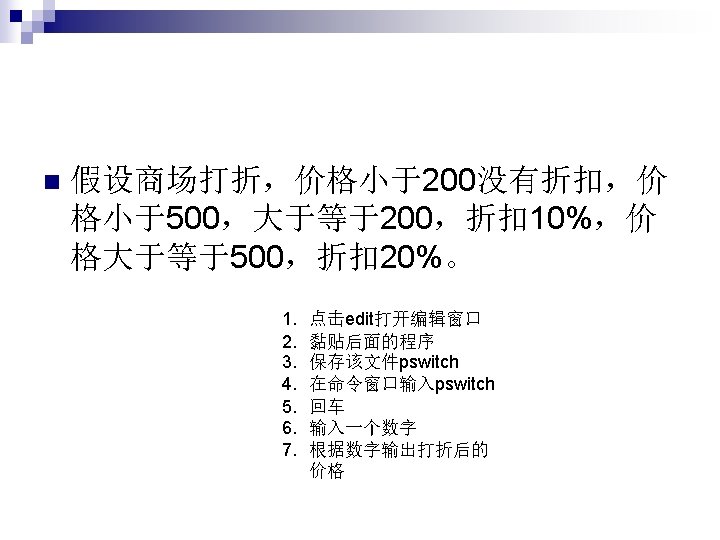
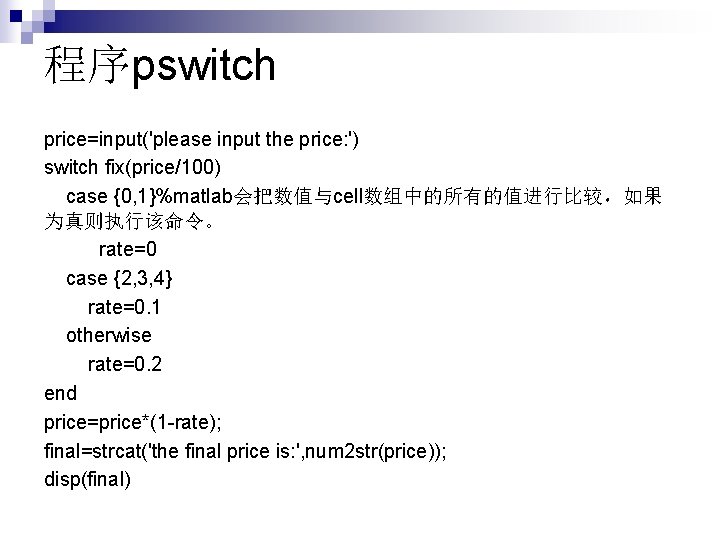
程序pswitch price=input('please input the price: ') switch fix(price/100) case {0, 1}%matlab会把数值与cell数组中的所有的值进行比较,如果 为真则执行该命令。 rate=0 case {2, 3, 4} rate=0. 1 otherwise rate=0. 2 end price=price*(1 -rate); final=strcat('the final price is: ', num 2 str(price)); disp(final)
循环命令 for n while n
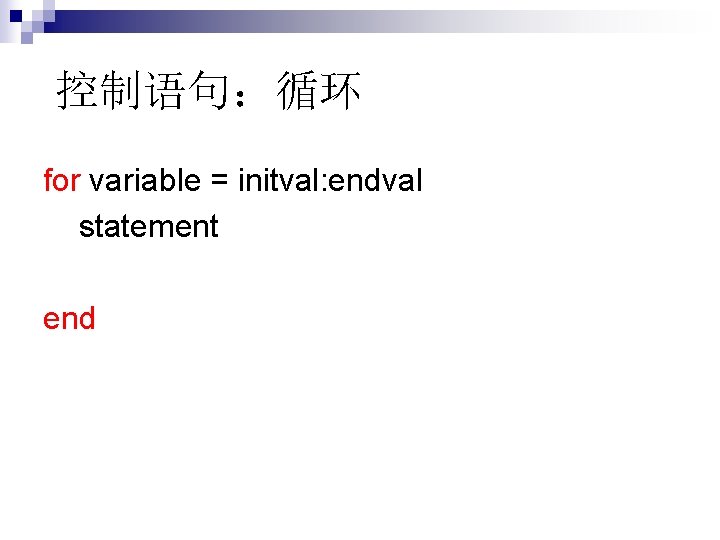
控制语句:循环 for variable = initval: endval statement end
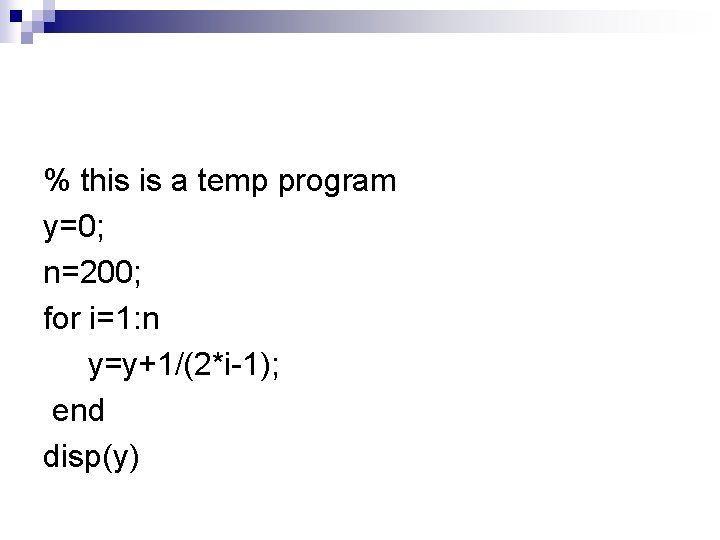
% this is a temp program y=0; n=200; for i=1: n y=y+1/(2*i-1); end disp(y)
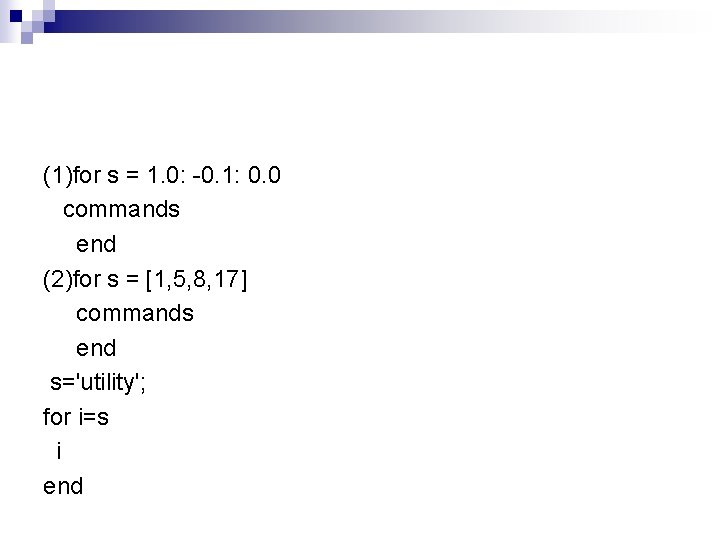
(1)for s = 1. 0: -0. 1: 0. 0 commands end (2)for s = [1, 5, 8, 17] commands end s='utility'; for i=s i end
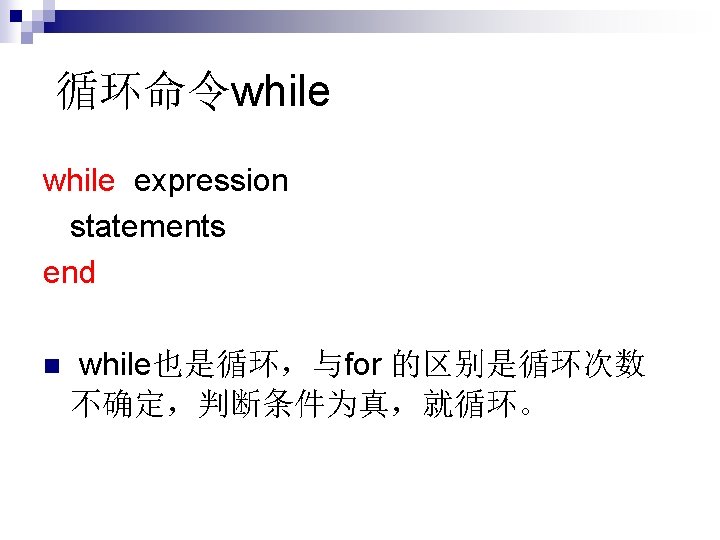
例题 k=0; while k<3 k=k+1; a(k)=5^k end
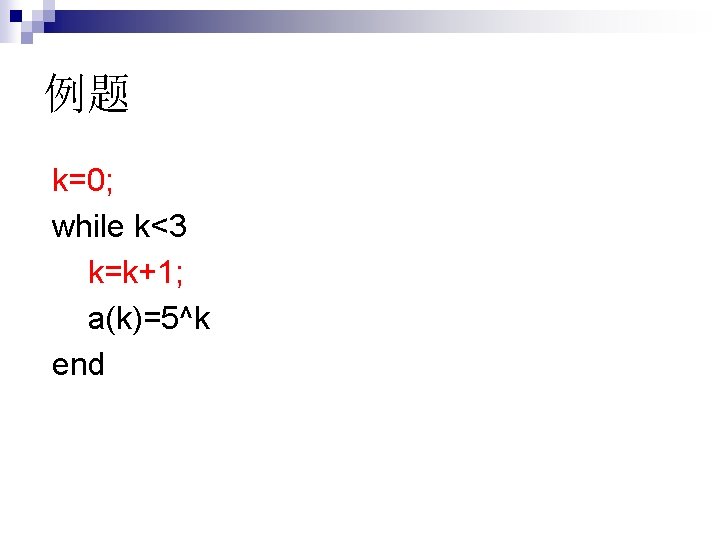
观察比较三者的区别 for i=1: 4 if i==2 %continue %break return end disp(['i=', num 2 str(i)]) end disp(['last number is: ' num 2 str(i)])
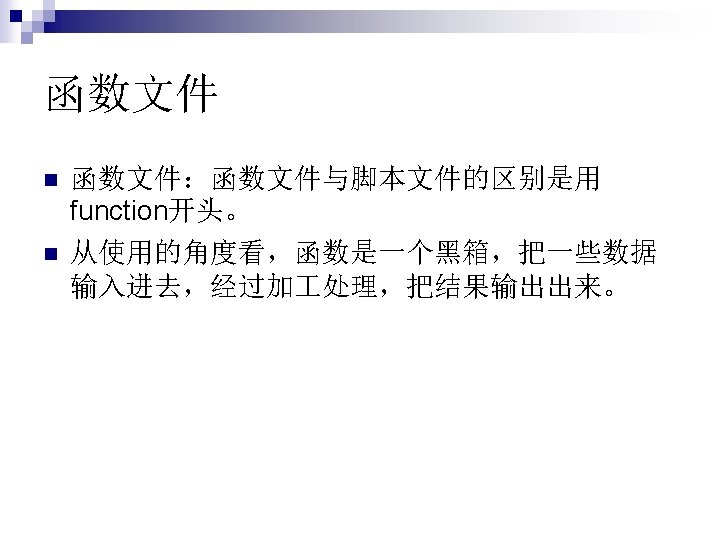
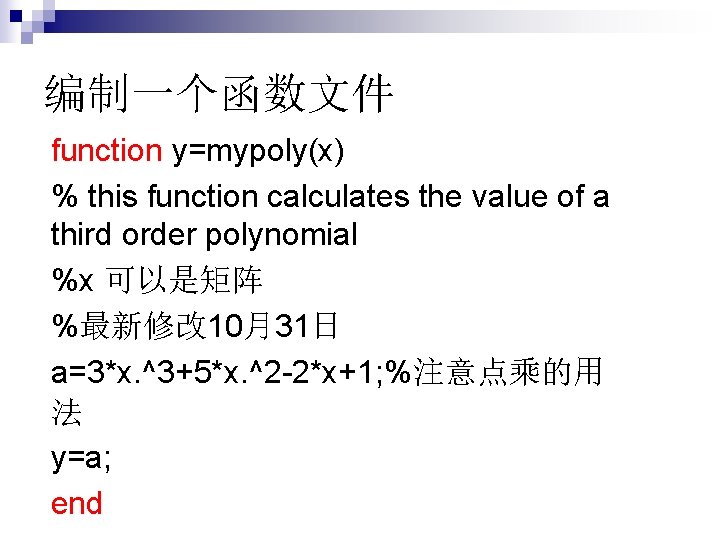
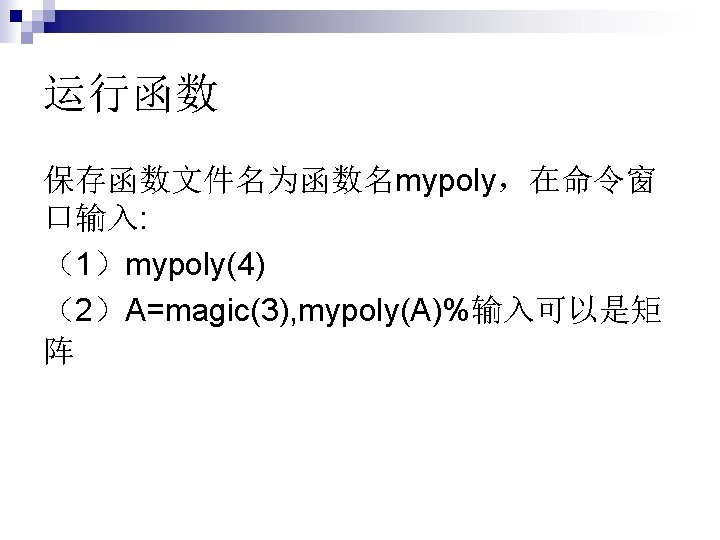
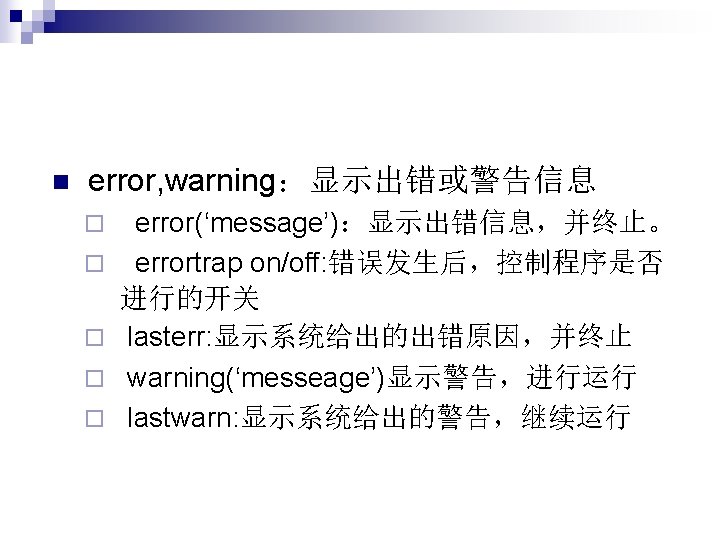
编制一个函数文件 function y=mypoly(x) % this function calculates the value of a third order polynomial %x 可以是矩阵 %最新修改 10月31日 a=3*x. ^3+5*x. ^2 -2*x+1; %注意点乘的用 法 y=a; end
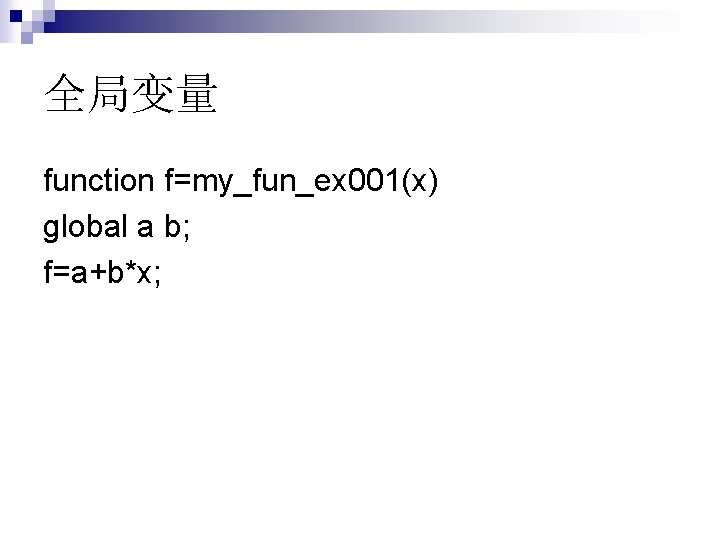
全局变量 function f=my_fun_ex 001(x) global a b; f=a+b*x;
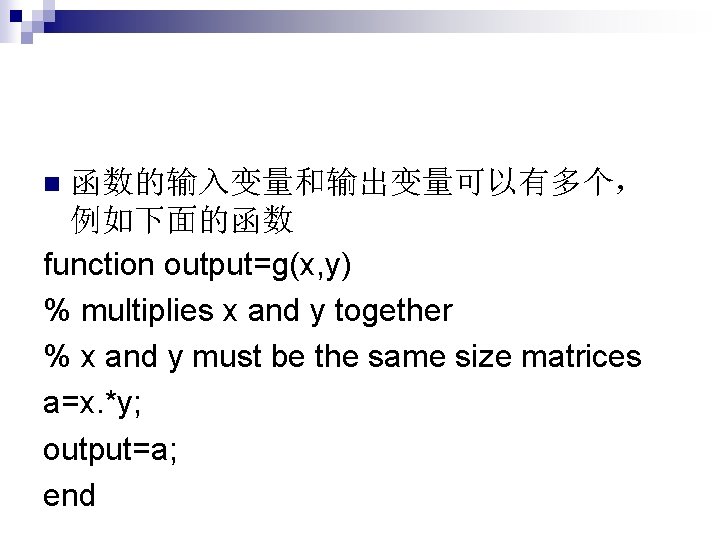
函数的输入变量和输出变量可以有多个, 例如下面的函数 function output=g(x, y) % multiplies x and y together % x and y must be the same size matrices a=x. *y; output=a; end n
函数的输出可以有多个,例如motion function [dist, vel, accel]=motion(t) accel=0. 5. *t; vel=accel. *t; dist=vel. *t;
函数没有输入输出, 例如star,这时类似于脚 本文件。 function []=star 1() theta=pi/2: 0. 8*pi: 4. 8*pi; r=ones(1, 6); polar(theta, r) n
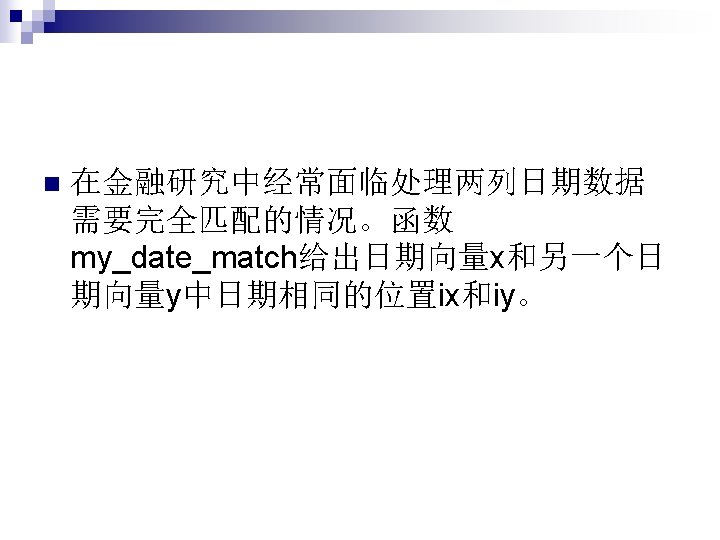
my_date_match函数 function [common_date, ix, iy]=my_date_match(x, y) %input: x and y are date vectors, respectively %output: ix is number of row which makes the ixth number in x equals the %iyth number in y; common_date is the common dates in both x and y if length(unique(x))~=length(x) error('there are some repeated dates in x') end if length(unique(y))~=length(y) error('there are some repeated dates in y') end [common_date, ix, iy]=intersect(x, y);
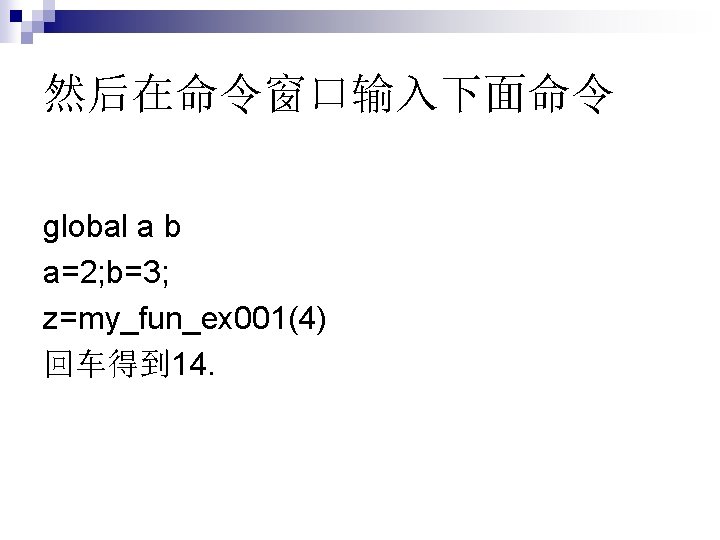
调用my_date_match load matchdata n [commandate, ix, iy]=my_date_match(x, y) n [xdata(ix) ydata(iy)] n