
CLASSROOM DOCS MEET SITES SLIDES EXTRAS SLIDESMANIA COM
- Slides: 16
CLASSROOM DOCS MEET SITES SLIDES EXTRAS SLIDESMANIA. COM Go to next page…. . Click each tab to learn a little about each of the tools. In the tab you will find links and videos. If you see an image click it for more info. Google Guidebook for Families and Studen ts
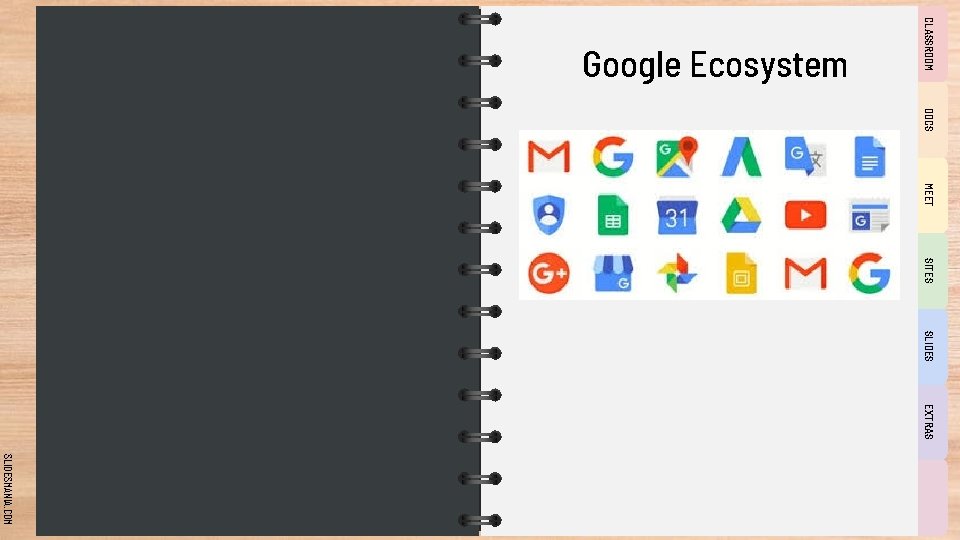
CLASSROOM Google Ecosystem DOCS MEET SITES SLIDES EXTRAS SLIDESMANIA. COM
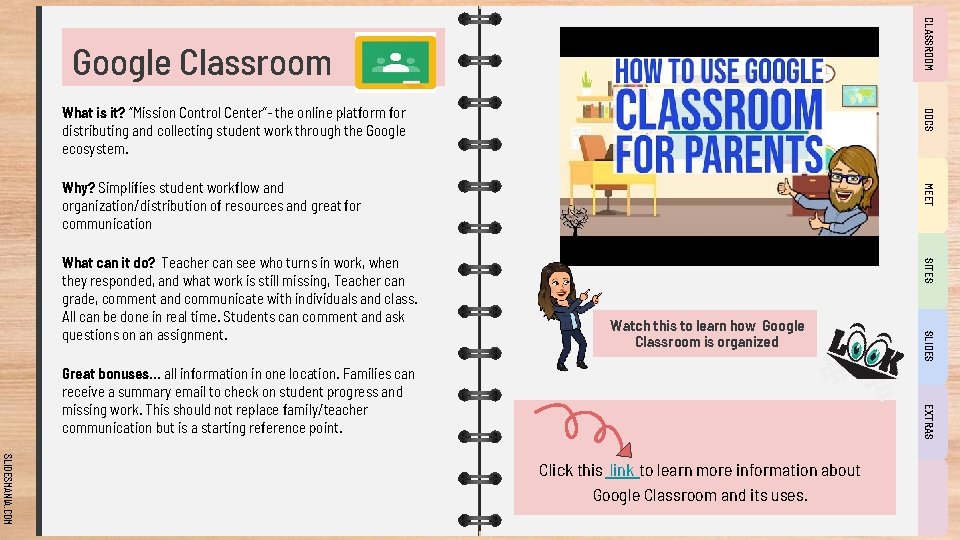
CLASSROOM Google Classroom DOCS What is it? “Mission Control Center”- the online platform for distributing and collecting student work through the Google ecosystem. SITES Watch this to learn how Google Classroom is organized EXTRAS Great bonuses… all information in one location. Families can receive a summary email to check on student progress and missing work. This should not replace family/teacher communication but is a starting reference point. SLIDES What can it do? Teacher can see who turns in work, when they responded, and what work is still missing, Teacher can grade, comment and communicate with individuals and class. All can be done in real time. Students can comment and ask questions on an assignment. MEET Why? Simplifies student workflow and organization/distribution of resources and great for communication SLIDESMANIA. COM Click this link to learn more information about Google Classroom and its uses.
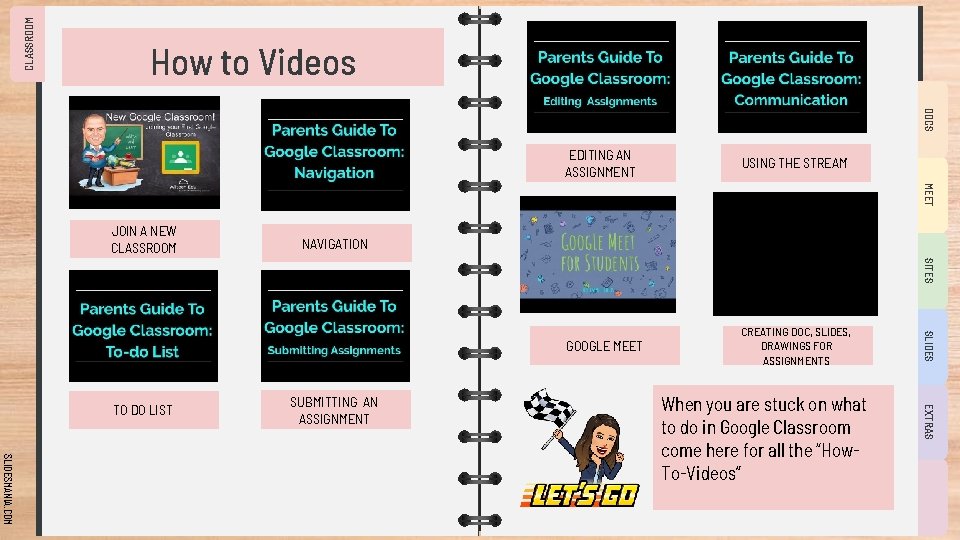
CLASSROOM How to Videos DOCS USING THE STREAM GOOGLE MEET CREATING DOC, SLIDES, DRAWINGS FOR ASSIGNMENTS MEET EDITING AN ASSIGNMENT JOIN A NEW CLASSROOM NAVIGATION SITES SLIDESMANIA. COM When you are stuck on what to do in Google Classroom come here for all the “How. To-Videos” EXTRAS SUBMITTING AN ASSIGNMENT SLIDES TO DO LIST
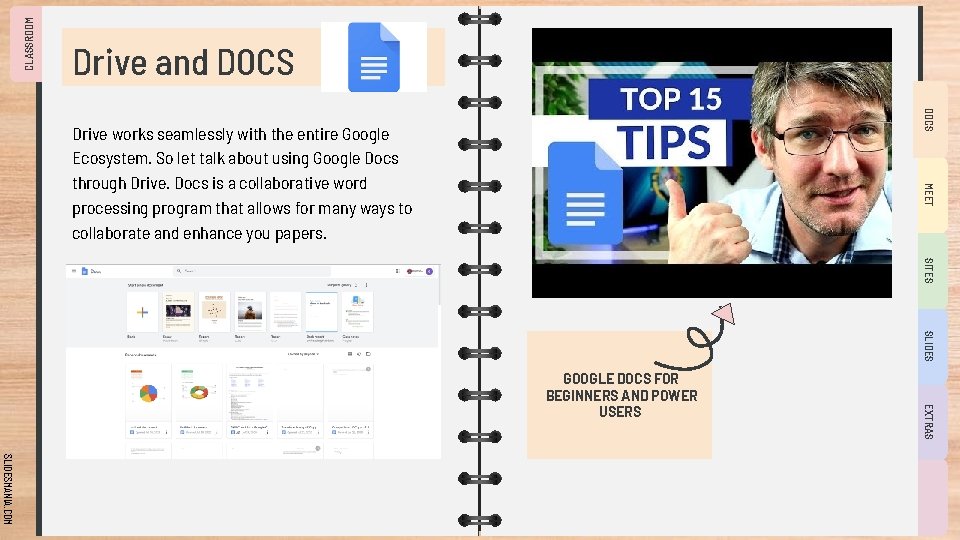
CLASSROOM Drive and DOCS MEET Drive works seamlessly with the entire Google Ecosystem. So let talk about using Google Docs through Drive. Docs is a collaborative word processing program that allows for many ways to collaborate and enhance you papers. SITES SLIDES EXTRAS GOOGLE DOCS FOR BEGINNERS AND POWER USERS SLIDESMANIA. COM
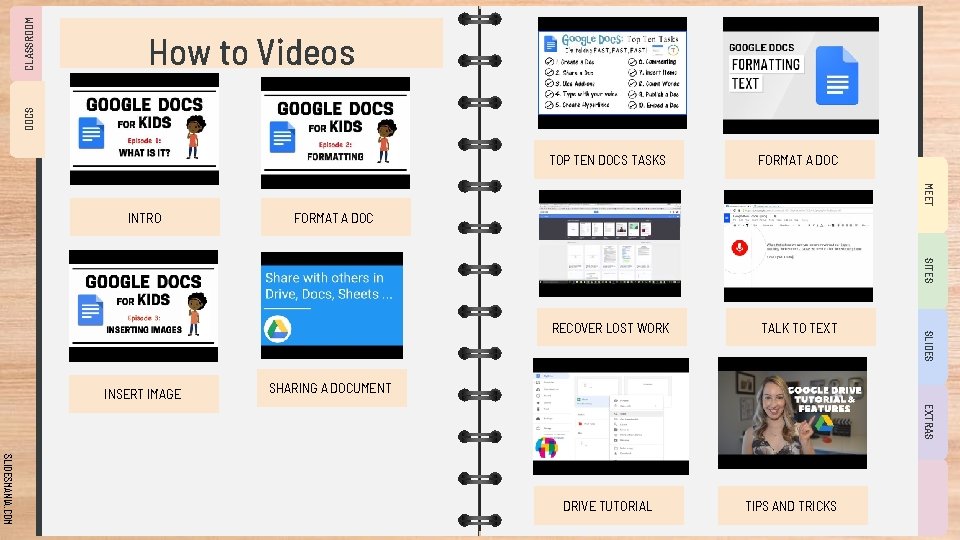
CLASSROOM DOCS How to Videos FORMAT A DOC RECOVER LOST WORK TALK TO TEXT MEET TOP TEN DOCS TASKS INTRO FORMAT A DOC SITES SLIDES INSERT IMAGE SHARING A DOCUMENT EXTRAS SLIDESMANIA. COM DRIVE TUTORIAL TIPS AND TRICKS
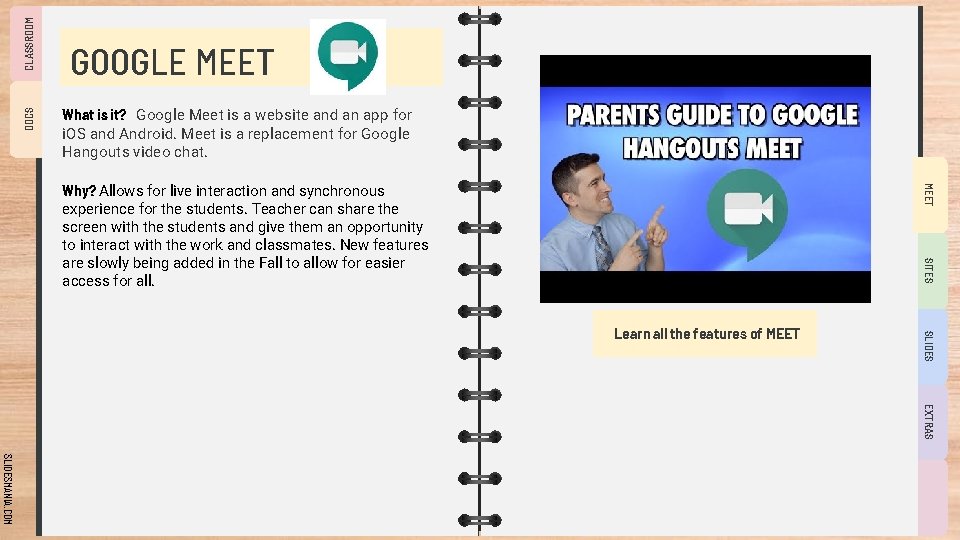
CLASSROOM DOCS GOOGLE MEET What is it? Google Meet is a website and an app for i. OS and Android. Meet is a replacement for Google Hangouts video chat. MEET Why? Allows for live interaction and synchronous experience for the students. Teacher can share the screen with the students and give them an opportunity to interact with the work and classmates. New features are slowly being added in the Fall to allow for easier access for all. SITES SLIDES Learn all the features of MEET EXTRAS SLIDESMANIA. COM
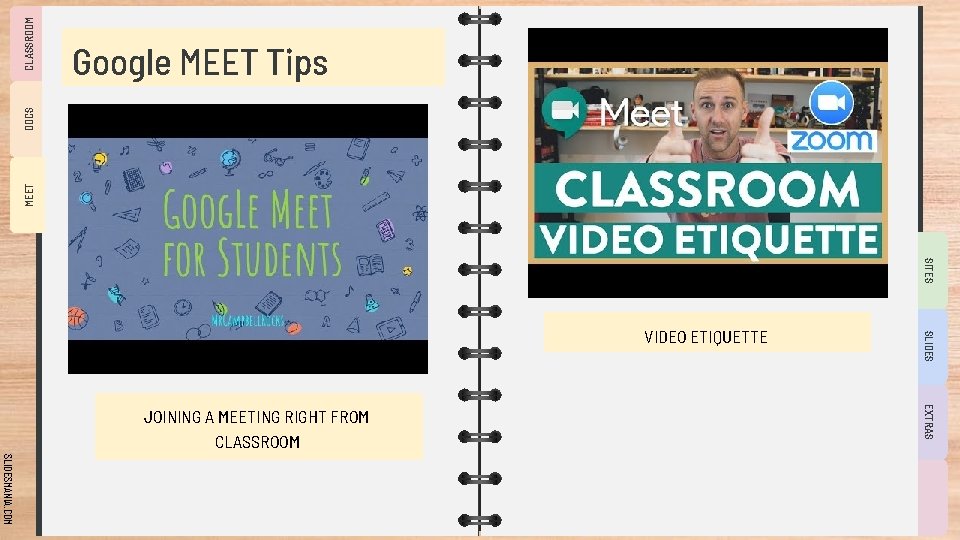
CLASSROOM MEET DOCS Google MEET Tips SITES EXTRAS JOINING A MEETING RIGHT FROM CLASSROOM SLIDES VIDEO ETIQUETTE SLIDESMANIA. COM
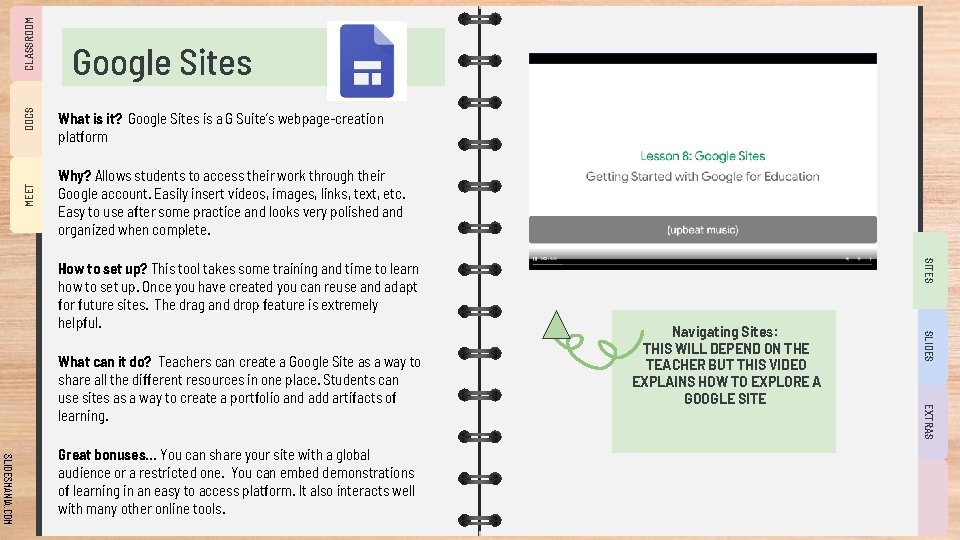
CLASSROOM DOCS MEET Google Sites What is it? Google Sites is a G Suite’s webpage-creation platform Why? Allows students to access their work through their Google account. Easily insert videos, images, links, text, etc. Easy to use after some practice and looks very polished and organized when complete. EXTRAS SLIDESMANIA. COM Great bonuses… You can share your site with a global audience or a restricted one. You can embed demonstrations of learning in an easy to access platform. It also interacts well with many other online tools. Navigating Sites: THIS WILL DEPEND ON THE TEACHER BUT THIS VIDEO EXPLAINS HOW TO EXPLORE A GOOGLE SITE SLIDES What can it do? Teachers can create a Google Site as a way to share all the different resources in one place. Students can use sites as a way to create a portfolio and add artifacts of learning. SITES How to set up? This tool takes some training and time to learn how to set up. Once you have created you can reuse and adapt for future sites. The drag and drop feature is extremely helpful.
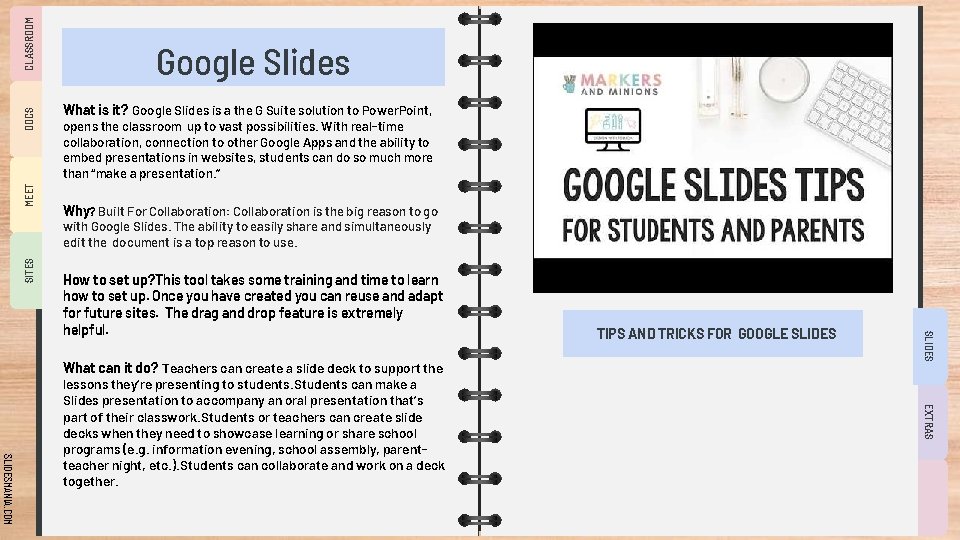
CLASSROOM DOCS MEET Google Slides What is it? Google Slides is a the G Suite solution to Power. Point, opens the classroom up to vast possibilities. With real-time collaboration, connection to other Google Apps and the ability to embed presentations in websites, students can do so much more than “make a presentation. ” Why? Built For Collaboration: Collaboration is the big reason to go SITES with Google Slides. The ability to easily share and simultaneously edit the document is a top reason to use. EXTRAS SLIDESMANIA. COM What can it do? Teachers can create a slide deck to support the lessons they’re presenting to students. Students can make a Slides presentation to accompany an oral presentation that’s part of their classwork. Students or teachers can create slide decks when they need to showcase learning or share school programs (e. g. information evening, school assembly, parentteacher night, etc. ). Students can collaborate and work on a deck together. TIPS AND TRICKS FOR GOOGLE SLIDES How to set up? This tool takes some training and time to learn how to set up. Once you have created you can reuse and adapt for future sites. The drag and drop feature is extremely helpful.
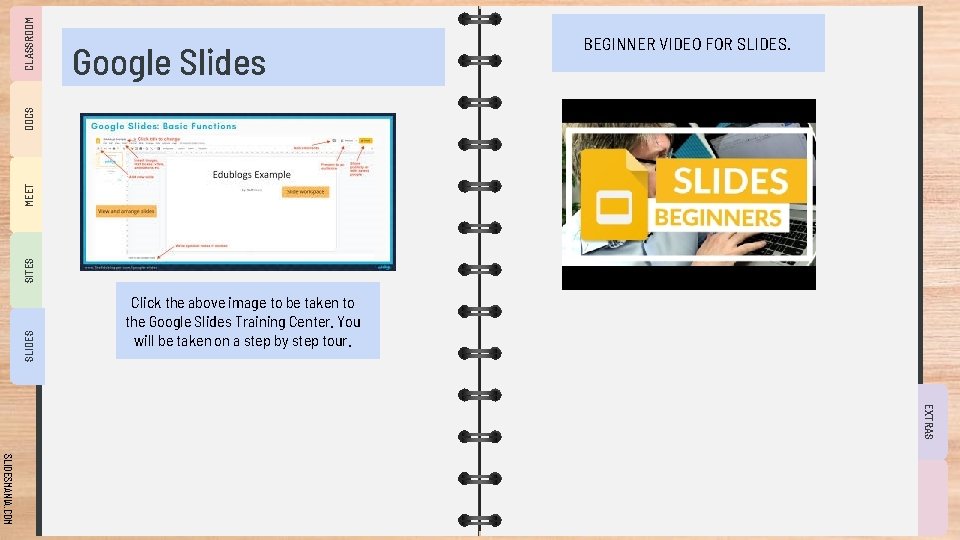
CLASSROOM SLIDES SITES MEET DOCS Google Slides BEGINNER VIDEO FOR SLIDES. Click the above image to be taken to the Google Slides Training Center. You will be taken on a step by step tour. EXTRAS SLIDESMANIA. COM
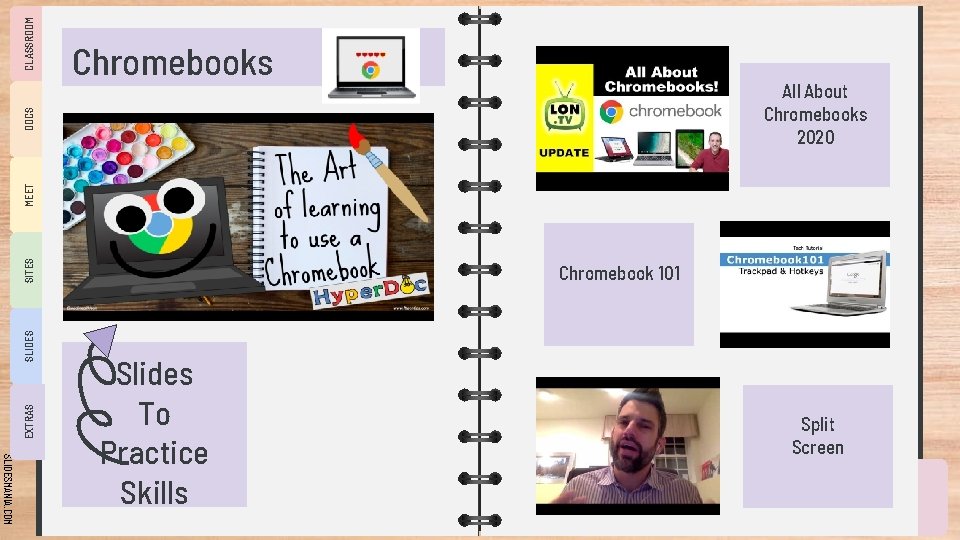
All About Chromebooks 2020 EXTRAS SLIDES SITES MEET DOCS CLASSROOM Chromebooks Chromebook 101 SLIDESMANIA. COM Slides To Practice Skills Split Screen
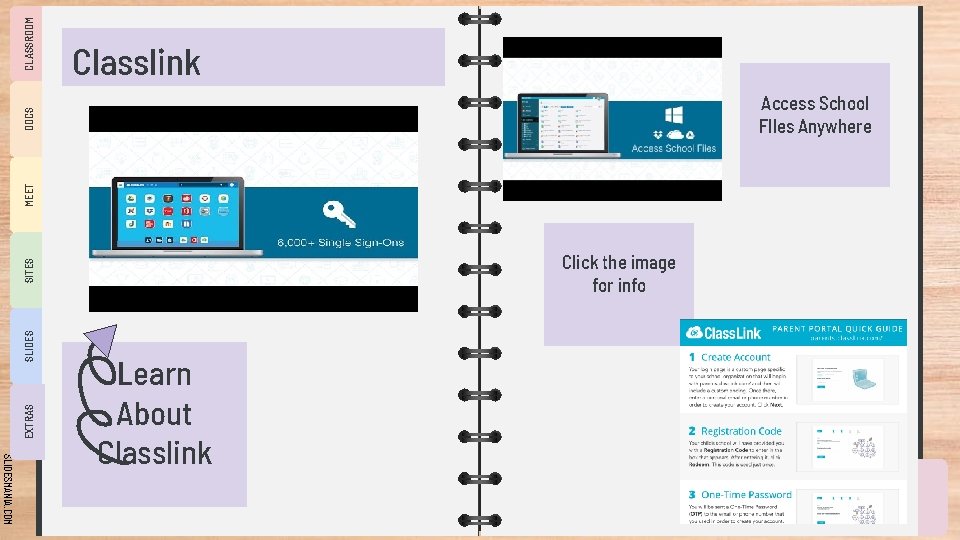
Access School FIles Anywhere MEET DOCS CLASSROOM Classlink EXTRAS SLIDES SITES Click the image for info SLIDESMANIA. COM Learn About Classlink
CLASSROOM DOCS MEET SITES SLIDES EXTRAS Resources Used Admin, et al. “Distance Learning with Google Slides. ” Teacher Tech, 11 July 2020, alicekeeler. com/2020/03/07/distance-learning-withgoogle-slides/. Admin. “Google MEET Basics in 7 Steps [Infographic]. ” Teacher Tech, 19 Mar. 2017, alicekeeler. com/2016/11/07/google-MEETbasics/. Bell, Kasey. “ 10 Google Classroom Tips You Didn't Know. ” Shake Up Learning, 18 June 2020, shakeuplearning. com/blog/10 -googleclassroom-tips-you-didnt-know-suls 029/. “First Day of Classroom. ” Google for Education: Teacher Center, Google, teachercenter. withgoogle. com/first-day-trainings/welcome-toclassroom. “Google Slides. ” Ditchthattextbook. com, 2020, ditchthattextbook. com/google-slides/. says: , Marilyn Gonzalez, et al. “A Beginner's Guide To Google Slides In The Classroom. ” The Edublogger, 4 Apr. 2020, www. theedublogger. com/google-slides/. “Teachers' Essential Guide to Google Classroom. ” Common Sense Education, 27 Apr. 2020, www. commonsense. org/education/articles/teachers-essentialguide-to-google-classroom. Writeonwithmissg. “ 15 Ways to Use Google MEET. ” Write on With Miss G, 13 May 2020, writeonwithmissg. com/2020/04/20/15 waystousegoogle. MEET/. Modified presentation by: CSD Innovation Team SLIDESMANIA. COM
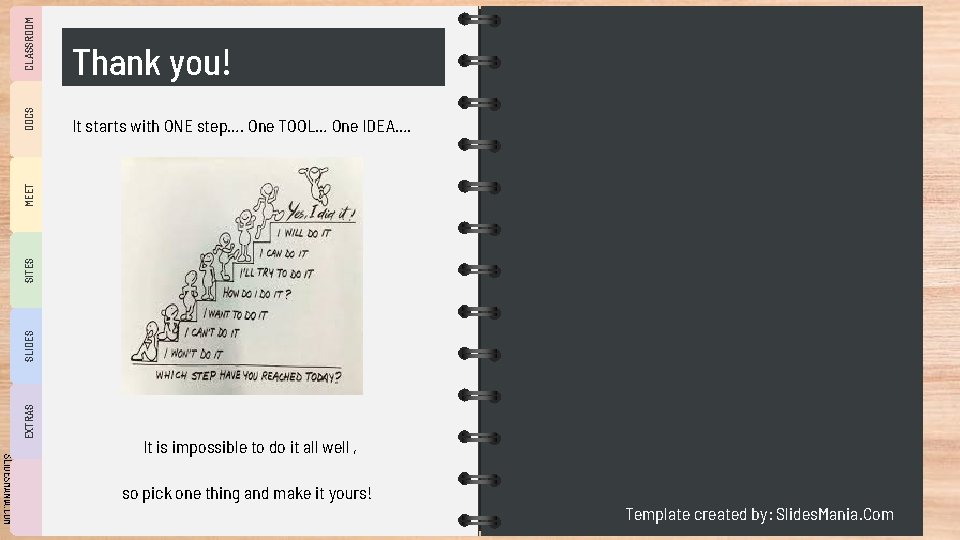
It starts with ONE step…. One TOOL… One IDEA…. CLASSROOM EXTRAS SLIDES SITES MEET DOCS Thank you! SLIDESMANIA. COM It is impossible to do it all well , so pick one thing and make it yours! Template created by: Slides. Mania. Com
Free themes and templates for Google Slides or Power. Point NOT to be sold as is or modified! SLIDESMANIA. COM Read FAQ on slidesmania. com Sharing is caring!