
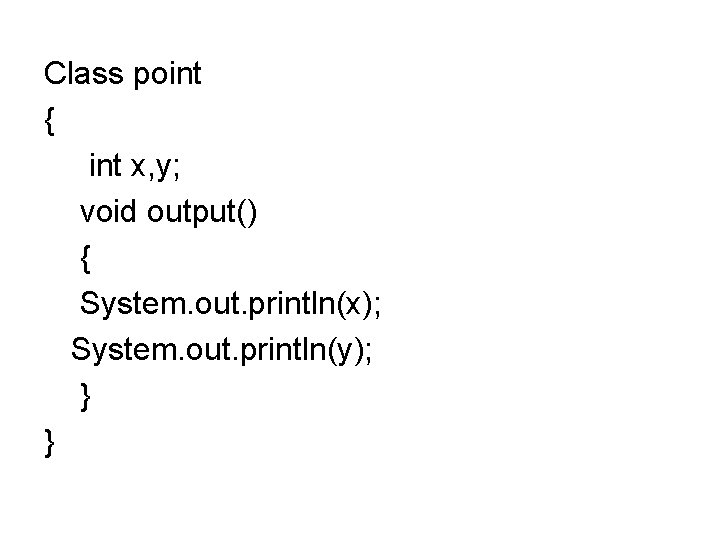
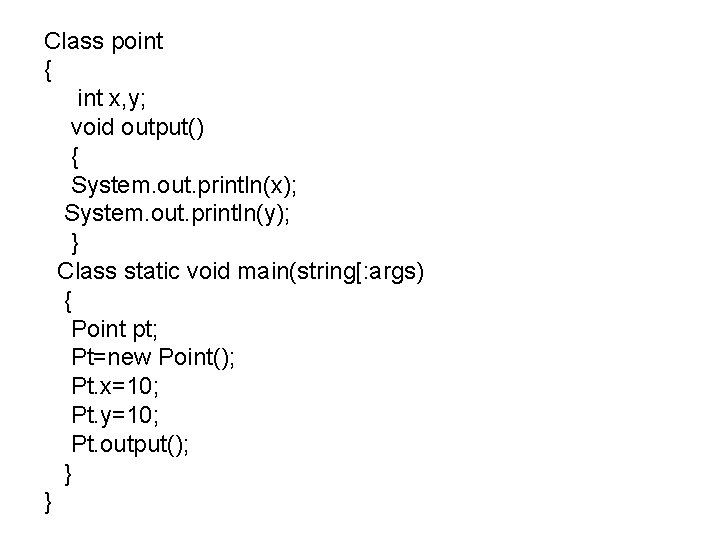
Class point int x y void output System
![接口 接口: 是方法定义和常量值的集合, 用于解决多重继 承的问题. 接口的一般定义格式如下: interfacename[extends superinterfacelist] { type constant. Name=value //常量说明 Return](https://slidetodoc.com/presentation_image/14e87bdbfc9be159acfa16d6dc5bd1b4/image-28.jpg "接口 接口: 是方法定义和常量值的集合, 用于解决多重继 承的问题. 接口的一般定义格式如下: interfacename[extends superinterfacelist] { type constant. Name=value //常量说明 Return")
- Slides: 47
Class point { int x, y; void output() { System. out. println(x); System. out. println(y); } }
Class point { int x, y; void output() { System. out. println(x); System. out. println(y); } Class static void main(string[: args) { Point pt; Pt=new Point(); Pt. x=10; Pt. y=10; Pt. output(); } }
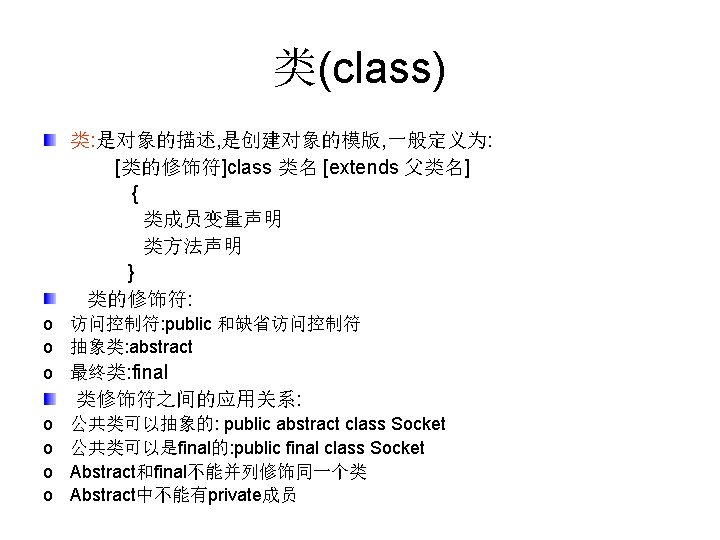
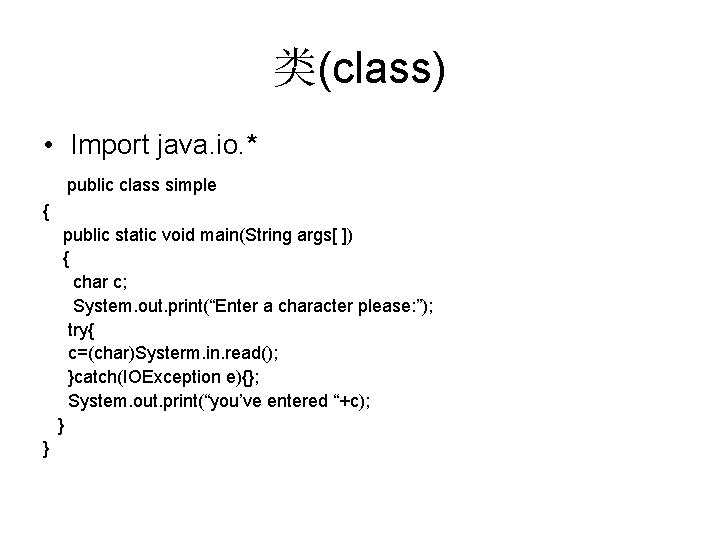
类(class) • Import java. io. * public class simple { public static void main(String args[ ]) { char c; System. out. print(“Enter a character please: ”); try{ c=(char)Systerm. in. read(); }catch(IOException e){}; System. out. print(“you’ve entered “+c); } }
接口 接口: 是方法定义和常量值的集合, 用于解决多重继 承的问题. 接口的一般定义格式如下: interfacename[extends superinterfacelist] { type constant. Name=value //常量说明 Return Type method. Name(param. List)//方法说 明 } 接口的实现: class 类名 implements 接口名
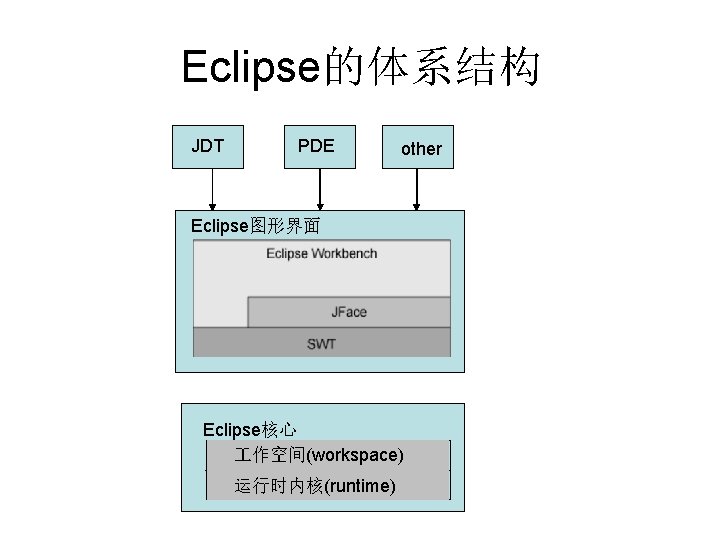
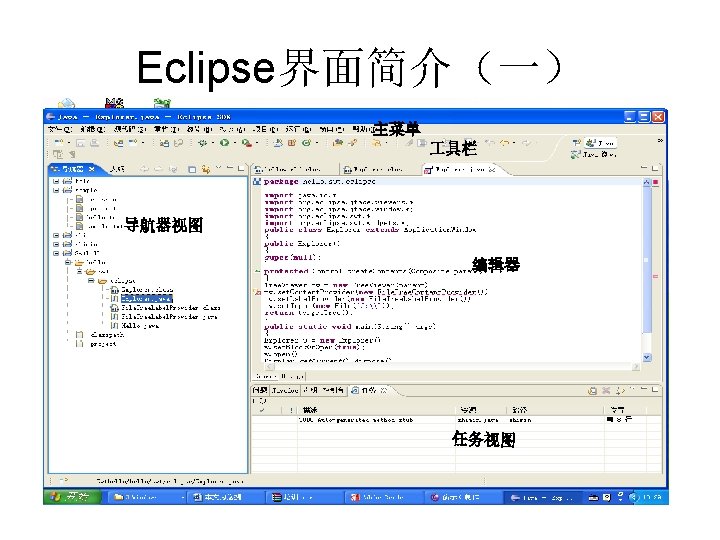
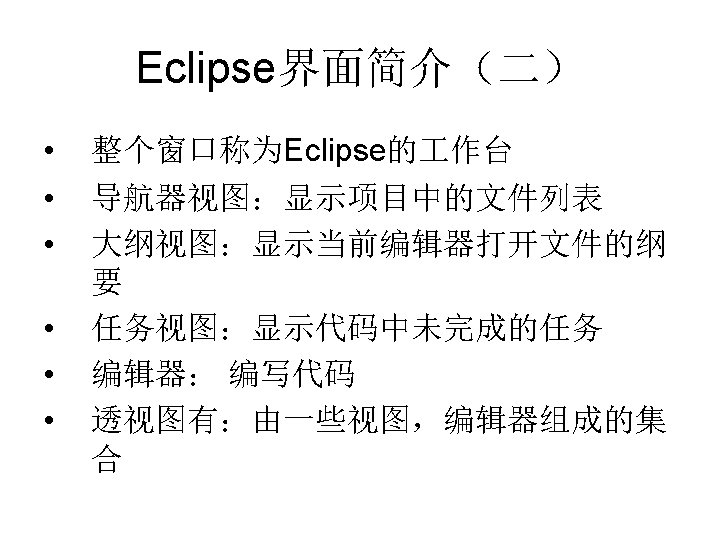
Eclipse的体系结构 JDT PDE other Eclipse图形界面 Eclipse核心 作空间(workspace) 运行时内核(runtime)
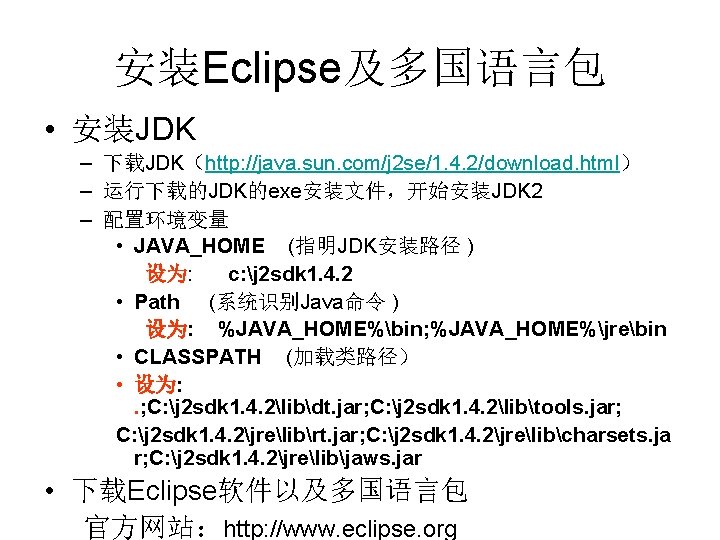
安装Eclipse及多国语言包 • 安装JDK – 下载JDK(http: //java. sun. com/j 2 se/1. 4. 2/download. html) – 运行下载的JDK的exe安装文件,开始安装JDK 2 – 配置环境变量 • JAVA_HOME (指明JDK安装路径 ) 设为: c: j 2 sdk 1. 4. 2 • Path (系统识别Java命令 ) 设为: %JAVA_HOME%bin; %JAVA_HOME%jrebin • CLASSPATH (加载类路径) • 设为: . ; C: j 2 sdk 1. 4. 2libdt. jar; C: j 2 sdk 1. 4. 2libtools. jar; C: j 2 sdk 1. 4. 2jrelibrt. jar; C: j 2 sdk 1. 4. 2jrelibcharsets. ja r; C: j 2 sdk 1. 4. 2jrelibjaws. jar • 下载Eclipse软件以及多国语言包 官方网站:http: //www. eclipse. org
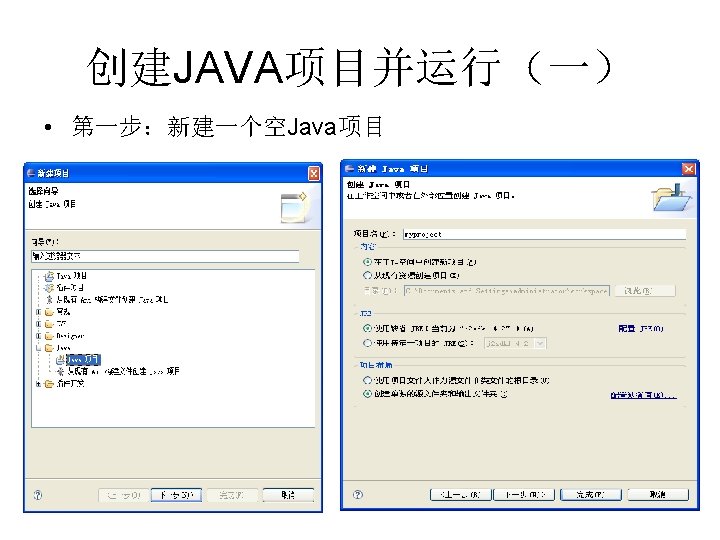
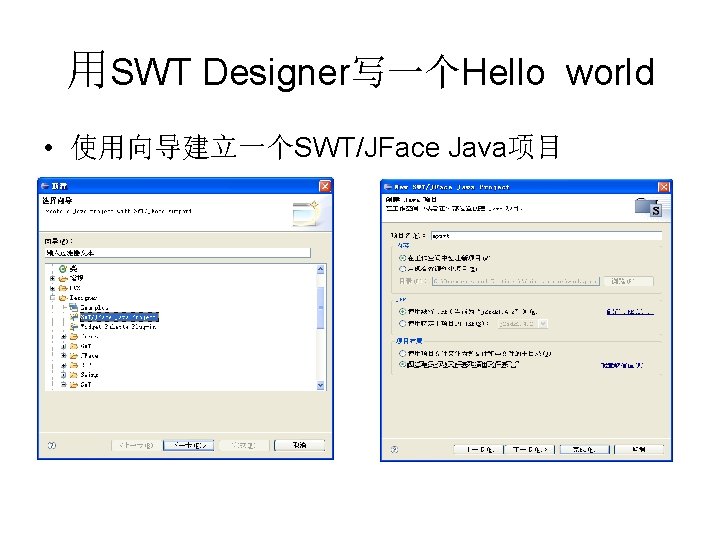
用SWT Designer写一个Hello world • 使用向导建立一个SWT/JFace Java项目
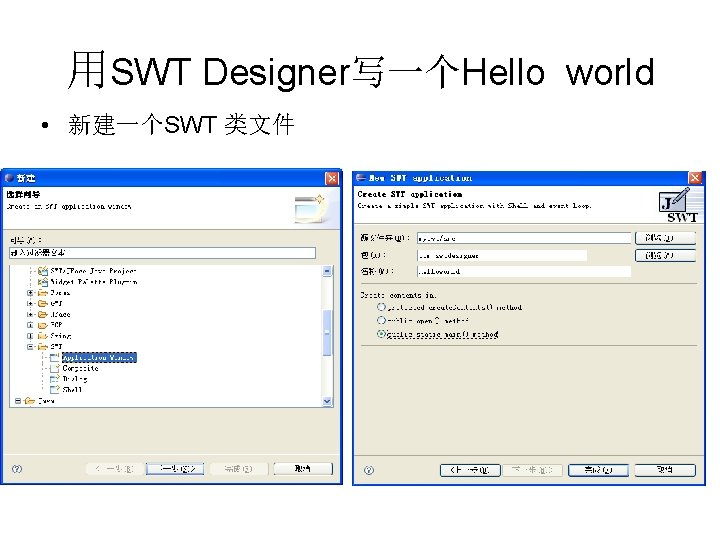
用SWT Designer写一个Hello world • 新建一个SWT 类文件
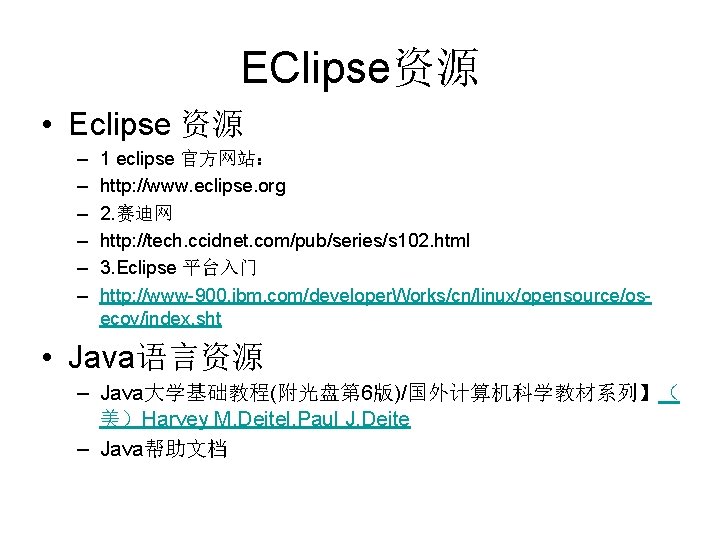
EClipse资源 • Eclipse 资源 – – – 1 eclipse 官方网站: http: //www. eclipse. org 2. 赛迪网 http: //tech. ccidnet. com/pub/series/s 102. html 3. Eclipse 平台入门 http: //www-900. ibm. com/developer. Works/cn/linux/opensource/osecov/index. sht • Java语言资源 – Java大学基础教程(附光盘第 6版)/国外计算机科学教材系列】( 美)Harvey M. Deitel, Paul J. Deite – Java帮助文档