
CLAS Linux Support Computer Services Orientation Top Things


- Slides: 15
CLAS Linux Support Computer Services Orientation
Top Things to Know 1. 2. 3. 4. 5. 6. 7. 8. 9. Where to find this orientation Where to find help Campus routing alias Hawkmail CLAS Linux account Terms of Use Mathematical Sciences computer labs Personal equipment Remote access
Where to Find This Orientation https: //clas. uiowa. edu/linux/help/orientation Contains this presentation and lots of helpful links
Where to Find Help Managed Linux: CLAS Linux Support https: //clas. uiowa. edu/linux request@divms. uiowa. edu Managed Windows and Mac: CLAS IT 319 -335 -3554 https: //clas. uiowa. edu/it-group/ divms-help@uiowa. edu
Where to Find Help (Cont. ) Classroom Equipment: Classrooms 319 -384 -4357 www. classrooms. uiowa. edu its-helpdesk@uiowa. edu All Other Services: Information Technology Services (ITS) 319 -384 -4357 helpdesk. its. uiowa. edu its-helpdesk@uiowa. edu
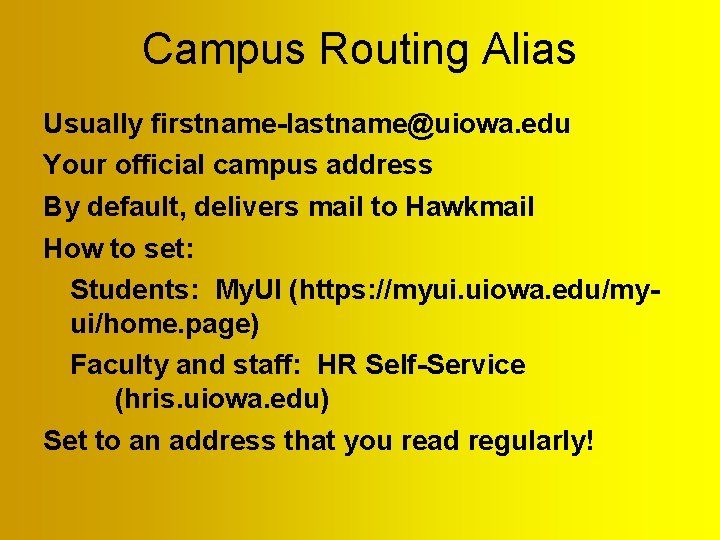
Campus Routing Alias Usually firstname-lastname@uiowa. edu Your official campus address By default, delivers mail to Hawkmail How to set: Students: My. UI (https: //myui. uiowa. edu/myui/home. page) Faculty and staff: HR Self-Service (hris. uiowa. edu) Set to an address that you read regularly!
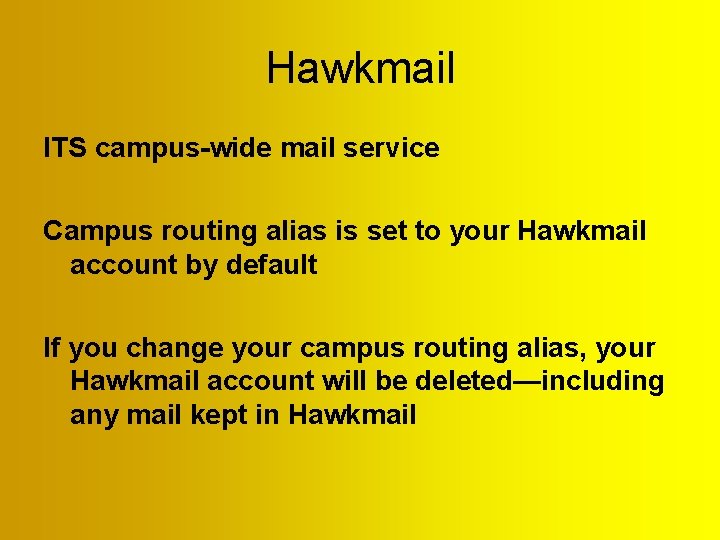
Hawkmail ITS campus-wide mail service Campus routing alias is set to your Hawkmail account by default If you change your campus routing alias, your Hawkmail account will be deleted—including any mail kept in Hawkmail
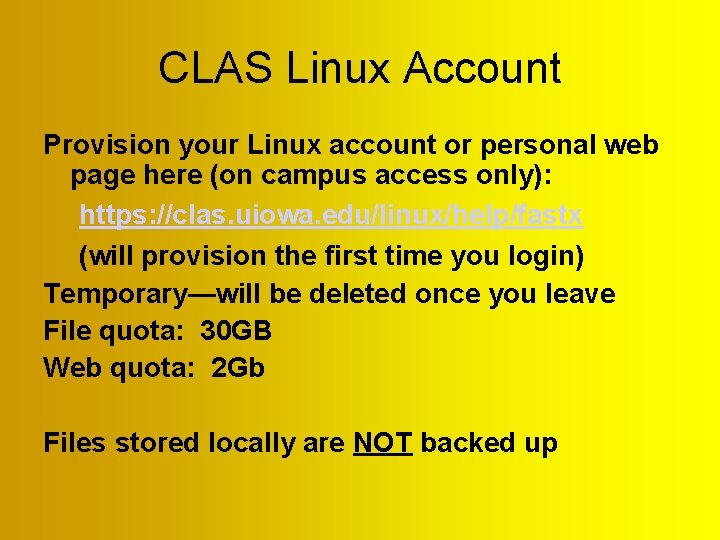
CLAS Linux Account Provision your Linux account or personal web page here (on campus access only): https: //clas. uiowa. edu/linux/help/fastx (will provision the first time you login) Temporary—will be deleted once you leave File quota: 30 GB Web quota: 2 Gb Files stored locally are NOT backed up
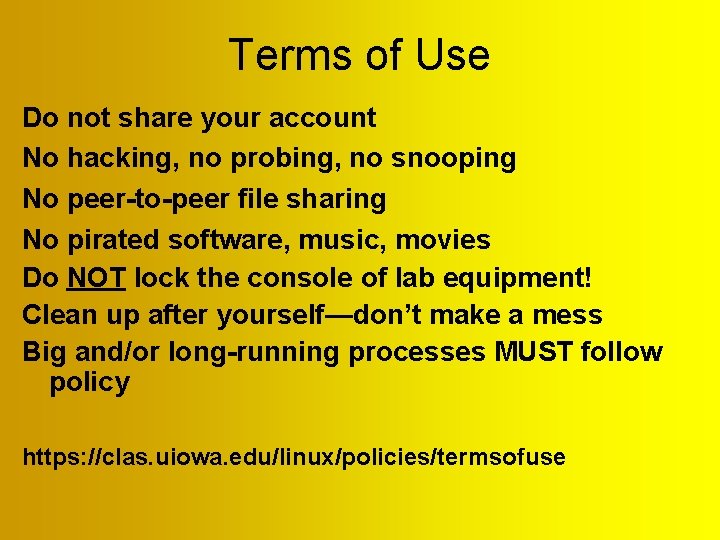
Terms of Use Do not share your account No hacking, no probing, no snooping No peer-to-peer file sharing No pirated software, music, movies Do NOT lock the console of lab equipment! Clean up after yourself—don’t make a mess Big and/or long-running processes MUST follow policy https: //clas. uiowa. edu/linux/policies/termsofuse
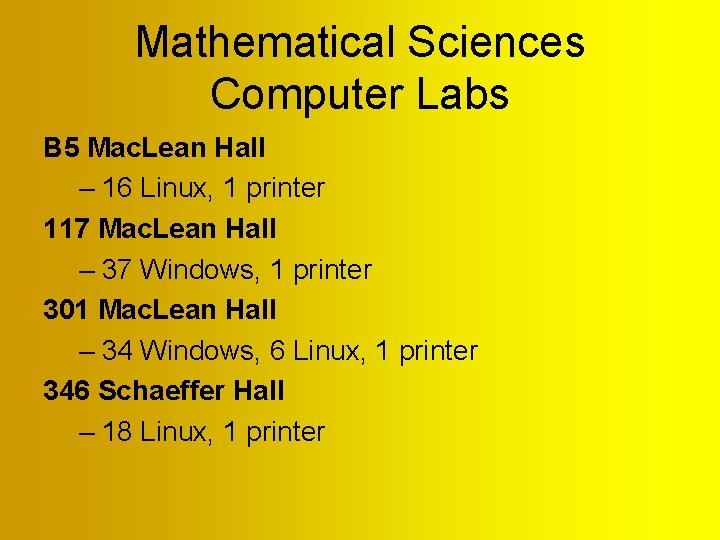
Mathematical Sciences Computer Labs B 5 Mac. Lean Hall – 16 Linux, 1 printer 117 Mac. Lean Hall – 37 Windows, 1 printer 301 Mac. Lean Hall – 34 Windows, 6 Linux, 1 printer 346 Schaeffer Hall – 18 Linux, 1 printer
Mathematical Sciences Computer Labs (Cont. ) Do NOT lock screen! Keep the labs tidy No food or drink in the labs
Personal Equipment Can plug laptops into net in 301 MLH (back of room Can use wireless networking (eduroam) No-nos! – Never unplug anything from the network! – Never turn off managed equipment! – NEVER, EVER plug anything into the network with a static IP address!!! – Never plug your own network equipment (switches, AP’s, etc. ) into the network!
Personal Equipment (continued) Keep your equipment updated and patched Use firewall software ITS has free antivirus software for Windows and Mac CSG and ITS lock out anything that is infected or hacked CSG and ITS also lock out anything sharing copyrighted material—movies, songs, etc.
Remote Access Linux command line SSH access: – Use address linux. divms. uiowa. edu – Can use Linux desktop with Fast. X client – Can use web Fast. X – https: //clas. uiowa. edu/linux/help/fastx See https: //clas. uiowa. edu/linux/help/remote_acc ess for configuration details
Questions & Answers